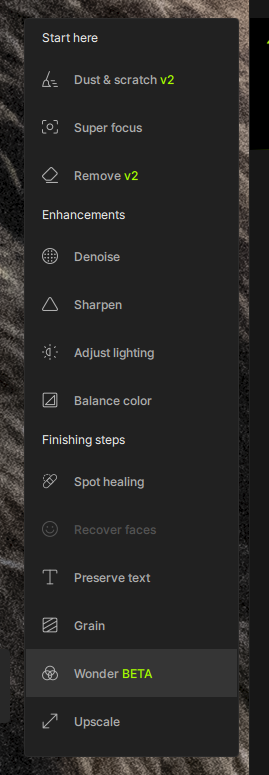
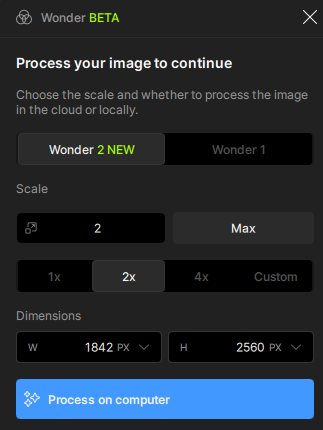
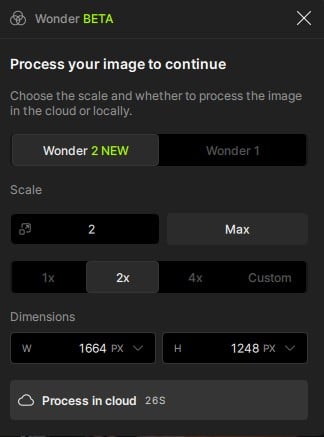
We mistakenly released v1.3.0 with Wonder 2 requiring Founder status to use local render. As a result, We are releasing v1.3.1 with Wonder 2 local available to all users, no Founder status required.
Changelog
- Wonder 2 local render no longer requires Founder status
- Adjust lighting no longer added automatically by Autopilot
Topaz Photo v1.3.1
Released February 27th, 2026
Installers:
Windows: Download
Snapdragon: Download
Apple Silicon Mac: Download
Intel Mac: Download
Hello everyone 
 Topaz Photo 1.3.0 is here!
This release brings a major milestone for Wonder 2, enabling this new model to render locally. We first introduced Wonder 2 as a cloud-only model, but starting today you can run it entirely on your own device for greater privacy and offline workflows. To make this possible, we’re introducing NeuroServer, a new technology we’ve built to enable larger, more powerful models like Wonder 2 to run locally with Topaz Photo. NeuroServer opens the door for us to bring even more capable models to your desktop in the future.
This update includes a fix for the Apple Photos save issue, along with several other bug fixes to improve overall stability.
For Mac devices, we have updates to minimum requirements and installers. We are increasing the minimum requirement for macOS to 13 (Ventura) and creating separate installers for Intel and Apple Silicon Mac devices. The in-app updater will detect and download the correct installer for your device.
Below is what’s included in the Topaz Photo v1.3.0 release:
- Wonder 2 Local Render: Our most advanced realism model, now available to run fully on your device
- NeuroStream & NeuroServer: New local inference technology enabling larger models to run within Topaz Photo
- Offline Authentication for Enterprise: Enables teams to authenticate and work in fully offline environments. Email enterprise@topazlabs.com for more details.
You can find the installer links and the full changelog below for this version of Topaz Photo. For any issues, make sure to send us an email to support@topazlabs.com.
Topaz Photo v1.3.0
Released February 26th, 2026
Installers:
Windows: Download
Snapdragon: Download
Apple Silicon Mac: Download
Intel Mac: Download
Wonder 2 Local Render
Wonder 2 quickly became a fan favorite after its launch, delivering artifact-free enhancements, reliable text preservation, and our most powerful realistic recovery to date. The catch was that Wonder 2’s resource demands meant it could only run in the cloud.
That changes today.
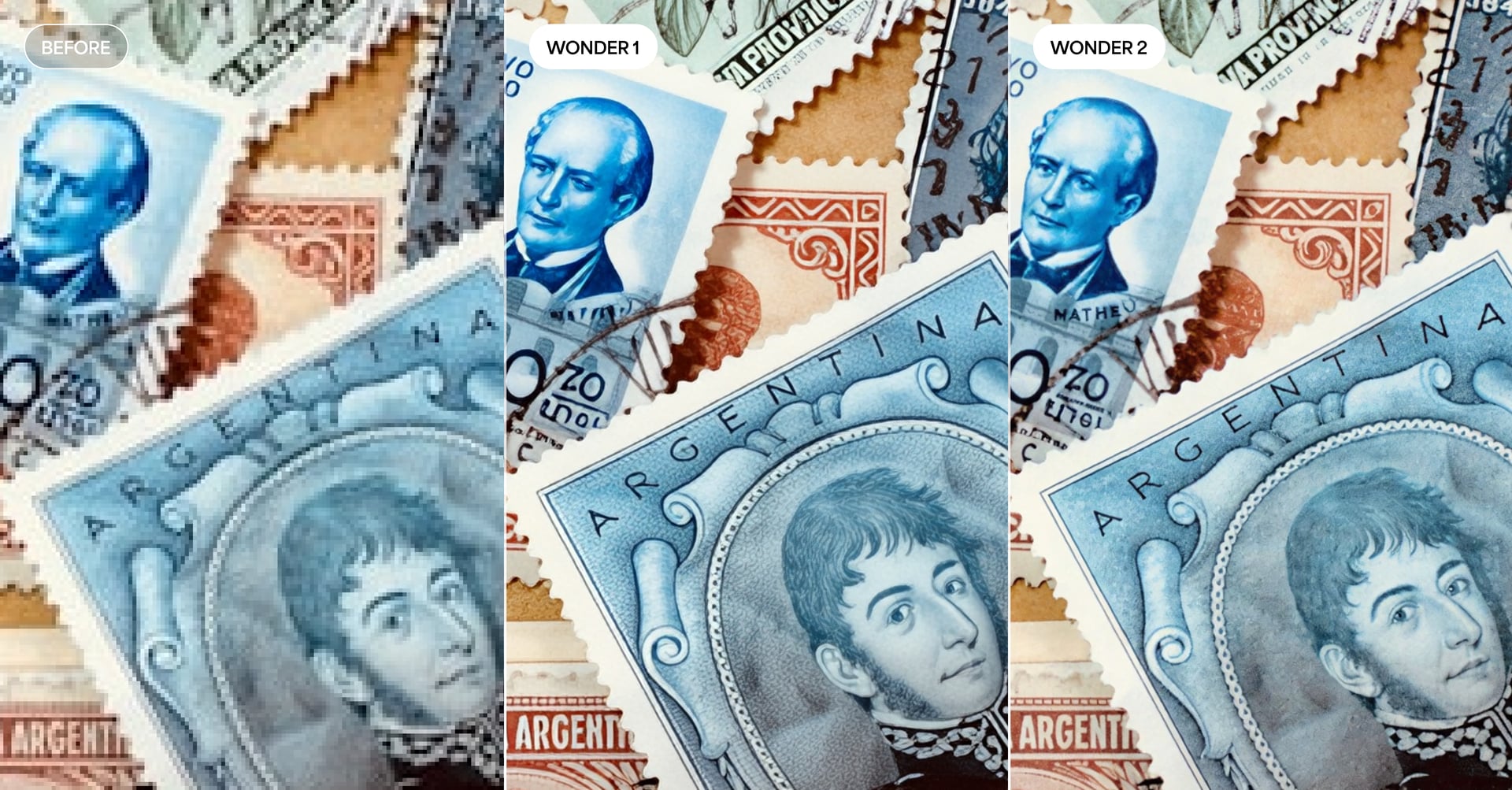
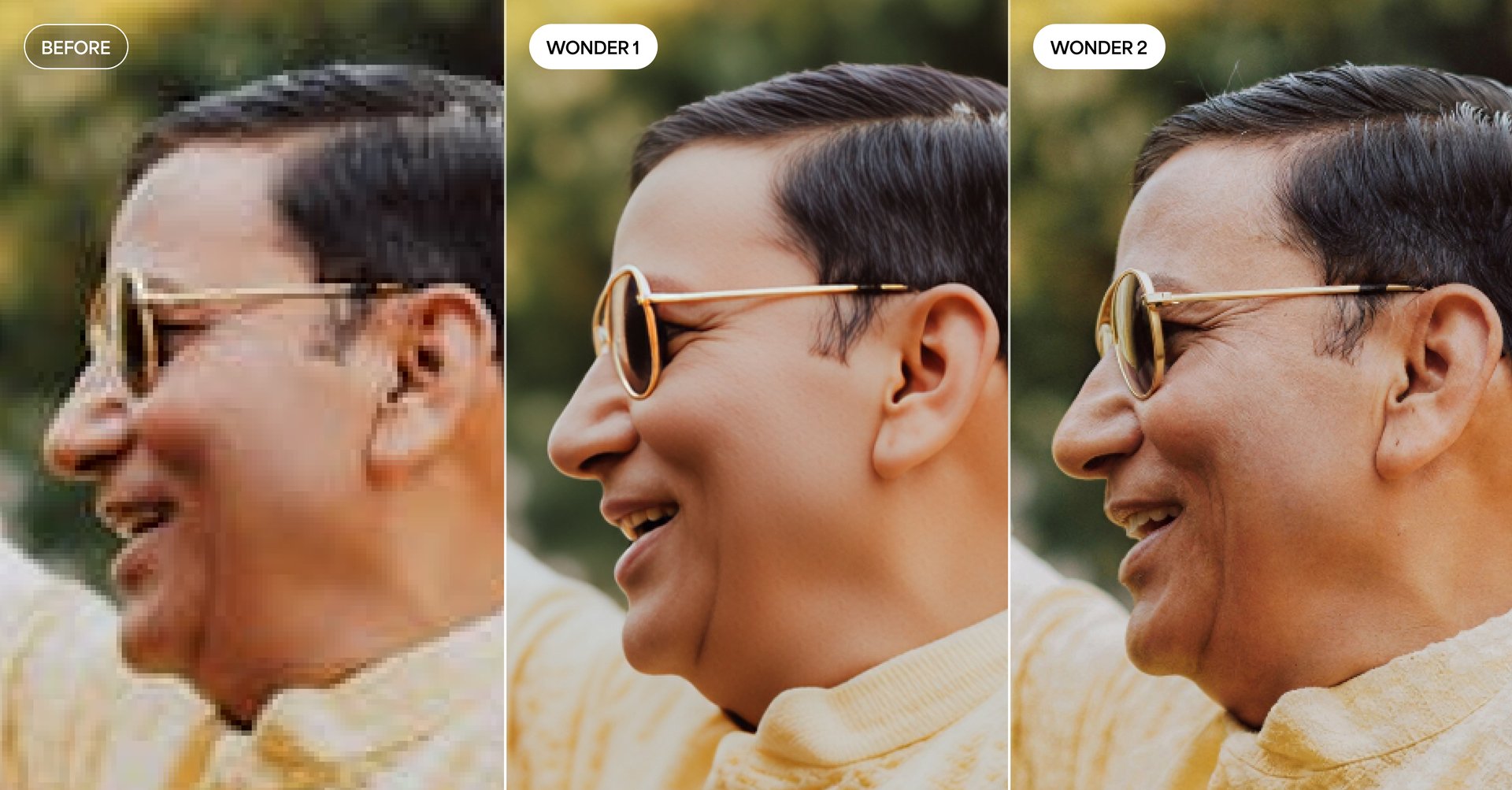
With the introduction of NeuroStream and NeuroServer, we’ve built the infrastructure to bring Wonder 2 to your local machine. These technologies allow larger, more demanding models to run directly on your device — and Wonder 2 is the first to take advantage of them.
Local rendering is currently supported on the following hardware:
- NVIDIA GPUs: 8GB VRAM or more required
- Apple Silicon: 12GB RAM or more required
If you’re on Intel Mac, Windows AMD GPU, or Windows ARM (Snapdragon), Wonder 2 will continue to use cloud render only.
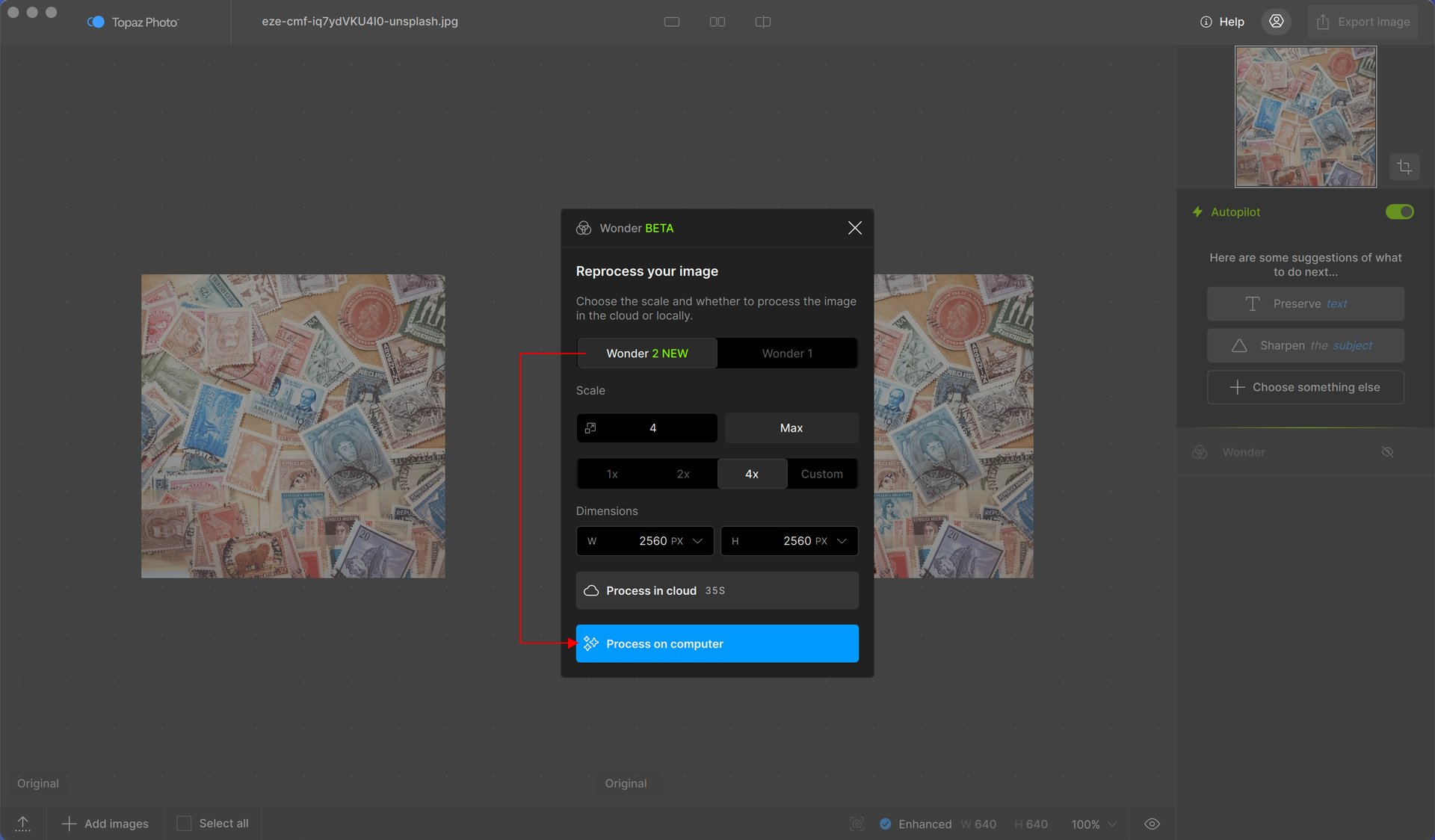
For supported hardware, you can choose between local and cloud render depending on your preference. The two models have a slightly different character: the local model renders a bit sharper and less grainy than the cloud version, with particularly strong handling of faces and skin detail. If portraits are a big part of your workflow, it’s worth trying both and seeing which look you prefer.
A note on your first run: the first time you use Wonder 2 locally, the application will need to unpack the model. This may take a few extra minutes. Subsequent runs will be significantly faster.
With local rendering now available, you can process as many images as you want directly on your device. No upload times, just Wonder 2 running locally.
NeuroStream & NeuroServer
Behind Wonder 2’s local rendering is a new technology from our research team at Topaz Labs.
As our models have grown more powerful, so have their hardware demands. The best results were increasingly locked behind extremely powerful GPUs, limiting how many users could actually take advantage of them locally. As those requirements kept growing, we knew we needed to rethink how we build, deliver, and run these models. That rethinking led to NeuroStream.
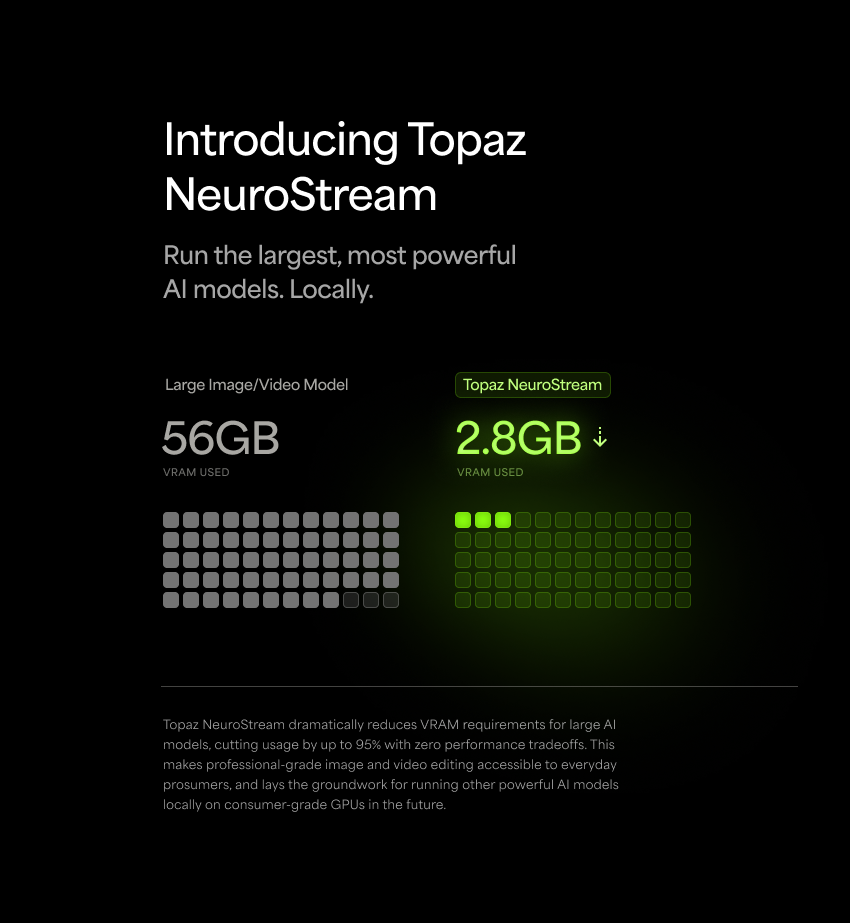
NeuroStream is a proprietary, industry-first technology that reduces VRAM requirements by up to 95%, allowing large models like Wonder 2 to run on everyday hardware without sacrificing output quality. The only tradeoff is a minor reduction in processing speed. What once required an extremely powerful GPU accessible only on the cloud can now run on the hardware most of our users already have.
To use NeuroStream on your device we’ve built NeuroServer. This lightweight local server runs on your machine when you select a model that requires it. Topaz Photo will automatically spin up NeuroServer in the background, load the model, and process your images. When it’s no longer needed, the server shuts down on its own.
This opens a new chapter for what’s possible in Topaz Photo. NeuroStream removes the biggest barrier to running powerful models locally, and we’re already working on bringing more models to the application using this technology. We’re excited about what’s ahead as we break down barriers for AI processing.
Offline Authentication for Enterprise
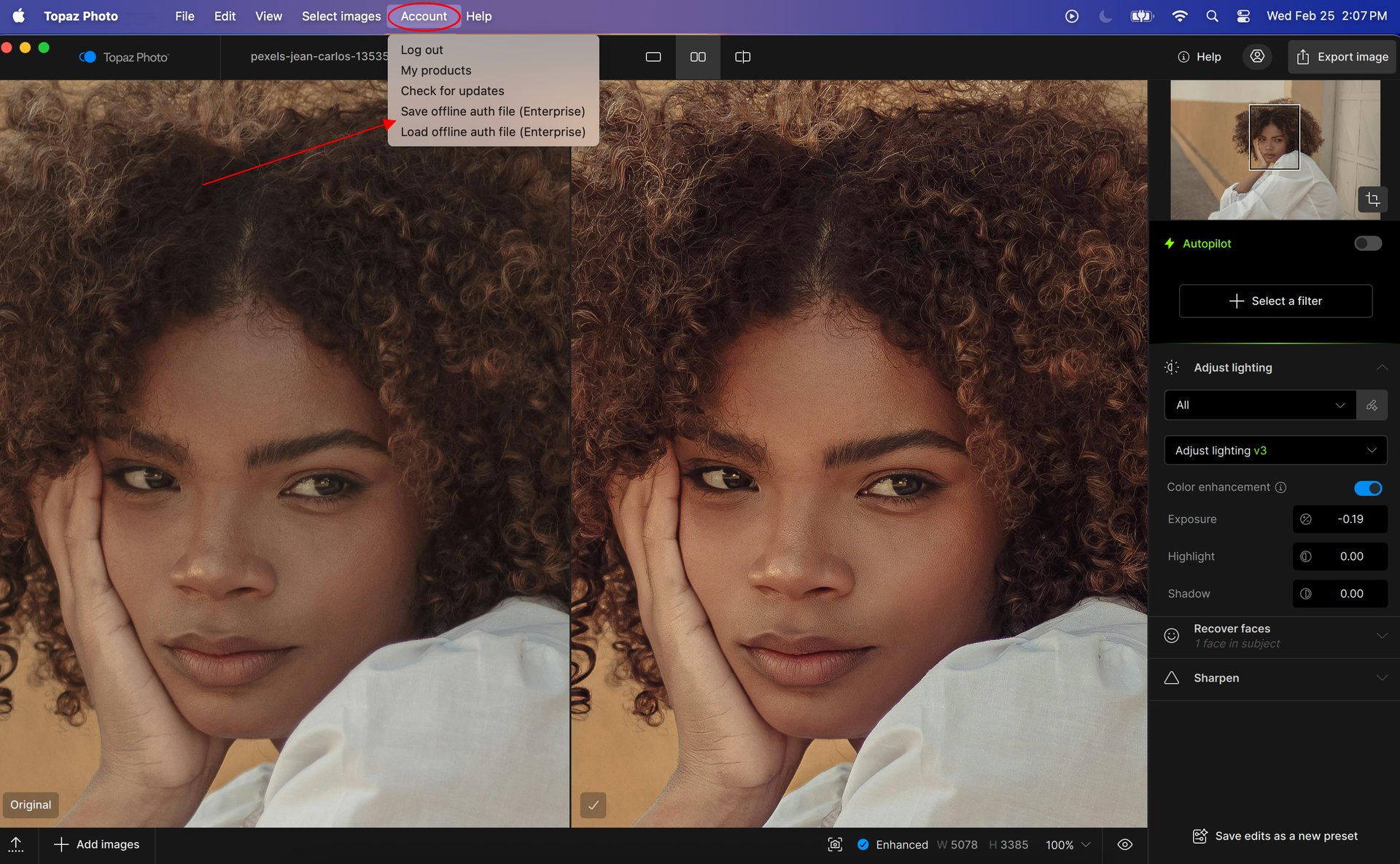
For enterprise teams that need to work in fully air-gapped or restricted network environments, we’re bringing back offline authentication in Topaz Photo. This allows your team to authenticate and use Topaz Photo without requiring an internet connection, giving IT administrators the control and flexibility they need to deploy Topaz Photo in secure, offline workflows.
Offline authentication is available exclusively for Topaz Photo Enterprise users. For more information, please contact enterprise@topazlabs.com.
Changelog
- Wonder 2 local render for NVIDIA and Apple Silicon
- Neuroserver deployment for NVIDIA and Apple Silicon
- Separate Intel Mac and Apple Silicon Mac installer
- Increased minimum macOS to 13 for Intel Mac and Apple Silicon Mac
- Add offline authentication for enterprise
- Add support for custom monitor color profiles
- Add tooltip for Remove v2 not supported on macOS 26 with M1 chip
- Add Open Log Folder option to Get Help button in header
- Add Clear CoreMLCache option to Mac > Help menu
- Updated links to docs, forums, and support in Help menu
- Fix Apple Photos plugin save failing due to bad metadata
- Fix face recovery placing faces incorrectly when used after cloud render
- Fix incorrect account administrator shown for pro and enterprise groups
- Fix Upscale and Wonder are disabled tooltip when used through Photoshop > Filter plugin
- Fix CoreMLCache error unpacking model file taking up excessive storage
Lingyu Kong
Technical Product Manager
Image AI