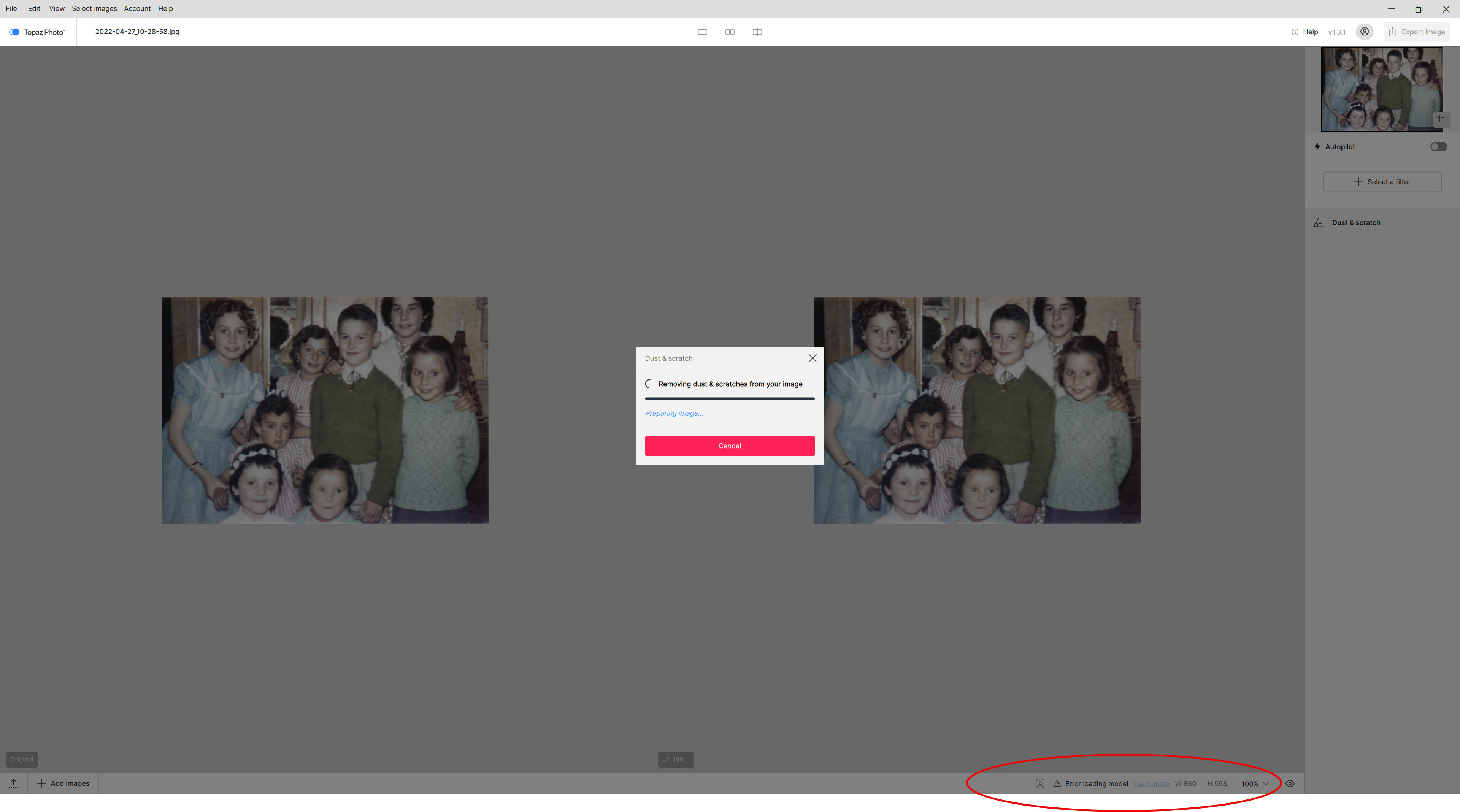
Working well. Wonder 2 is gentle, Lighting and Dust/scratch are working good. Dust/Scratch tends to remove some detail, like flowers on a skirt. But did get most of the annoying white spots from a scan. Lighting is brilliant.
We are working on storage improvements for the application. NeuroServer has opened doors for new AI models, so we are increasingly aware of how much space the models can take, and optimizing storage usage where we can.
Is NeuroServer taking up space before or after the processing completes? It should only use memory while processing is requested.
While NeuroServer enables large models to run locally. it does not reduce the computational requirements for processing so older GPUs will experience lengthly process times.
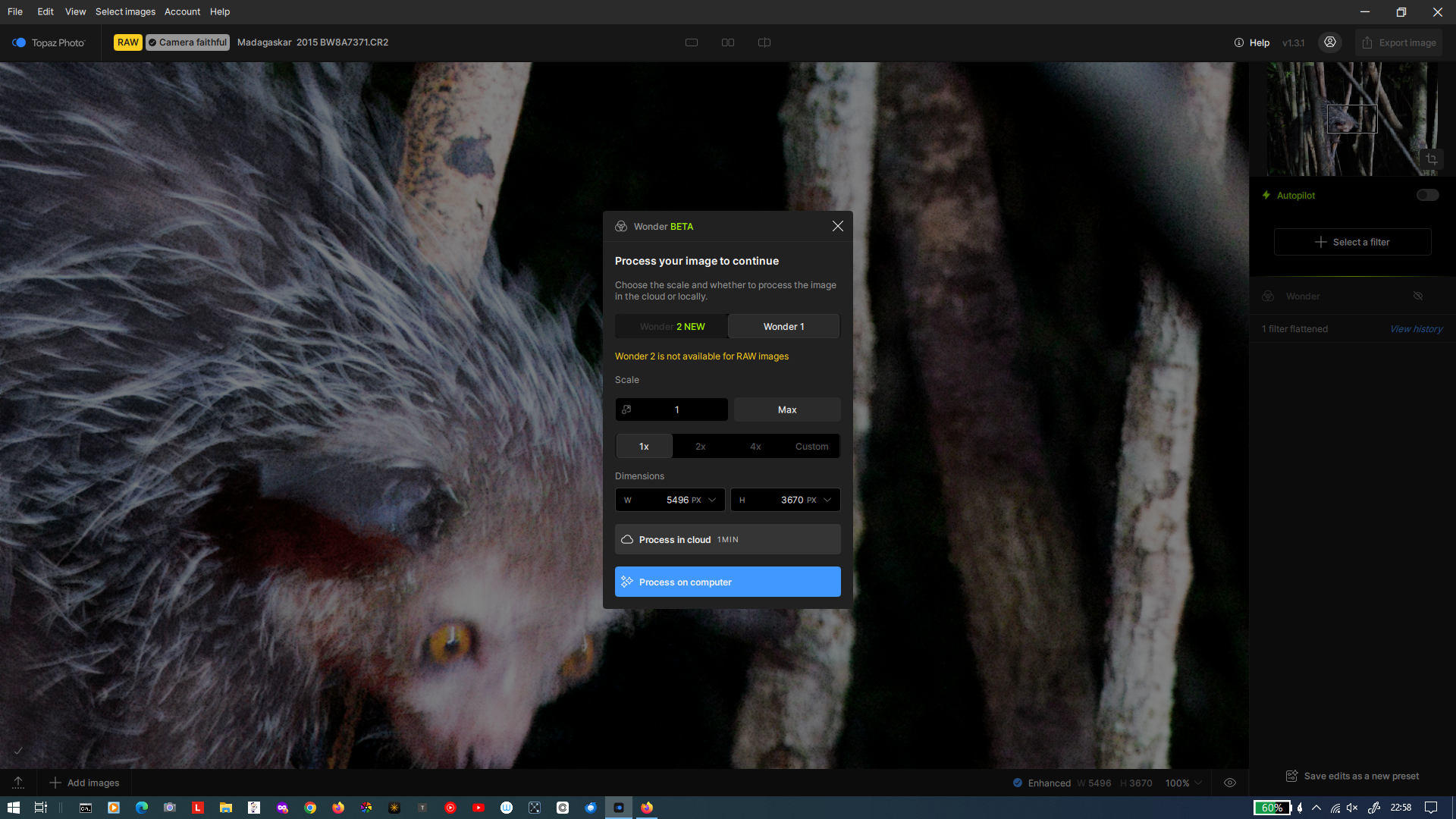
What happened to Wonder 2? Since the update to TP v1.3.0-v1.3.1, Wonder 2 can no longer be used for RAW files. See screenshot. Before the update, i.e. in v1.2.1, this was possible in the cloud without any problems.
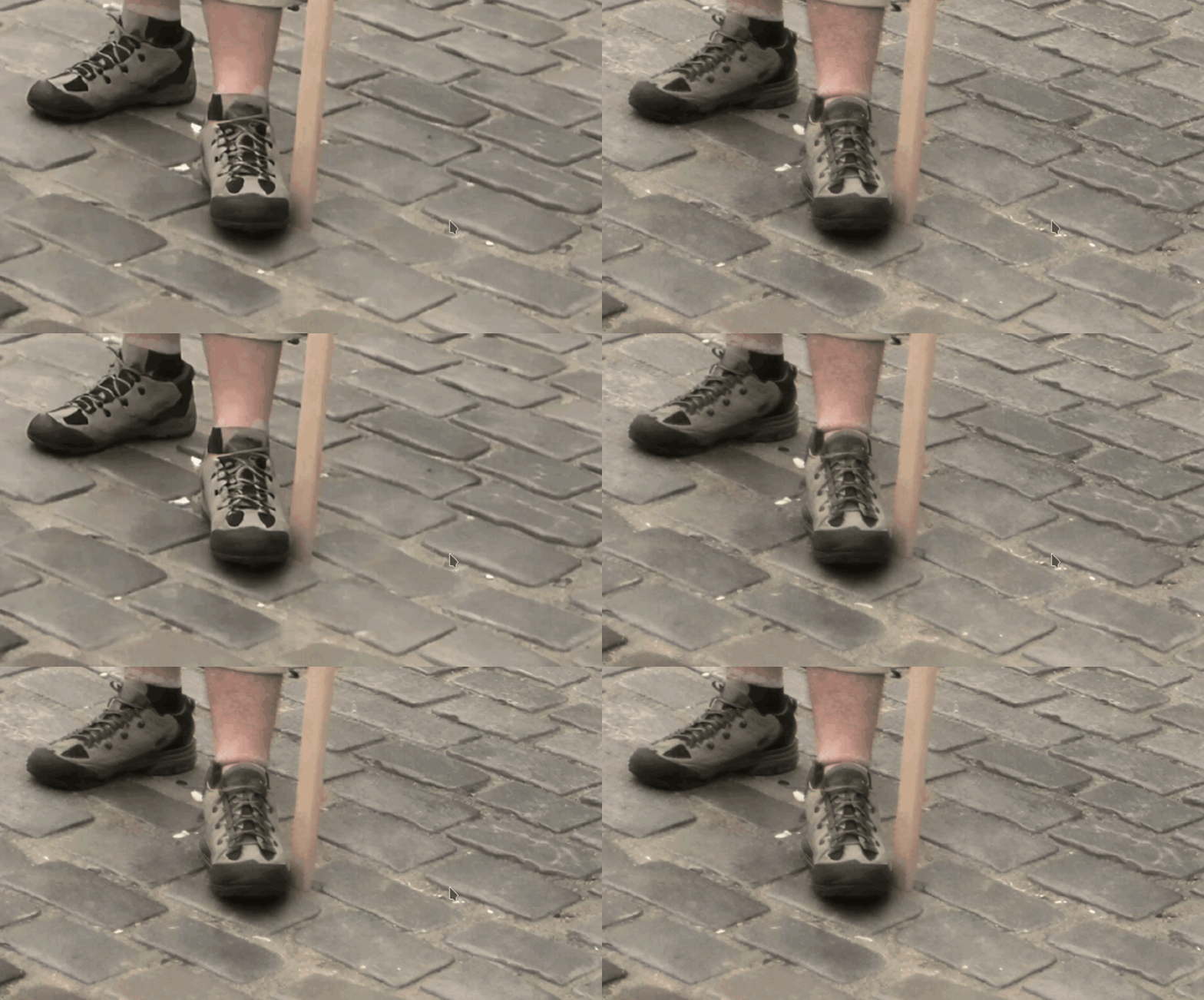
From our testing local has similar quality with minor changes in detail. Examples shared in this thread differ more than the testing set. I’ll run batches this weekend with varying hardware to identify if it’s hardware related.
yeah, well, that’s just your opinion. I’m not on here to discuss the merits (or lack of) regarding the machine or how good it was to begin with. There was no need to add that little quip in at the end. Let’s just leave it at that.
15:10 mins. to download TP 1.3.1 @ 40-44 Mbps consistent download speed.
15:40 time at which Neuro Server began download & extract process.
29:45 mins. = Total download & install processing time.
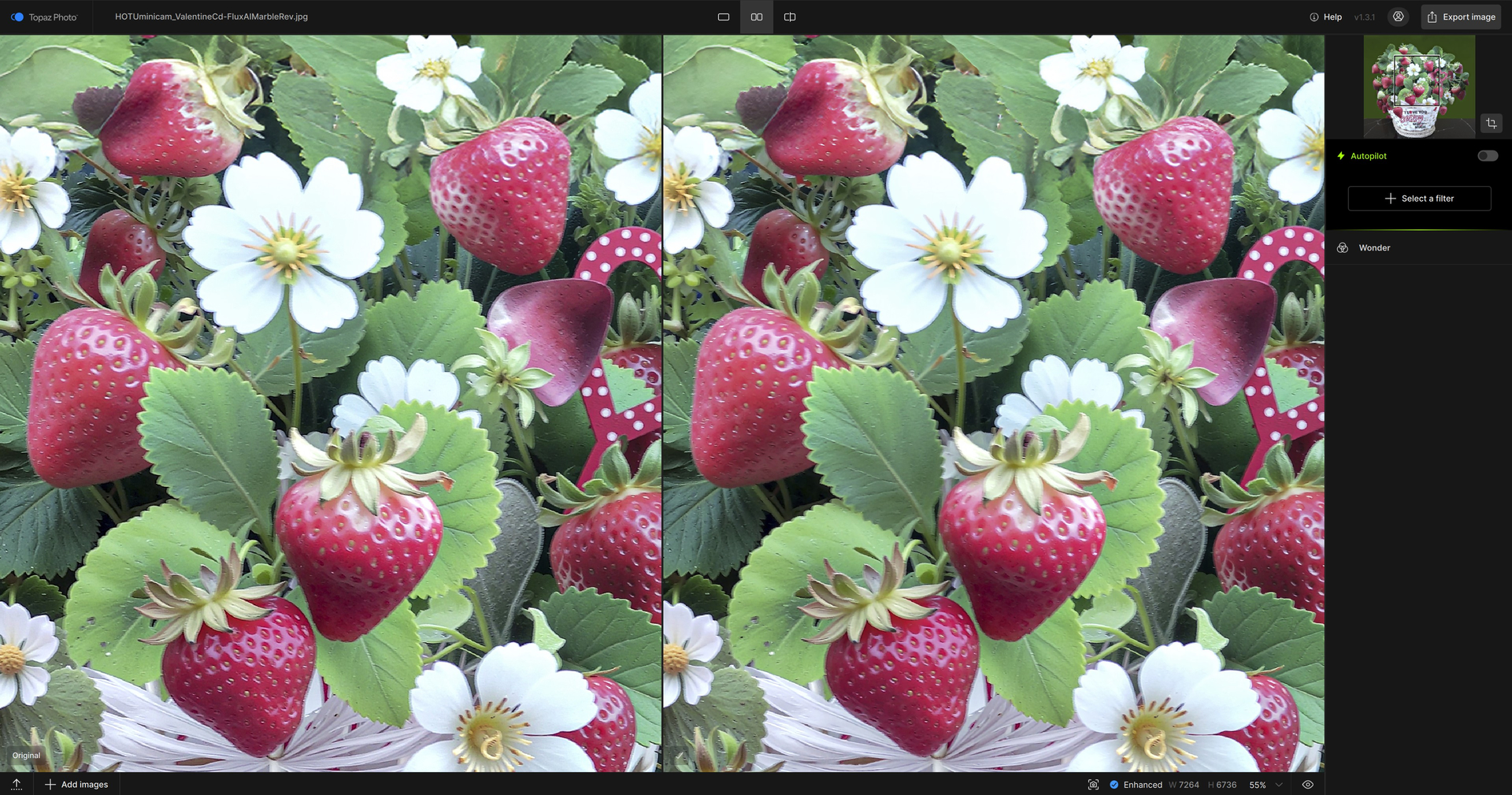
Image: ~ 6 MB jpg (image captured with 1.5-2 mp mini keychain camera - HOTU) of 3D pop up strawberry and floral arrangement greeting card.
Processing Used: TP 1.3.1 Standalone. Wonder2 Local to PC. 2x upscale. No other TP filters. Took 3 minutes.
Output (I may be missing something but I don’t see much difference b/wn the Before/After views…). Didn’t try same image with remote server (aka, “Cloud”) :
Face recovery with the “creative” model is failing to run with either v.1.3.0 or v.1.3.1 - the application just hangs on processing, seemingly indefinitely as far as I can tell.
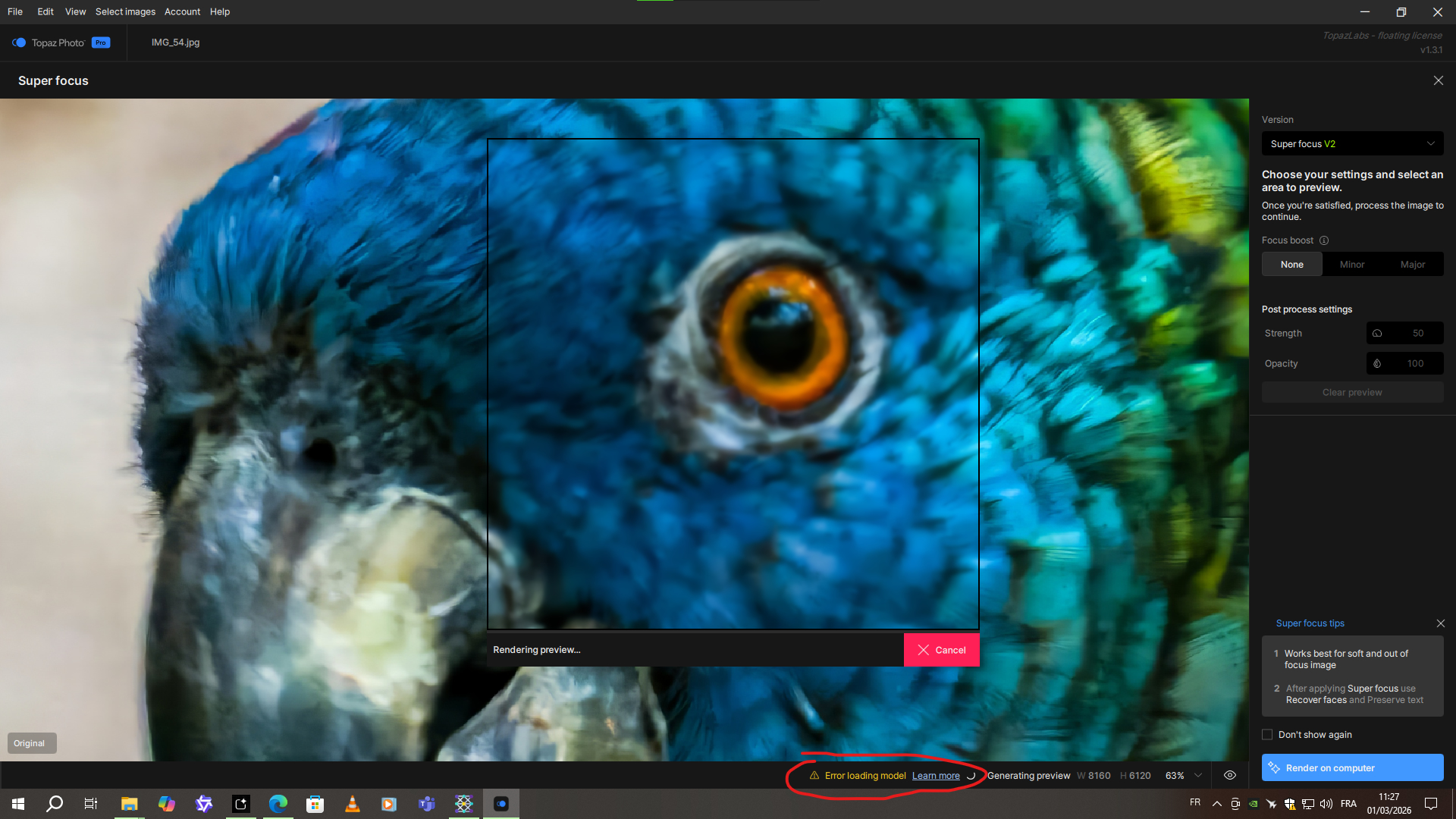
Topaz Photo 1.3.0/1.3.1 is broken for the Super Focus model. It displays an error message indicating that the model is missing. It worked perfectly before the major update.
I just checked my install. Recover Faces, Super Focus, and Dust and Scratches all are working normally. This update was a particularly large download, so I suspect the install partially failed on some systems.

 And that’s just the beginning!