Great thanks for the clarification! I’ve relayed to Lingyu and the development team as positive feedback, let us know if any unwanted results do occur. I’ll leave the workflow reply as it could help anyone getting artifacts with PS/RAW files to avoid them.
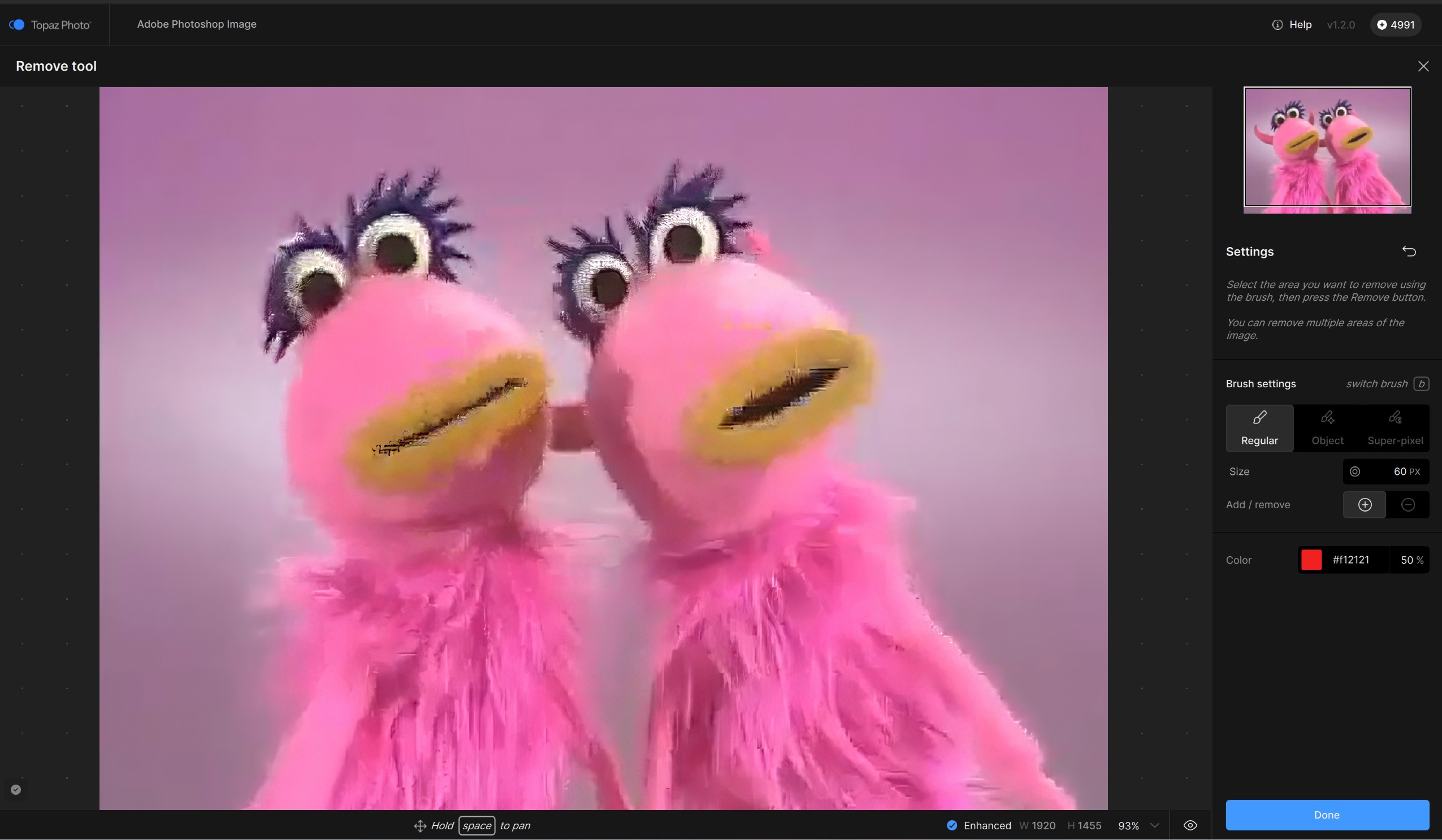
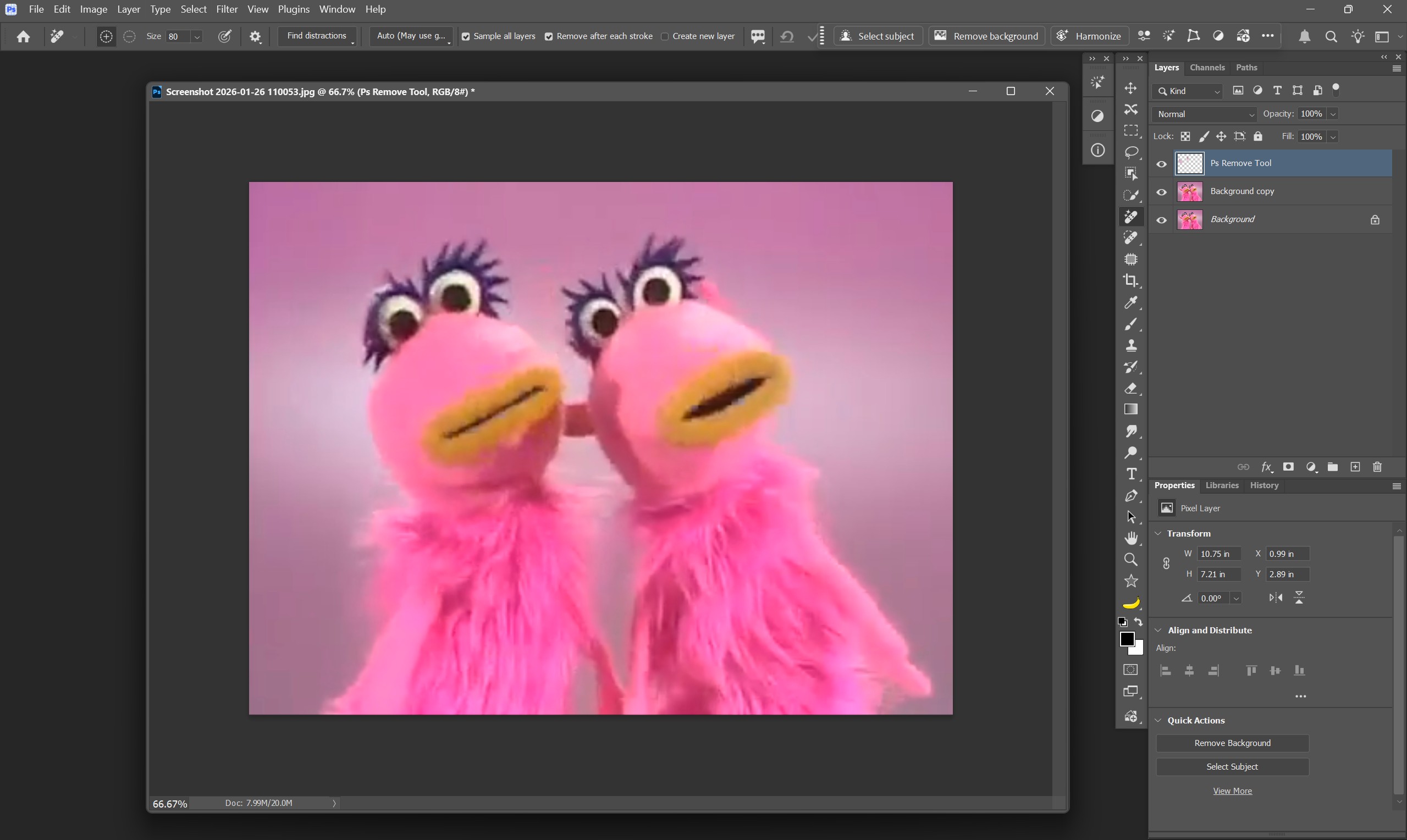
The image was just a screengrab of a video to show the (known and aknowledged) issue, no real sense in removing that horn there. But all other real images I had on the PC at that moment were of persons that I didn’t want to upload in a public forum.
It’s a general issue on quite some systems (see those many similar reports) with NVidia GPUs with the Remove V2 tool. On the affected Systems it occurs every time regardless of the image or area you want to remove.
If you look at the top left panel of this forum, it’s the current generation of this Topaz product. It’s in large bold letters. I abbreviate them as Phot (and Giga) to save time…
Thx! I use NVIDIA processors (4090 & 5090 - which I’m reading in the news are now fairly rare…). But know that sometimes certain systems behave more quirkily than others. So it made me wonder if that’s what was happening.
The thing that gets me is that the Removed objects keep coming back with subsequent processing steps.
When the processing for those steps complete, it goes away again. But those things should not reappear at all once removed. They shouldn’t be stubborn ghosts. IMO.
You don’t recog phot as photo? I test, so I’m always typing vers. #s & GPU #s too. To keep moving, I abbreviate. And, I used to have a beta forum to rpt sys issues. And, no more. So force of habit! My comments are for the devs (which means, developers).
@Fotomaker the Remove grey blob issue jo.vo flagged with Windows is specific to some RTX cards, but not all (example I have a RTX 4050 and can’t reproduce). We have in the development team ticket all the flagged cards and they are looking into a fix. The workaround fr users that experience this is to force CPU in the AI Processor if need to use Remove 2, which would bypass the card for now.
For the Remove showing the parts again when adding other enhancements, can you confirm what enhancements on your side? I want to make sure we are tracking the specific enhancement you are having issues with, if not already. We have an item opened already for Preserve Text and Recover Faces, showing up removed parts when used after Remove.
For shortening words internally, we use shortened TP vX.X.X (for the new app) vs TPAI vX.X.X (for the legacy app). If that can help, if you use those terms, we would know what you are referencing. TGAI, TG too.
I am puzzled. The release notes say Remove2 is not available locally for Mac Tahoe users, implying that cloud rendering is. However, I am seeing it greyed out completely. Is that intentional and when can we expect a fix?
It sounds like there is some confusion happening between Remove v2 and Recover v3. There is no cloud processing for Remove v2, at least not that is accessible within the app.
@mrtoyota03 - great seeing John received your file and has added you to the development team ticket for the Remove blob issue. Make sure to see his email for link to revert to v1.1.1 or to force the AI Processor CPU in Edit > Preferences to stay on v1.2.0!
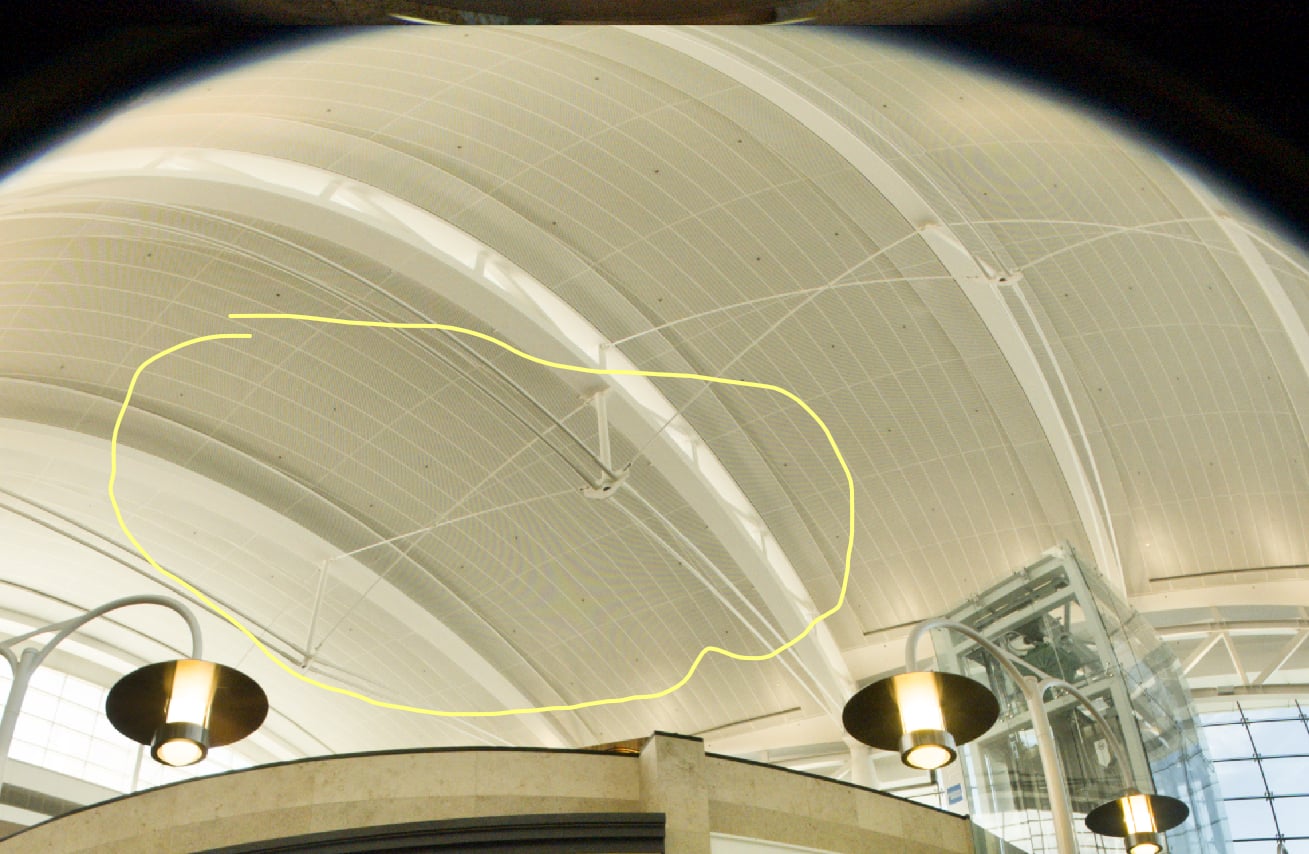
Hello. I have v1.1.1 as I have to wait for your bug fix for 1.2.0. So I am using v1.1.1. and what is this strange fishnet pattern on the ceiling. It is from a fish eye lens. Thanks.