Wonder v2 is definitely insane when it comes to real pictures, where v1 failed hard still. Shame it is less usefull for scanned documents with mixed content ( images/vector art and text). With v1 it usually removed enough grain and detail to make it worope they keep v1 in the app for some time to come.
Wondering if the Denoise algorythm is getting updated? Because atm , for me at least, it is fairly useless in its current state.
If it’s for scanned documents, it wouldn’t be noise, it’d be grain or texture if the file has any support, you can add your votes for getting models for these in the Ideas section! Denoise is for low-light noise in digital photography.
Any Upscaling model, even at 1x, are currently completely blocked from any Filter menus, from PS or Affinity. You can add also in the Ideas as a feature request, for other users to vote on.
I have also relayed to Lingyu to see its feasibility for Wonder.
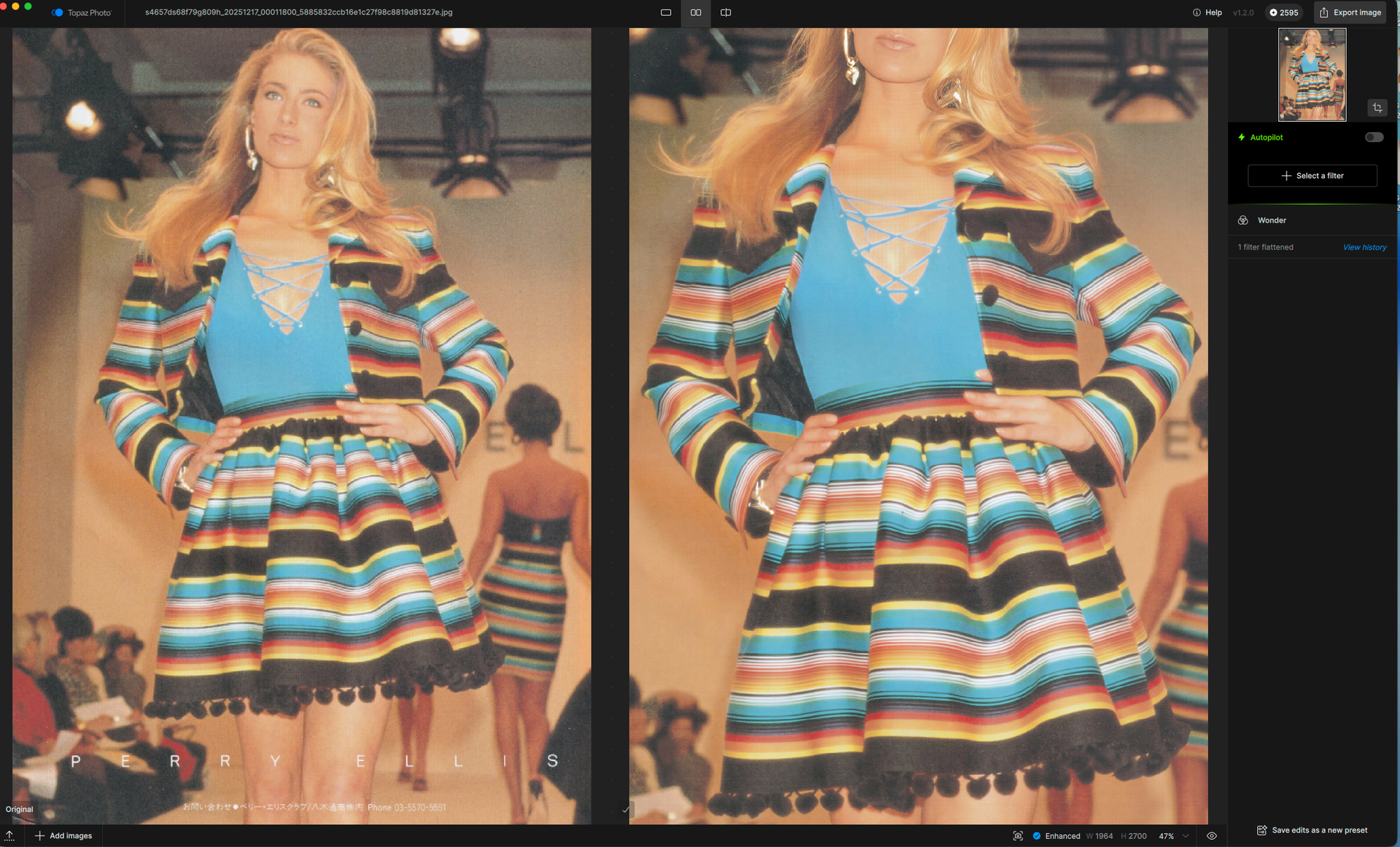
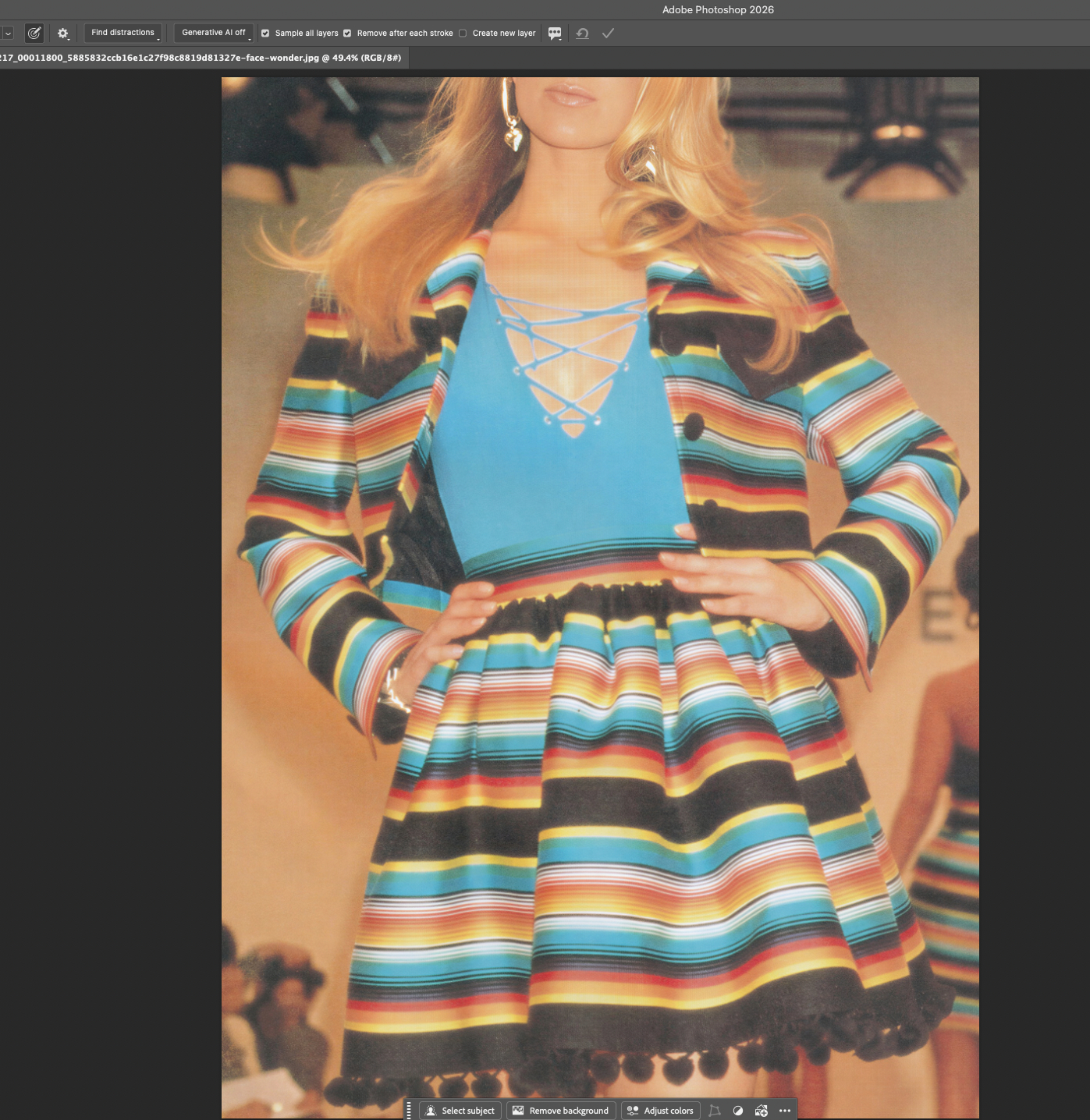
There is an issue with this. When I upscale anything past x1 using Wonder 2, the preview is exactly what is exported. So in the attached image, the top is cut off. Hoping this gets sorted out. Thanks.
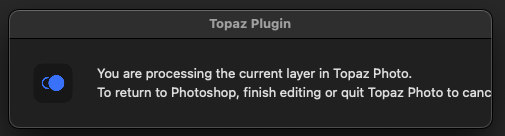
@plugsnpixels - we fixed the logo size which was cutoff in TPAI and are looking to see what is possible for the text. It is just the work cancel, then dot, 2 letters cut off.
@jason-2269 - can you confirm the exact scale factor? We have an item opened with an upcoming fix for scale factor that have a decimal (1.5x, 1.2x etc) - that gives a crop issue on cloud render only - and would not happen on whole numbers. If happens on whole numbers send us a screen recording and logs (Help, Open logs folder) to support@topazlabs.com and we can see what is happening.
@Ange.topazlabs Hello, thanks for jumping on this so quickly. I don’t seem to be able to reproduce this error with any consistency. I will try and screen record and send the logs if it should start to happen repeatedly.
@jason-2269 - great yes let us know. For now I added your contact information on the development team ticket for the fix they are working on, happening only on scale amounts that are not exact numbers + cloud process causing an unwanted crop. Will tag you once fixed. In the meantime whole numbers or using local + not whole numbers would be the workarounds. Reach out if any issues occur with whole numbers.
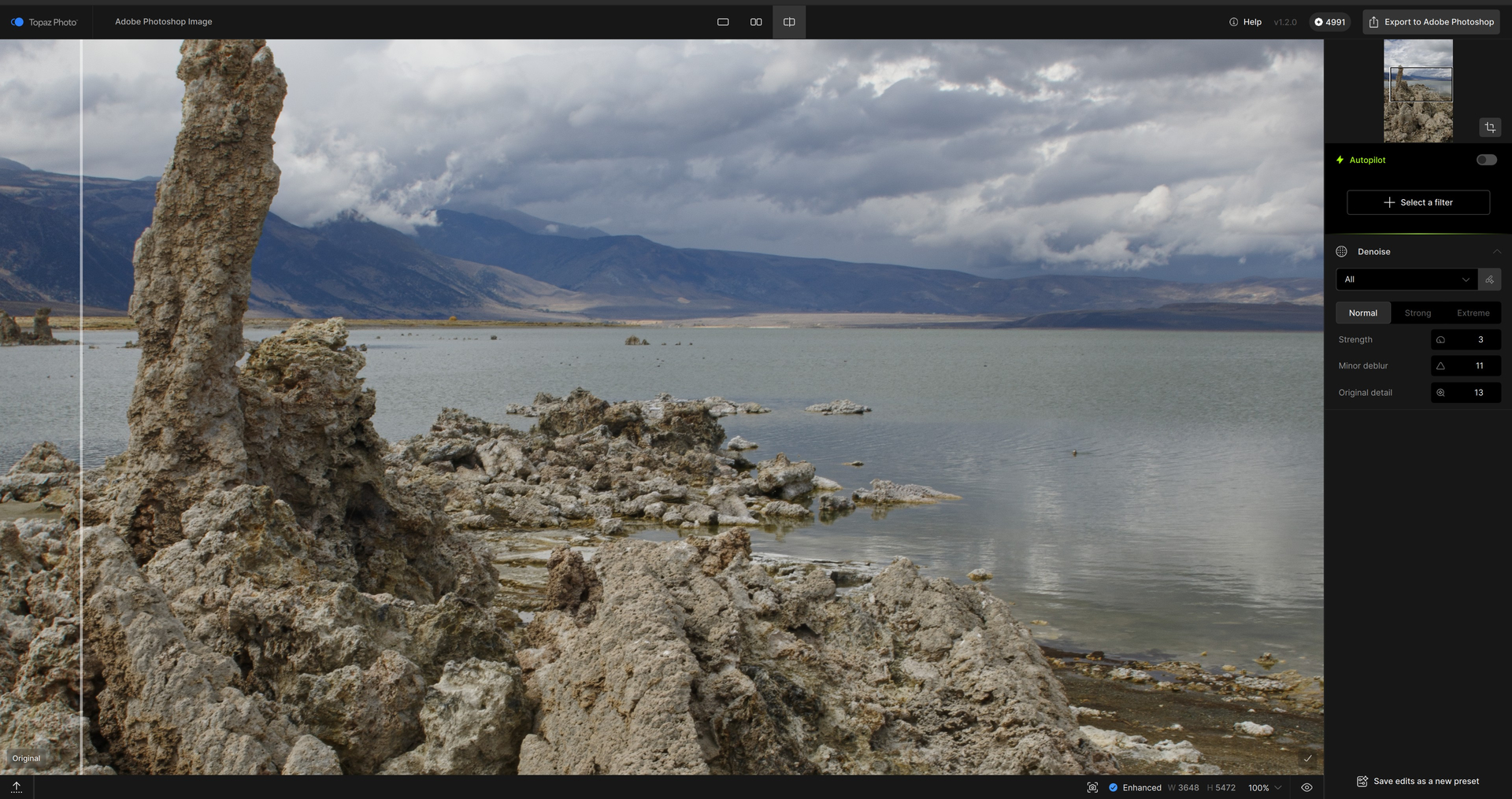
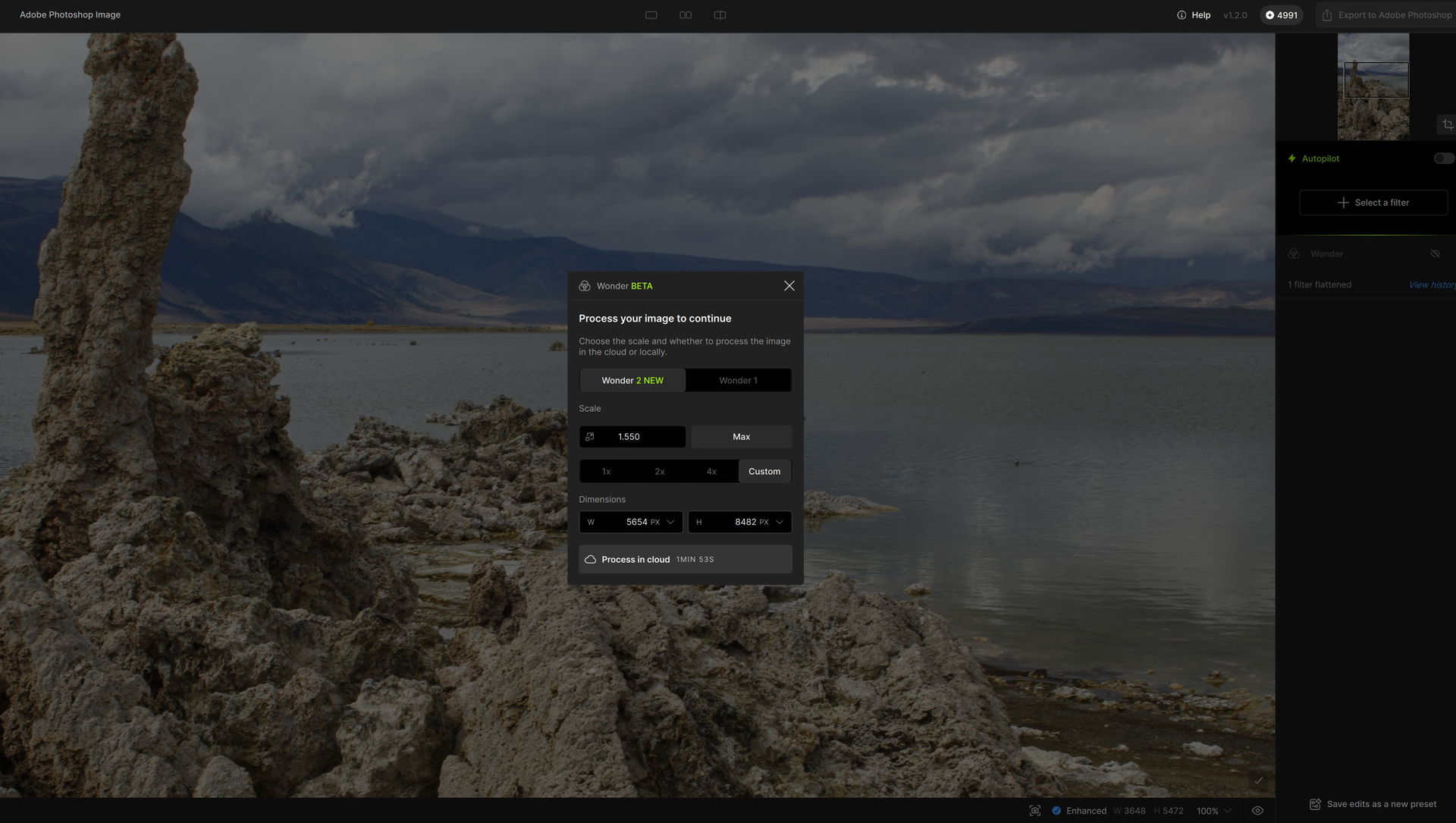
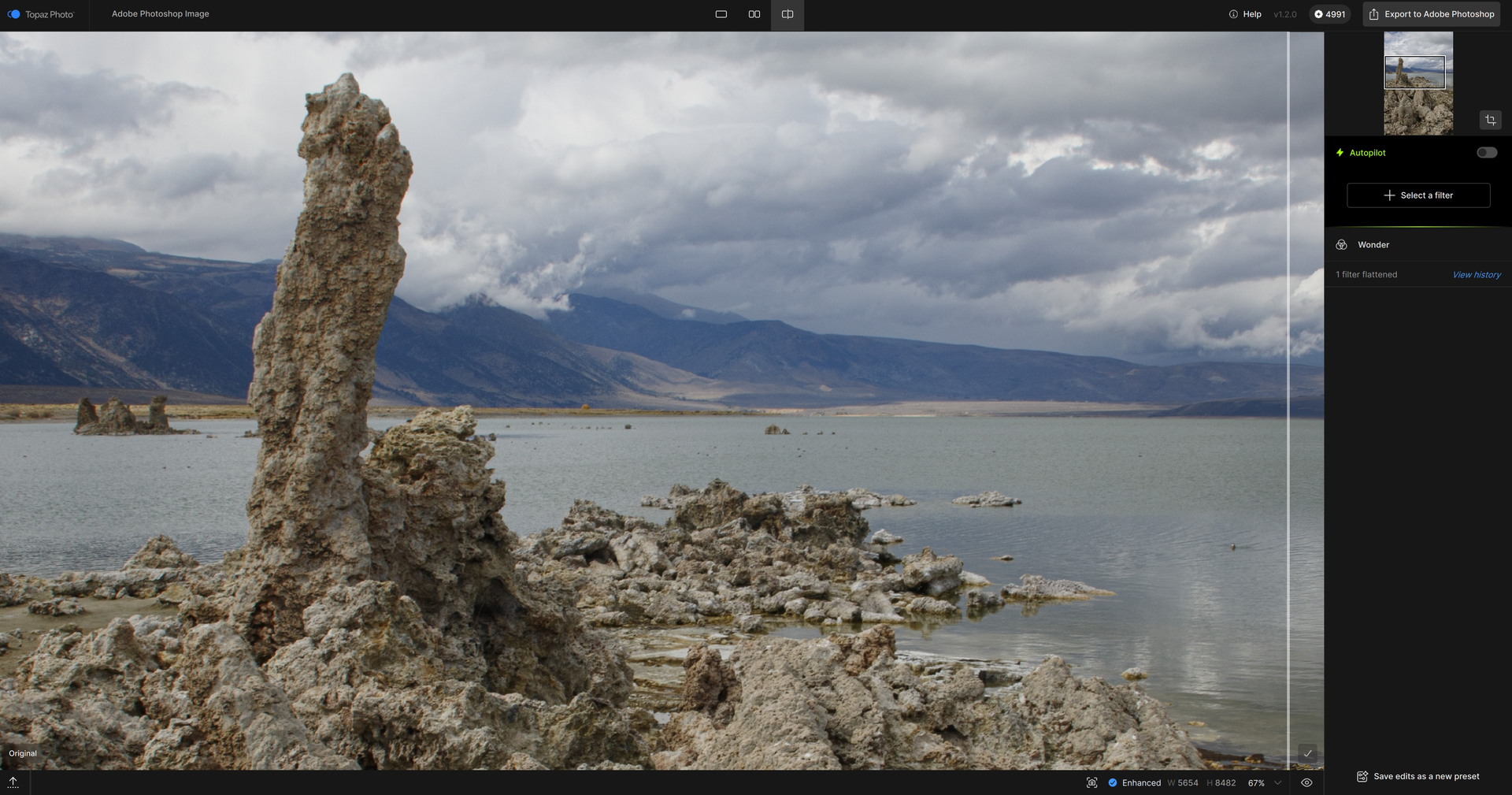
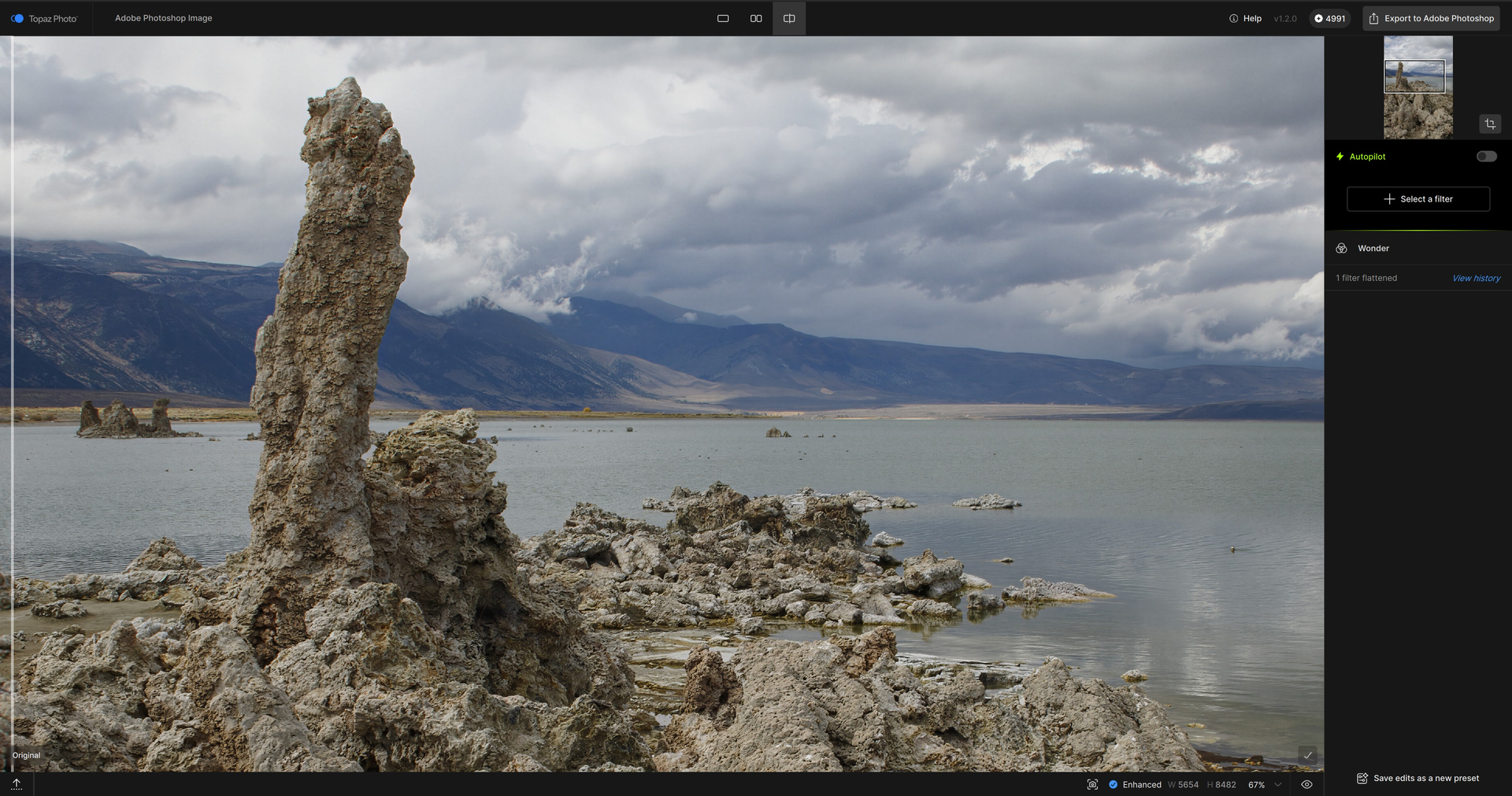
Wonder v.2 (remote server processing): Snips include (A) Settings then (B) Before & (C) After in the UI:
NOTE: Devs (@Lingyu), See the time estimate in the Settings box below. Processing took 4 minutes. Start to completion. 3 places in the UI I had constantly spinning circles (of death…) throughout the processing duration - 1- Center of the UI - Status Bar remains at roughly 1% & doesn’t move until the Download started at 3 mins 55 secs., 2- Bottom right center another bar that looks like it should be a status bar is static at roughly 18-20% position and 3- In the righthand settings panel the 3rd circle spins with no indication of anything.
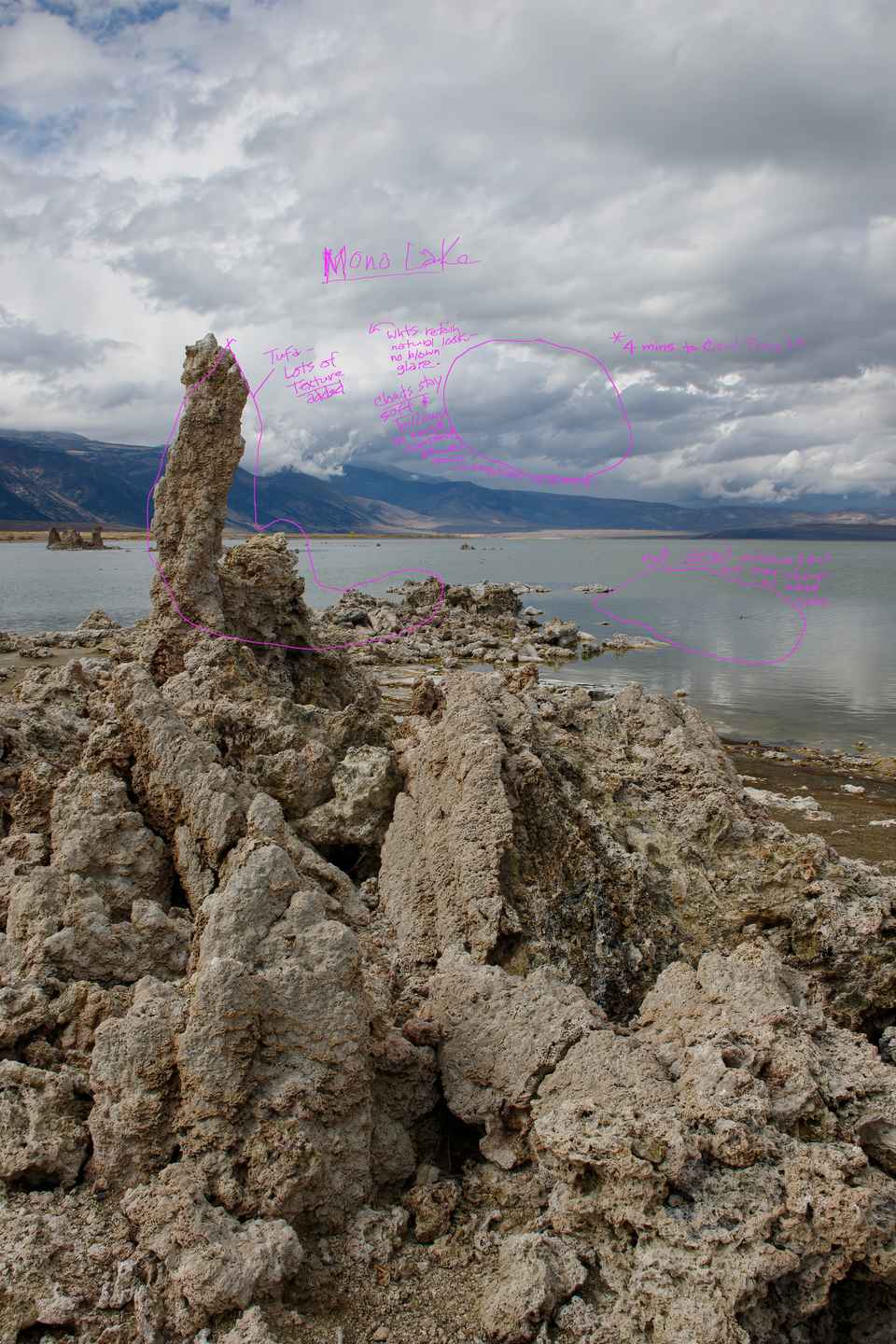
Annotated denoised, Wonder 2 output exported back to Ps layer stack. My impressions written in fuchsia. Areas they refer to are circled.
Let me know if you cannot read them. They rep my observations/impressions of different areas of the image based on how I perceive Wonder 2 developed the image. I’m not just looking at the image and reacting as a newbie just starting to use the product. Because I’ve been beta testing for TL for many years, I’m also noting my impressions based on changes I perceive to results in the specific areas compared to earlier versions of Topaz model and product outputs (not specifically just Wonder model) & how they have behaved in the past …: [Bottom Line: There have been significant improvements in the noted areas over time]
If anything isn’t clear, pls let me know. But I would like to see two things improved near-term: 1) Processing status bars tracking to the actual processing time progression in the remote server (and, when appropriate, locally) & related, 2) A more accurate guesstimate of the needed processing time to manage user expectations (if I’m told it should take 1-2 minutes and it’s taking 4-6 minutes I start thinking something has gone off the rails and I need to abort).
I’m not someone who runs jobs of batches and walks away to let them run overnight. I’m sitting here, staring at a screen waiting for my single image to finish this “pre-processing” stage so I can move on to the more ‘creative’ work in subsequent Ps layers. So it feels interminable to me and it breaks my flow if I’m in a creative groove and ready to dive into the next processing step back in Photoshop and this 1st stage is slow.
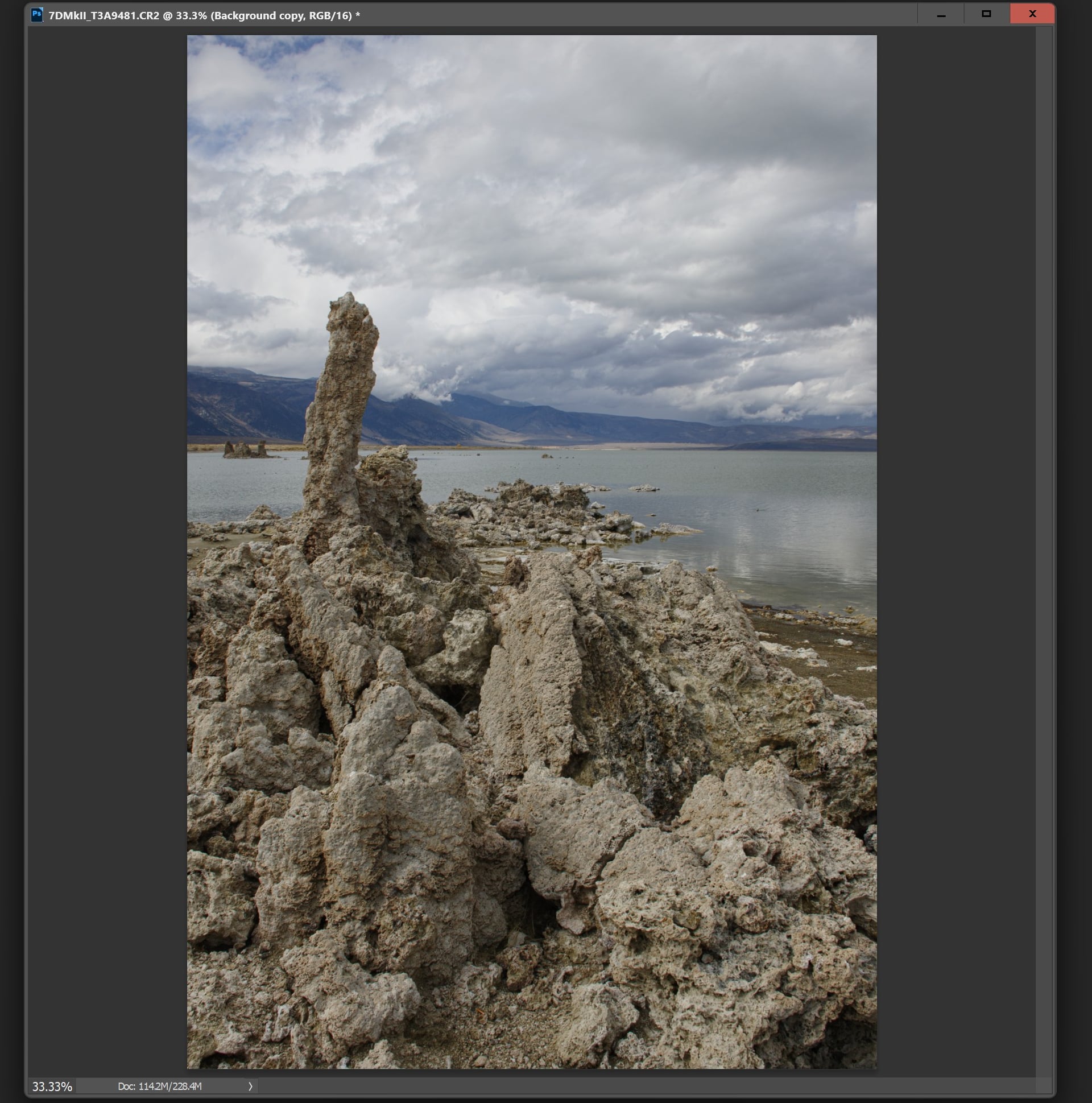
@Fotomaker thanks for this. WE discussed in past but it is important to note using Denoise will not be the intended use in this RAW file. I know you have a strict PS wrkflow but it would not give the best results as Denoise is meant for low light noise remval in shadows (none here) and not RAW noise removal. It will give blootchy areas and artifacts using it this way, and also slow down process since PS uses up a lot of the available graphic memory in plugin. Best way would be to use the RA file into Topaz Photo as standalone, use RAW Denoise, no Denoise needed then test Wonder.
The progress bar issues are being worked on, thanks for noting. For the time estimate, we continuously work on making it more accurate too, keep in mind the time excludes any uploading and downloading to and from servers!
@drdre1411 yes thank you!! @bblue359-557696 - Recover v3 ill be part of Upscale, once an Upscale added, choose your size, resolution, and the Recover v3 model will be thefirst one in the list.
I actually said in my annotation slide that all results were very good & positive… ’d.
And, that only 2 items needed improvement based on running a test after zero happened in the prior run. So was a consistent experience with those items & not a one time Amazon quirk.
oh yes, I am glad you like the results. I know your PS workflow is crucial and happy that you like these results and took the time to test!
The mention was for the slower processing of Denoise (the app will look for low light noise and there isn’t any, it will still “work” and remove most of the RAW noise, but on most case you will see blotchy areas on some parts.) and the circled areas could be related to these blotches from Denoise that are then accentuated with Wonder. Glad the results work though in this current workflow, the mention would be also to help others use the standalone workflow to get even better results and use the full extent of Topaz Photos’ models!

 ’d.
’d.