Hello everyone 
 Topaz Photo 1.2.0 is here!
This release is a major step forward in realism, reliability, and professional-quality output. We’re introducing multiple new and upgraded models designed to handle challenging images, recover fine detail, and deliver cleaner, more natural results across your entire workflow.
We’re especially excited to launch Wonder 2, our most advanced realism model to date built with artifact prevention and text preservation as core priorities, making it a powerful new option for professional and commercial use.
Below is what’s included in the Topaz Photo v1.2.0 release:
- Wonder 2 — One-Click Realistic Enhancement for Challenging Images
- Recover v3 — Our Best Diffusion Upscaling
- Remove v2 — Cleaner Results With Better Scene Awareness
- Grain — The Finishing Touch for Natural Results
When deciding between the Wonder and Recover models:
- Use Wonder 2 when realism and professional polish are the top priority
- Use Recover 3 when you need local processing or want more creative control over texture
Topaz Photo v1.2.0
Released January 22th, 2026
Installers:
Windows: Download
Mac: Download
Snapdragon: Download
Wonder 2 - One-Click Realistic Enhancement for Challenging Images
This is our most impressive all-in-one realism model so far. It’s built to handle extremely difficult images and produce outputs that look clean, natural, and professional. Wonder 2 is a great choice when realism is the top priority and you want a safe model for professional work.
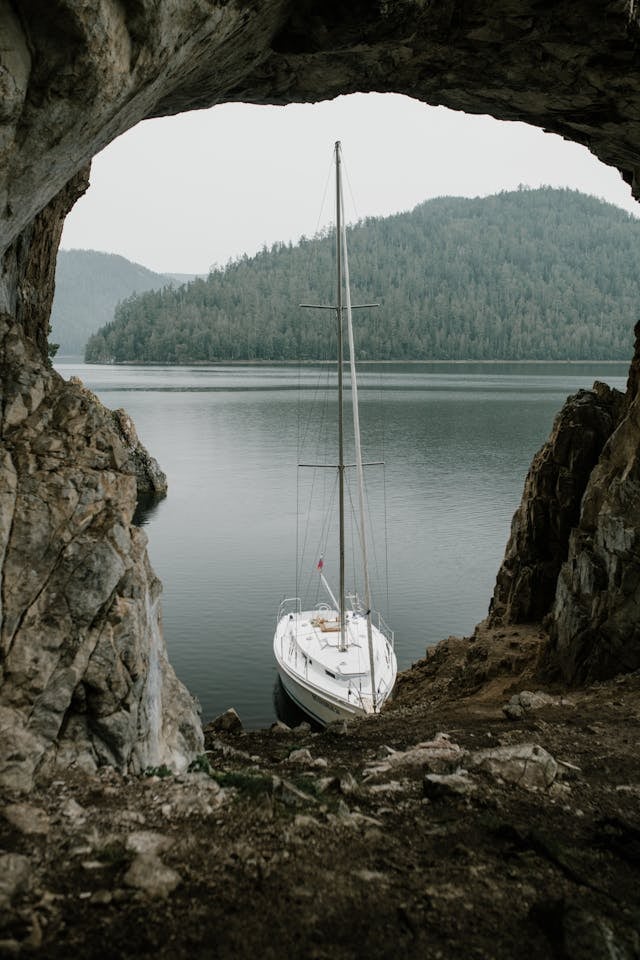
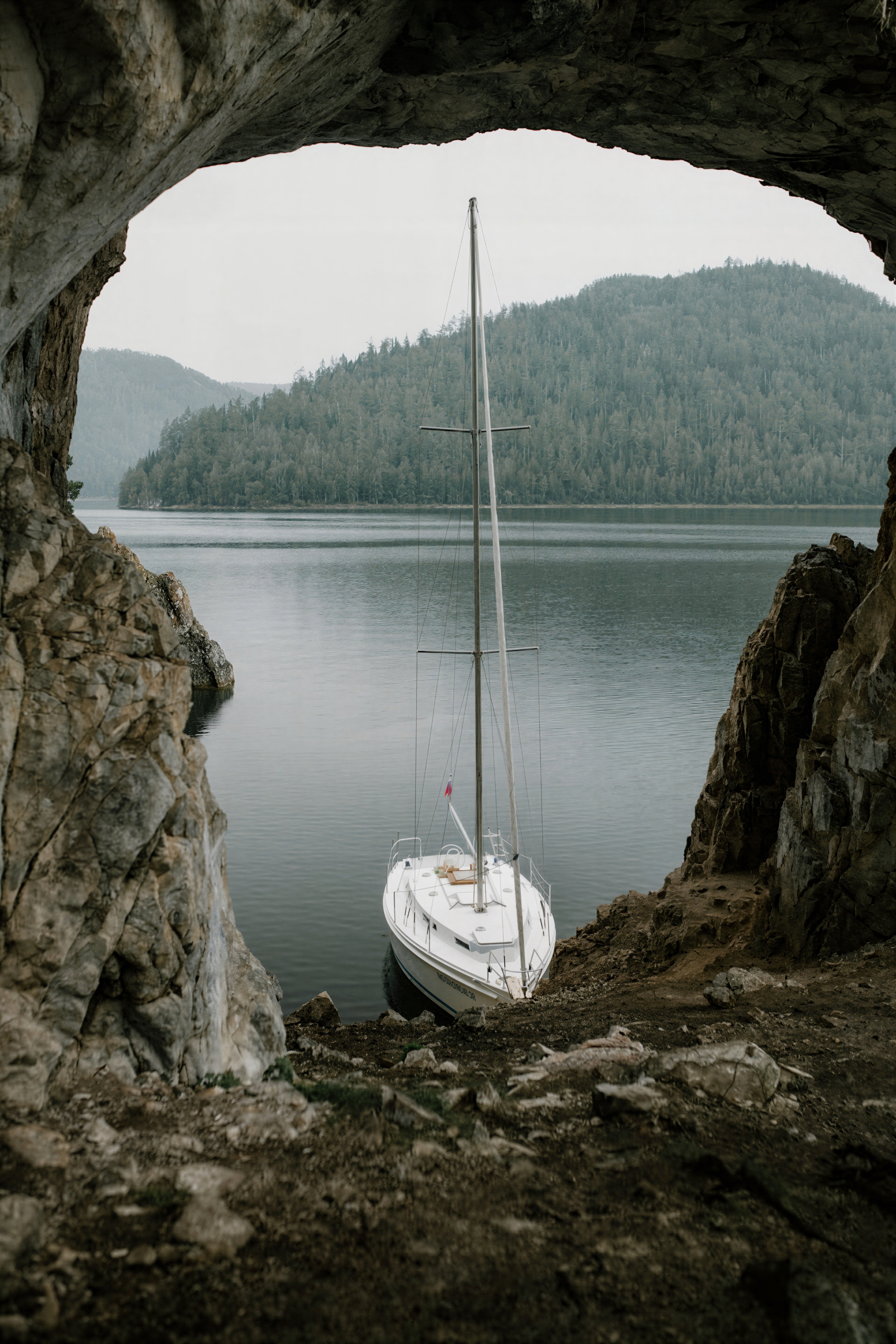
Wonder 2 is has significantly reduced artifacting delivering our cleanest, most reliable results to date. It avoids haloing, texture smearing, edge distortion, and unnatural sharpening. This helps produce outputs that look more natural, professional, and ready to use.
It also is text-safe, helping keep logos, signage, and readable text intact when source quality allows. This makes Wonder 2 a strong choice for business, marketing, and commercial images where clarity and accuracy are important.
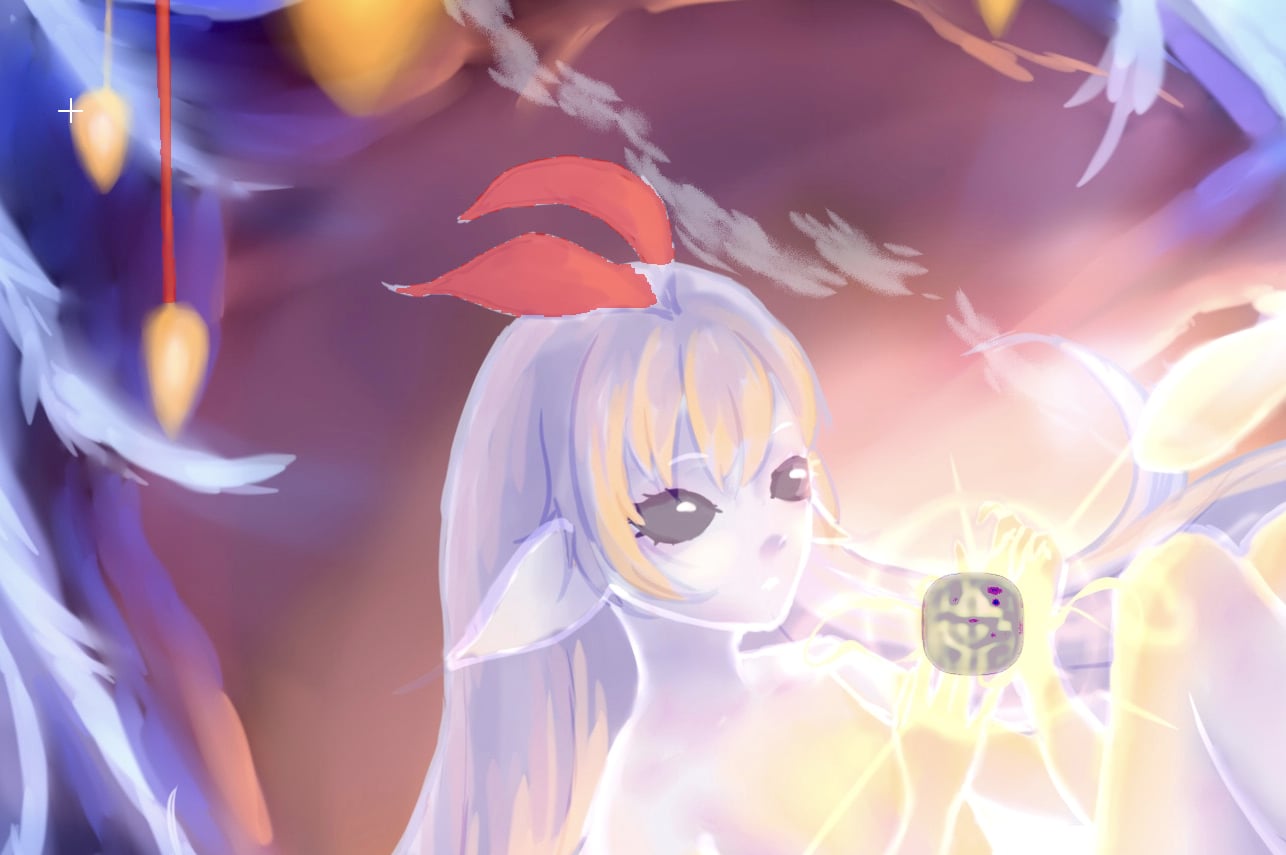
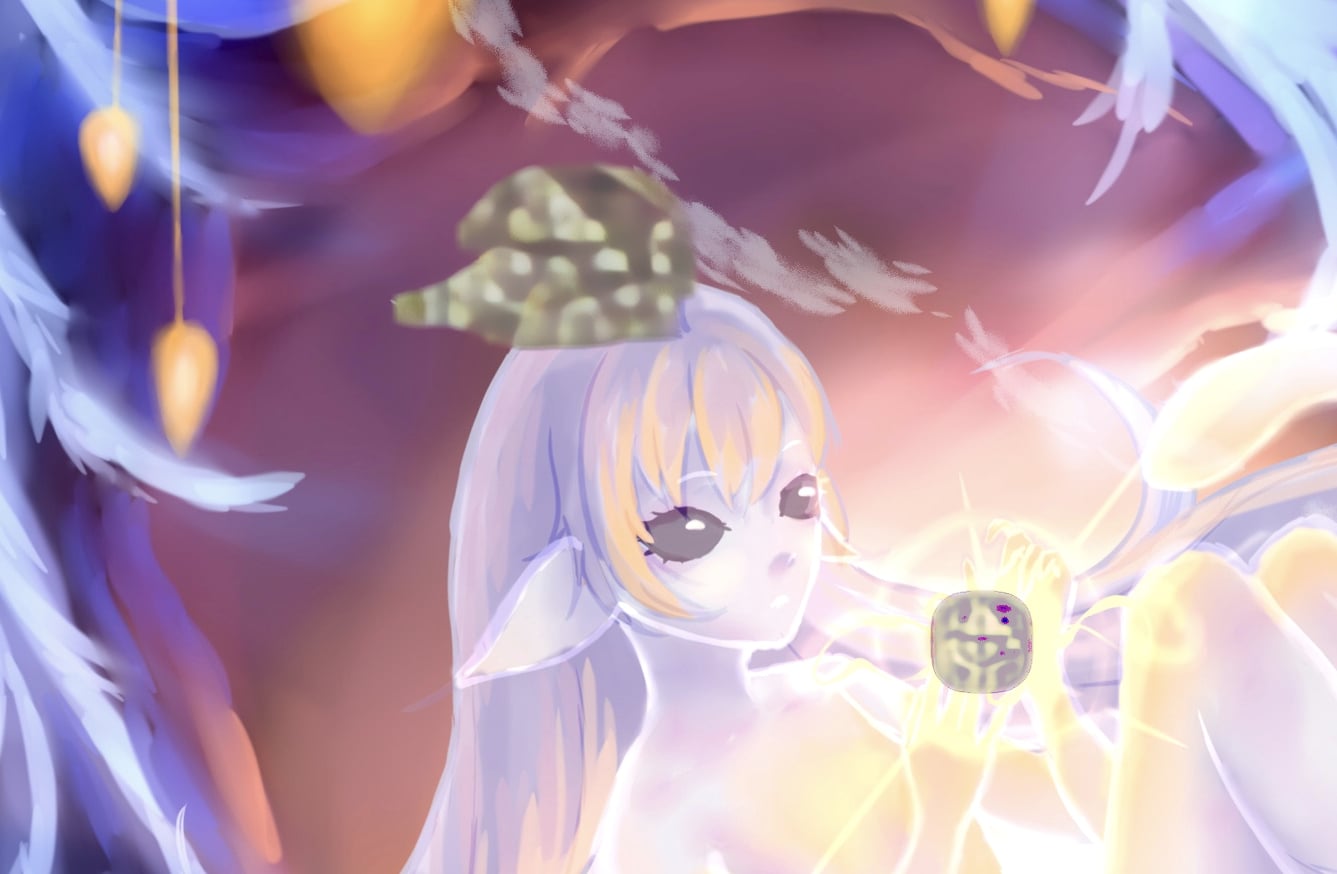
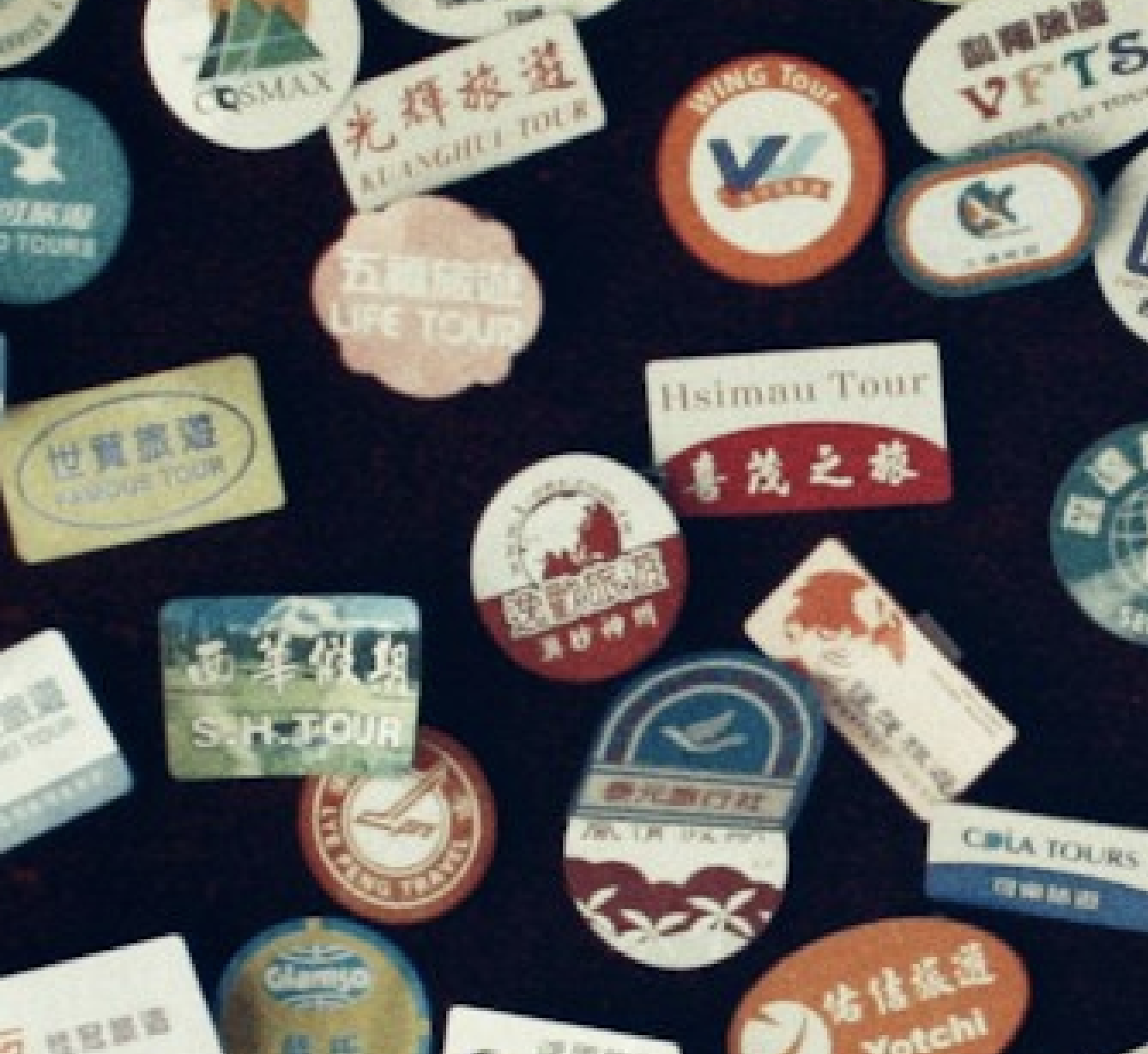
Images with very challenging text have met their match. Before and after processing with Wonder 2.
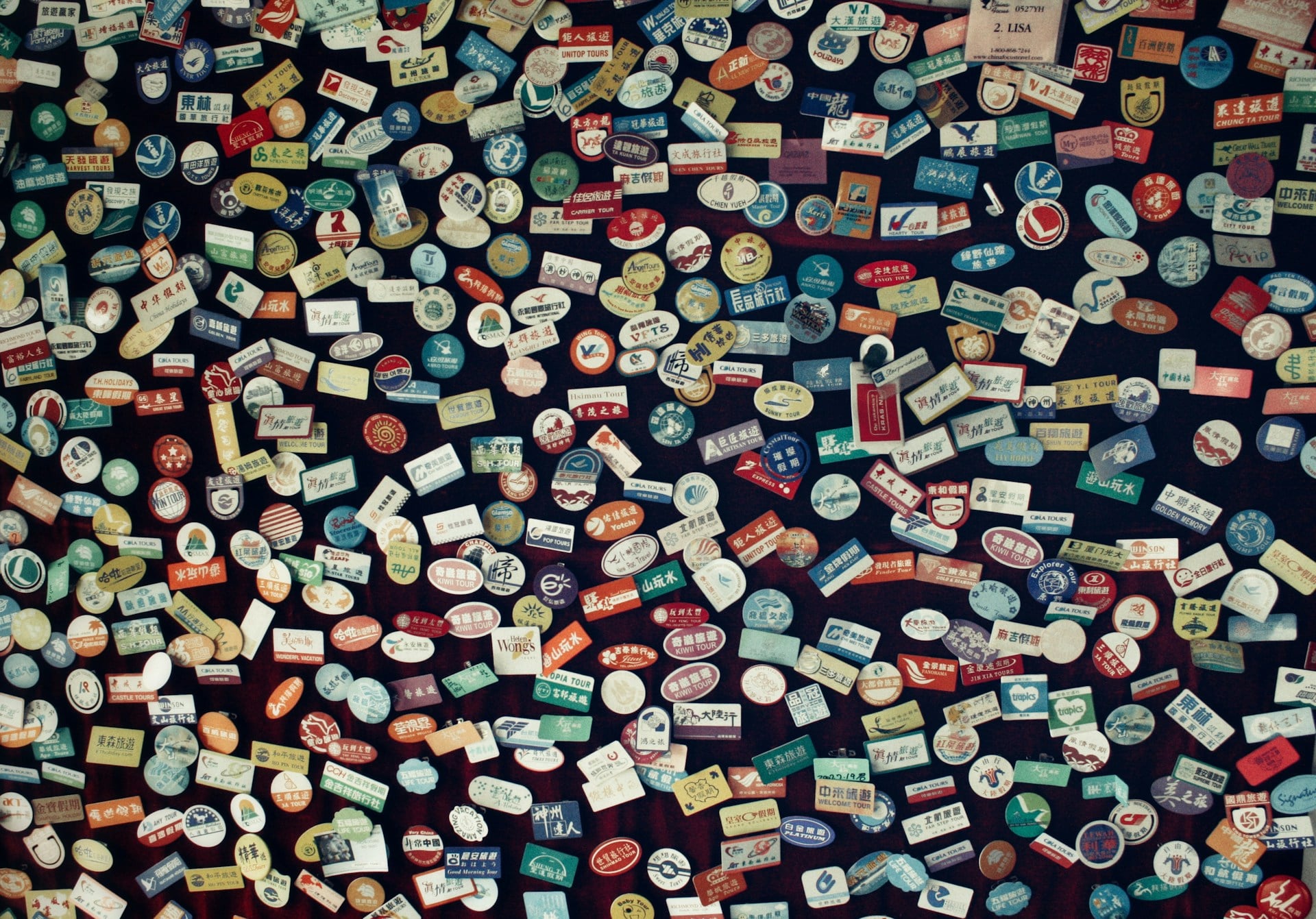
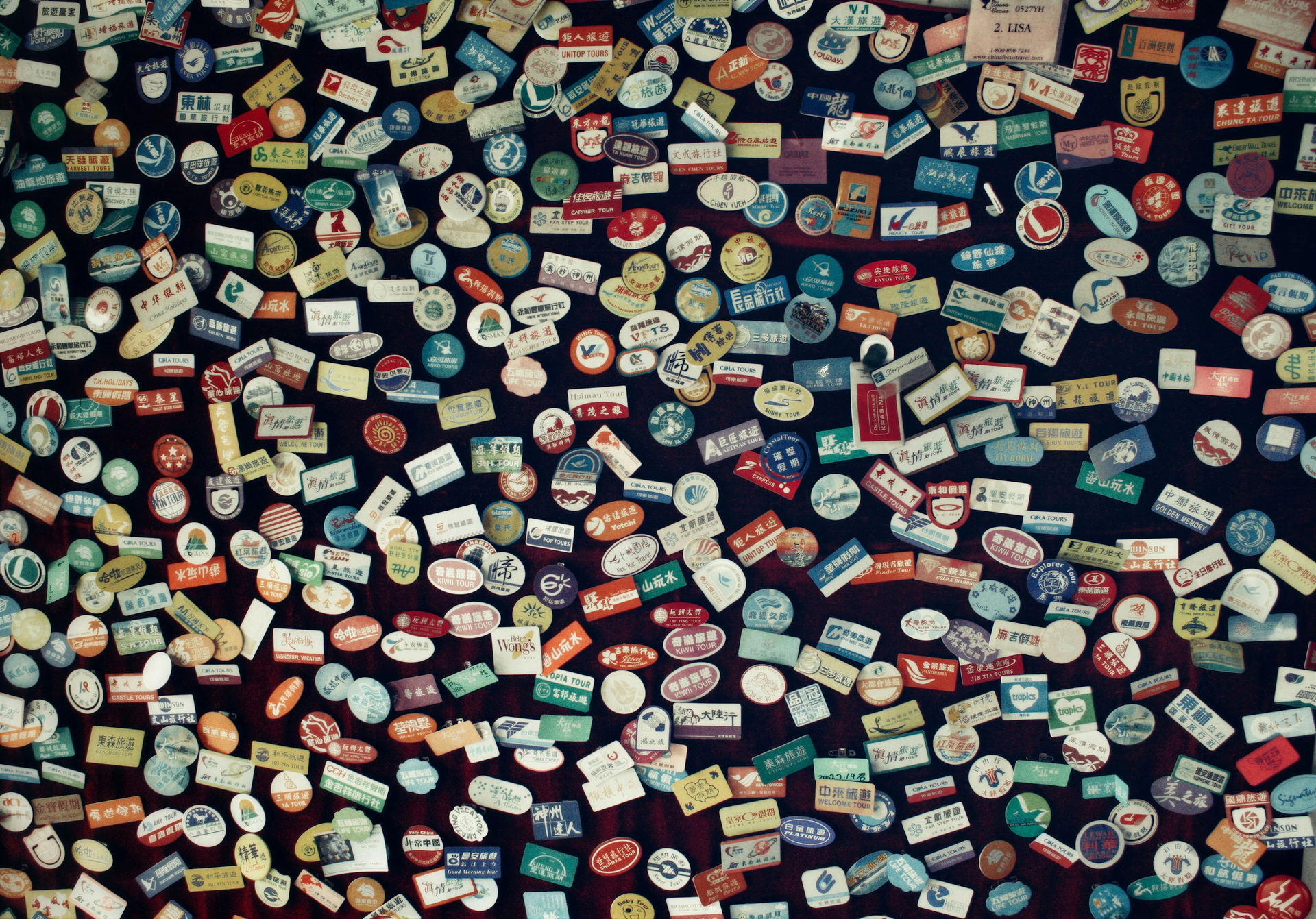
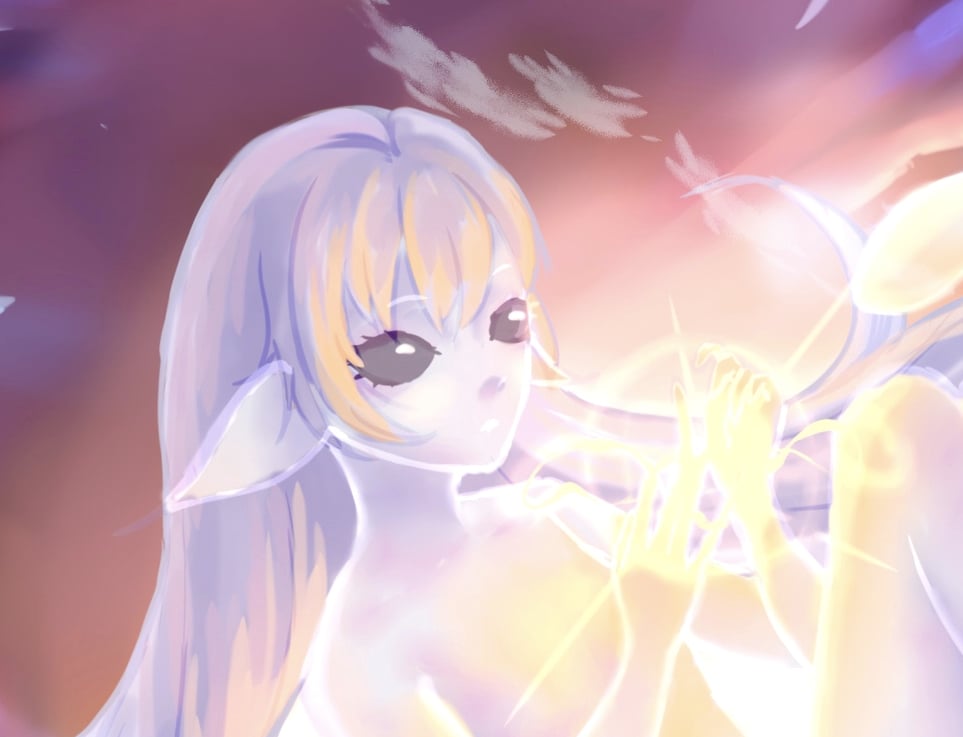
And an impressive close-up of the output.

Wonder 2 is intentionally simple to use. There are no creativity sliders or tuning parameters. Select the enhancement, choose your upscale size if needed (you can also run 1x to improve your image without resizing) and run it. The model handles the complexity behind the scenes, making it ideal when you want consistent, high-quality output without manual adjustment.
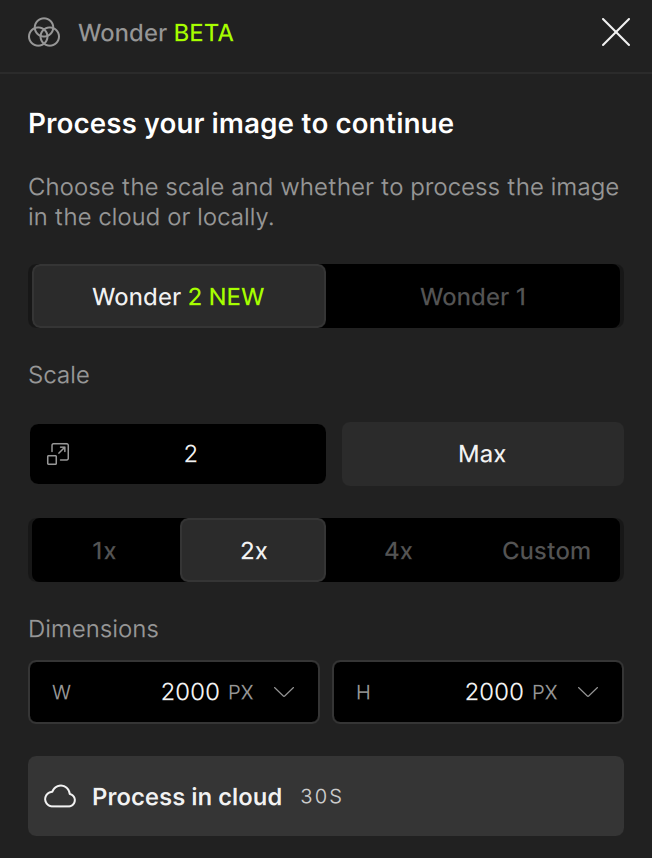
Wonder 2 performs best on low-resolution or challenging source images that need strong cleanup and enhancement. For already high-quality images, it may be unnecessary, but it can still be useful for light cleanup or consistency improvements.
Because of the high requirements to run this model, Wonder 2 is currently available as a cloud-only feature. The maximum cloud output size is 128MP.
Recover v3 - Our Best Diffusion Upscaling
Recover v3 represents our highest quality approach to AI upscaling. It’s built to produce photographic texture, not artificial sharpening or overly processed results.
Instead of simply increasing resolution, Recover v3 focuses on reconstructing fine surface detail for things like fur, skin texture, foliage patterns, and fabric structure. This makes it especially strong for nature photography, wildlife, and portraits, where realism matters most.
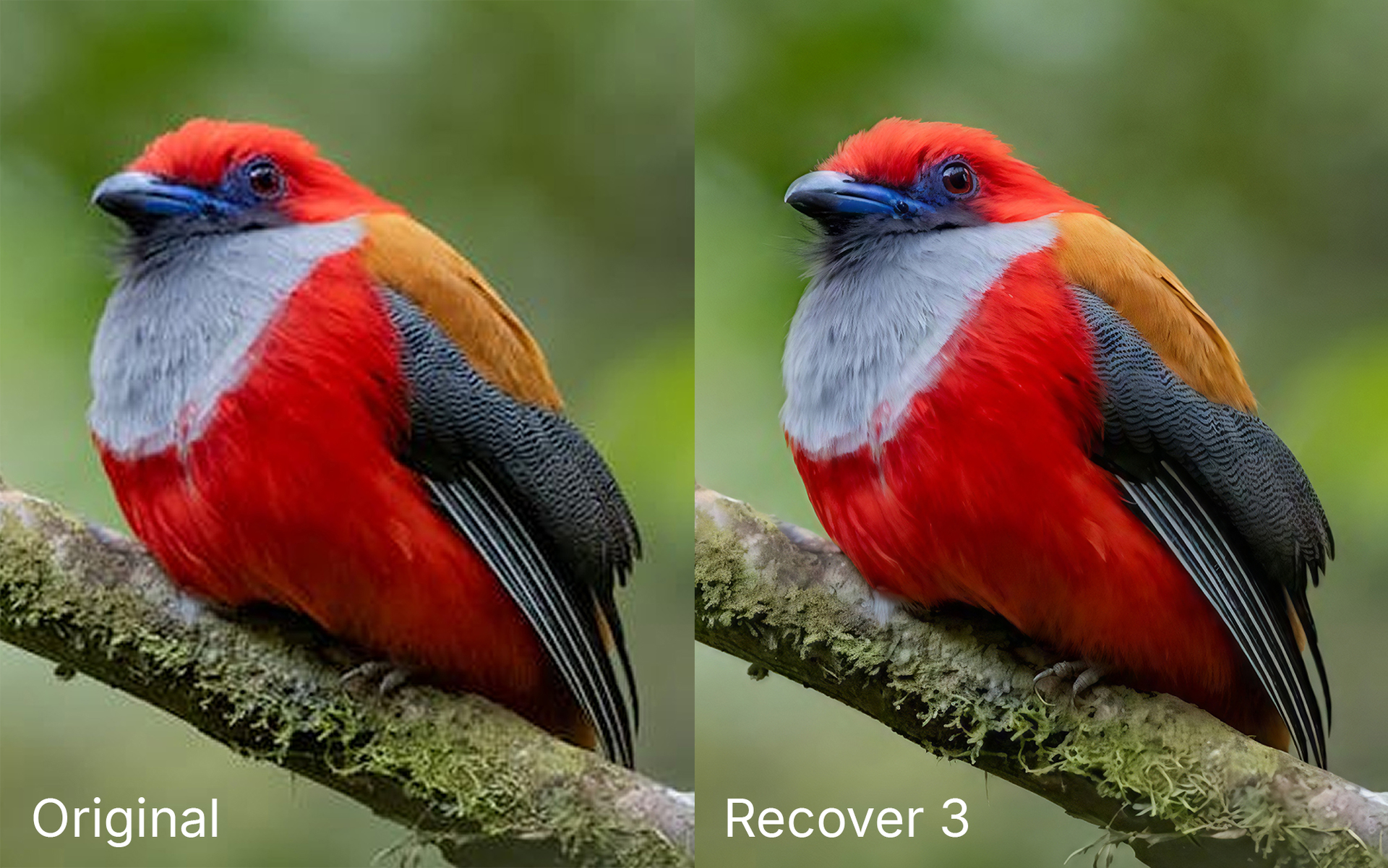
To control the output we introduced a Creativity setting which lets you decide how much texture the model will add. The Low setting is conservative and close to the original image, Medium is our recommended setting for details and natural sharpness, while High produce more fine detail for a sharper output. This flexibility gives you control depending on the source quality and the look you’re trying to achieve. Keep in mind that higher creativity levels can introduce background artifacts, so it’s best used when powerful recovery is required.
Recover v3 supports any upscale size, works with batch processing, and can run both locally and in the cloud. For most users, cloud rendering is recommended for speed. The maximum cloud output size is 128MP. Local processing is ideal when privacy, offline workflows, or unattended batch jobs are more important than raw performance. Recover 3 is slower than Recover v2 (for Gigapixel users who have tried it previously) in exchange for higher quality.
Recover v3 works best on lower-quality images that still contain usable detail. If your source is already high resolution and clean, this model is often unnecessary. It also isn’t ideal for images dominated by text or logos, which diffusion models still struggle to reproduce accurately.
Note: Recover 3 is not supported on Windows ARM devices due to hardware constraints. Local processing on Mac disabled, we will continue to work on this.
Remove v2 - Faster Cleanup With Cleaner Results
Remove has received a major upgrade in version 2, delivering faster performance, improved scene understanding, and more natural-looking fills. Remove v2 now fully replaces Remove v1 as the new default removal experience.
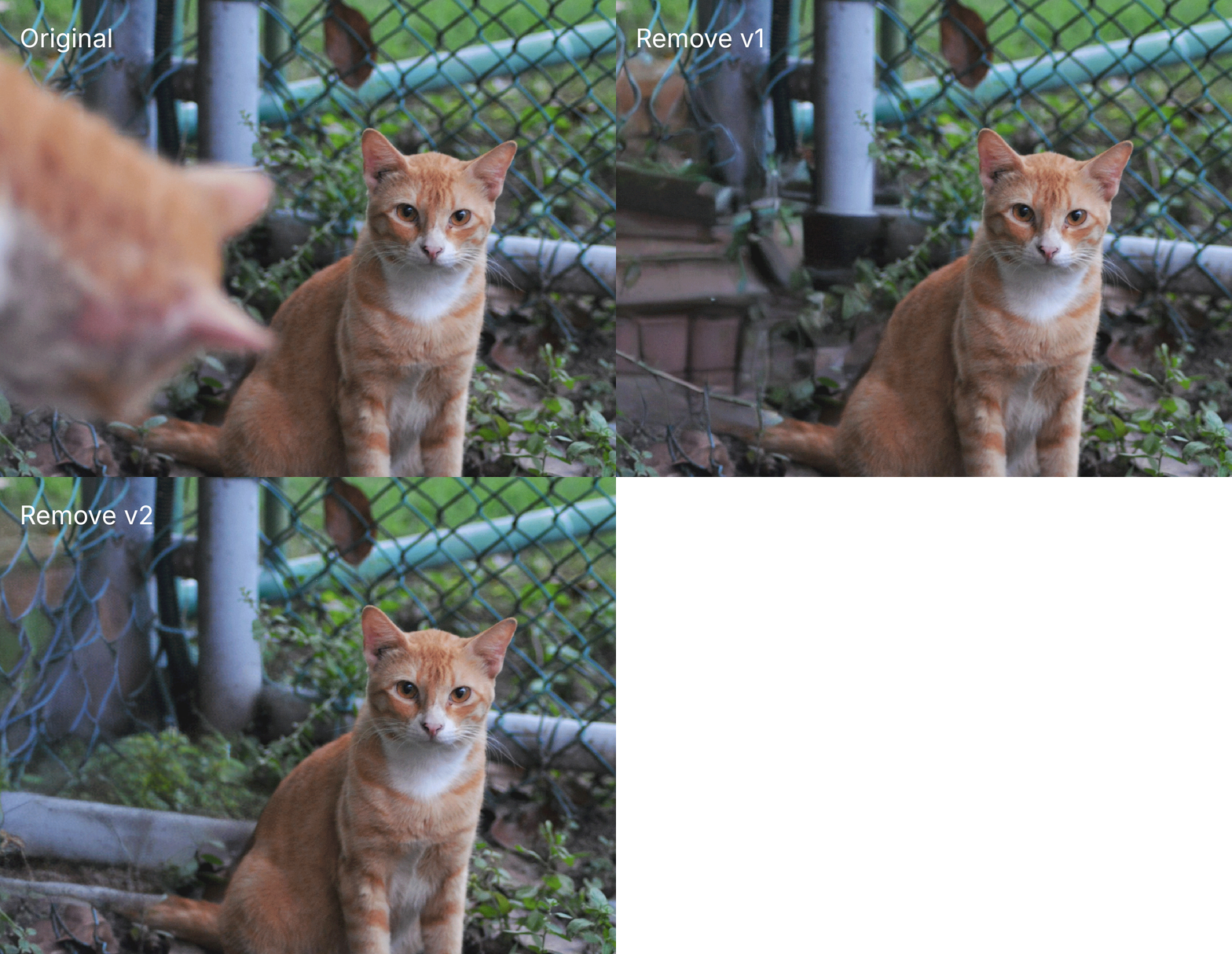
The new model is 100% faster than Remove v1, making it easier to iterate on edits and perform everyday cleanup without slowing down your workflow. It’s also better at handling complex removals where Remove v1 failed, including objects in the foreground, people, and detailed backgrounds with overlapping textures.
Remove v2 analyzes surrounding structure and texture more intelligently, resulting in more believable replacements and fewer visible seams or visual artifacts. For the highest quality results, we still recommend using smaller, more precise masks whenever possible. While Remove v2 is more capable with large selections, tighter masks allow the model to better match nearby detail and produce cleaner fills.
Remove v2 runs locally on both Windows and Mac, delivering fast, responsive performance for everyday editing workflows.
Windows ARM devices and macOS 26 (Tahoe) are not currently supported for this model.
Grain - The Finishing Touch for Natural Results
Grain is a new enhancement designed to solve a common problem with AI image processing: overly smooth, artificial-looking textures.
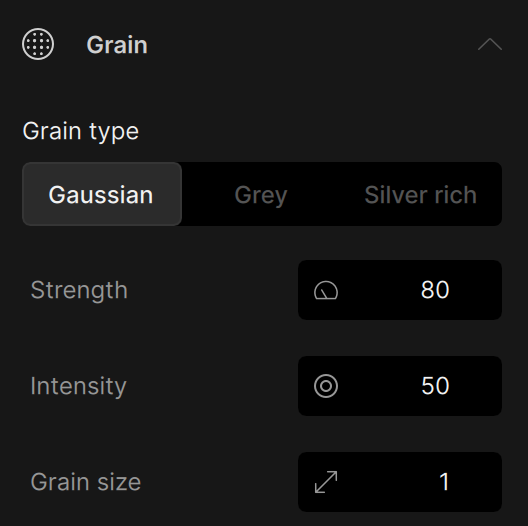
After denoise, sharpen, upscaling, or face recovery, images can sometimes lose natural textures or depth. Grain helps bring that back by adding controlled, realistic texture across the entire image.
This tool is meant to be used as a finishing step, the last enhancement in your processing, to subtly restore organic texture, improve atmosphere, and make results feel more photographic and less “AI-generated”. Avoid using this before other AI models as the grain will be distorted or processed away.
Grain includes three generation modes, with an example for each:
-
Gaussian - Adds fine, randomized grain that includes subtle color noise across channels. Best for recreating natural sensor noise and modern digital texture with smooth, even distribution.
-
Grey - Applies consistent monochromatic grain without introducing color noise. Ideal when you want added texture and depth while keeping color clean and stable.
-
Silver Rich - Simulates classic analog film grain with organic clumping and higher contrast variation. Designed for cinematic and vintage looks where texture becomes part of the aesthetic.
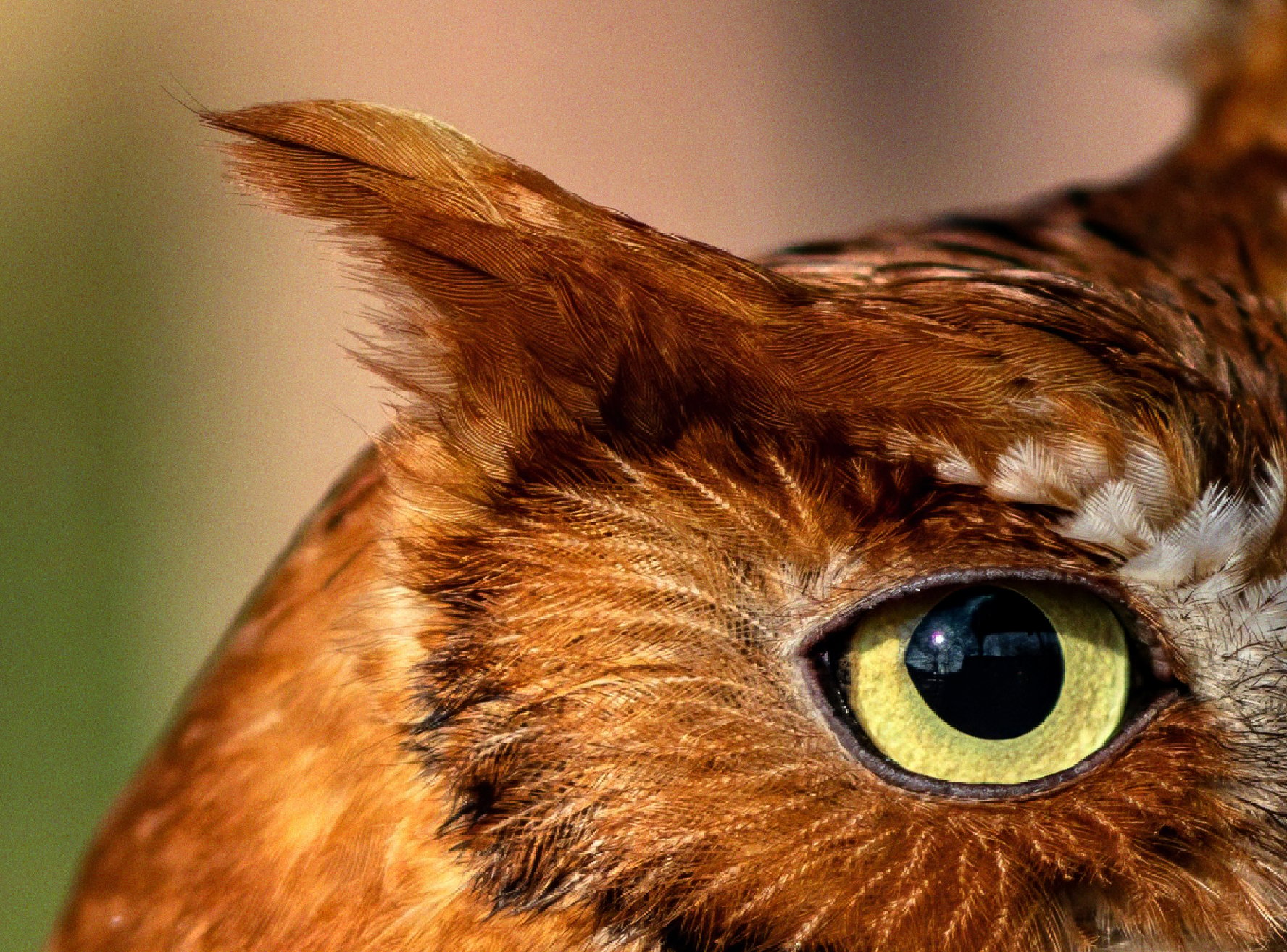
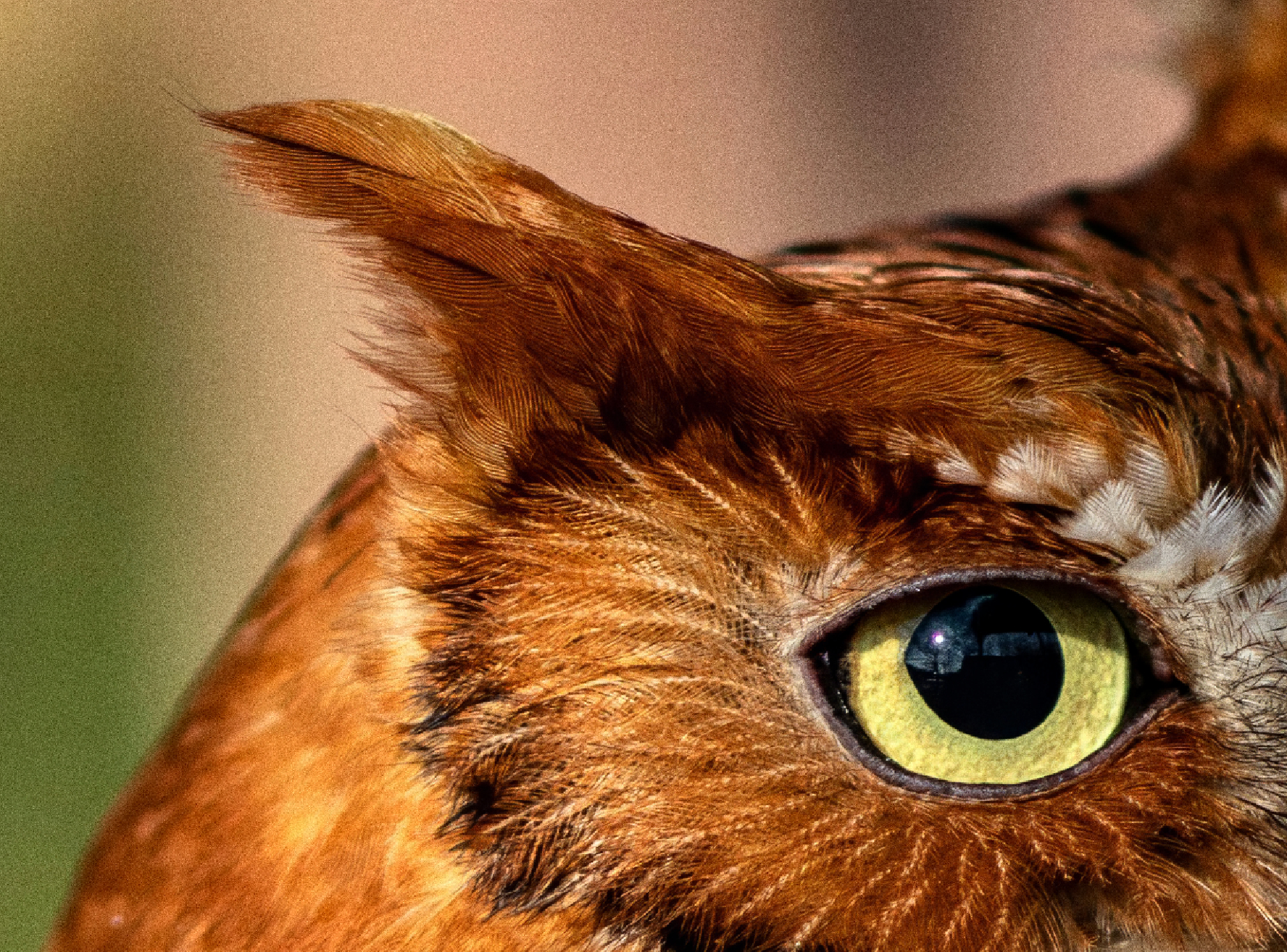
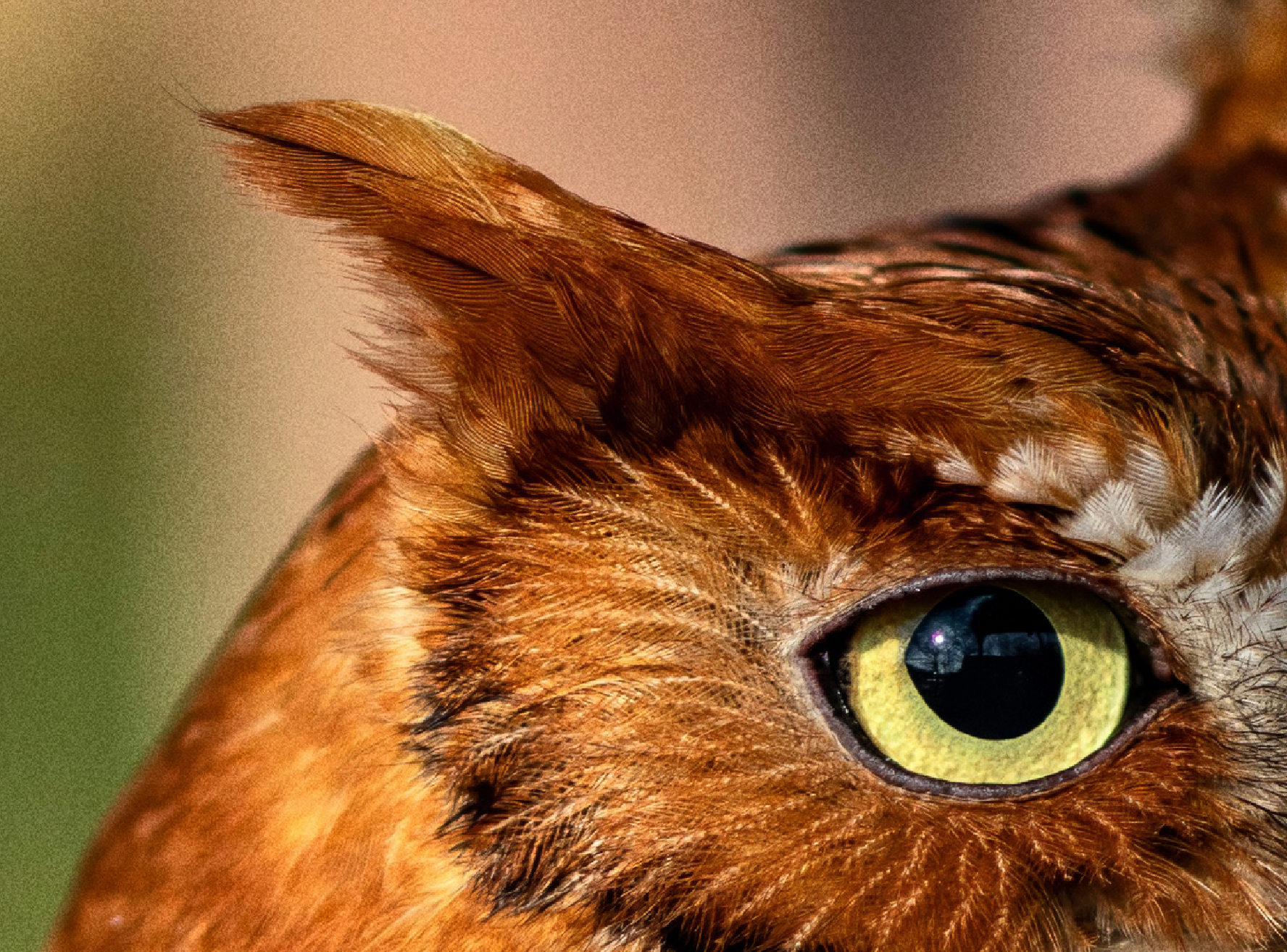
Each mode gives you different stylistic textures to match your image. You also get full control over grain strength, intensity, and size, allowing you to dial in effects from subtle realism to more stylized film looks.
The effect is applied directly to your export and processes nearly instantly, so it won’t slow down your workflow.
Known Issues
- Cloud render progress not updating for Wonder 2 and Recover 3 cloud render
- Disabled Recover v3 Mac local processing, cloud only for now
- Disabled Remove v2 macOS 26 (Tahoe) local processing
Changelog
- Add Wonder 2 cloud render
- Add Recover v3 cloud render, Win local render
- Add Remove v2
- Add Grain
Lingyu Kong
Technical Product Manager
Image AI