Hello all! We are fixing the Sharpen model selection issue which will be releasing later today.
4 Likes
Thank you!
1 Like
@AND-E gave a great answer to your question!
To add on to it, Generative models will create details and information which you probably want if the image is low or missing detail to begin with. The Wonder model performs great images for that reason.
However if your image already has the detail that you want then you may only need to enhance what is already there. I would use the basic models (denoise, sharpen, upscale) when your image is already high quality
2 Likes
Do you remember what the error was that appeared when you tried to update? I have seen that issue a few times, would like to find the root cause to see if it’s an installer or client error.
Could you send logs for Wonder local render?
I could replicate the issue but I did not see any error pop ups or anything of the sort. I would click on the “Upgrade” button and a GUI box would pop up asking me whether I wanted to repair or remove the application. The “Update”button was greyed out. Repairing Topaz Photo did not solve the issue…I could either remove or repair, but not upgrade.
I am away from my laptop for a week so I cannot send any error logs, if they remained after I removed the application and then reinstalled. I did not delete the directory tree so there’s a chance something was left behind?
Cheers!
Thank you. I understand the advice and appreciate the guidance.
Hiya. I sometimes get an error running model error for particular images when exporting batch-processed images on a Mac Studio M2 Ultra. It disables my ability to export the image with its edits and upscaling. The Mac is using the latest update Sequoia 15.6.1.
Please get your logs from the Help > Open log folder menu option. You can message them to me privately or upload them here so that I can review.
We just released the v1.1.1 patch with a fix for Sharpen - Portrait set as the default model for all sharpening. Model auto-selection is working as expected again.
v1.1.1
Released December 22th, 2025
Windows : Download
Mac : Download
Snapdragon : Download
2 Likes
It appears to have fixed the issue. FYI - in V1.1.0 and V1.1.1, “Automatically apply filters” is disabled after installation.
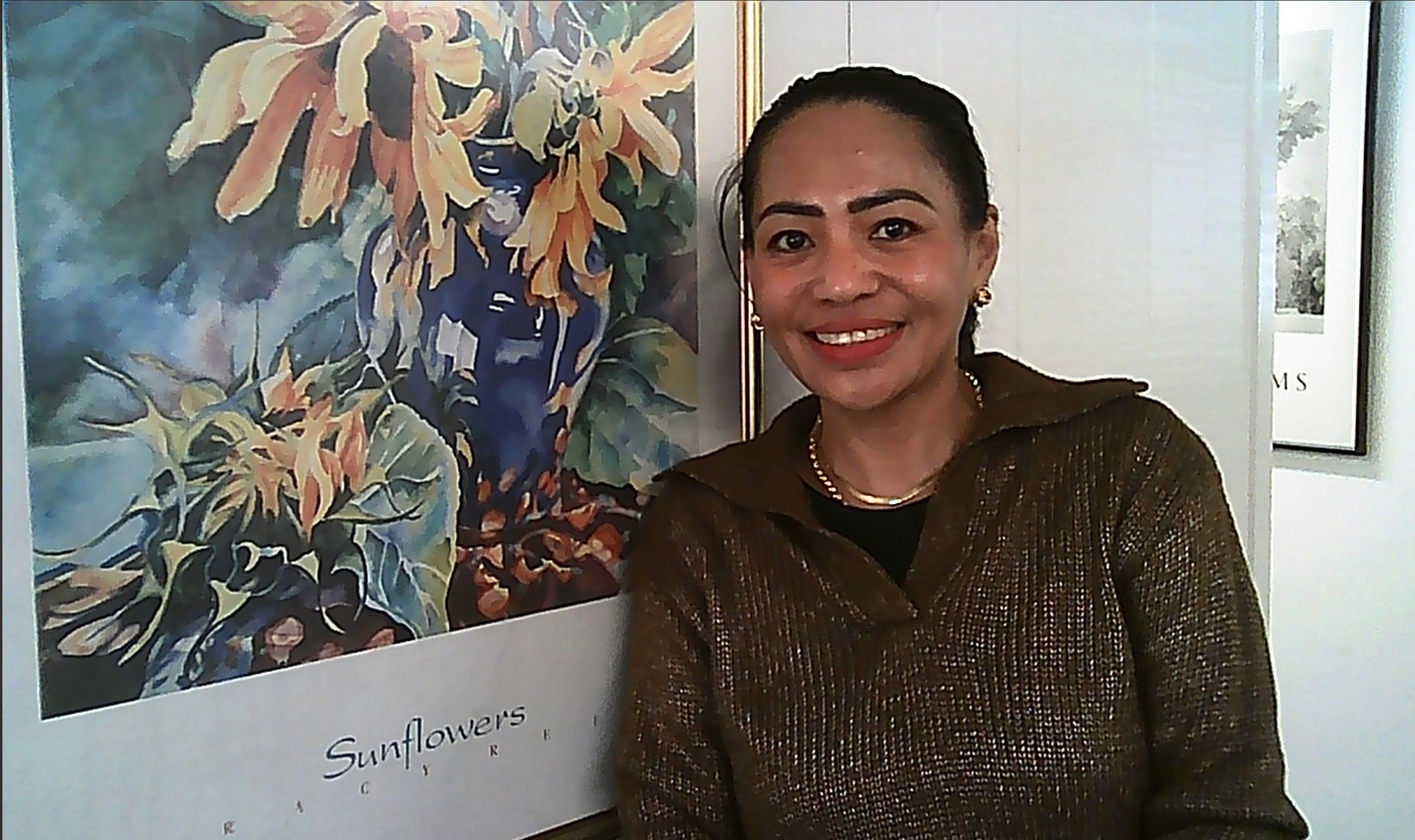
As you may (or, may not) know, there’s a huge fad right now for people to shoot photos with mini keychain digital cameras (Kodak Charmera, ProActiv Mini Shot v340, etc.) that boast a whopping 1.6 - 2mp image resolution. Needless to say the quality is dicey but it gives a retro vibe. Most of these dinky cameras shoot .jpg stills and .avi video.
Being a (partially reformed) gadget freak I just shot a pic of someone I saw today with the ProActiv mini cam. Below is the Before and the Afters - (ie, processed to within an inch of its teeny tiny life). 
Before - from mini 2mp keychain camera:
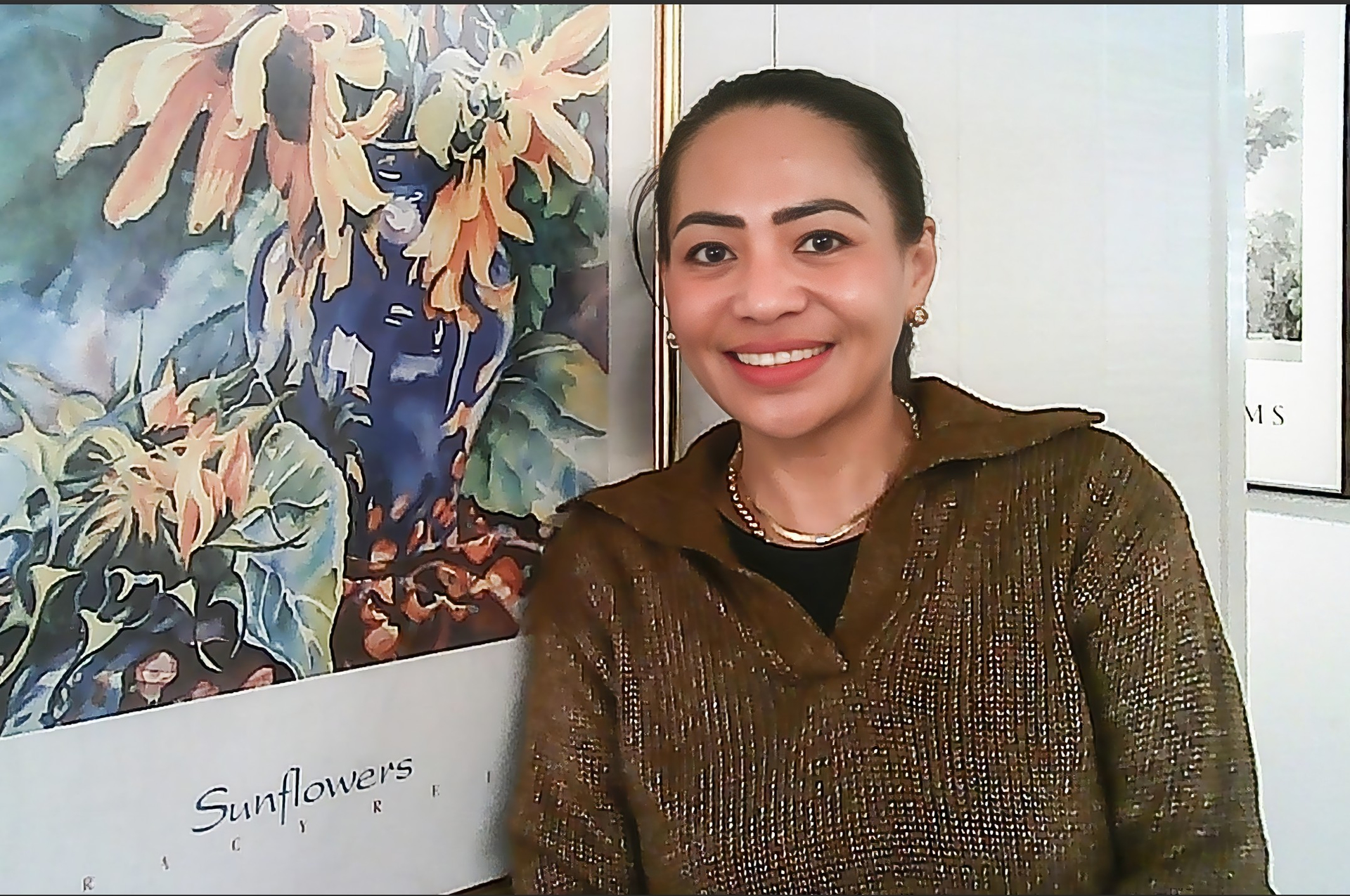
After - ACR (Adobe Camera Raw), Studio Giga - Recover (incl Face Recovery) - Creative, Studio Phot - Denoise, Sharpen - Portrait):
After - Ps 2026 - subtle Vignette & Brighten center:
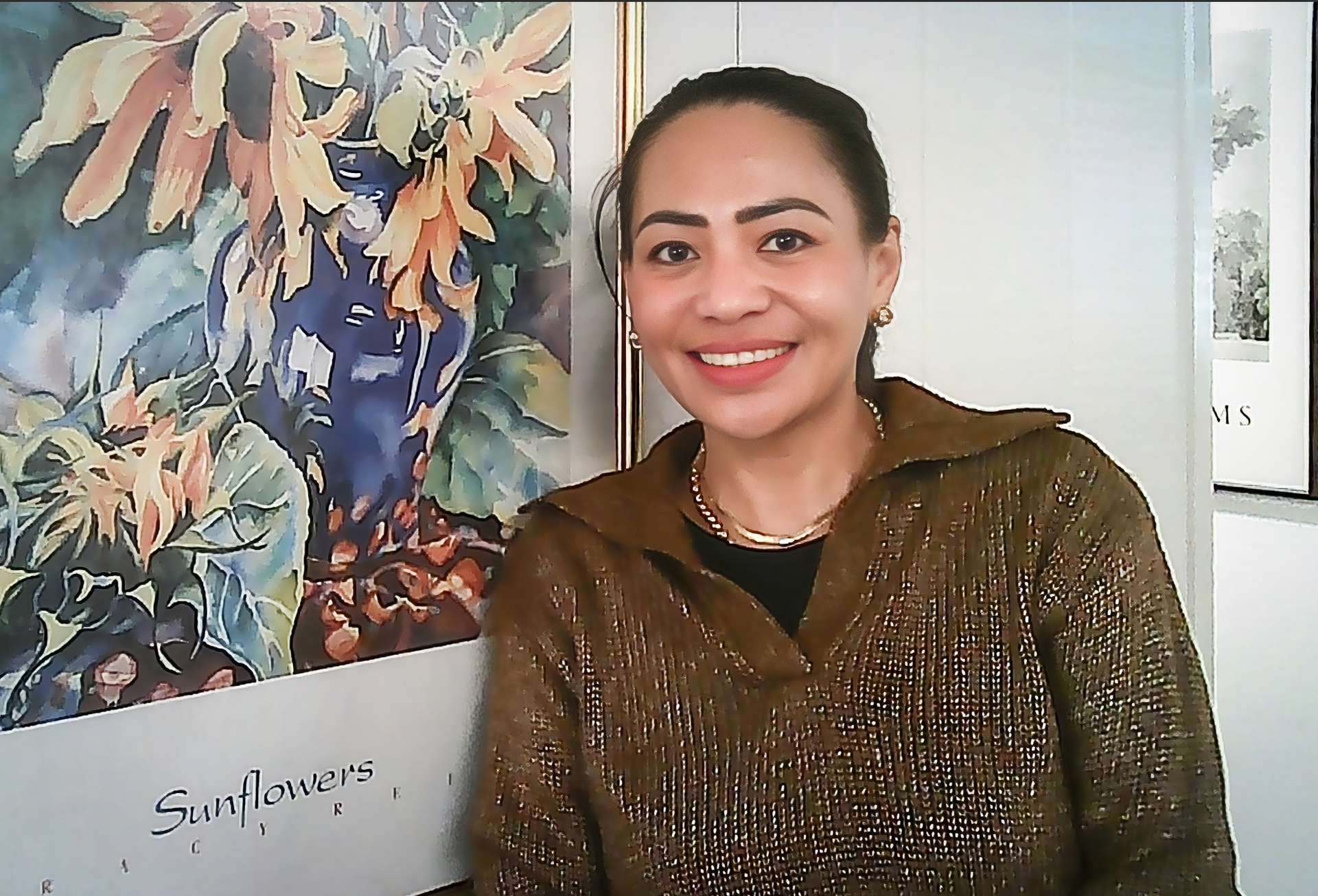
This looks more accurately like her skin color (and without the quasi posterization from the insignificant mp’s) and it picked up the sparkly detail on her top. But cleanup was done without losing the slight bump on her forehead (it’s not a temp, so I don’t remove things like that). And, the Topaz revs in the process fixed her teeth that the mini cam did funky things to… It’s not a high res DSLR or mirrorless pic but for a fun, fits about 3 of them in the palm of one’s hand camera it’s a nice toy cam to play around with and programs like I used can take what’s captured to whatever level of restoration one desires.
4 Likes
1 Like
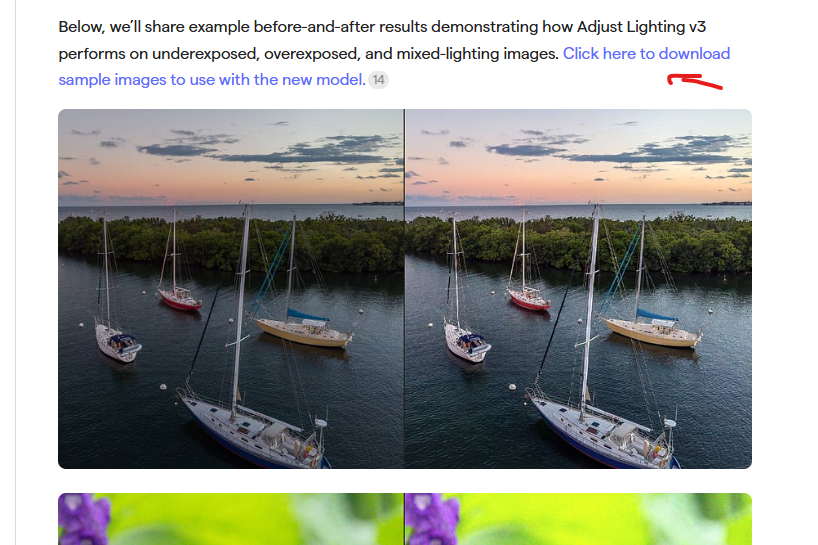
Fixed! Thanks for pointing that out. Sharing the updated link for adjust lighting samples here as well.
2 Likes
The update is not working. Another installation is in progress … but that is not the case. Even installation from the .msi file does not work.
For the Adjust Lighting v2 model (v3 is probably the same) the sliders should always have a default value of 0. They’re a separate tool for manual post process adjustments, and don’t affect the AI model processing.
2025-12-25-12-08-24.txt (258.6 KB)
Here it is.
My PC crashes when I open Photo AI, both in Lightroom and Photoshop, and also in the program itself. I can’t even save a log file because it happens too quickly. This problem has been going on for about two or three days.
Are you trying to use the now legacy Photo AI (which you mentioned) or the new Topaz Photo (from the Studio Collection)?
Have you tried uninstalling and reinstalling it?
Have you looked (depending on your operating system - Win?) for the Appdata folder on your computer’s C: drive to see if there’s a Logs folder under Topaz Labs LLC there? Once under there you’d have to find the appropriate Topaz product name folder.
Merry (?) Christmas.
2 Likes
Did you say what OS you are running?
1 Like
