We will continue to release updates that balance bug fixes, prioritized by the number of users affected, with the implementation of new features based on user suggestions, technological advancements, and feedback. Please note that all changes require time to develop, test, and deploy. Thank you for your continued input everyone!
2 Likes
Same here, the error introduced in v4.0.2, where edits made using the plugin in Apple photos were not saved back into the photoslib, remains in v 4.0.3
@willemluytjes - The plugin issue is fixed on our side and is fixed for a lot of users that originally reported the issue that we reached out to to fix the fix. However a few users have issues that persists. To see if it’s something we can fix right away on you machine - Can you send to support@topazlabs.com screenshots of the v4.0.3 behavior and logs (Help menu > Open Logs folder) and we can have a look at what is happening. Once the logs are gathered and the screenshot sent to support@topazlabs.com, revert to v4.0.1 while we investigate!
Hello Ange.
Is it possible to remove a Like for a post. I think I may have given it accidently and now believe that the posted picture is a fraud. I don’t take it lightly when I’ve been deceived. 
Best regards Bob.
Just click on the red heart (where you clicked to add the like) and your like will be removed.
Hello Paul.
Sorry to have called you Ange.
I clicked on the Red Heart and all I get is a red circle with a line struck through it and nothing happens. As soon as I hover my mouse over the heart it greys out.
Sorry if I’ve misled you - all I can say is it works like that for me
Ok Paul. Thank you for your help. It works on other posts I’ve liked but not this one.
It’s very frustrating.
You can only remove your likes for a limited time. How long that time is, I don’t know.
1 Like
Thank you Hills. It would seem that you are right.
Regards Bob. 
2 Likes
@XpFan - Unfrotunately - There is no ability on our side to “remove” a heart that was put, only the user can do that. There could of been a time frame and that time frame is passed!
Hello Ange.
Ok. Thank you.
Regards.
Sorry to ask but is this project dead already …?!
Ange.topazlabs ange.topazlabs@gmail.comTopaz Labs
Yes, betas for both Photo AI and Gigapixel are in testing with new models. Stay tuned!
1 Like
I enable download the model download thing and each time after a download in the mist of doing the AI, it stays Previewing for a very long time. I wonder what is happening? Thanks.
@mrtoyota03 - This can either be an outdated driver for one of your graphic cards, or missing models. You can send your System Profile and logs to support@topazlabs.com and we can confirm and sort it out! Steps to do this here
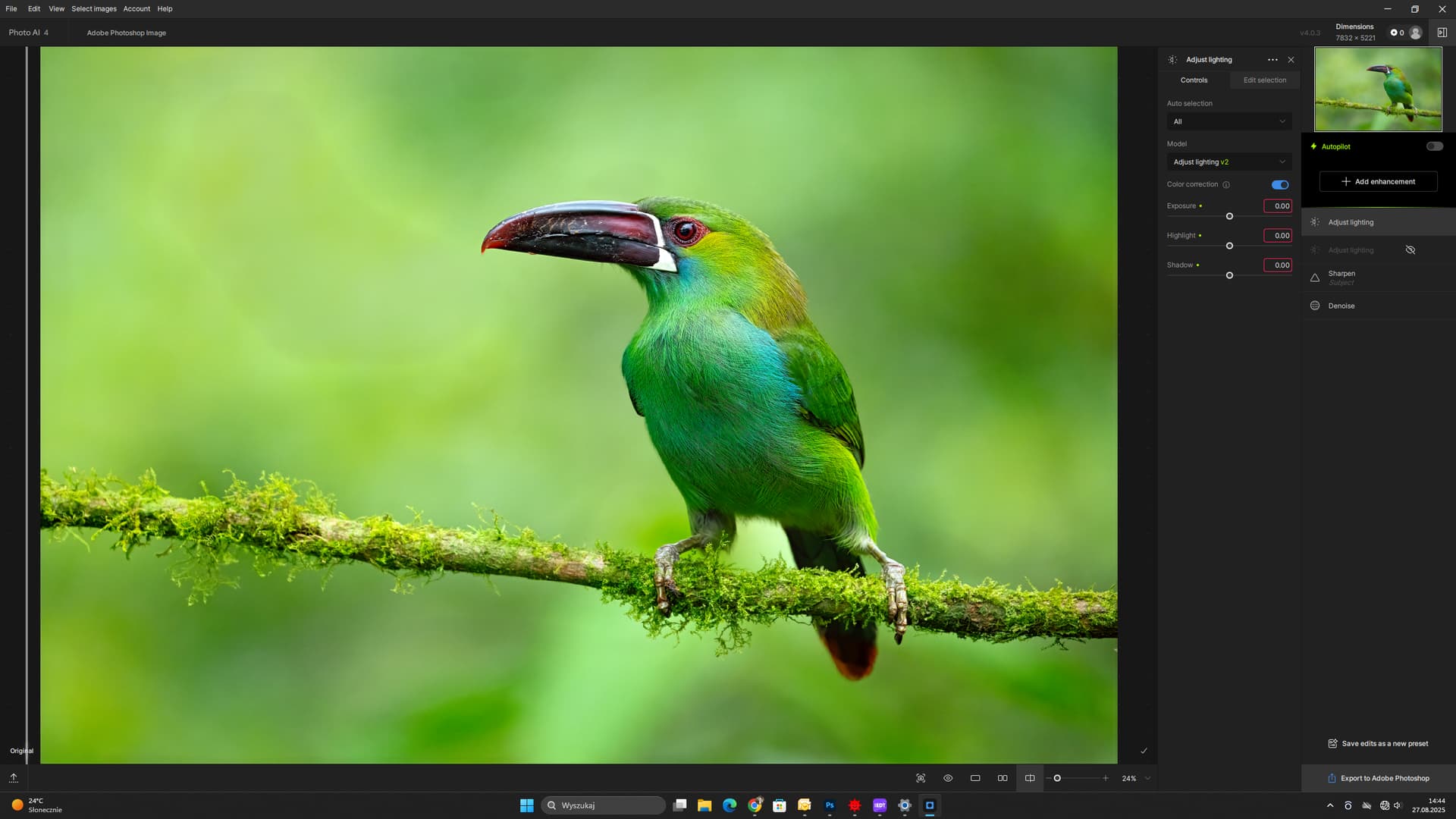
I have the problem as in the photo. After applying the Adjusting Lighting filter, spots appear in the background. How do I eliminate them?
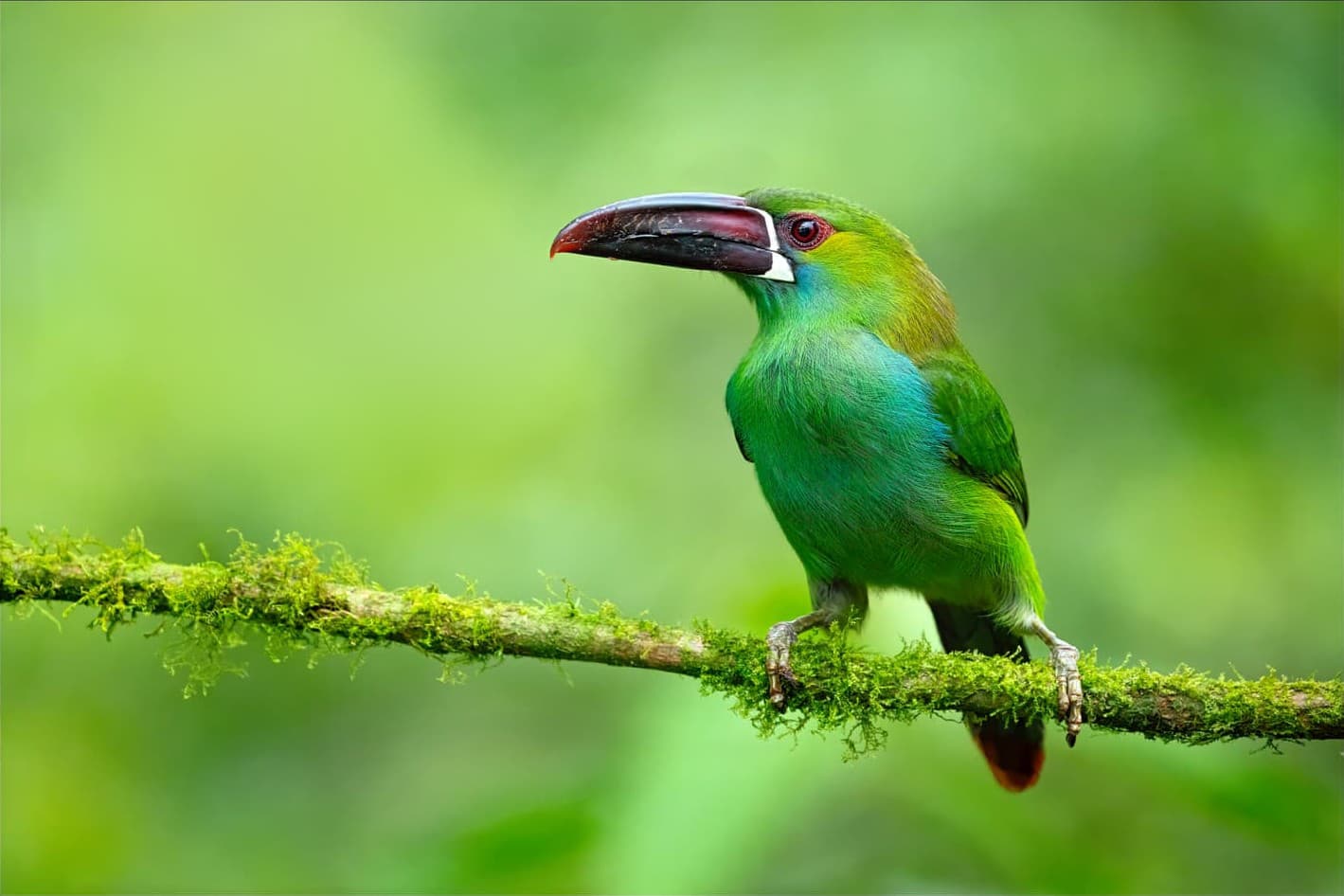
This looks better, but why is this filter generating these spots? Am I setting something up wrong?
Hello Adam.
You didn’t post an original picture so I can’t test it with the same settings you used. I had to use a work-around to get rid of it.
Have you tried updating your graphics drivers?
I opened the picture in Affinity Photo 2 and masked the area affected and created a layer to which I applied a Gaussian Filter to at 33px.
By the way I’m a forum member. If I haven’t been of help then wait for a reply from a Topaz staff member.
Regards.

2 Likes
