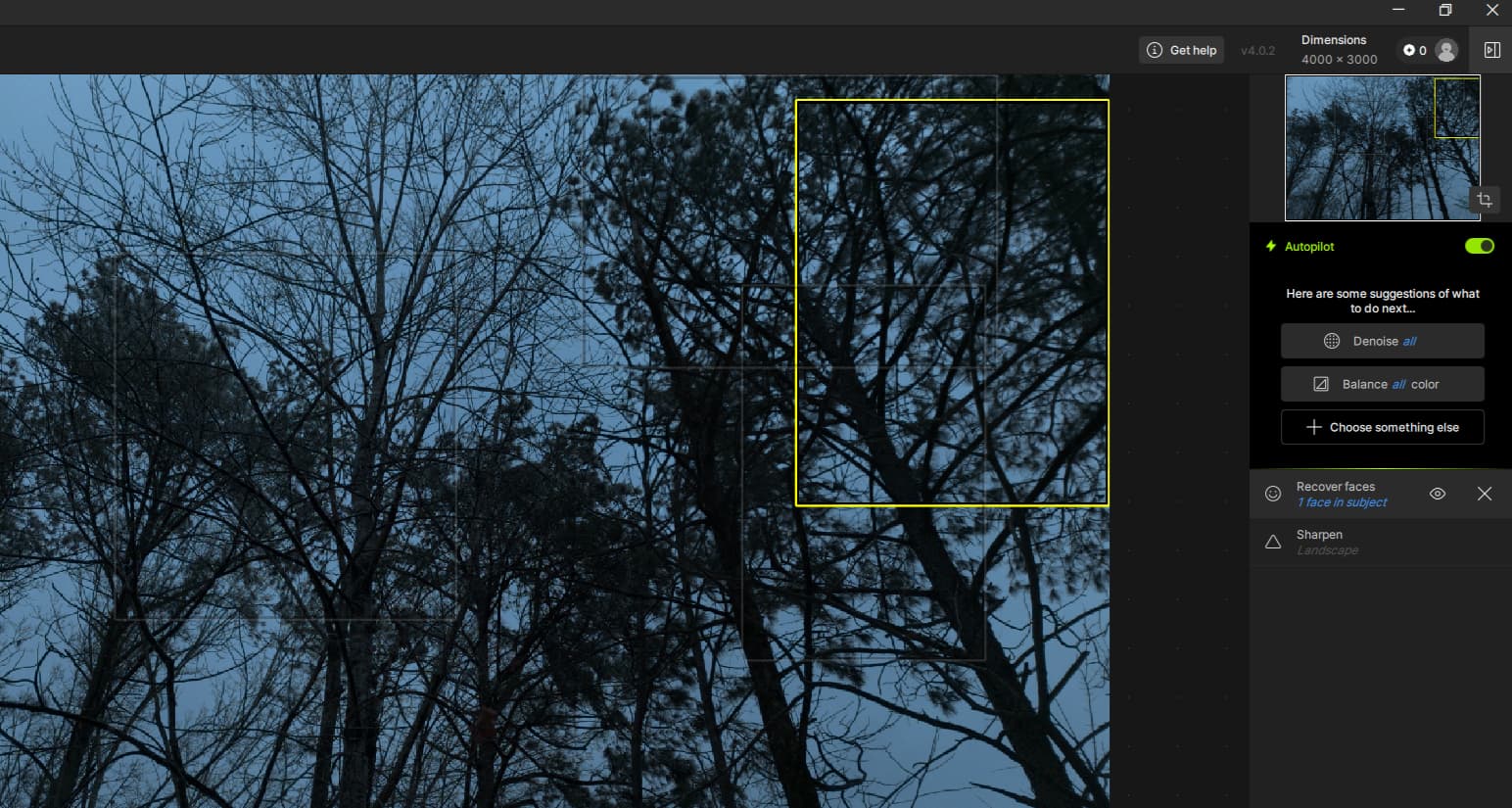
@andreatakesphotos make sure to send to support@topaslabs.com an email with logs of your app and we can have a look to see what can be happening!
I think Super Focus V1 looks much better than the sharpen strong model.
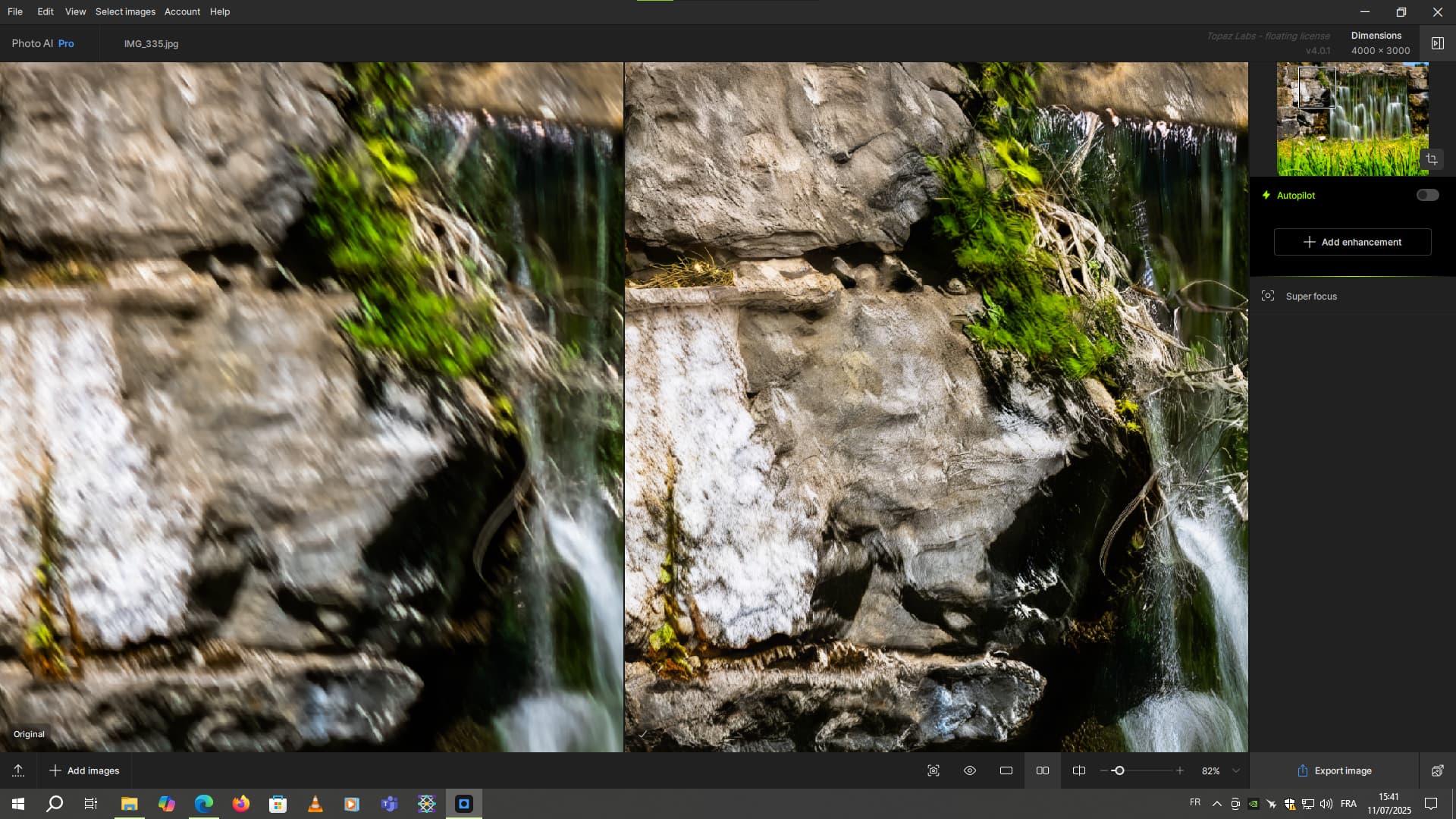
With Super Focus V1.
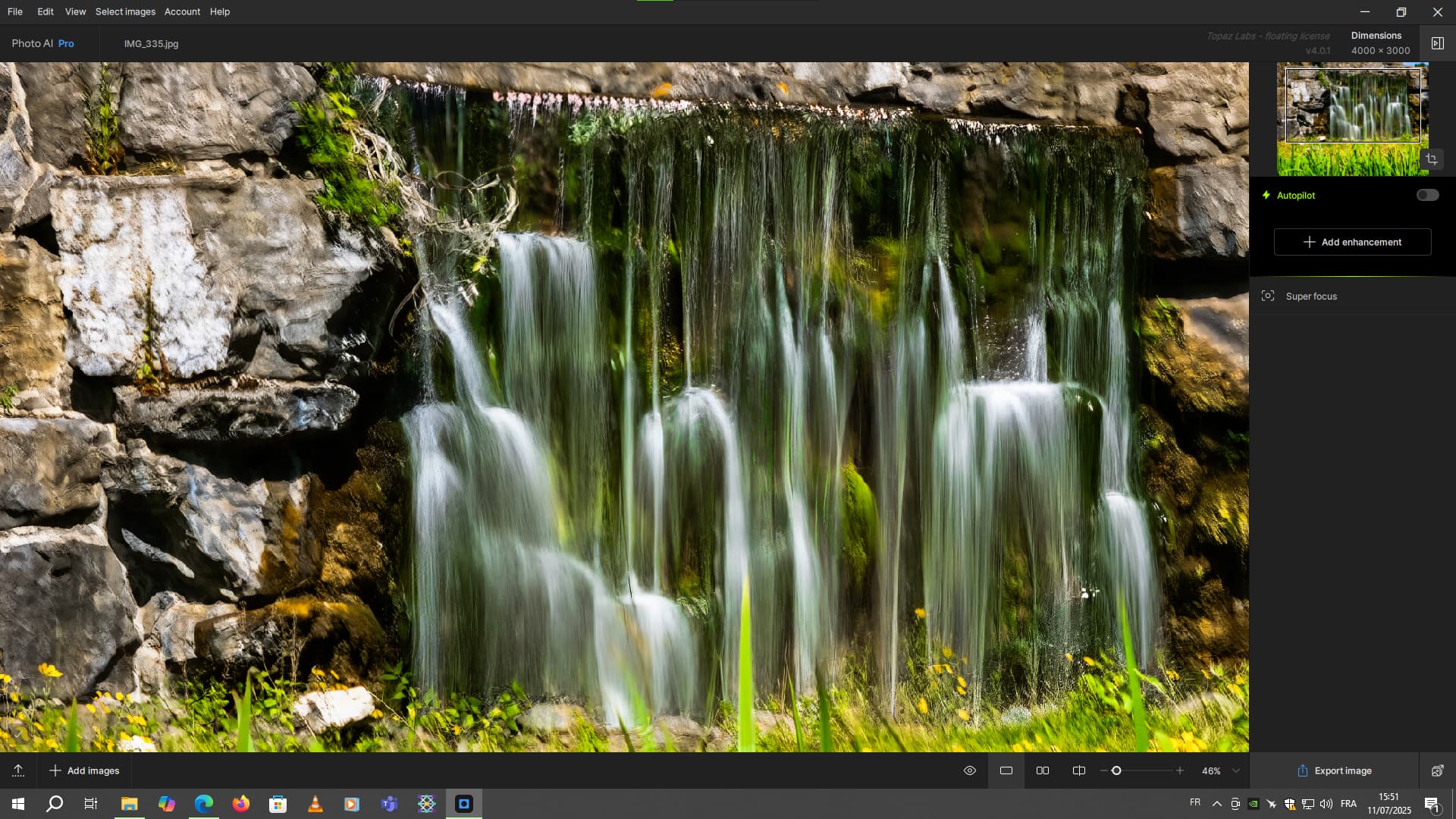
With Sharpen Strong
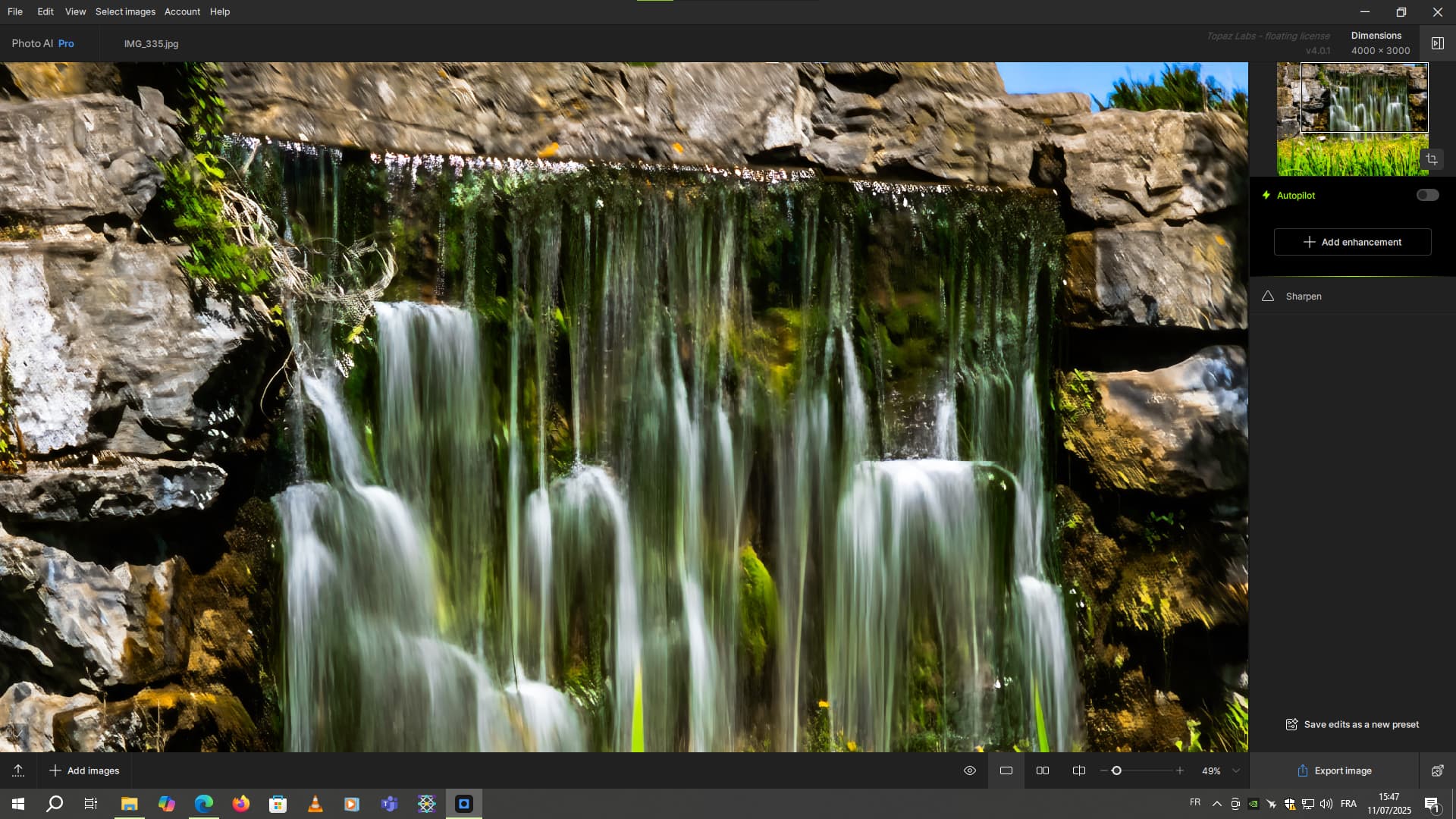
But the sharpen strong will be used for the water part.
1 Like
Hi Can I downgrade to older version
The photo ai new update too slow on my mac m4 latest version
only sharpen 1 photo it’s take 40minute
Hi.
Certainly you can here’s the link to the previous version for you to download
https://downloads.topazlabs.com/deploy/TopazPhotoAI/4.0.1/TopazPhotoAI-4.0.1.pkg
Here’s the link for the version previous to 4.0.1
https://downloads.topazlabs.com/deploy/TopazPhotoAI/4.0.0/TopazPhotoAI-4.0.0.pkg
And the the link to all previous versions
Hope this helps
1 Like
Hi
is there a solution to avoid artefacts like visible in these crops:
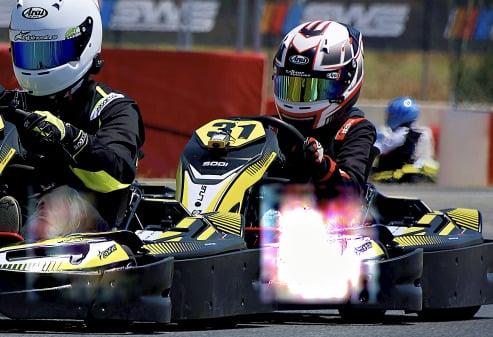
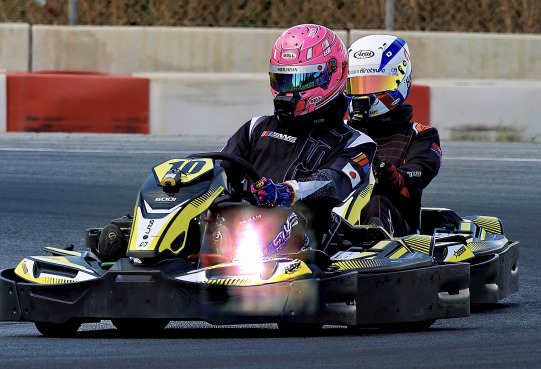
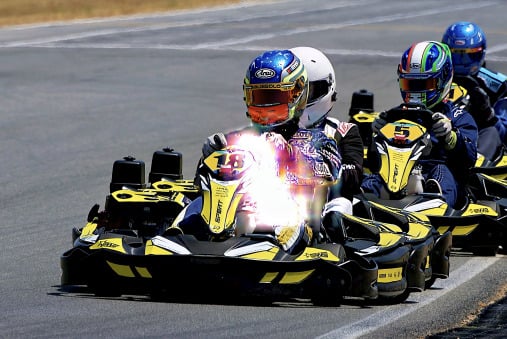
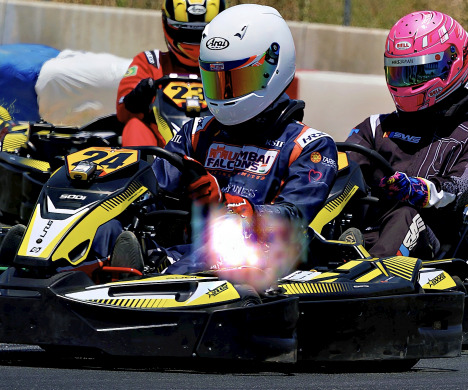
They are primarily close to the center of the original pictures.
@erik.forker - This would be a processing error, most likely due to a graphic card issue or driver update needed. Can you send to support@topazlabs.com your System Profile and Logs? Information on how to get these files here. Once we receive these we can sort it out!
After installing v4.0.2, the first time I used it, I received a pop-up saying it had to re-download models, and it seemed to loop continuously. I shut it down and contacted support and they sent me instructions to reinstall v3.6.2, which I did, then updated to 4.0.0 and 4.0.1. I do not have NVIDIA 50 series on my system so I will be staying on 4.0.1 until the next update.
Have similar problem on my Mac. Waisting a lot of time waiting the models re-downloaded over and over again! Can you please share the link to reinstall v.3.6.2? Thank you!
Hi.
Here’s the link for version 3.6.2
https://downloads.topazlabs.com/deploy/TopazPhotoAI/3.6.2/TopazPhotoAI-3.6.2.pkg
Simply Download and install, no need to uninstall version 4.0.2 as this will be taken care of during the installation process
Here’s the link for version 4.0.1
https://downloads.topazlabs.com/deploy/TopazPhotoAI/4.0.1/TopazPhotoAI-4.0.1.pkg
As before no need to uninstall the previous version first
Hope this helps
@koshelevsergey3 and @keithz829 - any missing models progress bar means a security feature on your computer or your router security settings is blocking the installs. That can be VPN, firewall, antivirus. To rerun the installer as REPAIR of the version missing the models (or normal install if you are updating to a newer version), with security features turned off to find the blocker. If it’s the router, you can test running the installer while connected to a mobile hotspot. Once all models installed, you can turn all the thing you had turned off or connect to your regular wifi instead of the hotspot.
Getting back to a prior version is only a bandaid, as the models already are installed on your machine. To get to newer versions, the blocker will have to be found and bypassed with the above steps.
Just updated my topaz release on an MBP 16" M3 Pro and have had multiple crashes, failed launches or really slow performance with AI analysis despite turning off the option to have the AI auto run every time.
Analysis is not related to Auto-Pilot and is necessary even if Auto-Pilot off. For the crashes, were you editing multiple files? If so, see here for steps to revert while the development team looks into a batch issue on some macs: [Mac Batch processing] - Photo AI v4.0.2 crash on batch processing - #4
Hi Ange, thank you for your response, no, I was just trying to make edits to a single file that I had opened. Tried just dropping it in as well and still had unreliable performance. It wasn’t a file issue as I was able to work on it in various other Adobe programs without issue. It was a HEIC file extension image if that matters for your bug finding. I did managed to complete the edits, but obviously this was not a good experience with the new update. Had no problems to note with the prior version.
Ah then it’s not the initial issue I was thinking if it’s not a batch.
If HEIC, the development team is looking into an issue with HEIC files in v4.0.1-.2, if issues reoccur, I added your contact information on it and we can tag you once resolved.
Test converting the file to TIFF or Photo AI v4.0.0 - Mac : Download
ah, that makes sense then, thank you!
1 Like
Can you please provide the link to how System Profile and Logs can be gathered.
Hi.
The information you need can be found in the link below
Your system profile (Instructions for Mac or Instructions for Windows)
Your log files can be found in-app, then go to Help > Open Log Folder. Zip all the logs you see and send us the zipped file in your email. If your app immediately crashes, you can skip this part as it will not allow you to get the logs.
Hope this helps
1 Like
Thanks Andy!
1 Like
A year 2017 Polaris GPU?
1 Like