Or an oval shape by default at the least. Not since Charlie Brown have I ever heard of a blockhead!
1 Like


Thanks for the input. Removing Text your example is not an intended use of the Remove Tool. The Feature request for the Upscale to be unlocked and possible to use anywhere in the workflow has been seen by the development team for their consideration. Have a great day!
Working with my laptop (Acer Predator Helios 18 - RTX 4090 processor) vs desktop PC today. Ps 2025 beta (rel 26.3) plugin.
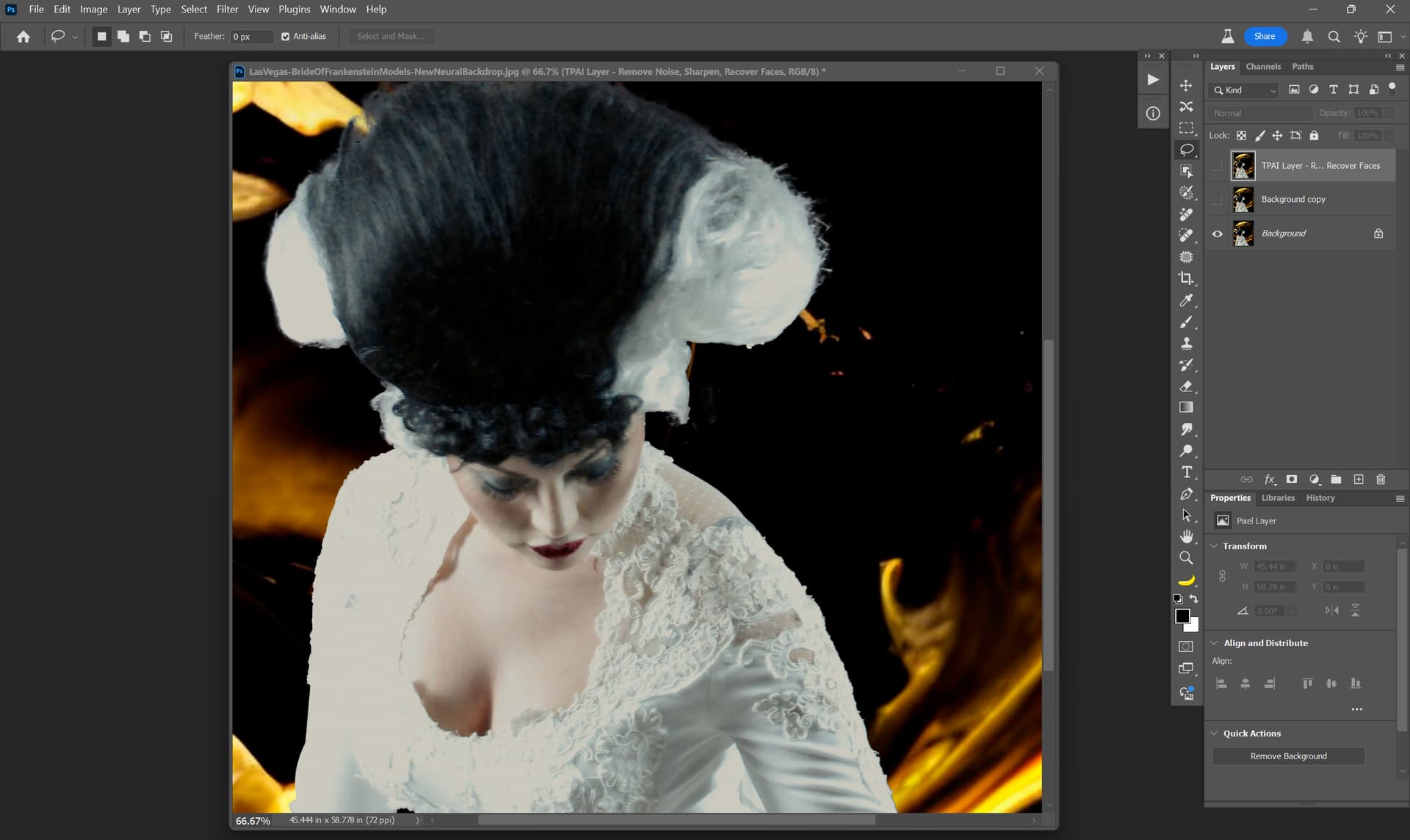
Grabbed a very old low res shot of mine from a trade show booth at Ps World from about 10-11 yrs ago. Model (Bride of Frankenstein) moved just as I shot.
Lots of decorative detail on her “bridal” gown (Frank was with her too, but I used the Ps beta feature to select indiv ppl so left him out during this test of new Ps & PAI beta options). I also used the Ps beta Neural Filter beta feature to create a new background behind her.
I don’t know the resolution quality of the Adobe neural filter-generated background and there was clearly motion blur (and blur from handholding in bad light with the ORIG shot).
My goal: See what PAI’s more demanding model can do (on my laptop b/c my high-end desktop PC with AMD processor cannot handle the SF (& Recovery or Refine - GAI) models and process in my lifetime…).
In PAI Ps beta plugin I used: Denoise, SuperFocus (SF), Recover Face (in that order). I got an ETA of 7 mins for SF. It took 5 mins. Definitely recovered more detail in the decor on her dress than was evident in the Orig shot sent to PAI. Her hair didn’t sharpen as much as I’d hoped (and I’m ignoring the ‘mushy’ selection of it around the edges the automated Ps selection made (I didn’t bother to Select & Mask for this test).
Before:
After:
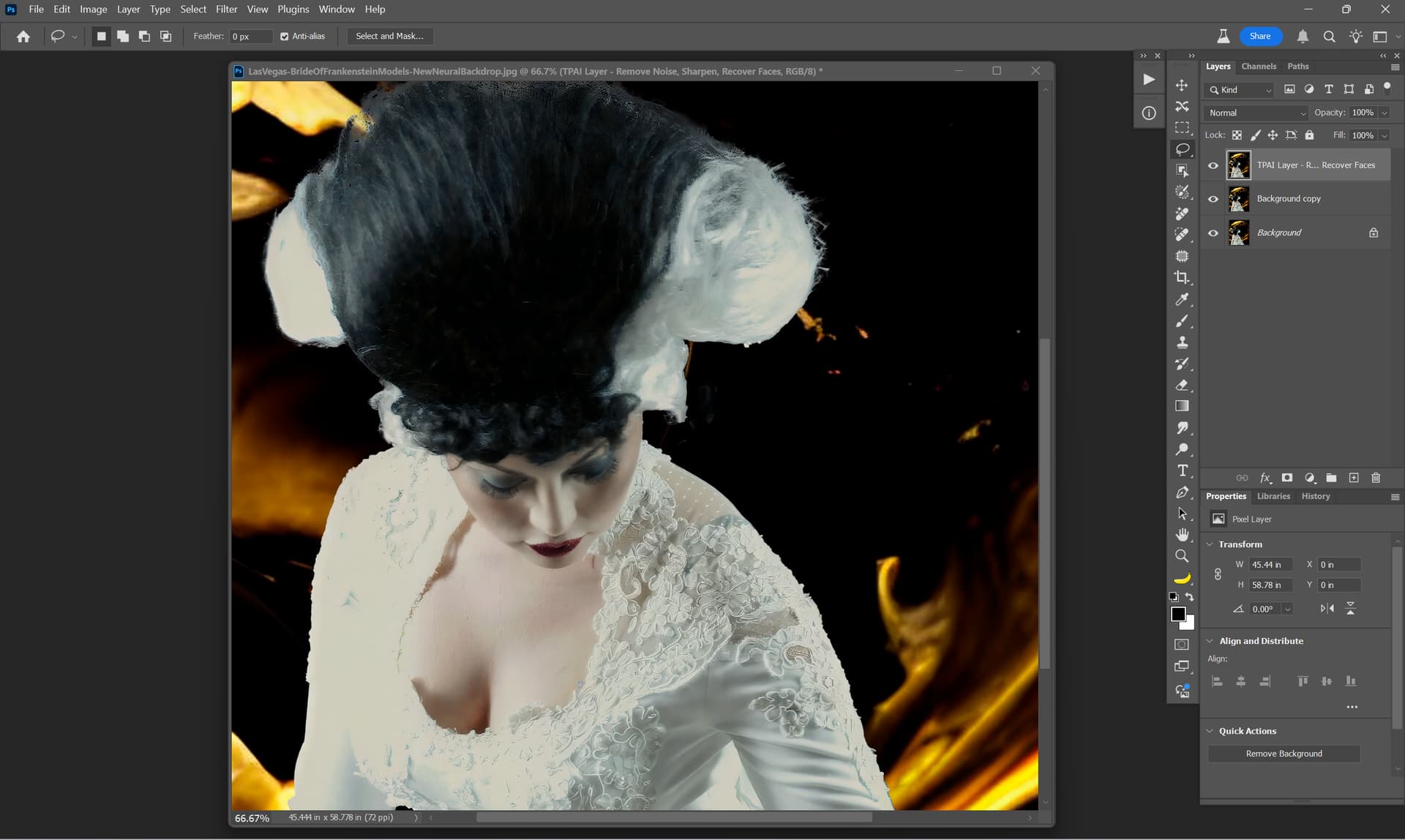
I’m not worried about creating stunning photographic images at this point on my new laptop. I’m just kicking the tires of various beta features from various processing software to see how things work with a different processor but in a comparable workflow to my normal one.
Definitely faster with the NVIDIA processor (even though a laptop and not desktop Win 11 PC). But for those of us who cannot afford an update from legacy processing systems (like me with my Win 11 desktop AMD processor) & can’t tap features like SF in acceptable processing times it is frustrating. There must be some way around that. Because features like SF help.
BTW, for anyone interested, the Recover Face(s) did ID (with black box) her severely tilted down face and I was able to click to have it be chosen as a face for recovering. I wish there was an option to paint on non-recognized faces to include them too (or, is there & I’m forgetting?). Sorta like how I’d handle unrecognized Text to include it for text preservation.
1 Like
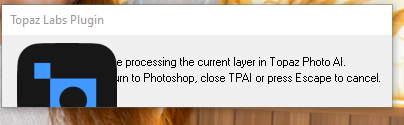
Wondering if this visual glitch will ever be fixed - it is there since many versions.
Did not report, as it is only a visual glitch when starting up as plugin in PS - but still … think it would look better if that gets fixed …
1 Like
Reads like an act of desperation, watching others edit images in minutes or seconds while you take minutes to hours.
I still somehow miss my Radeon Pro W6800 and I wish that AMD could keep up with the Nvidia RTX 50XX series with the new RDNA4 series, especially when it comes to AI.
Quote:
“Editors don’t want something replaced with an object akin to what they select to remove, they want it replaced with what is around it. But, somehow, Adobe’s AI just isn’t coded to understand this and it repeatedly generates the weirdest stuff because of it.”
“Generative Remove and Generative Fill have become so unreliable that some members of the PetaPixel staff have stopped using it entirely. As I pointed out, I had to go back to the manual clone stamp method to get the task I wanted completed.”
Me too. 
Remove isn’t any better.
4 Likes
I reported it several times when it 1st started during a beta release period. And, characterized it the same way you have as an aesthetics (& pride of brand) issue rather than a functionality issue.
Anthony responded at the time and was aware of it. Anthony is essentially a guru re: the plugin stuff…and very nice guy.
At that time (long ago now), I believe what I said was that it looked junky but I wasn’t going to lose sleep over it if more important bugs/issues were being handled 1st & the plugin worked. I don’t know if the logo can just be removed… w/out something screwing up. No clue. It’s not needed there.
It’s like looking at the neighbor’s unmowed yard … It’s an eyesore one must see a lot & is a stab to the heart (how’s that for Shakespearean drama) to those of us whose work is in aesthetics and arts.
1 Like
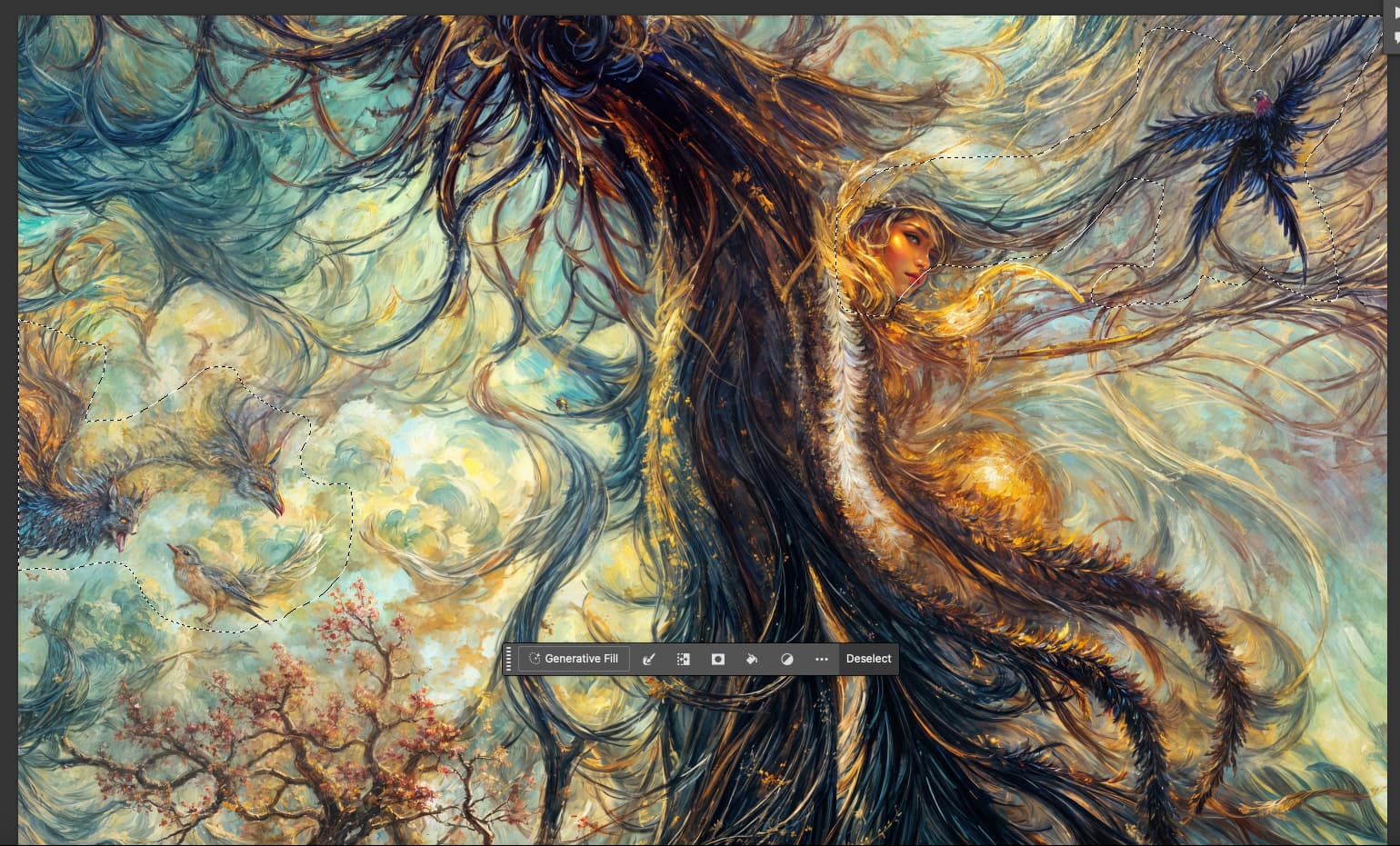
For my Gigatextures project I am finding PS Generative Fill extremely useful. As I review each render and make detailed crops, I need to remove weird stuff from each selection, as shown below, and it usually works first try. Here’s one I just did:
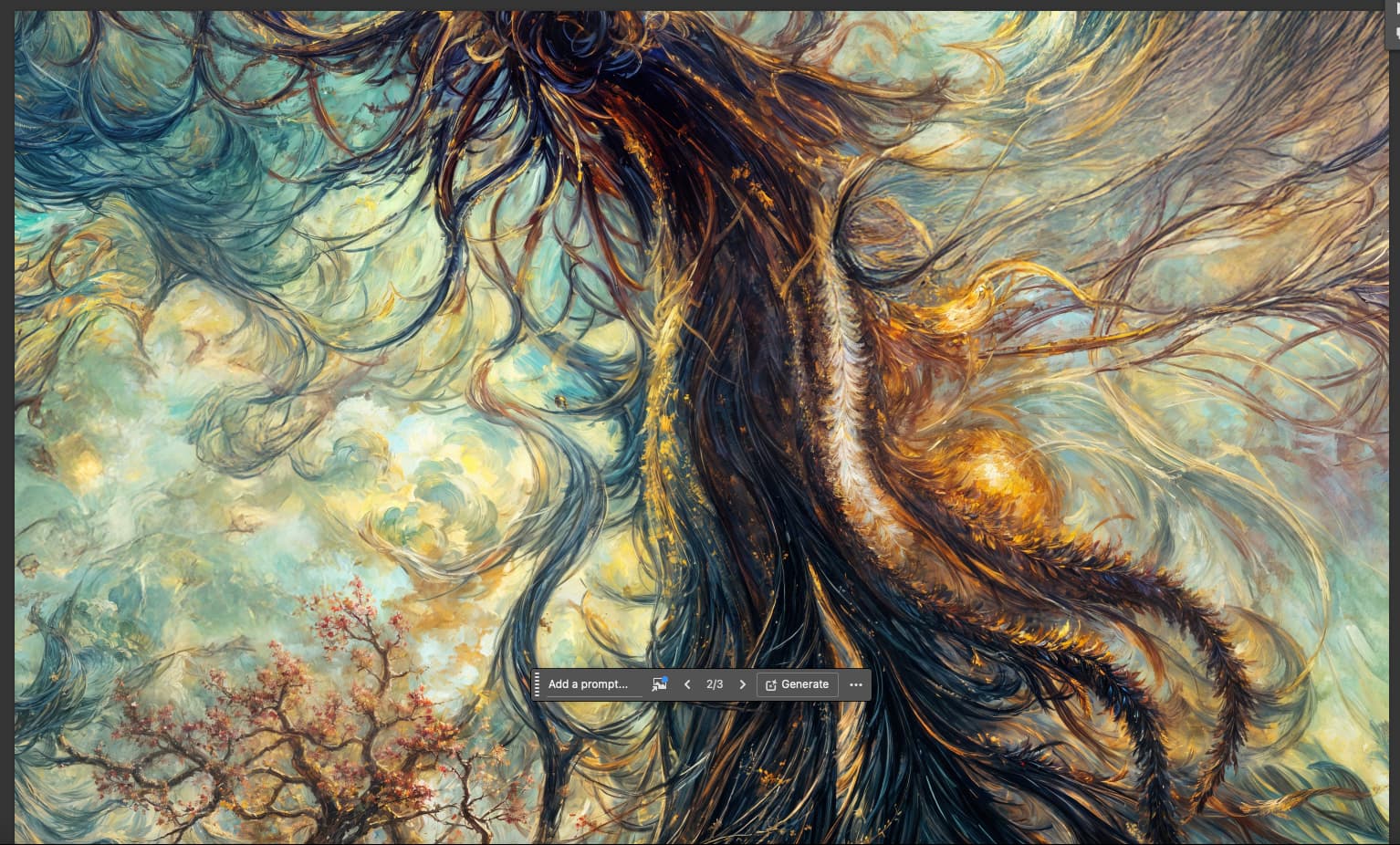
Another example:
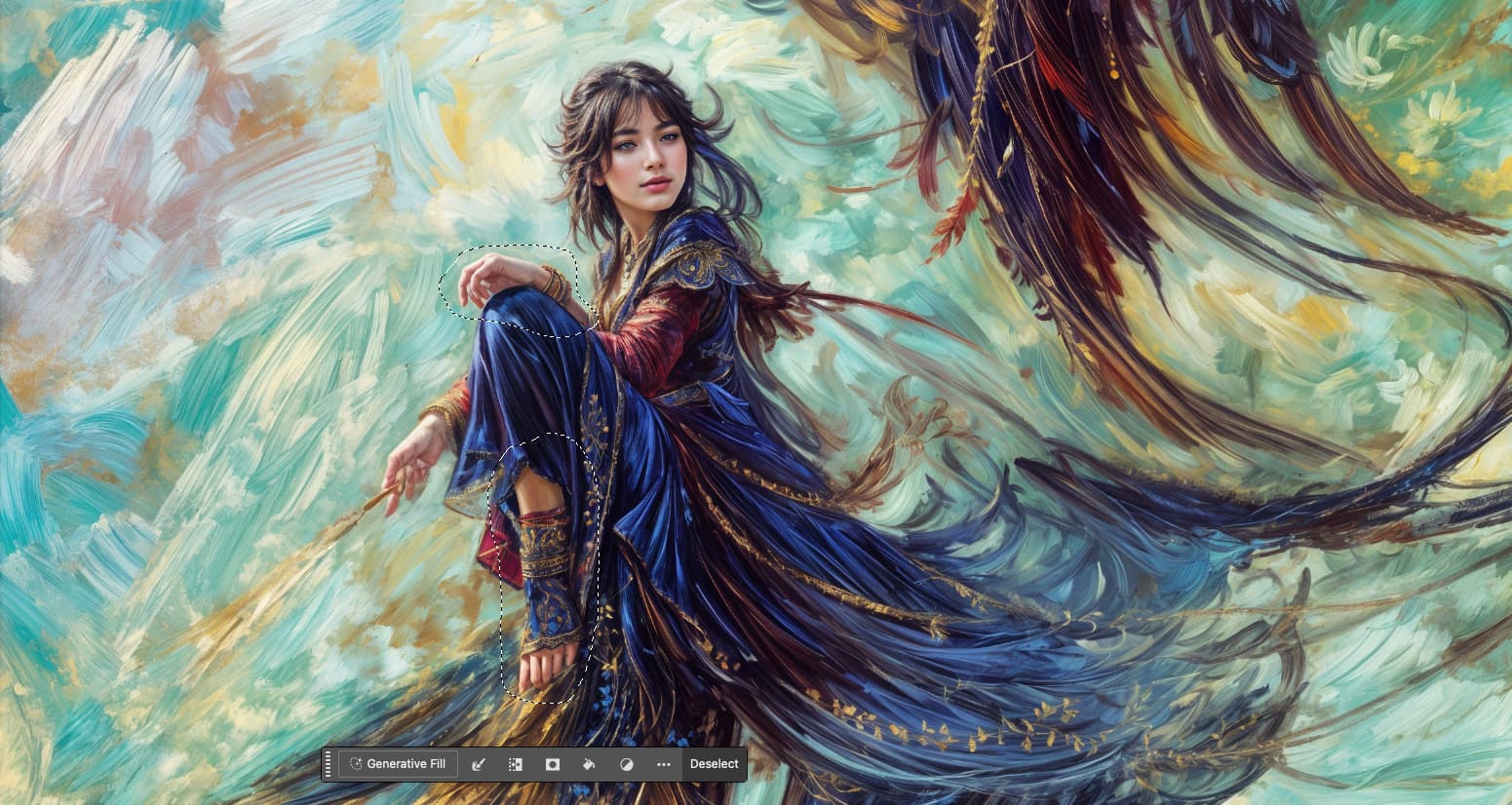
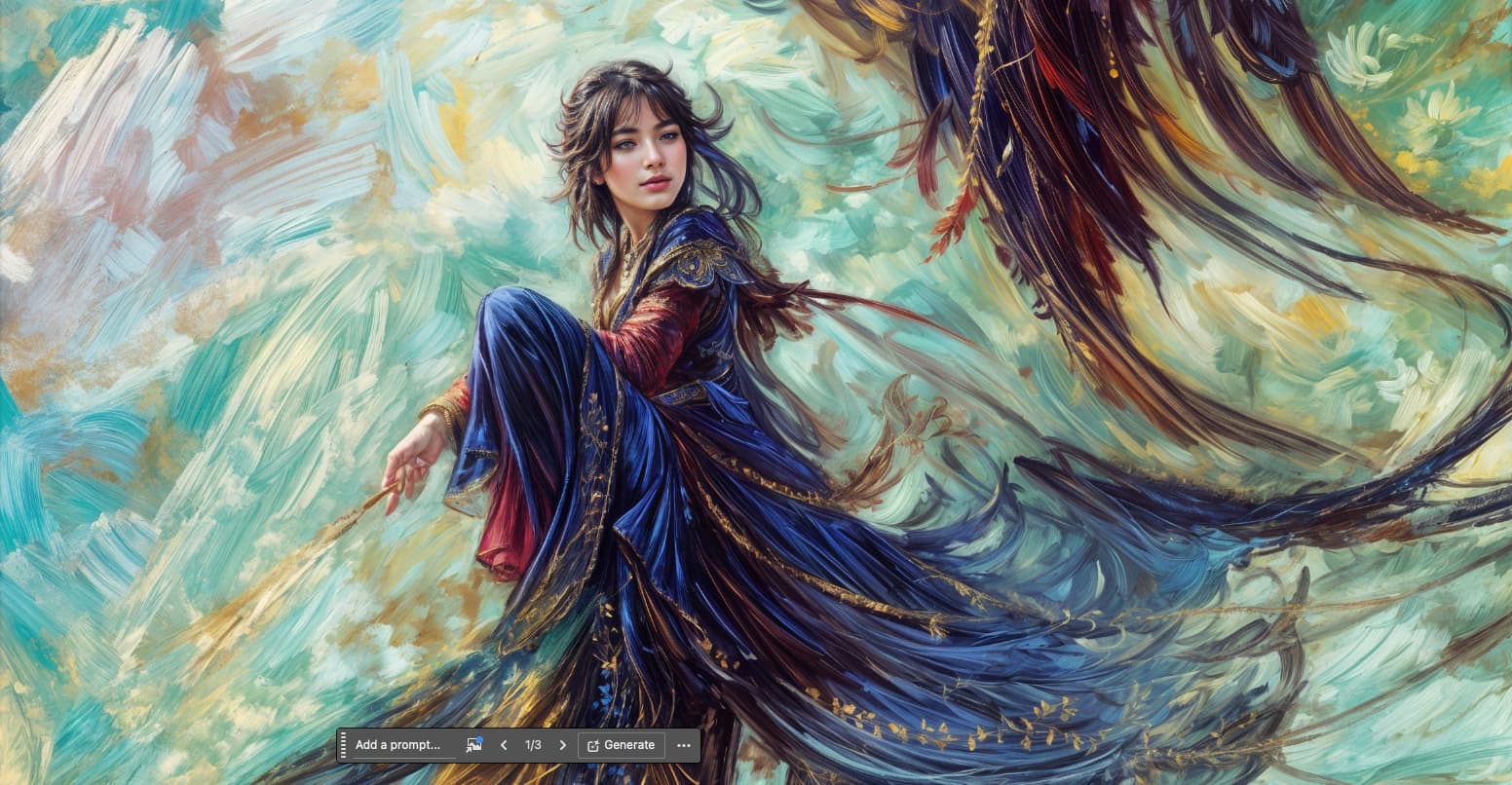
If it’s a tiny area here or there, the Healing Brush handles it quickly. In the case of the girl above, Rubber Stamp fixed her right eye (not shown).
1 Like
Unfortunately, fantasy doesn’t sell very well to my customers.
My customers like reality and pay a lot of attention to it.
But your pictures look good.
Thanks, our work obviously depends on our customers! I am hoping someone eventually finds these textures and scenics and animals and city views and fantasy people interesting 
You could try drawing such a picture with oil paint, that would be very interesting.
Problem is 1) I have no traditional artistic talent and 2) I wouldn’t have the patience anyway!
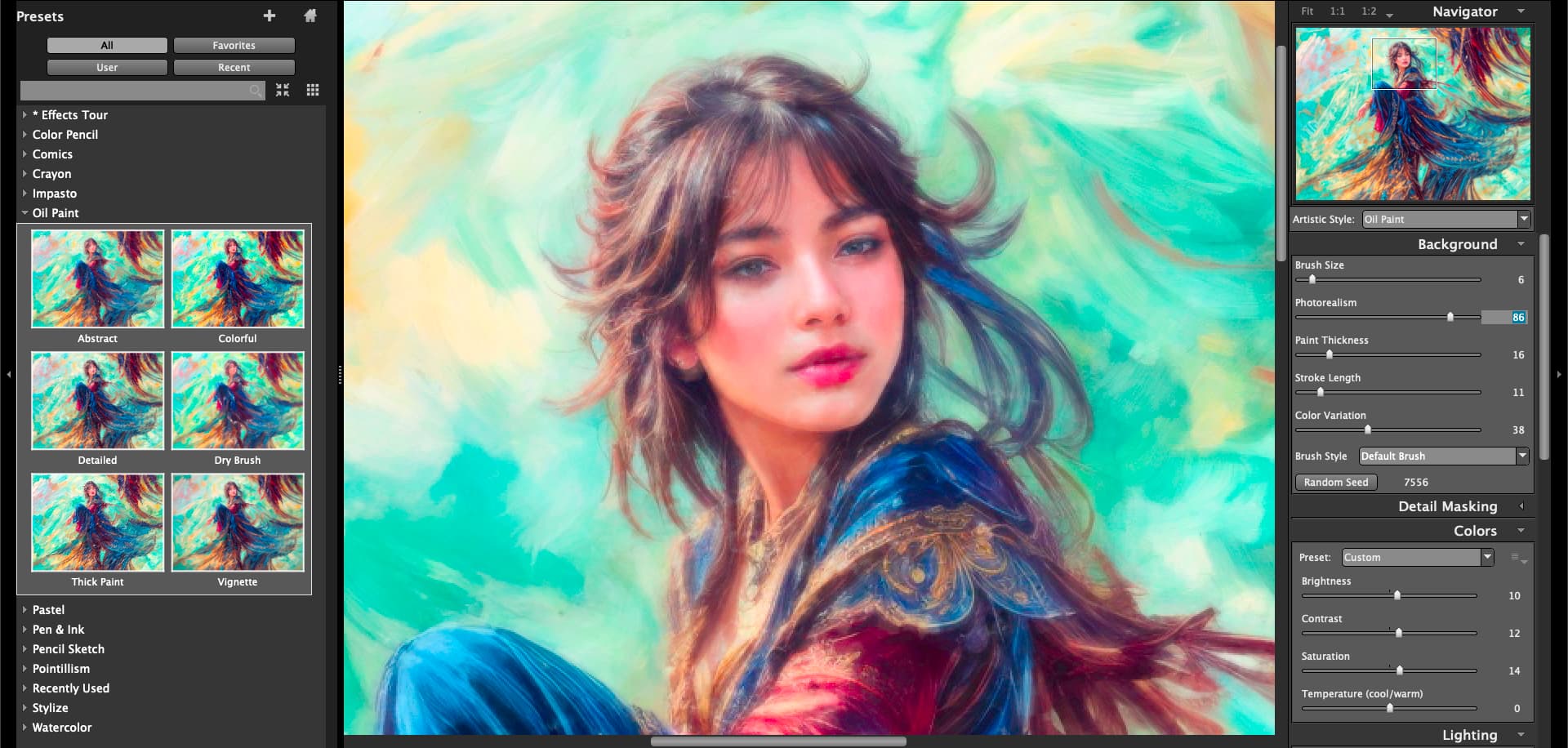
But let’s send our girl through some artsy app, maybe that will “pass”:
Or a quick image to image:

I must say the Gigapixel faces are the best! Hard to match.
1 Like
Snap Art does have some cool art fx to play with.
It does, though Exposure (the company) has been quiet for a few years now (?).
Yeah, I wondered if they went out of biz. I used to love their products. But didn’t they change the company name? Or, at least they changed the flagship product name from Exposure, I believe,
They went from Alien Skin to “Exposure”.
And along those lines, Microsoft Remote Desktop became “Windows App” (seriously!).
1 Like
Topaz Girl teaches: “Problems? What kind? Obstacles are there to be overcome. That’s how not only new Francisco Goyas are born in a new AI era!”

Hollywood facelift!
2 Likes
I have a weaker GPU, Nvidia GeForce RTX 4070 Laptop GPU (8 GB). It’s enough for individual pictures, I only take pictures for fun. Super Focus (SF, so far only Beta) often works great for me, sometimes it takes me 10 minutes, usually half that or even less. I’m in no hurry as I’m a customer only for myself, but I would like a faster process due to the need to try different combinations of algorithm parameter values, which may not be just a few minutes.
Sometimes it does strange, ugly things. My cat wanted to have a picture taken and SF improved it the best of various options, see the first picture. But it also returned a strange thing to me (second picture), with some kind of artifacts (incurable pain of generative AI) and a disgusting coloration of the cat’s whiskers – clearly visible on the right hand. So the cat really doesn’t have yellow and red whiskers and he is very unhappy.
SF always took slightly under 5 minutes (the examples are using SF only). Why the whiskers and not somewhere on a piece of wall in the shade? The cat wouldn’t mind it there. The original size of the photo is 6000 x 3368 pixels (4.58 MB in jpg compression, 57.82 MB without compression).


1 Like
