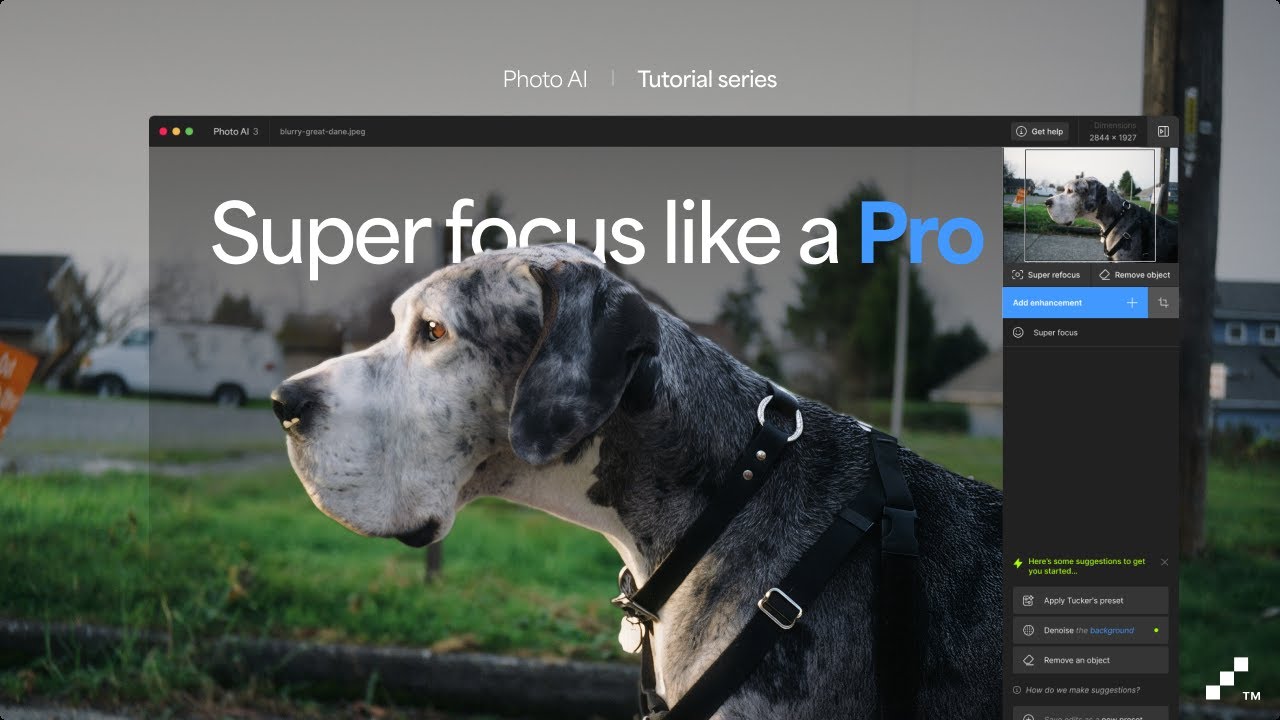
Can you test if you close Photo AI, then open Photo AI and before importing files, go to Edit > Preferences > Auto-Pilot, turn it on then import your files and SELECT ALL > Export if this works?
If not, go to Help menu at top of the app, then Open Logs folder then zip all the logs and send them over to support@topazlabs.com
SuperFocus (PAI) is a different feature than Recover or Redefine (GAI).
My desktop Win 11 Pro PC has 16GB VRAM, 64GB RAM, 8TB memory and up to date AMD drivers in the 6800 series processor and cannot run those features in a reasonable amount of time (I consider over 25-35 minutes - my avg quoted ETA render times for a single not super large (ie, not medium format) image - not reasonable. But, frankly, over 3-5 minutes for a single image to render I consider not acceptable or useful to me).
In order to have a clean result with the preserve text function it has to be the last model when upscaling, like in previous version. Right now with the locked models, on every text i get fuzzy results.
This works for about 4 or 5 photos and then starts to crash again with face recovery Gen 2. When I delete CoreML Cache it works again for another 5 photos and crashes restart.
I understand the differences. The question is why the Recover and Redefine models are mentioned in the webpage concerning Super Focus. Is the 8GB VRAM recommendation for Super Focus real or does it belong to GAI?
Plus, 8GB VRAM is too low for any of those models. They require workstation or supercomputer calibre processing power to work properly. 16GB absolute minimum VRAM.
I have a 6GB VRAM and it works great, recommended is 8GB yes, but will work with 6GB of VRAM that is the minimum requirements! Above 8GB of VRAM, will be 12GB, then a few 16GB exists.
There is a minimum as well for RAM (not VRAM) to be 16GB.
I’ve got 8 GB on my RTX 3070 and it’s working fine. But obviously, on large images, it’s quite slow. And if the image is super super large, the problem is that after calculating the global preview, it will still calculate for quite a long time to show the result after processing. And that’s every time you hover over areas of the image.
Another example: if I want to increase the size of a poster image to something like A0 (14043 pixels on the longest edge) and the base image already has a resolution of over 3000 or 3500 pixels in length, rendering with Redefine or Recovery will take at least 60 minutes or a little longer.
I hope to reduce this calculation time by 2 or more with the next RTX 5000 series cards. I’m using a 5070 TI super with 16 GB Ram.
Are there any plans to adjust Super Focus’ process so if only a portion of the image is selected only that portion will be processed? I would think that would speed it up.
Thanks for the files, I have added them to the development team ticket working on grid artifacts happening on files with a large similar background such as skies (like this case) or defocused similar-colored backgrounds. Will circle back once a fix is found, as I added your contact info on the development team ticket!