I see that Topaz has added a note for Super Focus to the system requirements:
Super Focus is a generative model which requires 8GB VRAM to run. To learn more go to the Super Focus system requirements.
I see that Topaz has added a note for Super Focus to the system requirements:
Super Focus is a generative model which requires 8GB VRAM to run. To learn more go to the Super Focus system requirements.
How can this post be flagged as off topic? It is about PAI, it is about Topaz Labs.
Guess an uncomfortable opinion is not worthy of being part of a thread about a product while at the same time I’m supposed to be dealing with overcooked creations with more fingers, arms and toes than nature intended for humans to be born with.
Hypocrisy anyone?
To the one flagging me:
Feel free to address me directly with your concerns, but please also tell me what was so off topic about it.
Hey Gosa,
There should be a way to cancel your subscription for sure. There may be an issue on our site at the moment. Please reach out to our support team and they can help with this.
The auto-renewal price should also be listed on the checkout page - I’ll double check on this, it’s a good point if it isn’t clear enough.
I’ve also unhid your post for ya - generally these threads are about the patch updates.
Cheers and all the best.
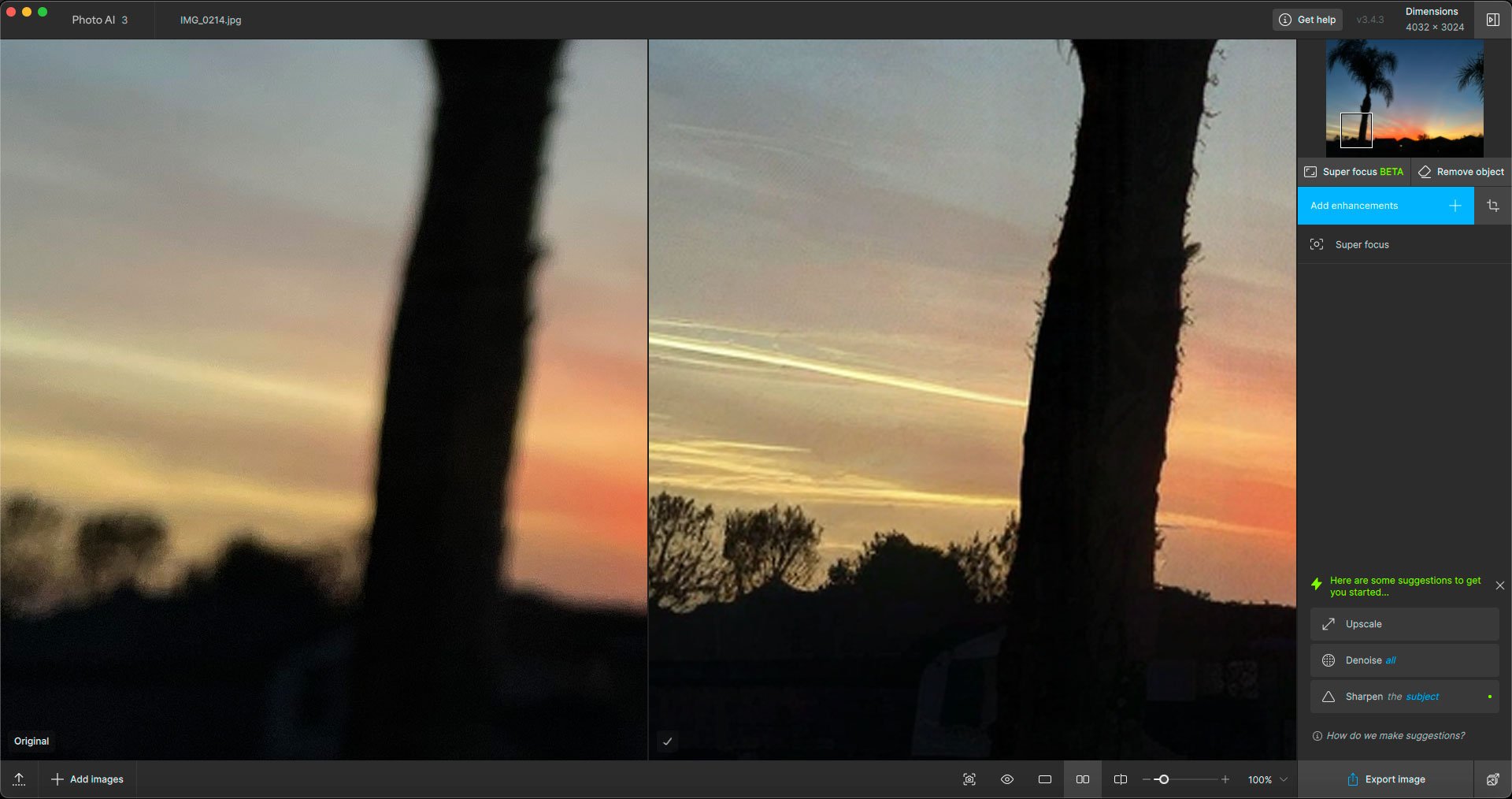
Current real-world example of Super Focus: The Last Sunset Of 2024, shot on an iPhone through a glass window. I managed to throw it out of focus while adjusting exposure (??).
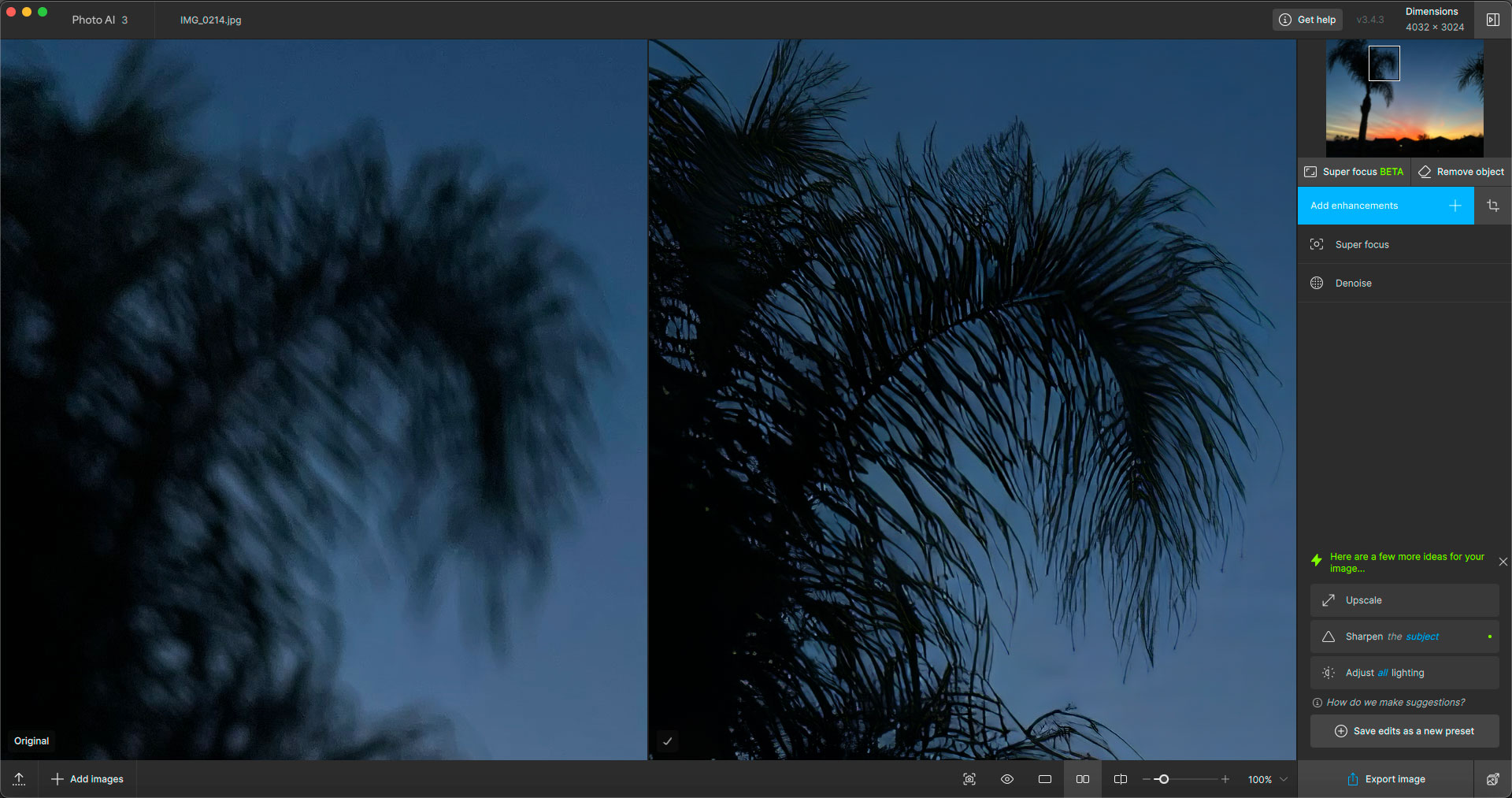
Opened it on my M2 Mac Mini, got some very good previews, first with Super Focus only, then adding DeNoise:
Final processing speed was surprisingly decent with Super Focus only (before I tried adding DeNoise for the screenshot above*):
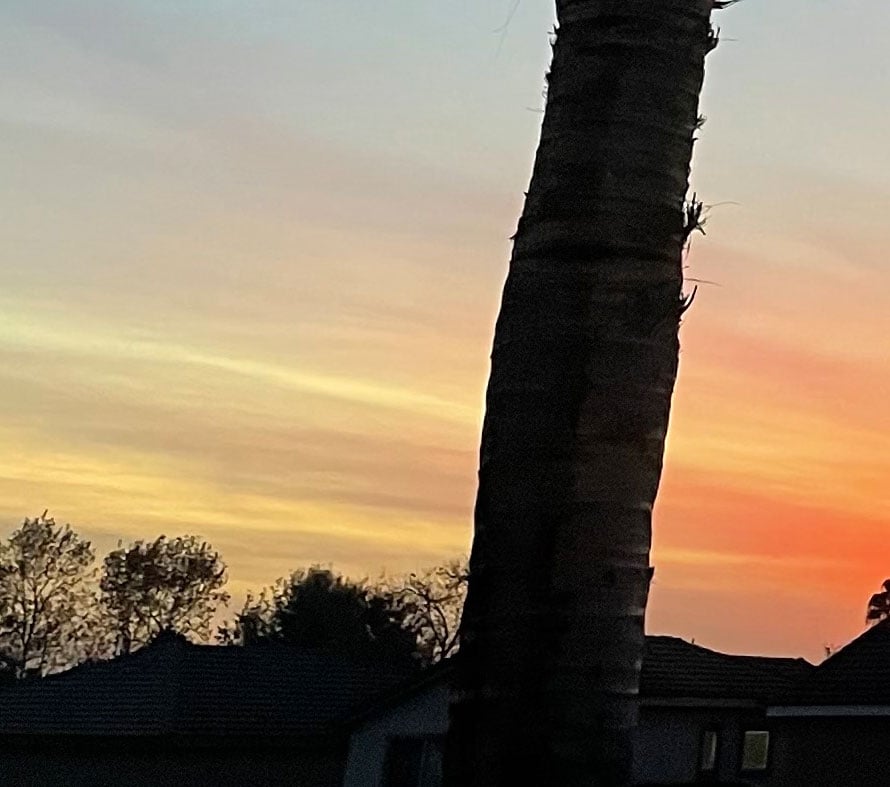
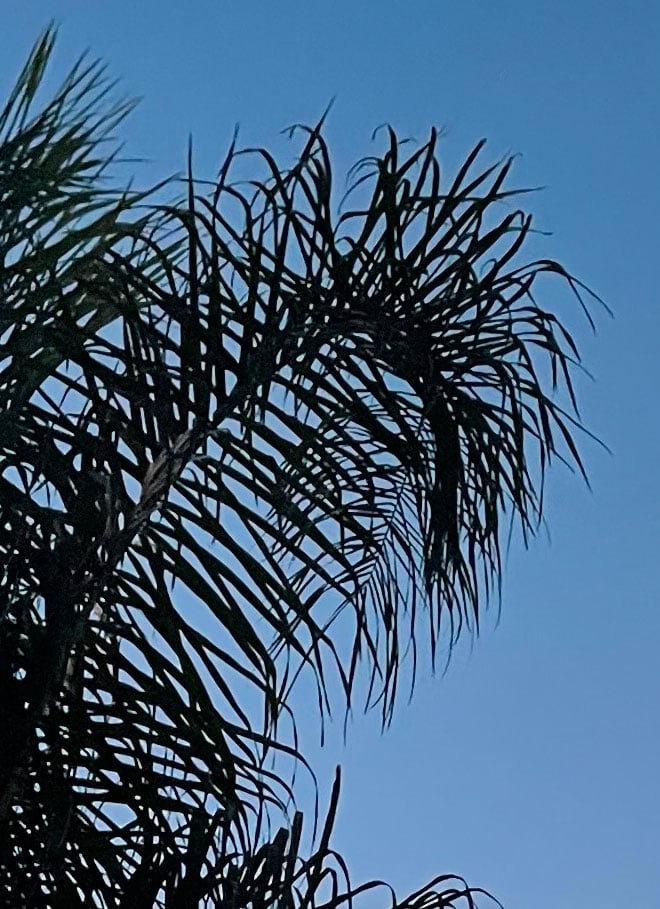
An alternate shot with correct focus for comparison of the actual details, not treated in PAI:
*After adding DeNoise as an Enhancement and trying to export again, I got the “fart egg” (ie, nothing happened). I had to cancel and re-export to get it going. This was reported some time back.
Is this the update to be able to run Photo AI Denoise on the RAW level on for Sony A1 II files? It says support for that model in the notes. But I still get the “Error: DNG write error.” message.
Is the halo’ing from the phone cam?
Certainly went from very blurred to sharp.
I’m just watching a 60 Minutes episode on NVIDIA.
The phone tends to add haloing around the palm trees in my vairous sunset photos.
Hmmm, that’s interesting. 
It’s more obvious when viewed small, but zoomed in it mostly clears up.
Shooting through the window doesn’t help either 
My issue isn’t about the auto update price not showing.
What I fail to understand is how there doesn’t seem to be a way of seeing how much a normal non-auto update would have cost me, meaning that once on the plan I have no way of knowing whether or not someone not subscribing is getting a better deal through any of the campaigns you’re running. The only thing I see in the marketing email (and on the web) is that there are 30-50% off depending on how many apps you have, but no info whatsoever about the starting point.
Thanks, and I get the main reason for these threads, but it wasn’t exactly the first time there are conversations about pricing, subscriptions and such even so. But point taken.
I will reply here when it’s fully supported! It seems that there is still issues with the support of this model, and you can in the meantime convert the ARW to DNG and it will work. I added your info to contact once resolved, and will tag you here!
Generation 2 Beta in recover faces is making the programme close down every time since I updated to version 3.4.3 (worked ok prior to the update)
If I change to Generation 1 it works ok.
What computer do you have? Mac or Win?
If M chip Mac, how much RAM and what OS are you on?
If Intel Mac, how much RAM and VRAM, and what OS are you on?
If Windows, how much RAM and VRAM do you have and are all your drivers up to date?
Currently Mac Mini M1 with 8Gb Ram and running macOS Sequoia v15.2
In a couple of weeks will be getting new Mac mini M4 with 16Gb Ram - will I need to upgrade this to 24Gb Ram for future TPAI upgrades?
First time user. So I do not know if it worked before.
I Use i5-12600K and Intel A380 GPU.
If I leave AI processor on Auto, Analysing goes nowhere, works only stable on processor binding to CPU.
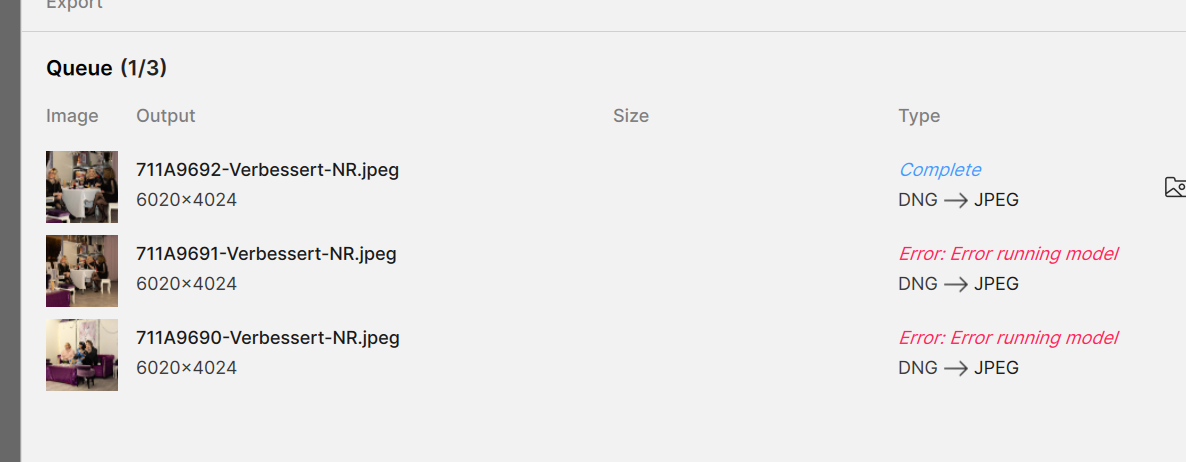
But if I Queue jobs, first goes through and almost all following images break on Error running model. But image works in single mode.
From log the error:
OpenCV Exception -215 !fixedSize() || ((Mat*)obj)->size.operator()() == Size(_cols, _rows)
Hi John
I recently upgraded from an M1 Mac mini with 16GB to an M4 with 24GB. I am glad I did so. I have noticed that TPAI and TGPAI are pushing RAM usage to about 15.9. So I recommend you splash out on the 24GB model. I am finding it about three times as fast as the M1 on tasks like SuperFocus.
Thanks Ray
I was hoping to keep the costs down as was getting 512Gb SSD along with 10Gb Ethernet and Pro Apps Bundle, but maybe I could just go for the standard 256GB SSD and instead go for the 24Gb Ram upgrade.
I got the model with the 512 internal SSD, but that’s mainly because I use On1 Photo Raw, which uses a massive amount of space and so far its developers haven’t made it possible to transfer the bulky folder concerned to an external drive. Just make sure that you don’t fill the internal drive to more than about 80% capacity.
I was happy to pay the $999 (friends brought it down from the US for me) plus I am due to get a $203 trade-in for the M1!
Yeah, that was my reason to go with the 512Gb SSD as then have enough room for files that need to be on the internal SSD, but I’m getting a Thunderbolt 4 external 4Tb SSD so that will have all my photos, etc. stored on that.
I will still get the 10Gb ethernet upgrade, and with my son at Uni I’m going to also get the app bundle (Final Cut, etc.).
I suppose if I look at it for longer term the normal M4 with 512GB SSD & 24Gb Ram should run most photo programmes (and their updates) for a few years. All up will cost me Aud$1,883.99
PS - wish I could get a trade-in for my M1 Mac mini, but they don’t do that here in Australia 
Thanks for the machine details! Both machines meet requirements!
The issue for the crash is most likely related to a folder that creates conflicts with the new OS 15. Here is steps to reset this folder: