Just did a quick test with 3.3.1 on my M2 Mac Mini, no issues with Face recovery and Upscaling while previewing or exporting.
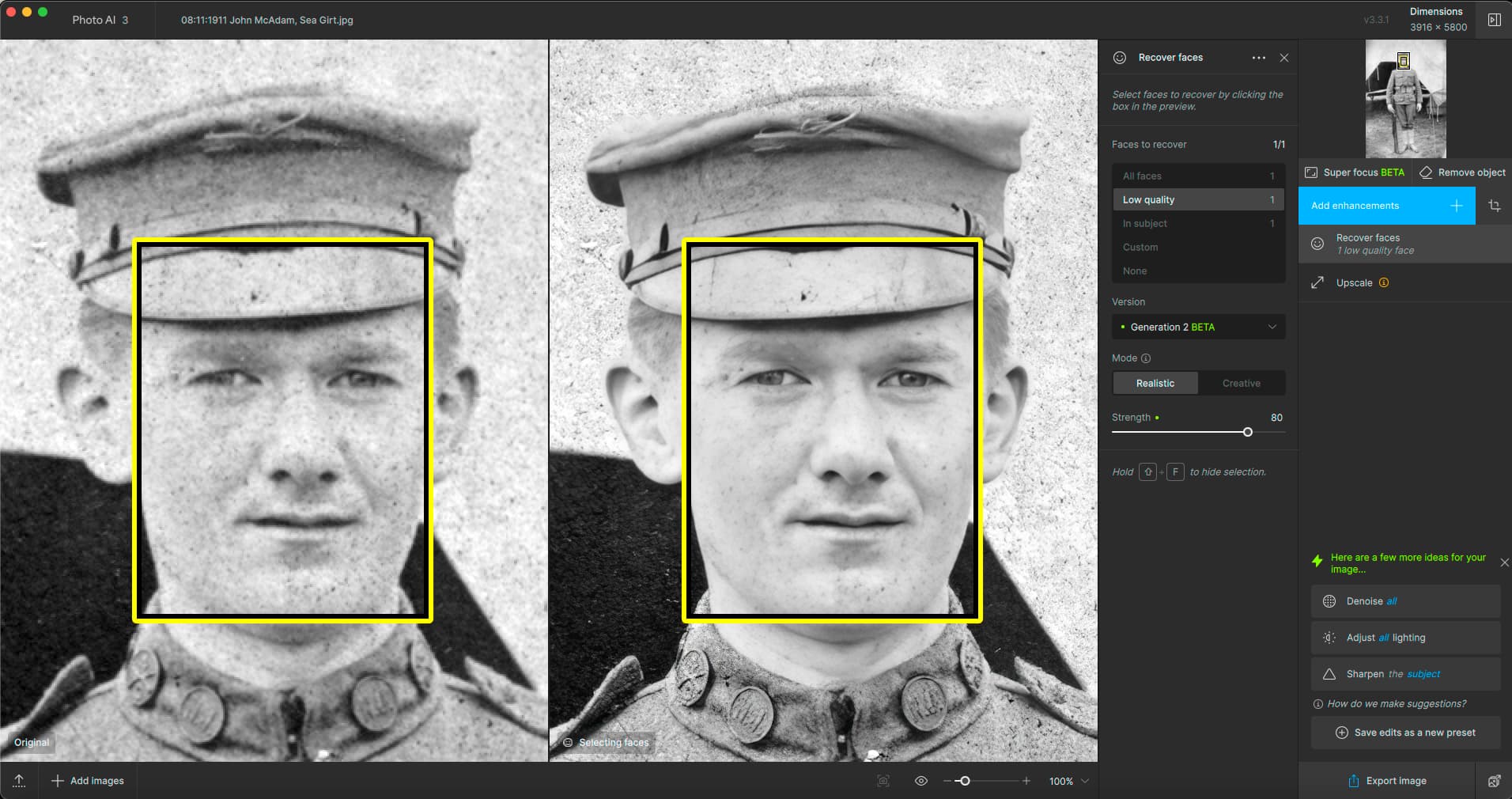
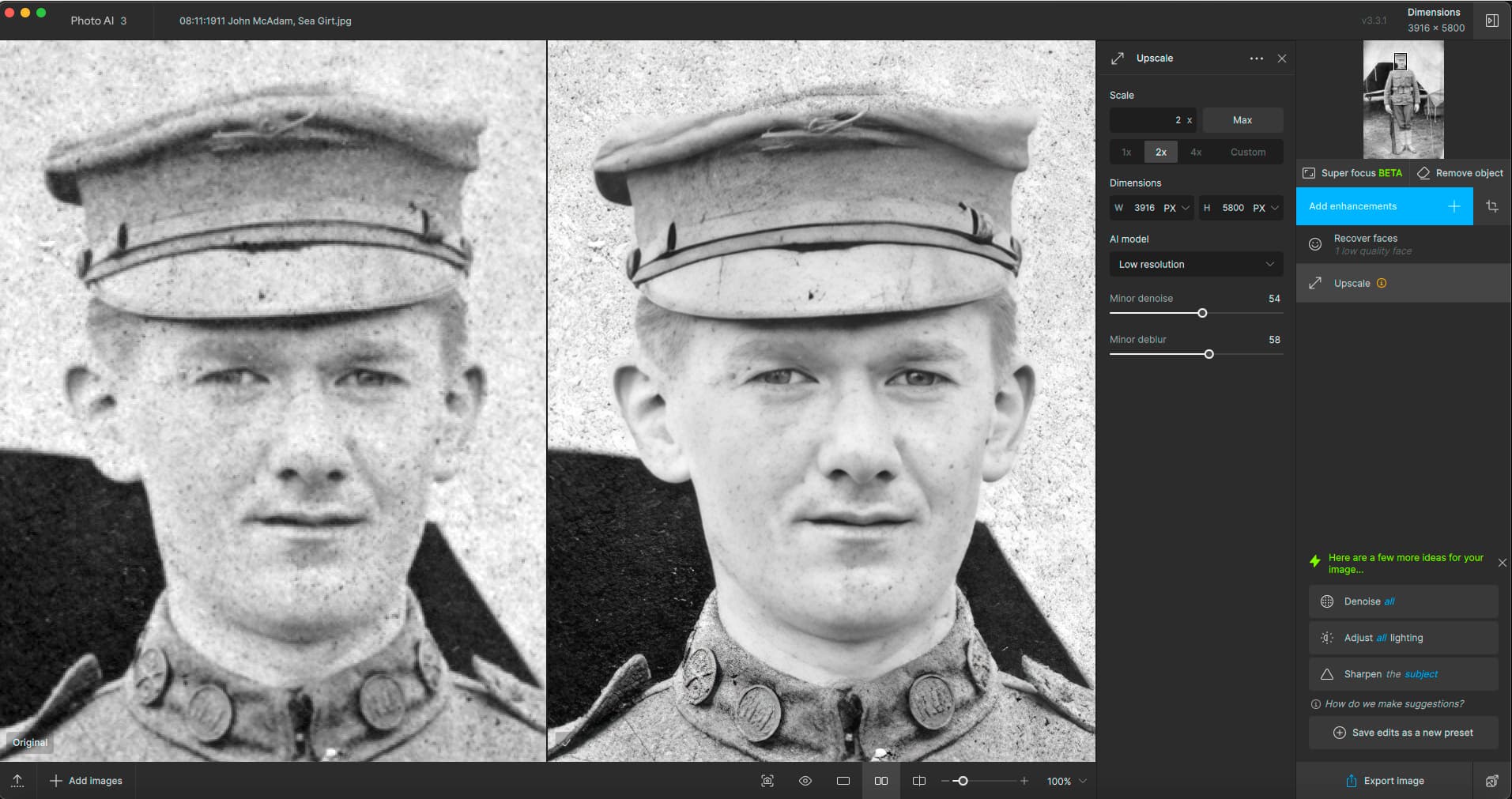
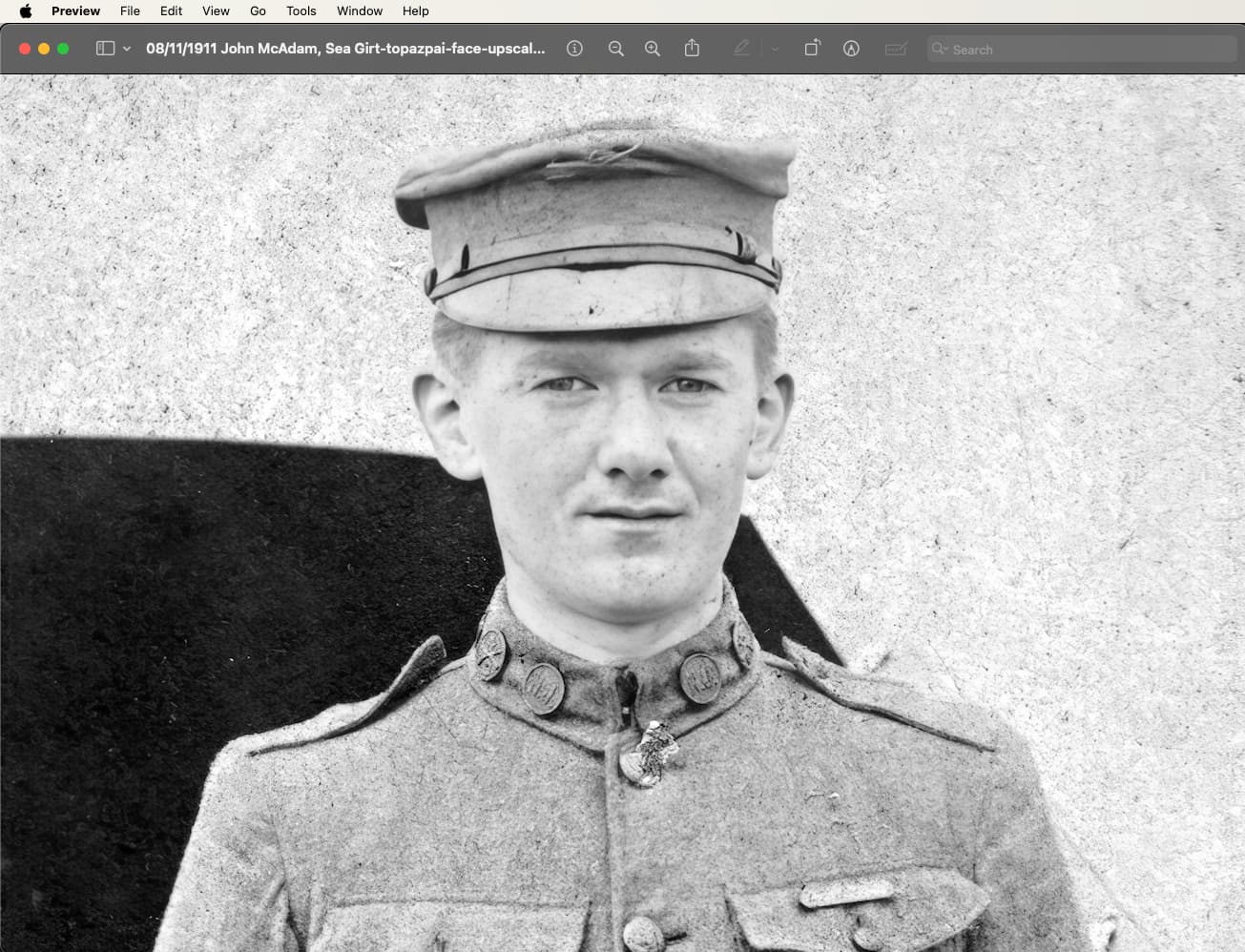
I have seen that exact thing as well, probably mentioned above.
For me superfocus works great with very few failures on the photos I’ve thrown at it…
And the one case I had problems with got solved quite well with text recovery (on a non-text problem)
1 Like
I still desperately want to have a PAI Comparison View to save time with processing model choice and to optimize my experience with the ‘normal’ models (vs AI features that require IT Dept supercomputers) in PAI.
5 Likes
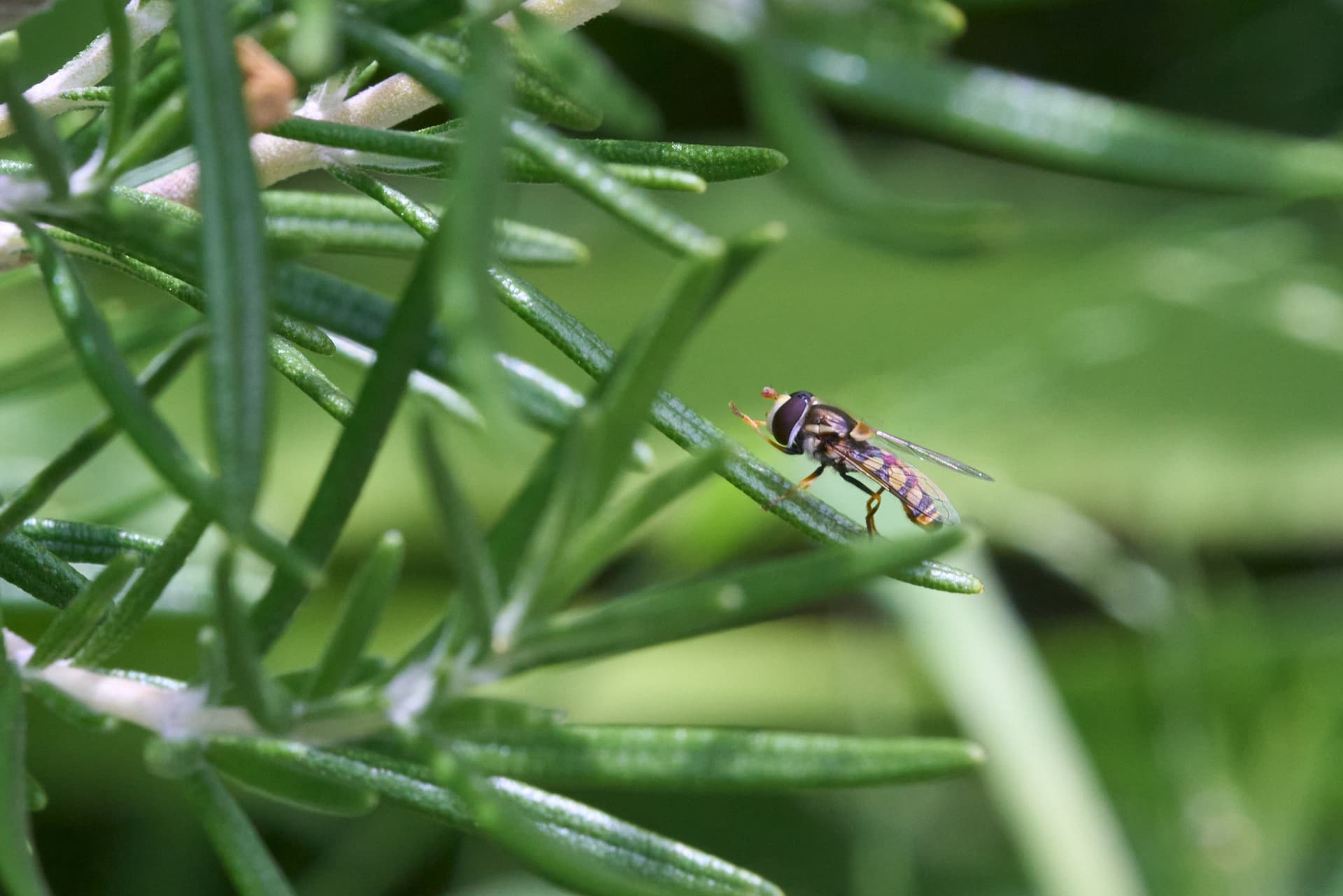
I was hoping I could use Super focus to tidy up my macro shots and get my hit rate up but it doesn’t do that well with insects anyway. Hopefully a training set thing and it well get better eventually.
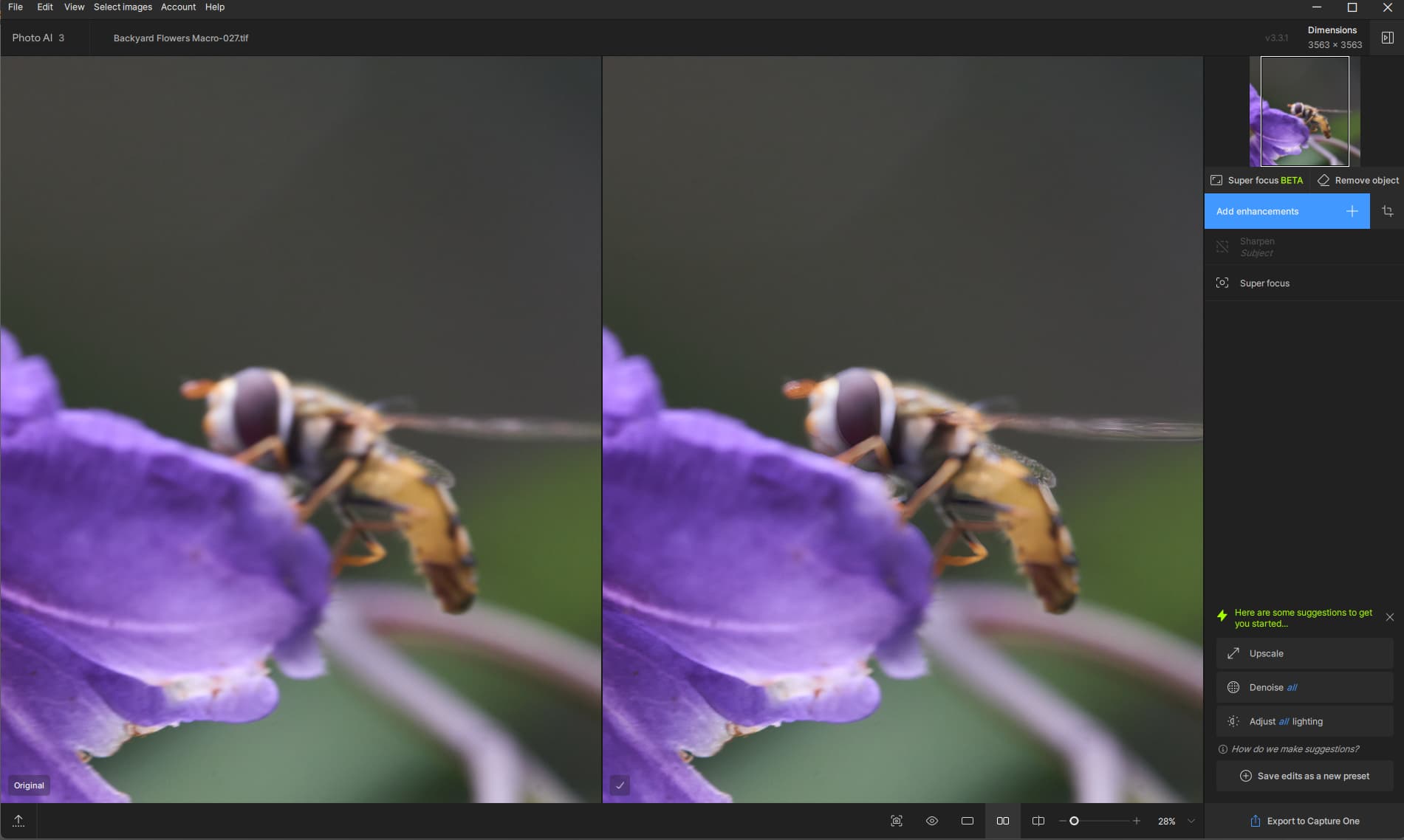
Interesting. Its a hover fly but gigapixel makes it look like a bee. I don’t have gigapixel 8 as I rarely use it.
Rule of thumb:
“If the Topaz Girl does not appear, your Redefine settings are nowhere near.”

And remember it’s REdefine, not “refine” or “[just] define”.
This. Any guess who needs a training?
Right the case where AI is trying to substitute the God or evolution. Or both.
1 Like
Me probably. I have a macro session coming up and was out practising.
One of the competitors’ apps has this update today, which is interesting given our experiences with Remove:

Please reach out to help@topazlabs.com and we can help you troubleshoot this issue!
I posted this item nearly two weeks ago and there has been zero response from Topaz support. Are we wasting our time here?
Yes, now using 3.3.1.
The preview distortion glitch seems to be fixed now.
Select All is still not working for me. Settings only get applied to the image currently being previewed, all other images are not exported as “nothing to do”.
Does not matter if I configure settings and click Select All, or click Select All and then apply settings. Neither works.
1 Like
I’m not defending anybody, but did you open a Support Request ticket on the main Topaz Labs website? That would be the ideal thing vs in this user-user forum. The tech team often reads through posts here, but if you have a device specific issue it might be faster to go direct to tech spt. From their Support page on the main website there’s a chat box where you can request help and provide an email address for them to contact you. They’re typically very responsive (and nice) in that group:
Here’s an email address too:
2 Likes
Hi,
The latest official version of Photo AI tells me that the graphics cards of my MacPro 2019 are not compatible with Superfocus while with the beta version they worked perfectly for SuperFocus. So I have to work with the beta version which is not a shame.
@Lingyu
No update this week and therefore no support for the Canon EOS R5 Mark II?
Changelog
Disabled super focus on Macs with AMD Radeon graphics cards for now. We are working on a long-term fix here.
Thank you for the answer. I hope the beta version will remain active until the problem is resolved. The Superfocus is impressive (and therefore essential for me).
Your post got me thinking about the viability of the 2019 Pro in the M-series age. Although I work in higher ed and we have all sorts of old and new Macs all over the place, I’ve never seen a Mac Pro on campus.
This article compares the Pro with M1, and even back then the Pro was falling behind except in terms of expandability.
Surely the Pro was a beast of a machine at the time, but technology moves so fast so it’s not shocking that your GPU is not compatible with modern software without extra effort from the devs.
This next comment is not aimed at you specifically – I’ve already recently come to this conclusion when testing Gigapixel’s Redefine on M1 and M2 Macs, where it is not optimized at all (to date) and one must turn to high-end PCs to use it effectively:
Don’t overbuy on Apple hardware!
Even though any Apple device is great and beautiful and lasts forever, Apple’s support of it does not. Eight years in max and they forget they even sold it to you and no longer provide a current OS to run on it. Developers also must move along and keep current, and software becomes more demanding with every release.
There is no such thing as “future-proofing” with Apple. Whatever you buy today will be better and cheaper next year. Some users conclude it’s better to buy the base models (great value) more often than beefed-up models less frequently. (At home I compromised overall, I am sitting at an M2 Mini 500/16.)
I’ve been a Mac user since 1990 or so and an IT person supporting Macs since 1998. Where I stand today is this: Get a decent Mac for general use but build a high-end PC for more demanding rendering-type work. Our ARTS people knew this all along so for the past couple of years I now also support Dell Precisions with 4090s in our animation labs 
2 Likes
