Nahhh… I can still see the leopard. 
1 Like
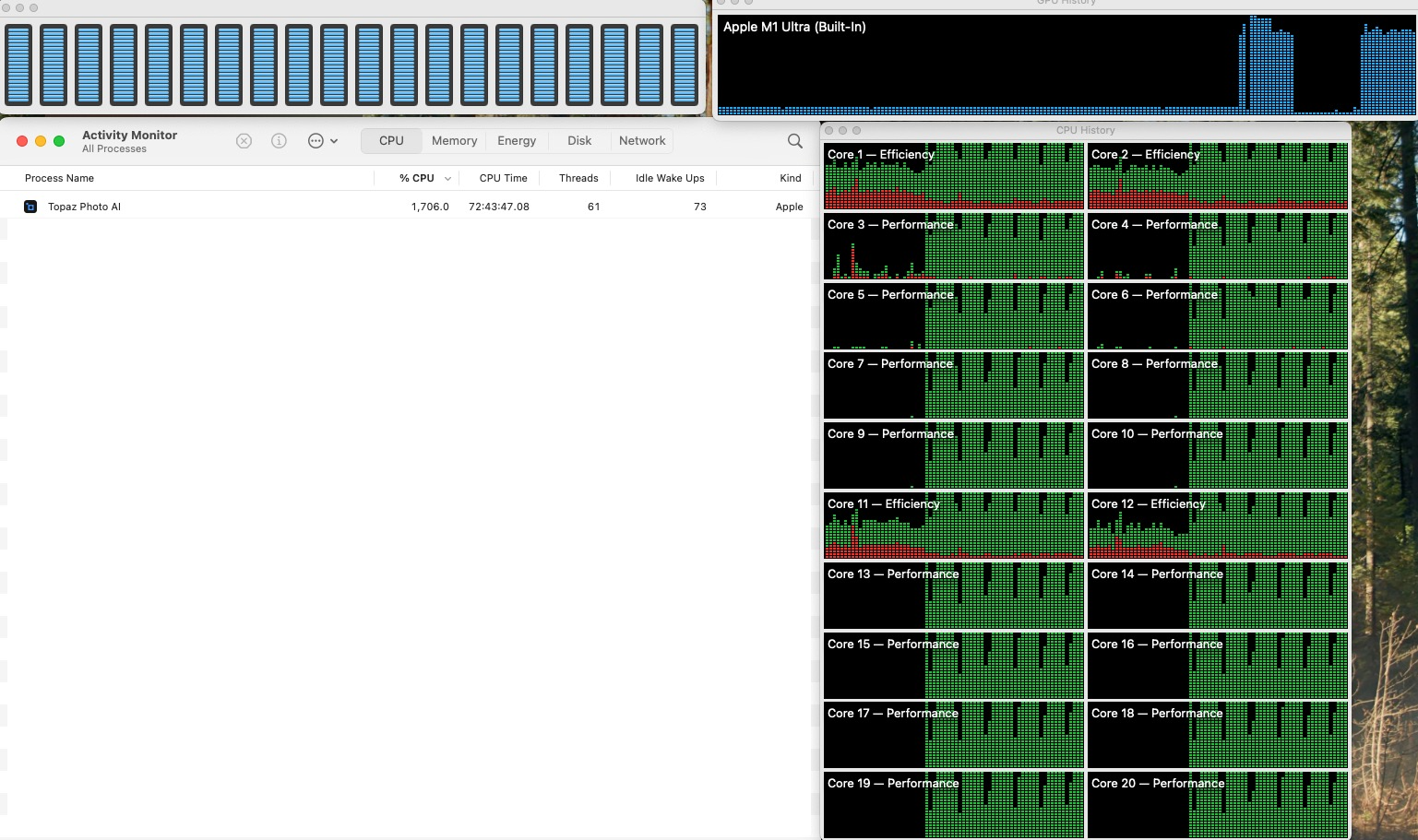
Love the new Super Focus, however it is really unusable at this point. Just to switch brush size in the “edit selection” dialog takes 40min and slams my entire system (Mac Studio M1 Ultra).
2 Likes
This looks amazing, and it would be great if I could use it. 5 months and waiting to have ARM Snapdragon capability. When, oh when, is this coming? I am really looking forward to using Topaz again.
Firing up Super Focus for a New York City adventure!
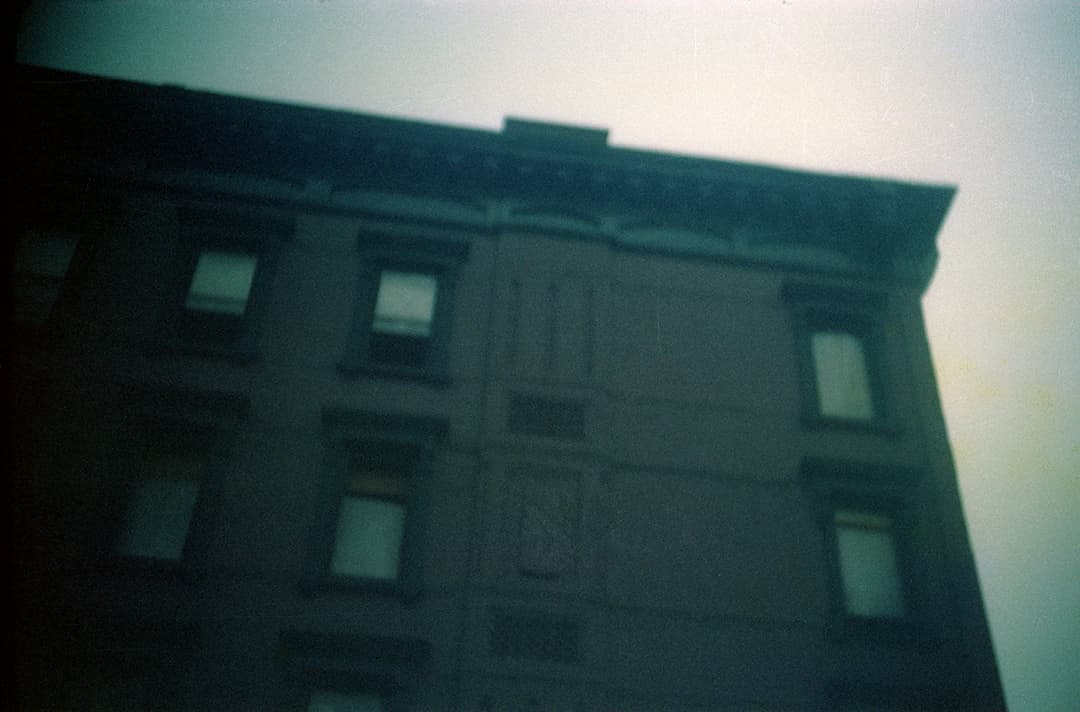
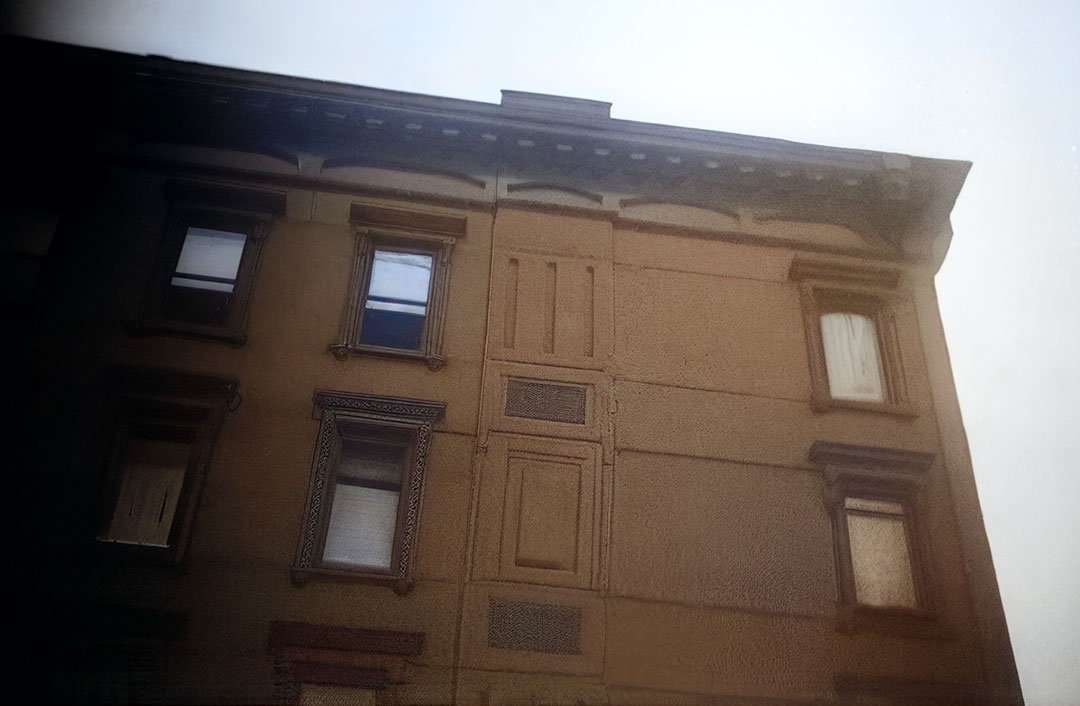
A relative of mine shot a series of images of the Dorrian’s Red Hand building and other nearby locations in the 1970s. They are all out of focus! Perfect test shots though.

Here is the first frame, reduced, scanned from the original 35mm negative:
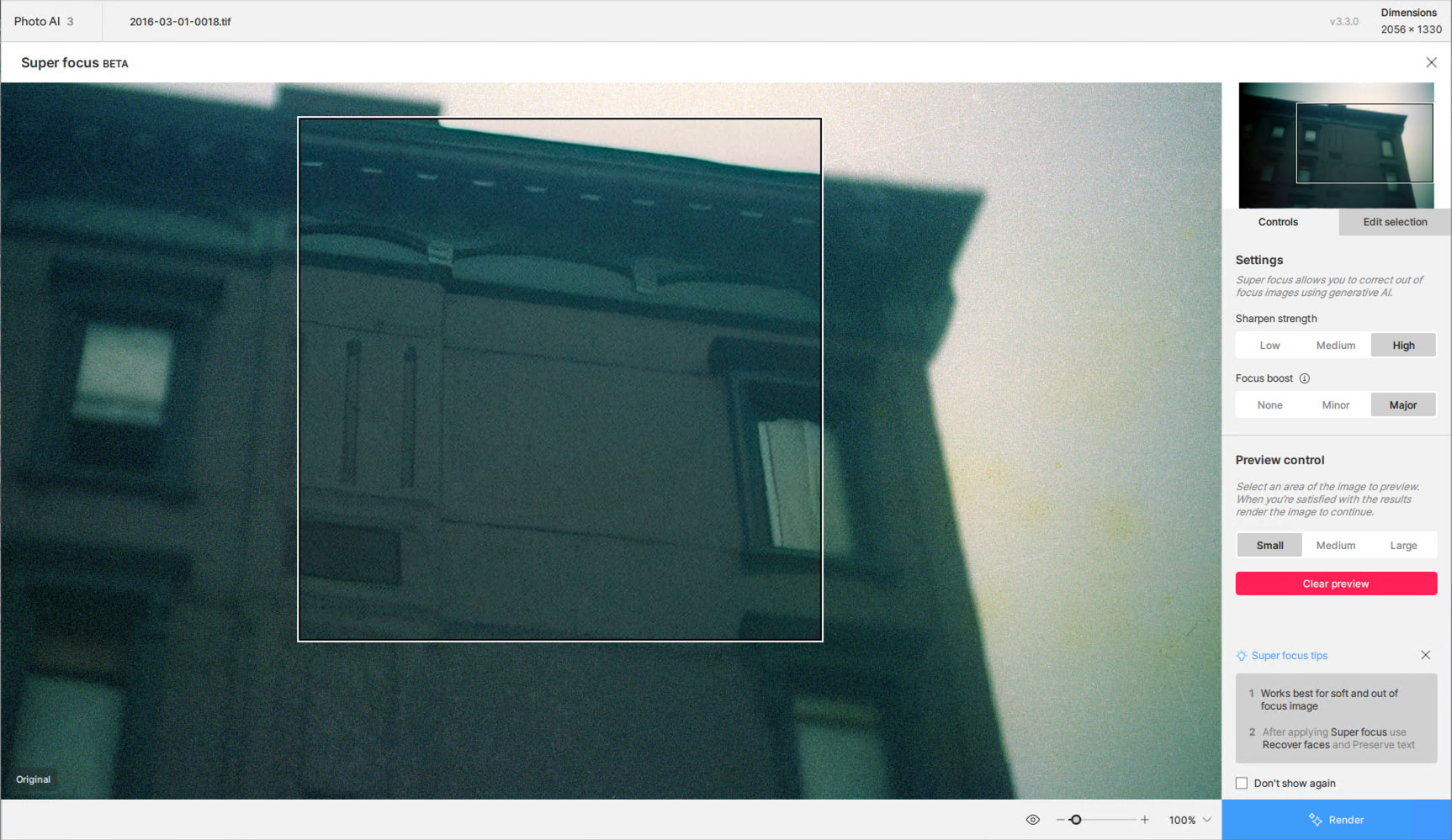
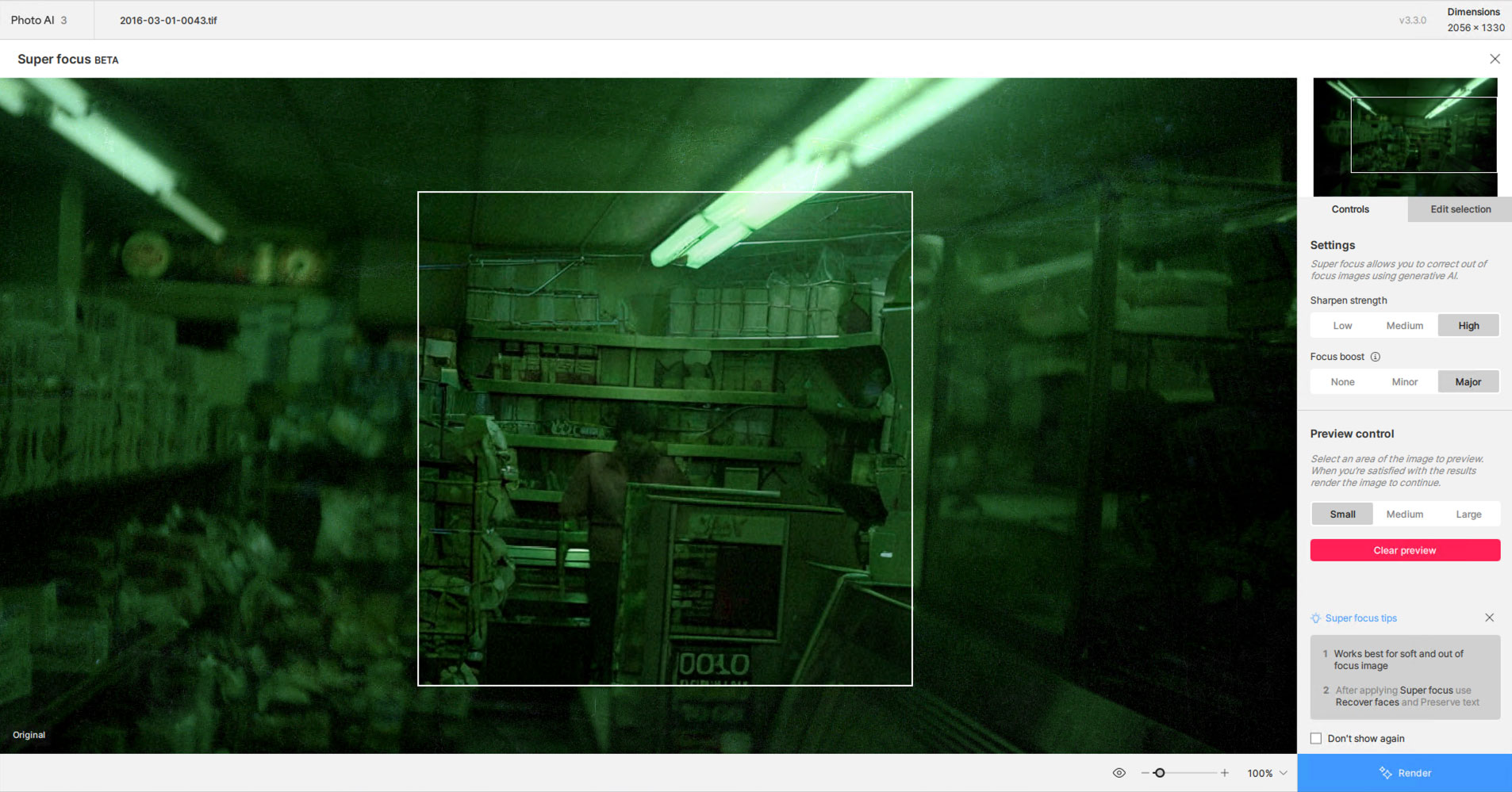
The preview in PAI with maxed Super Focus settings:
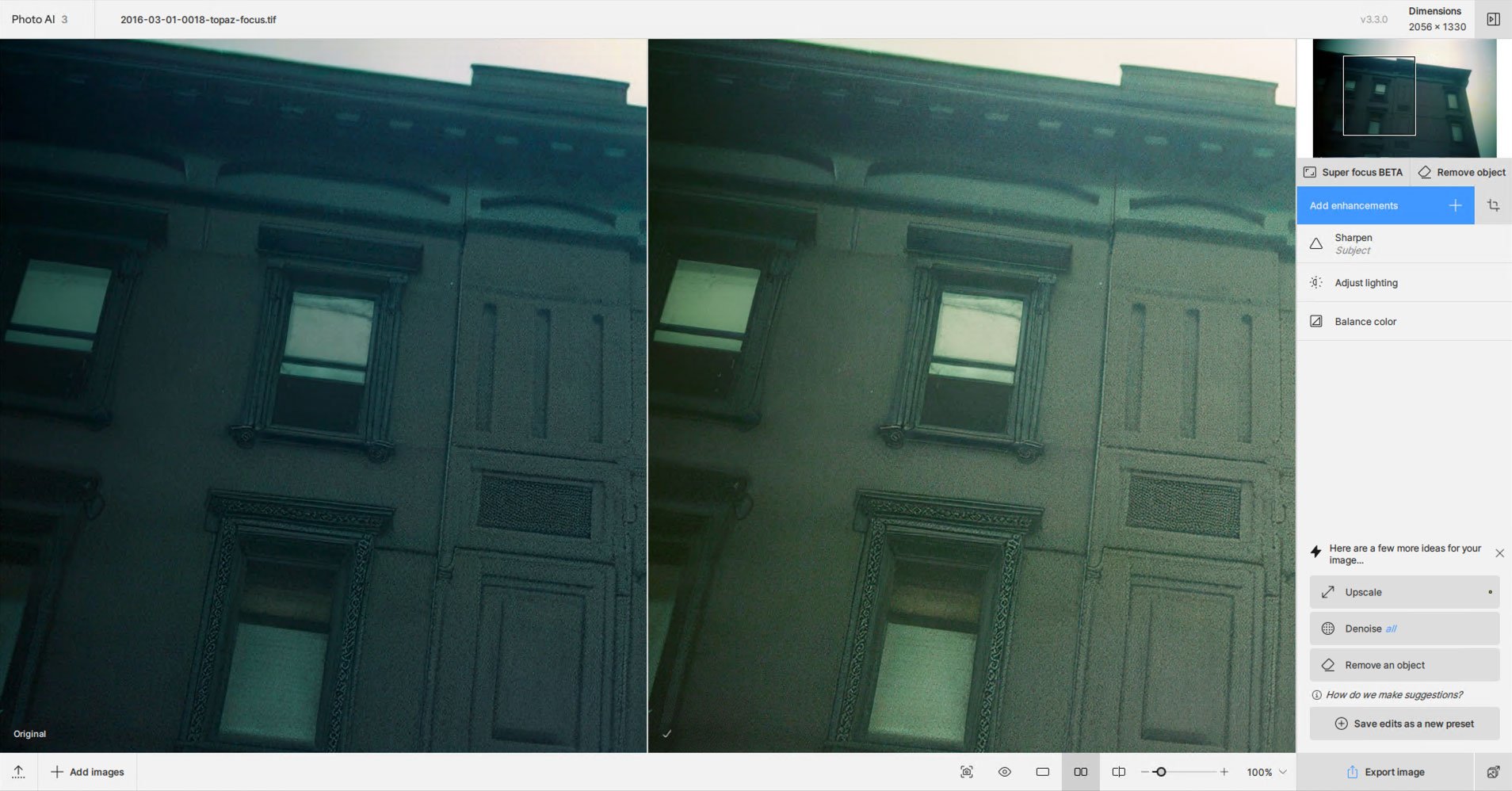
After Super Focus was done, I stayed in PAI for further enhancement:
Once I went as far as I could go there, I popped over to Photoshop for some final spotting, color and lighting correction only:
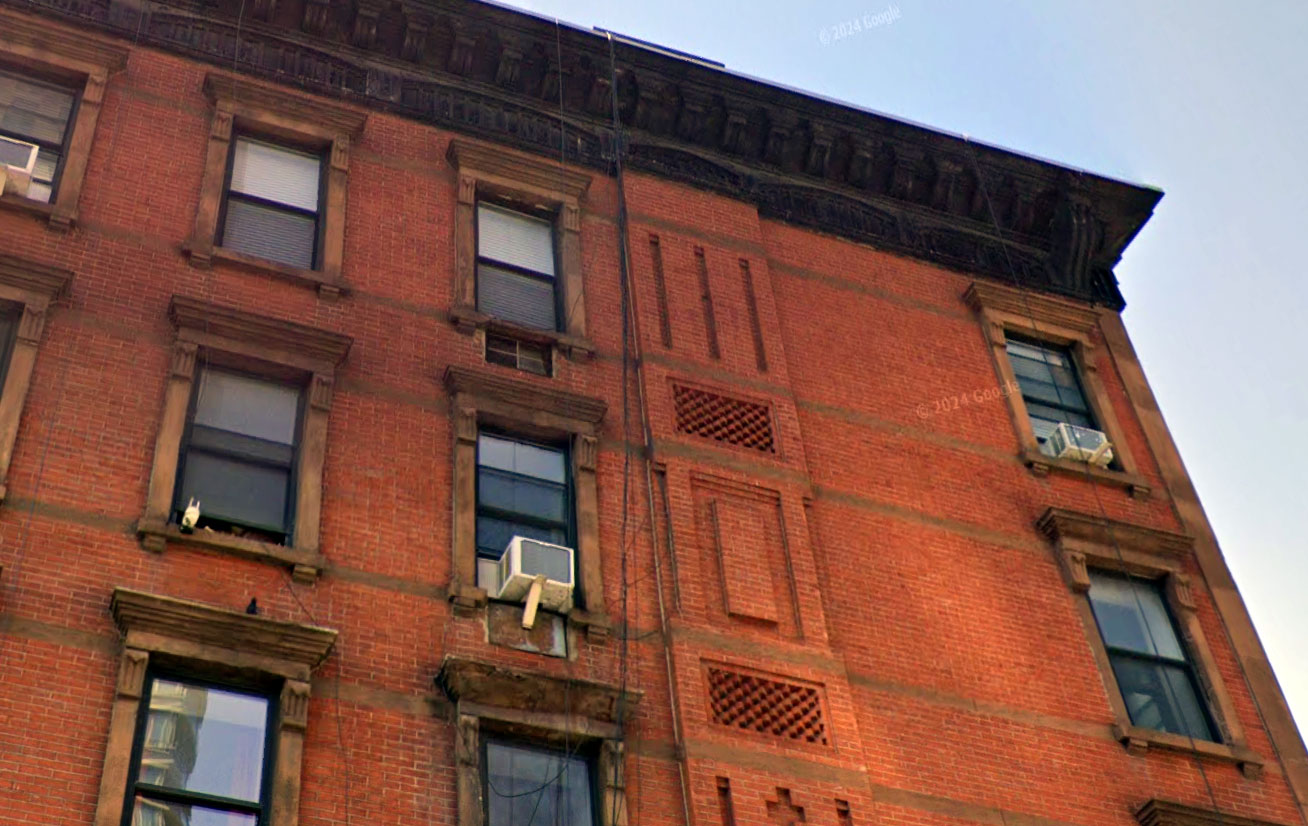
The same building today:
And a quick visit to the deli:
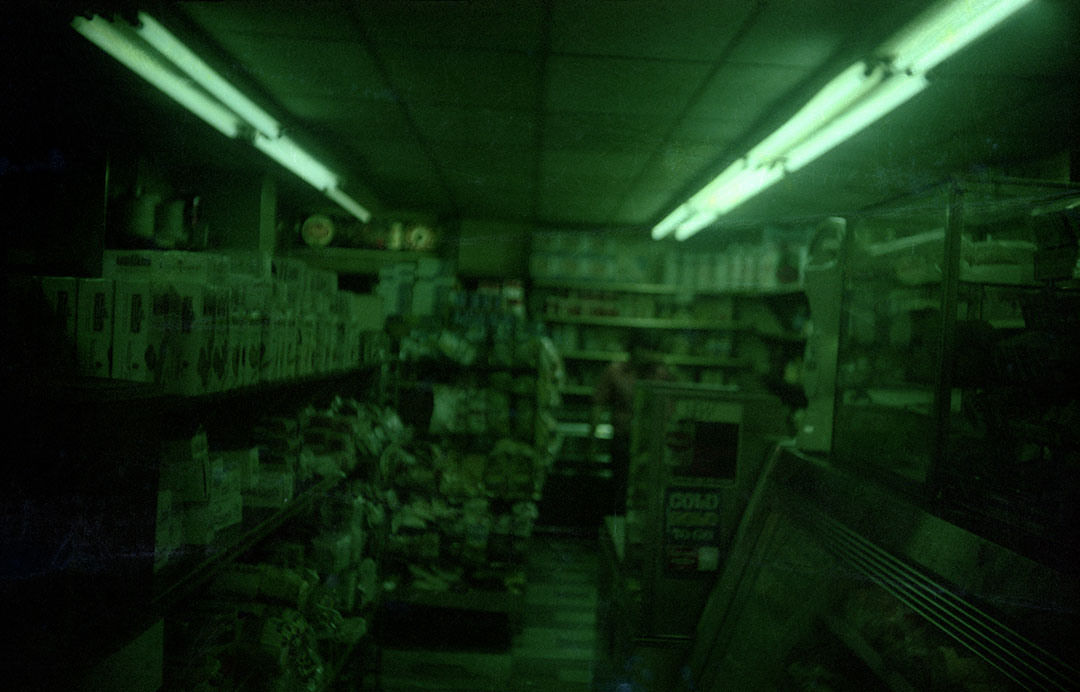
Oh! A person is there!
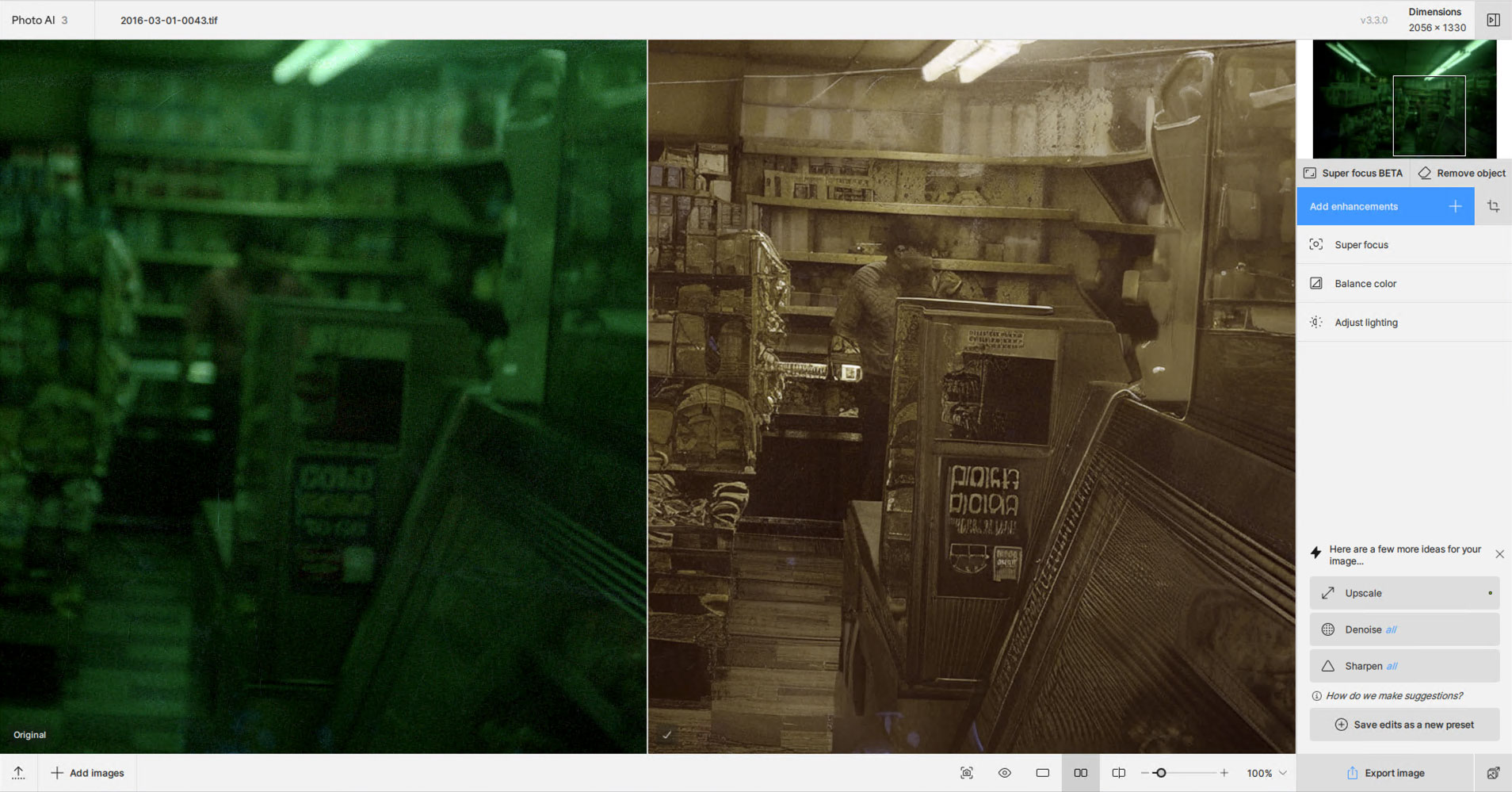
Final with some Photoshop cropping (since I didn’t already do it in PAI) and further color correction (such as it is):
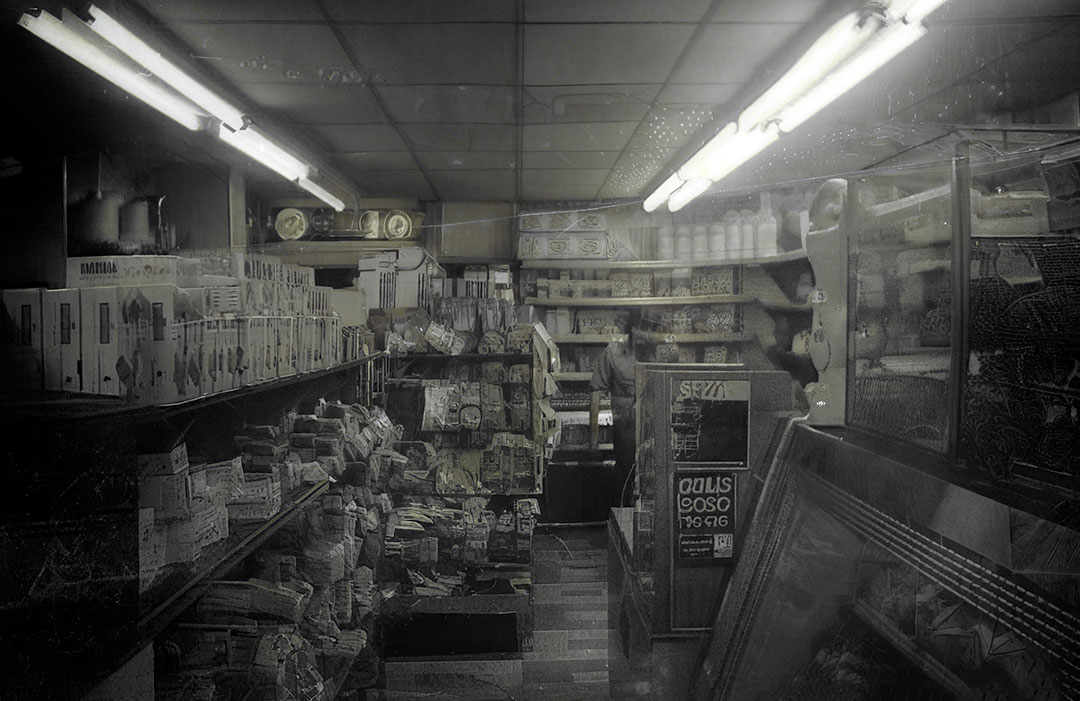
4 Likes
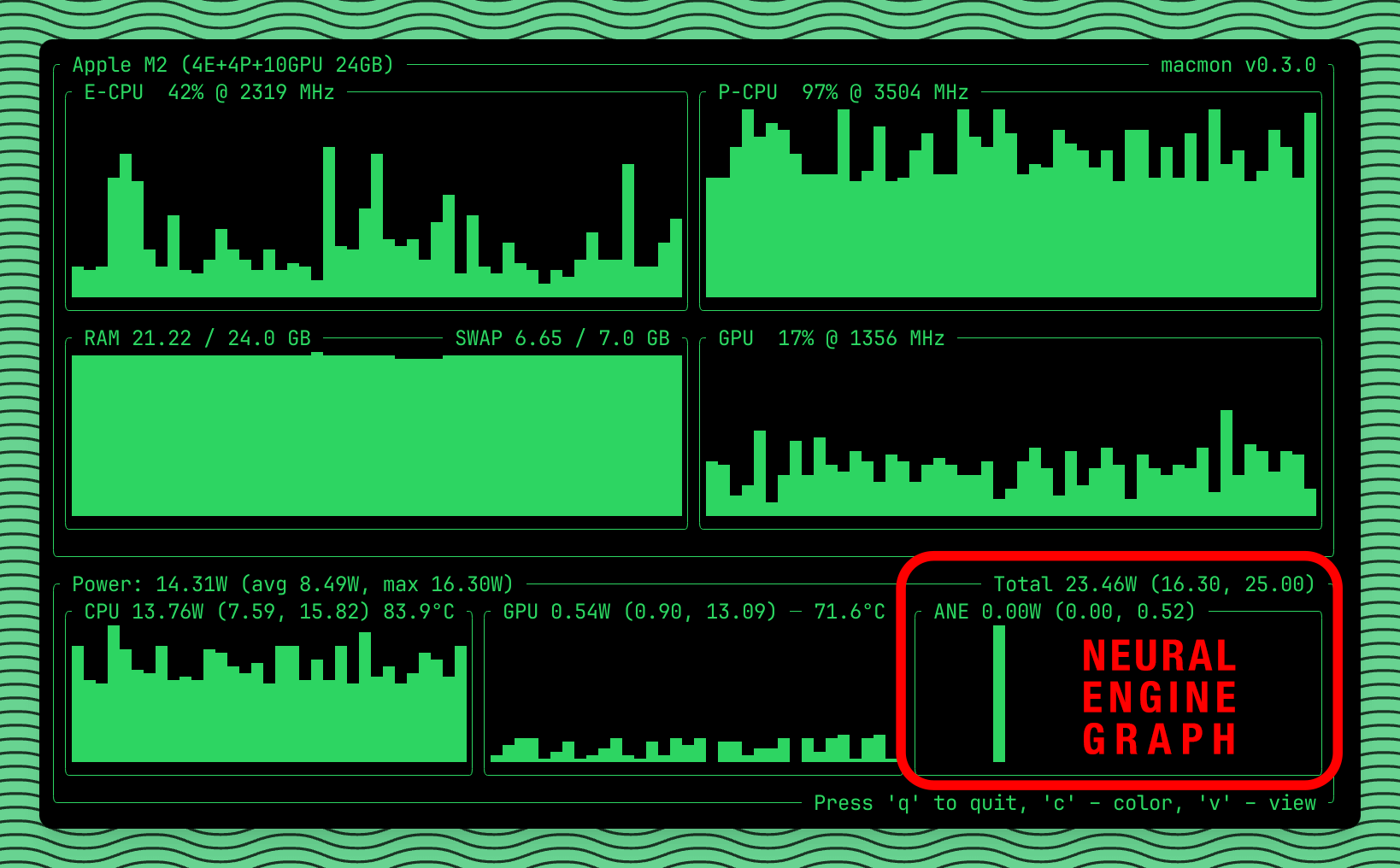
Do you know how to see a Mac graph of also the Neural Engine?
I do not…
I don’t have Apple Silicon mac (I’m still on Intel), but you can try macmon or asitop CLI performance monitoring tools. These tools works on Apple Silicon only. Asitop’s github page says works on macOS Monterey, but I think probably works on newer systems too. Installing and usage needs some basic Terminal knowledge. I’m personally recommend macmon solution, because its sudoless (safer usage) and the developer keeps it up to date.
1 Like
This is what I observed too. “Beyond dumb” is far too much of an understatement. If I mask 2% (and it was no more than that) of the image, isn’t it clear that I want only that part of the image re-rendered?
It wasn’t clear to me whether PAI was using both the RTX 3060 and the on-motherboard Intel GPU or not.
Unusably slow for the moment. This with W11 and an i7-11800H in a 16G laptop.
1 Like
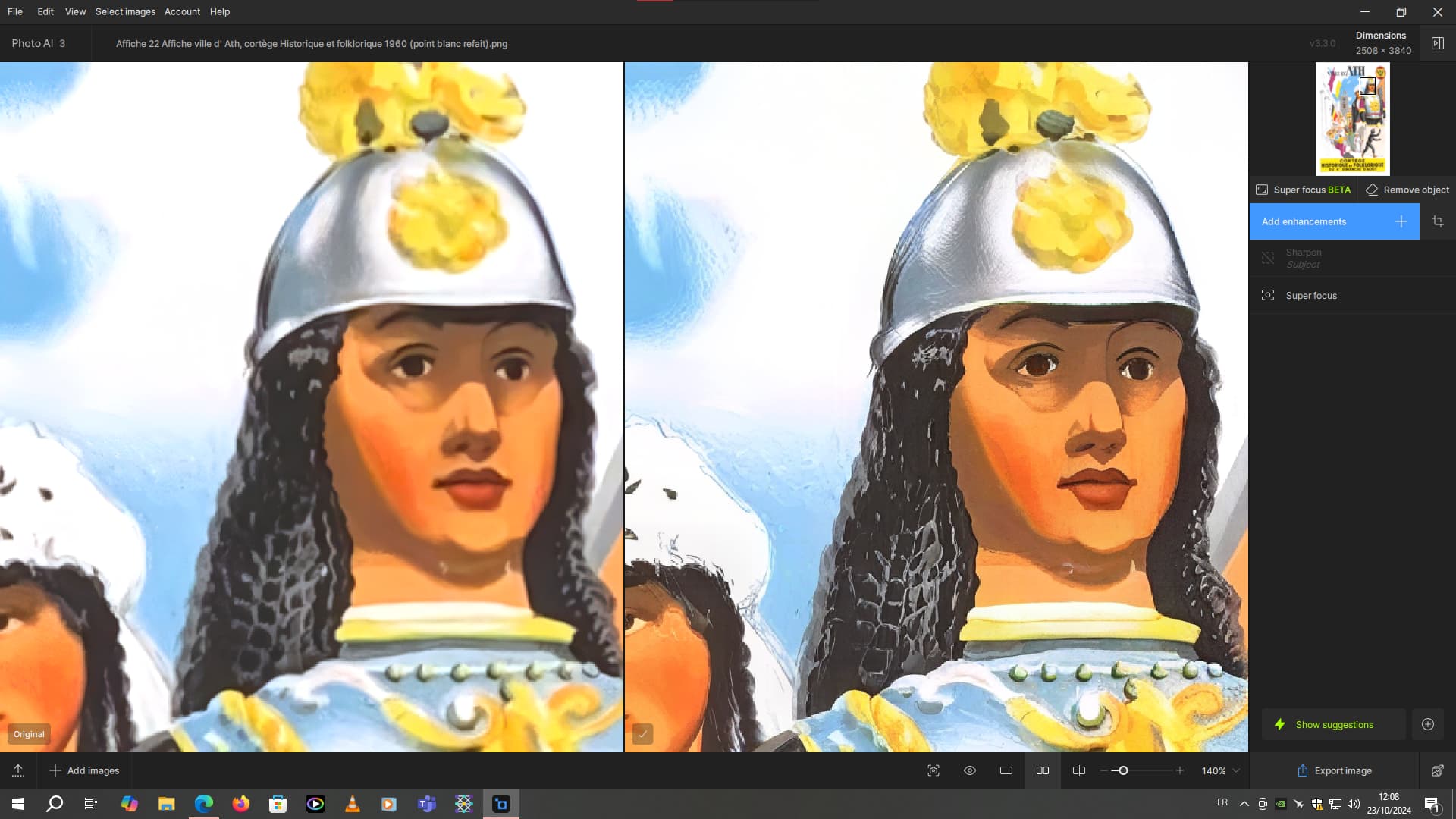
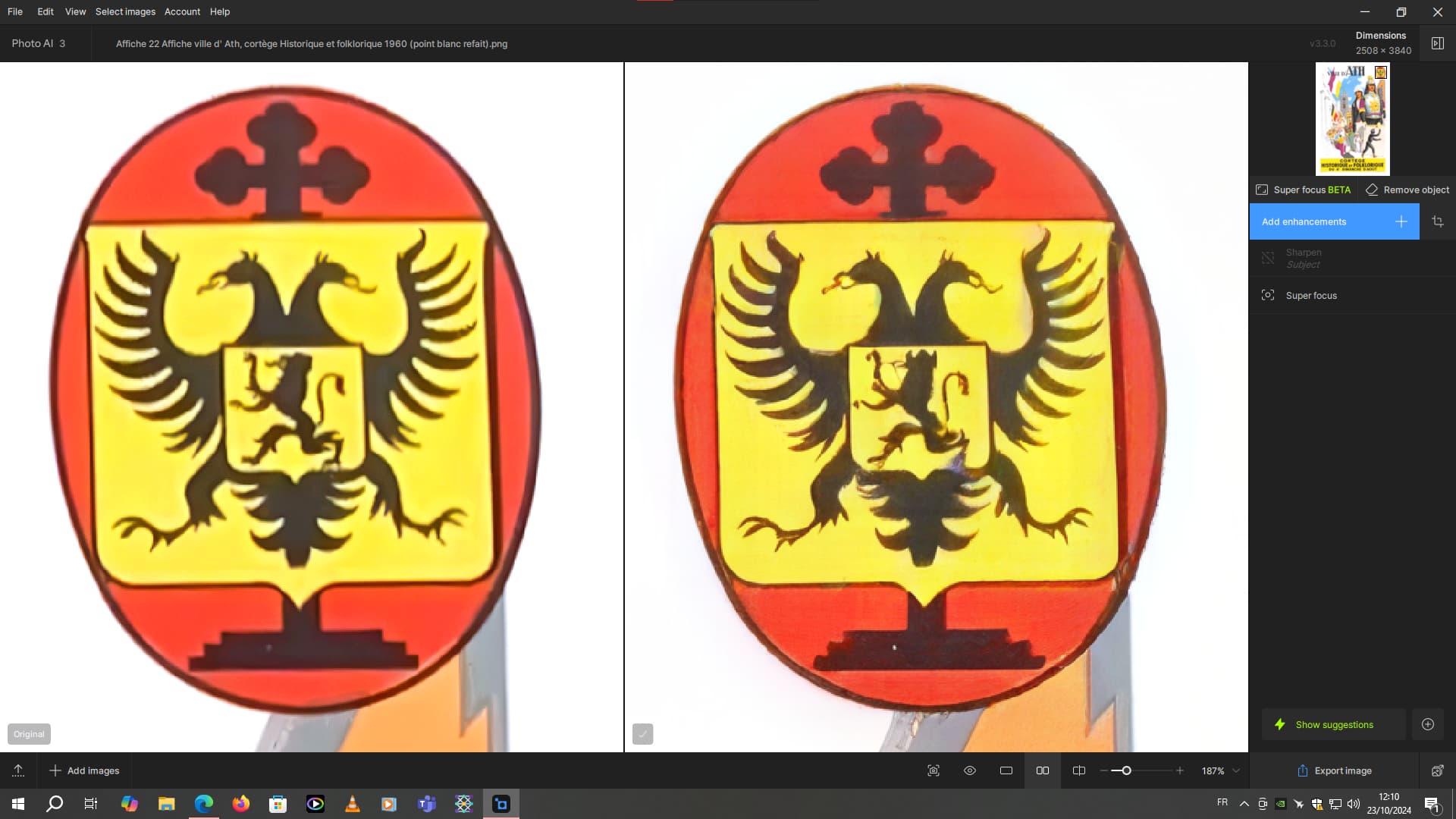
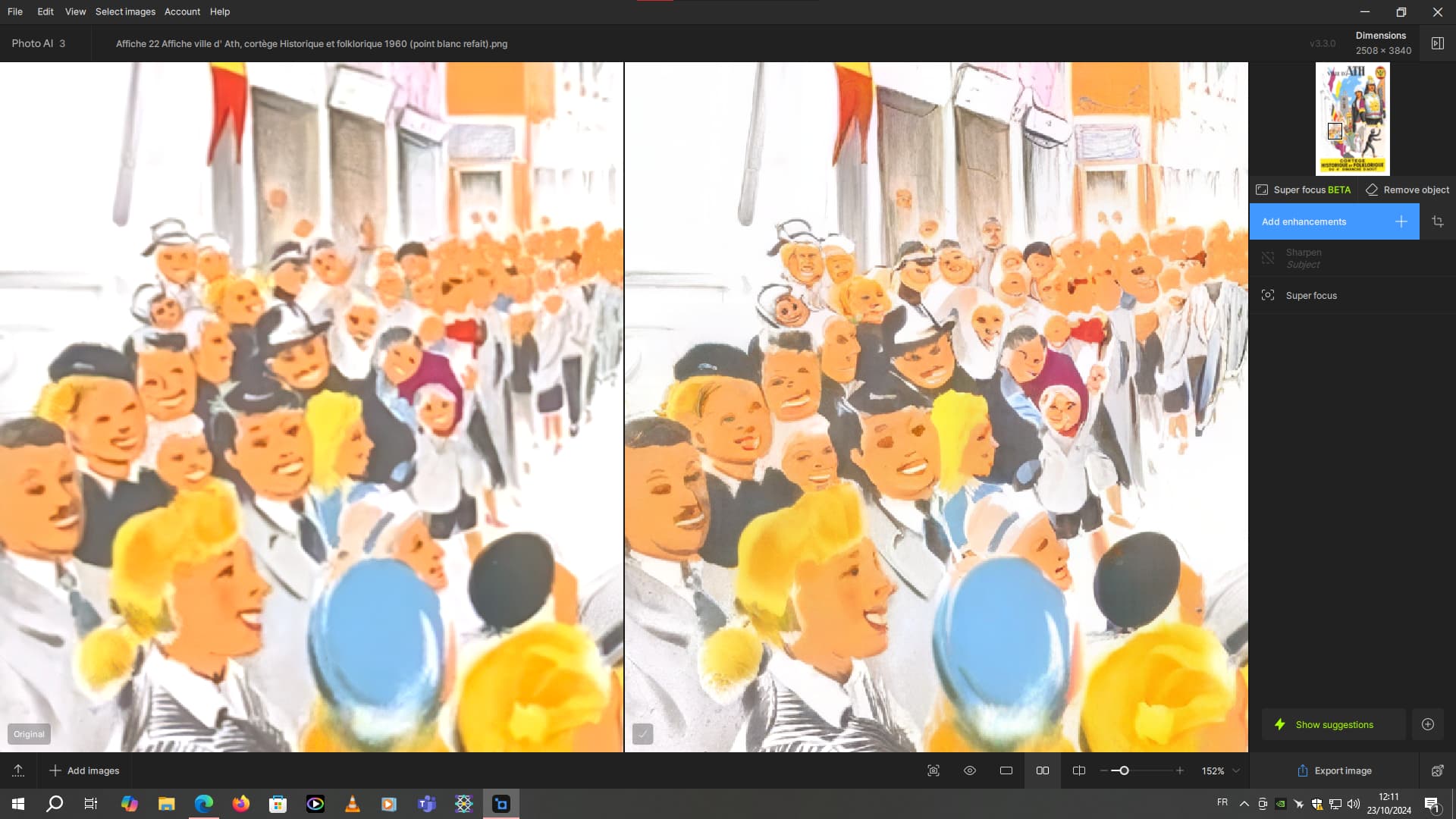
I was thinking of using super focus to correct the blur on this poster but it changes the appearance of the drawing and the faces too much. Unfortunately, this poster is not a scan but a photo recovery. But it has focus blur. So obviously for posters of this type the new model is unusable at the moment.
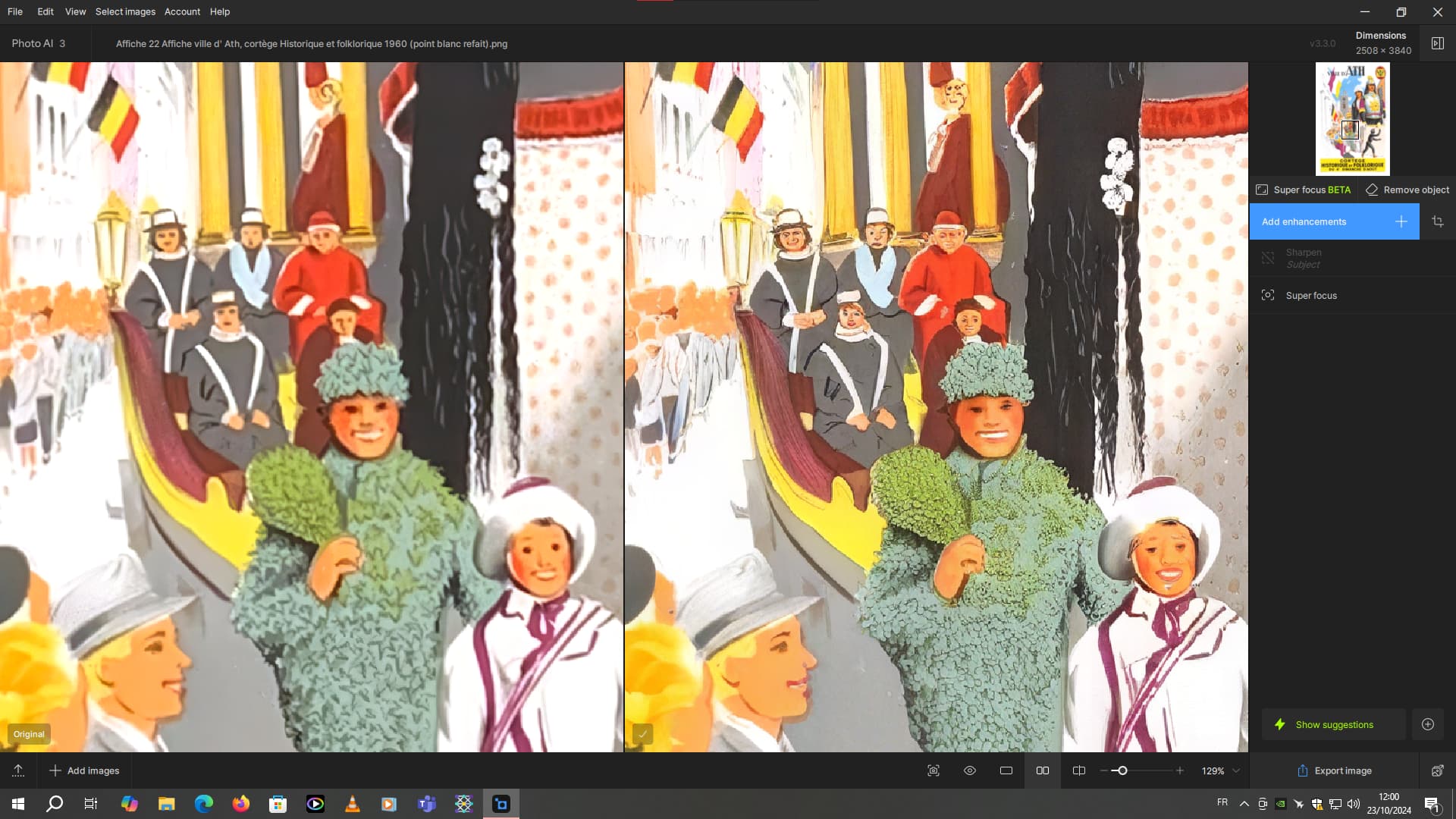
The look in the hair is a little different in this other area of the poster
And in the blazon of the poster, there are deformations
And here, the heads of the crowd are modified
I would use the Legacy Topaz Sharpen for that image.
2 Likes
Hi, I installed the latest version of Photo AI 3.3.0 and tried the Generation 2 beta Recover Faces option and compared it to the previous version. I used an old black and white photo of my aunt. She definitely looked better using Generation 2 beta. However, this was due in part to moving her lower eye lid down and increasing the size of her eyes. To be better it has to be realistic and true to the original. However, perhaps this is an unfair test as it was just one image.
Any update after 3.2.0 importing images crashes while analysing, sometimes it may work but majority it crashes all the time, tried 3.30 and thats the same, crashes on my AMD PC and Intel - anyone any ideas? rolling back to 3.20 
Operating System: Windows 11 Pro 64-bit (10.0, Build 22631) (22621.ni_release.220506-1250)
Language: English (Regional Setting: English)
System Manufacturer: ASUS
System Model: System Product Name
BIOS: 4902 (type: UEFI)
Processor: AMD Ryzen 9 5950X 16-Core Processor (32 CPUs), ~4.5GHz
Memory: 65536MB RAM
Available OS Memory: 65444MB RAM
Page File: 16583MB used, 52956MB available
Windows Dir: C:\WINDOWS
DirectX Version: DirectX 12
DX Setup Parameters: Not found
User DPI Setting: 96 DPI (100 percent)
System DPI Setting: 96 DPI (100 percent)
DWM DPI Scaling: Disabled
Miracast: Available, no HDCP
Microsoft Graphics Hybrid: Not Supported
DirectX Database Version: 1.6.2
Thanks, Martin
I am so happy for you that you’re the only one who can get it to work!!!
Are they charging you extra to make up $ for all the users they will lose to other products by not adding long time requested functional features & messing with AI “stuff” that 3 machines can support? 
3 Likes
The mask tool has been updated to be far more performant in the latest versions of Photo AI. However it runs on GPU now, so we have noticed it may be slower on machines with poor GPU setups. Which machine are you running on?
What model do you use in legacy sharpen? You should be able to replicate results in Photo AI depending on the model that you use.
These are actually all locally processed examples (unless specified otherwise; those are over in the GP thread I think).
But I have access to COMPUTER LABS at work running Dell i9 Precision 3660’s with NVIDIA 4090… And there are large gaps in their schedule, woo!
i’ve jus tried Super Focus on a small part of an image and my Apple M1 just can’t handle it… ETA 78h…
1 Like
Out of Focus - Very Blurry works great on his poster images without creating the artifacts he was showing.
A workaround is to crop to what you want to apply Super focus to, send it to photo AI, process that, export it and patch it back in. One hopes this will be fixed soon.
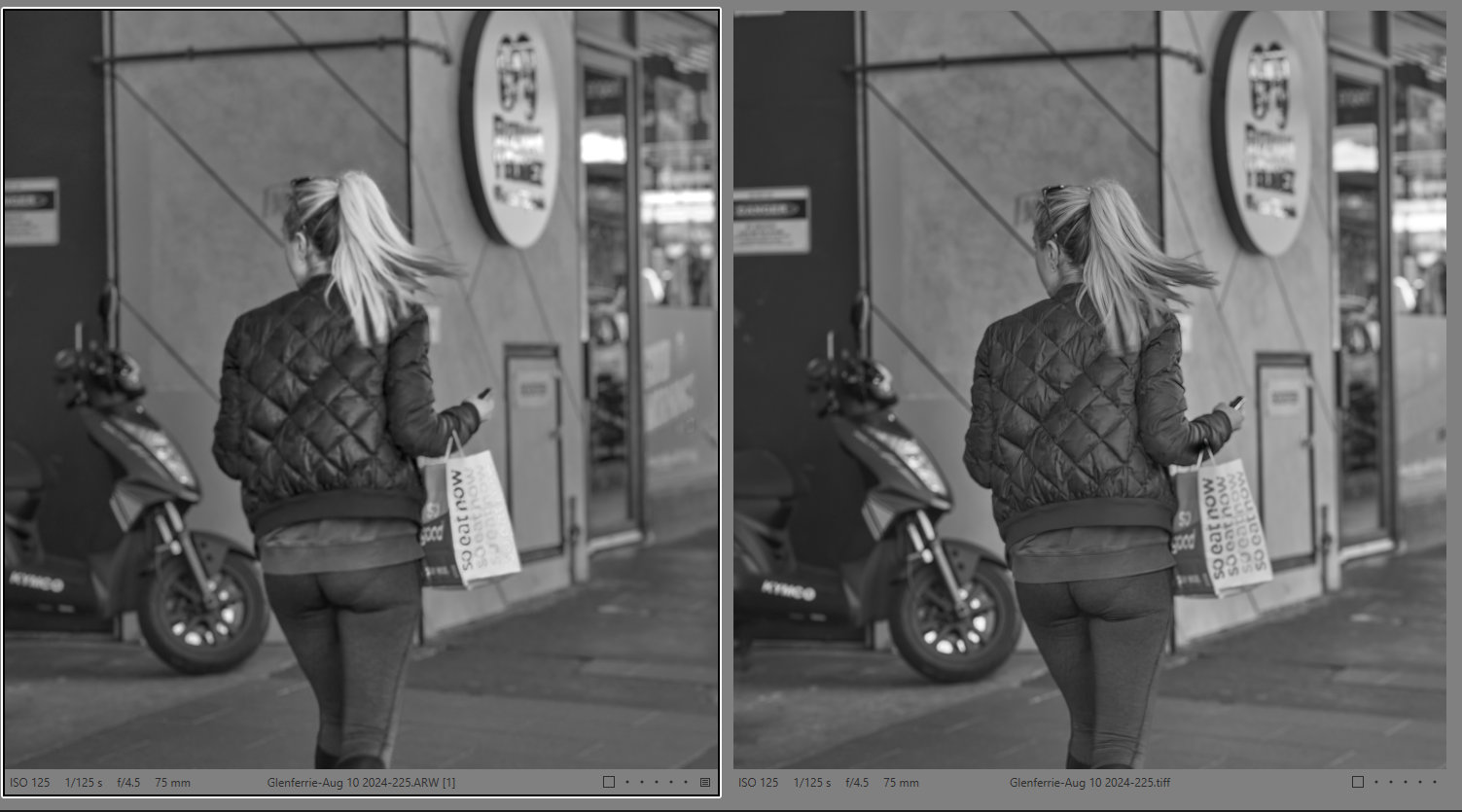
Win 11 Pro. Ps (2024) Plugin, File > Automate. Processor = AMD RX6800 XT.
.JPG original. Blurry image of eagles.
Tried SuperFocus on High sharpening (after trying Low & Medium 1st). Selected custom subjects (the two eagles) with Std Brush Tool.
Before/Original Image:
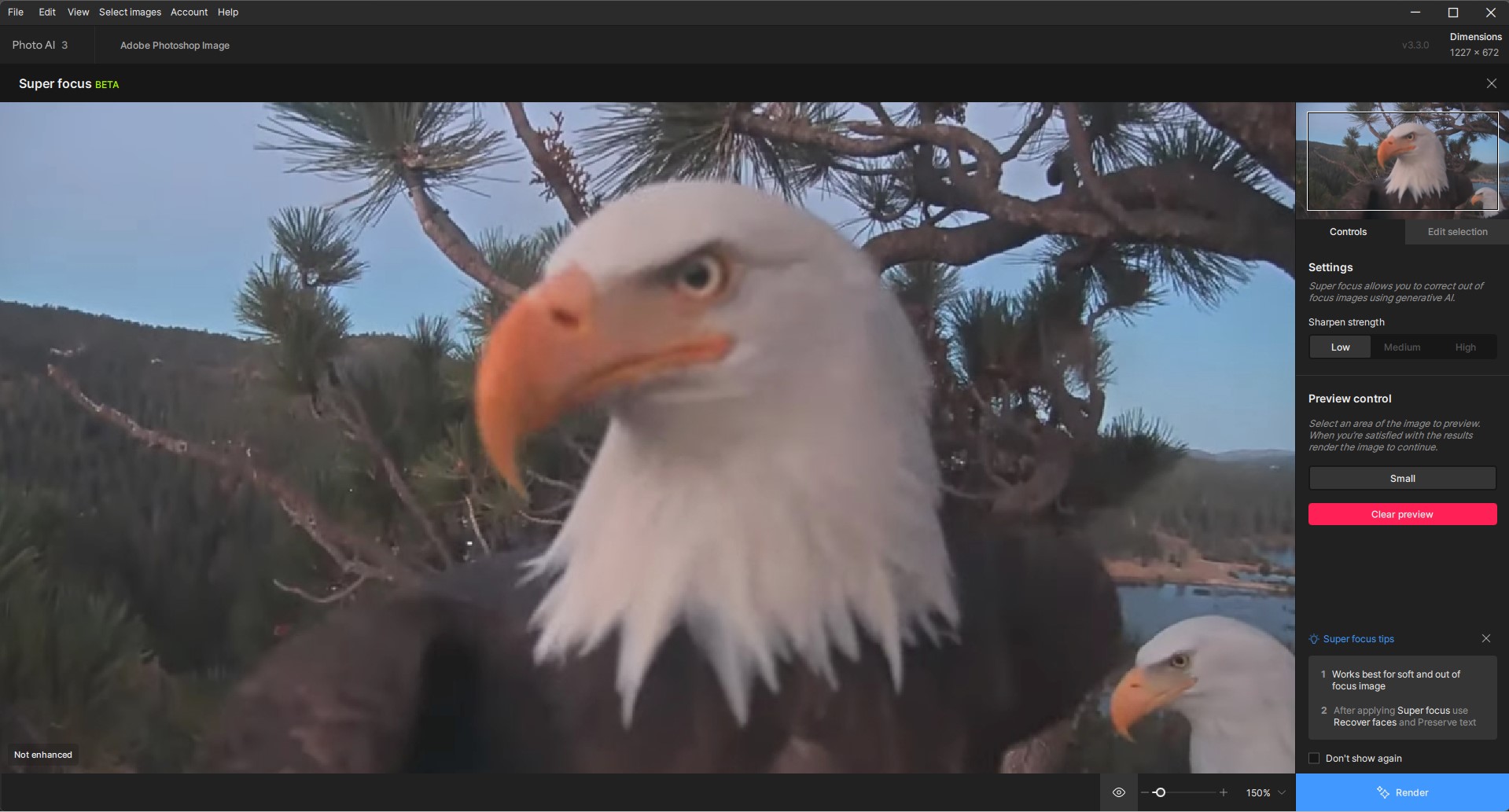
After Running SuperFocus: (don’t see any notable improvement to primary eagle but does seem to sharpen a lot of the area outside of where I’d custom masked)
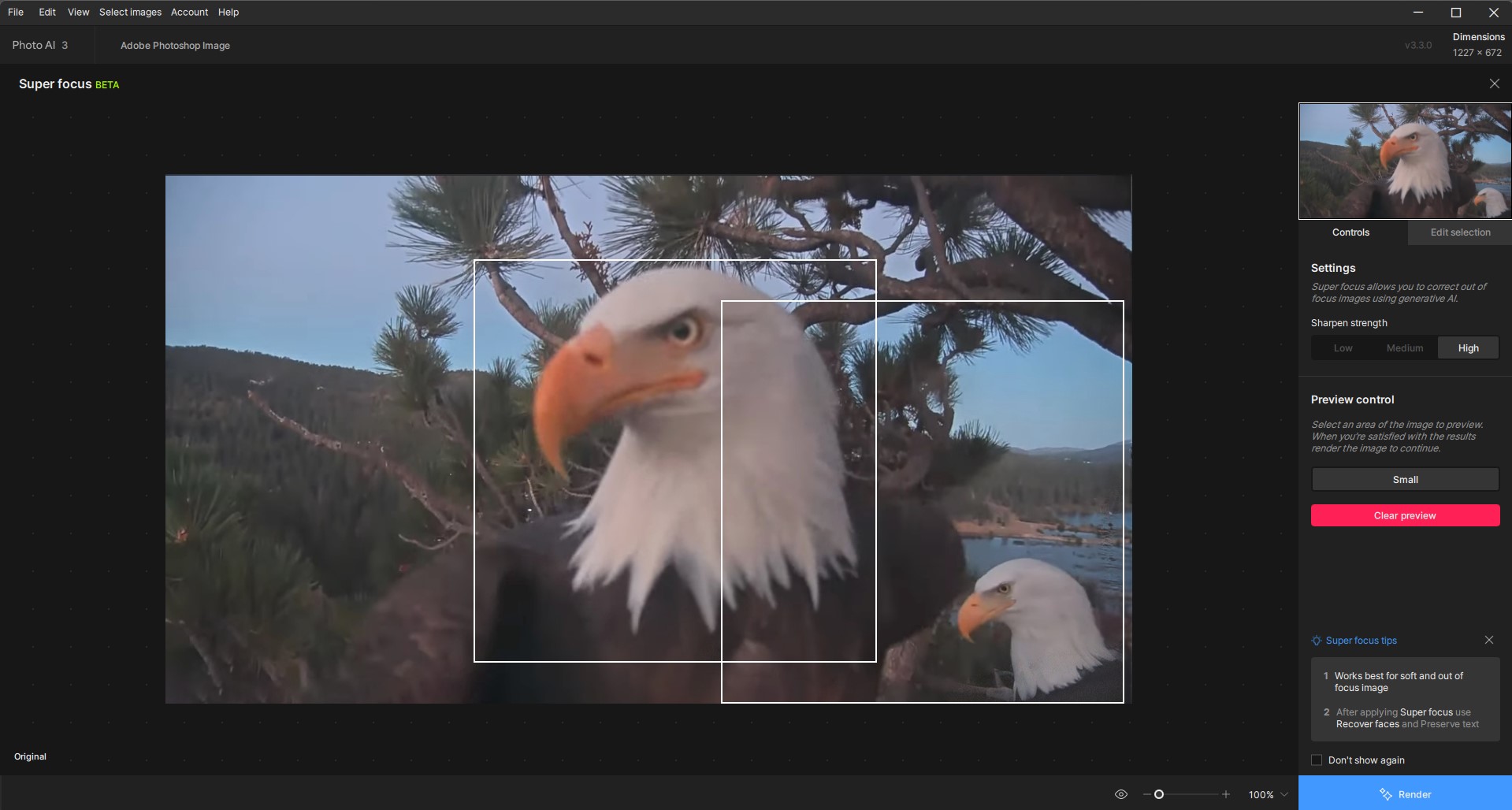
Also, when tried Standalone, then closed that out PAI automatically relaunched itself and locked up my PC while that happened.
Per my rpts during betas: For the last 3 PAI & GAI releases (beta & production) the Topaz products generate No Logs anymore…
