I believe that offering the option to unlock the upscale module would satisfy both types of users.
Some users may not use it at all, while others, like me, really need the flexibility to move all the modules around (I’m not sure about the remove module, but for me, it makes sense to use it first, before anything else).
As I’ve mentioned before, I typically work with relatively small images (way less than 1mpx, often 480x480 to 512x512 - or even smaller), and the new method of upscaling at the very end doesn’t work for me. The results are objectively poor (they weren’t before, and with the same models. Now with the new face restoration model, I really would like to use it more efficiently).
For tasks like enhancing faces or sharpness, now I always start by exporting all the images using the appropriate upscale models. Then, I re-import the entire folder to focus on the faces and sharpness.
This adds a lot of extra work. Before the recent changes, I could do everything at once: load thousands of images from a sequence (like interviews), isolate the faces, and export them all in one go. However, since Photo AI 3.0, the results have noticeably worsened, less defined faces, strange artifacts, and other issues.
A workaround is to crop to what you want to apply Super focus to, send it to photo AI, process that, export it and patch it back in. One hopes this will be fixed soon.
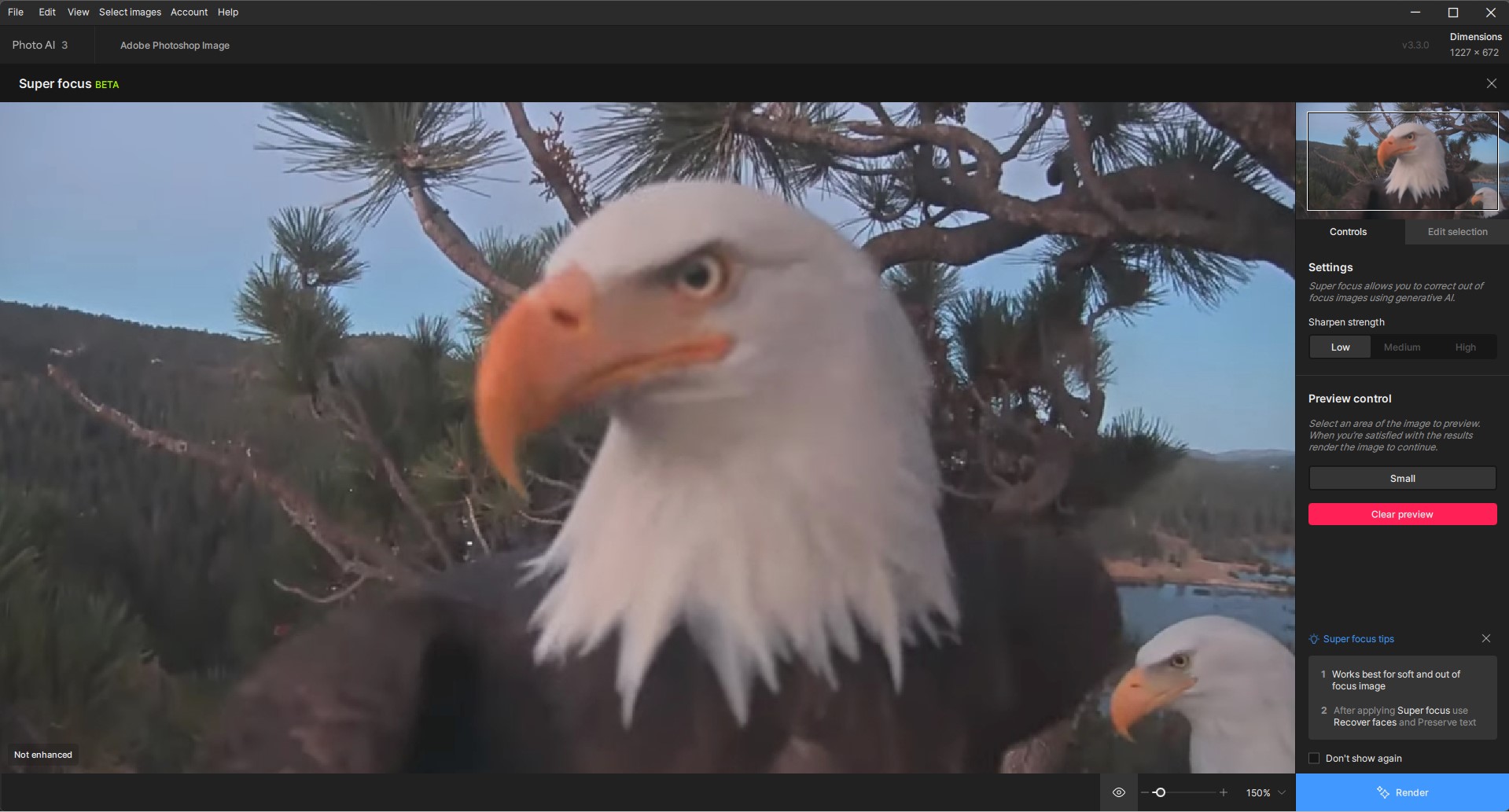
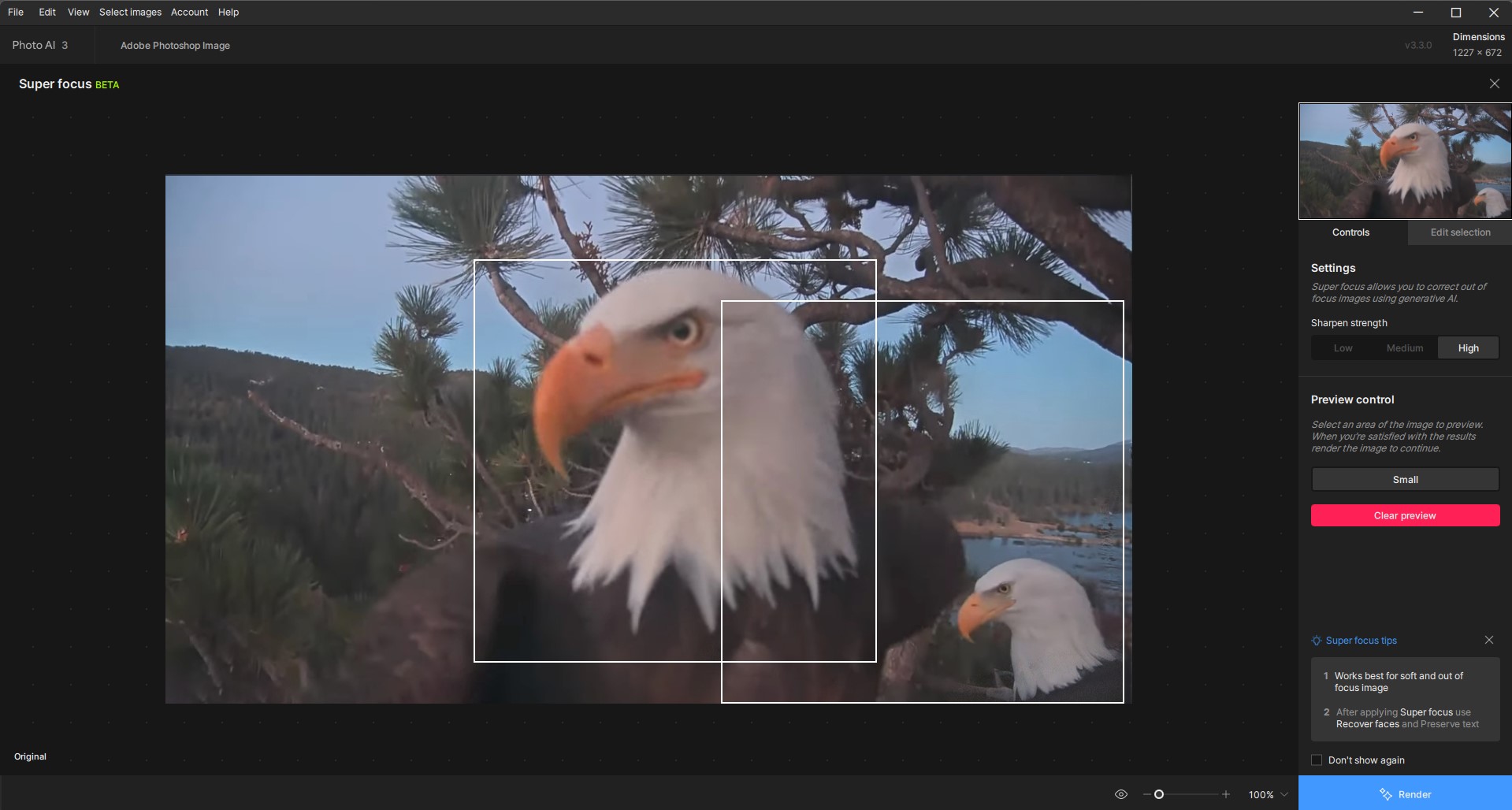
After Running SuperFocus: (don’t see any notable improvement to primary eagle but does seem to sharpen a lot of the area outside of where I’d custom masked)
Yes. It sounds good but unless the photo is no more than 1500 x 1500 pixels it will take hours. Even 1500 x 1500 takes 12 minutes, and the final is not any better than doing a detail enhancement in
Affinity Photo. My copy on 3.3 actually says “BETA”.
I have an M1Pro with 16 gb ram, but it doesn’t seem to be using much ram or CPU or GPU; its all neural engine.
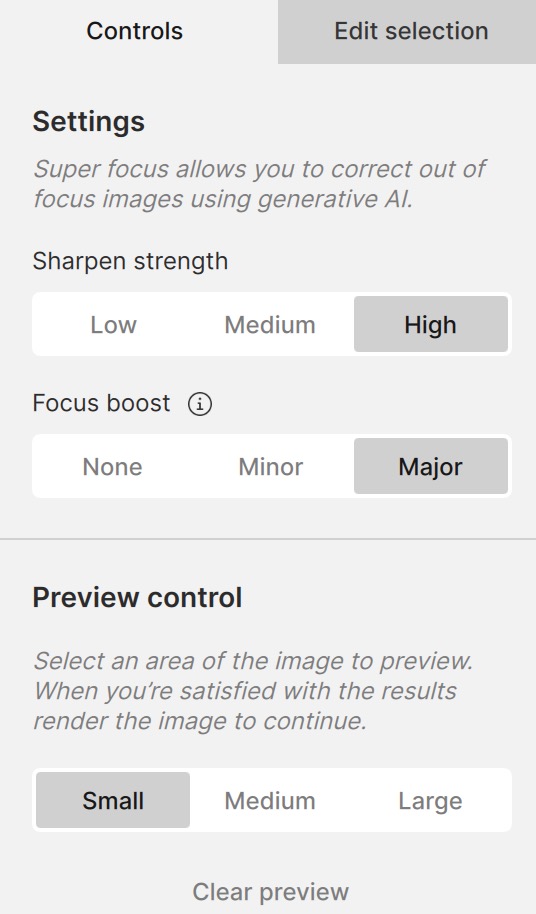
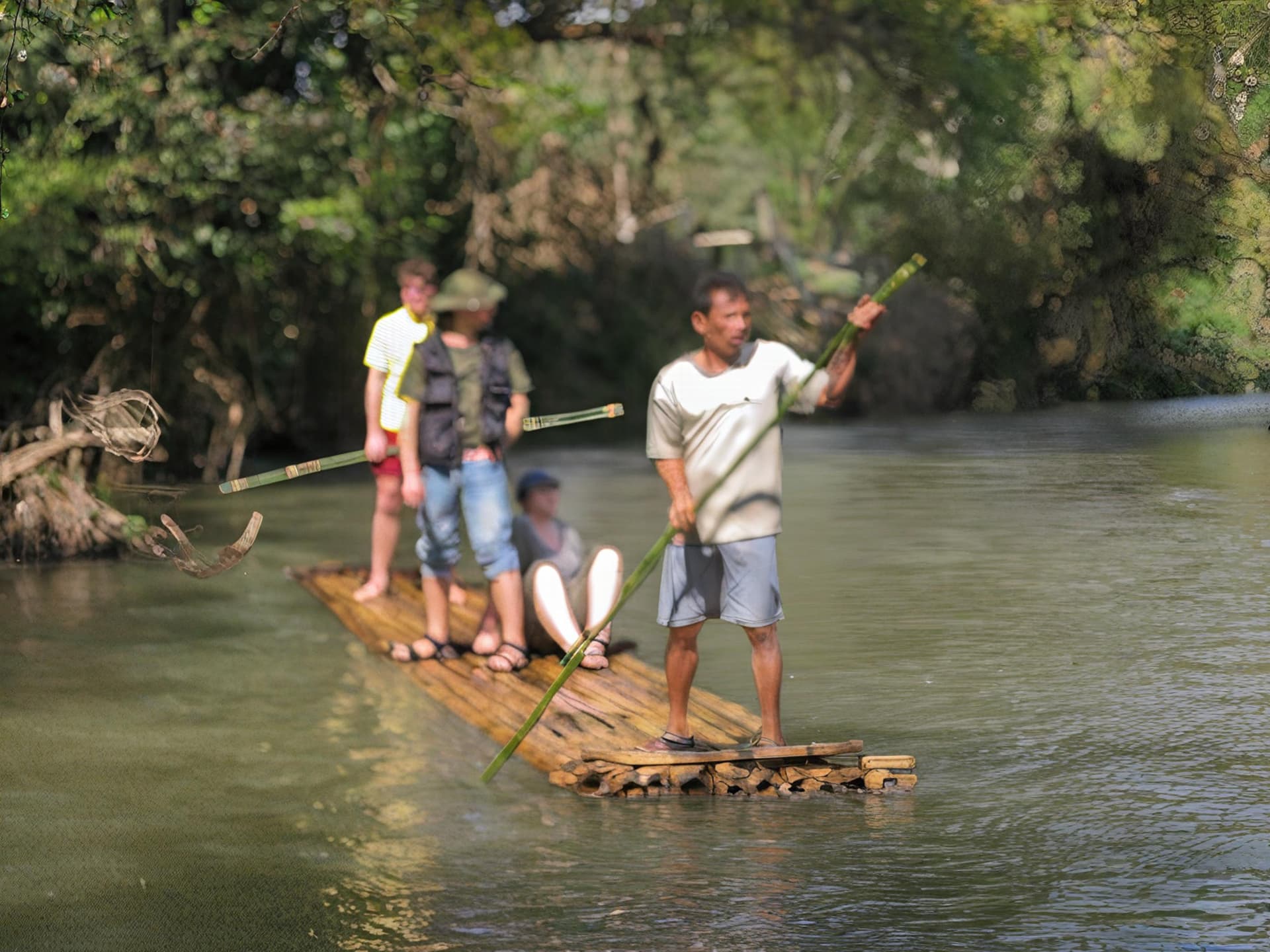
I decided to give Super focus a try on my M2 Pro 12/19 Macbook Pro. It took about 2 minutes for this old 6mp terribly out of focus JPEG digicam photo. I ran it on the full photo and I tried various settings. I used these settings to get the best results. You can decide how well it did.
Well, just after my last post, I used one of Photo AI’s other sharpening models. It seems to me that the Focus or lens blur one gave the results I wanted. But it’s true that I didn’t think to test in Sharpen AI. I always keep it as a last resort if Photo AI doesn’t give me the result I want.
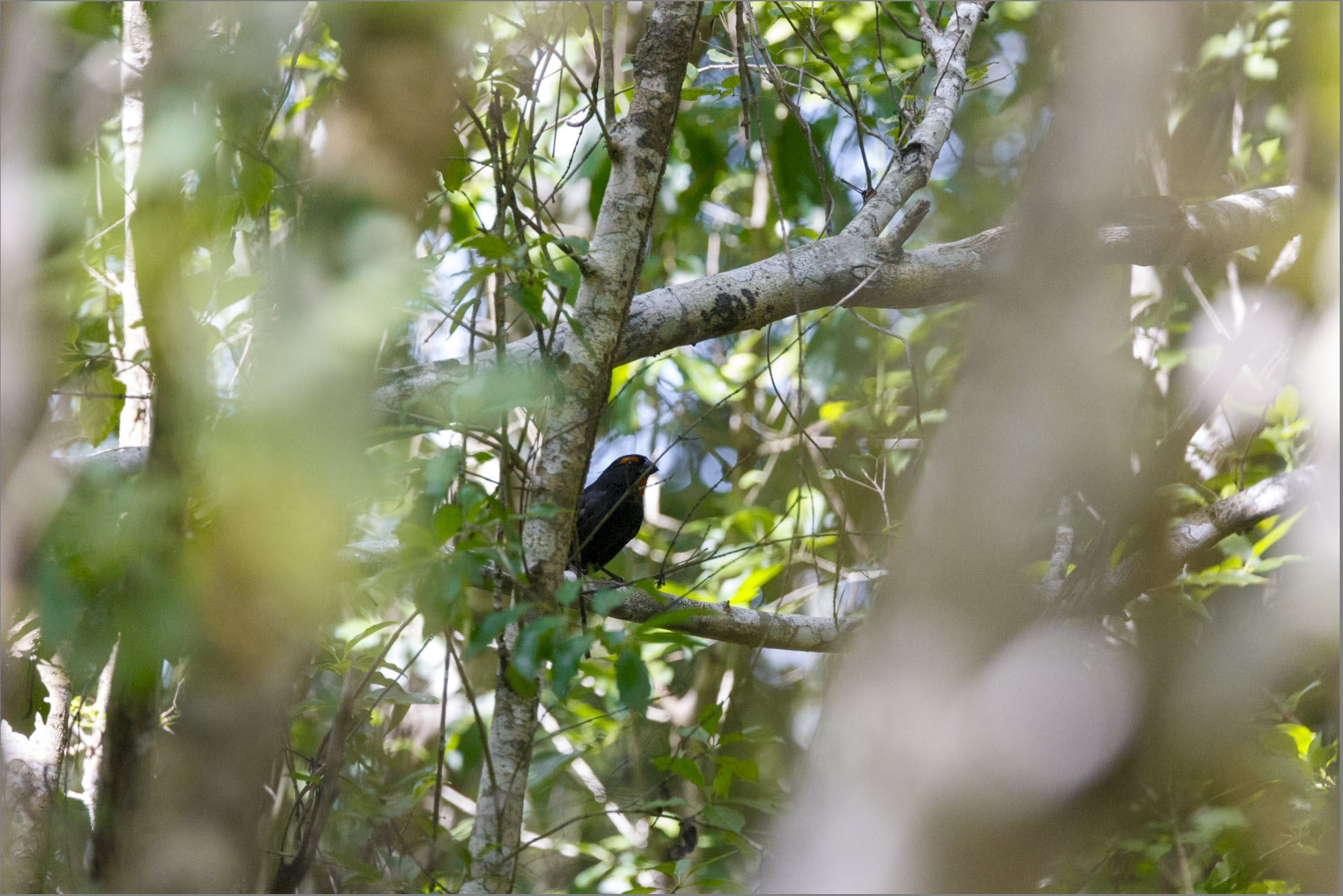
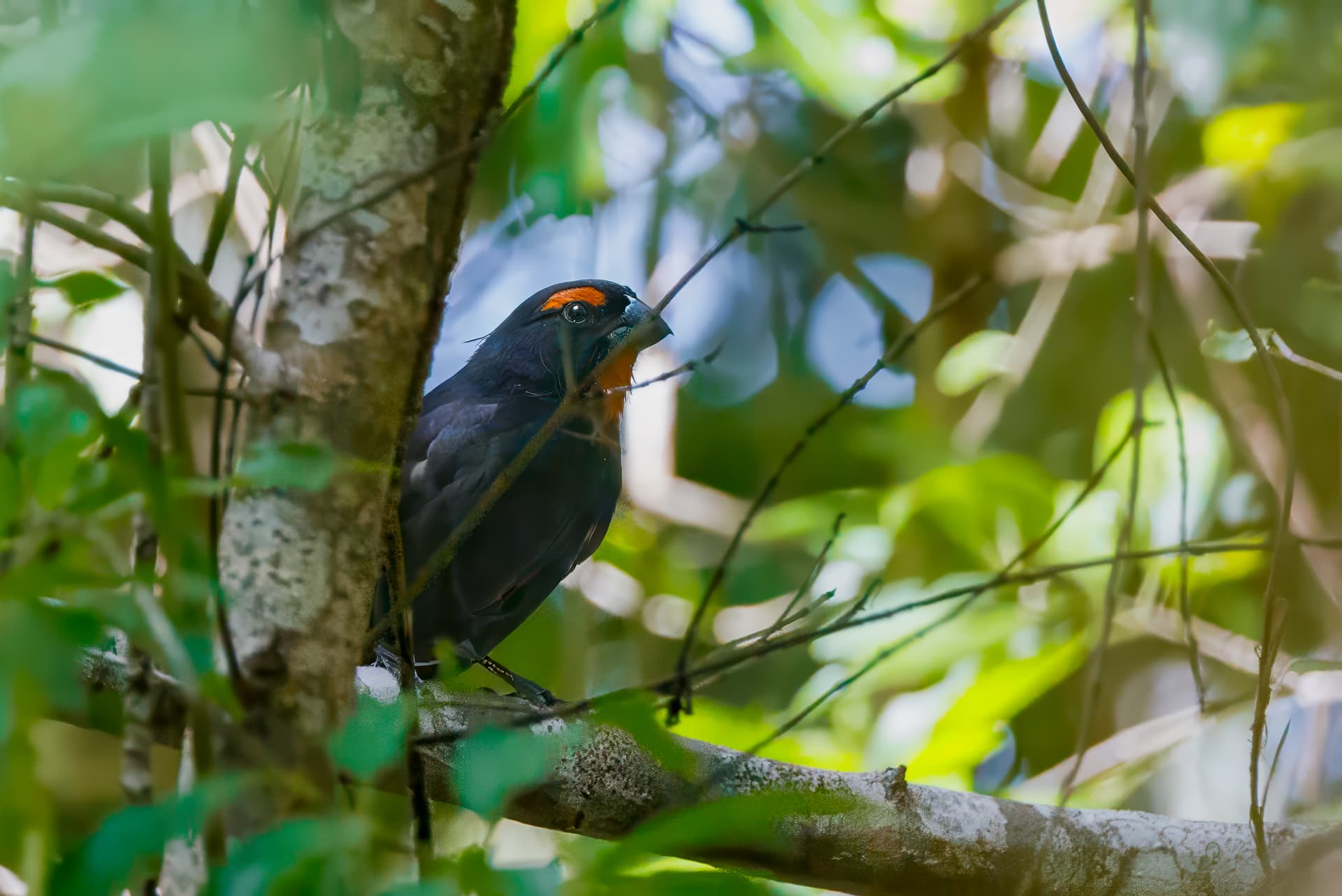
On a recent holiday to the Dominican Republic, i did a bird-watching tour and saw a Greater Antillean Bullfinch. Not particularly rare, but definitely not something you see walking around in the UK.
And I ruined my photos. We couldn’t get close. It was through a lot of branches. I couldn’t get my camera to focus on it. And I had the wrong settings, so ended up at ISO 16000.
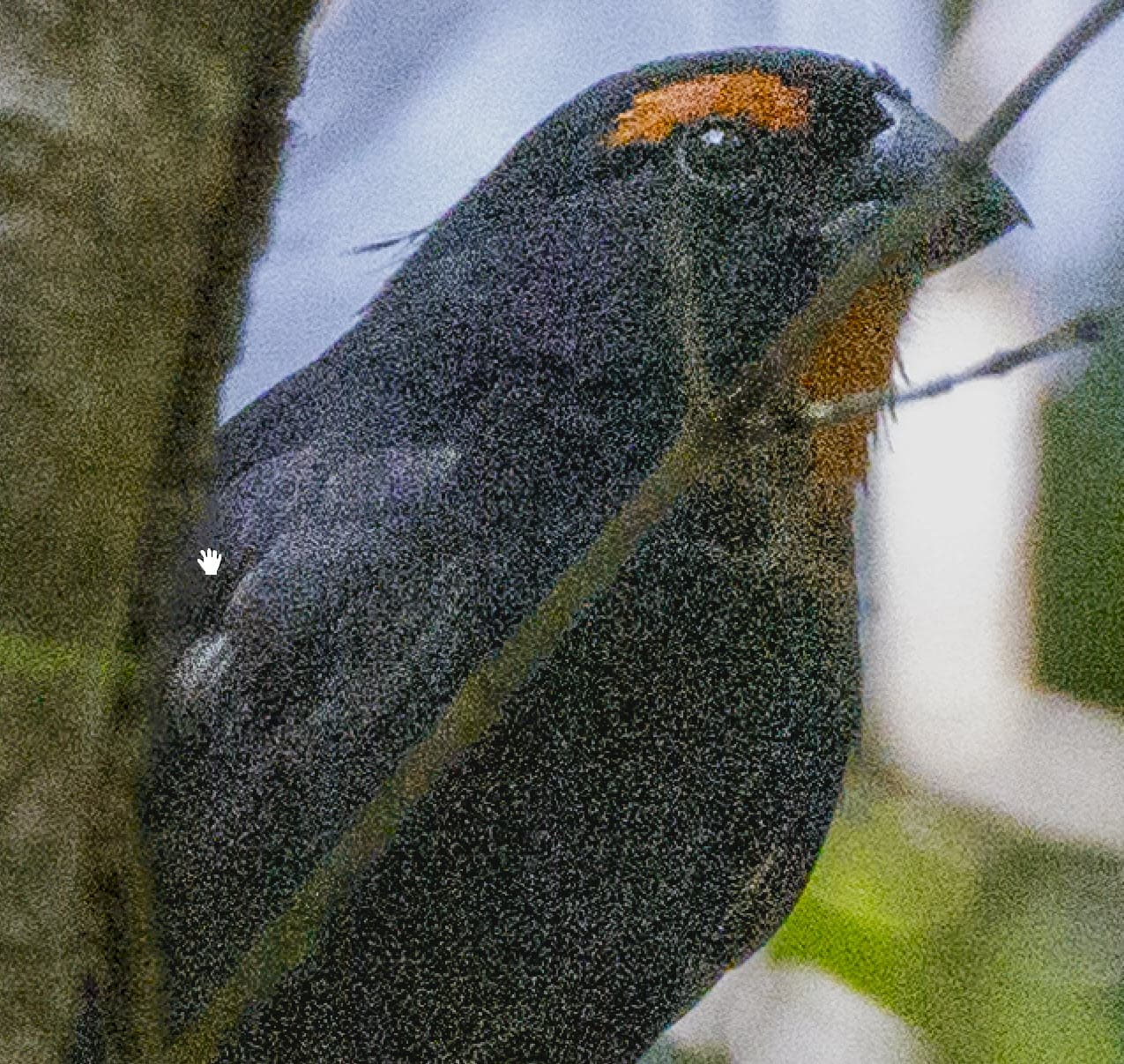
So I thought I would see what I could get with Super Focus
Cropped in screenshot and some adjustments. (I find that if the subject is really underexposed or overexposed, I can often get better results by doing some adjustments before sending to TPAI.)
It took about 20 minutes for SuperFocus. I did find the preview wouldn’t render - it got to about 90% of the way through and just stopped. So I cancelled it and just rendered it.
I’m happy enough with the results. It wasn’t a good photo to start with, and I’m not going to print it or put it on my calendar. But I ended up with something that is good enough for a digital photo frame slideshow.
I did try with the standard denoise and sharpen models in TPAI, but I either got no detail, or too many artifacts.
I have just tried processing the RAW file instead of a cropped TIFF file from Lightroom. It took over an hour, even though I had masked just the bird. The TIFF took 20 minutes
Your specs are a lot higher than my wind-up laptop using Windows 11 Home.
I’ve loaded three large Raw images in Topaz Photo AI 3.3.0 and they all processed with no problems or crashes.
I would try updating your Drivers and then uninstalling Photo AI. Restart your PC. Reinstall Topaz and hopefully that will fix it. Also check the Preferencies in Topaz to see if the AI Processor is set to Auto.
A pro photographer/presenter on birds in flight photography this past Monday night (stunning bird photos!) mentioned she has stuck with using Denoise AI (primarily) & some Sharpen AI. She gets those fabulous results she showed with those products.