I used ON1, back when I mentioned, b/c at the time they were the OG for an upscaling product. And, I know a lot of the former Topaz beta testers (who also got - what’s a nice word for disgusted? - perhaps, but different, discouraged…) switched over to ON1. At that time the products had Pro in the name (I think).
I have used DxO also in the past (prior to Adobe offering similar functionality in Ps) for adjusting perspective and in the early days of them adopting the Nik product line. Never their more full-fledged product/suite. I’ll check that out too.
I’ll see what happens with Adobe… I just got an email (on starting day of MAX) that my subscription fee/month would more than double on my renewal date. I don’t know if that’s b/c of all the users they’ve lost due to their recent EULA changes - they’ve never done a jump like that before… I’m not a pro. I can’t bill people. And, I am a retired hobbyist who can’t afford what that fee would amount to. So who knows. This may be the year of metamorphosis to Affinity Photo and DxO (or, ON1 - whichever offers the best upscaling - I can handle needed sharpening / denoising in Ps or a Ps-adjacent if equal functionality product (with high pass or with unsharp mask for sharpening if more control needed).
What I learned while beta testing, mainly Gigapixel Redefine:
A faster Mac would not be a solution there. A PC with high-end dedicated GPU is needed – at least until this feature receives a huge amount of optimization.
I work in higher-ed IT (supporting, among other things, the ARTS area). They switched their animation labs from Mac to PC a couple years ago mainly due to their 3D rendering needs. As much as I am a Mac guy, I see their point very clearly now…
So the lesson I take away is, don’t spend too much on any Mac. Any one of the M series chips is very capable for general/graphics use, just add a bit of RAM but don’t get crazy. But be aware that Apple will lose interest in anything it just sold you about 7-8 years from now, and it will be a beautiful, still working, shiny relic that will not be able to run their latest OS at the time.
DxO’s perspective tool is excellent, although On1 will be bringing out a more automated version of that as well. I don’t need all the stretch capabilities of the new DxO Viewpoint 5 though and I have to admit that I am a bit ‘naughty’ and take out a trial version of a DxO product periodically and blitz on it for denoising just once or twice a year! I wouldn’t want to use DxO PhotLab as my main editor though: it would have a steeper learning curve for someone coming from LR. Plus it’s expensive.
For anyone wanting to leave the Adobe world, I’d suggest trying out the different alternatives on free trial and then coming to a decision.
Don’t worry! I have been a Mac user since 1988. I was working in Japan at the time and it was the only system that could run Japanese kanji easily. I still make use of a 2013 MacBook from time to time, since it still works with my older Samsung printer. The last time I checked the trade-in price for my M1 in the UK was £129 (Here in Mexico you have to take it an Apple Store in person to get a price).
Oh yes, I have been an Apple shareholder for 20 years. Thanks for funding my retirement!
I think it is too easy to get hung up on the editing software. It’s not what makes a great photographer. Cartier-Bresson, Steiglitz, Anselm Adams, Diane Arbus et al produced images that still resonate today. I am lucky to own a signed print by the great (living) Mexican photographer Graciela Iturbide. I doubt whether she uses a remove tool; or even a digital camera. http://www.gracielaiturbide.org/en
New version 3.3.0 shuts down short after starting to analyze a new one picture that is downloaded from browsing (windows) folder. All atempts! Also after uninstall and reinstall from my account product page.
This version STILL does not work as a plug-in with Lightroom Classic. Last version working is 3.2.0. You select Photo AI in the Edit menu, I see it create the tiff but Photo AI never opens. No errors, just the program does not open. Re-installed 3.2.0 and it works fine. Lightroom Classic v14.0.1
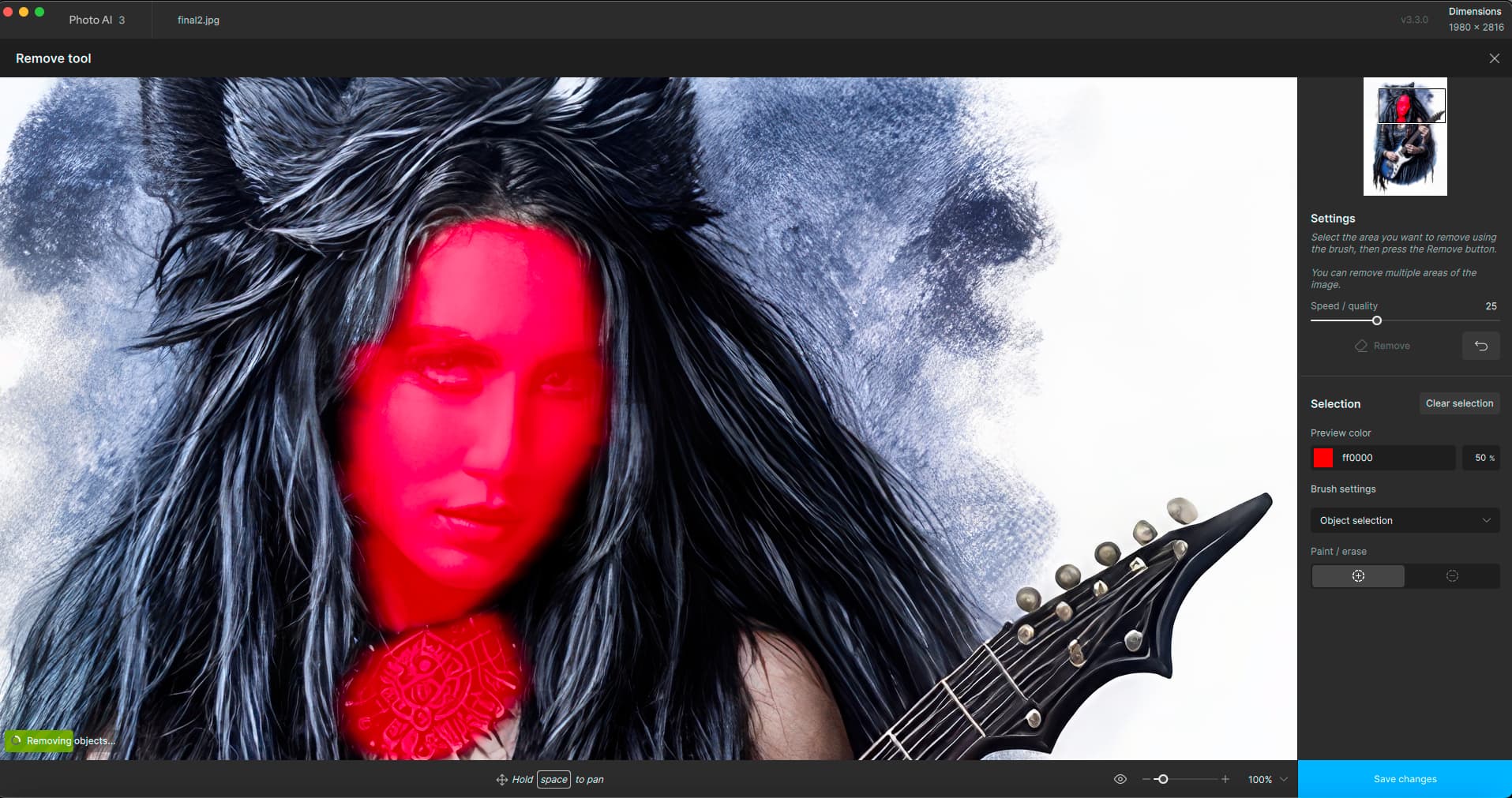
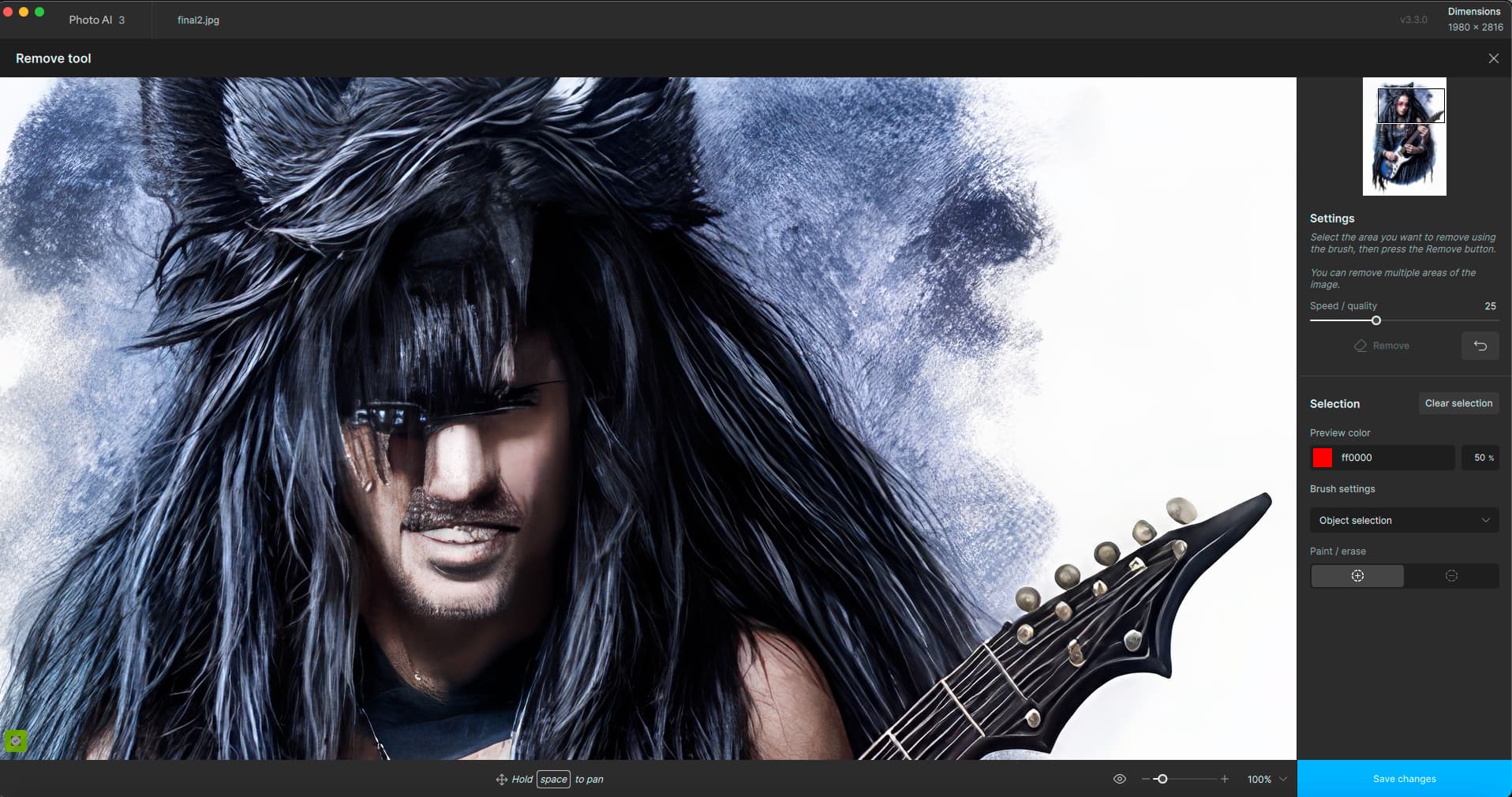
For something that small you’d likely have to custom paint with the std (normal? regular? definitely not superpixel!) brush.
I hesitate to mention the Adobe Camera Raw masking method b/c it would likely send ppl scurrying off (like saying ‘squirrel’ to a dog) to create it vs a useful Comparison View…
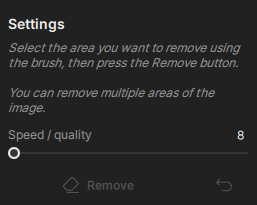
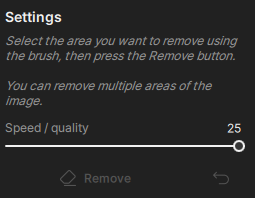
I do not like this update. I do not like the placement of the progress bar when doing any kind of enhancement. The progress bar should be in the black bar above the image NOT OVER the image. I also do not like how the image will rerender/repaint every single time you zoom in, zoom out or move the image around with your mouse. What is the point of Save Changes when any movement causes t to go into rendering/repainting spasms?? The AI should NOT be affected by simple movements. We also need a SERIOUS recolor option where you can select a color in the image and clone it to another part of the image. We NEED curves that work independently from each other. Why does this not have that functionality? Even GIMP has plugins that do color correction now. I want Topaz to be the only photo restoration program I ever need. That’s why I paid for it. I don’t like having to jump into GIMP then back into Photo AI to do something else.
Also as many other have noted this random selecting of an image area by the program for enhancing (background/Face recover/???) is BAD. Do not create Version 4 until you fix the basics in your software program.
You have your work cut out for you.
I just lost the last of my maternal family and I need Topaz to help me save all the photos that have been deteriorating over decades.