thanks - should “sharpen” and “Super Focus” be used together?
1 Like
New to this version, not in any previous version…
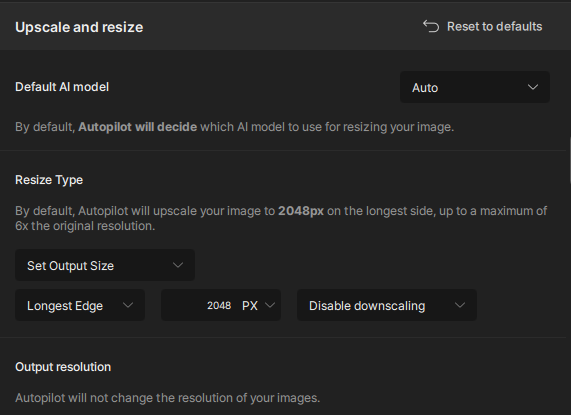
I have the default setting for “Upscale and Resize” set to make the longest edge 2048 pixels, if it is smaller than that.
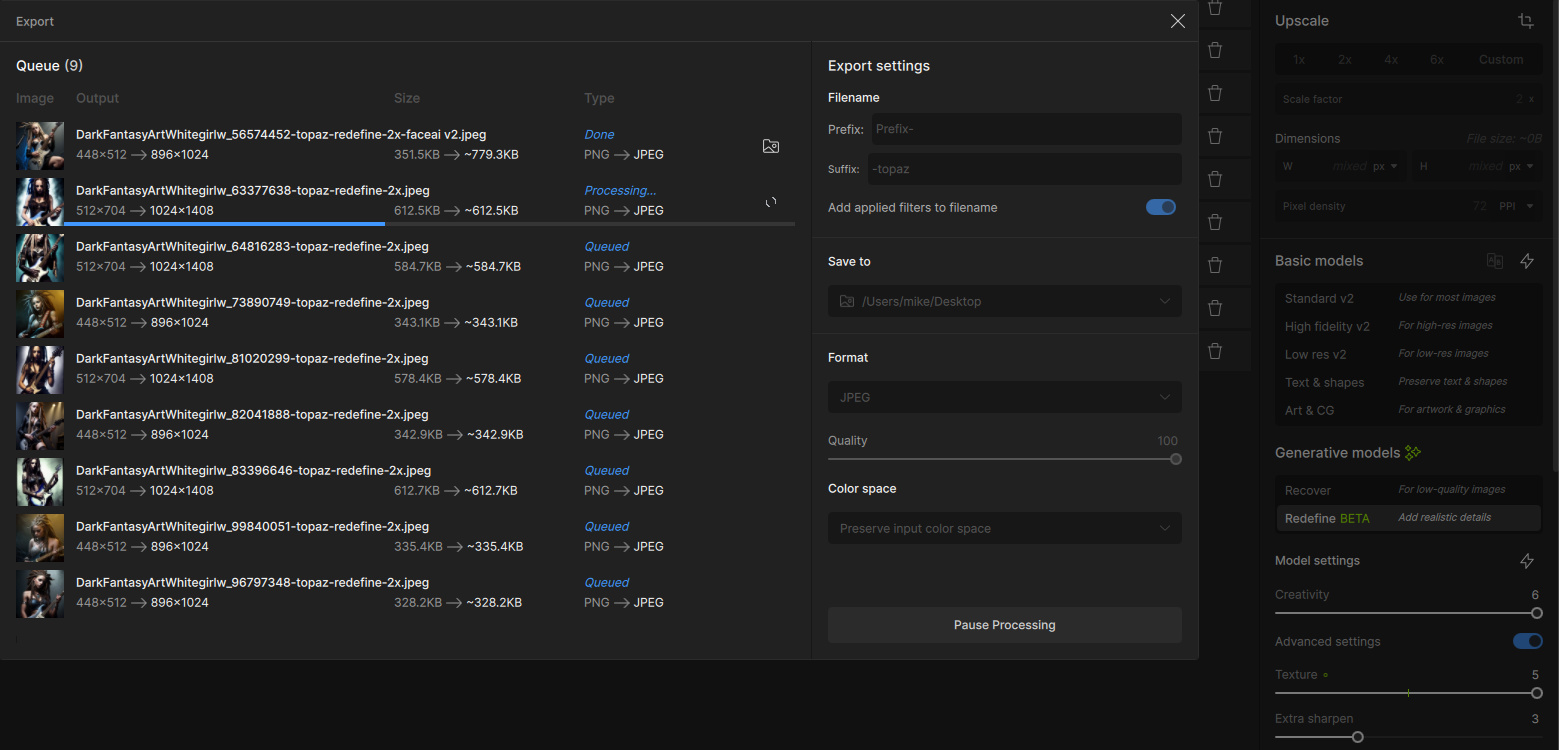
If I drop a bunch of pictures in TPAI, and process them, the Queue display shows that all are resized, if smaller, but only the first is actually resized. All the other output files are the same size as the original, though they are given filenames that indicate that they have been resized. to 2048W or 2048H.
Don’t have time to look any deeper into this issue at this time. On quick examination, it’s not obvious that anything is changed between the input and output files, except for the first.
OK, this is ridiculous.
If I try to process a batch of pictures, only the first one actually gets processed. All the others are saved, unchanged.
I really need TPAI to be able to work on batches of pictures and to correctly process every picture in that batch.
I’m going to uninstall 3.3.0 for now, and go back to using 3.2.2.
How did as big a bug as this make it past beta testing?
They have lost the plot, instead of fixing ongoing issues they are focus on introducing worthless new features.
10 Likes
I think the bug is:
After ONE image is not processed (because not meeting criteria like “no downsampling” or “didn’t find a face” or something): then ALL others behind that are ALSO skipped!
That’s not my case. What is skipped seems to be totally random.
I just processed a batch of 13 images and it was numbers 11 and 13 in the sequence that failed to upscale
2024-10-20-06-05-33.tzlog (1.0 MB)
2024-10-20-06-27-46.tzlog (31.9 KB)
I have reported this before (maybe even during the beta phase)
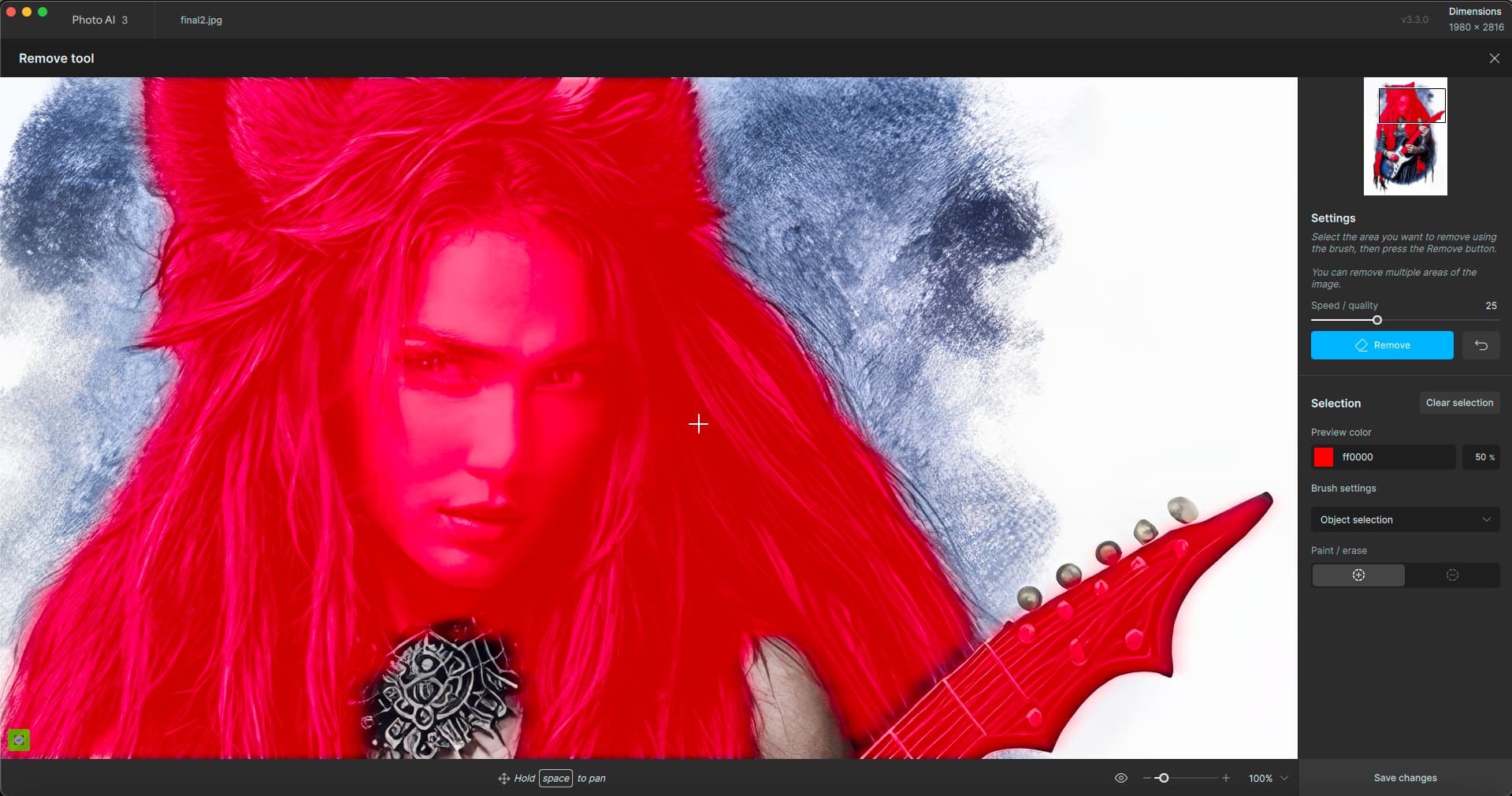
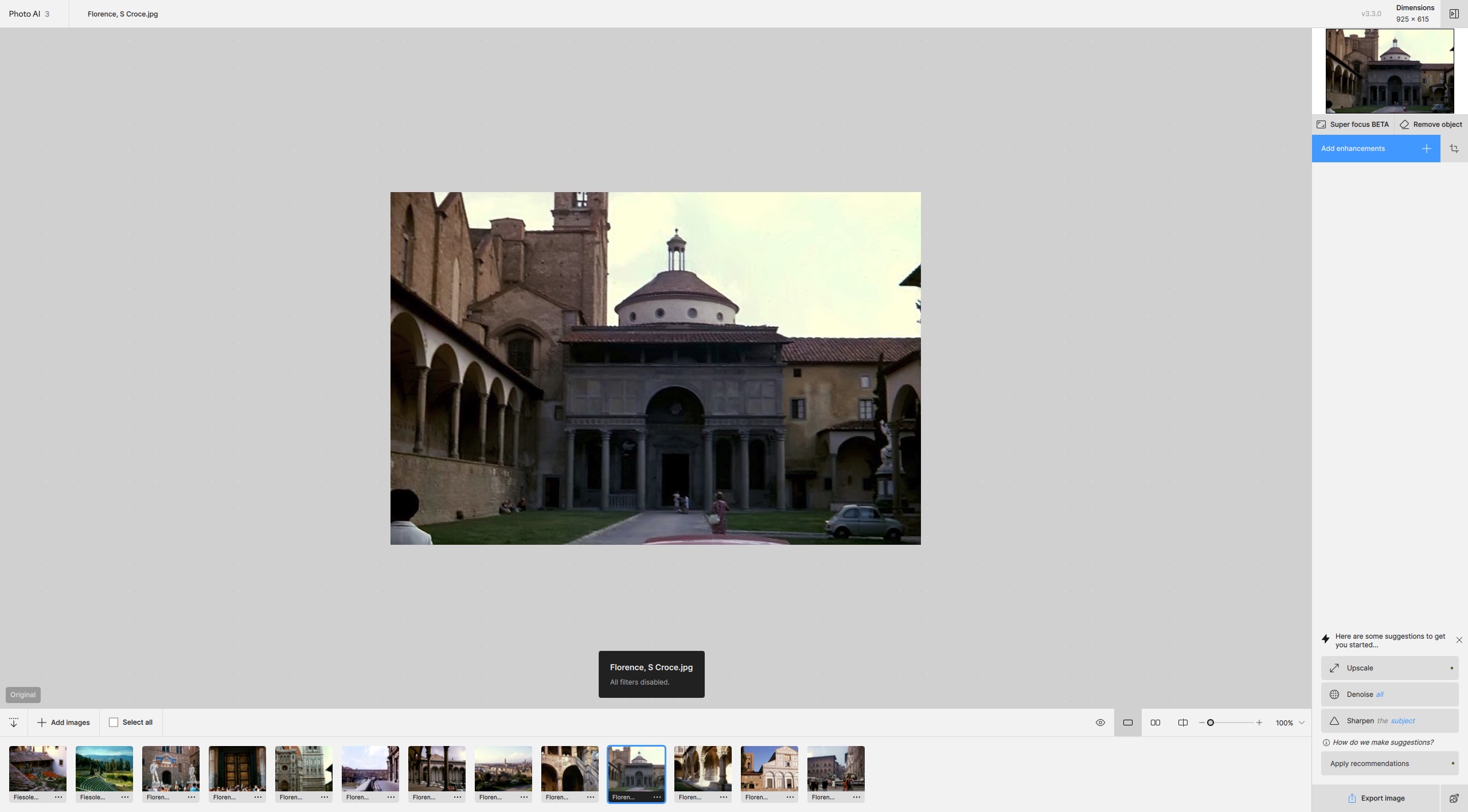
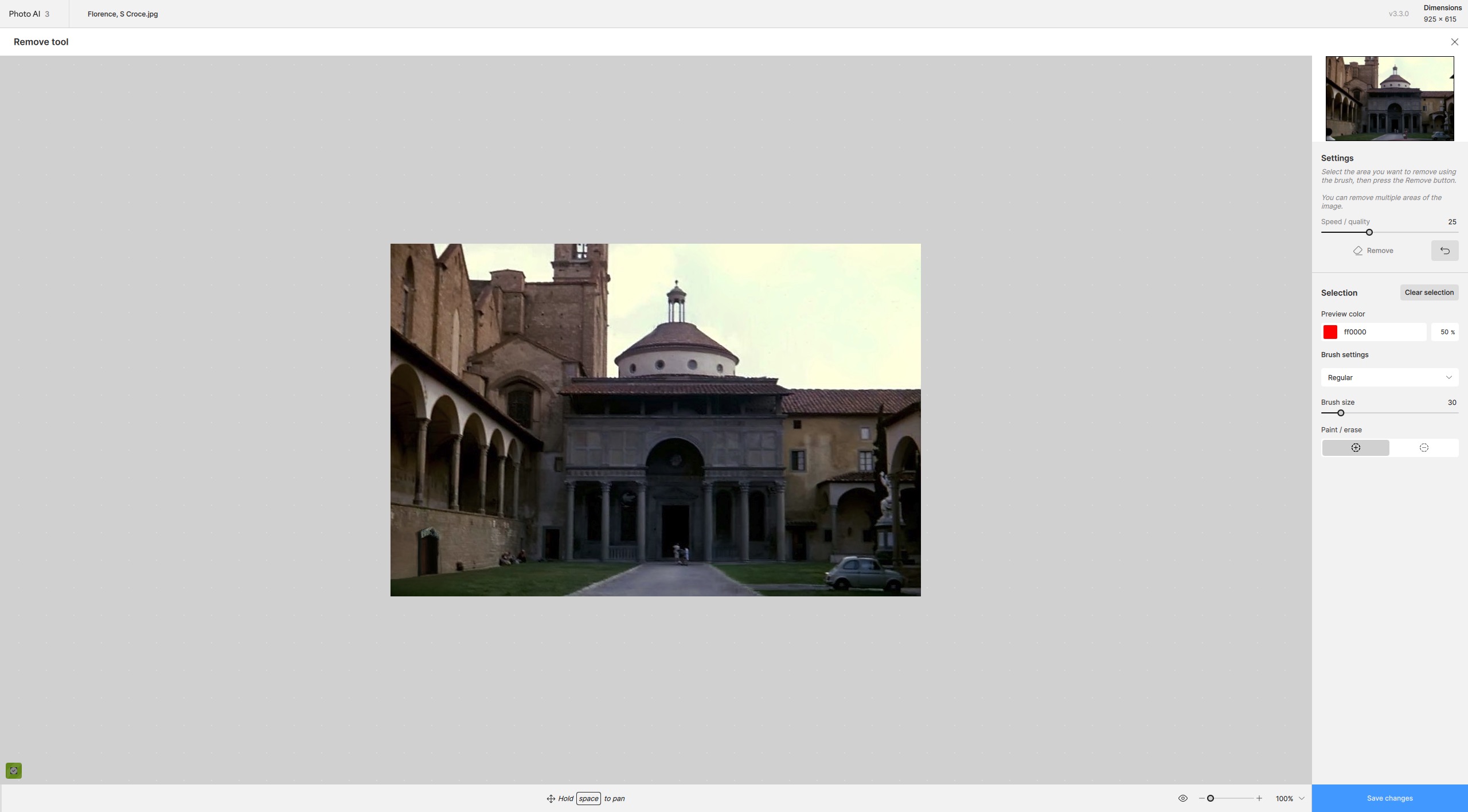
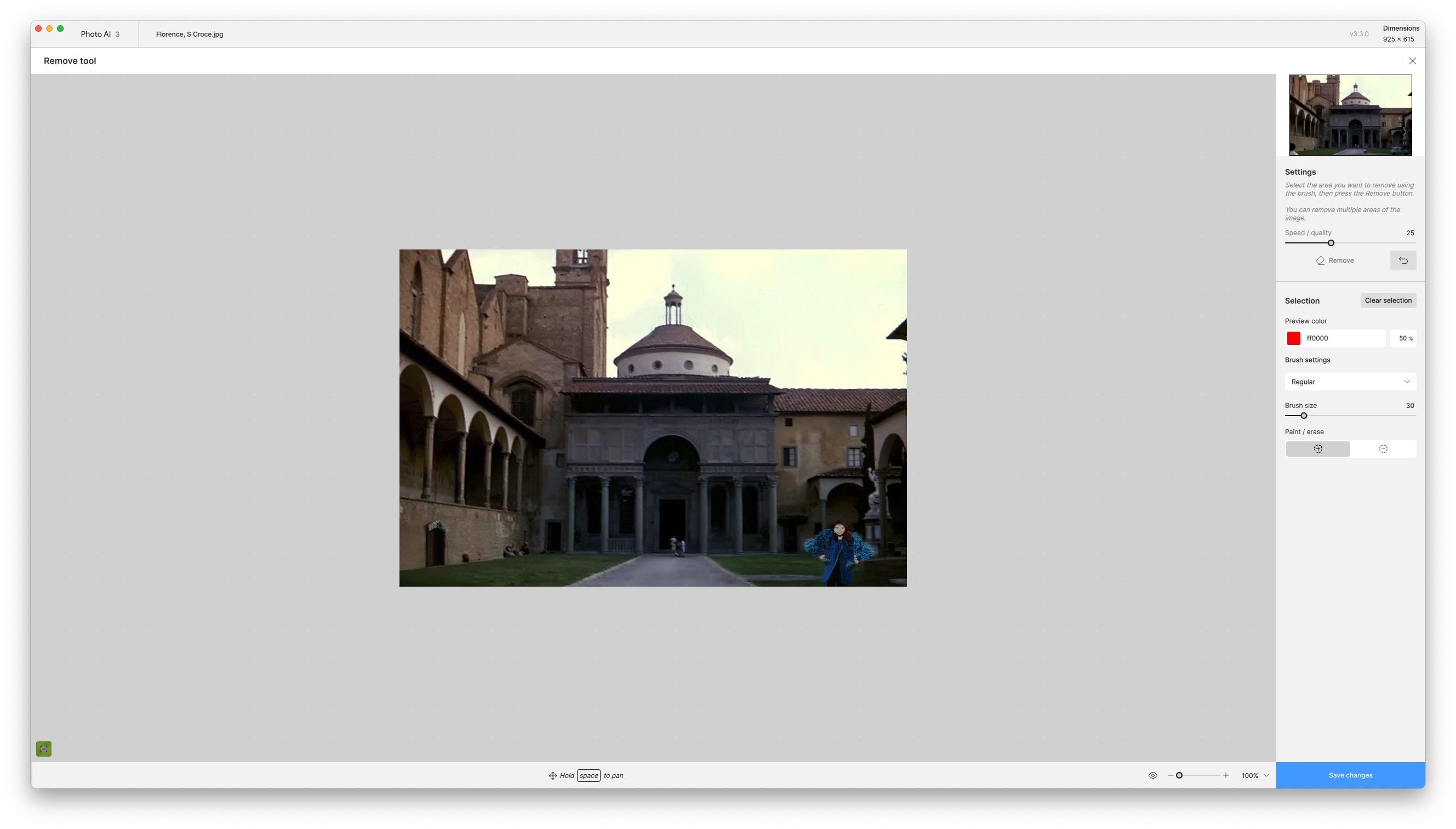
The remove tool can do an excellent job, but it still sometimes wants to replace rather than just remove! Can this not be fixed? Other programmes have a replace function, but this is not what this one is supposed to do.
The remove tool did a good job on the person on the bottom left, the car roof and woman in the centre and the building elements on the sky right, but failed completely with the car. After five passes, where the car was replaced by a computer-generated cartoon image, I gave up!
1 Like
Both the images that failed to upscale had face recovery selected as well as upscaling, so that maybe the cause of the issue, at least for me.
I ran another batch of 32 images on autopilot. Again, it was the 3 where face recovery was applied that failed to upscale.
2024-10-20-06-43-19.tzlog (1.3 MB)
2024-10-20-07-03-4.tzlog (31.9 KB)
Then why is SuperFocus at top of the UI?
1 Like
My guess is that both Superfocus and Remove will be available via the cloud in due course!
1 Like
I keep saying we need a choice whether to Remove or Replace, because otherwise it’s a crap shoot. In Photoshop you can specify what you want to do with a selection.
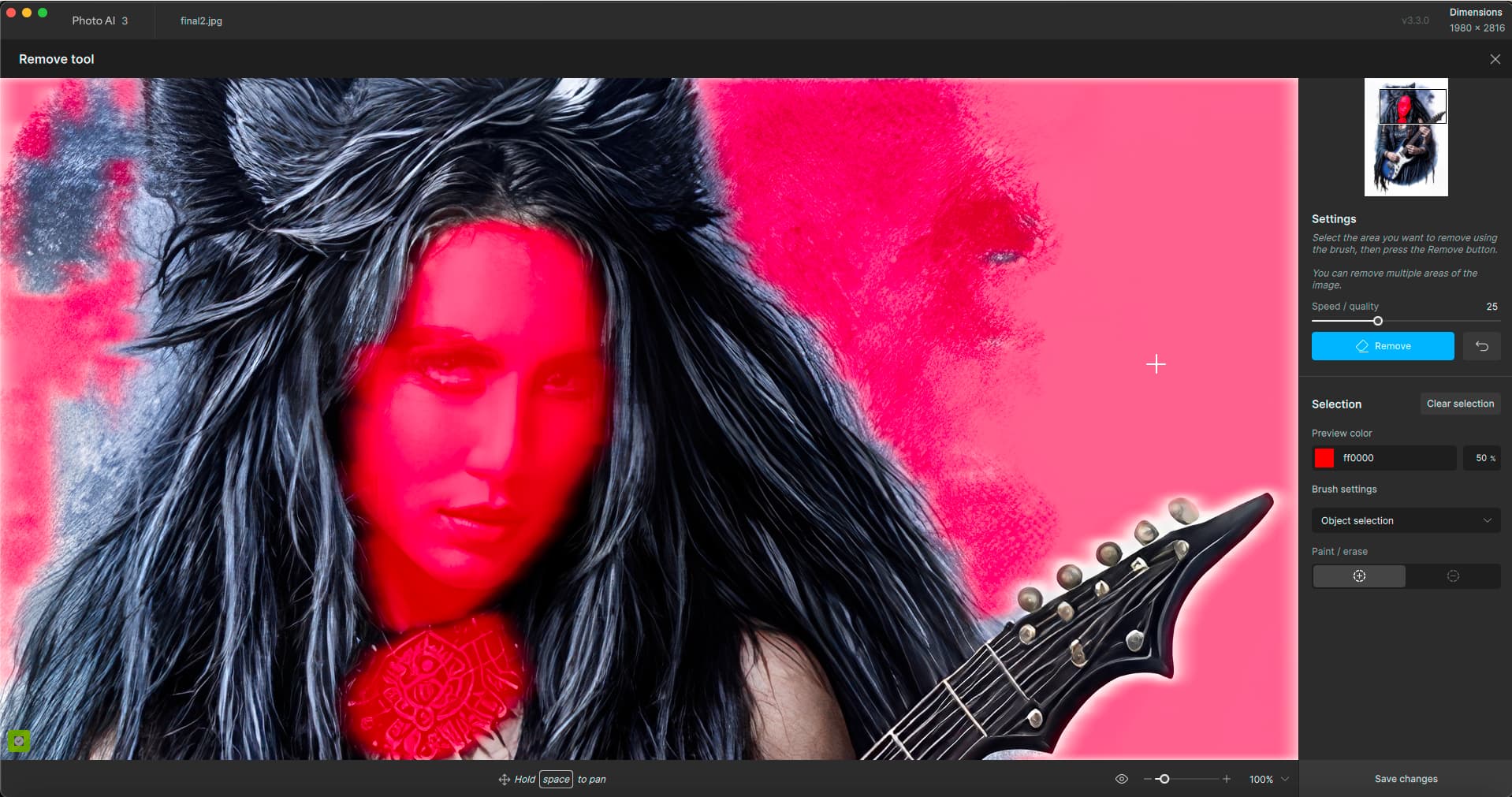
I just did a test in PAI:
What is going to happen? Is she going to get new glasses or go blind?
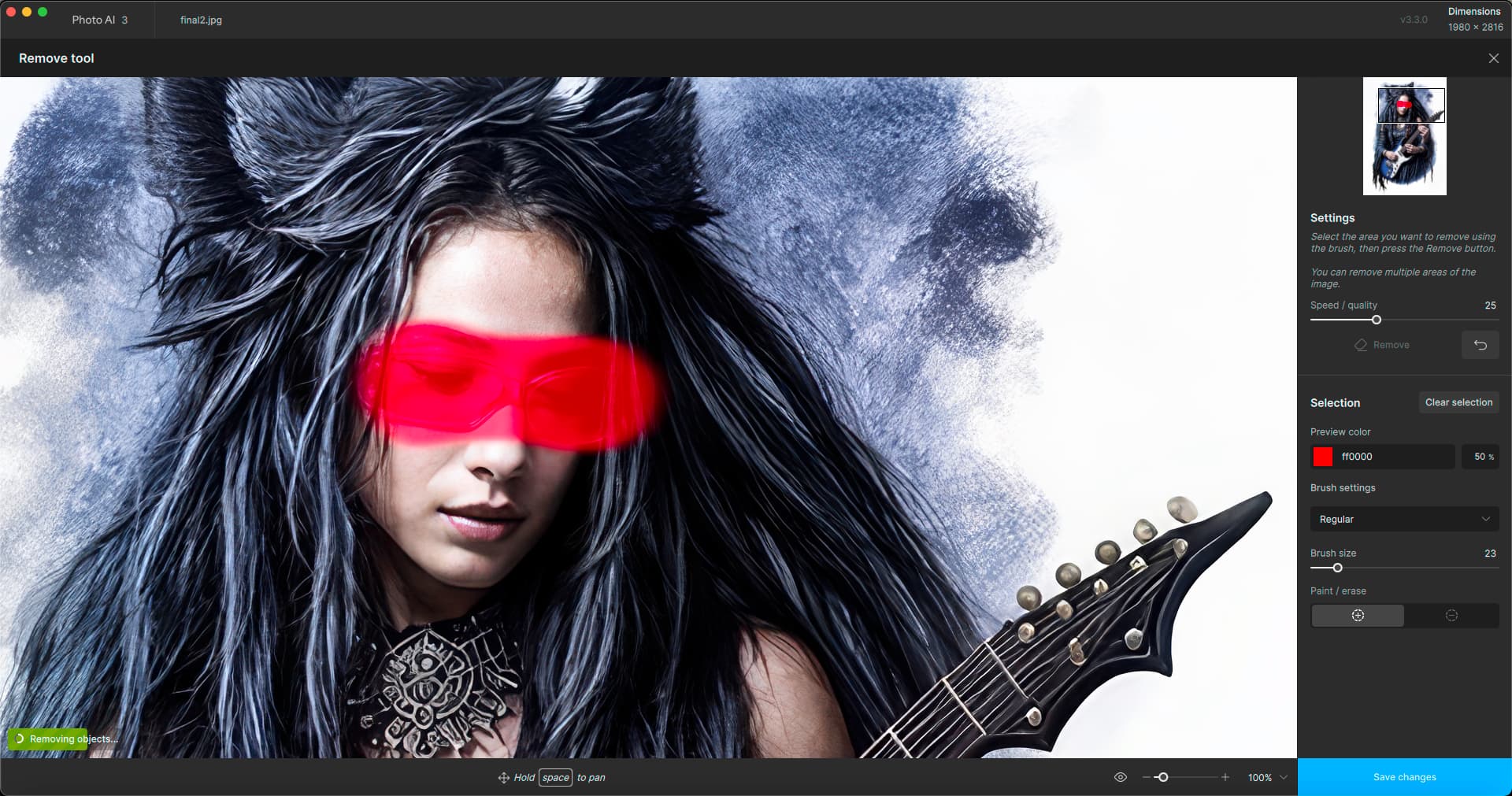
Interesting! I reset after each render:
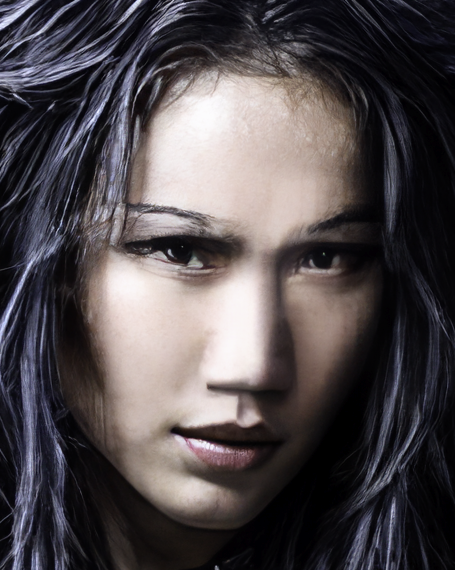
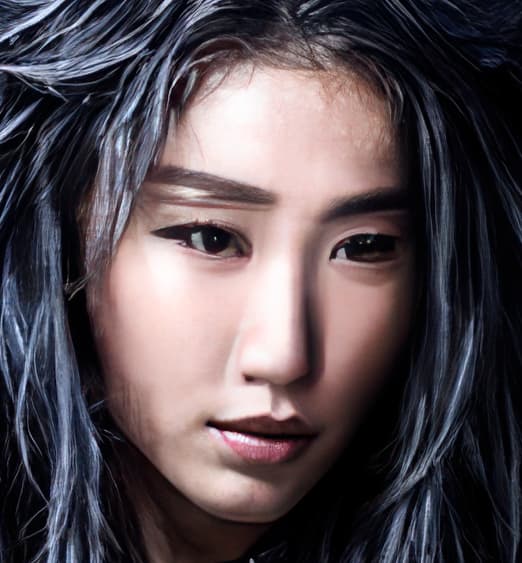
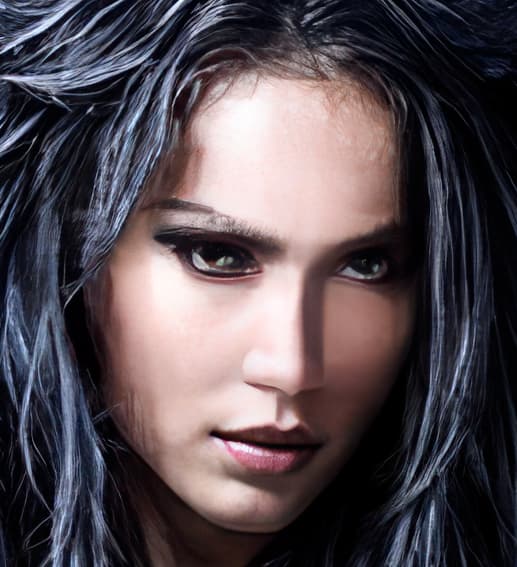
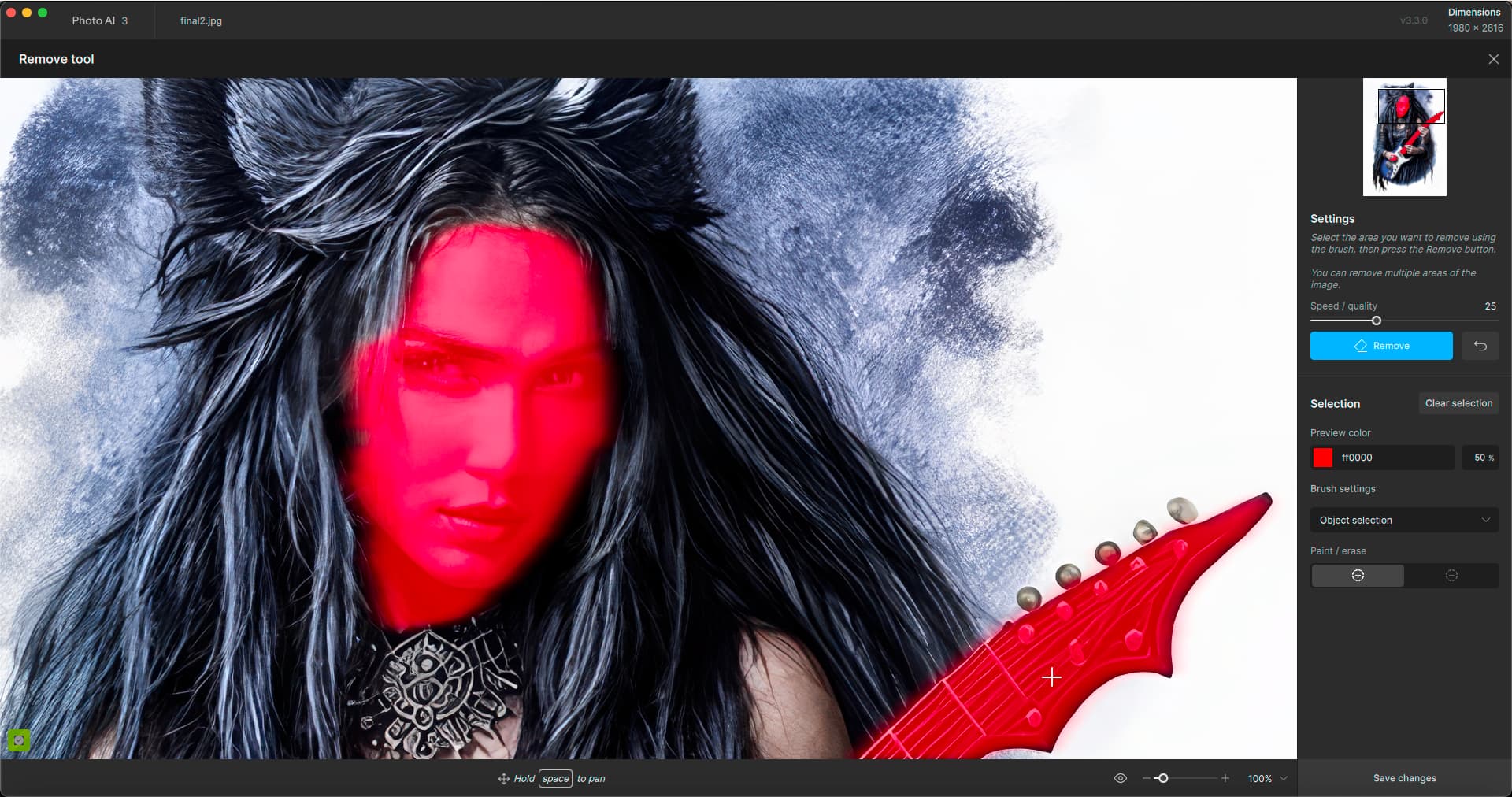
Now what if I remove the Remove result?
She gets angry:
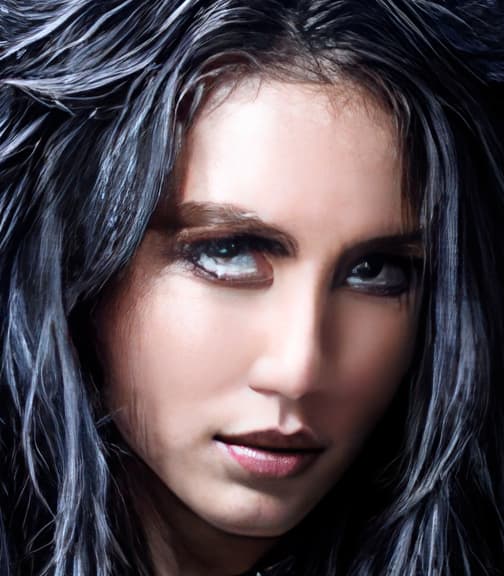
Removing the removed Remove:
You can only replace, not Remove:
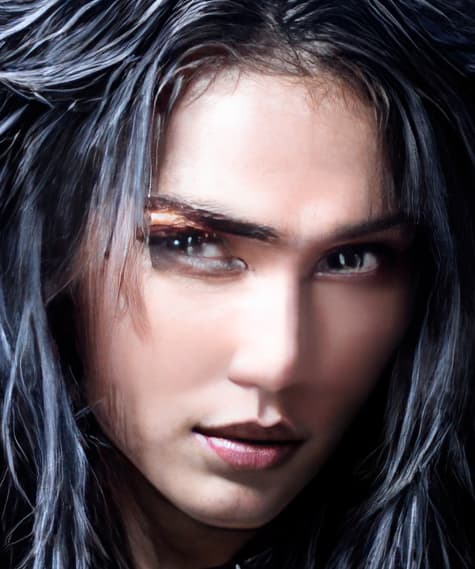
I better stop before she jumps through the screen…!
I managed to remove rather than replace the car by changing brush settings from ‘regular’ to ‘select object’. Maybe I just got lucky.
On1 2025 with remove is released tomorrow but I am off on a six week trip so won’t be able to test and compare until I get back
1 Like
OK thanks I will experiment. I will be taking delivery of ON1 Photo RAW so I can try there as well.
1 Like
I couldn’t even get cloud features to work in beta… In Ps or Standalone (which isn’t my photo workflow).
And, SuperFocus only worked in .4b. Not .5b - as I reported …
Did you say your system is a Mac?
I have to look into ON1.
I haven’t used their products (except for Effects) since 2011. That was the year I was introduced to Topaz products & switched to Topaz (and started beta testing & evangelizing for them and their ‘classic’ creatively-oriented products when I gave talks to large regional photo groups). I’ve kept hoping the products would get to the point I could feature them on my fine art photography YouTube channel. But instead, I’m no longer getting workable (Win 11, Ps Plugin, up to date drivers, recent AMD processor) new AI features (since .5b & no responses from PMs re: how they will fix that) and they won’t develop/add a Comparison View (an essential, fundamental PAI feature needed for selecting from among sharpening model options).
Will be very interested to hear if you get positive results with the ON1 (if using Win 11)!
I could test it in Win11 as well as Mac.
On1 is great if you want to do creative effects (which Topaz no longer does for the most part) but where they offer similar corrective options as Topaz, they fall short (upscaling especially).
It will be interesting to see how their remove tool works (though it seems to be focused on power lines).
1 Like
My M1 Mac mini dates from 2020. I’ll have to see if it’s worth getting the new M4 model which is due to be released soon. Thankfully, I won’t need to buy a new trackpad, keyboard or monitor, since they come separate.
I switched from Adobe to On1 3 or 4 years ago. At the time I also purchased the Luminar product to compare (this was during lockdown so I had plenty of time). I have since stopped using the latter completely.
No regrets about the switch from Adobe, although I would quite like On1 to adopt something like PS smart objects, which would make using Topaz products a bit less intensive.
On1’s noise removal is OK, but still not as good on dark interiors as TPAI and especially DxO. Its sharpening tools are poor, and that’s what I mostly use Topaz for, along with the occasional remove.
Years ago I upscaled all my old JPGs with GPAI, but I no longer subscribe and, out of curiosity, do a re-run from time to time with the latest version of TPAI to see if the results are better. The difference is minimal in my experience.
This year it cost me $63.99 to upgrade from PR 2024 to 2025. Like Topaz, it also has a subscription model, but there is no saving.
2 Likes