My NEF files from my Nkon are about 28MB. Yes I was processing the complete image. My PC is running WIN10 with a 13700K CPU, 3070TI GPU and 64 GB memory
Kind of the same feelings here, just a diferent approach: I have really started to pay way much more attention when taking photos and the ones in need for anything topaz are fewer and fewer…
It seems to me that focusing on everything else other than core functionality and usability it’s a very fashionable disease in the software world these days. I have a lot of other examples of tools that I use(d) and which are less and less practical or useful…
And there is also another trend, it seams like the developers are paid by the users clicks: the more clicks you make to get there, the bigger their paycheck!
3 Likes
That has always been my approach and I believe the approach for many hobbyist and professionals. It does not negate the fact that there are times when you need denoise and sharpen. Case in point, low light high ISO situations call for both sharpening and denoise. I had an opportunity for a capture I was not going to pass up and the environment was less then perfect. I required assistance from software to achieve my goal.
When I purchased the stand alone Denoise and Sharpen applications the Topaz teams focus used to be, do sharpening and denoise right, effortlessly and in a decent amount of time. Since they since decided to try and become competitors of ON1, Adobe and others the focus has been lost.
Simple things like closing a program without it self relaunching and releasing memory after processing are left unresolved. New functions are released that can’t be used on moderately strong machines because the processing time is excessive. Subscribers are essentially used as beta testers because software is released incomplete.
If we were all perfect and captured every frame perfectly there would be zero need for software. Darn shame we don’t live in a perfect world.
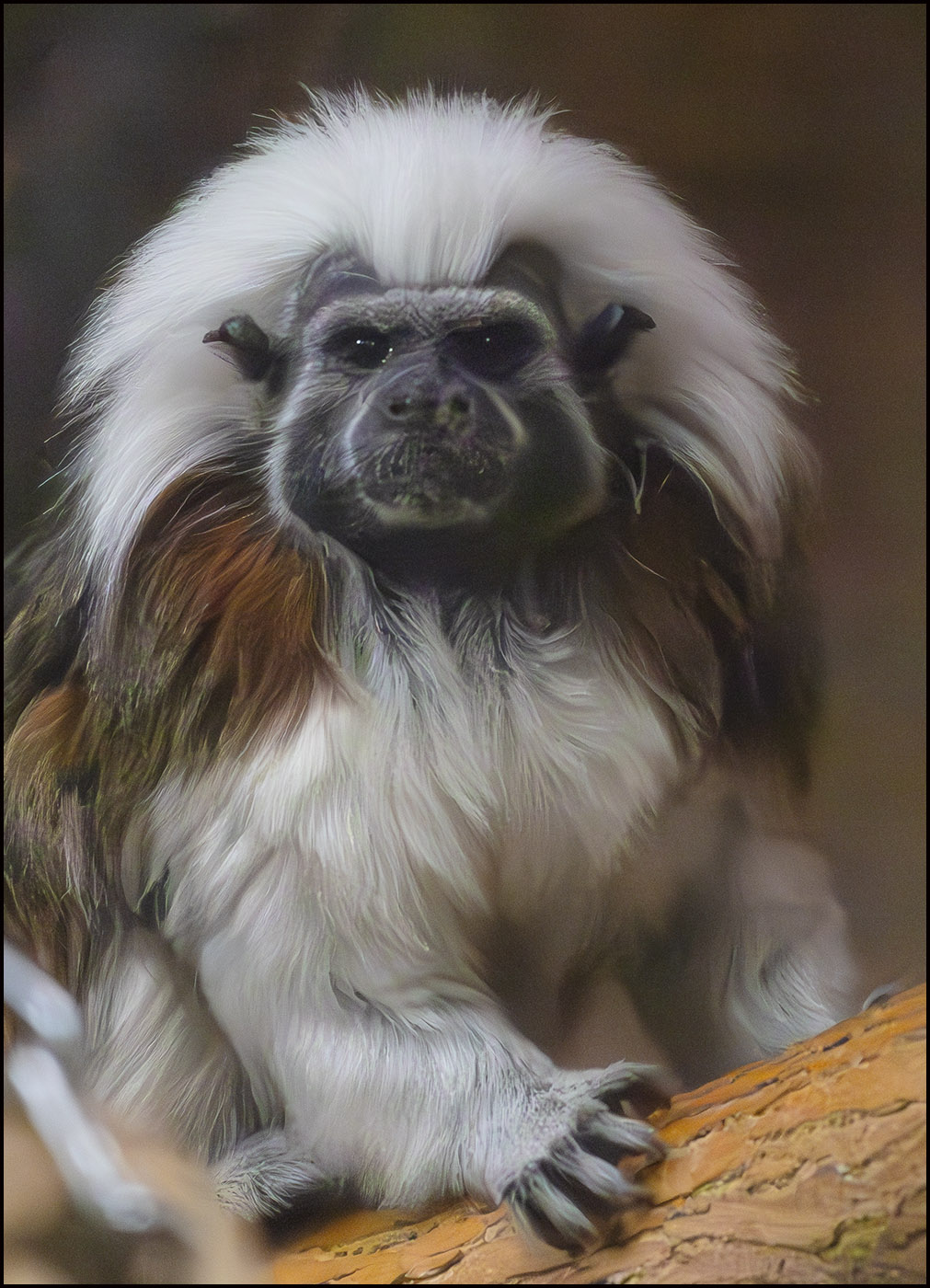
Canon R6 Mk II
ISO 25600
F8
1/500
And the subject was anything but static in very poorly lit conditions. Looking at the image you would almost think I knew what I was doing…
Don’t be confused, look at my posting history, I have always advocated for Topaz. I am simply tired of what I consider a quality assurance challenge that has become more prevalent as they have moved forward.
6 Likes
We might be comparing apples with pears. I am on an M1 Mac with only 16GB RAM.
OK, this really is pixel-peaking a photo taken with a Sigma lens zoomed out to 400m.
In many respects, DxO did a good job on its own, since its denoising module was able to deal with the softness of that particular lens. The various TPAI models seemed to do better on the rocks than on the ibex’s fur:

1 Like
I’ve been playing with it and it’s cool. I have been playing with the JPGs. One question: on some images, the Focus Boost section of the UI is missing and only the Sharpen Strength is appears and is active. It’s not clear why Focus Boost is missing. Can you explain or is it a bug? -Alex
From what I can see, Focus Boost only kicks in on larger JPG images.
That could be. It would be nice if the UI explained it. Happy to see what they do in updates.
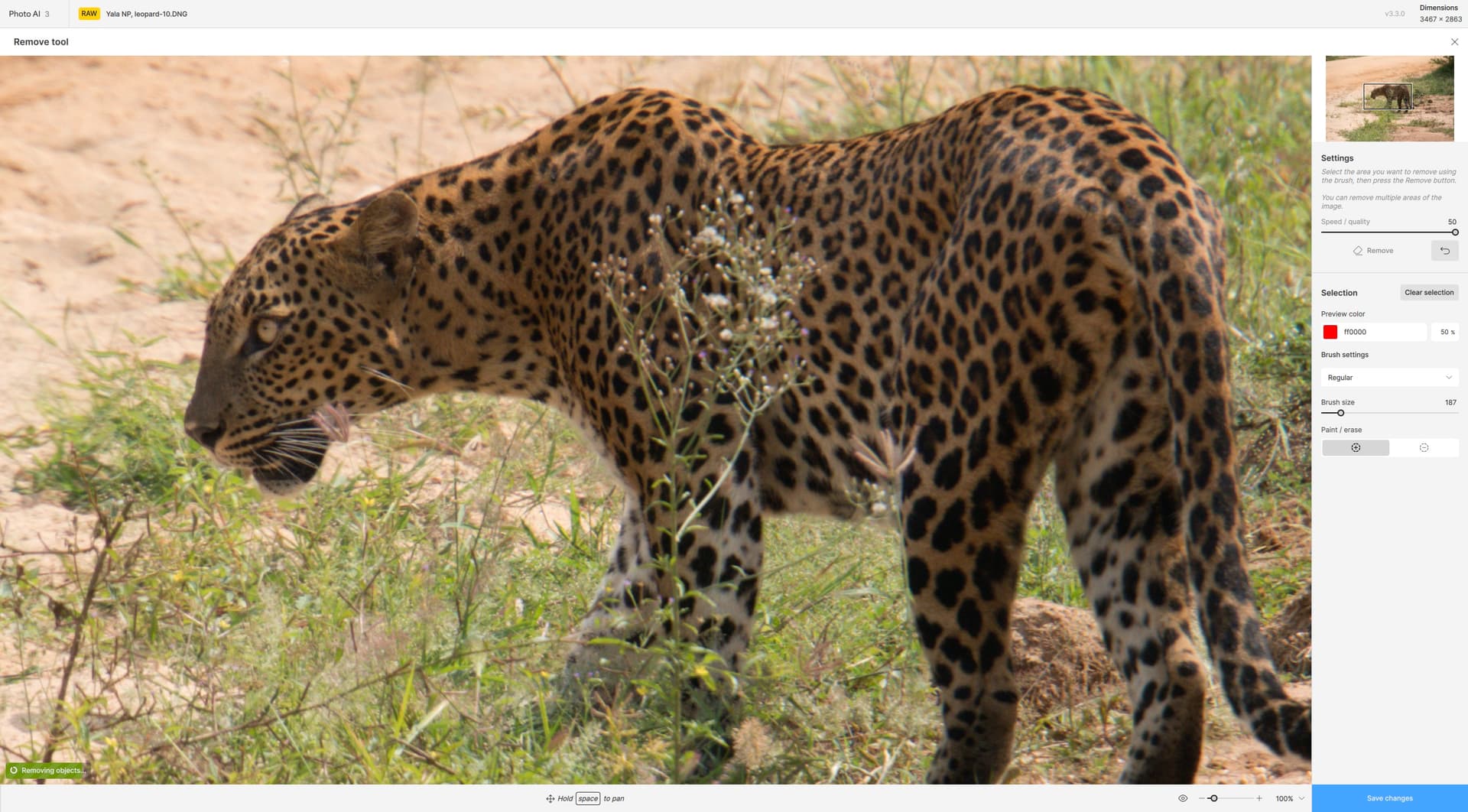
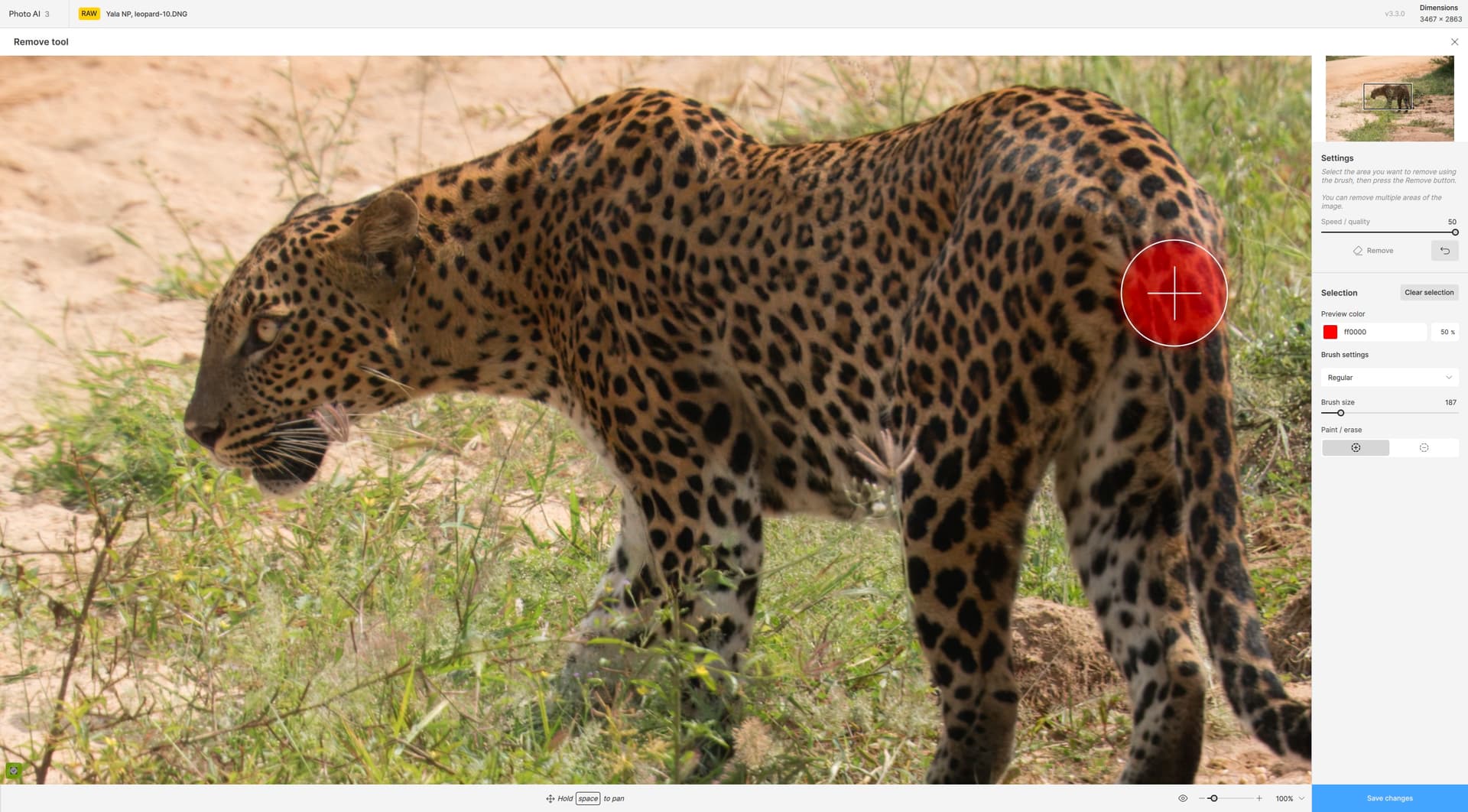
If I add more than one image and then Select All->“Apply Auto Pilot”, only the first image gets scaled, while the rest are re-named as if resized, but they remain at the original size. Based on a quick test other filters are applied (well at least the first is), but not the resize filter. I need to role back to the previous release as a result.
For example:
wqfull_007_1141381631543233akg2g0.jpg at 1920x1080
Becomes:
wqfull_007_1141381631543233akg2g0-topaz-face-upscale-2.4x.jpg at 1920x1080
1 Like
Panasonic color accuracy will be coming in the near future!
I will investigate this. The recover faces result is added back after upscale in order to maintain the highest face quality. I’m certain we can improve the face sharpness without requiring a workflow where exporting is needed.
Corrected!
1 Like
Can you send reproduction steps? I found an issue but not sure if it’s the same one.
My steps:
- Click export.
- Change prefix or suffix.
- Hit enter.
- Export menu is in invalid state, export button disappears.
Why when I use Super Focus is de-noise greyed out?
1 Like
I just posted a long blog showcasing the new Photo AI 3.3.0 features with tons of examples!
3 Likes
Are you using a RAW file? Super focus will lock any enhancements that came before as any changes to the image will require reprocessing super focus.
If you have RAW denoise and then use super focus, the RAW denoise is no longer editable.
2 Likes
Thanks - yes I’m processing a RAW file. So if I want to change the de-noise setting I need to remove Supper Focus first?
1 Like
Yes. We highly recommend finalizing edits to enhancements before using Super Focus to avoid this scenario as reprocessing Super Focus is a significant cost.
What about canon users
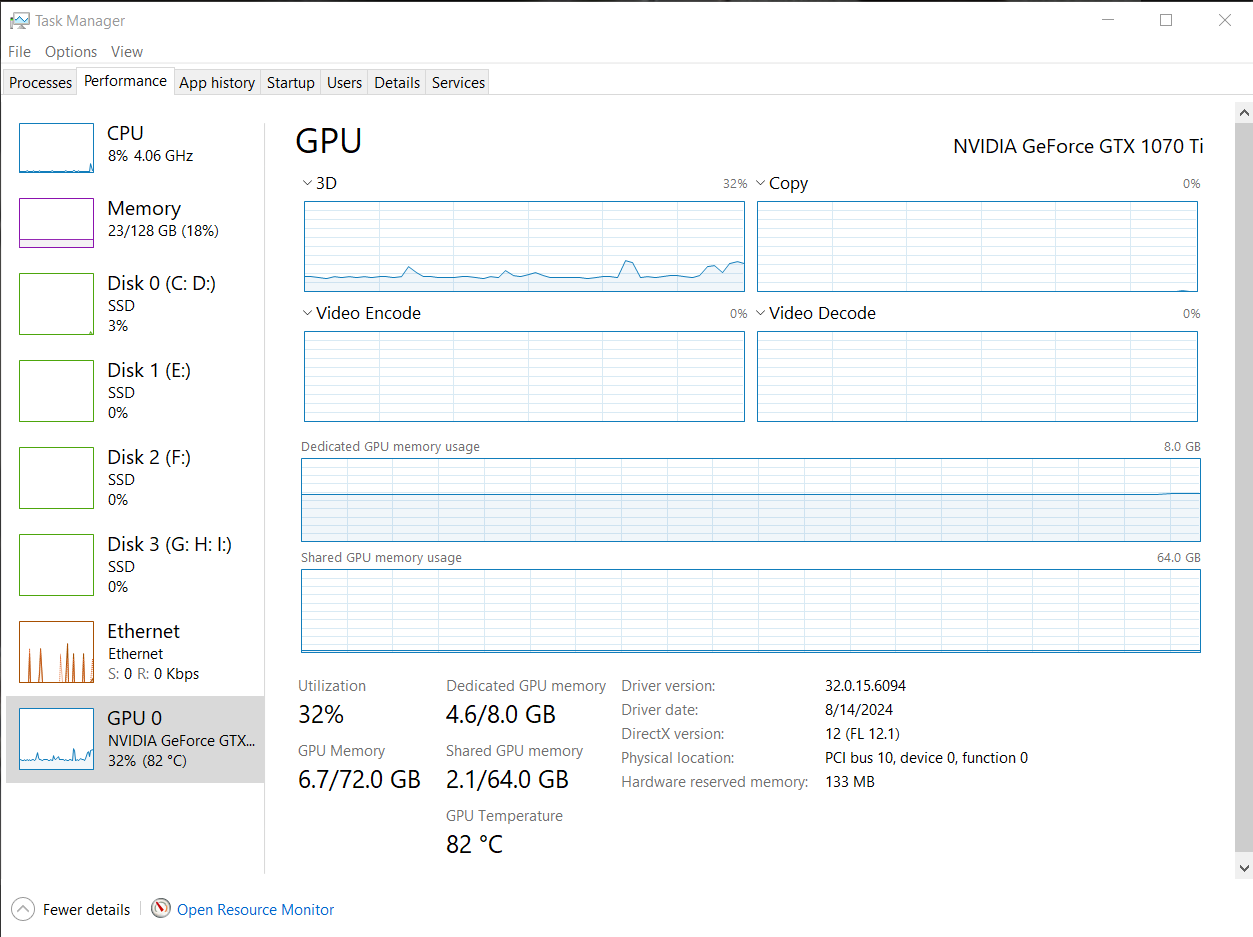
I using v3.3.0 for a first time tonight and attempting to use Super Focus BETA. I’ve selected about 10% of a 32MP image for my edit. The ETA was over an hour for the process. Running a Windows system. I had a look at the system performance as it was running and it’s only using a very small fraction of the system resources. Running Photo AI from inside of Photoshop 2025. Is there a way to change how Photo AI uses resources to improve image processing speeds?
Screen shot of performance screen:
1 Like
@tigerfish509 Both Focus Boost and the quick preview have a size limitation. Focus Boost will not bring the image below 1000px on the shortest side, so it may be disabled on small images.
Quick preview sizes are 512, 768, 1024. If the image is smaller than any of those sizes the quick preview size will not display.
We are improving the UI to reflect this information.
1 Like
