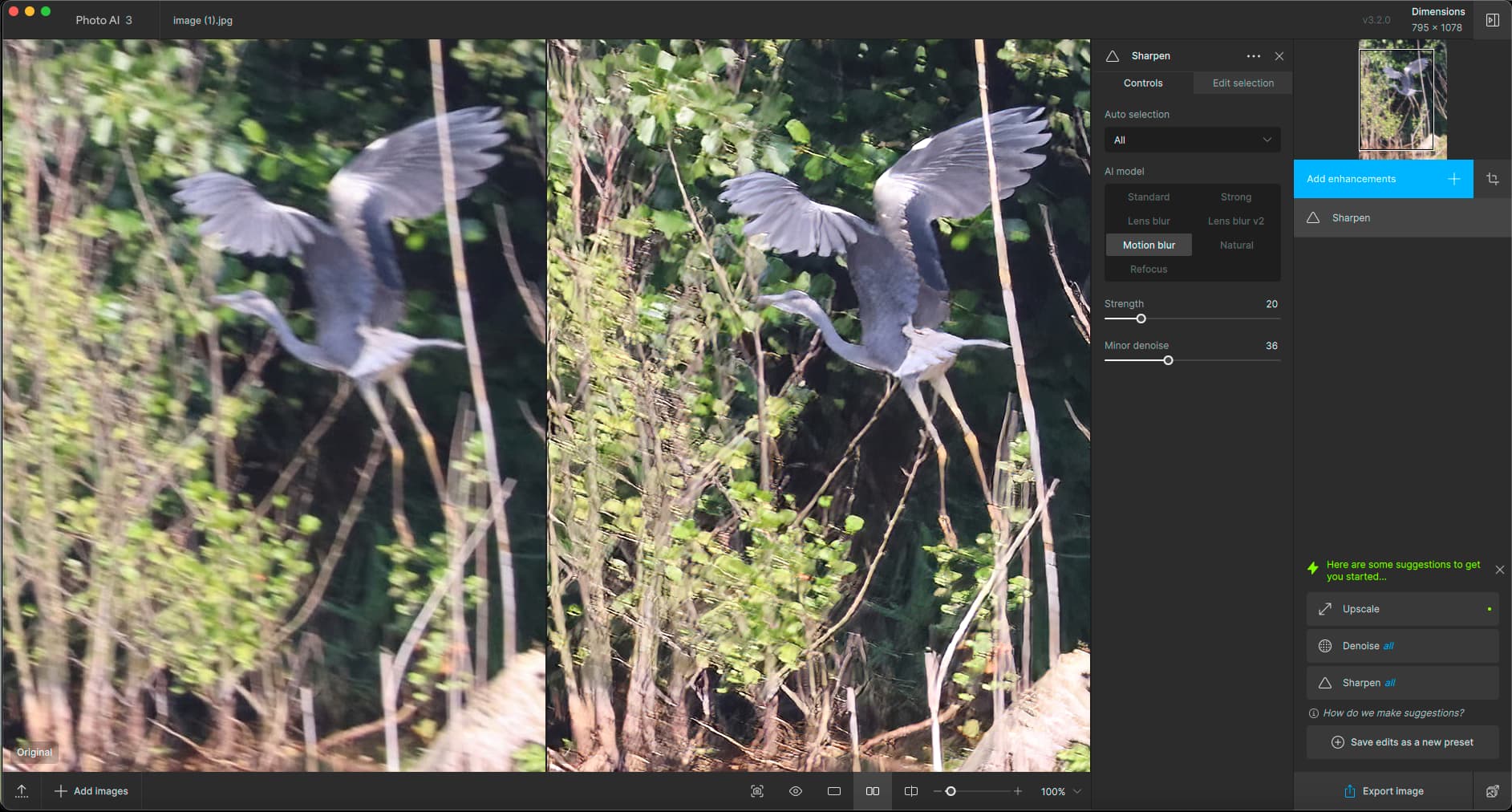
A quick option in PAI, result seems comparable.
1 Like
Click “Add Enhancements” and off you go! There is much debate here about the workability of the current layout though…
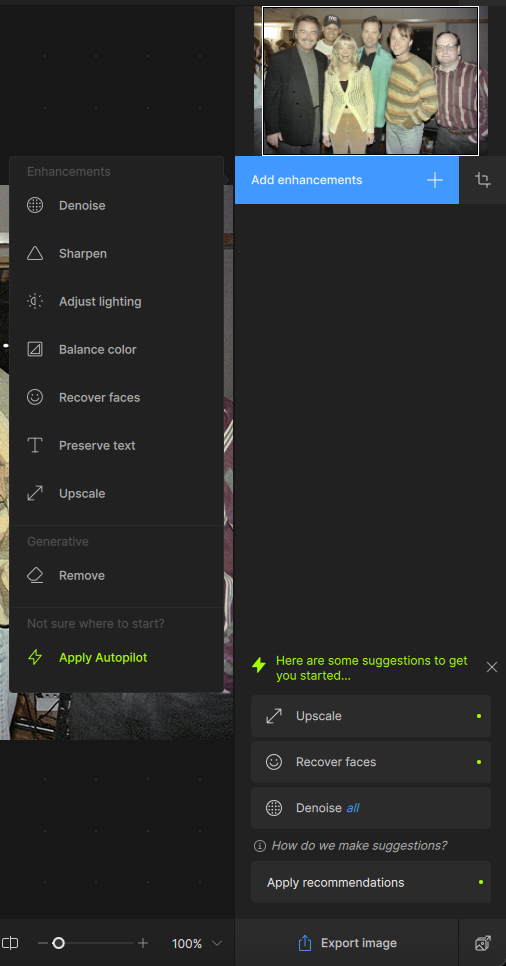
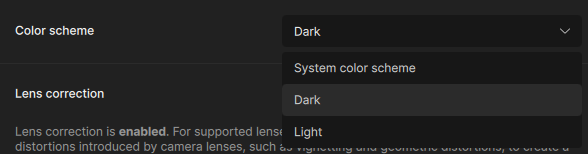
Also check the preferences.
1 Like
Yes, I guess that was it. I changed the color scheme to dark and it looks more like what I am used to. Not sure I like “Add Enhancements”, but I guess I’ll get used to it! Thank you very much.
Very good! And tell the devs what you think about what we call the “right panel” 
1 Like
The right panel being so empty and the adjustments occupying the same width from top to bottom makes not much sense.
Moving the Adjustment panel (after unlocking from sidebar) within the empty zone of the main panel is not possible either (or doesn’t work for me).
It reduces the size (lenght) of the panel but it stays within the main picture frame.
IMHO, it should be revised.
2 Likes
Indeed, last saturday I was kind of walking thru the new TPAI 3.2 for a friend that uses it too, and were talking about how much easier it was on the older (Classic) Topaz when we could see up to 4 frames simultaneously to compare and pick the best.
But hey, it’s not too bad once we learn to know what each does. I jump from Standard to Natural only to try mirroring what Natural does while avoiding the shifting image at the same time. Not quite the same though… Natural makes a better job as far as I can see.
1 Like
We all have requested number of times but it did not changed.
1 Like
Anybody having issues with the brush movement and the mouse? It’s moving erratically, like having inertia and cannot quite get it to do what I want (or have precise control) as I can with every other Topaz program (and every other program on my PC).
Tried changing mouses but didn’t work.
Tried slowing speed on the mouse config and it didn’t help.
Any clues? TIA!
What’s your computer system? I have Intel UHD630 graphics and mouse-based subject selection is awful (and the GPU is pegged at 100%). Changing AI modeling to CPU only doesn’t help. I don’t have the power supply for an independent graphics card, so I just don’t adjust the subject much (not a good solution, by any means). I haven’t seen any options in preferences to put more work on the CPU (which is sitting at 5% while moving the mouse).
Gleiches hier,
der Regular-Pinsel + Maus “schwimmt” und malt wie besoffen seine eigenen Schlangenlinien.
Einen solchen Pinsel zu bedienen ist stark gewöhnungsbedürftig, ich hoffe das bleibt nicht so und wird in Kürze verbessert
Anmerkung: Eine Änderung der Mauseinstellungen hilft nicht, ich hatte das auch versucht.
11th Gen Intel Core i9 11900K 3,5GHz -
Intel UHD Graphics 750 -
64GB RAM
Die Benutzung des Pinsels läuft über GPU , CPU bei ca. 5%
( egal ob in der Voreinstellung UHD Graphics / CPU / Auto ausgewählt ist )
Es wäre nett wenn ein Programmierer dem TPAI-Pinsel erklärt wie er zu funktionieren hat
denn bei meinen anderen Bildbearbeitung Programmen kann er wunderbar richtig malen 
Spend some time in Gigapixel where the right panel is such a joy… Of course there are fewer options but this is the way to work! No intrusions into the image preview area, etc.
4 Likes
Win 11 Pro desktop PC. Ps 2024 PAI plugin (File > Automate). Processor = AMD RX6800 XT. Original image: Sony ARW.
I Sharpened (PAI Sharpen - Natural enhancement, denoise < 4) my original color photo (Presidio SF architecture). Converted it to BW in Ps (Gradient Map). Then ran that output through Firefly (in the Ps UI) to convert the BW photo to a “Bauhaus graphical” look. B/c it was Firefly’d it softened the image appearance - I ran that Firefly through PAI Ps plugin again using Sharpen (low Natural setting, very low denoise) in order to create the last of my 2 transitions from the original photo - b/c in addition to the art style prompt I also expanded the image on 2 sides and the bottom, which affects resolution.
** I found that (at least for this image but I’ve also seen with other photos) the Lens Blur v2 model was too intense (even at low sharpening settings).
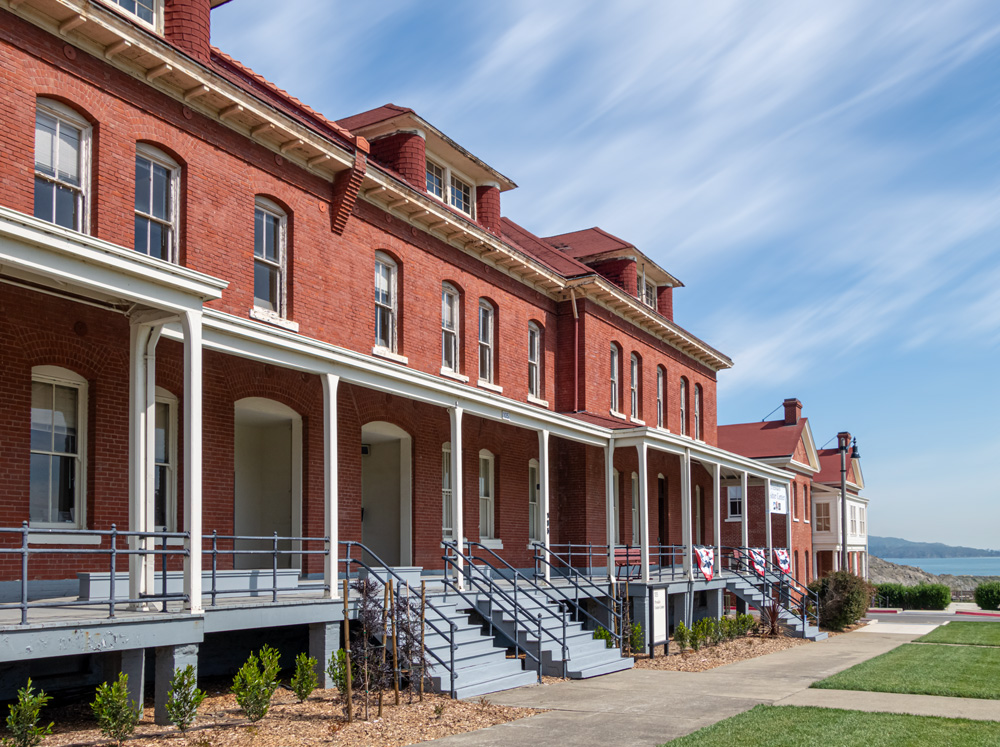
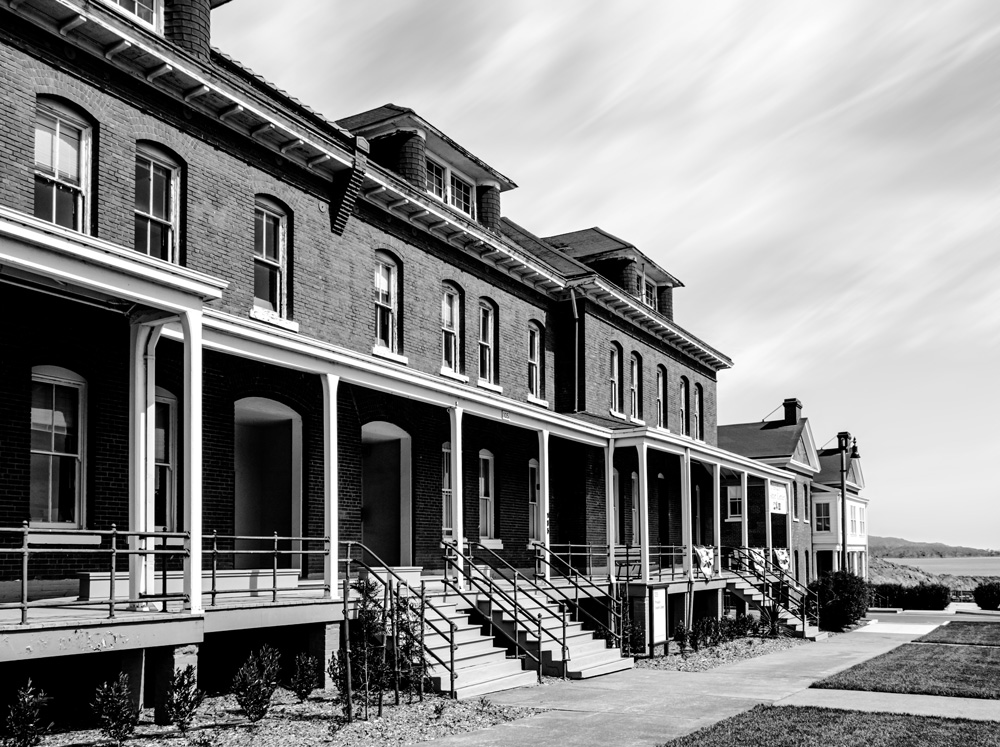
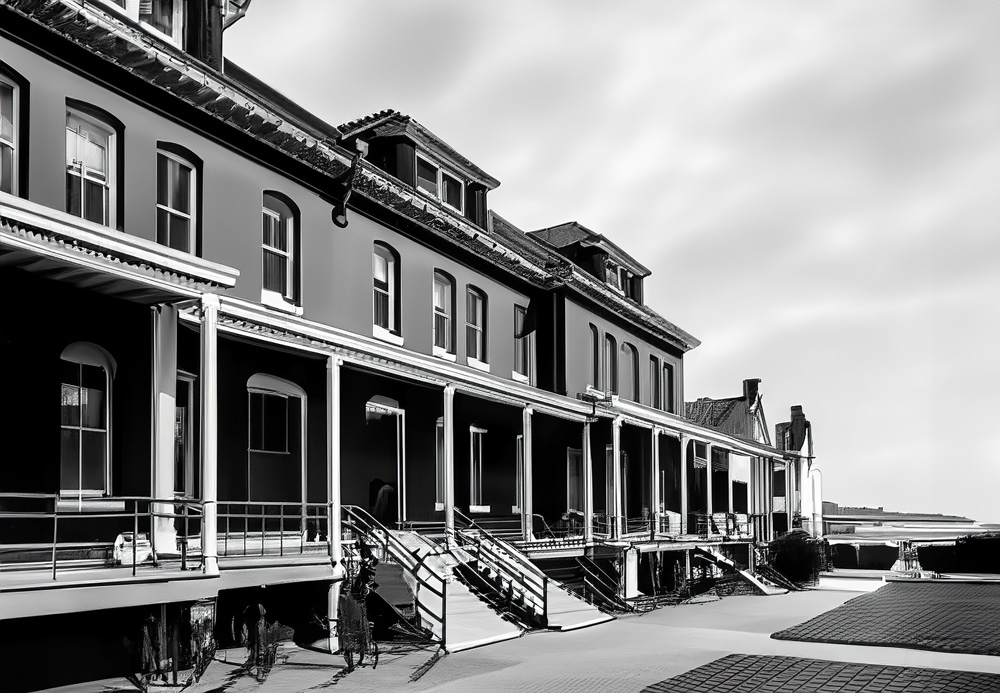
Edward Hopper is one of my fave artists. I felt something about this scene made me think of his work. Now if only there could have been a woman with shoulder length blonde hair wearing a blue 1940’s dress leaning on the railing and looking off into the distance it would have capped it!
1 Like
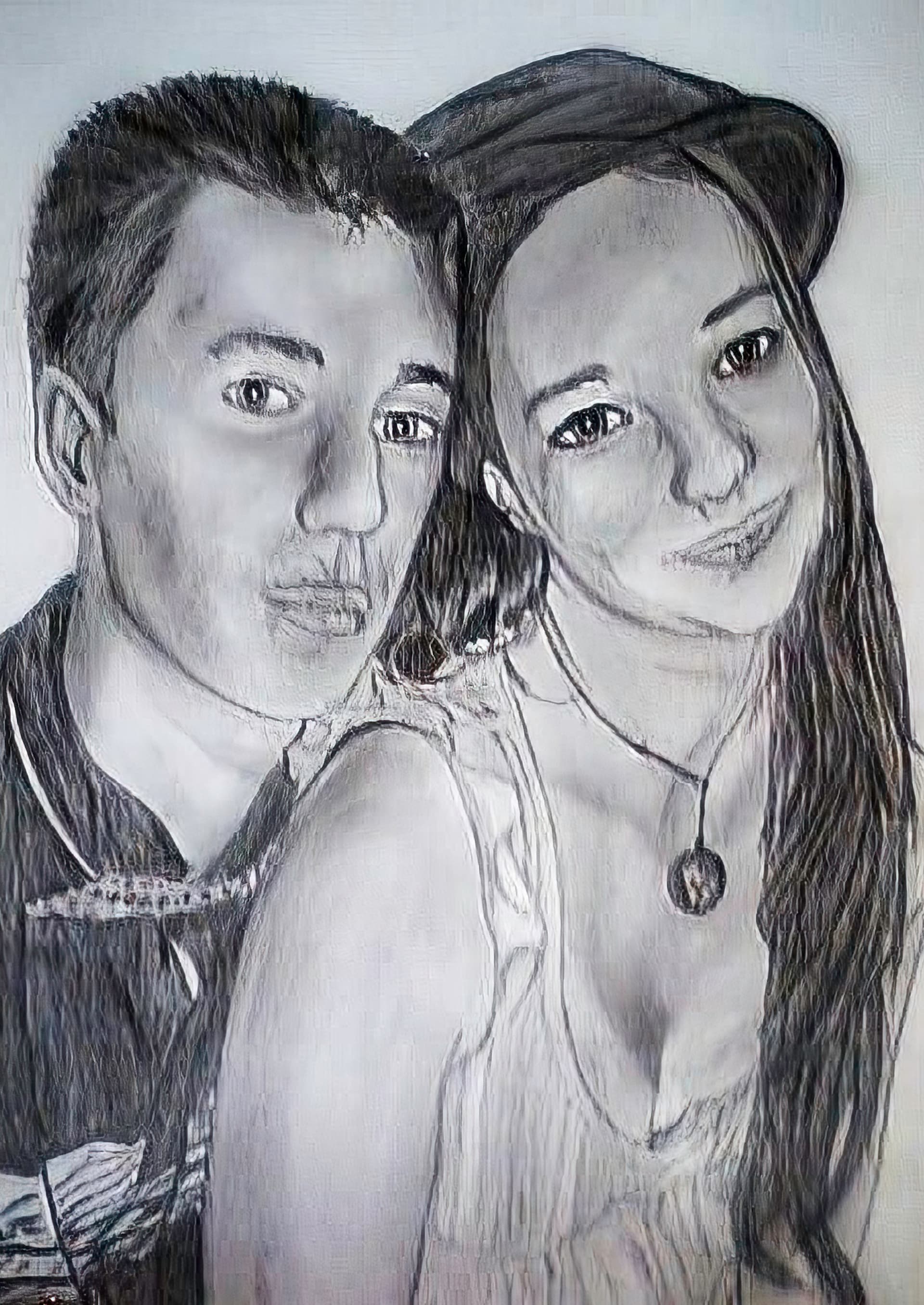
thanks but there is too much sharpness, and it doesn’t look like a pencil drawing
2 Likes
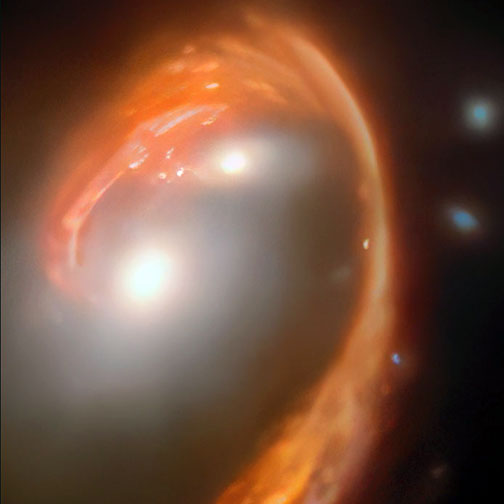
My new blog post features radical enhancements using the new Photo AI!
1 Like
Upgraded from Photo AI 1.3.3 to v3.2.0. Not really anything new that I require. The Standalone DeNoise AI is still better, in particular the Low Light and Clear models. As for sharpening, the Standalone Sharpen is still the superior product with options for almost every sharpening approach.
Now, as to the new client price; $199US ($269Cdn). In perspective, my Lightroom/Photoshop license costs me $164Cdn/yr and offers far, far more functionality as well as ever improving sharpening, denoising, etc. And yes, I know I can upgrade for a mere $99US ($134Cdn) which is still pricy for the Photo AI functionality offered. I doubt I’ll be renewing my license come Nov. 2024 unless there is one heck of a good Black Friday sale!
2 Likes
Hi David, here’s my system:
Microsoft Surface Studio
W10 Pro - Intel(R) Core™ i7-6820HQ CPU @ 2.70G
Nvidia GE Force GTX 965M - 16GB RAM
I have opened a thread in “bugs and issues” here:
But so far I have not received any comments from Topaz.
If Topaz wants this, I’m running:
HP/Compaq desktop
W11Pro, Intel(R) Core™ i5-8500 CPU @ 3.00GHz 3.00 GHz, 32GB RAM
UHD 630 graphics
I can deal with slow rendering but slow selecting is a problem. I know it’s weak for graphics but most of my PC use case is word/excel.
A few months ago I downloaded the free demo version. That was before these latest AI and other updates. The demo would often freeze.
If I were to download the free demo/trial version today would it be v3.2.0? I used Topaz years ago when it was separate app and loved it. Not so sure about this new model due to the freezing as I couldn’t complete a full assessment of the trial. Before I buy the new version want to try out these new features.
If you go to the top of this Discussion thread are you able to download the installer/install it for whichever OS you’re running? If so, then you can test this release.
