@Lingyu Thank you very much. Version 3.1.2 worked fine both standalone and as an Affinity Photo plug in. Glad you were able to work it out. Again, thank you very much.
1 Like
Just installed PAI 3.1.1 to Win 11 Pro desktop PC.
The installer removed my 3.1.0 Desktop Icon, ran through the entire install process and then didn’t replace the removed Desktop Icon with a new icon for 3.1.1.
I always keep a desktop icon for my Topaz products on my desktop. What happened? Never experienced that before.
Just ran a “Repair” on the install.
When finished, it put a PAI desktop icon inserted (where I didn’t want it b/c it threw the order of my desktop icons off) between some other products’ icons. It didn’t backfill the removed icon in place as it should. Really annoying to have to shift all the other icons around.
Installer should just remove and then replace in place as in the past. Can someone pls check what might be causing that & fix? Thx!
Installed 3.1.2 - All is well with Corel PS Pro and no Analyzing hang. Thanks for the quick turn-around! 
1 Like
2023 M2 Mac Mini/Ventura. Updated PAI in place, no problems.
My screenshots show different sections of a small Stable Diffusion AI render being upscaled 6X with no other treatments.
Original:
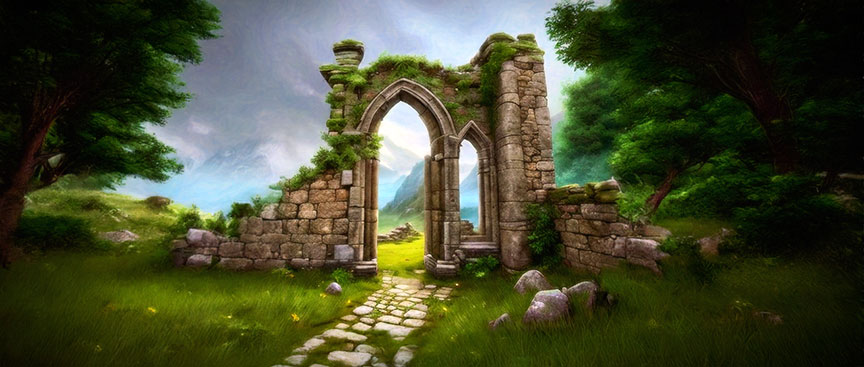
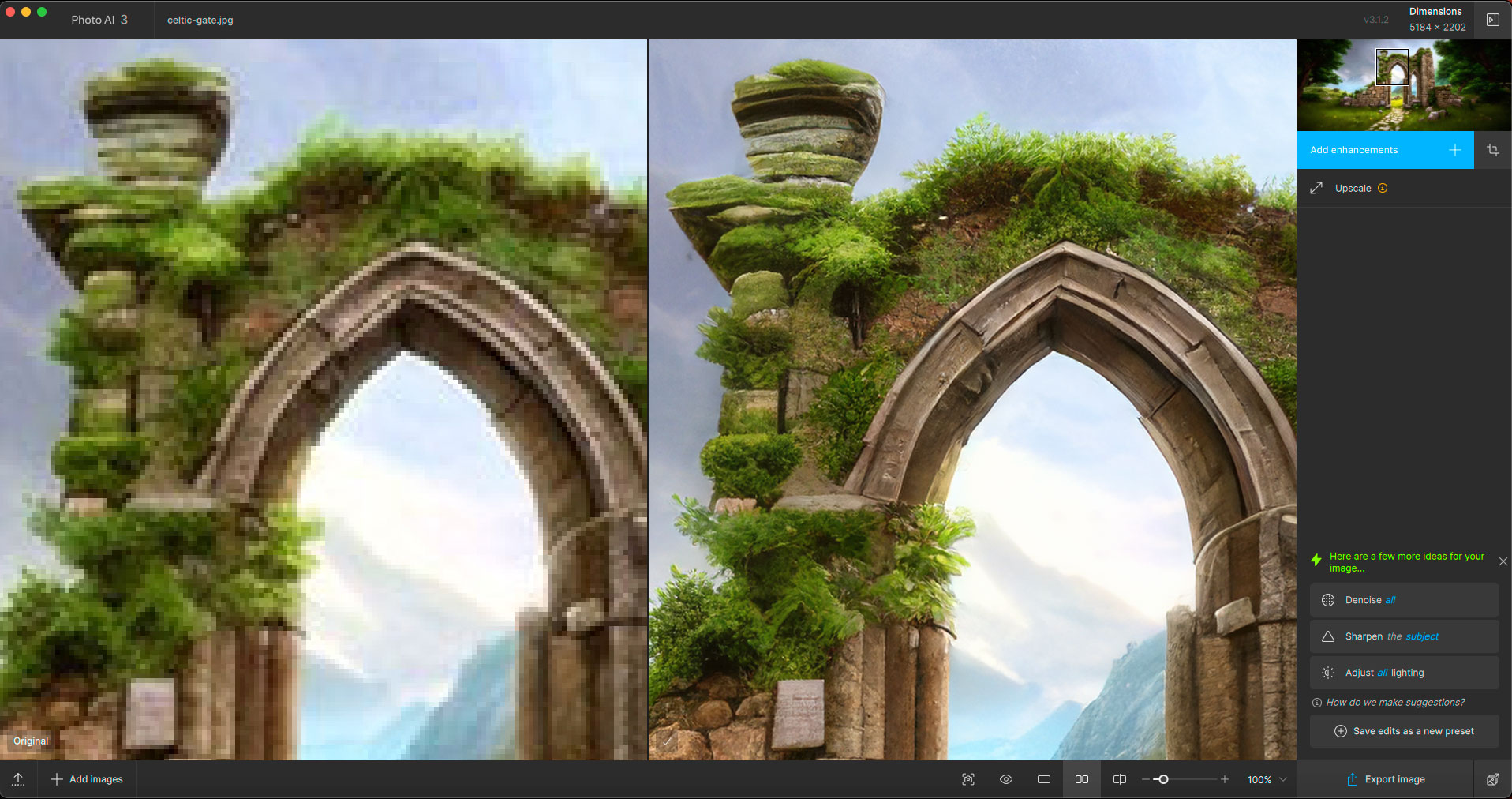
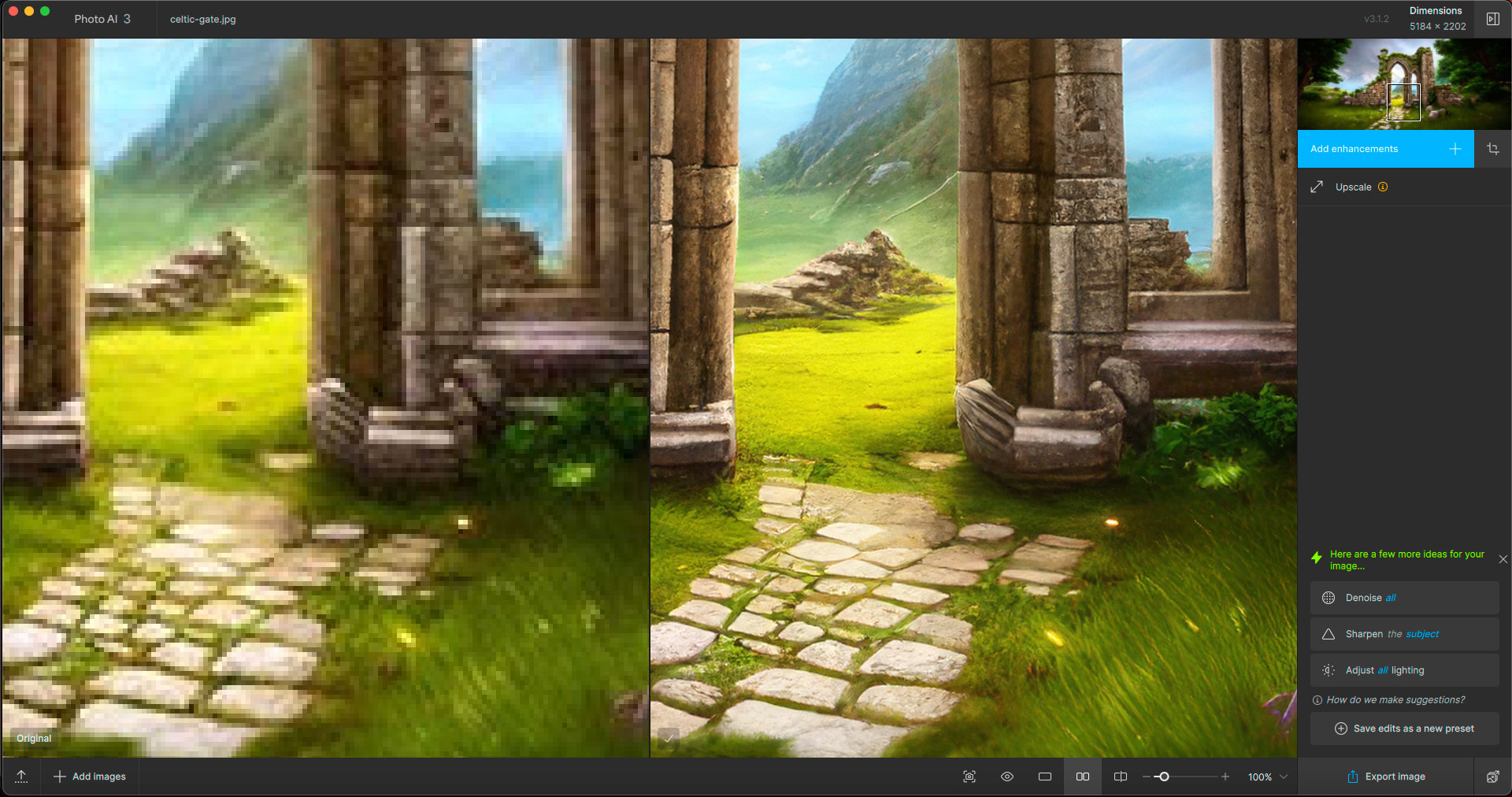
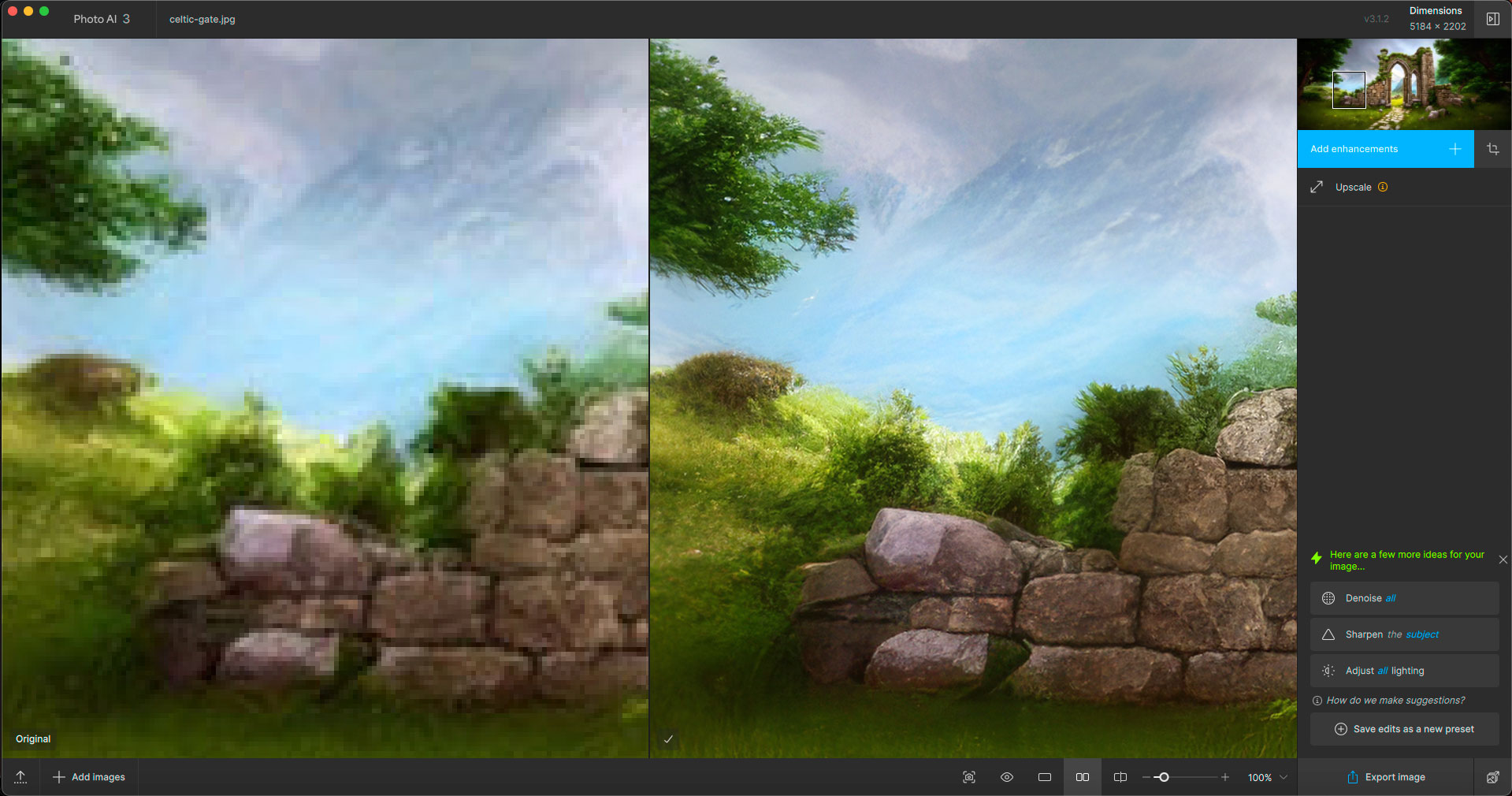
I was too late to answer your question, @dakota.wixom, in the v3.1.0 thread, so I’ll do it here.
I mean the Remove model seems to function the different way in 2.4.2 - I can select the ‘reach’ of the change (with the yellow square), as well as undo/retry the part I want to change or eliminate from the picture. Yes, change, cause that functionality, albeit without prompting, is somewhat possible in 2.4.2. That’s what I’d like to see in 3.x, too. And also functional undo/redo within given Remove layer.
I noticed all v3.x.x versions have the same bug with Remove function - I can’t apply different result to the part I wanted changed/removed within given Remove layer, even if I undo/redo that part - the result will be the same even if I change the marked region to be removed/processed.
It’s a serious issue, which almost totally defeats the purpose of the tool.
That said, I’m yet to test the newest ‘stable’ TPAI (but I’d like to still use v2.4.2, so I’ll find a way to virtualize the newer version, cause they cannot co-exist normally, AFAIK).
1 Like
Still cant open PAI . From Version 3.1.0 till 3.1.2 it only shows a White Screen. With Admin Rights it works but then i shows a Error Message in PS when i want to use the Plugin.A Clean Install doesnt work for me. 3.0.4 works fine for me.
2 Likes
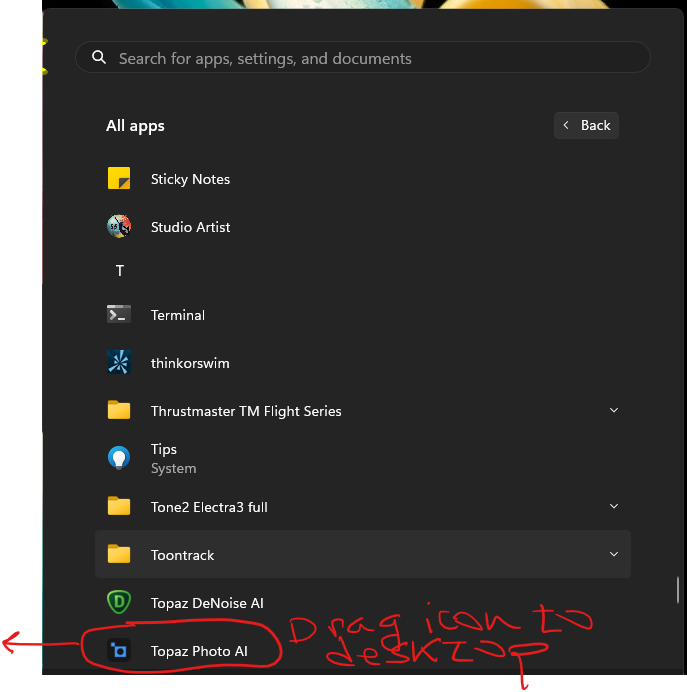
If you are missing a link on the desktop you can find the program in the Windows start icon > Apps and drag it to the desktop.
1 Like
Thank you! I appreciate it. And, the helpful graphic.
But I just wanted the devs to know something in the code removed a desktop icon during update and then didn’t immediately replace it in place during install and may have to be corrected. B/c it had worked reliably in the past.
1 Like
Facebook is not accepting the TIFF to JPG conversion for a photo insert. Topaz AI Photo v3.1.2 Windows 11 Photoshop 2024- I upscaled 3x using the main Photo AI screen not PS 2024 (Filter) Editing was done in PS 2024 and then converted to a JPG (copy)
Alan Russell Rosenberg
If the final output file came from Photoshop, then that is where you need to look for the reason that Facebook won’t accept it. I’m sure Facebook will have some limits on what it can be uploaded.
it only works when you allow Photoshop to use the AI Photo filter 3.1.2 to create the upscaling and other enhancements. this is what I discovered today.
Everything is working now I have no idea why but I’m not gonna question it
Sadly 3.1.2 is no better than 3.1 and I once again had to revert to version 3.0. The issue is that either as a standalone OR as a Lightroom plug in, the program appears to try to launch, I get a white screen box that flashes and then disappears. Nothing launches and nothing happens. Also my return to v3.0 now no longer works with Lightroom. I have to use the pull down menu to edit my photos versus using the plug in pull down. I am going to hold off doing anything until version 3.2 eventually comes out.
1 Like
Which OS & processor are you using?
Can anyone confirm if they’ve fixed the Capture One DNG export problem yet? I refuse to pay for a new subscription until they do.
Thanks
1 Like
Still tiff only (tpai 3.1.2, c1 16.4.4).
Windows 10 and Intel i7 9700 3GHz
1 Like
Very,very frustrating….so won’t install this version. I’ve got till November , if not —>DXO
I just paid to upgrade to 3.1.2 (Mac) in order to fix Photo AI’s problem with opening Nikon Z8 NEF files, in which the color was WAY off.
The problem persists.
The original NEF file, followed by the file as opened by Photo AI:


The color is still WAY off.
What’s the deal here??
4 Likes


