They add stuff from photolab?
In White Balance Add a White Balance Picker.
In Remove Add Padd all Photo .This Will be adding White space around the border or the work area is Enlarged while the Photo Same Size.
Right Pannel UI Nolonger covers the rite side of the photo and or an opacity adjustment for the UI.
The AI for remove can use HSY HSL HSB And LAB for Photos .I am choosing these For the HS and AB The L and Y and B Will be used to Process the Color.
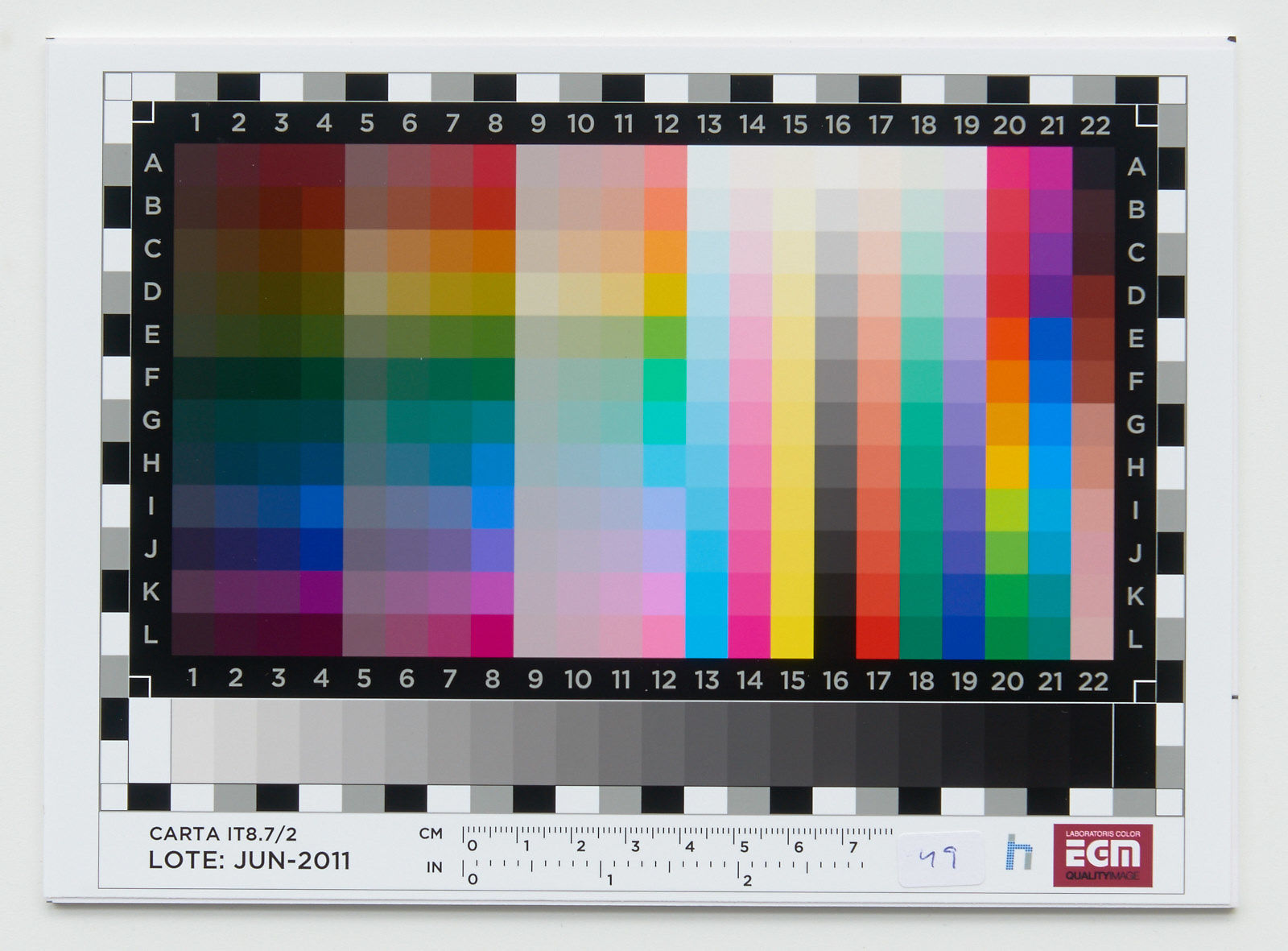
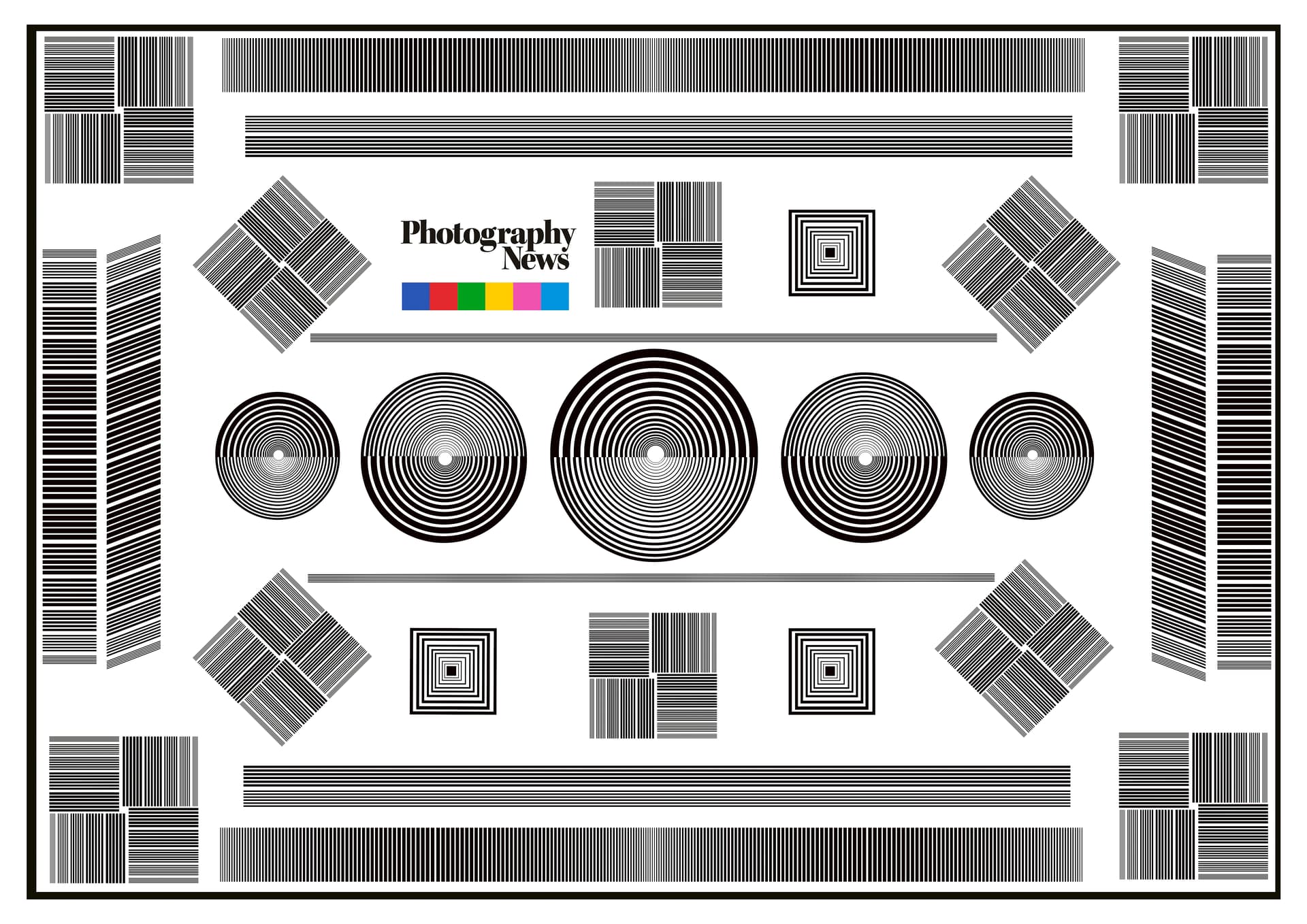
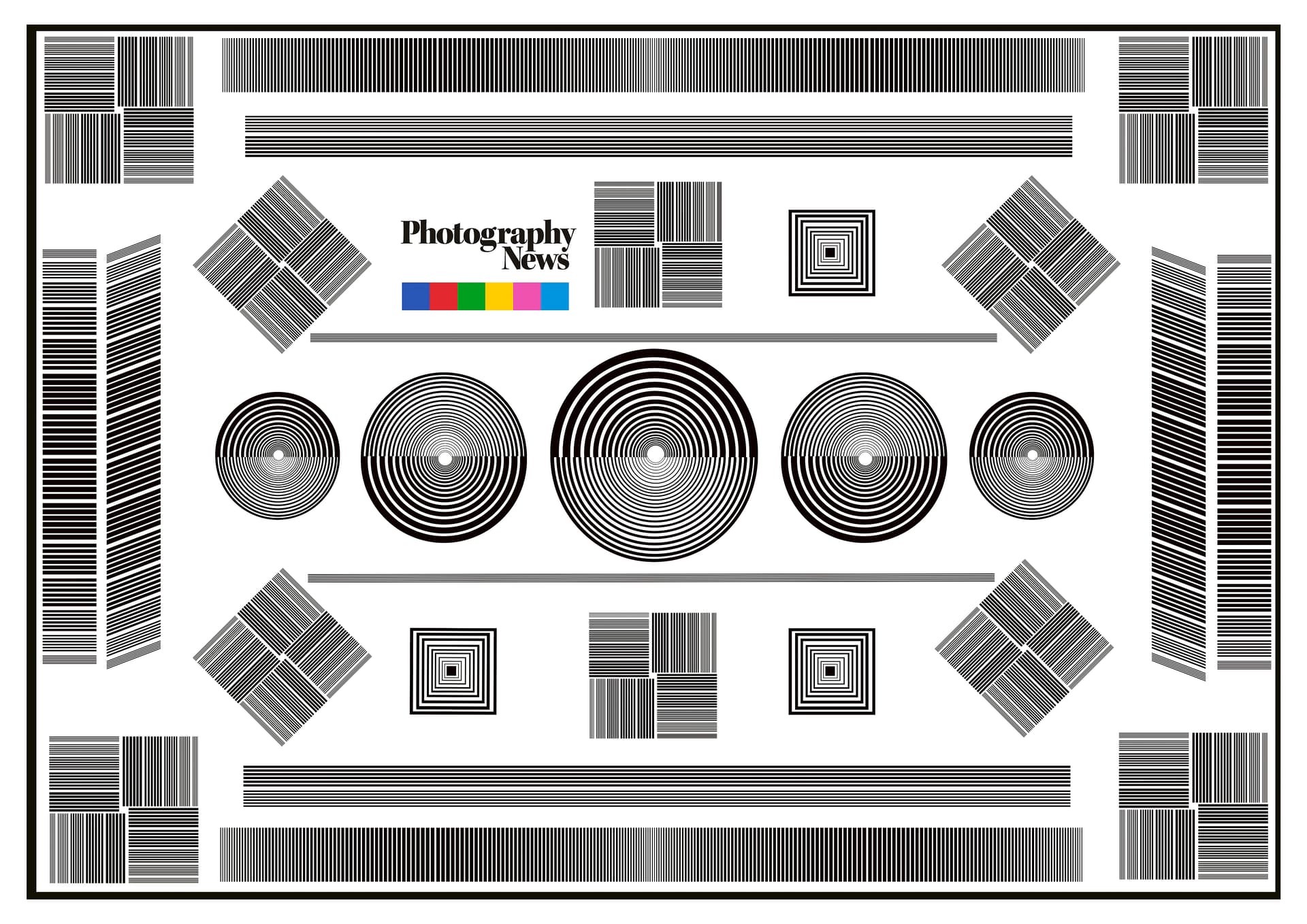
Yes, they did add to change the strength of the filter to PureRaw4.
Crashes everytime. Lost 30 minutes of billable time need to reinstall old version now. WTF…
1 Like
Adjust Lighting Available in TIFF. Adjust Lighting De Saturates Color
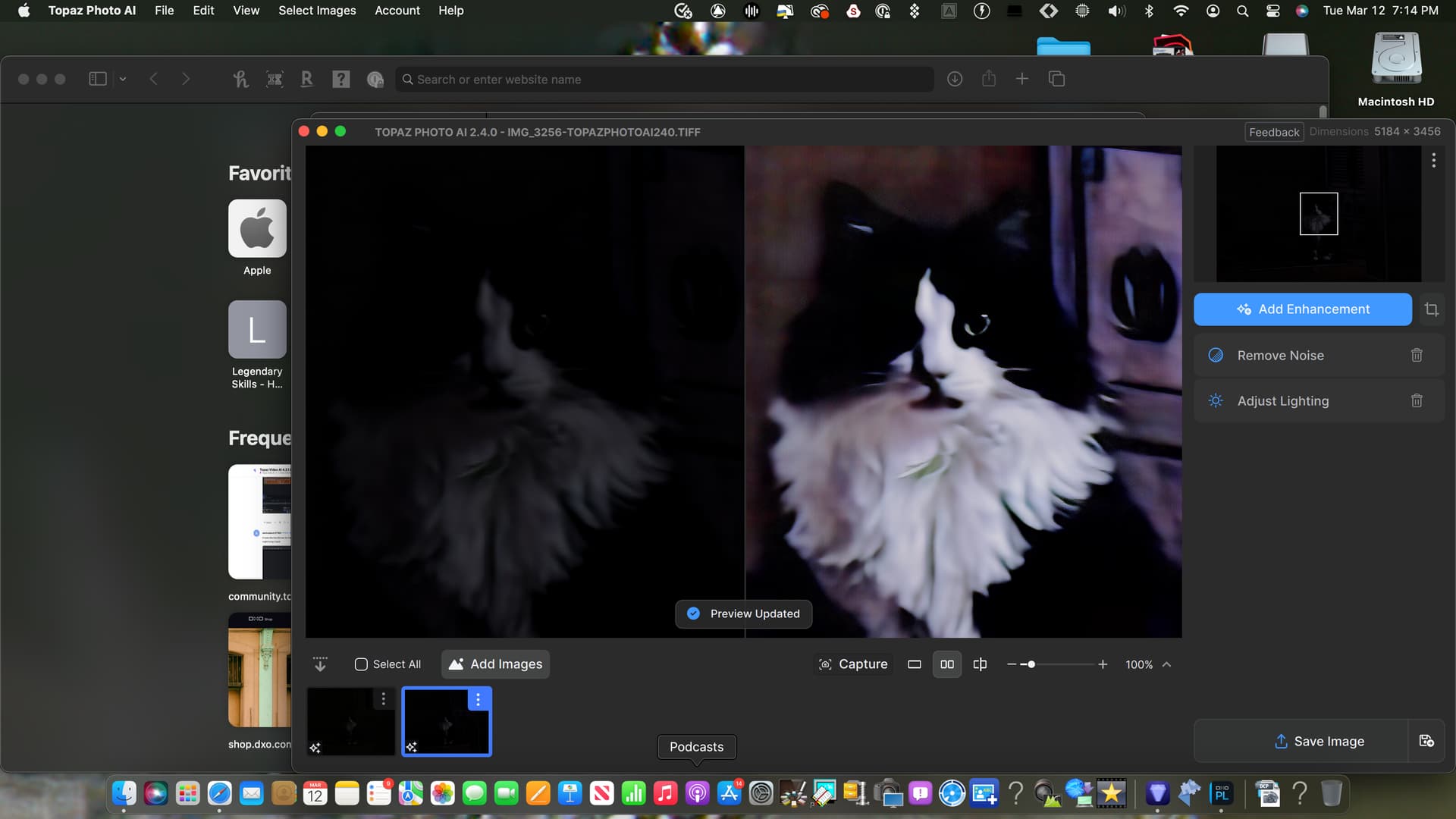
Archive 2.zip (352.2 KB)
IMG_3256.CR2 (18.1 MB)
yeah me too
Blockquote
… I expect that on Thursday this week there will be an update to 2.4.1 and it will address many of these things.
I won’t believe it until I see it and test it myself. With every new update, new errors appear that could have been avoided through more detailed testing.
I’m starting to get the feeling that the user is being abused as a beta tester and is also paying for it.
2 Likes
Your image is about 4 stops under-exposed, so there are huge quantities of colour noise. Adjust lighting did not do a good job. I got a slightly better result by adjusting the exposure first in On1 PR. Slightly better still with the trial version of DxO DP4. But there is still a lot of colour bleed and blotchiness, especially in the background.
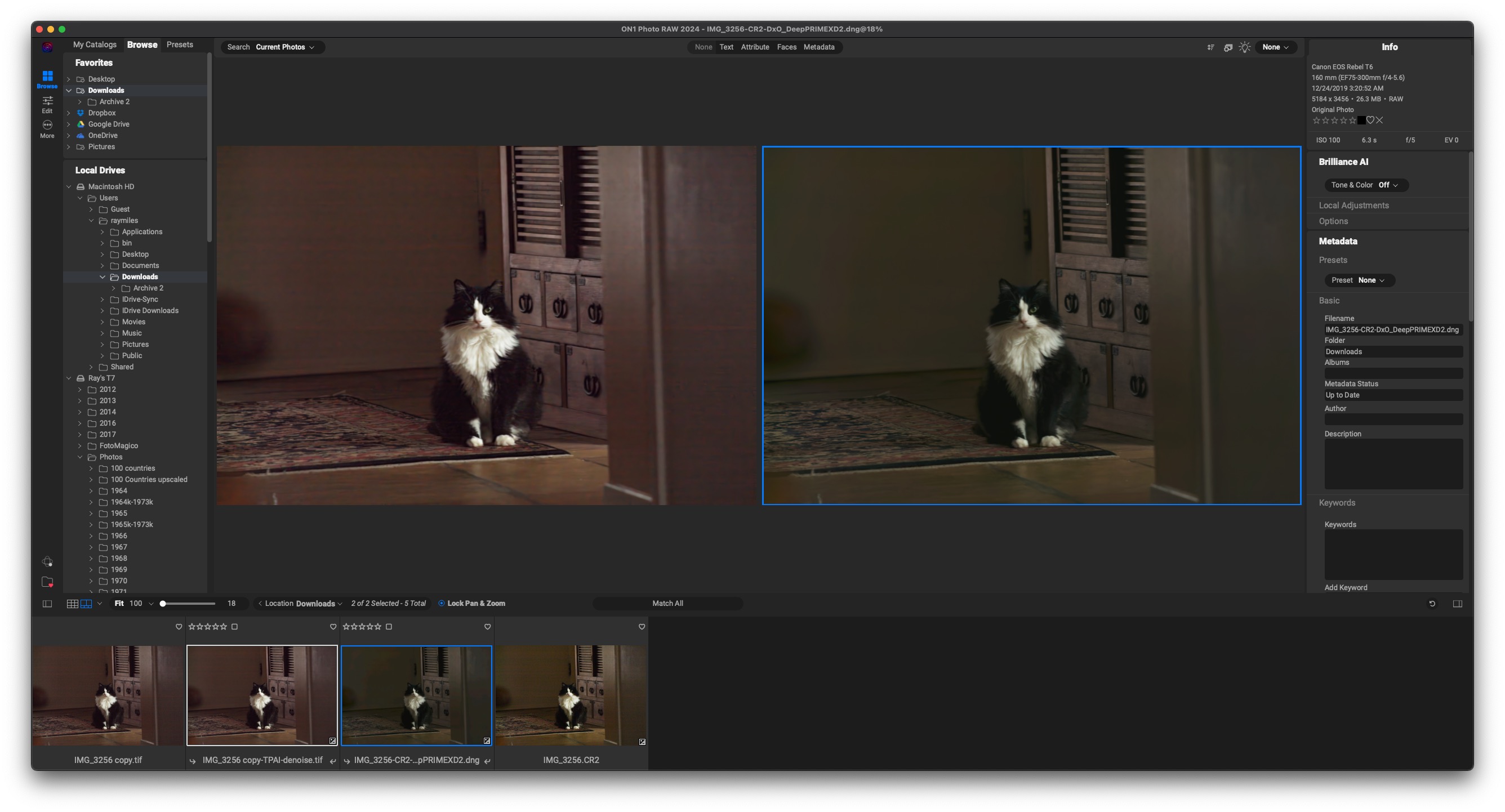
I have a trial version of Pure Raw 4. I don’t see a big improvement in Xd2 over the original. However, what is a game changer is the ability to preview images before processing, as well as the new Advanced sliders for fine tuning.
1 Like
I have photolab 7 with pure raw .I exported photo as tiff than under PAI 240 adjust lighting.it washed colors.I loaded Original in RawDigger Result is different depending on modes.Is Exposure Throwing off White Balance ?
Because of the slider i was using Photolab and i still like to browse the images with photolab before export instead of drag and drop.
In the latest version, in the save panel there’s no longer a slider to choose to upload your image to train your AI models. This option is also gone from the privacy settings.
Does this mean that images are NEVER uploaded to Topaz, or that they can ALWAYS be uploaded to Topaz and you just removed the option to prevent it?
This needs clarification.
8 Likes
Petapixel has made it to the bottom of reliability.
They are testing PureRAW4 against Denoise AI and not PhotoAI, also the Topaz test version graphics can be seen in the output.
Petapixel are also the ones who said that an RTX 4090 would be unnecessary for photo work, since I have the 4090 I sometimes don’t see any loading bars in TPAI anymore, in gaming it needs 70 watts because I throttle it to 70FPS and when I do need the power it is super fast.
2 Likes
PetaPixel is a very low bar.
1 Like
I mainly read there because they report on everything if there is something new in the photo area, but the headlines and texts are click and bait.
3 Likes
I get their daily recap and skim it for the same reasons… I agree, most of it is crap.
6 Likes
FYSA, This happened to Gigapixel this week.
Yeah me to.
2 Likes
Ever since I updated to 2.4.0 the application is constantly crashing.
1 Like
