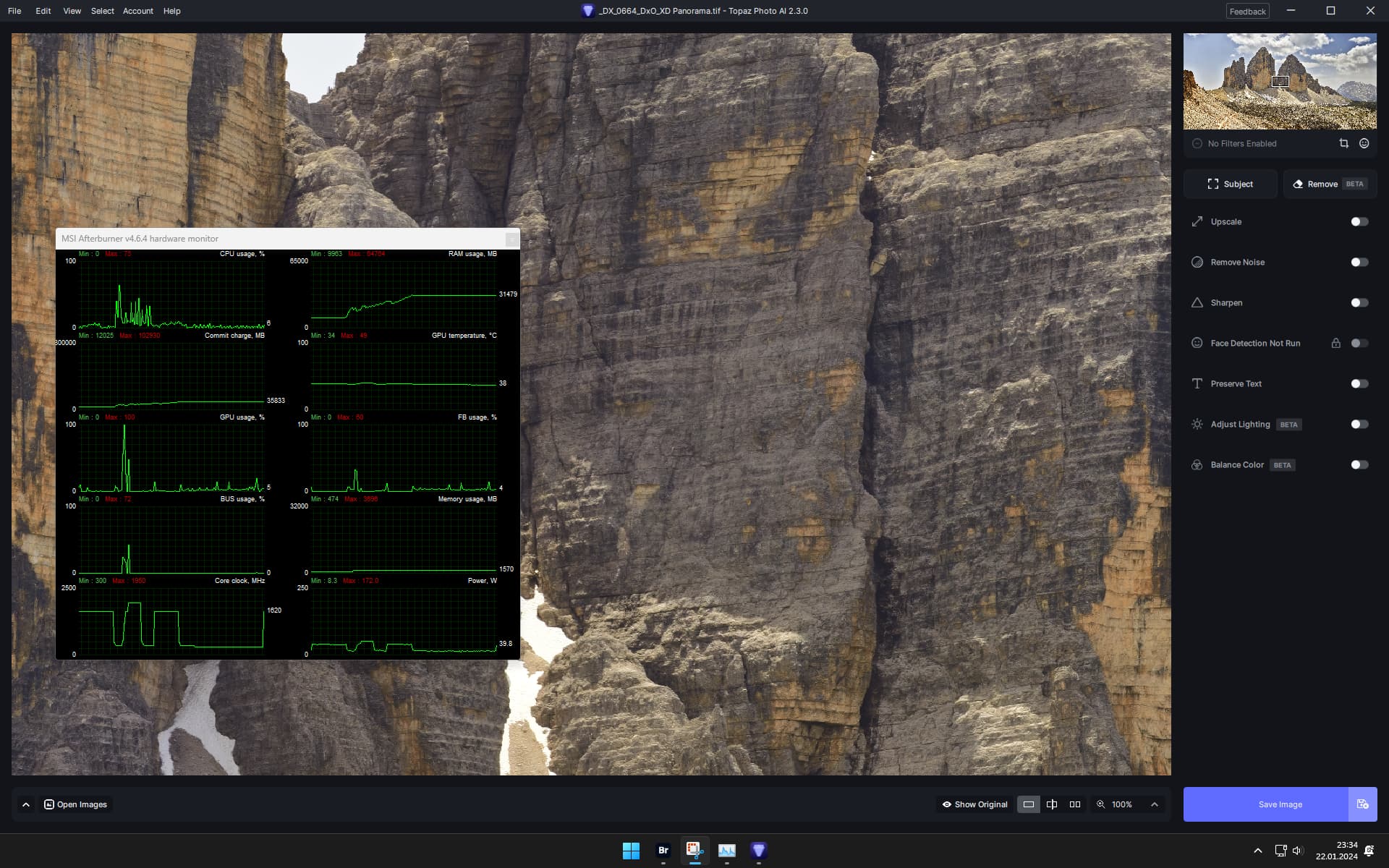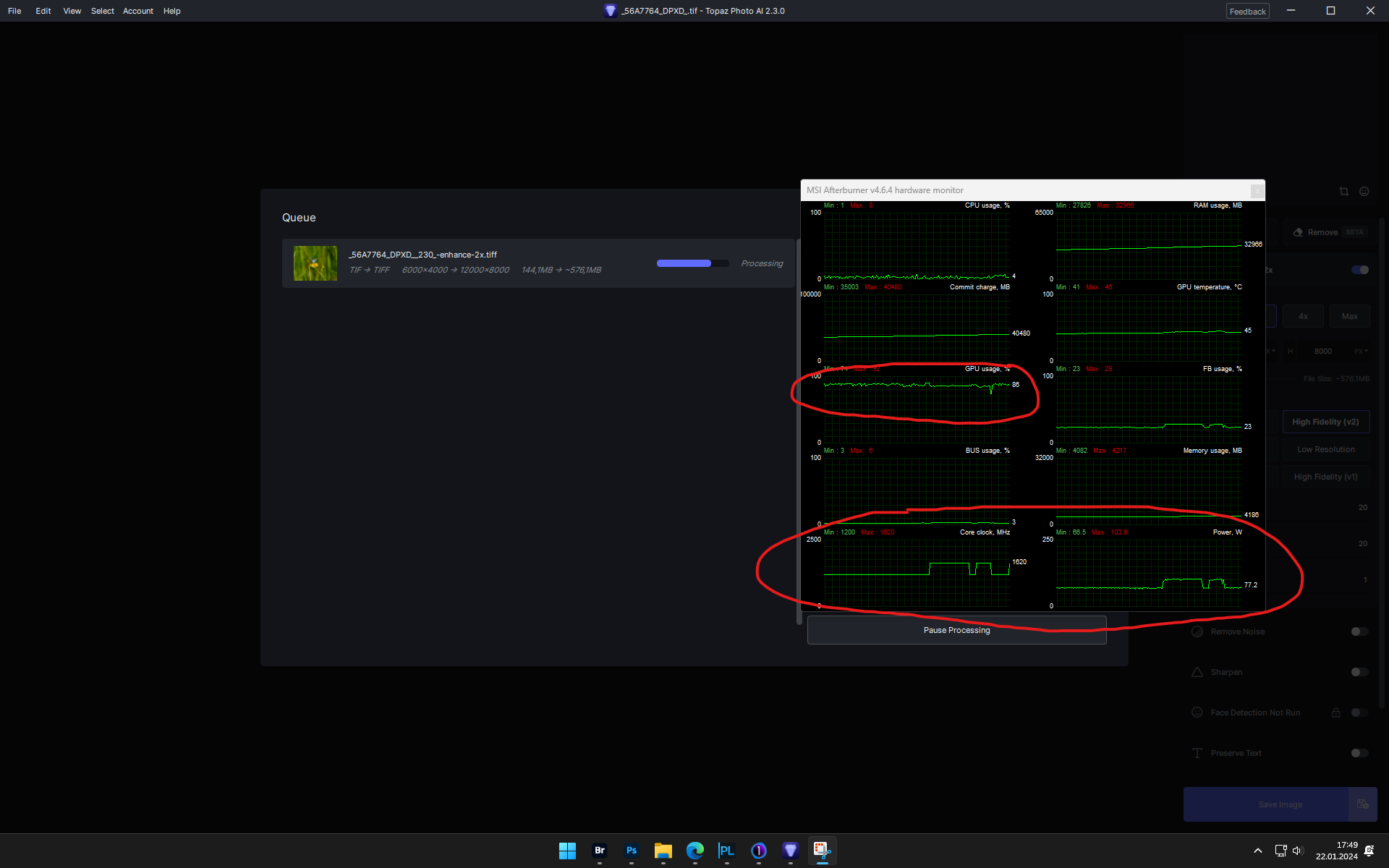
The GPU does not boost.
It computes the image almost in idle mode.
But even if I add the GPU in the Nvidia panel, it does not use 100% of the available resources.
It computes the image almost in idle mode.
But even if I add the GPU in the Nvidia panel, it does not use 100% of the available resources.
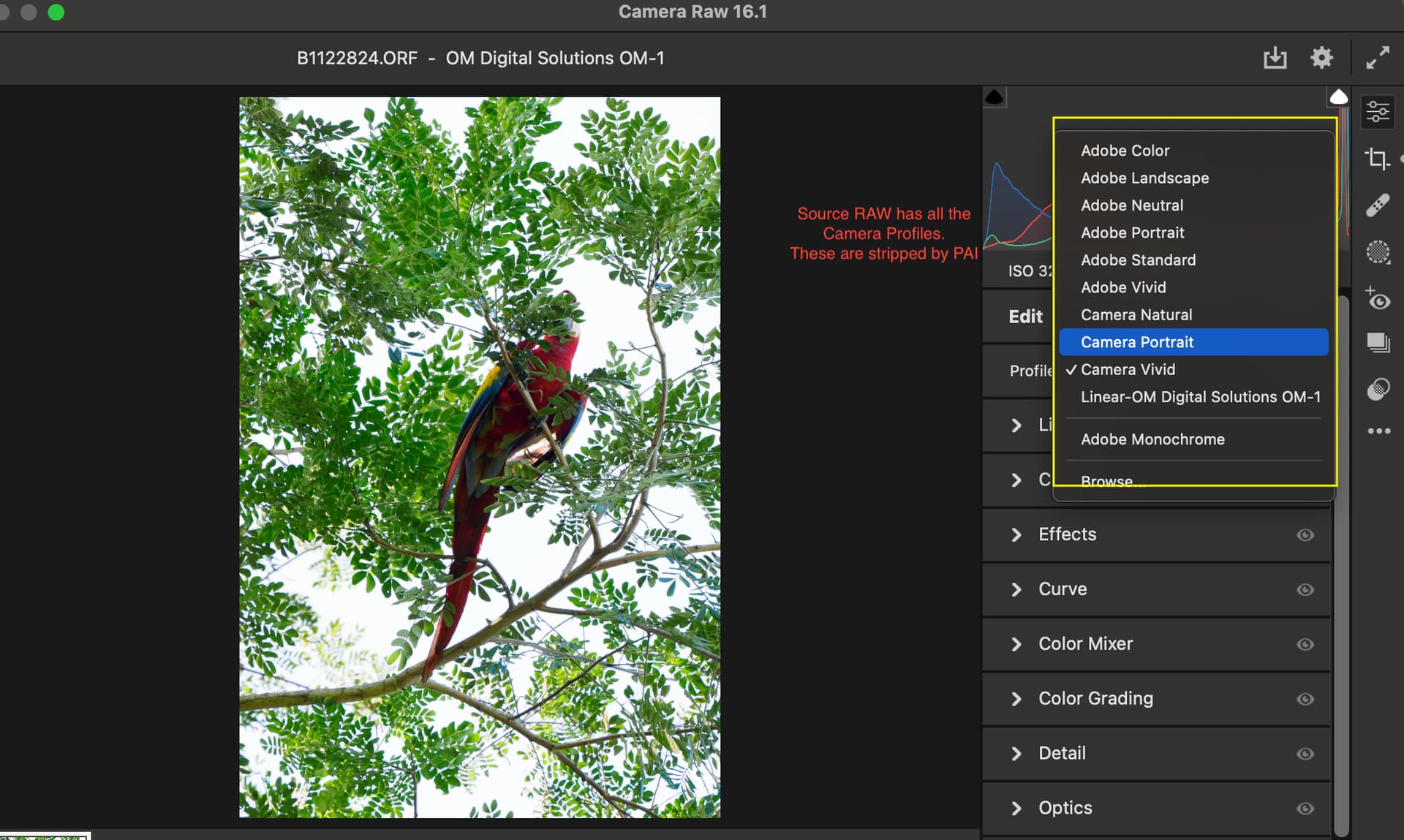
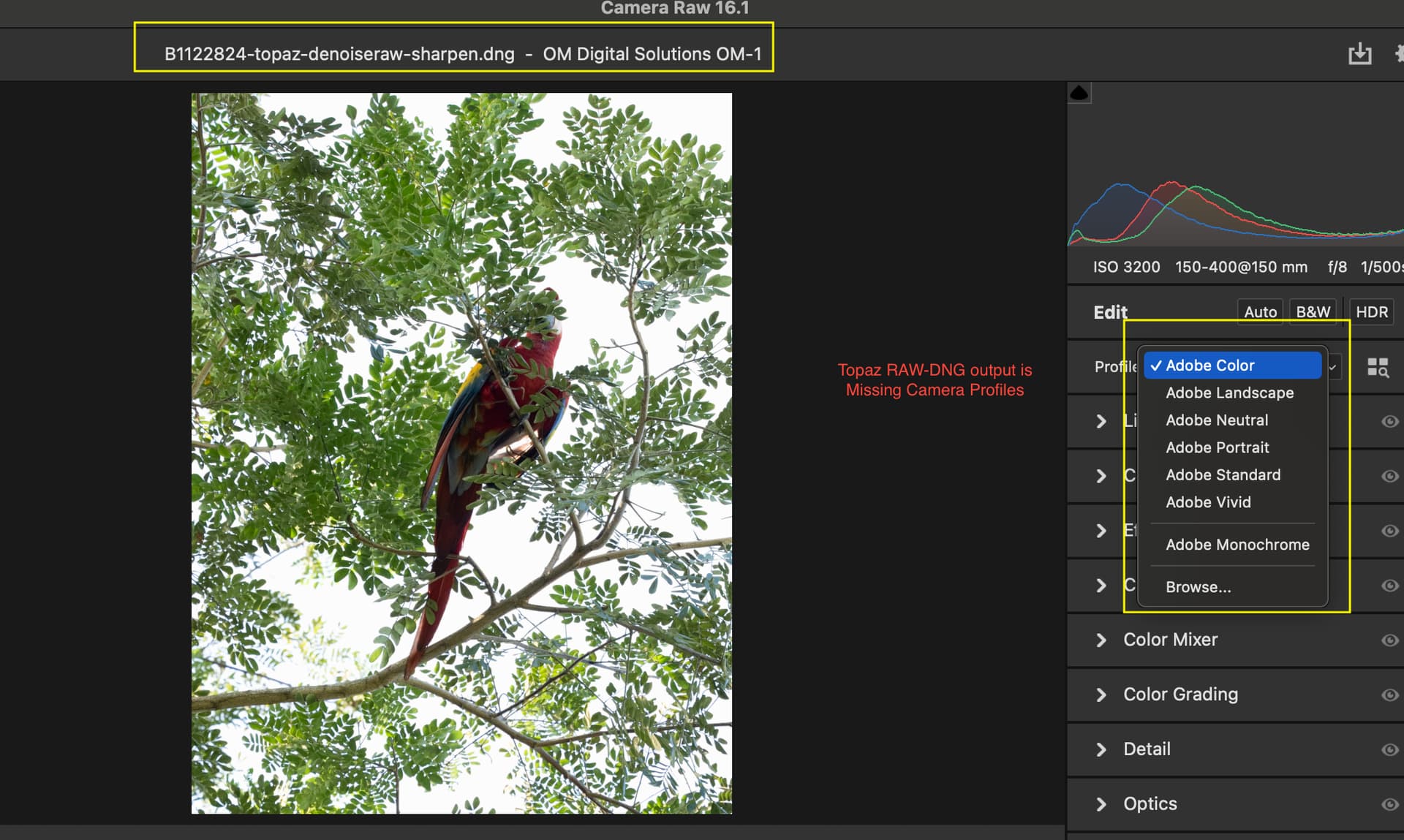
There is still a bug where PAI removes the ‘Camera Profiles’ from the output DNG files. This really messes up the LR or ACR workflow. So much so that I’m avoiding PAI and using the LR or DXO tools instead. I’m not sure which PAI version broke this. Perhaps when going to V2. It didn’t used to have this problem. I’ll put an example in the dropbox for this thread. FWIW, I reported this issue last month as well.
Strange I don’t see that issue at all. I assume you’re using the “plug-in extras” feature in LrC.
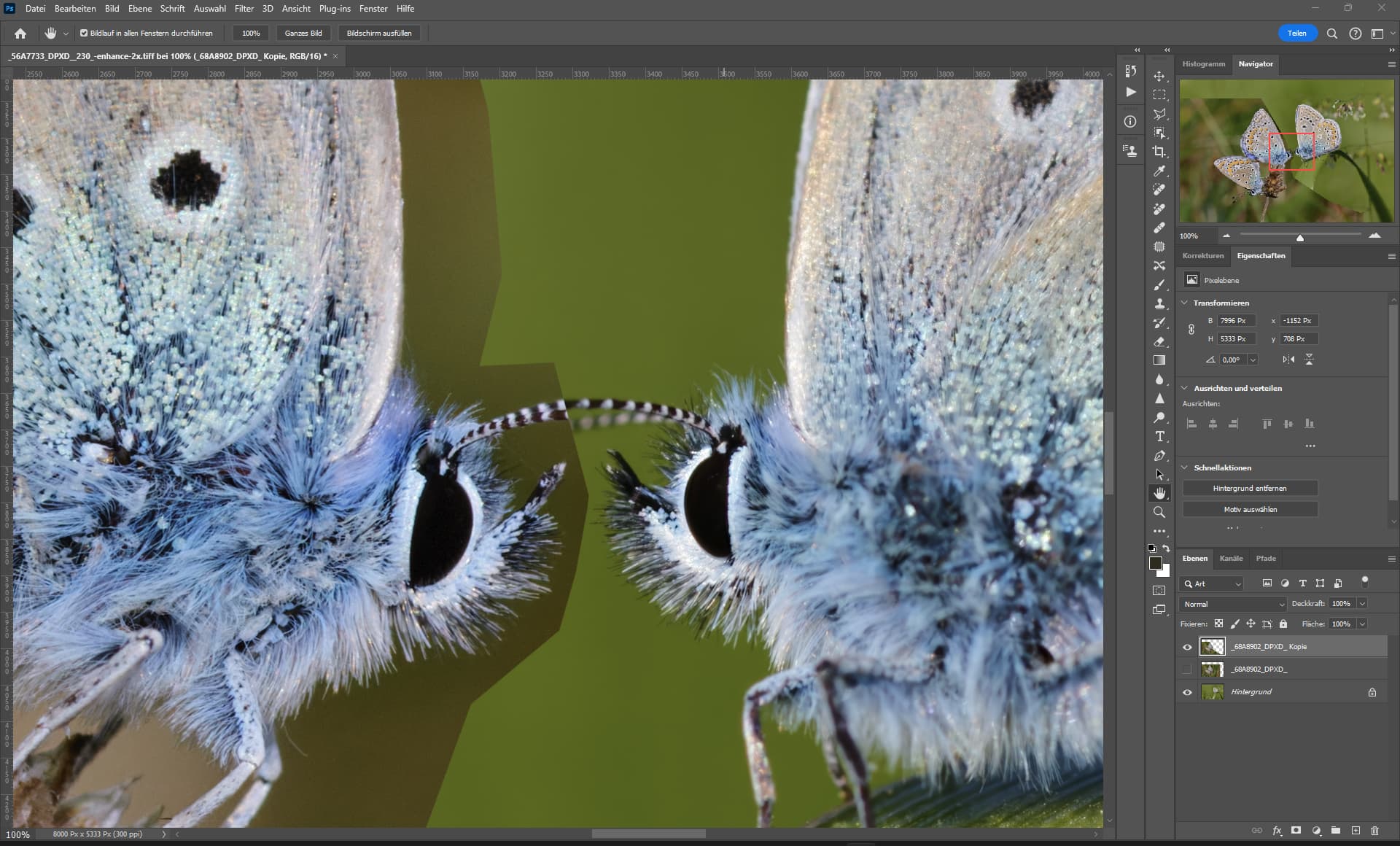
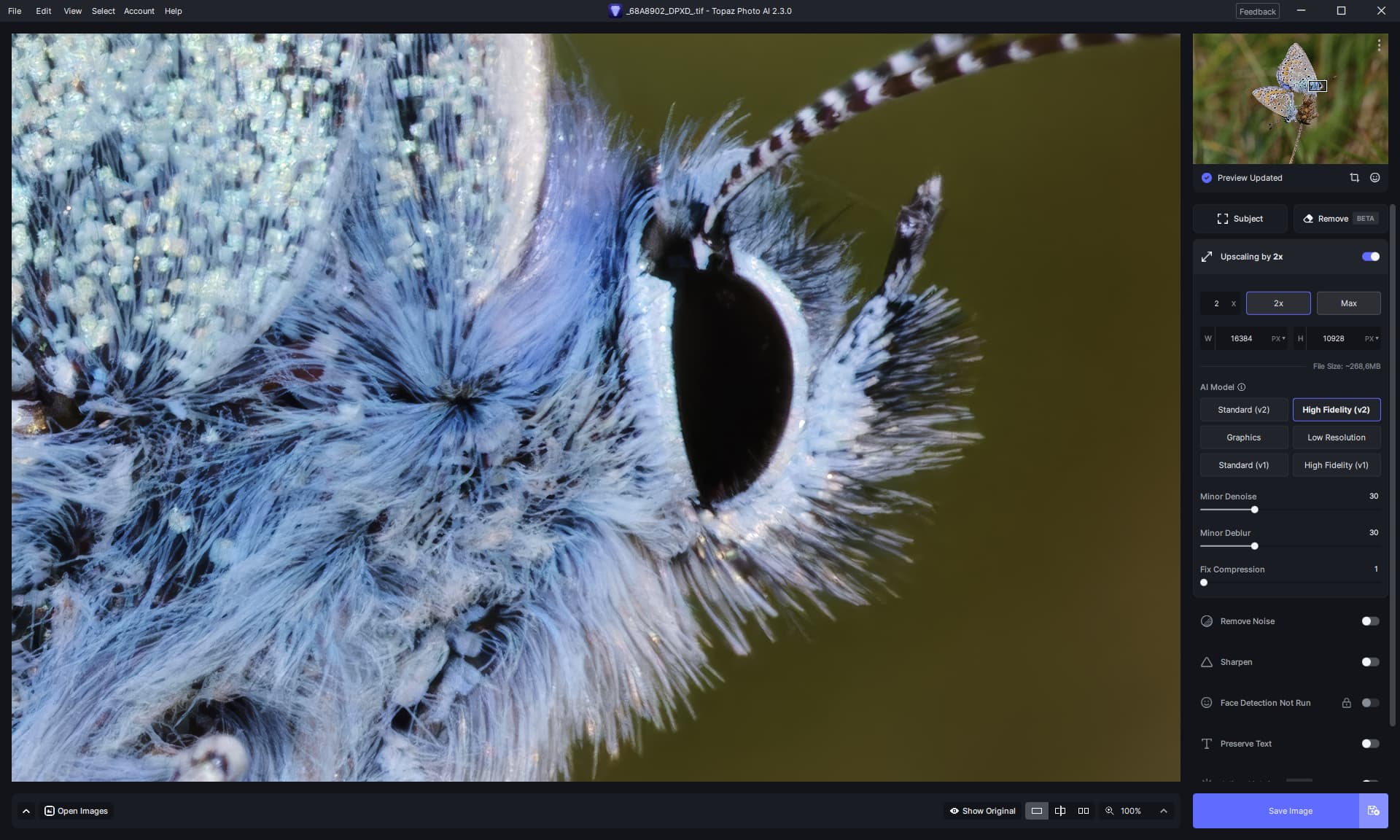
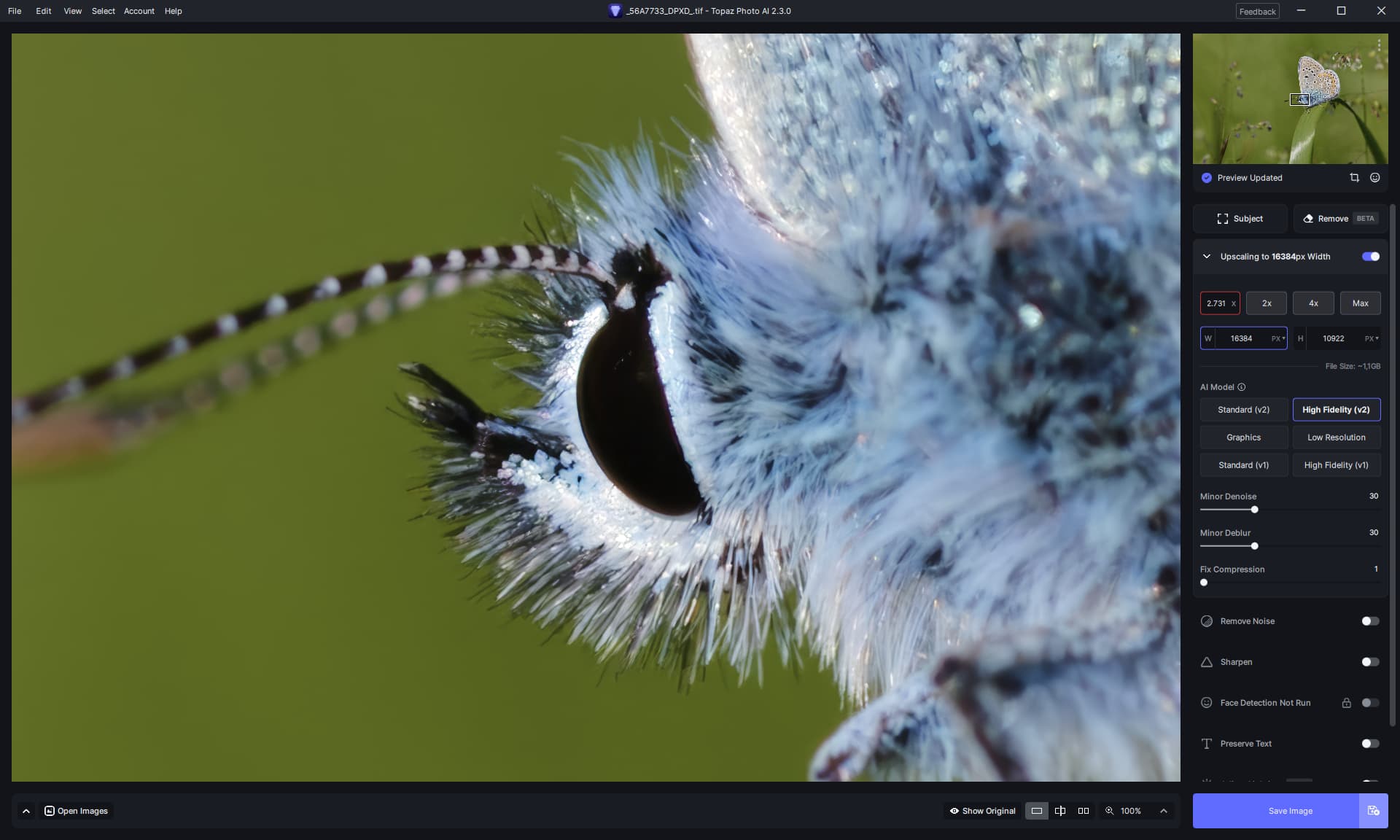
Both: Lens EF 180 mm 3.5L USM at 0.7 meters distance & Edited via Capture One Pro.
See for yourself:
Butterflys.zip (25.8 MB)
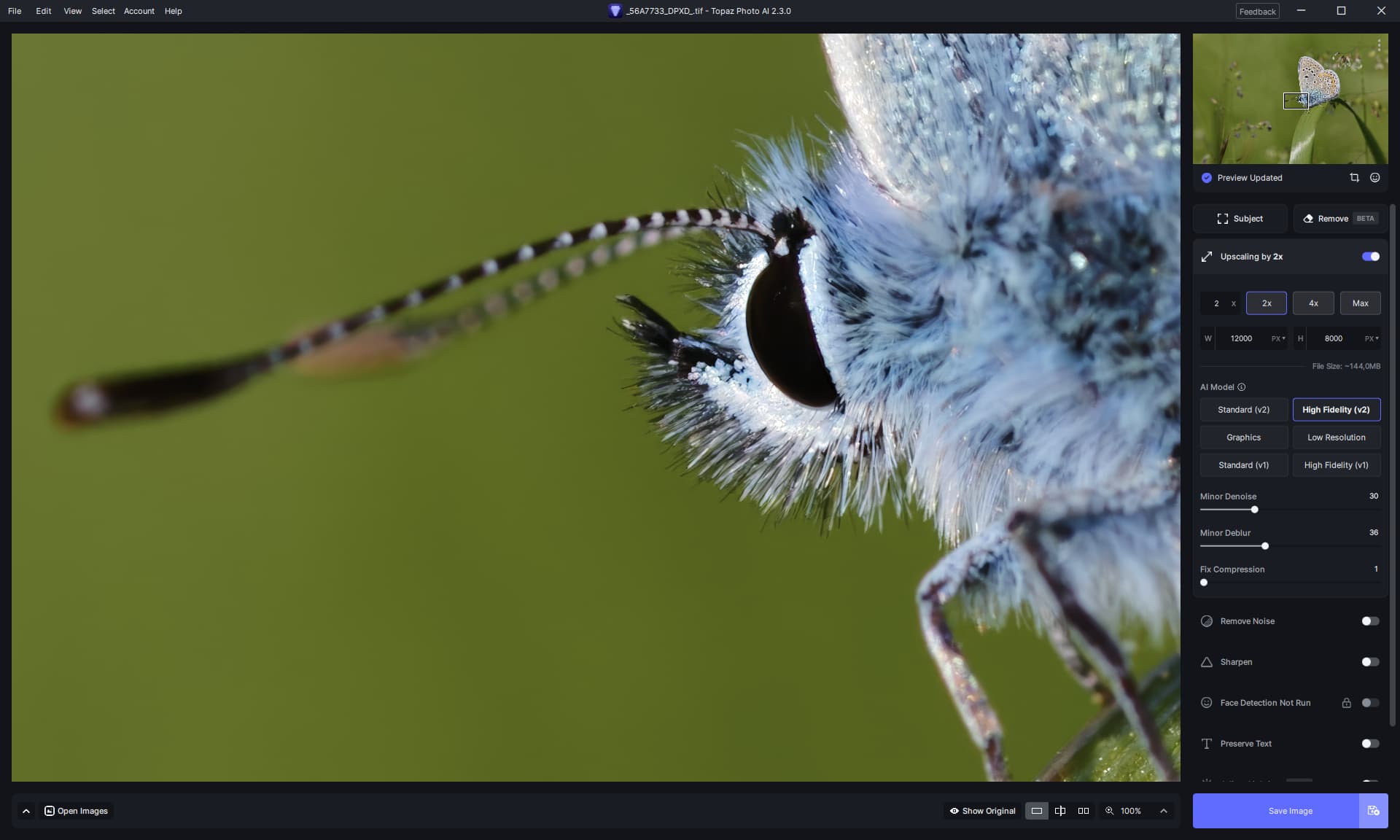
To double the resolution (real resolution, not megapixels alone), which is really visible, you need 96 megapixels for the R3 and a gigantic 180 megapixels for the R5.
That’s why PhotoAI can adjust the resolution so well.
There are rumors that the EOS R1 will have 30 megapixels and a 16 bit output, so I’m really looking forward to that.
30 megapixels is the physical optimum or maximum for full format, diffraction then causes more problems (after 30 MP).
The 16 bit RAWs are for editing, the more resolution in the bit depth the better the images can be edited.
I have the same issue
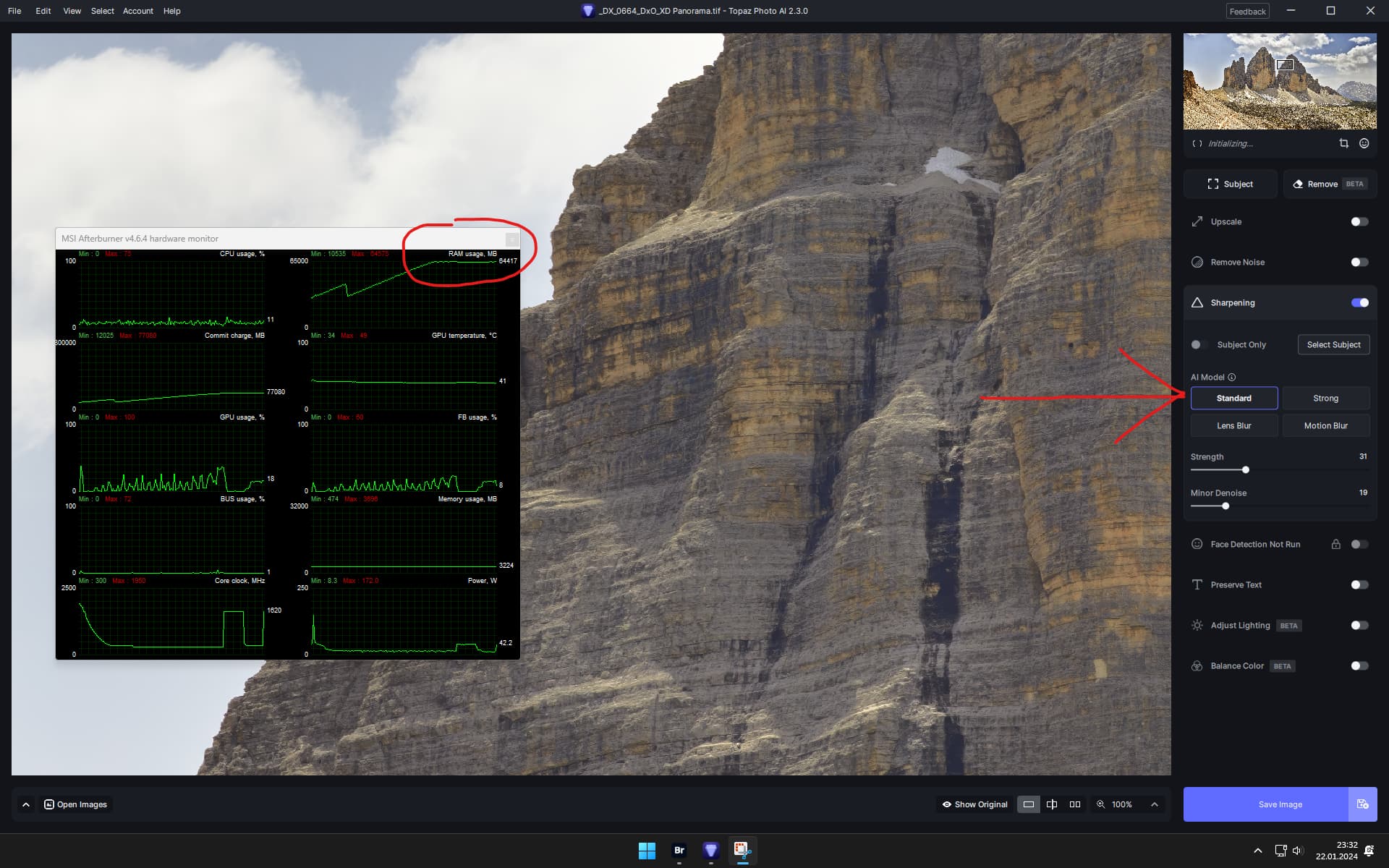
Yes its a big image, but there are some big memory problems.

Task manager
I will check settings for my AMD in the firmware
Here is supports take on the problem:
"Thanks for that information; based on your sys profile, your computer is more than capable of handling the processing with no issue
I suspect the problem might have been the updated version itself, which, in that case, the 2.2 version is the best temporary fix as our developers work on patching that issue."
So you are saying that you have the GPU selected as the “AI processor” ?
Thanks for posting the reply here, it will be a great help to others that have the same issue.
Hi,
I may be getting confused with the various new products, versions (& install issues …). But I thought the Preferences for PAI had gotten considerably more streamlined (in a post a couple/few wks ago from Adam) and groupings of Prefs. had changed too to be more digestible.
This release seems to be back to the very convoluted, many-tiered Preferences that are more confusing to set and understand. Did something inadvertently revert to the old Prefs or am I mixing up what I saw change (for the better in the past weeks or so)?
Thx.
Happy to help. One way to say thanks to you and others who have helped me.
yes, as always.
Chat gpt explained to me that the main memory is of crucial importance in AI processing.
Because it stores model parameters and intermediate results.
The quality of the Enhance output (Hifi & Standard V2) have never been as good as they are now.
I’m afraid that the quality could drop again due to adjustments.
Since I like to work with quality, I will probably double my ram to be able to continue working smoothly.
But i will wait if it turns out its a bug.
Strange - for some reason PAI doesn’t want to use your GPU. Also the amount of RAM used seems way too high. Have you contacted Topaz support?
Everything is fine, the GPU is used, the input image is only very large with a length of 18000 pixels and a file size of 1.2 GB.
Is Topaz Photo AI v2.3.0 the latest?
Because when I search Google, there are entries for Topaz Photo AI v2.3.1
There is no 2.3.1. Maybe later this week.
Ok, Thankyou

Hello,
I guess it’s already been reported but version 2.3.0 is very buggy on Mac M2. It freezes.
Thanks
Just installed the latest update it is extremely slow and has crashed a few times making it almost unusable.