I find the next step super difficult.
The result is super good and when comparing scaled-down files that were then scaled up again, I only notice that the surface area and geometry still need to be optimized.
“Flattening of surface content, the surface becomes flat because there are no differences that would determine the direction of light.”
That affects the whole picture.
Sometimes the 2x reduced and then enlarged image looks better than the original.
From time to time there are deletions although the pixels would be there.
It may be that some things do not appear often enough in the training data.
However, this type of evaluation is already crazy pixel peeping.
The two new models already fall into the “incredible” category.
Because some things are barely visible in the reduced image, but the model was able to restore them.
The people who created this are true geniuses.
If denoise can catch up (in terms of quality and editability of the output (RAW) and remove is optimized, this is going to be some pretty sick software.
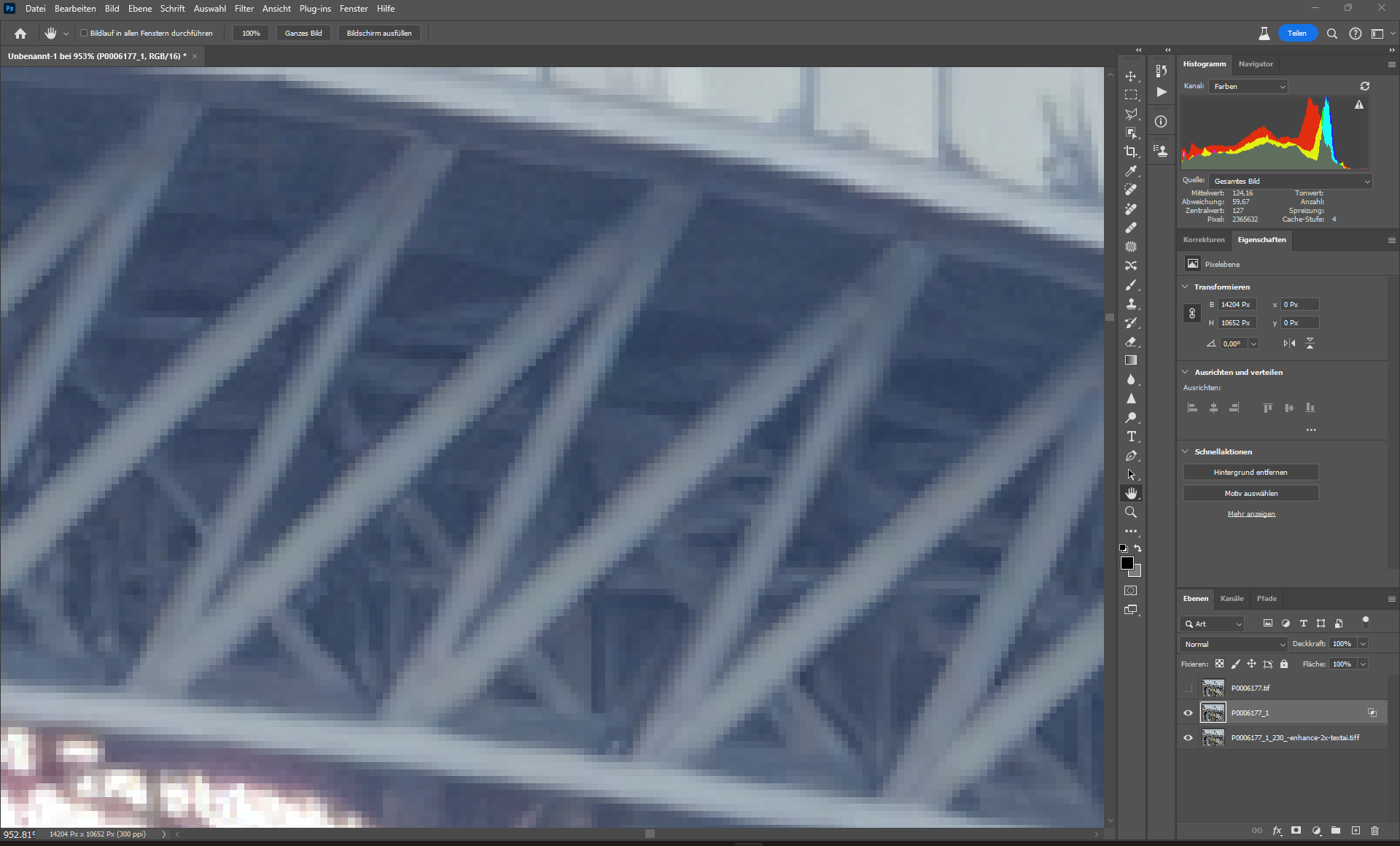
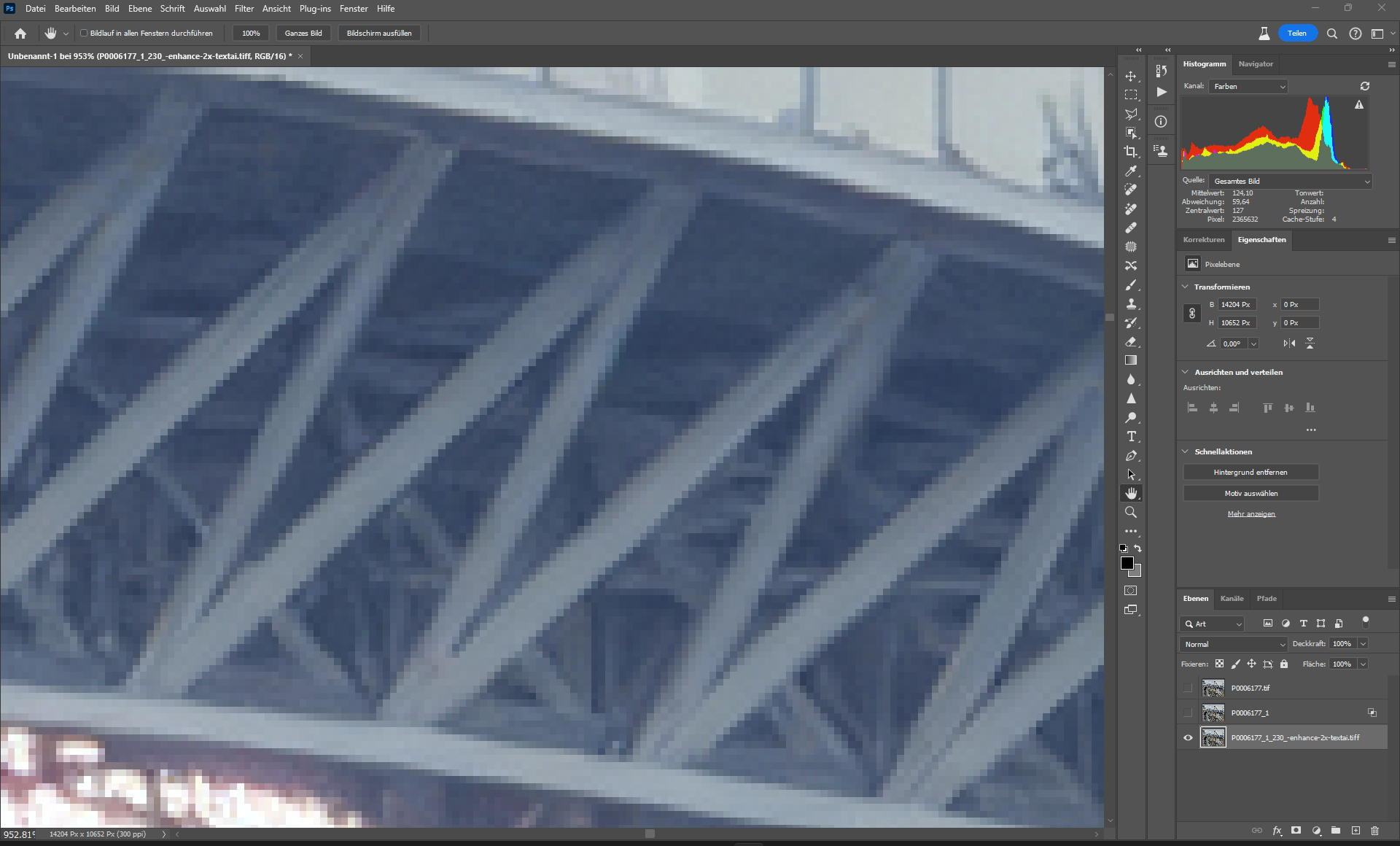
flattening effect - We are at 900% here, but the effect can also be observed at 100% and affects the whole picture, the rest is great.
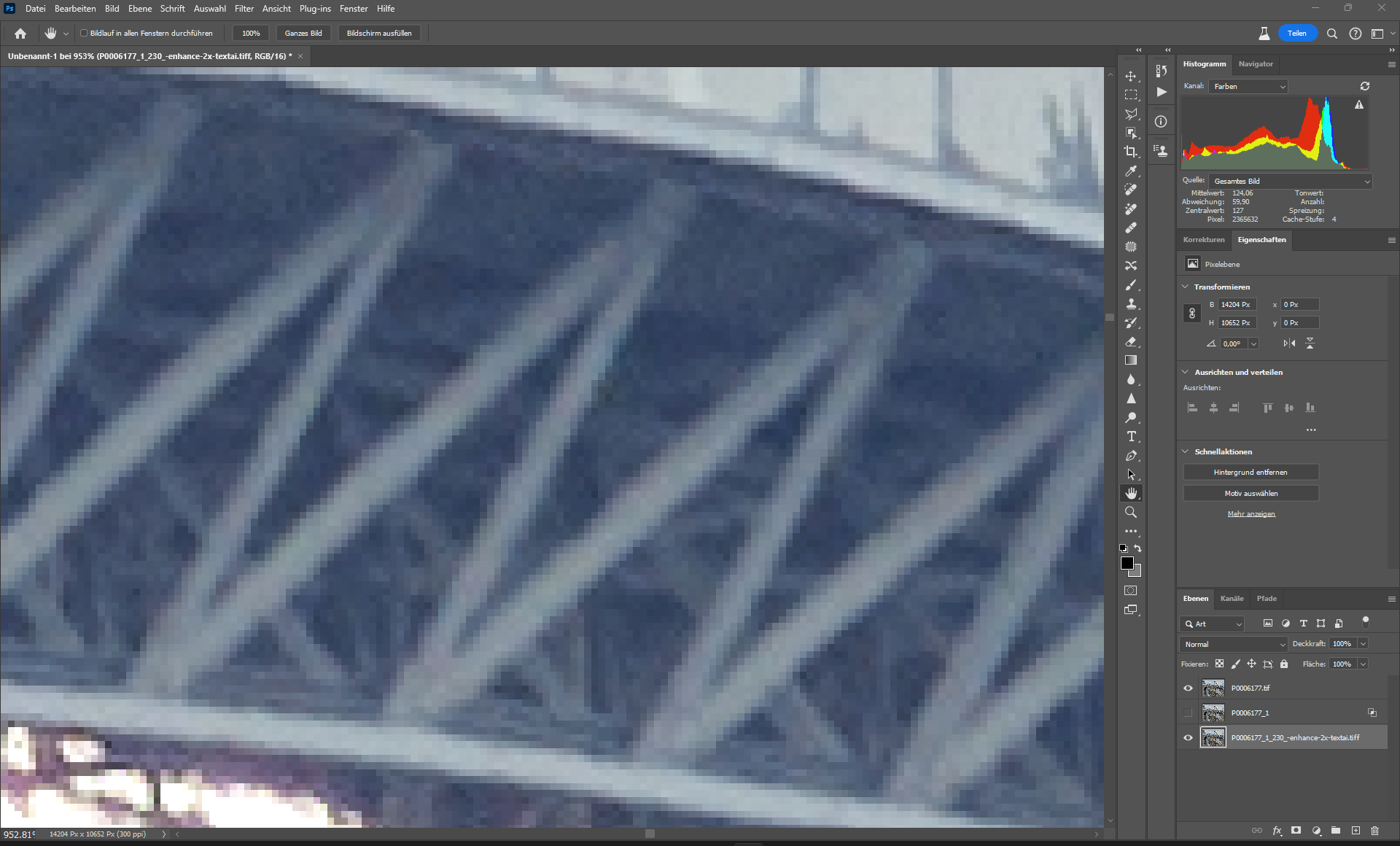
original
If you compare the input with the original, it should work correctly.
Update:
I did simulate it.
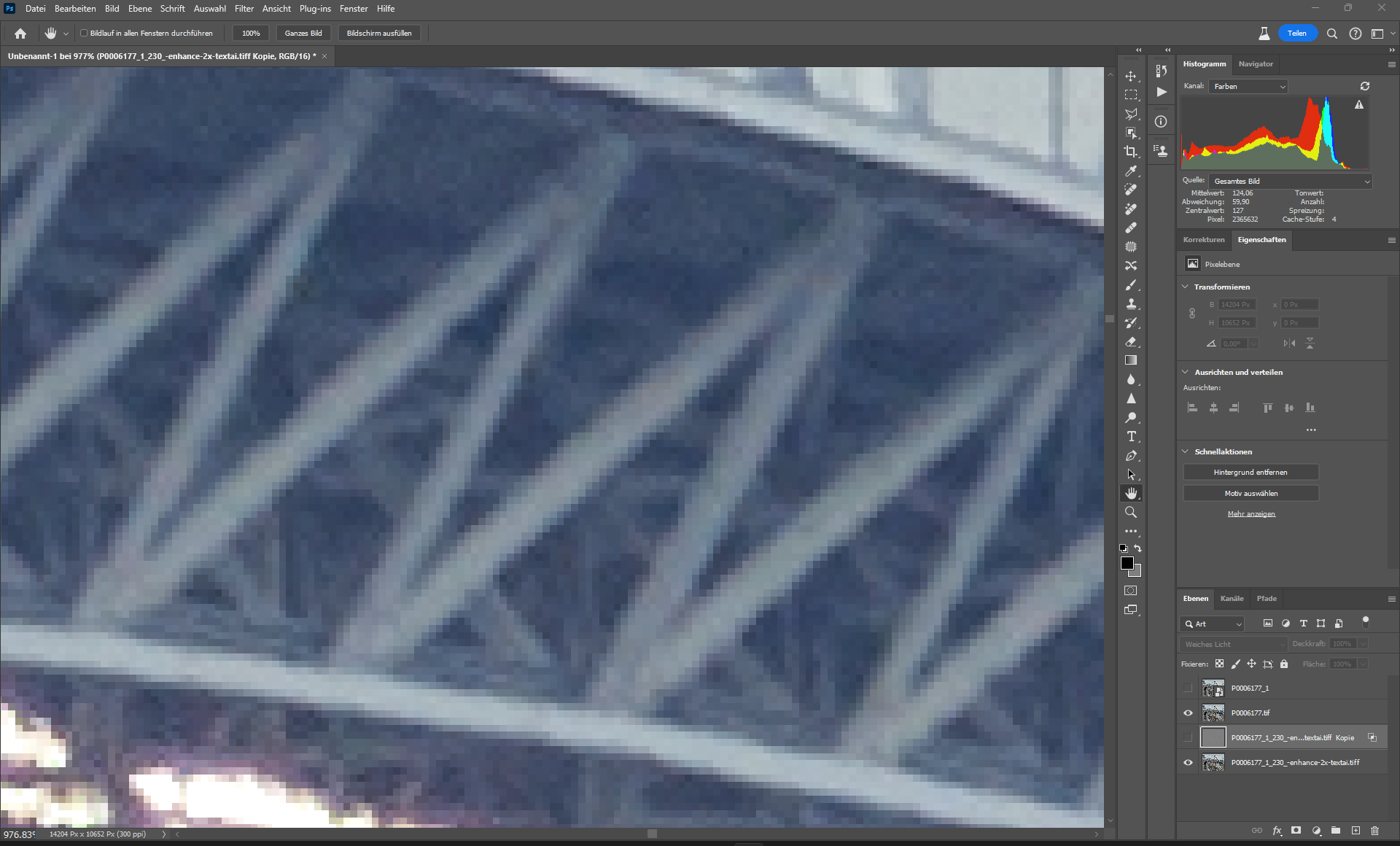
Simulation - i have blend in the light and middle tone areas from the input, i have left the dark areas as in the standard model. - Yes, the sharpness suffers, but it’s only a simulation.
But you can hardly see the effect in other details.
I think that is negligible.
TPAI - Enhance Standard V2
Original