I have no idea about what TensorFlow is, and I don’t really feel the need to investigate it at the moment, as I’m heading into what we call “siesta” here in Spain, but I still have to ask…
Wasn’t the issue AVX (or AVX-512 that you somehow invented the need for even though the error message talked about something else)? At least the error message said AVX, not AVX2, not AVX-512, not TensorFlow. (If I missed the screenshot indicating a problem with the latter I apologize)
Issue report :
my system has Nvidia 4Gb card as GPU 1.
i’m using the video output of my motherboard to display screen, so the iGpu is Gpu 0.
in the preference of Photo Ai, the Nvidia Card (1050ti) is selected as Ai processor.
but when trying the “remove beta feature”, which is awfully slow, it’s the Cpu which is used and not my Nvidia Gpu card !
no problem with the upscaling features which use my Nvidia graphic card and not the iGpu or Cpu !
the remove beta feature still offer horrible result on my side here… while an open source software using open source Ai models, like Lama-cleaner give close to perfect result extremely fast and work on gpu (or doesn’t mess between the igpu and the Cuda Gpu )
… (just saying…)
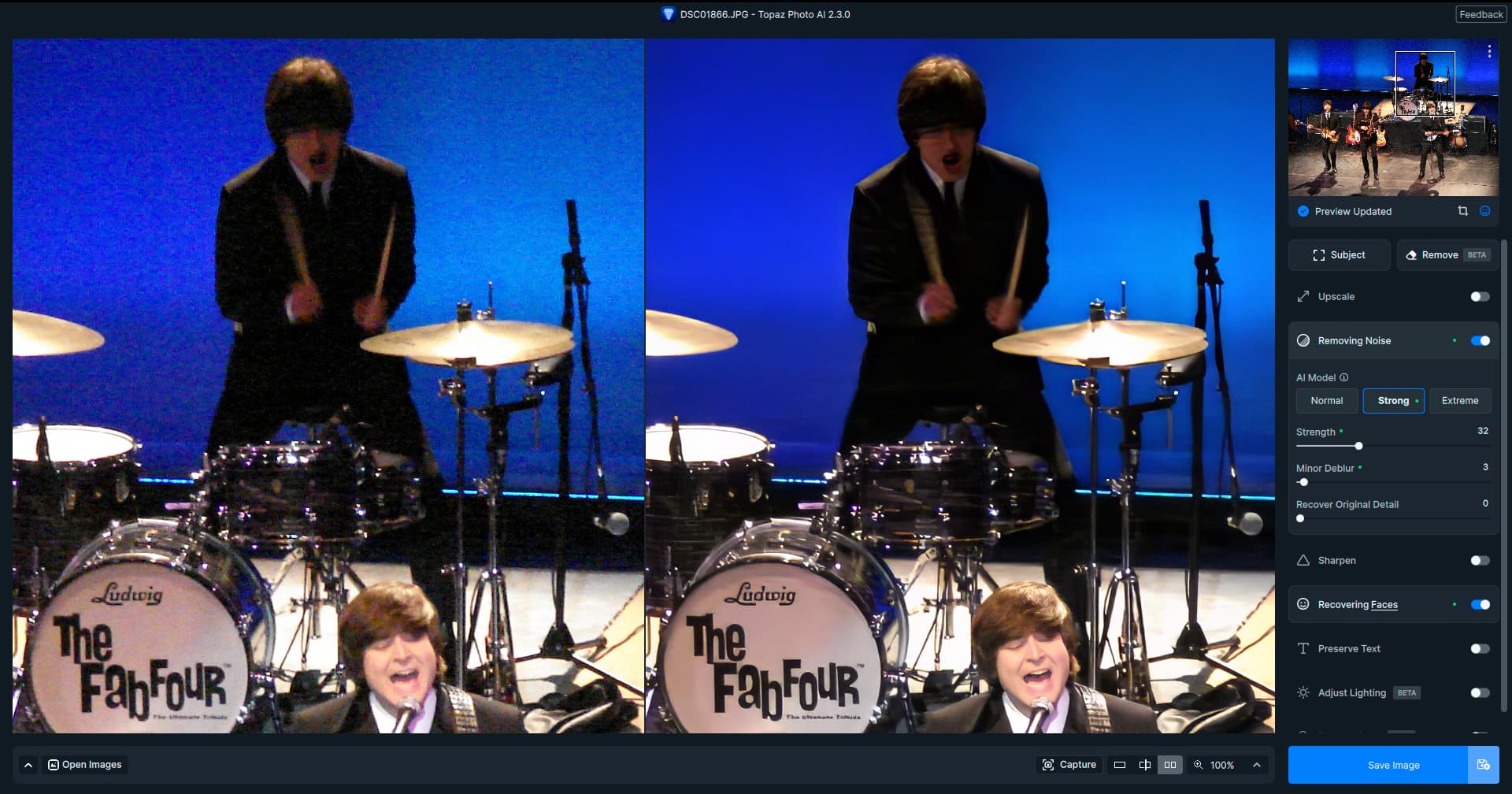
Ho inviato due immagini, originale e elaborata con topaz photo Ai 2.3.0, con la nuova versione 2.3.0 mi compare un artefatto rettangolare sul soggetto.
Vi prego di provvedere alla correzione.
Grazie
Maurizio
I successfully installed the product several months ago on the same box. The latest gigapixel 7 installed. The current BETA version installs and runs just fine. Probably should have included that info in the previous post.
The question that probably needs to be dealt with (by contacting support) is why the error message is complaining about a requirement that actually seems to be met, and not go looking for instruction sets that was never asked for…
All the same info was sent to support first; they said be patient, we are closed for training Friday and will reopen on Monday. I was being impatient and thought someone in this forum might have the answer. I appreciate the thread.
Hardware virtualization is available on the Ryzen 5 3600, which greatly improves virtual machine performance. Programs using Advanced Vector Extensions (AVX) can run on this processor, boosting performance for calculation-heavy applications. Besides AVX, AMD is including the newer AVX2 standard, too, but not AVX-512.
Hope you find a solution rather sooner than later.
A bit off topic - I really liked the R5 3600 that I had before upgrading to a R9 5900x - I was lucky to get a “golden sample” and overclocked mine quite hard… ran it 24/7@4400Mhz for quite some time and I believe the 3600 is still regarded by many as a good CPU for many tasks.
I would probably not have swapped it out for the 5900x if it weren’t for my experiments with running Windows as a VM on my Linux Mint install with GPU passthrough - I simply needed more cores.
That combo works like a charm by the way - all my photo apps (including the ones from Topaz) are running quite fine in a Virtualized Windows 10 with a Radeon RX 6700 dedicated just for the VM.
Neither. I tried Virtualbox at first, and also a solution called Quickemu but didn’t get them to play well since both being Type 2 Hypervisors do a lot of “translation” between hardware and VM making many more demanding programs protest (Like for example PAI if I remember correctly).
I did some testing when I first installed Windows 10 in my VM and speeds match CPU’s with similar properties - I give it 12 of my 24 threads and between 16-24GB of RAM (out of my 32GB) depending on what kind of tasks I run. The GPU for my guest is the RX 6700 and a Radeon PRO WX 3200 for the host.
And - instead of kvm-switches and stuff - I actually connect to my host “remotely” through Rustdesk when I work in the VM.
It all took a bit of tinkering to get running, but once installed and tuned it works just like any other “physical” computer.
Sure!
You can start by taking a look at the blog I linked to in my previous post, and then just feel free to PM if you have any questions. I’m far from being a pro in this particular area but that doesn’t mean I can’t offer a piece or two of input. But I really recommend Heiko Sieger’s guides as a starting point (he also provides a couple of interesting links for further reading).
Interesting, thanks. One of the reasons I was not willing to use Linux was I would lose all my Windows applications, if this works I might have to give it a try!
 )
)