Overall Fotomaker had the best results. The car saturation increased and the small bumper at the rear turned black but these were minor things. Looking at the others, Kathy was next best but the variations in results show this is not yet ready for complex pictures. It could take many runs. Fotomaker has a fairly fast computer so that is less annoying.
It does vary!
I tried one with a group of the Queen’s guards marching band (it was the Queen when shot). I tried to remove random band members with no luck… they’re all in the same uniforms & close together in formation, so that seemed to confuse the AI.
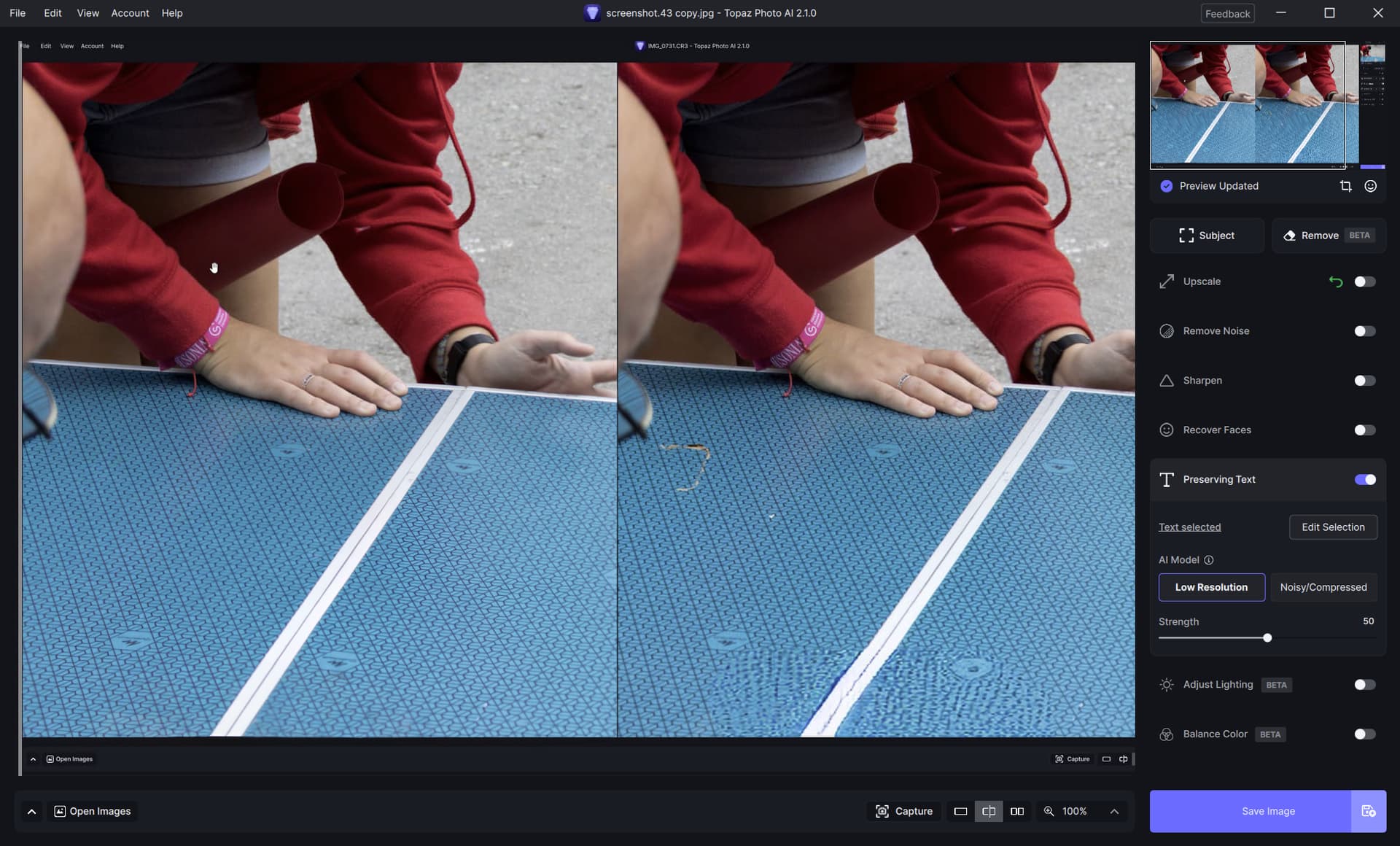
Use the Preserve Text on the pattern to see if that makes a difference. I basically paint the pattern I want to preserve with the brush, and it usually works.
Here’s a quick example of using the Preserve text on the pattern in your screenshot. I have the slider pulled all the way to the left, so you can see the result on the left panel, which I painted. I’m still on 2.07.
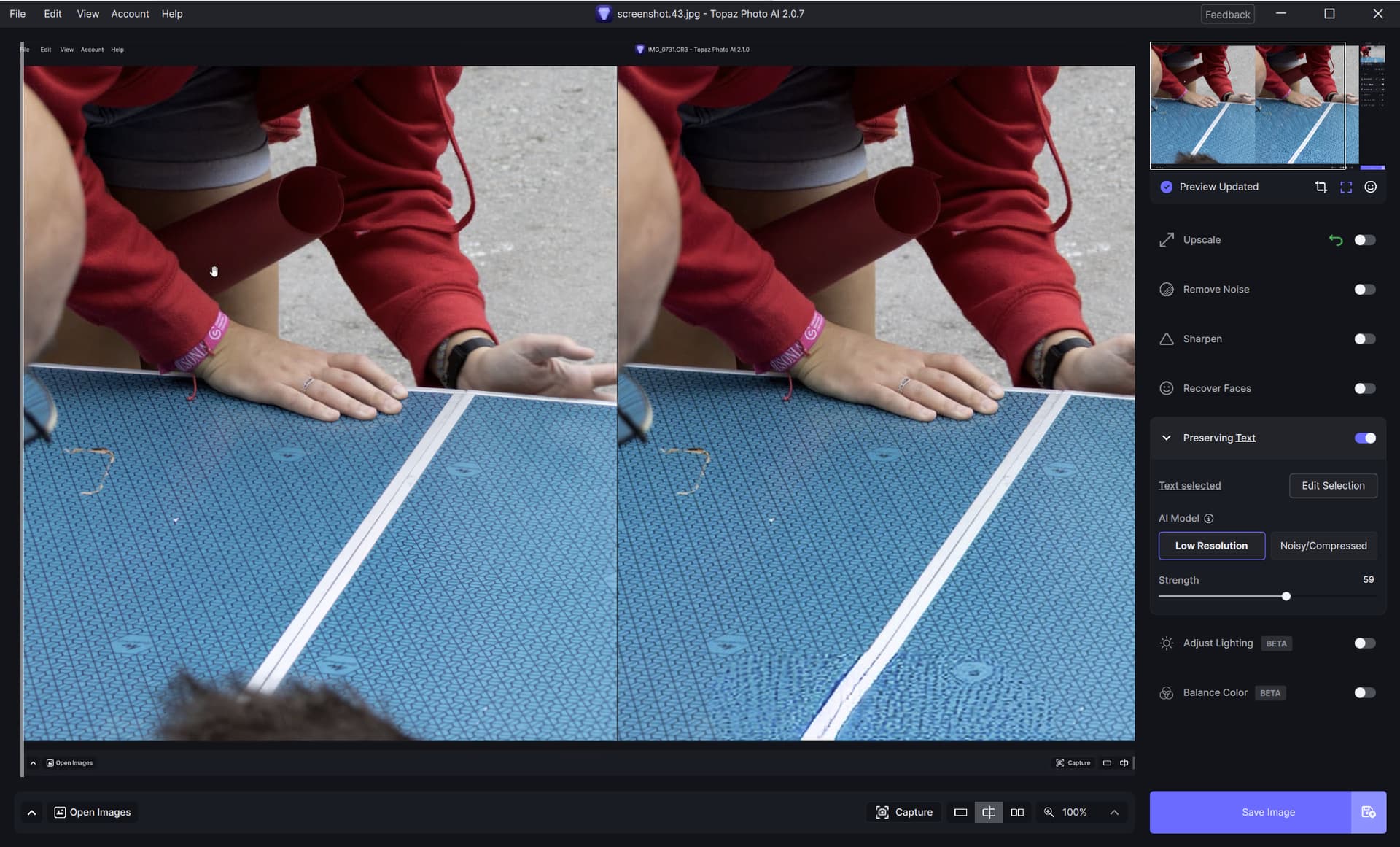
I just upgraded to v2.10 and applied the Preserve Text, then removed the anomaly around the glasses, and previewed the image. Here’s the screen capture. The remove feature works with the Preserve Text feature, as long as you Preserve Text first.
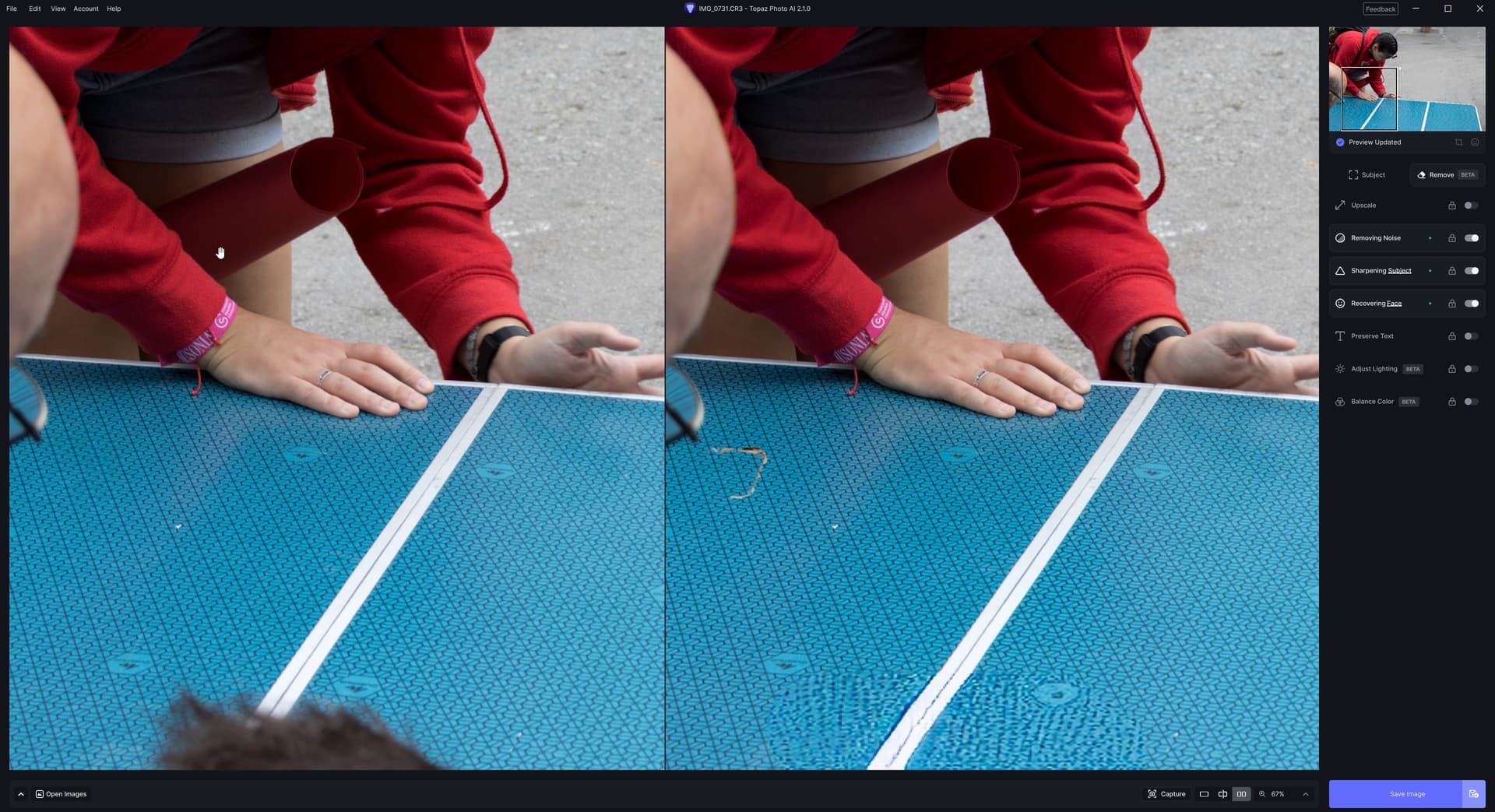
That’s way too complicated and the results and unacceptable with those worms anomalies throughout the textured surface. Take a look at my post and solution using the Preserve Text feature.
1 Like
I’ve done what you have on patterns in past tests and it worked well - at least for the patterns I tried it with.
Okay, sorry bin.un, I didn’t realize you guys were getting rid of the mop of the hair at the bottom! This is my try, but I set the Preserve Text too low, only 30, should have used 50. I found the results a little inclusive after experimenting with the remove on the mop of hair. Sometimes with the speed increased I got better results than with increased quality.
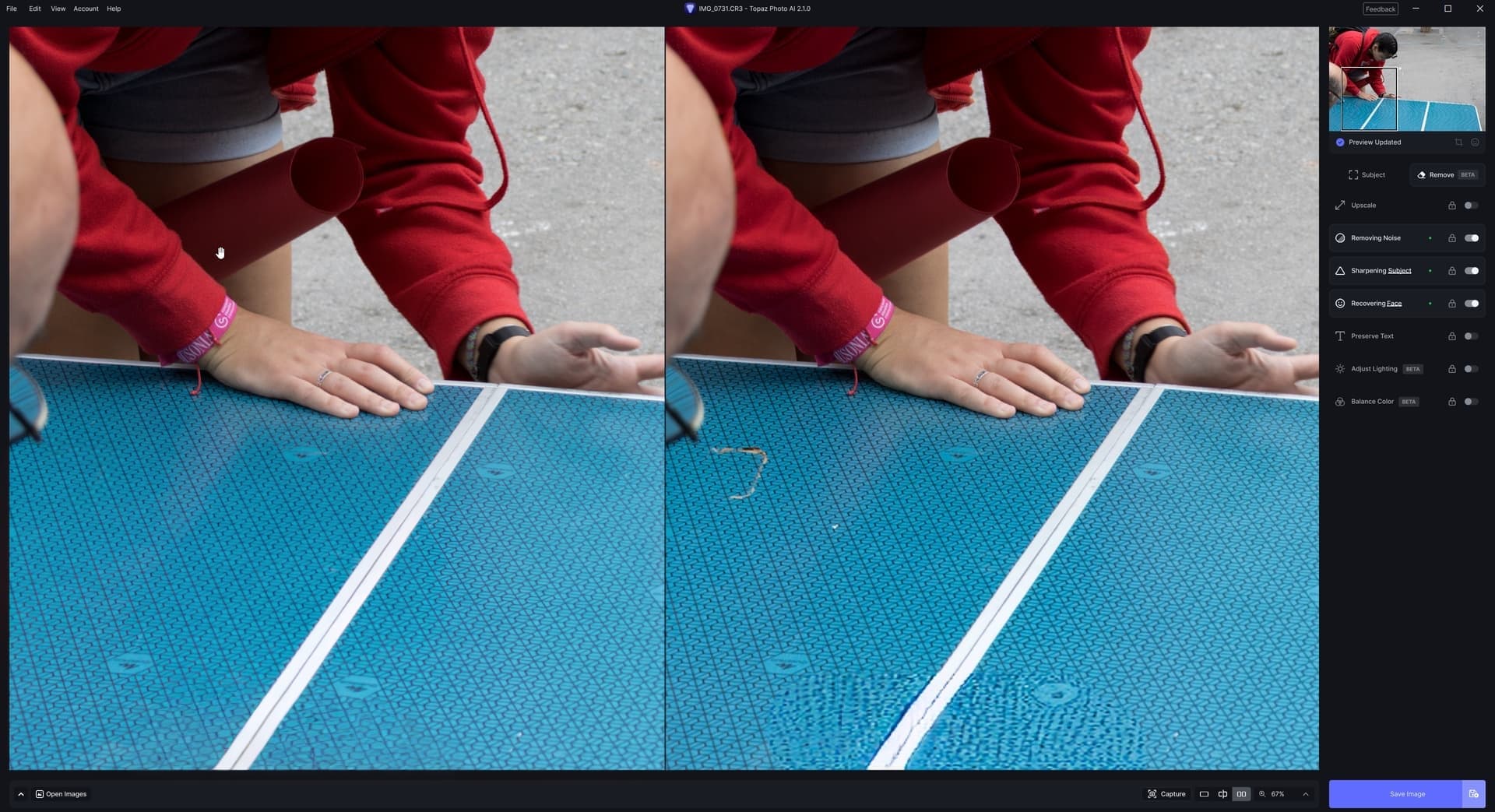
Just for comparison, I first processed the image in Photoshop 24 using generative fill on the offending areas, then used Topaz Preserve Text at 50 to sharpen the pattern. The results were acceptable, and I probably could have just used sharpen instead of Preserve Text as the size of the image wasn’t changed.
Come back down, it’s half as bad.
First test with the released version.
I have worked here and there with the old tools, but this always produces errors which then have to be corrected, i.e. hard edges or duplications.
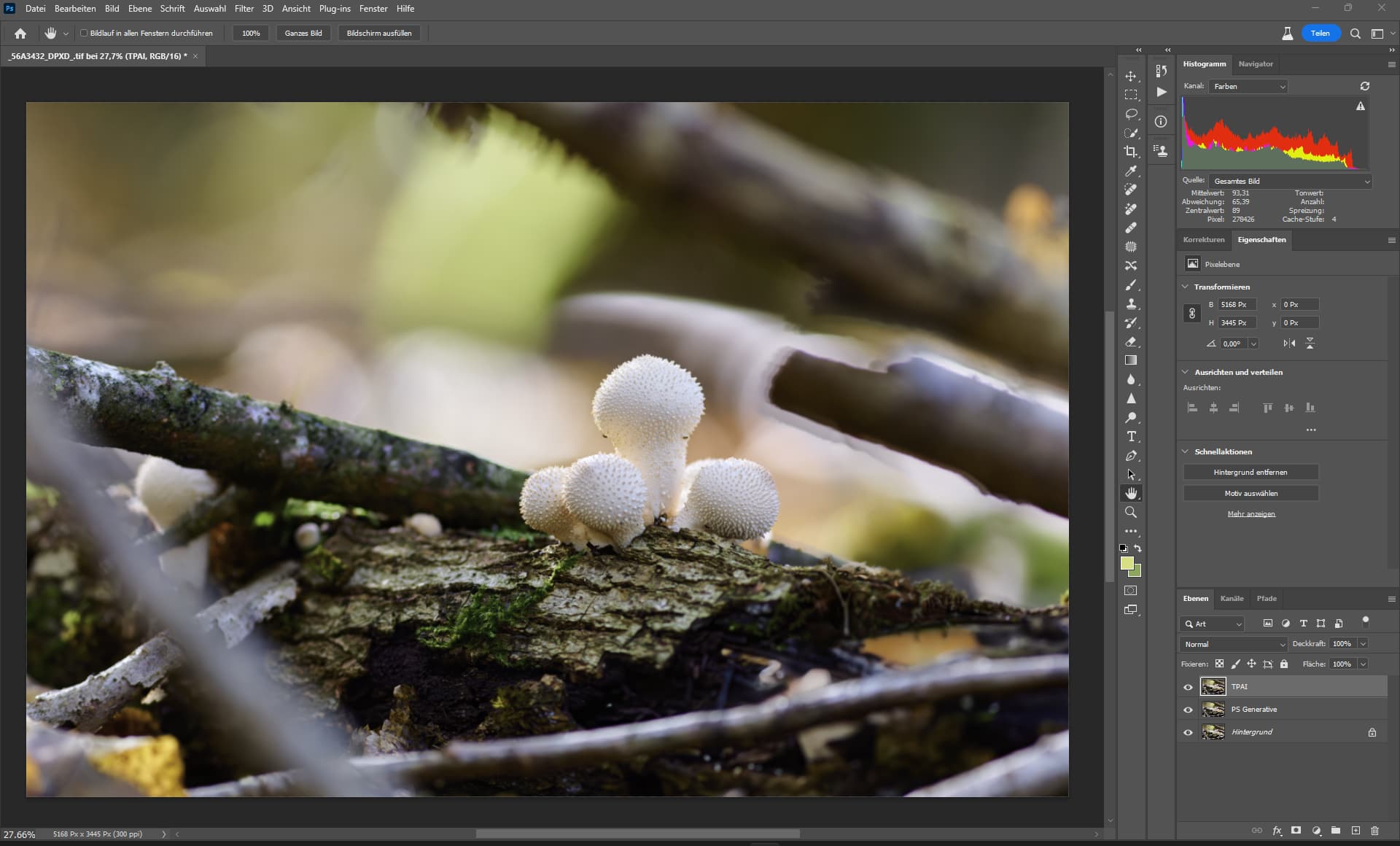
TPAI Remove
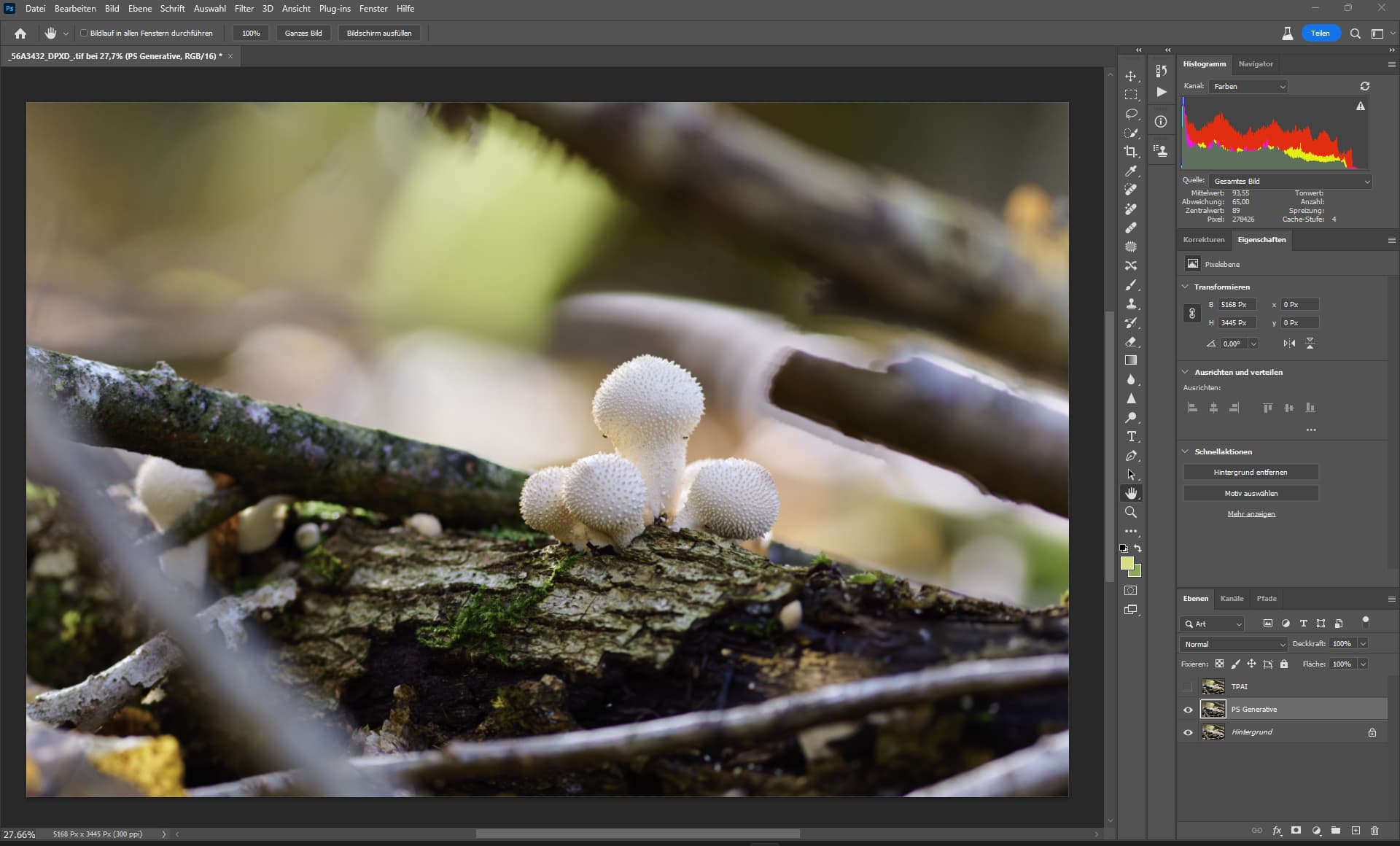
PS Generative fill
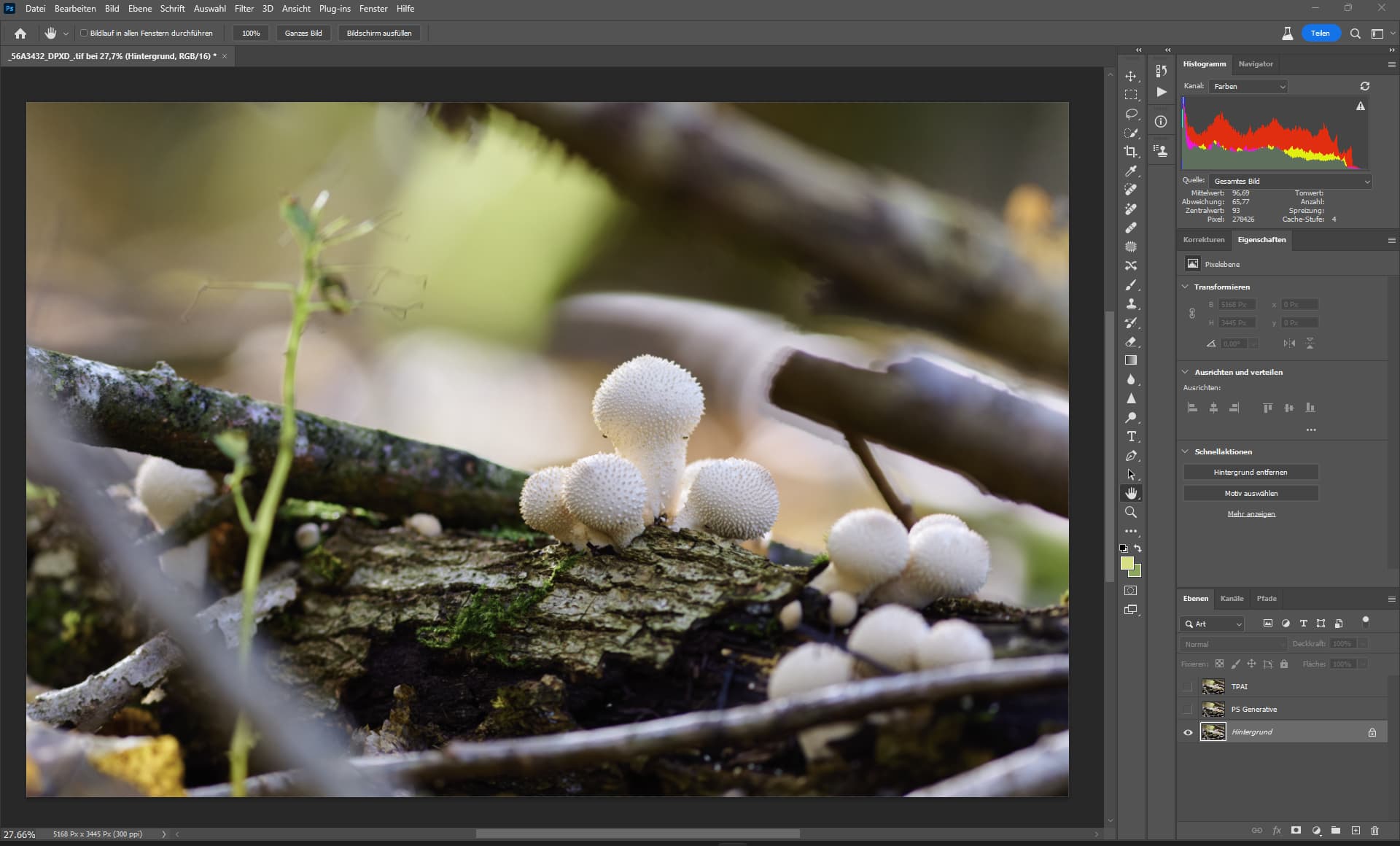
Original
I made a Video for Perfomance demonstration.

Sys: AMD 7950X, 64 GB Ram ECC enabled, Quadro RTX 5000 16GB ECC enabled
(like RTX 2080S, RTX 3070, RTX 4060)
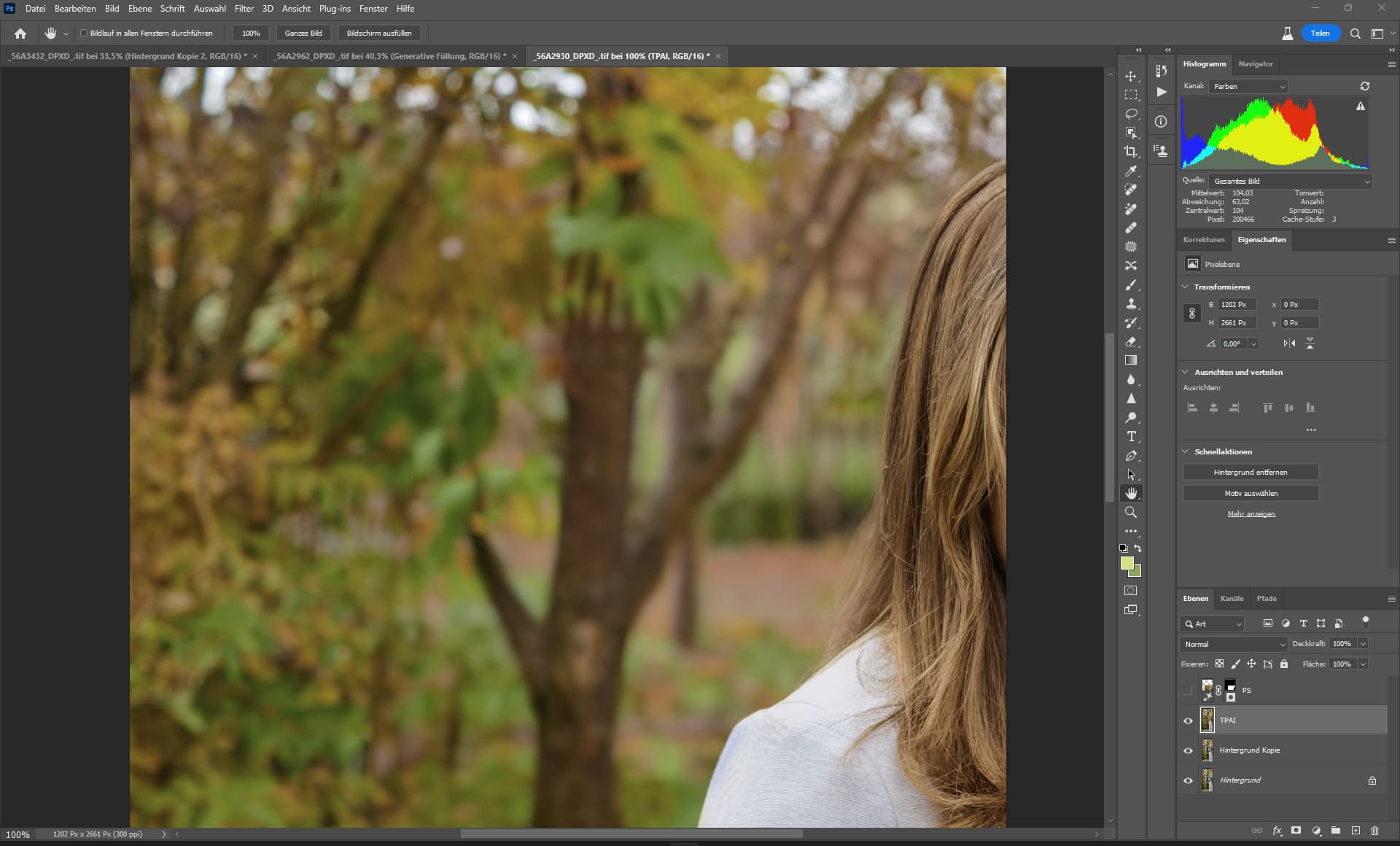
TPAI - Remove
Basically, it’s completely wrong because a wall belongs here, but you can’t see it in the section, so it cannot analyze the image either.
Apart from that, the result is good.
But needs to be a bit more precise (more meaningful, more complex).
It is better to make smaller steps instead of large ones, probably has to do with the memory.
Adobe Generative Fill was in beta for 7 months, TPAI is already catching up.
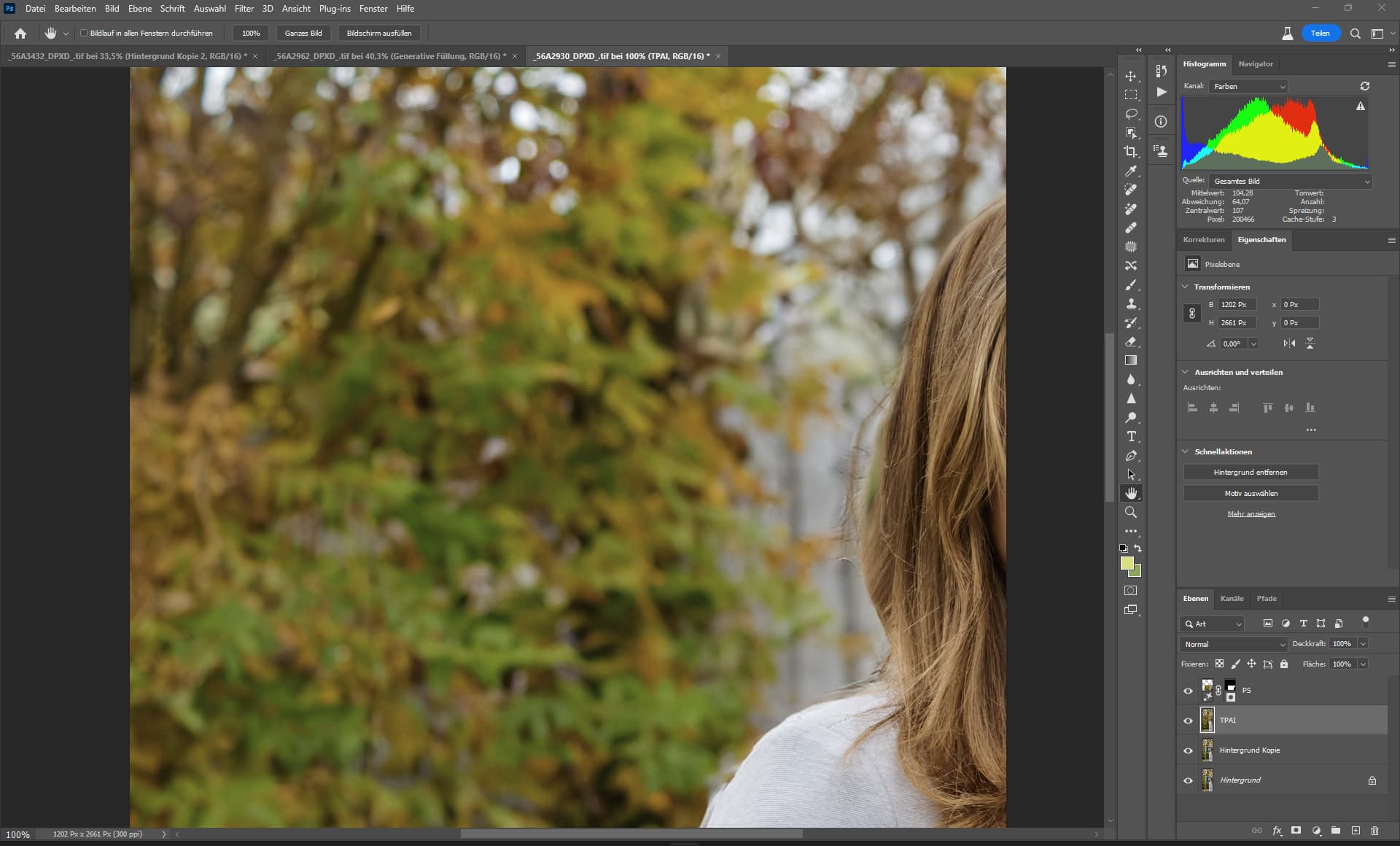
PS Generative Fill (look at the edge!)
Both results need some retouching afterwards.
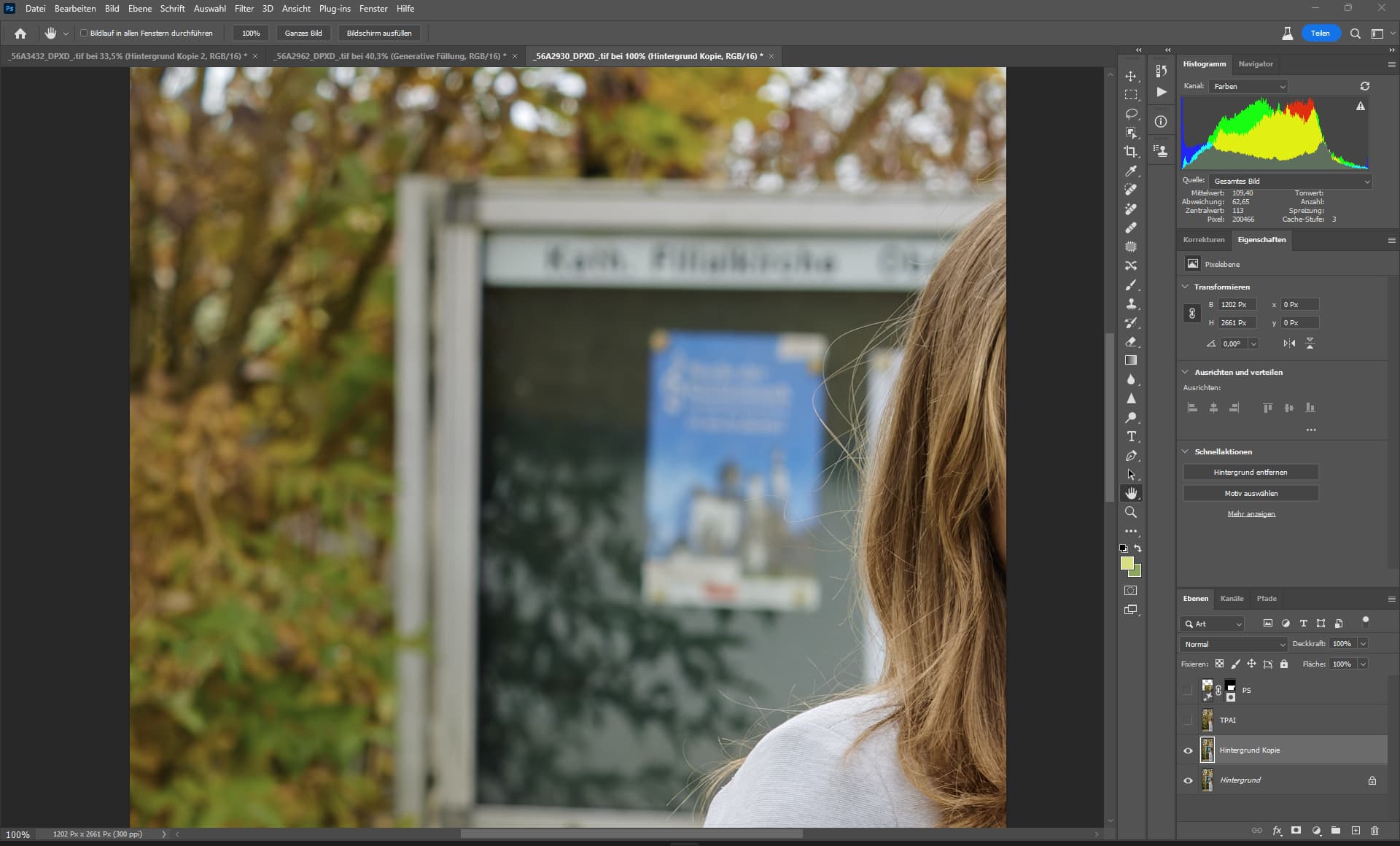
Source
From your video, the first remove took around 24sec.
Perparing Model: 15sec, inpainting: 9sec
The 2nd remove took around 11sec.
Perparing Model: 3sec, inpainting: 8sec
The 3rd remove took around 9sec.
Perparing Model: 0sec, inpainting: 9sec
1 Like
Those very different times are quite interesting.
Here it doesn’t really matter much regarding the needed time if I have a small or big selection.
Might hint again at a memory bottleneck?
So smaller areas are processed in GPU RAM and larger don’t fit with consecutive swapping, hampering performance?
Looks like Im staying with TPAI v2.02 
DenoiseAI in LRC works really well and sharpening in LRC masks is excellent.
These are my benchmark that TPAI needs to meet.
@ikelsall posted a good suggestion to improve the generative fill-in here:
So please vote there.
Just grabbed the first image to hand so that i could have a play, and these are the results. I selected the “forearm and hand holding the cord” to be removed. Posted images are crop of what i was working on. When i realised how it had handled the arm (where i’d stopped my selection) i widened the crop to show that. I have to admit i’m impressed with how it’s handled shadows, and absolutely amazed how it handled continuity of the cord…
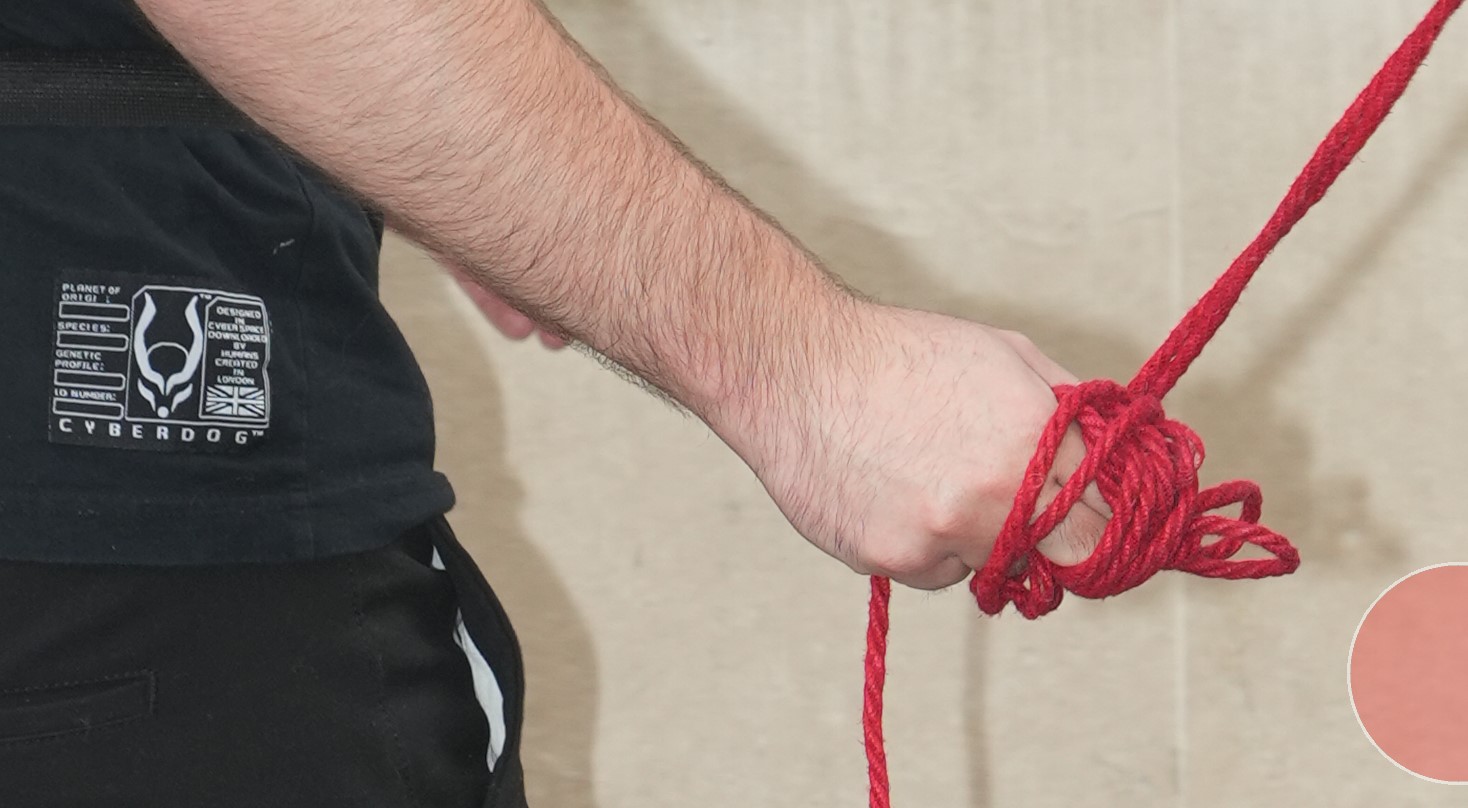
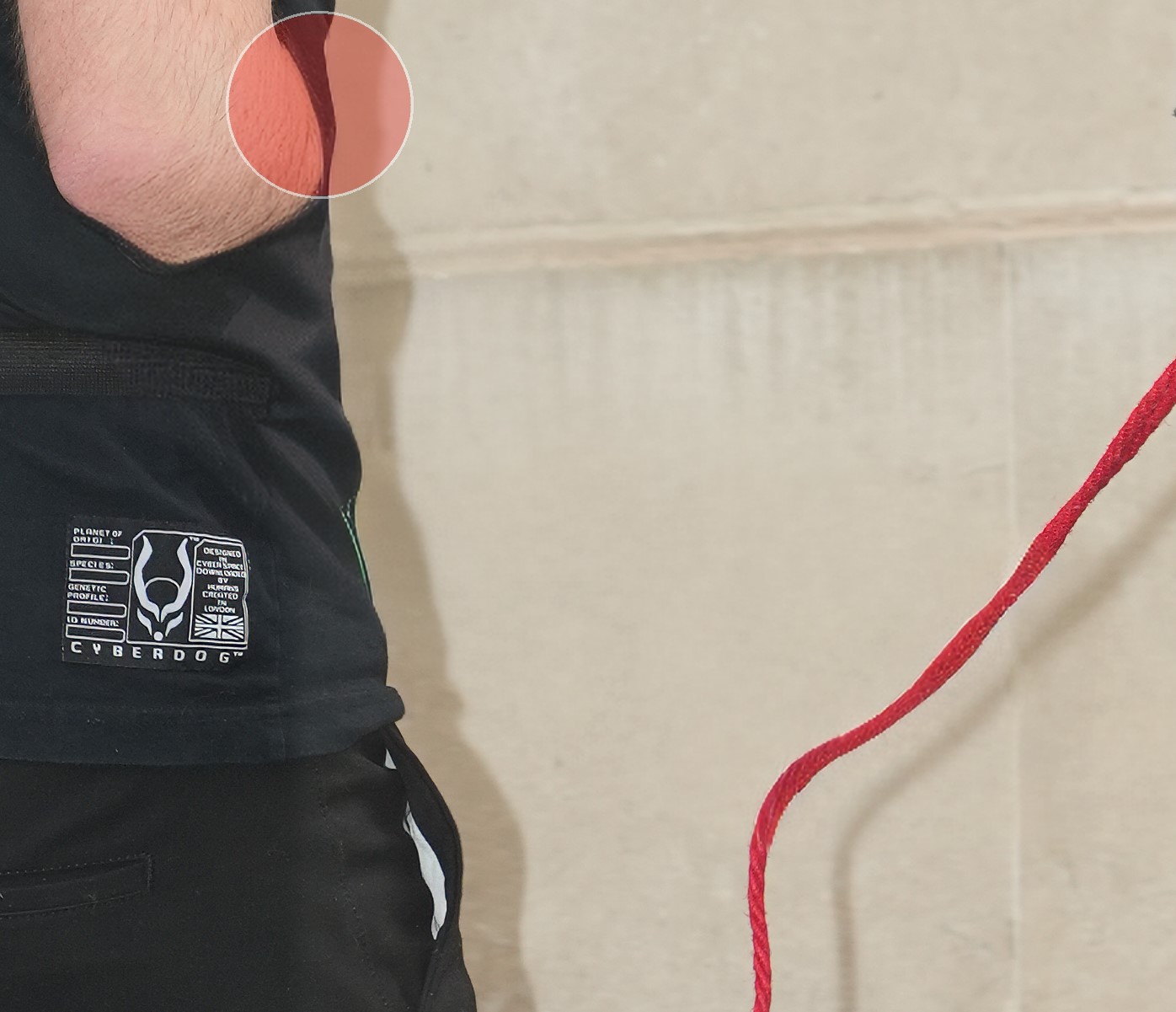
1 Like
The Remove feature looks promising. One of the issues I’ve noticed, apart from the slightly blurry result, is that it sometimes adds unwanted objects. For example, I tried removing a group of people and I got a person in a green signal hi-vis jacket appear in the middle of the inpainted area.  There were no people in green hi-vis jackets anywhere in the photo, so it seems that it pulled it out of its training data or something.
I’m also a bit sad that The “Standard V1” Sharpening model was removed. I liked it more than the new “Standard V2”. I will have to downgrade just because of this. The Remove feature isn’t good enough still for serious use anyway.
The issue with failed saving back edited portrait images to Apple Photos still exists:

Tricky! One person’s un-ethical is another person’s artistry. But if you are also referring more generally to materially changing the main focus of an image, then that whatever it is, is the growing problem with AI.
So if it suggests NSFW where there was none, it needs at least a ‘restrict’ setting in Preferences. Stable Diffusion uses negative prompts for that so it shouldn’t be hard or take long to implement. Definitely shouldn’t have been a general release without it.
1 Like
In this picture TPAI has the faster better result, in the PS pictures I would have to add some noise to remove the blur.
The shape is also very good, it is actually lifted by the towel, so it should float after removal.
In other words, the result is great in all respects.
And it looks natural.
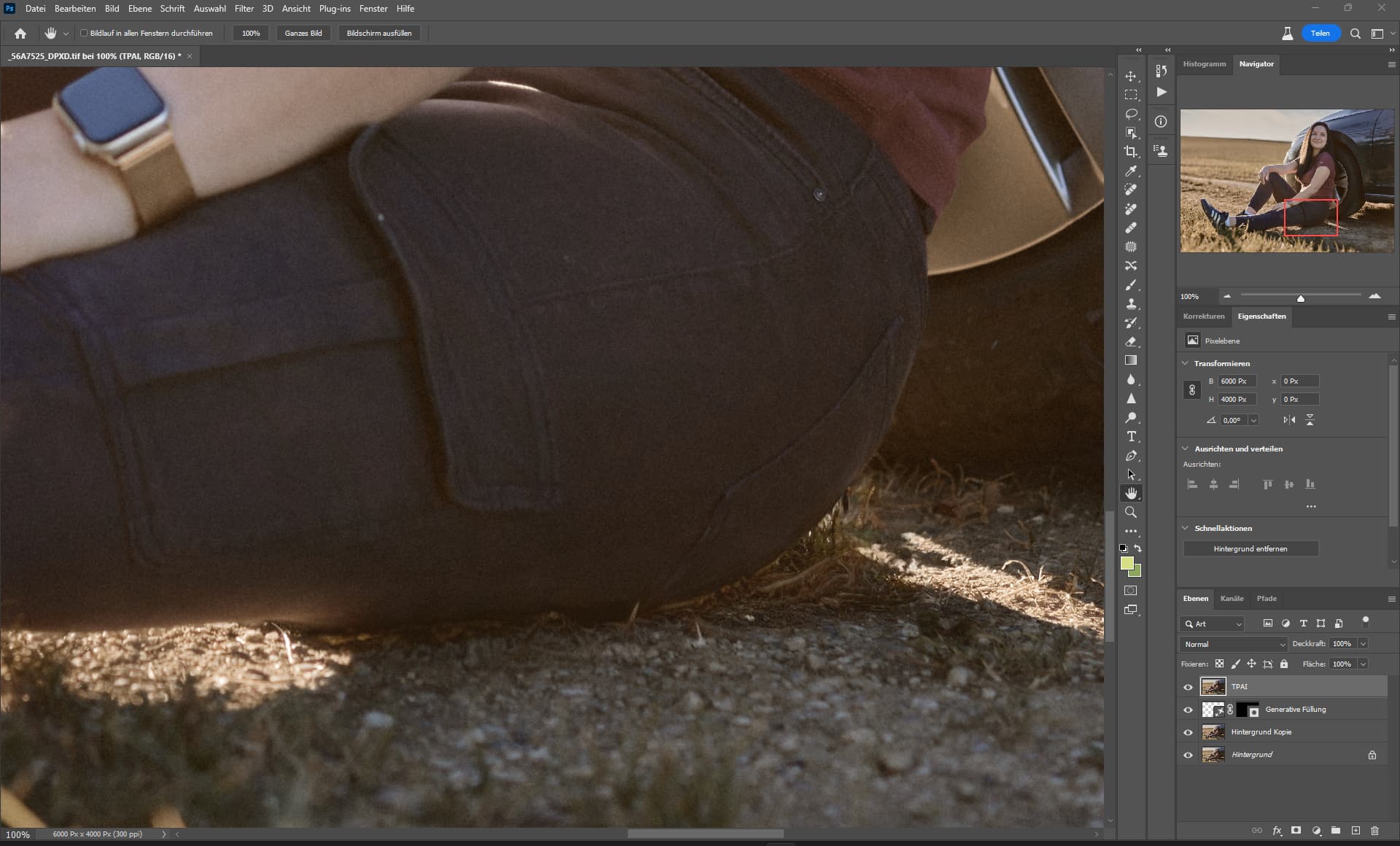
TPAI
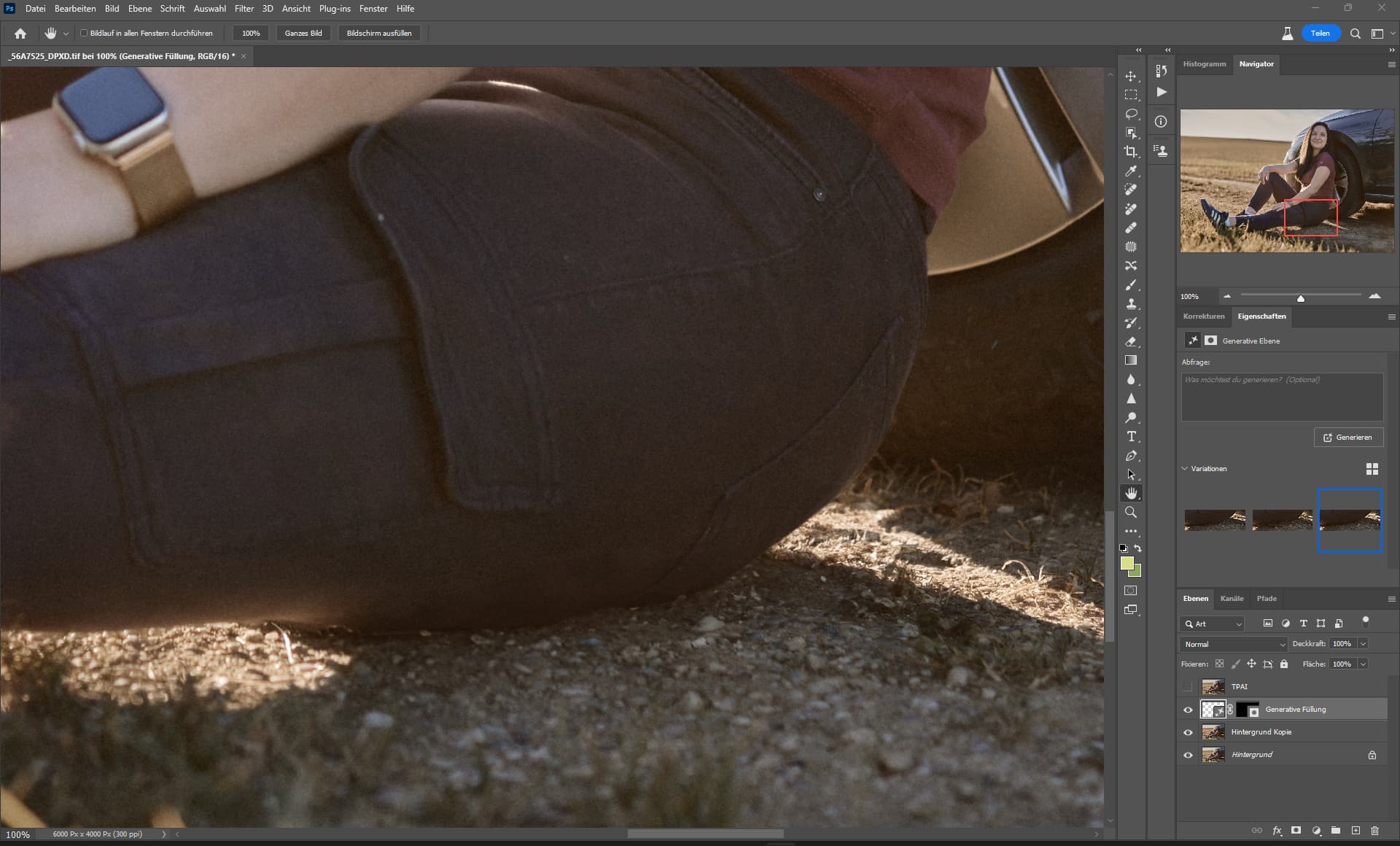
PS - Generative AI
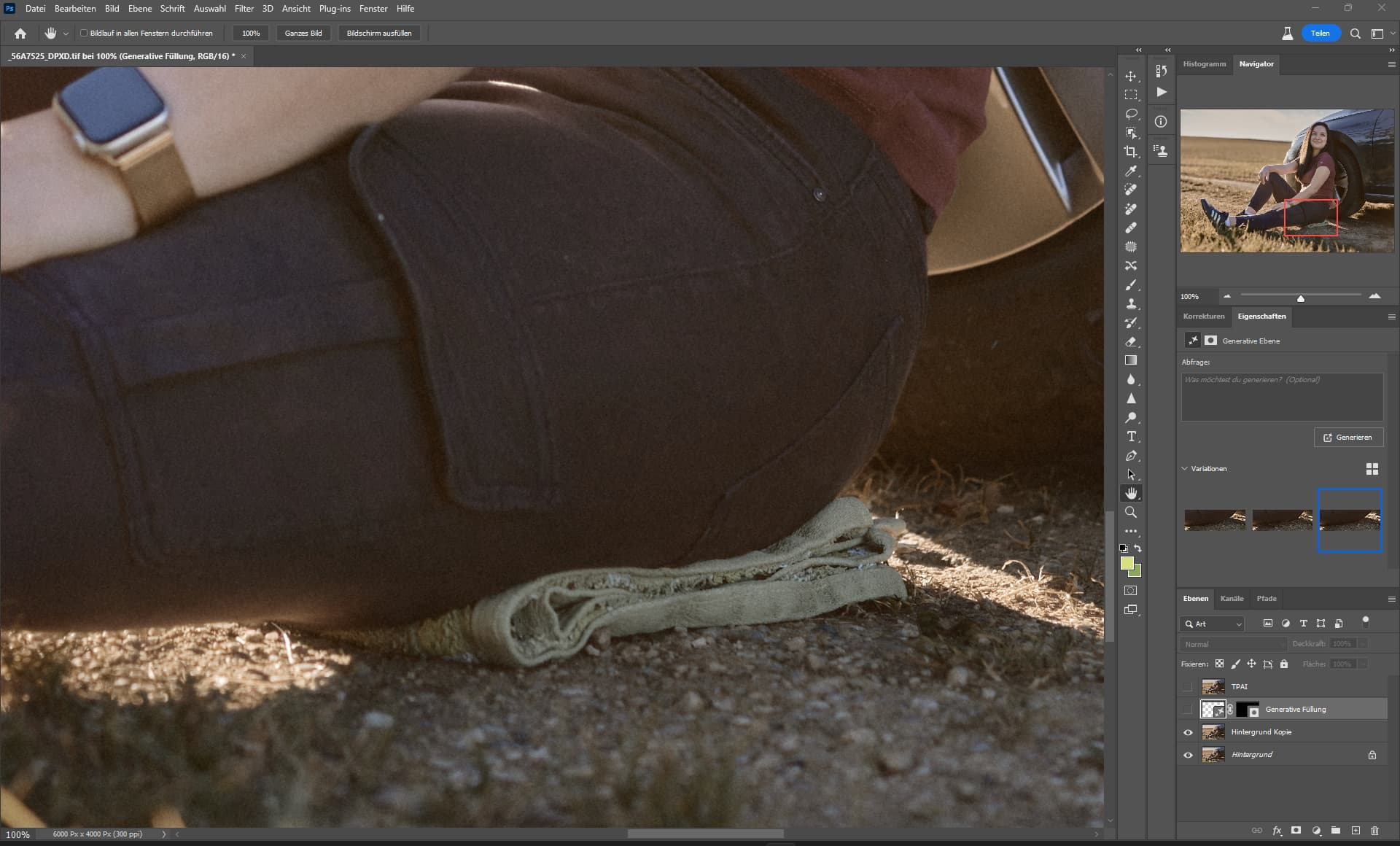
Source
I remember when I talked to someone in another thread about the generative tool from PS and he said that there is a free tool, but the result is not as good as that of PS, that was two months ago, now see what Topazlabs has created.
Really clever.
Half a year ago, I didn’t even know that I could need something like this.
On Instagram (in June), the first posts came where people misused the Generative AI of PS to remove things instead of generating them, the results were great, but only on the mobile screen, the tool had to be improved first.
3 Likes
Yes, and especially compared to the first Beta the improvement is really extreme. MUCH better now than what Lama Cleaner does in my tests.
Still it would be nice to be able to guide the AI in a way that’s favorited what to insert (cause the AI sometimes cannot know if it should insert objects or backgrounds and for backgrounds sometimes as well doesn’t know if it were a wall or grass or bushes or… to insert to really fit what was behind the removed object):
1 Like
Hmmmmm, maybe you could use a brush to mark the direction you want to go in beforehand?
TPAI is not bad, PS did fail on all 3 results.
I would like to see the flying hairs simply removed, the problem here is not big, but it could be much worse and complicated.
Also something you can really advertise with.
well, you can also use the generative tool from adobe to remove reflections from glasses, if for some reason you can’t get rid of them while shooting.
but i don’t think this is the case, there must be something visible from the eye.

TPAI - Flying hairs are my nemesis, I hate them, they can cause real problems, the result is ok, but looks very 80s.

PS - Generative Fill

Source
2 Likes
