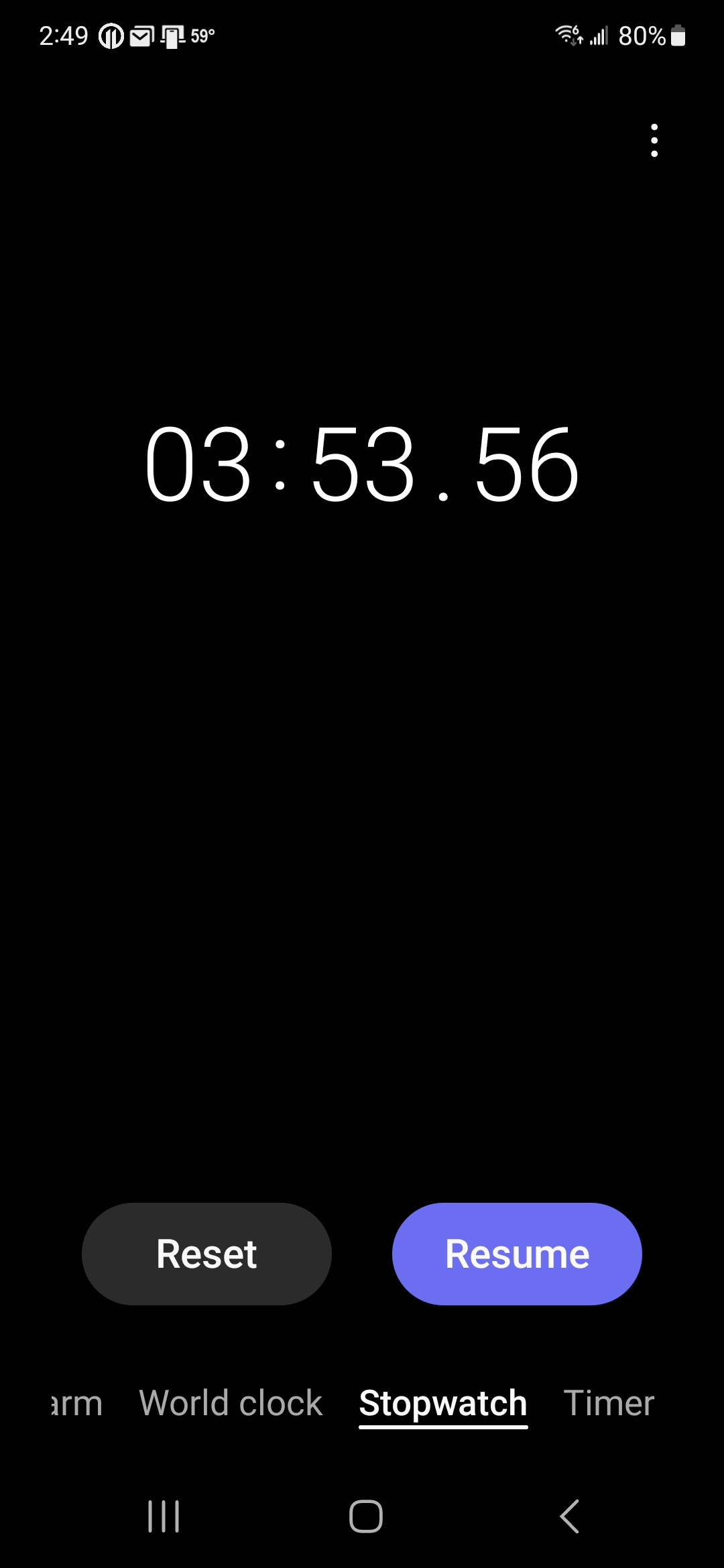
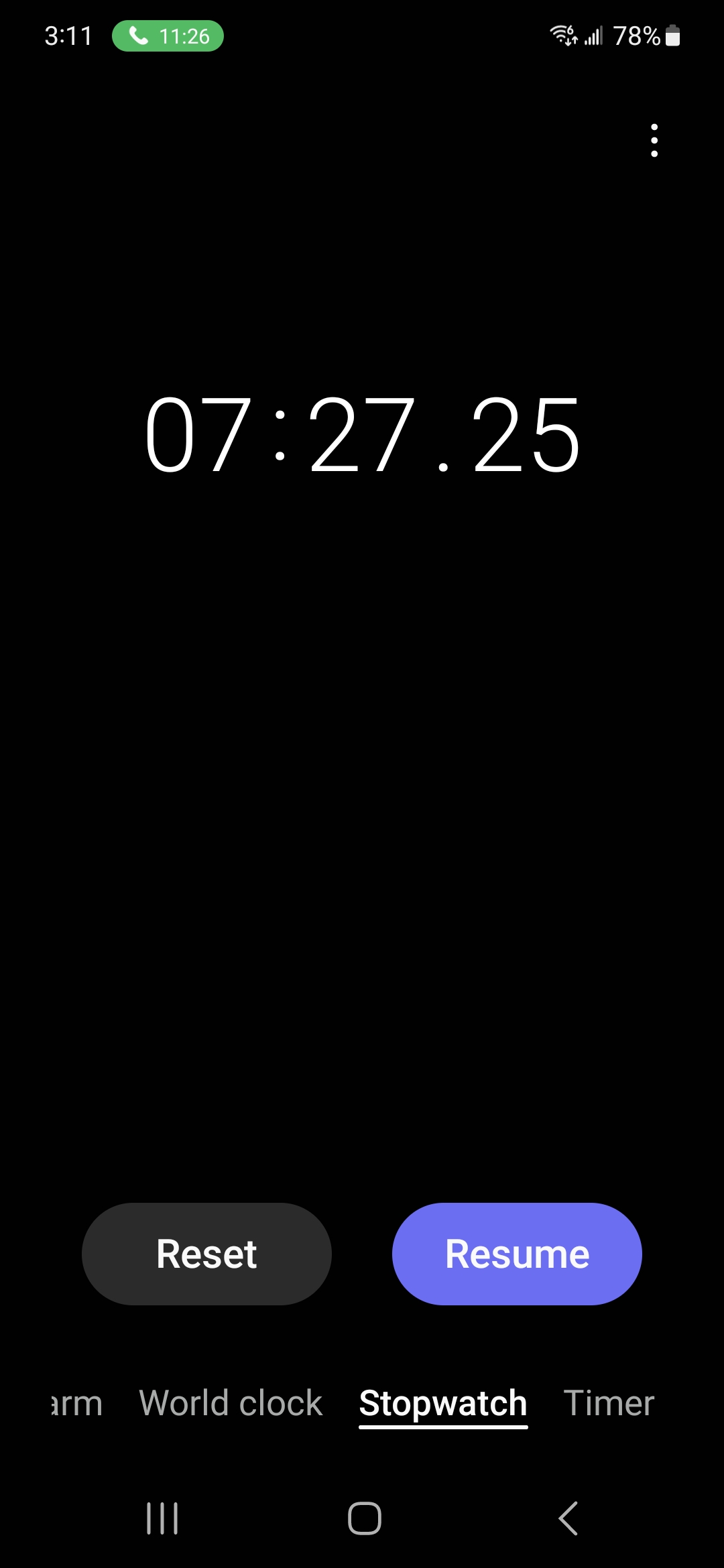
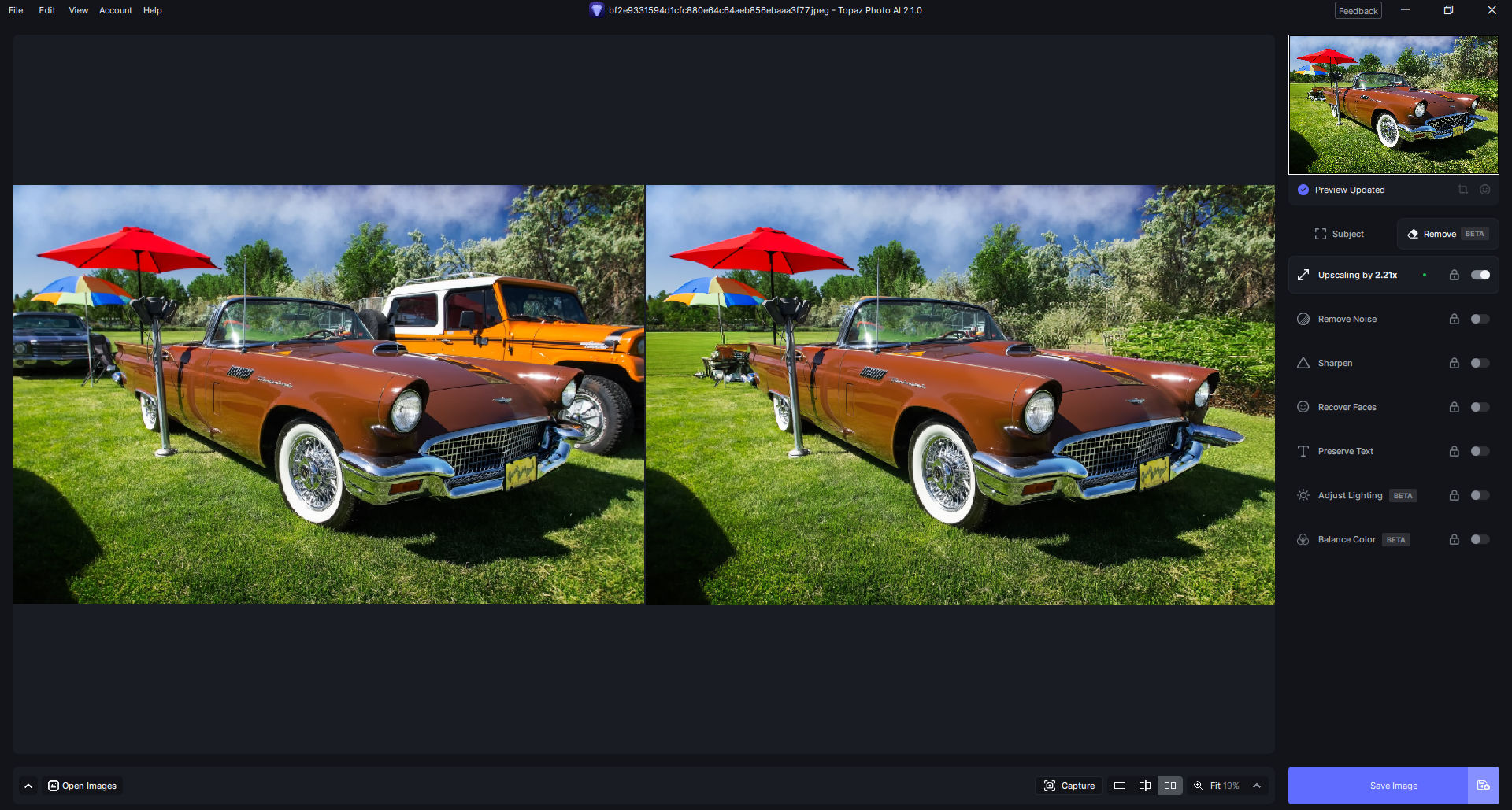
GeForce Experience had not yet prompted me to update so I checked manually and see there was a new studio driver 436.01 as of 11/1/23. I did a clean install of that and ran two tests using a stopwatch.
Correction: Above driver version should read 546.01; not 436.01.
No, the results I listed above (3:53.56 on first try and 7:27.25 on second try) was with 546.01. I know I typed 436.01 but that was incorrect; it was 546.01.
Thanks… One question:
Does TPAI 2.1.0 properly exploit the technology of the new AMD Ryzen 7000 “X3D” Desktop version, such as 3D V-Cache and the new AVX-512 instructions to speed up conversion, improving performance for the CPU-processed part? Can you officially confirm this for us?
I am a little confused because, being a Beta Tester as well as a mod, I find that we are now using releases for continuing beta testing. It seems that Photo AI is a technology showplace rather than a robust image processing application.
I, for one, cannot use Photo AI for the inconsistent results when processing images. The application processes all images and especially makes random decisions about de-noising images with some textures such as stucco finishes being treated as noise.
We need to be able to set boundaries on the processing, especially for noise reduction and sharpening. For example, set a lower limit for inspecting and removing noise - say for images at above 800 ISO and for sharpening set limits for different types of uses such as for output media.
All in all this is a really rough ride with still using beta software for processing that uses expensive hardware. For example, one of the users commented that they process images using the remove options in seconds where most of us are taking minutes even with high end PCs.
This sounds like an interesting concept. What kinds of limits do you have in mind?
Is it different than the ‘tiers’ (or is it sensitivity - I’m not sure) set up in the Prefs? Is it something that goes beyond those parameters based on ISO?
And, for those limits, should it be applied only for Auto processing or in some way affect manual settings too?
It should be done for all images/processing to hand some control back to the users. The Automatic processing is inconsistent across image types giving different results. For example, I can export a TIFF and PNG and have different processing applied automatically. RAW images are even worse as, apart from ISO, cameras are sensitive to light and light direction such as backlighting etc.
It is easy to test by using studio lighting in different ways, shoot something on a textured background etc., etc. AI is a dumbed down version of thought and observation that doesn’t take artistic impressions into consideration.