I don’t doubt the claims at all! But, I was stating that some people are claiming/stating that they’re getting 3-4 secs processing speed (probably Macs?) and others of us (Win? - I’m AMD, Kathy’s NVIDIA) are saying we’re getting slower than that.
I’m setting my Prefs processor to my AMD & Kathy said she’s setting her processor to her NVIDIA. Now I wonder if my processing is going to my CPU vs what I’m setting it to since her logs seemed to tell the devs that’s the case for her.
Is there such a thing as ‘response time envy’ (at least in photo processing…)?
I have a problem with the apple photo plugin, and I use “Edit” and then “Edit with Topaz Photo”. When I open a photo for the first time with “edit with topiz” and save it , it generates a 104 MB DNG File. This version I don’t see in apple photo. Then I open it again with “Edit with Topaz Photo” and save it again, it generates a 4 MB JPEG File and I can see the changes. I use the last version of Apple Photo and the last version of Topaz.
What can I do? I want the first DNG with changes and no JPEG…
Maybe. As it also was reported to only use few percents of GPU - On MacOS it does use the GPU as you can also see in that short screen recording in the title bar it says IGPU 99% and only 10% CPU.
So there’s still hope that it’ll get much faster on AMD/NV, too.
Apple photo plugins only support returning JPEG images back to the application. I suspect the first export had a bug or glitch causing it to think it was running in standalone, which is why it exported as DNG and the image didn’t appear in Apple Photos.
Hi, please inform your team that the remove tool creates NSFW content on people in certain cases. The model needs to be updated and re-trained without nude images included.
Maybe not the right thread, but something I really miss here (and I think in other parts of PAI as well) is the ability to change the size of the brush by means of the mouse wheel… like a hotkey to hold down and then resize the brush by rolling the wheel instead of having to go back to the panel for resizing.
Or perhaps that exists already, and I just haven’t found the right combination?
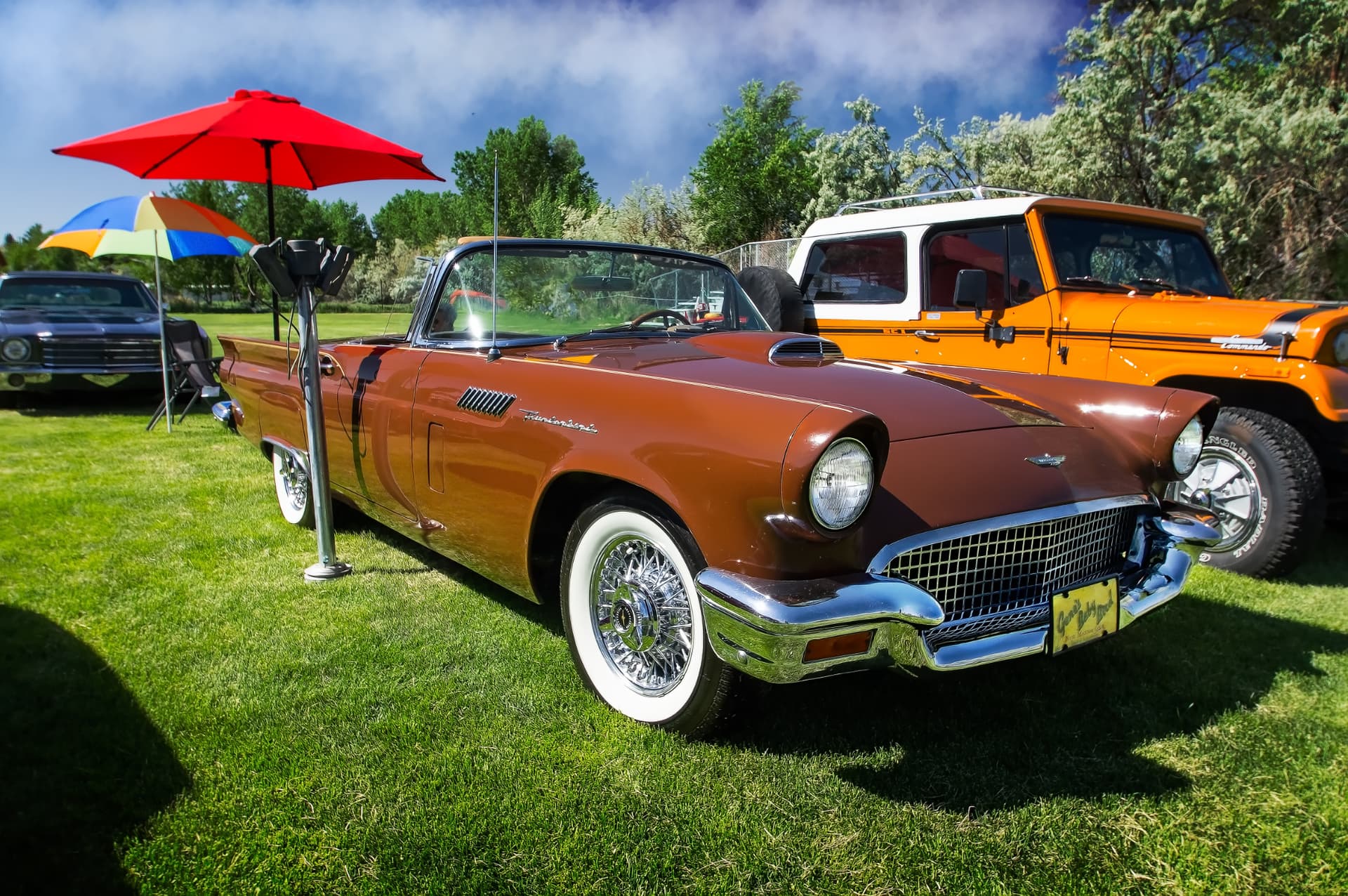
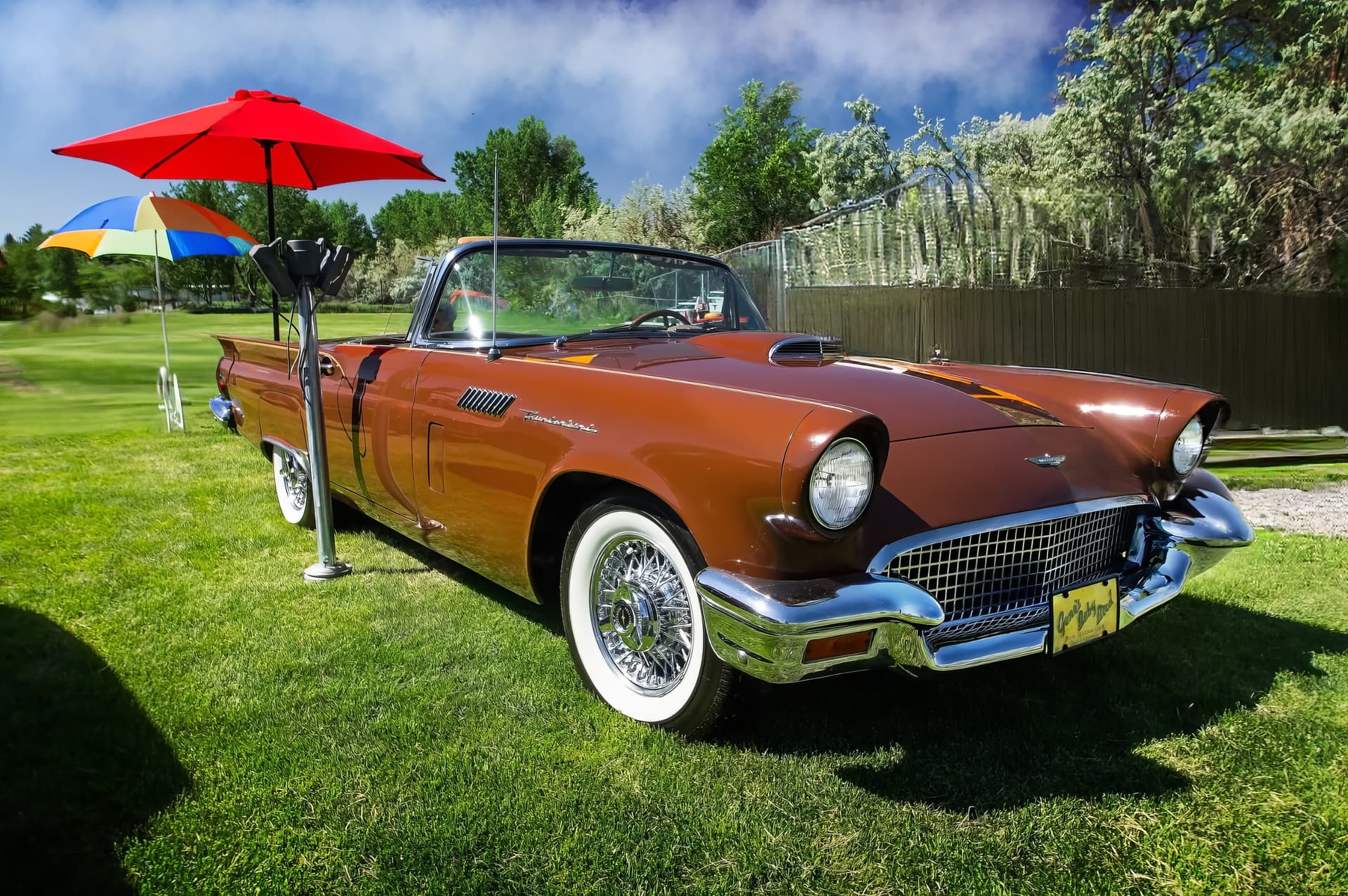
Since my subscription has run out, here is a picture for someone to test with the new generative tool. I tried removing the black car on the left side and the jeep on the right with another program and it failed. I finally used a clone tool to do the job. Here is the picture for you guys to try with PAI.
I was testing the beta on my laptop i7/GTX1050 where we were generally getting similar results. I installed the latest release on my desktop RTX2060 super, with prefs set to GPU and I am generally getting good results in under a minute (20-50 sec). I have not tested a large quantity of images but so far much better than the Beta on my other computer. I did have one image that had a model error, but I reloaded it and it ran fine. Should also mention there is a 10/31 Nvidea update which I have also installed.
Eveyone has to chill about V1 being removed! V2 is better and if you think its not then you are applying too much sharpness to your images and are adding details that are so far in the img that end users wont see unless they zoom in which is unlikely.