But in spite of doing so, the program persistently continues to generate pop up boxes that say (in essence), “Are you sure? Are you really sure? Are you sure you weren’t delirious when you clicked the preference to ‘No’?” And, it is worded to mislead ppl on top of being generated when it shouldn’t be popping up with the Pref turned off. It should Only pop up as a confirmation if the Pref is set to “Yes” & someone accidentally missed knowing that.
I get the pop ups regularly. And, believe me, I am more than aware of Preferences & check them with every update and I know I have set to ‘don’t send’. I’m not shy, if I want to share an image I know how to. It delays processing flow on top of being unwanted.
It’s like if little kids come to your door for Halloween & you ask them over & over if they want candy, do they really want candy, are they super duper sure they want candy.
This was reported already some time ago and yes, it has to do with localisation, e.g. comma vs. point. The problems existed specifically with the german language setting, but now we know that it’s more non-english localisations affected.
(But then we had that “nice” dutch person in the other thread telling us to just use an US-layout )
Don’t know how many countries use the comma as a decimal separator but I’m fairly certain the Nordic countries (Norway, Sweden, Denmark and probably Finland) does it as well…well at least Sweden anyway. And there’s probably more than that.
Was that like a formal support question or was it just posted in a previous thread and forgotten once the next update came out?
Might be worth making some noise about it,just saying.
So basically every (natively) non-English speaking European country and a lot of others might have problems downscaling (and probably upscaling if it is with decimals) images in PAI in it’s current state if OS installed in native language.
oops!
@yazi.saradest@jacob.muchow@amy.mae@anthony.lawn I just uploaded a Series of photos with my camera profile included .Each but first has a Color Filter added while Taking photo of White Balance and Color Checker photo.Raw and JPEG Direct from Camera are included.
Why does Retouch need to be regenerated after applying other filters? It could be treated as simply a part of the image as if it were in the original. That way, all the other tools could be enabled after Retouch. If the user didn’t like the results, they could choose to regenerate with the same or a different mask.
I figured how to reset the photo while maintaining the mask, but it’s counterintuitive. Resetting the base picture should not delete the mask in the first place. The mask should only get altered / removed when one of the mask controls are selected to do so.
*UPDATE - Developers\Product Owner Please Note: I have established that the issue lies with what seems to be a geographic location validation check of the requesting IP for the server serving the file set in question (see displayed screen capture in this post).
As I am one of the many Starlink connected users (due to my regional location in Australia), IP location checks from the file source server sees a US based IP address rather than Australian, thus the issue.
These IP checks are no longer suitable for purpose since the advent of global internet connectivity products (such as Starlink) and prevent an ever increasing group of customers connected by these methods from being able to successfully update their software.
after update I cannot use as a plug-in with Affinity Photo. I removed old version, added new, restarted PC but still cannot access as a plug-in. please advise
I suspect that this is because Affinity Photo does not allow an image to be resized by a plugin. This is why it can’t be used with Gigapixel or NIK Collection Perspective tool.
You can go back. There are links to the previous versions in the header of this forum. I’m not sure it would help though as the issue is with Affinity rather than TPAI.
I have tried setting resize type in the upscale & resize setting to none but it still does not work on my Windows 11 PC. It gives the usual message about invoking a plugin but then just hangs. Hitting the escape key gives the message "Error: Plugin has crashed. This is on both the release verson 2.2.1 & beta version 2.3 of Affinity.
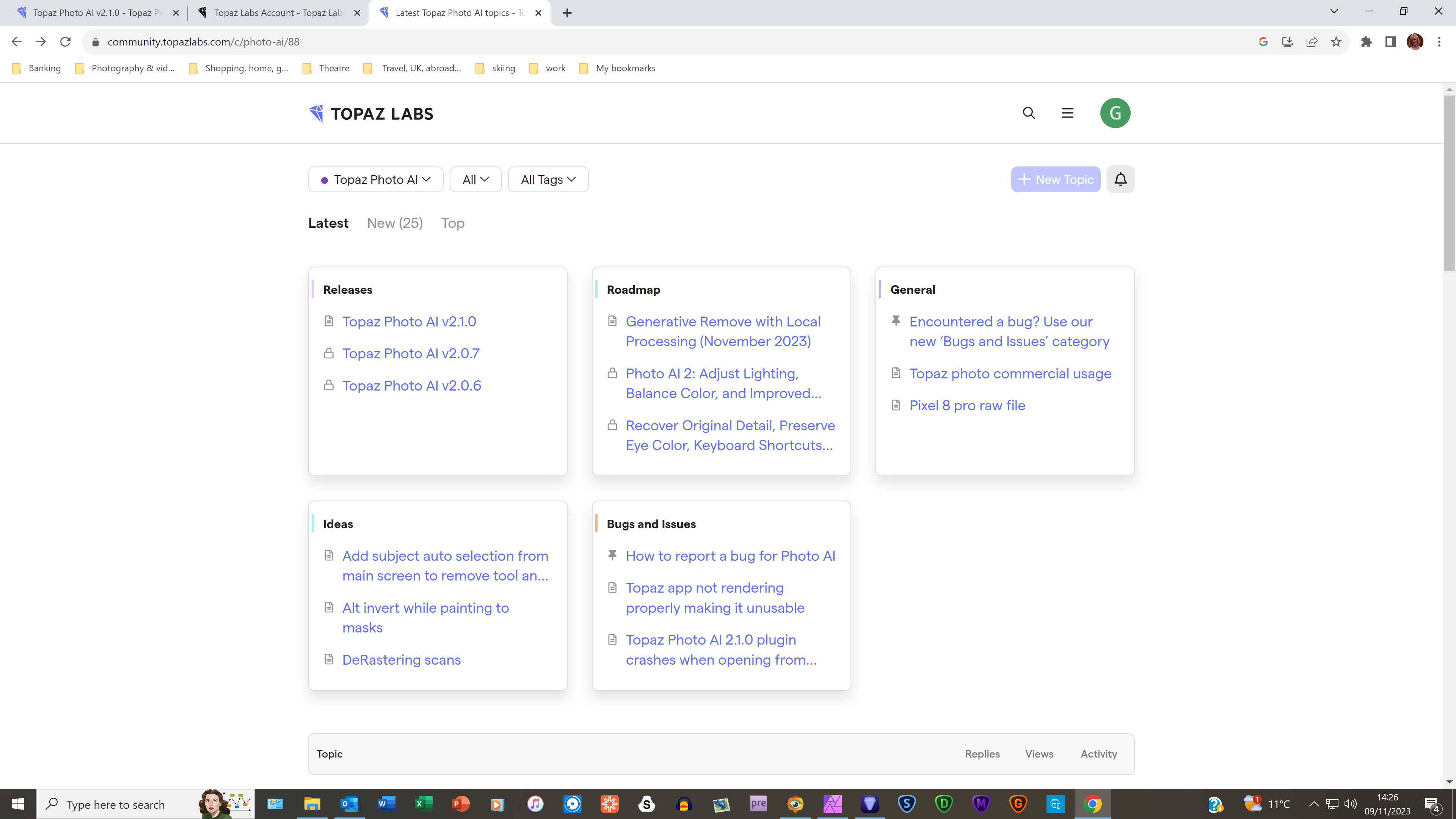
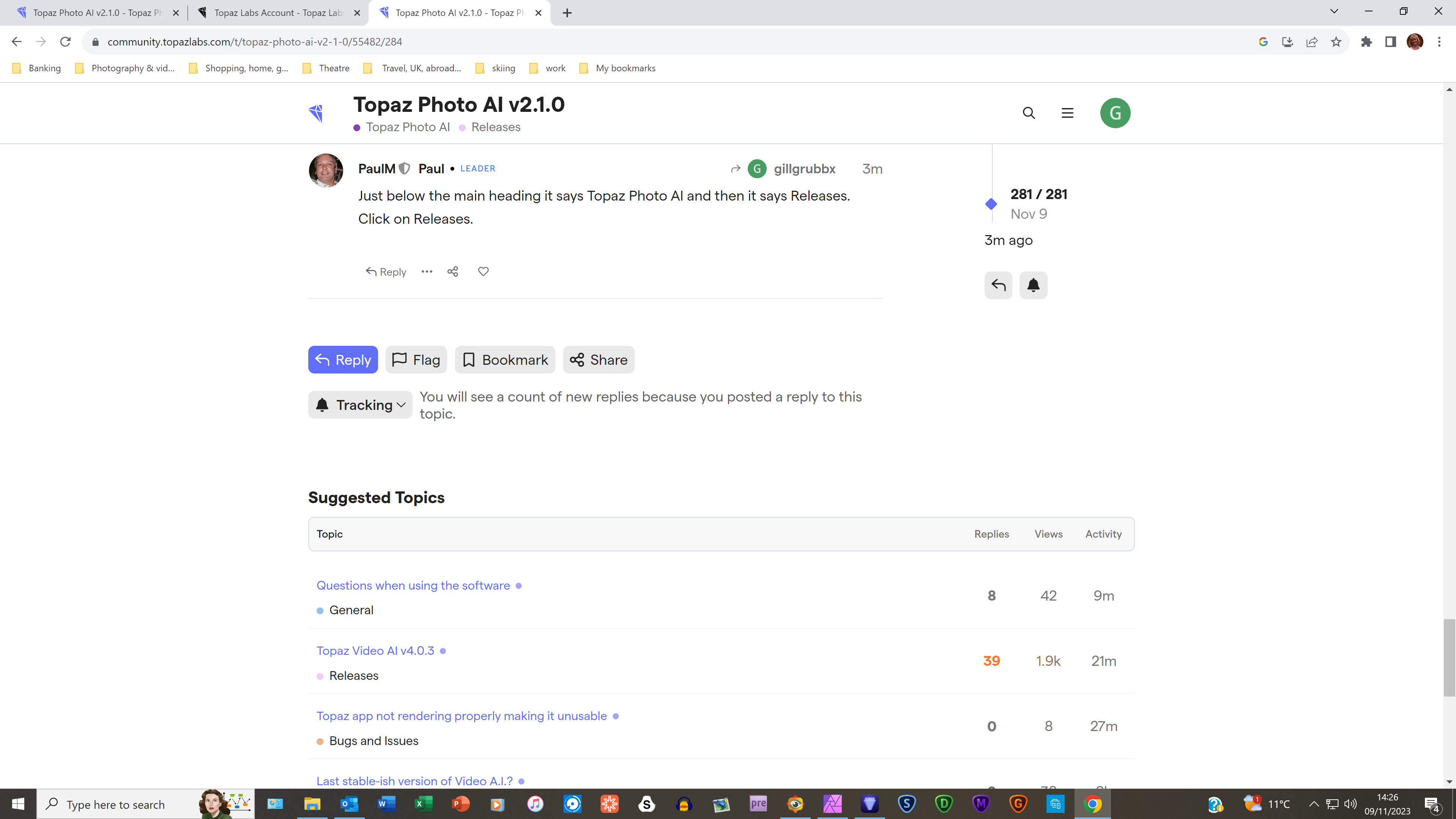
Sorry, I may be being dim, but when I click on Topaz Photo AI v2.1.0 at the top of this forum, it just brings me back to the forum. Please will you give me an ‘idiot’s guide’ as to how to download the old version that worked with Affinity Photo?

 )
)