I agree - as it stands at the moment it is still not anywhere near reliable enough.
5 Likes
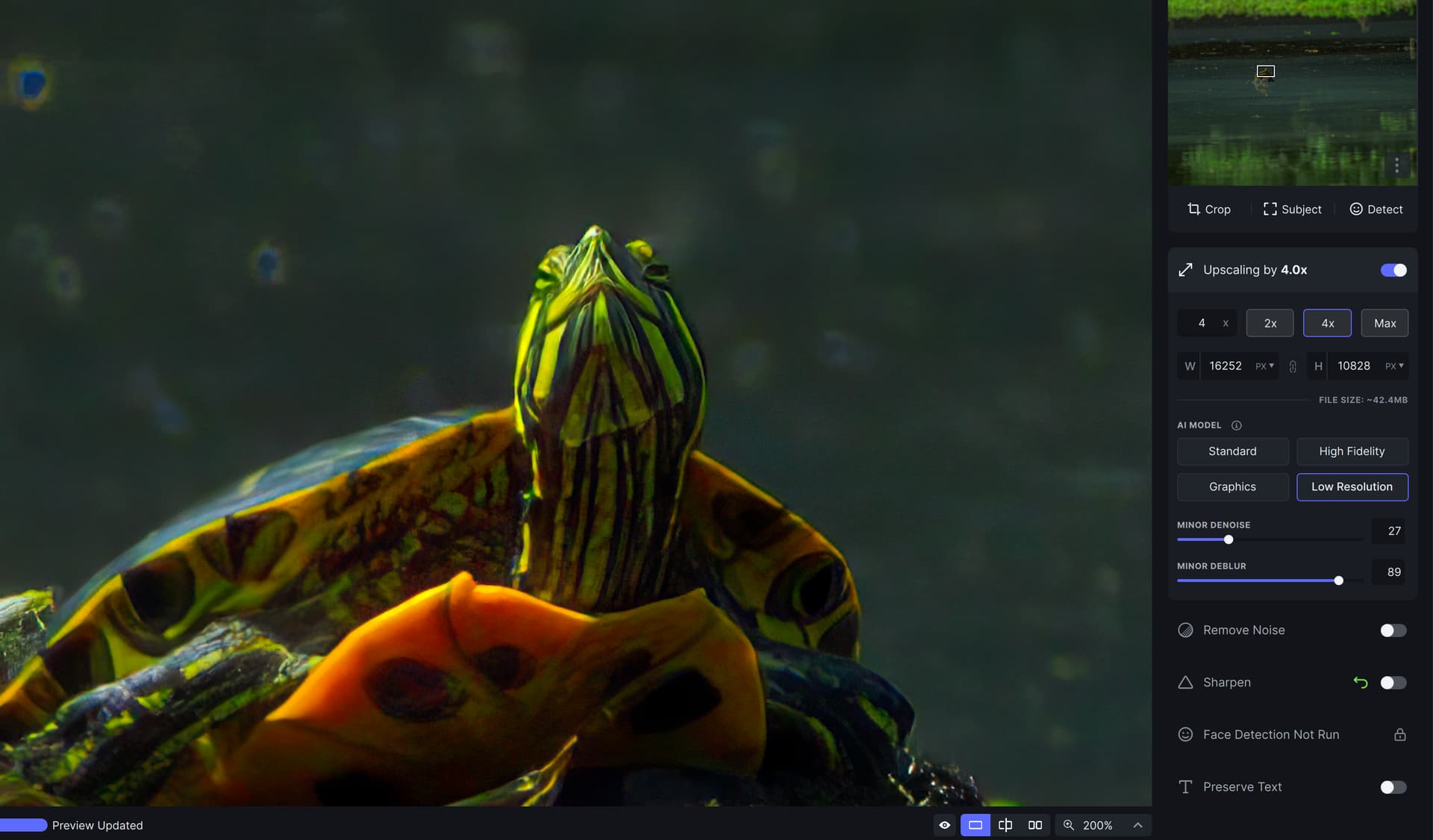
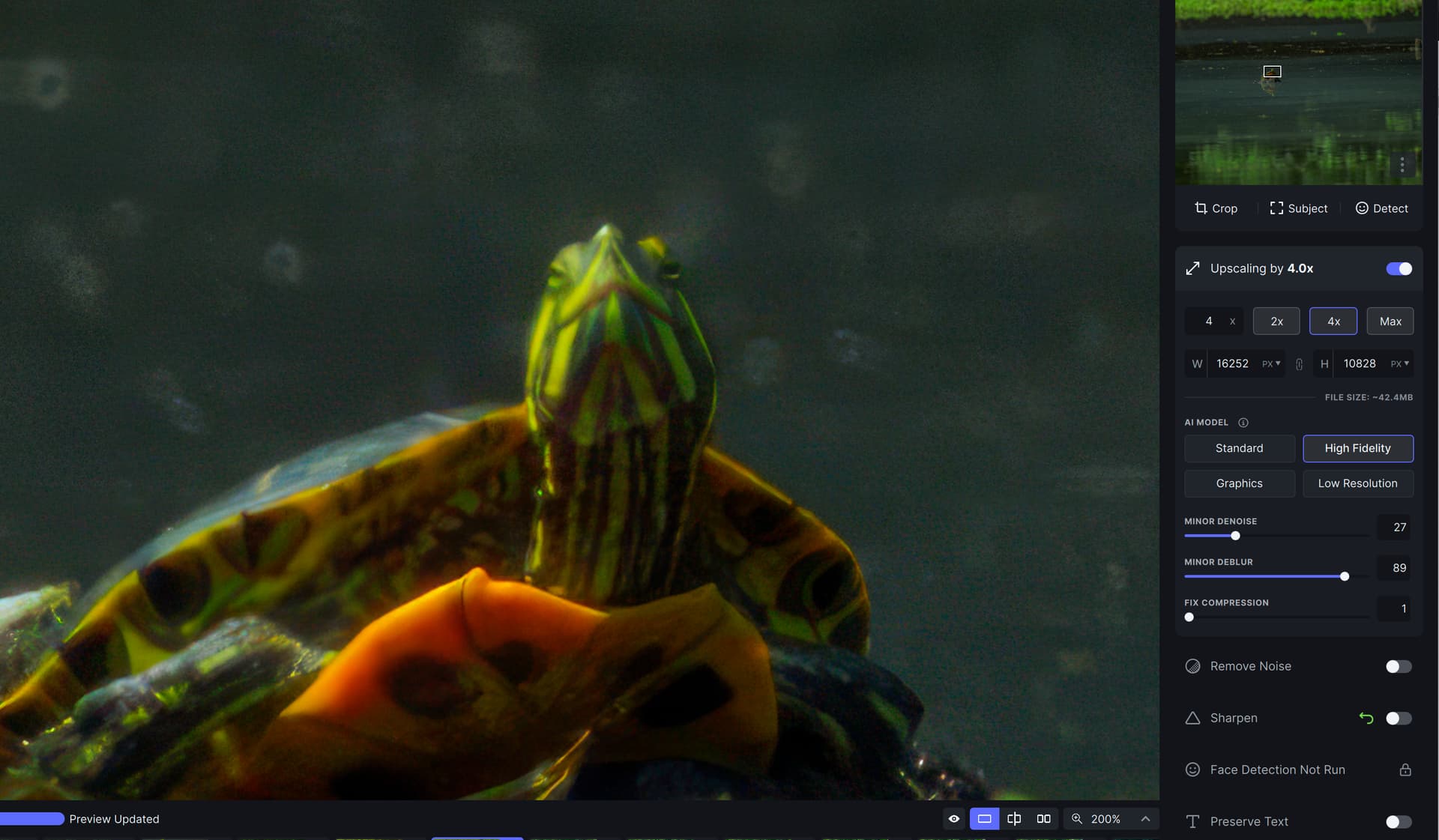
Interesting observation, how these blue artifacts are treated, depending on the model for Upscale:
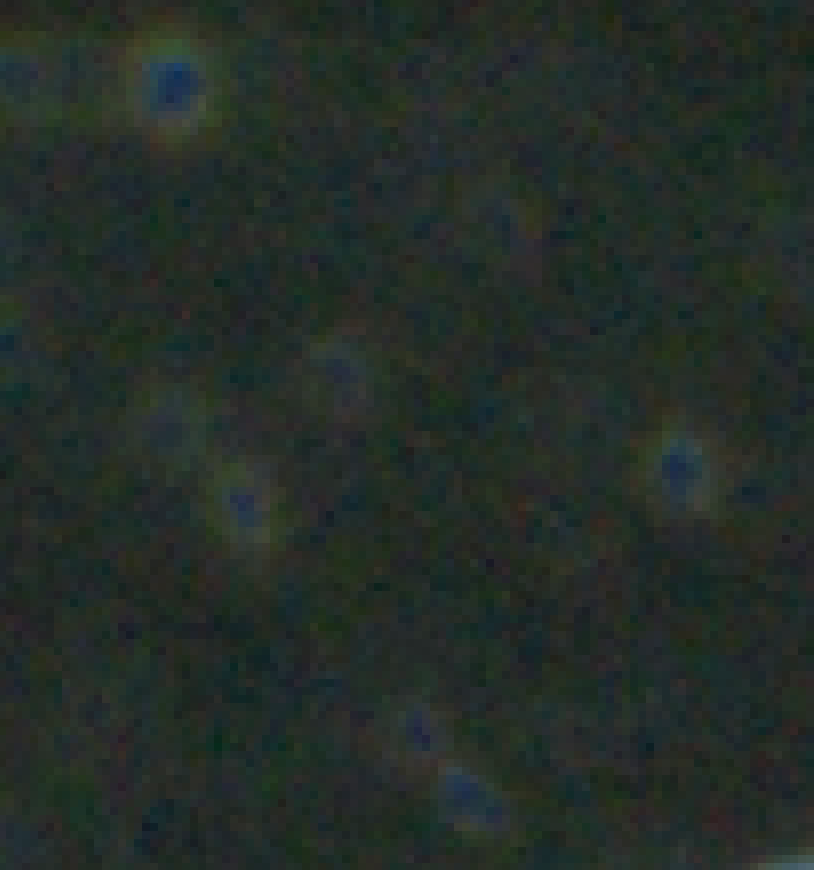
original:
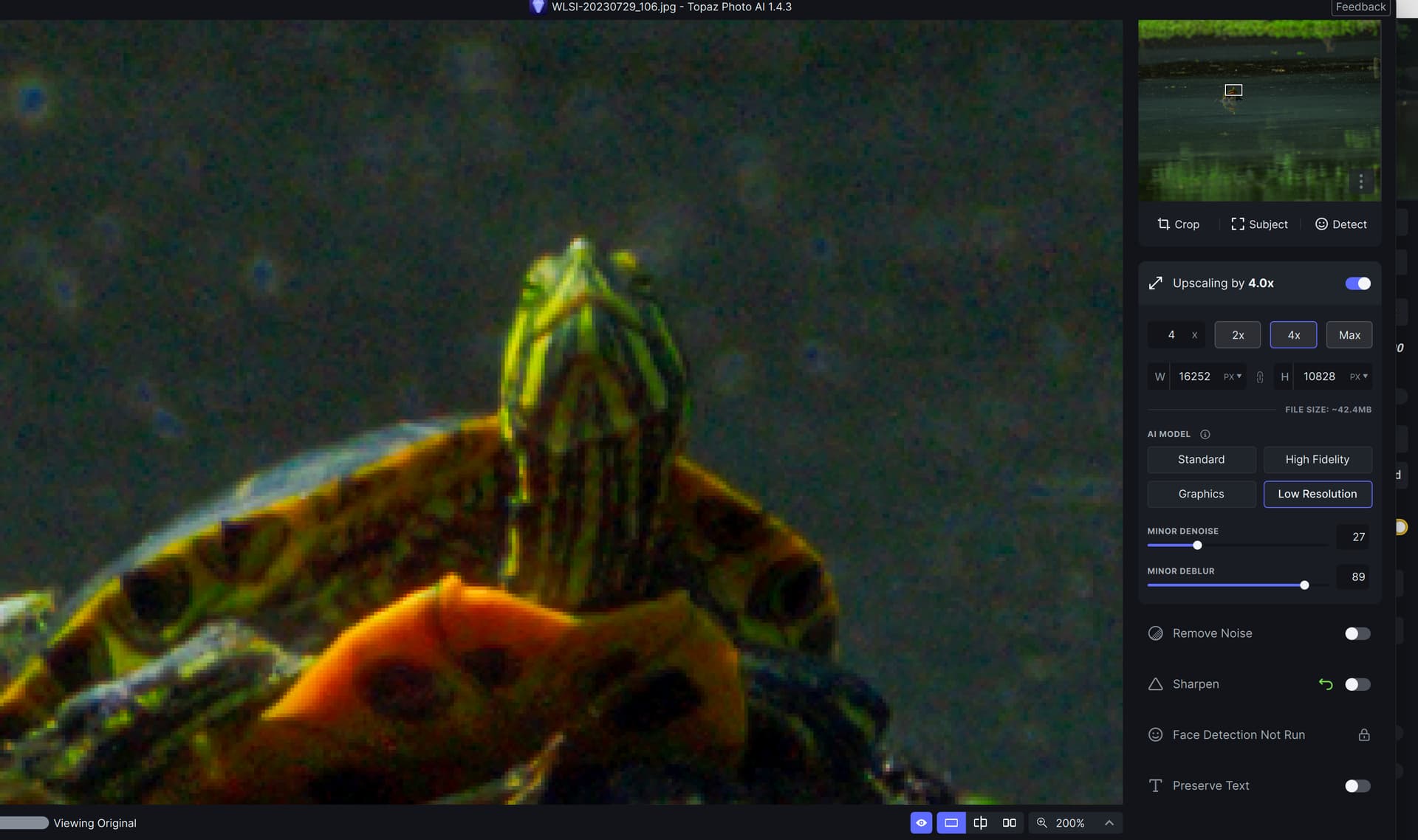
Low resolution:
High fidelity:
They can go even further with their credibility if they stop with the weekly sprint release because all it does is lead to broken features and new bugs and regressed back to older bugs - because they simply cannot have time for adequate flow regression testing. Move to a monthly tested bug patch with a biannual feature update model. Stop trying to cram in new features every month, then not fixing them in the rush to get another feature done for next month. I am no longer willing to renew after my remaining quarter is up with the present biz model.
For example the latest ‘fix’ about save pipeline breaking and making duplicate images skipping an image is ‘fixed’ to be nothing more than an error message and skipping an image - does nothing to improve the flow for the user. Either way you need a script to find duplicate/missing images, then painfully run them manually one at a time and most likely you will not finish your job before the next weekly patch comes.
This is not a fix and we should not be paying for that style of development.
4 Likes
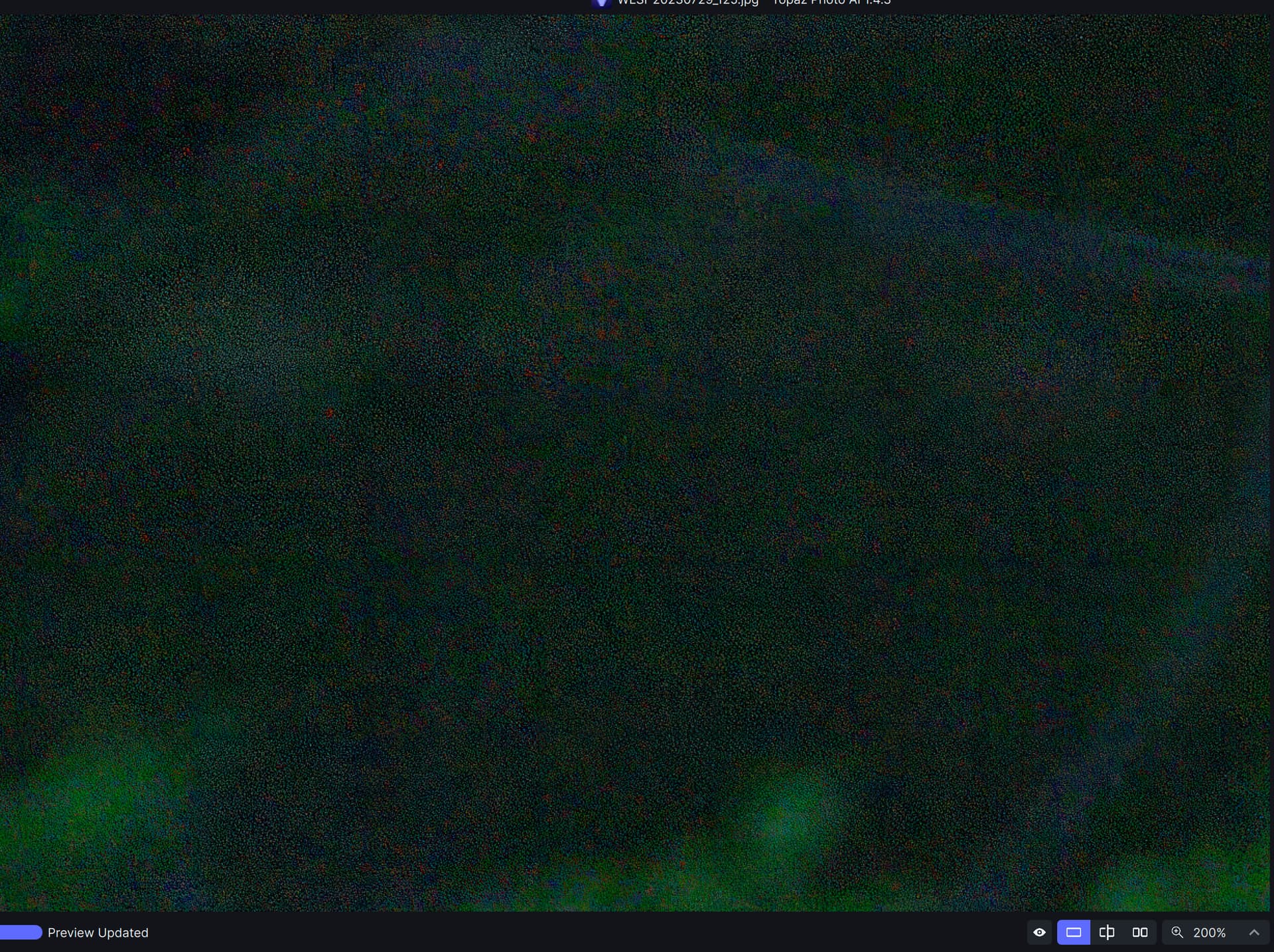
Tiling pattern:
200% view:
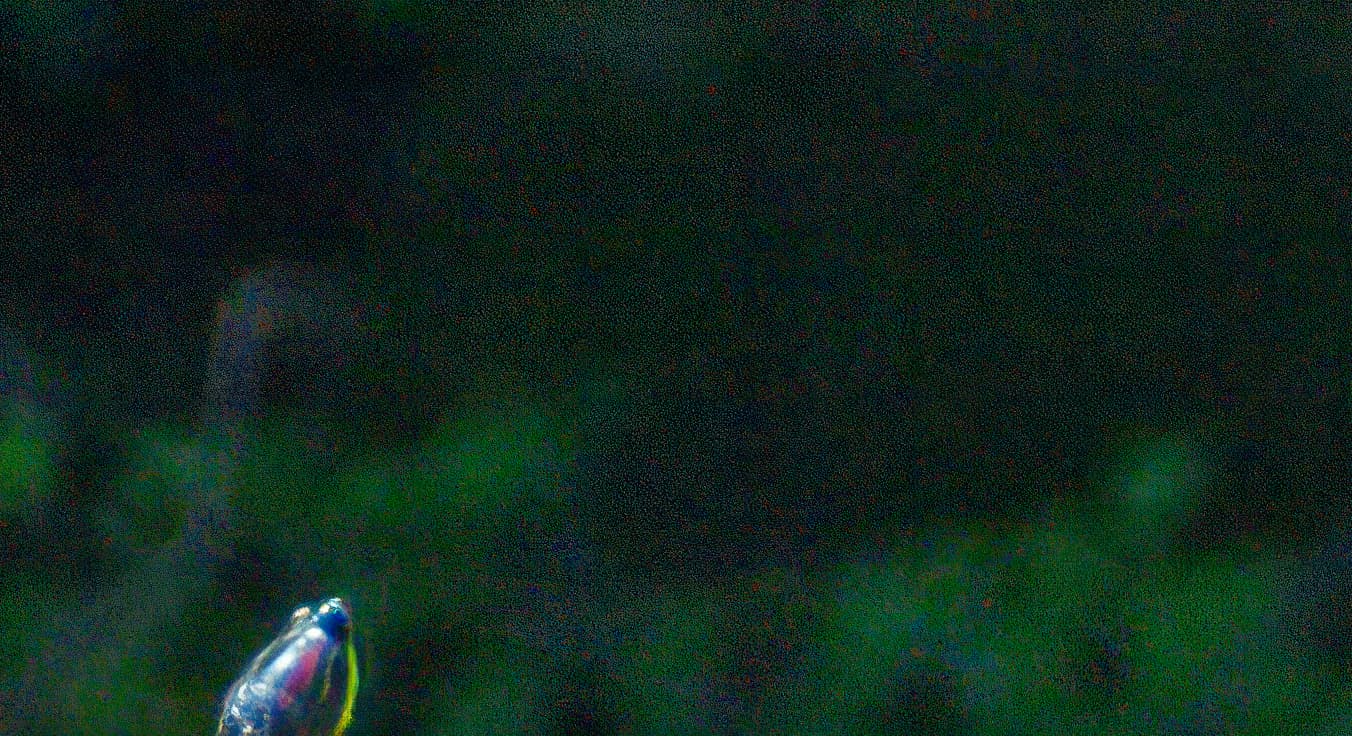
100% view
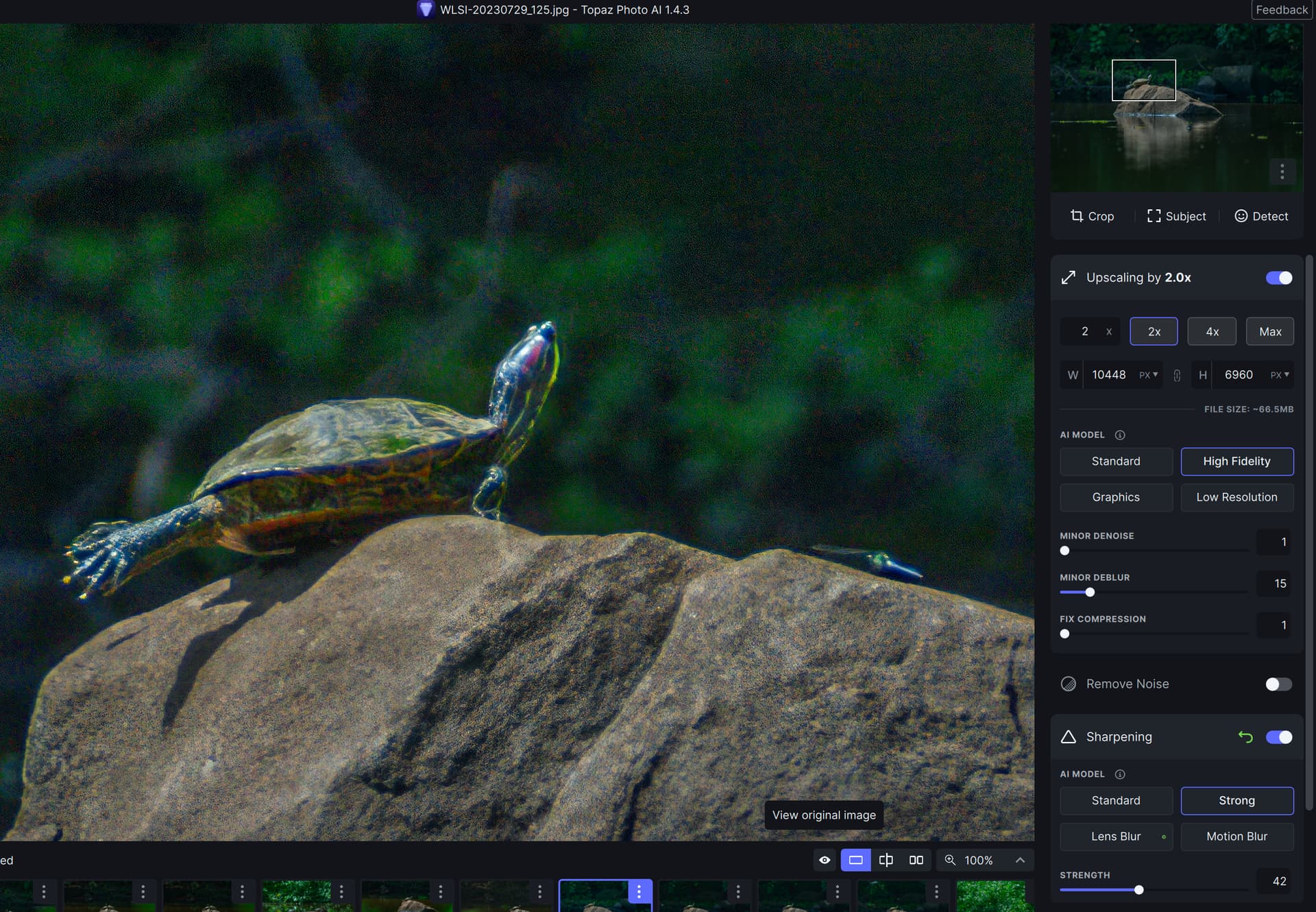
The website view is auto resized and makes it less visible
original:
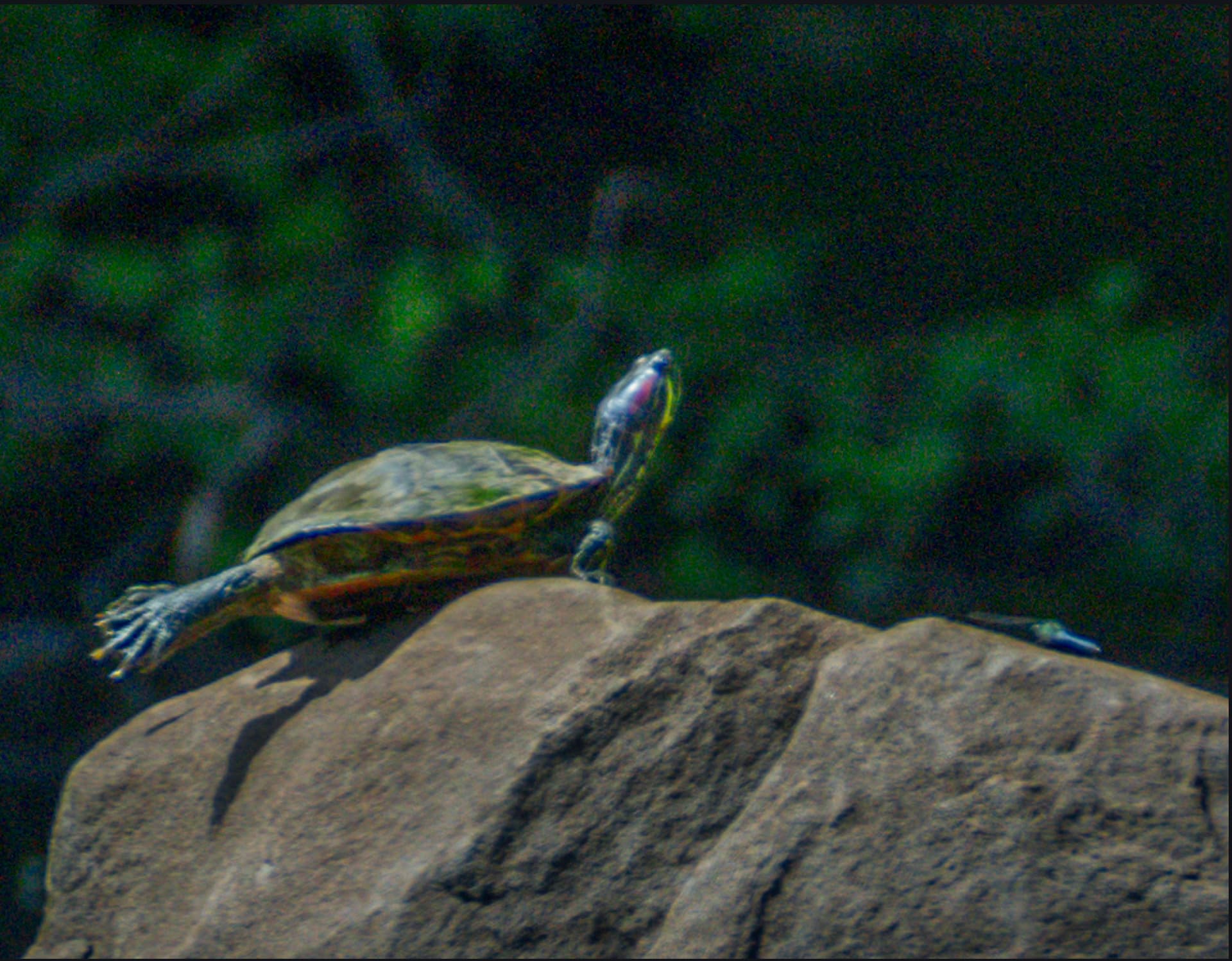
After disabling sharpening, I was able to isolate this to Standard and High Fidelity Upscale.
This type of obvious artifacts need to be caught by QA.
Agile Sprints are the “only proper way” software is done these days.
Unfortunately Sprint or Scrum doesn’t focus on regression testing as the effort is to get changes out as quickly as possible. Agile works well with a well segmented application where functionality is clearly defined, modularized and separated from the application, UI, environment and framework but, most importantly, needs a disciplined team approach with a focus on development and testing.
1 Like
@Lingyu
Could we get an Answer about the BlurryPatches Upscaling Issue? 
Take a look at the roadmap.
2 Likes
Yes I know!
But we haven’t heard anything since months and all Questions to the Developers are getting ignored… 
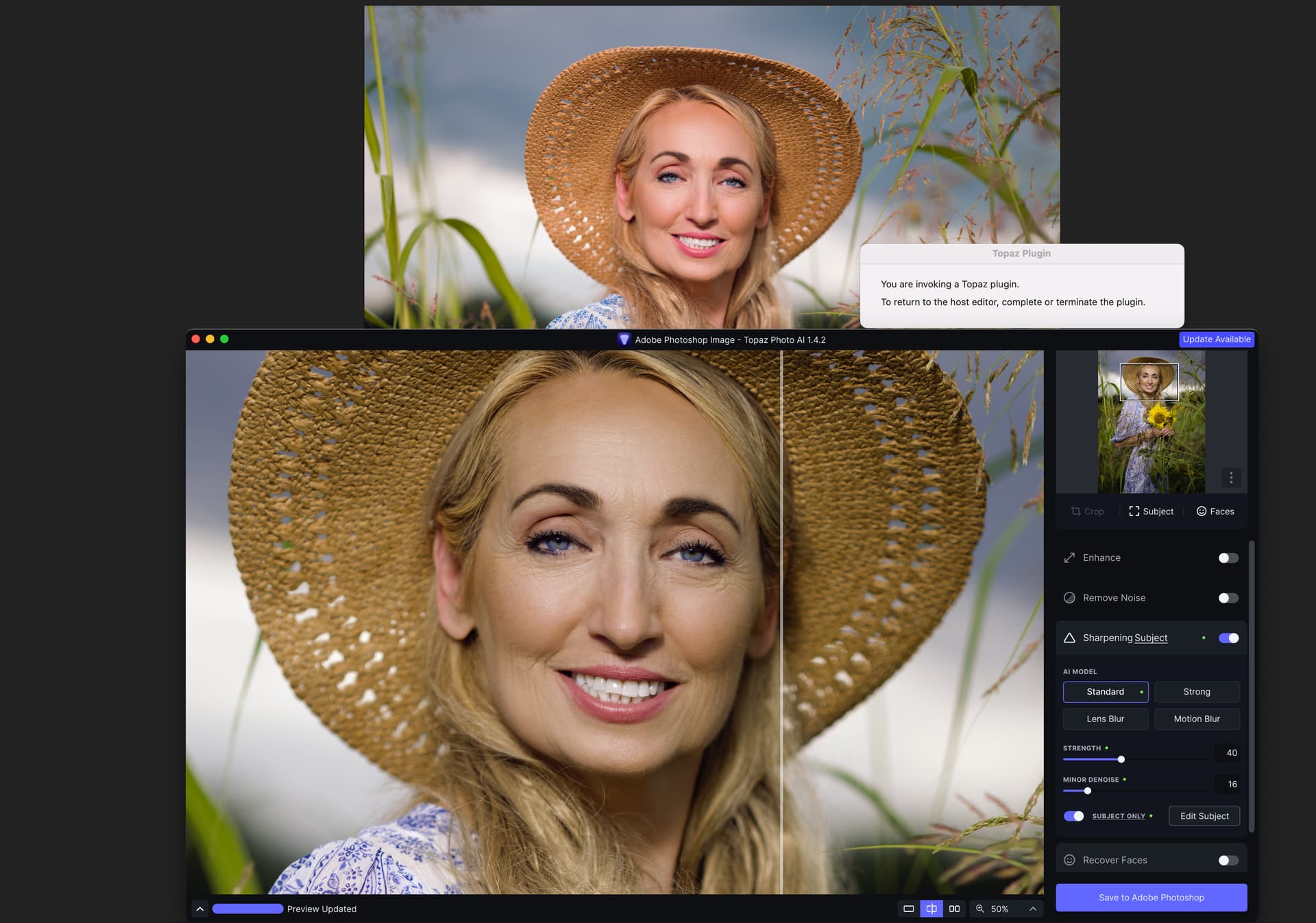
I have a problem with the colors in my photo when using Photo AI. Previously the photos were so oversaturated in the app I could barely tell what changes were made. Now the photos are so undersaturated and green that I can barely tell what is being changed. Here’s a screenshot showing the original nicely colored/saturated photo and the AI window with the green image in it. What can I do to fix that?
2 Likes
The files were sent through Dropbox
If you have a look at this post they clearly stated it is a model issue and are working on it and it WILL take time: (you were actually involved in that discussion)
Also there were some spurious assumptions such as “Not convinced it is a model issue, since it is happening with textures that are themselves consistent (dirt, rocks, grass, sand etc) so there really is not any texture variation.” … I have never seen any of these subjects that are consistent even across the one section.
1 Like
Actually as the one you quote there I was using game textures which are in fact consistent by design, and it was specifically to test the theory that it must be caused by variations in nature photos (depth, focus, texture segment overlaps) - if it also happens on game texture which has no such variation yet still has blurry/detail patches then there is something else happening. That is not at all spurious assumption but proper troubleshooting and included a bunch of texture examples showing such that even those had the same issue of patchy blur/detail. The textures themselves where pretiled specifically to force consistency and it was found that repeated sections was getting different enhancement blur/details.
You also quoted a post that is nearly a quarter old when the last time someone asked what is going on. If you search the history of the forum as I have you see people have been asking the same question for a good year as gigapixel also had issues. The problem is they keep putting it in their sprint roadmaps saying this is what is expect to release for next month or two feature sprint then a month or two goes by of nothing - as if they have solved the problem - yet there have not been any beta releases to test the issue at all. That is why it is a reoccurring question - because it was put on the roadmaps.
Take it off the roadmap, as the other poster is indicating in this thread this is an inherent problem with tile based enhancers being size limited due to GPUs. If that is the case they need to be honest and say maybe in 5yrs when we get more powerful GPUs can this be solved.
That was in May this year and the developers had stated it would take some time as it needed updating of the models.
They may be consistent by design but typically 4K or 2K and the same texture can be used as both but they are still different because of the resolution.
Just as an aside, I do get tiling but typically in low resolution images only. My solution is to generate hi-res images in those cases before using Photo AI.
1 Like
8/9 of a quarter ago since you insist on being precise. If it needs hardware and algorithm advancement beyond the state of the art and will take another five years - it should not be on their customer facing roadmap at all. If as they originally said they it is just a library quality bug needing to retrain from better source quality images a quarter is enough time for giving a progress report on if that worked or if that was wrong idea and that did not work
I guess, because I am not privy the their development practices, I couldn’t hazard a guess as to how long it would or should take to train a new model.
Yes, that’s correct! But they can simply tell us what’s the current State of this Bug and if we could hope to get this fixed in a couple of weeks or months! But we know nothing…
I need the Upscaling daily for professional (commercial) Work. But it’s not possible to use it with this blurry Patches! I must retouch every picture and try to make this blurry mess a little bit invisible…
I must say I am a bit disappointed with the latest version. Having tried many different photos the app makes hardly any improvement to the photo. With previous versions youi could at least see a change or improvement. I am hopeful that this program will eventually be worth using as an everyday process.
Can anyone here confirm if PHOTO AI is better than GIGAPIXEL?
Im trying to decide which to buy. I understand the differences in the sense that PHOTO AI is basically like all 3 products in one and is being updated whereas gigapixel is old now and they aren’t updating it.
But its cheaper, so is it still worth owning giga?
Do you have gigapixel? And where are you getting weird patches?
I have both products as trials and they both seem to work fine.
