There is a reply further down, see this link.
Whoa! So far, so impressed. It’s like back in the day, when a Topaz release never failed to amaze. Yeah, I gotta bail now and then and go solo with DeNoise, or Sharpen or Gigapixel, but they always have a steady product update regime, and that’s fun, too. Good job, Topaz Labs!
Are your graphics drivers up to date? Maybe change processor settings.
My CPU does not support AVX2 (Xeon E5-2680 v1) so I get a “Error Loading Model Files” even though I am using a RTX 3080 Ti as the AI processor.
I hope they will not come up with mandatory AVX2 support in the other applications anytime soon…
With a high-es image, Photo AI and GAI can do wonders with faces without appearing to resort to trickery. Without the necessary data, it must resort to what I call “Mr. Potato Head”…
I wonder whether some line must be drawn at some point where the software should not even attempt recovery if that’s going to happen.
1 Like
It does not seem to work correctly. When I try to operate it, it falls down.
I guess I should wait for an upgrade…
Crashed Thread: 39 Thread (pooled)
Exception Type: EXC_BAD_ACCESS (SIGSEGV)
Exception Codes: KERN_INVALID_ADDRESS at 0x00007fb4e04aea0e
Exception Note: EXC_CORPSE_NOTIFY
Termination Signal: Segmentation fault: 11
Termination Reason: Namespace SIGNAL, Code 0xb
Terminating Process: exc handler [36321]
VM Regions Near 0x7fb4e04aea0e:
MALLOC_LARGE_REUSABLE 7fb2e1000000-7fb2e3012000 [ 32.1M] rw-/rwx SM=PRV
→
STACK GUARD 7ffeea587000-7ffeedd87000 [ 56.0M] —/rwx SM=NUL stack guard for thread 0
You should raise a support request at the main website as that is a memory access crash. Make sure you provide the environment that you are operating including the OS. The basic technical requirements are listed on this forum and you should remember Beta OSs are not supported.
That’s an interesting suggestion.
Now, the program says something like ‘low res face recovered’. Sounds like you’d like PAI to add a gentle letdown msg from the Autopilot that says, “Sorry, but face(s) are unrecoverable” as another option. (With or without the disclaimer - “Unless you’d like a Mr/Ms Potato Head” …).
I’m just back from SF, so will check it out, Anthony. Thx for the pointer.
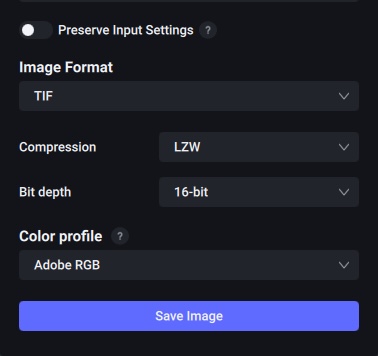
But I could have sworn Adobe RGB, LZW, 16-bit was a Save option in the Standalone versions of the individual products … because I used it. I hope I didn’t imagine it. I’ll view what you suggested to figure out if the integrated offering creates a different context!
I’ll also have to see if - when using the PAI Ps 2022 Plugin - & I’m working with a 16-bit image whether the plugin returns an 8-bit to the Ps layer. If so I’d have to adjust before other processing or saving.
Will a 16-bit ZIP option be added? 
Take care! Have a great weekend.
I had the issue of problems maximizing on a high-resolution monitor, but found a temporary fix (until Topaz sort it out) was just to go into the Windows Display Settings and make the higher resolution display the Main Display. (It looks like the program only looks at the resolution of the primary display, not the display on which the application is actually shown.)
I’ve been hoping to see Denoise, Sharpen and Gigapixel integrated into a single application for ages, so thank you!
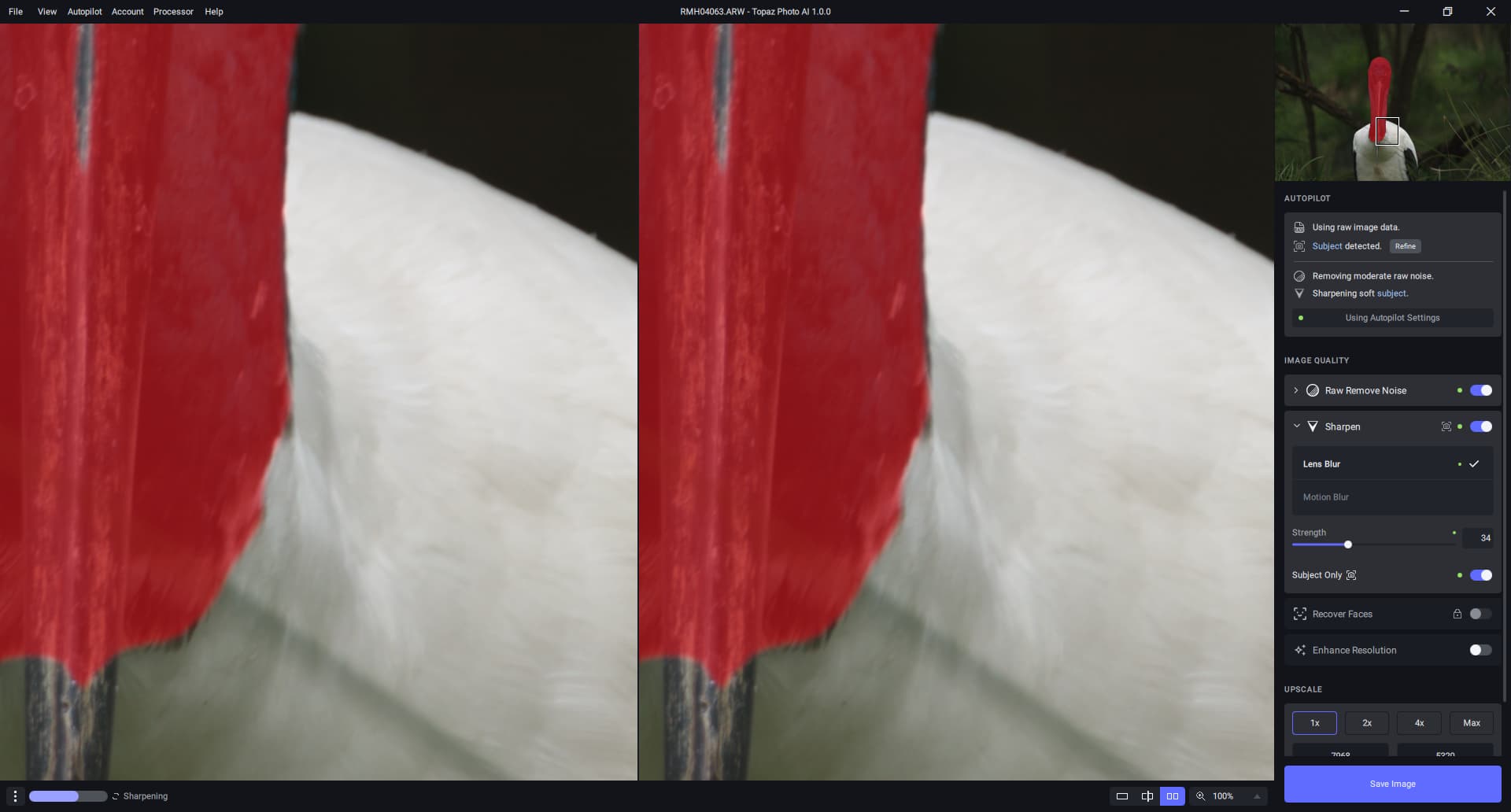
Like many others, I need manual editing of subject selection for this to be useable (mainly to properly prevent artifacts from sharpening bits of background). And for me, upscaling without cropping just slows down processing and creates massive files. In fact, I end up cropping most my shots, as I mainly photograph birds, so cropping even without upscaling would be a huge benefit.
Providing this very high level of automation will be a great time-saver, but I really need the option of diving down to the same level of control the other programs have allowed me.
1 Like
I note the first point under “Requirements” is:
“Topaz Photo AI requires an internet connection for user authentication”
Does this mean I won’t be able to use it on my laptop when travelling without an internet connection?
1 Like
I strongly feel that two more buttons of “Add” and “Subtract” should be given along with the current refine options for it will give more accuracy and flexibility in the final output.
I can’t log in when I start Photo AI. Anyone else with the same problem?
That’s what’s happening on my PC as well. It starts opening a picture file, it applies all those steps of identifying what is necessary and suddenly it just quits before displaying anything. Both in a standalone and a plug-in mode. Had it working once after a clean install of WIN 11 but then with next version of PAI it goes back to the same issue.
Here is Denoise AI 3.6.2 about 5 minutes ago.
2 Likes
A feature request - for quick edits, sometimes Photo AI might be all a photos needs. With that in mind, i’d like to request a feature: At time of export, to be able to down scale a photo to a user selectable size. (and ideally remember my favorite image sizes)
Thanks
What is that folder for? The same thing happens to me. In drive F:\ it creates the folder CONe… If I delete it it creates it again.
I deleted it and created a shortcut to “Topaz Photo AI.exe” instead of the one created by the program, and it no longer creates the folder COne and the program works perfectly.
By the way, font sizes are ridiculously small. I see less than a plaster cat.
Hi,
We need the manaul masking tool brush with opacity etc back. It’s an essential tool that no automated masking can replace.
Also, I’d like an improvement about hairs, hairs are always too much sharpened
Also deblured teeth are often a problem, with gray stripes generated onto them (at least now with face refine you can get them ok);
Finally whenever there’s several faces the face refinbe feature should be settable per face OR make sure the opacity masking also work on faces
