Where it says “Topaz PAI - no filters · 1917×1031 260 KB”?
That’s just to download the screenshot unfortunately. I wish it was so easy!
Where it says “Topaz PAI - no filters · 1917×1031 260 KB”?
That’s just to download the screenshot unfortunately. I wish it was so easy!
All m4/3 lenses and many other lenses these days depend on software correction being an integral part of the design and use for raw files. The software correction is for distortion, chromatic aberration, and lens shading. It is very easy to check Photo AI, Denoise AI, or any other software to see if the lens is being properly corrected. Wide angle lenses that were designed with software correction being integral will be clearly distorted if there is no correction. Open an RX100 VII or Canon S100 raw file that was taken at the widest focal length and you will be amazed at what you see with an uncorrected image.  Also, with some lenses you will see bad, uncorrected chromatic aberration if the lens profile has not been used. You can compare the same image to what it looks like in a program that does the proper correction and that will also make it very clear what Topaz is not doing.
According to Topaz (see my post that I linked to above) the problem they have is not that the lenses are not in the lensfun database. The problem is that Topaz still has not fixed the bug that does not read the lens info from EXIF properly so they do not make use of the lensfun correction. Topaz is the only software I am familiar with which cannot yet do this.
This started for me with v0.8. Before no issues with the Photoshop plug-in.
@01matthunter Been having the same issue with all versions of Photo AI, have posted log files, computer and OS settings but still no resolution.
As you mention Denoise and Sharpen work well.
Have had reply that someone is looking into this error.
Thanks for the reply Russell, I’m glad it’s not just me and also that it’s being looked into. It’s a shame though, I was looking forward to giving it a go but should bear in mind it’s still pre-release.
I’ve been playing about with DxO PureRaw 2 with their free trial, the ability to still use RAW profiles is a big point in their favour but I preferred the high ISO results of Denoise AI so seeing a review with the news that Topaz were working on new software which would include that option got my attention.
I will have an unpopular opinion. I’ve bought all topaz plugins for more than a decade now, Topaz is my favourite image enhancement company. I think Topaz should drop support and maintenance of processing camera native raw files (except DNG). This is not something Topaz does well and will never be able to get to the level of tools like DXO PureRaw or Lightroom/CameraRaw. I try to use raw processing in every Topaz application for 3-4 raw camera formats that I have access to, and demosaicing and colour tone mapping in Topaz tools were always inferior to the competition.
Where I believe Topaz can bring its know-how in AI is something that Skylum did with Enhance AI slider and Sky AI slider, as well as face/eye cleanup - all areas where AI seems to be doing a great job. Photoshop’s face rebuild ML model is creating really great results for scanned images if applied in moderation. Would be great to come home from vacation or photoshoot load a series of presets for different batches of photos and then apply all-in-one enhancement pipeline. Unfortunately, Studio 2.0 didn’t support batch processing so I had to stick to Studio v1 but it was my favourite all-in-one tool for a long time. Pair your old Studio v1 code with Photo AI and it will be a killer tool.
Some issues on v 0.8 when developing multiple pictures:
1 - on Mac OS Monterey / Mac Studio M1 Max and touch pad the film strip scrolls to end but as long as I release the two finger scroll to pick next picture to view, the film strip jumps to middle and hides the end part of the strip. The only work around is to develop max 8 pictures or drag the window wider.
2 - Sometimes when working with multiple pictures the first saved TIFF will show the last picture. So, the last is doubled and first one doesn’t show. Have a gut feeling it might have to do whether I let the preview run to end or go to save-mode before previews have worked through.
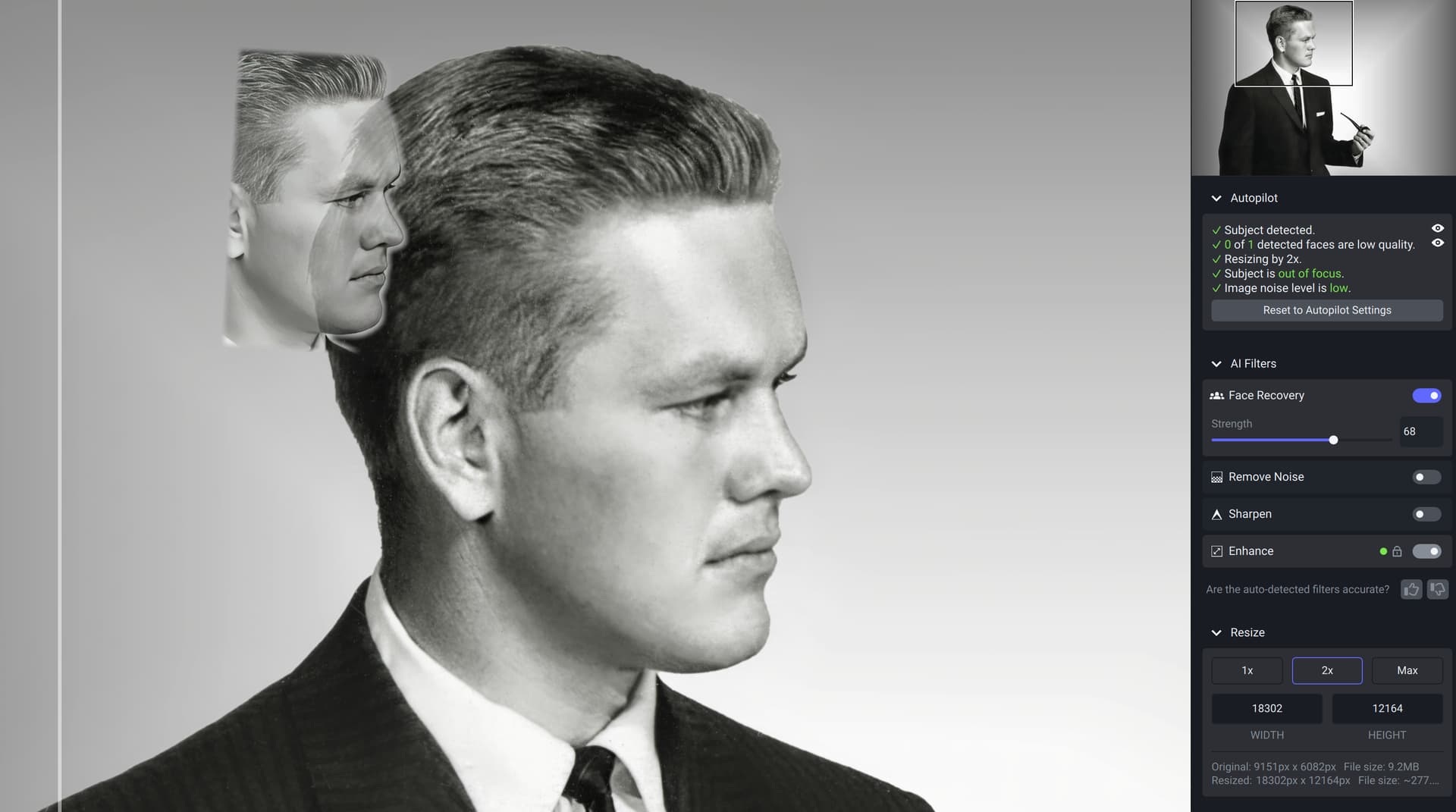
3 - 0nce setting sharpen on doubled the faces. The extra ones were some distance to 5 o’clock direction of the originals. Sorry to have deleted the picture. Next time I’ll save important samples.
4 - would users appreciate possibility to make export size setting global. Now other things being on auto pilot, I need to go to each picture to change the size (remastering 30-40 years old small size scans of my slides).
You have worked one amazing application. Thank you!
Positive:
Ah ok - excuse me while I wipe the egg off my face, Lol.
Face Recovery locked out and no raw adjustments in V0.8 loaded down to windows
Two suggestions for Raw Adjustments:
Thanks for listening.
Just wondering, is Topaz going to reply here? I don’t think I’ve seen a single reply. But maybe I’m blind. Not good for a photographer
This is odd. I like Photo AI and I really appreciate what you guys are doing. But, this happened today in the preview and I’ve never seen it before. I had to scratch the image and start again. Just wanted to let you know.
It’s just giving you the option to create an 80’s flashback double portrait! 
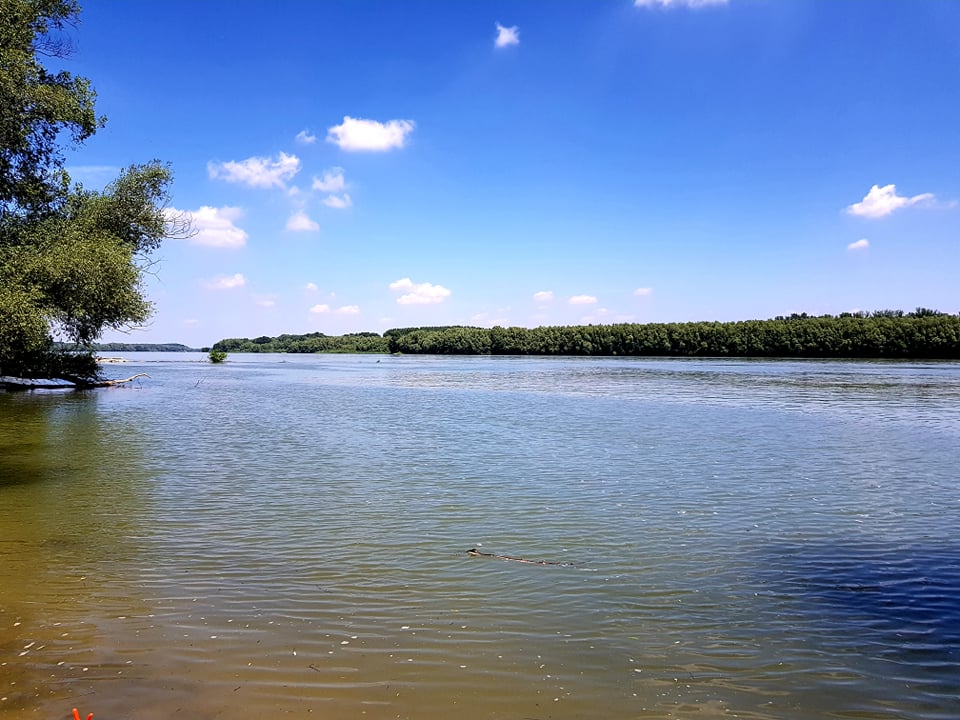
Here a sample photo of River Danube
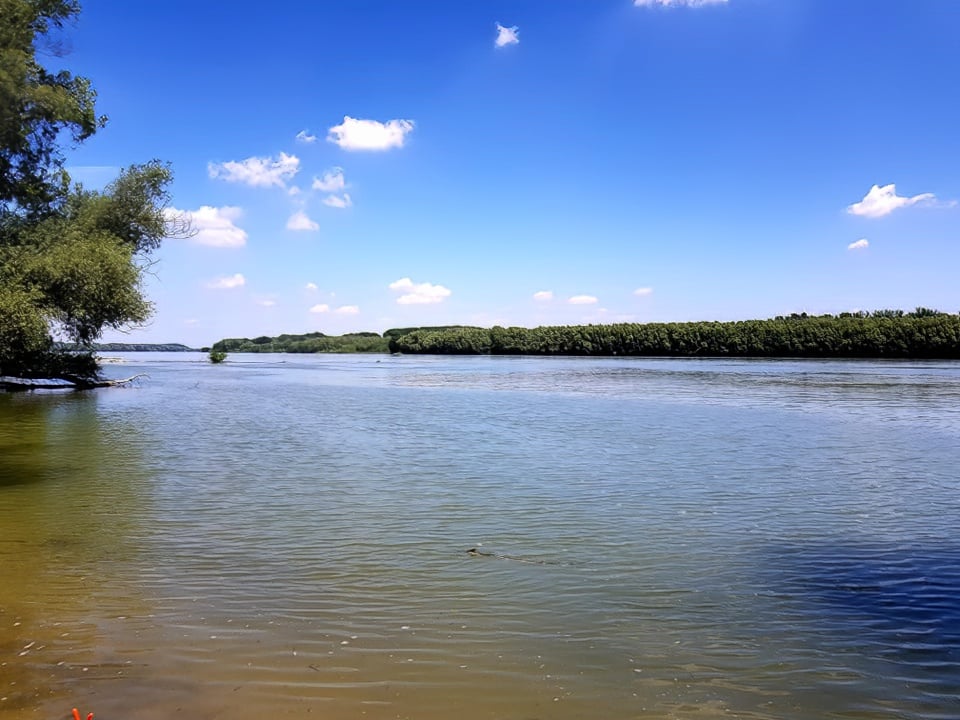
and the Photo AI Autopilot version: lost details
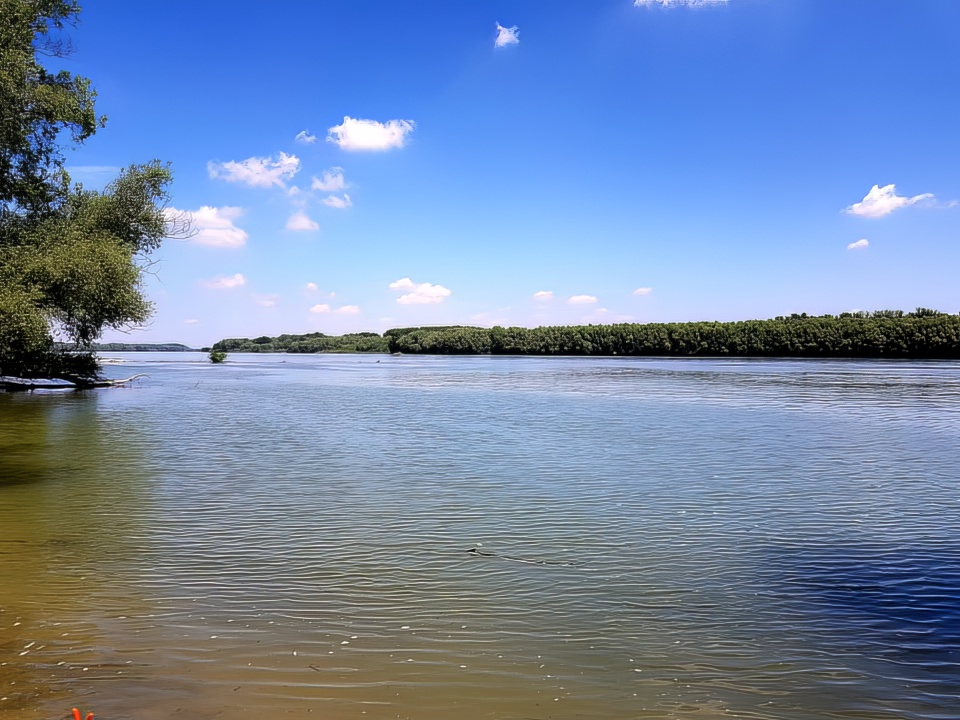
And manually lowered noise reduction: a better result compared to autopilot, but some area are not better than the original
No worries, I thought it was going to be me in that position when I saw your reply 
Since a very early version, I’ve been unable to use PAI as a filter in Photoshop. It appears in the filter list, but clicking on it does nothing; no dialog opens, or anything. All the other products are working fine. It is also working fine as a stand-alone and as a LRC plugin. Someone from Topaz actually took over my computer and we tried to figure it out but couldn’t. We’ve manually moved the plugin to the PS folder; reinstalled several times, and it just won’t open, even though it shows up as an option. Is anyone else having this issue?
Yes… I just tried it… and it works fine… I’m on a Mac M1 with the latest verion of Monterey…
I’m sorry, I don’t have a suggestion for you, other than there is probably a “permission” somewhere that’s not set correctly.
For me it’s even worse: it crashes both when launched from within PS and as standalone. Raised a ticket, but no solution so far.
Yes I think Photo AI is way too aggressive on noise reduction and smooth’s important details to the point it’s not usable in some cases, unlike Topaz Denoise AI.
What OS are you using?
I assume your processor, etc. meet the specs or you wouldn’t have been able to work with the standalone…