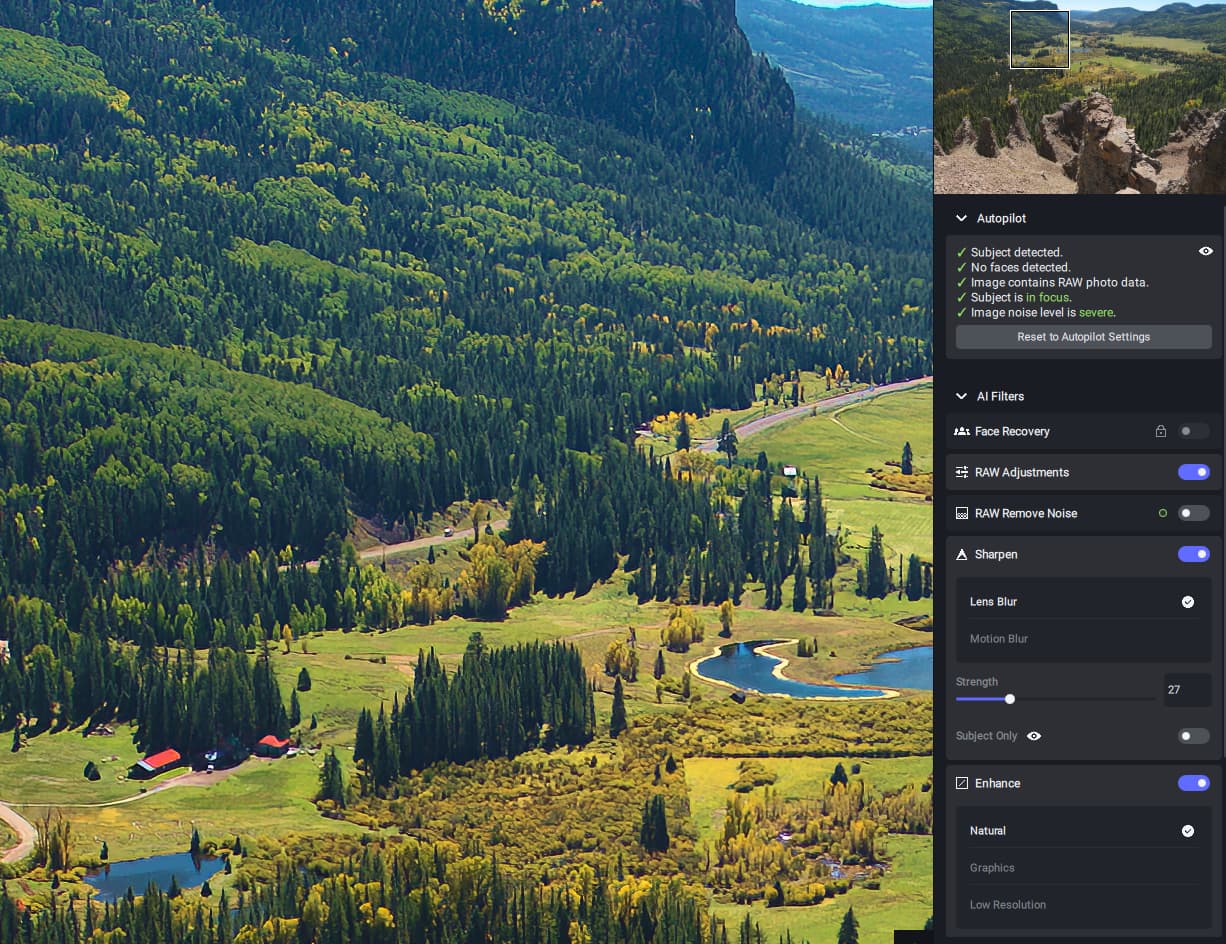
It seems that in the stand alone a subject only setting defaults to on (locatd below the sharpen strength slider) Turning this off will give a better result,expecially on landscapes. However, I think the sharpening is better when called as a plugin (subject only defaults to off).
To add pictures for this;
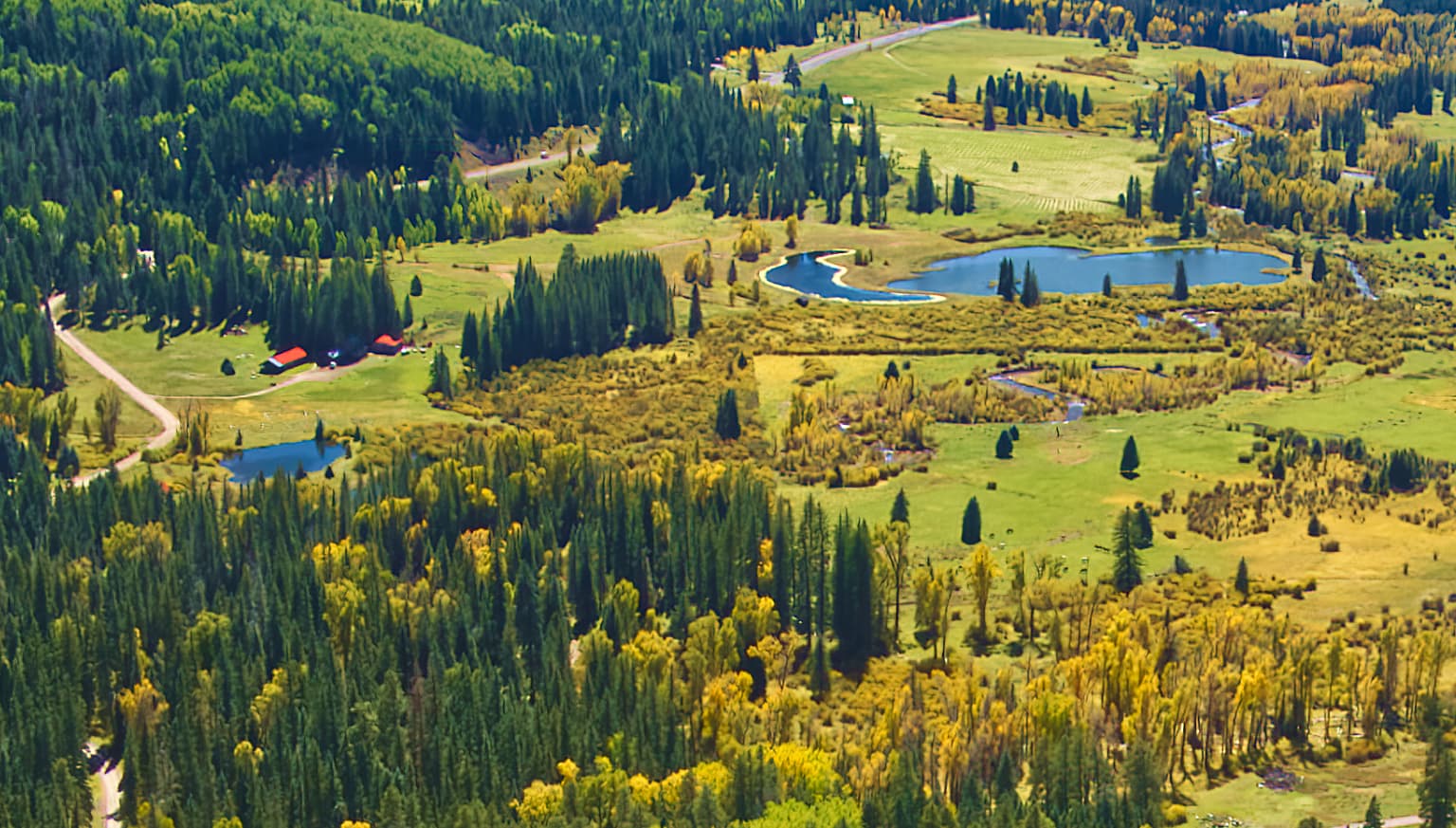
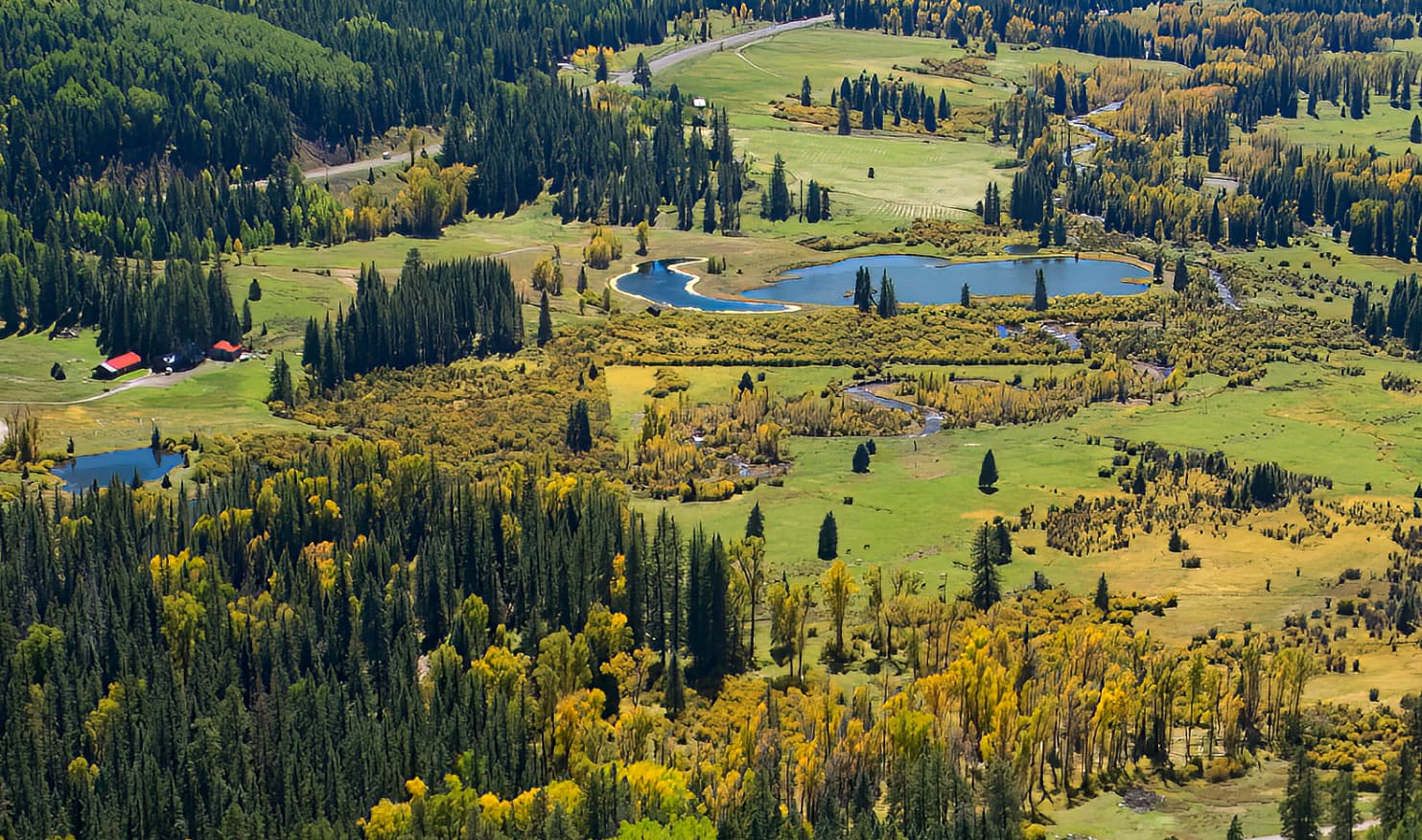
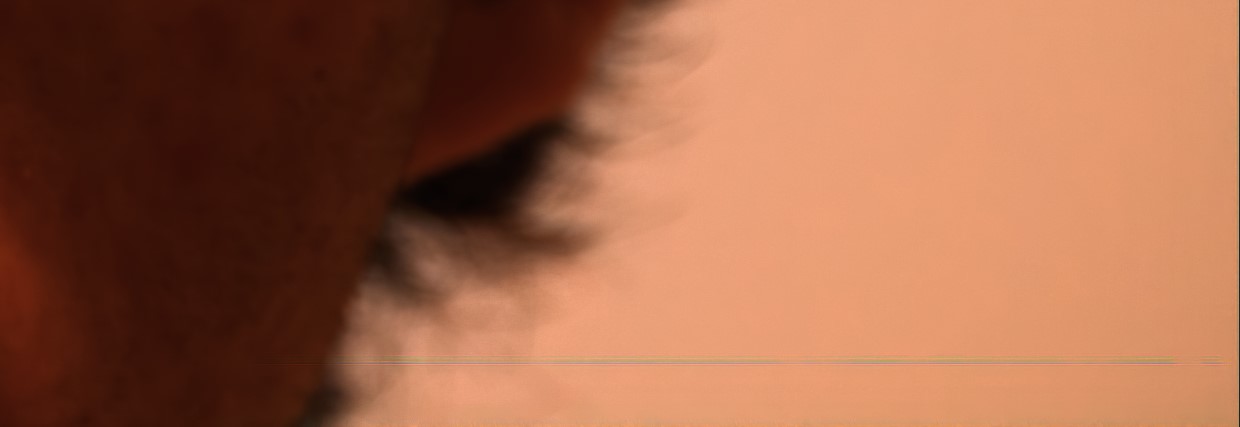
Section of output file processed as a Sony ARW and saved as a DNG:
Monterey, updated. Radeon Pro 580X. It’s definitely not the hardware; I’ve been running all Topaz products with no problem. It’s only PS and PhotoAI that is the issue. If it didn’t appear in the list of filters, it would make more sense, but it does, and the plugin is in the right place in the PS assets.
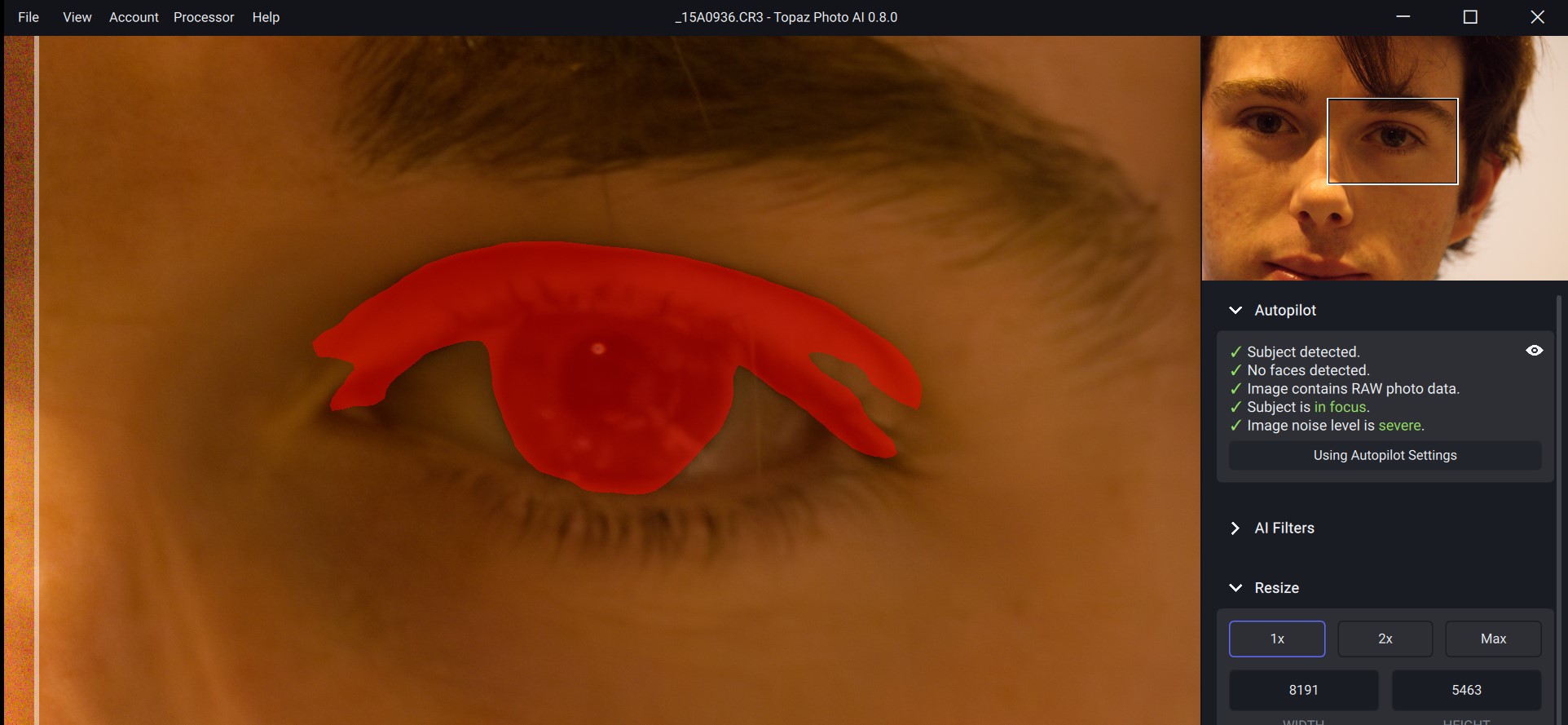
Have been using PAI as stand alone with CR3 RAW files. This pic was quite noisy as I was testing a new Xtender, inside at night (1,000mm). PAI detected the Right eye as the subject (it was the focus point).
Subject is just the right eye, nothing else. No faces were detected. I ran and saved the image using Autopilot settings.
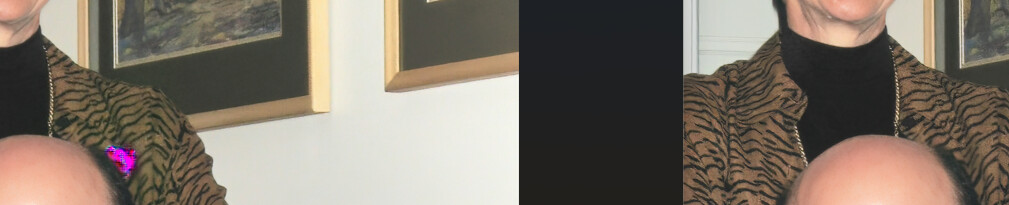
The resulting DNG has weird blueish lines, bottom right hand side.
I have seen an occasional, random, inverted square area on some of my photos. Impossible to reproduce. It just “happens”. Your image is reminiscent of this.
A rectangular portion of my picture is randomly being corrupted. I noticed this is the 0.7.2 release and it’s still there in the 0.8.0 release. The latest one I found was a small rectangle that appeared to have a portion mirrored within it.
Inver .5 and now .8 (never updated the interim versions), subject detection works great. But every photo it says the face is low quality but then says its in focus. Autopilot and face recovery is on and remove noise is on. Image noise level is severe, but shot at ISO 400 and no visible noise. Sharpen is never selected.
Is this normal? Still works great though.