Small improvement with Wonder 3 and Flux2 Klein 9B to deblur the bird + again Wonder 3 medium for scaling and assembling the 2 photos.
With Sharpen Strong at 100% + Subtle Redefine with Prompt, you can work wonders to deblur the subject of the photo. I didn’t bother trying to deblur the rest. In a way, it adds movement to the image.
But I am satisfied with the final result when you see the quality of the source image. Because the panda advanced quite quickly.
Thank you for sharing these examples
1 Like
I’m finding a weird issue with Wonder 3 on Gigapixel, Cloud & Local, for example if I upscale a smaller image say 2000px x 1500px by 5 fold, it creates a weird effect on the perimeter of the upscale image, it could be randomly a black line all round, or a faded greyish tone all round. This even happens on all white images. This doesn’t happen at all on Wonder 2
You’re welcome 
new wonder-3 on an image 700x700 (scale 1x) need 2 min ?!?
flux2-klein-9b-bf19 → 20GB (fp8 → 10GB) (6 step both need only ~10-20sec) with better result
you’v missed the point to catch a good ai-model and prepare for consumer user
Thanks for the comparison. We’ve thoroughly tested both the Wonder-3 and Klein architectures across a wide variety of images and scales. Ultimately, we selected Wonder-3 because it delivers much higher overall quality and structural accuracy for upscaling and restoration tasks.
4 Likes
wonder is that an none open model… never heard of.
maybe the right lora push it up… my simple lora on only digital portrait images is quite okay
and its for free … no advertising only maybe you get new ideas
On this one,
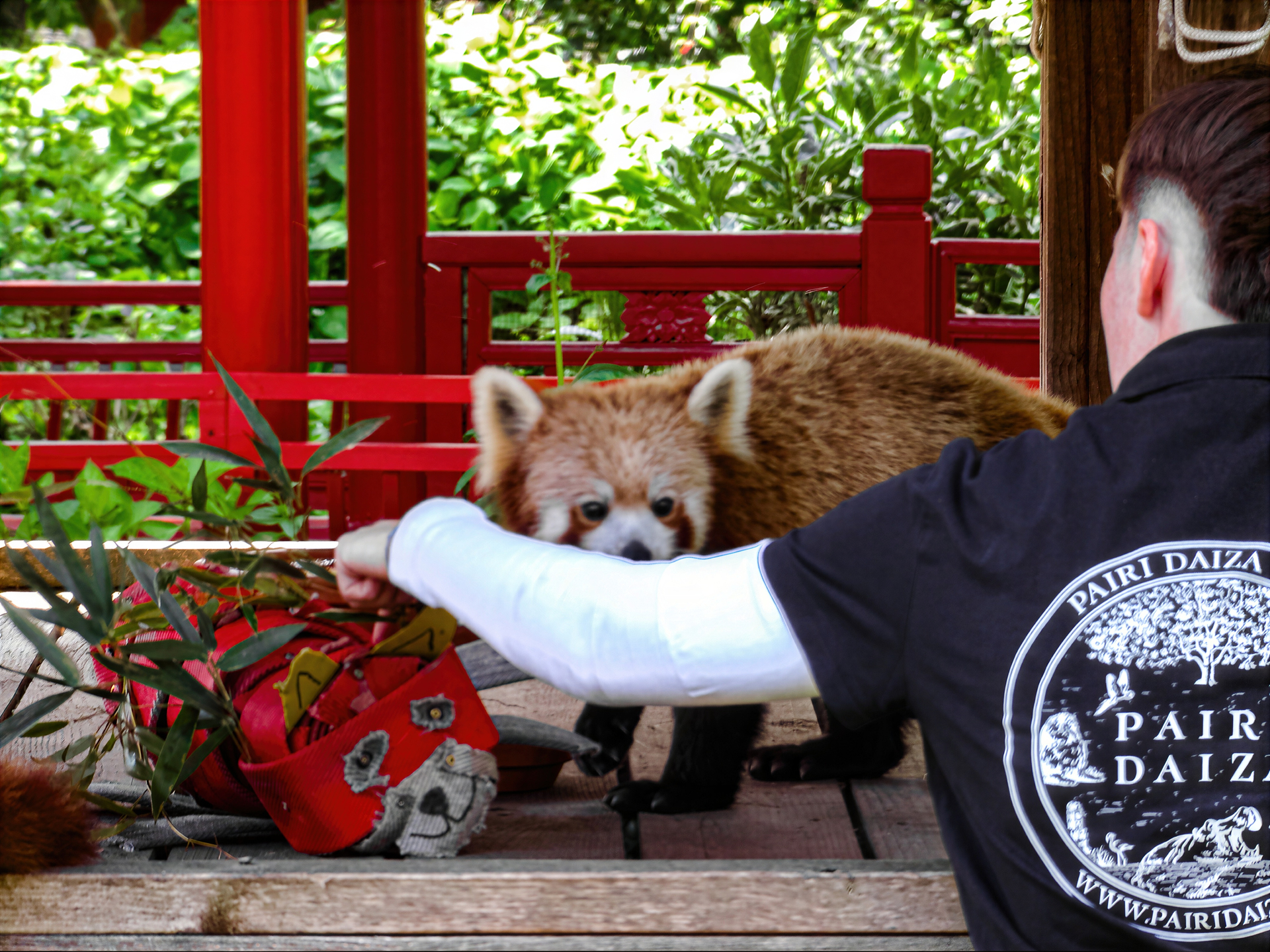
I was able to fix my poor focus on the red panda. I initially tried Nano Banana, but the result wasn’t great. It was barely deblurred. The difference was very, very subtle. So,
I used Subtle Redefine with Prompt instead and finished by scaling with Wonder 3.
Red panda with its keeper
The difference is striking. In some cases, Reefine Subtile with prompt can work wonders to deblur photos with poor focus.
As the creators of Wonder, we trained this model specifically to handle demanding, high-resolution upscaling tasks. Distilled models like Klein fall short when pushing to targets like 100MP (4X), where their architecture becomes too slow. Additionally, Klein introduces too many creative hallucinations, whereas our users expect strict fidelity to the source image. That’s why our self-trained architecture remains the superior choice for this engine. However, Klein remains on our list of potential tools. We keep an open mind to all powerful models to ensure we can always deliver the best features to our users.
2 Likes
Yeah this image is really tough.
I’ve been running hundreds of tests lately, and your model is very good but only for outputs that aren’t too large. I’ve noticed that in “auto” mode (without selecting any multiplier), the output is always set to 12MP, and it works perfectly that way. But if you try to upscale to 100MP or 200MP (even 400MP), some areas are blurry and lack detail (like skins) while other details are very sharp creating inconsistencies. I think this is because the image is divided into so many tiles that the model loses track of the image’s context and doesn’t understand what it’s trying to reconstruct. This is a common issue with AI upscalers
Thanks for the feedback. I received a similar note from @christian_p_schaefer and am actively working on an improvement. You are correct—the model can lose track of the overall image context once the target resolution hits 100MP or larger. This is a known challenge with global context retention at extreme scales, and I am currently testing a few ideas to solve it.
4 Likes
14.000x14.000pix and more what do you want with that ? print on a 50x50m wall in 1mm resolution ?
in reality it is not need what you want ^^
1 Like
the usual way on all ai-upscaler is to split the image into 4/8/16 parts and after reasamble with a bit blure on edges… (SD-Upscaler) …
btw why focus on 100MP upscale, not 0.3MP(512x512) upcale x4 ?
Based on user feedback, the vast majority of our audience consists of professionals who require high-fidelity upscaling to high resolutions (typically 24MP and above). While small-image restoration remains important, we are shifting our balance to prioritize predictability and high-confidence fidelity to meet the rigorous standards of professional workflows. Therefore, we delivered wonder3.
And as you can see meeting these professional standards is exceptionally challenging. On one hand, we have to solve the tiling issue. On the other hand, we need to optimize the model to run fast locally to protect user privacy.
4 Likes
Yeah, in this specific case, it was Subtle Realistic Redefine that was the winning model to fix the blur problem for the first pass of improvement .
Here’s an example of what we were talking about yesterday. Input of just 0.33 MP. Auto mode suggests x4, resulting in 5.35 MP (right), and with x6, the output is 12.03 MP (left)

This is with the 16GB VRAM profile (VAE 1024/128, DiT 512/64). There is no better profile for the model. With x4 and 5.35MP, the model understands the image and reconstructs it accurately by understanding the body’s position. With x6 and 12.03MP, the model does not understand the body’s position and attempts to reconstruct the foot in the wrong direction.
And that’s with small inputs and small outputs. With 200MP outputs, things get worse.
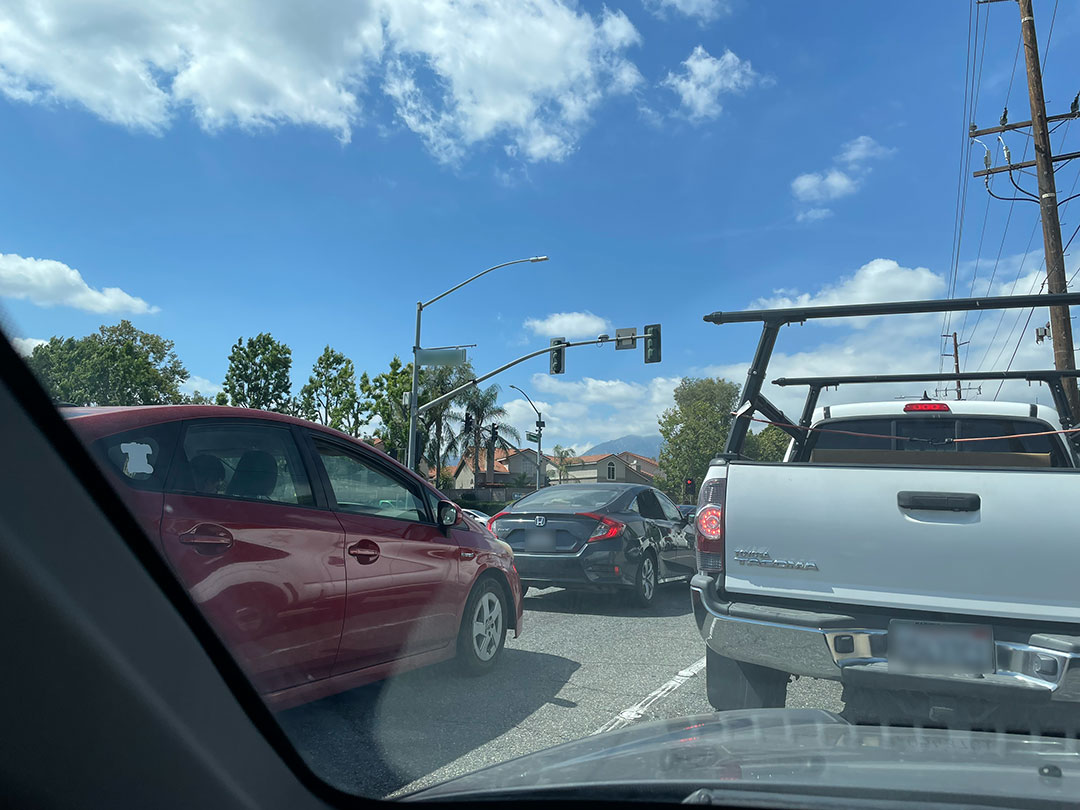
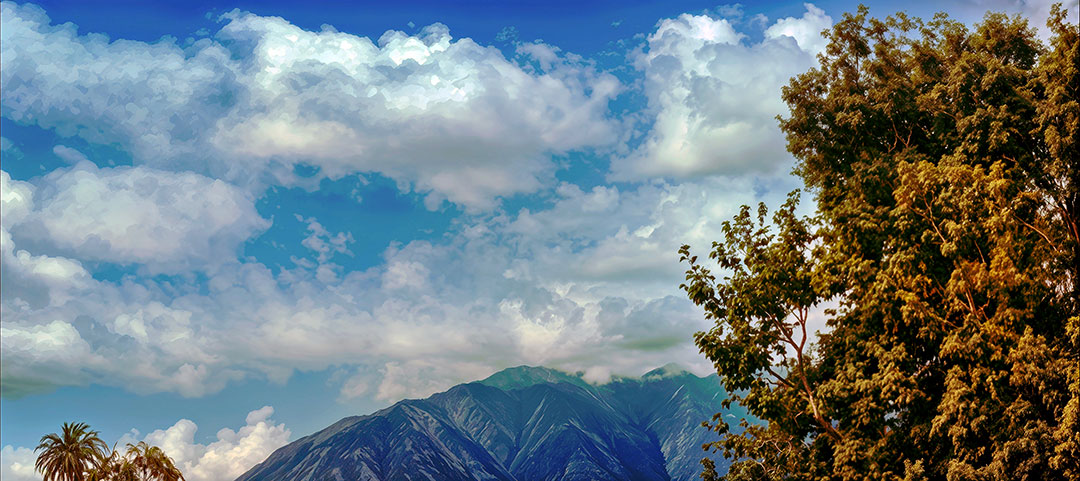
Working on some new radical scenic enhancements. Got a crash while trying to open a second image while the previous one was processing in the cloud. Upon relaunch, that second image completed on its own:
Triggered by Thread: 36 QThread
Exception Type: EXC_BREAKPOINT (SIGTRAP)
Exception Codes: 0x0000000000000001, 0x0000000187649bac
Termination Reason: Namespace SIGNAL, Code 5, Trace/BPT trap: 5
Terminating Process: exc handler [53292]
Application Specific Information:
BUG IN CLIENT OF LIBMALLOC: memory corruption of free block
Abort Cause 37571513344
2 Likes
