Thank you for sharing the results
Feature request: allow Wonder 3 to render the number 5 
5 Likes
I like that 
Some “before/after” comparisons with Wonder 3 + subtly realistic Redefine. With Flux2 Text2Image and Juggernaut-Z image generations:
Mecha zero: rainfall operation v1
Mecha zero: rainfall operation v2
Mecha zero: rainfall operation v3
Mecha Zero : opération pluie v4
So I changed the color of this one to give it an effect like in Tron.
The final result is really not bad because I then added a darker look and a bit of HDR which gives a bit of a Chat GPT look with its Image 2 model.
1 Like
These are… new residents in Pairi Daiza?
Hahaha no xd.
Dave is back
1 Like
I hope so, because with the prices of GPU today I won’t update mine before a long time. So if I can’t use your last models I’ll miss all the improvements, that’s sad.
By the way P5000 is compatible with RTX so it should not be a problem ? And I do think that I’m not the only one with an old fashioned GPU like this.
A family photo I’ve used in the past to see what the various models can accomplish.
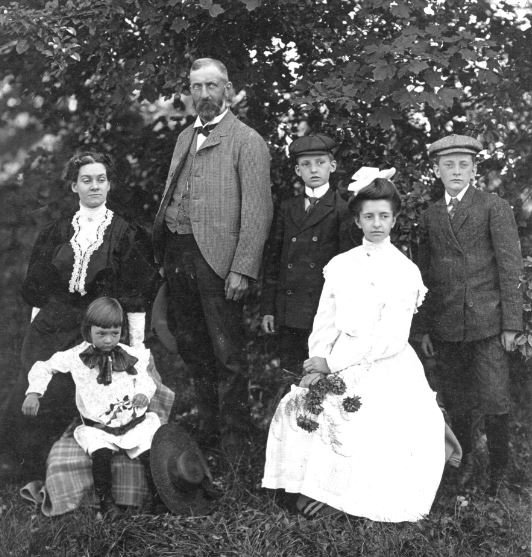
Wonder 3
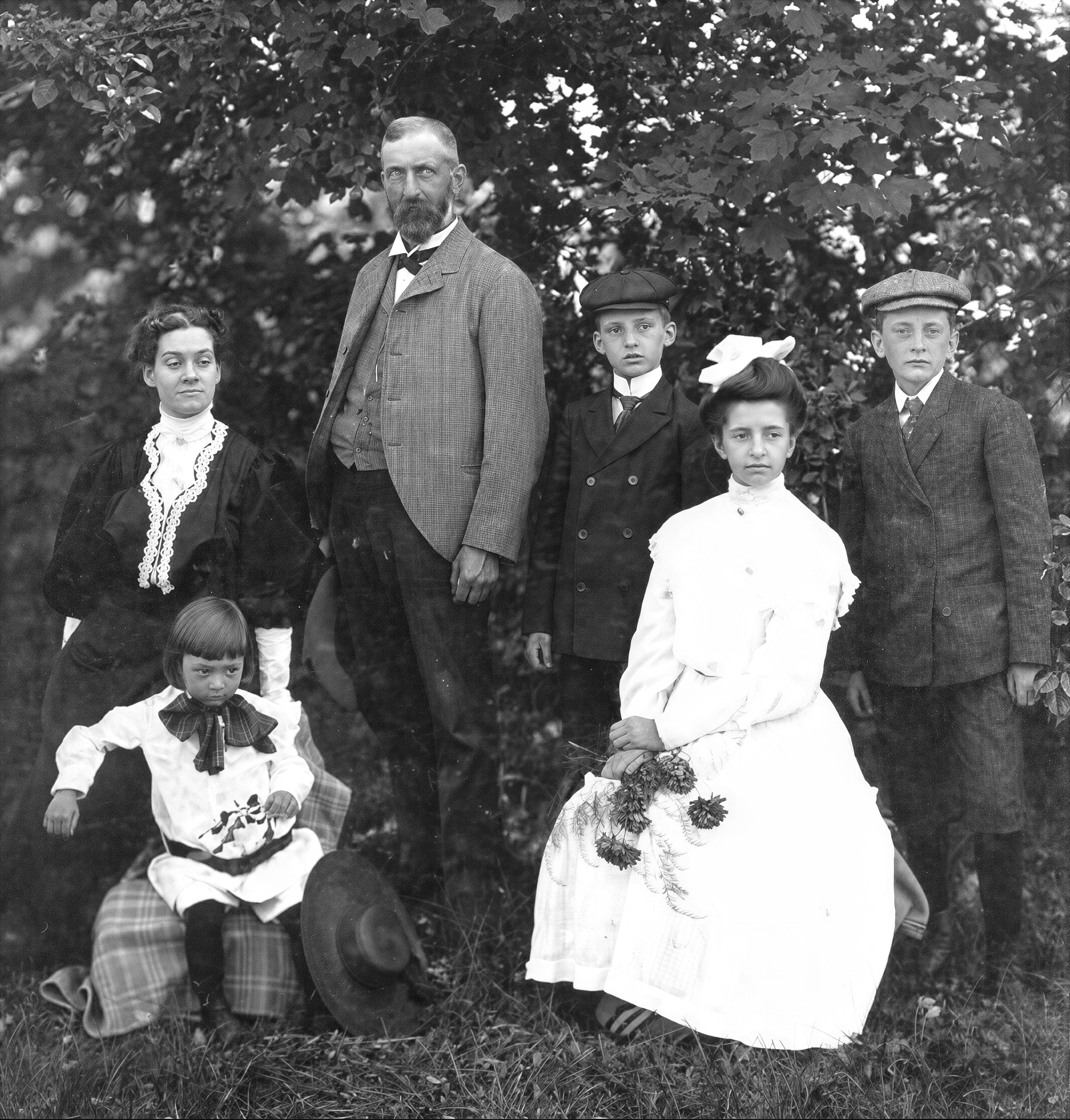
Standard Max with FaceAI 3
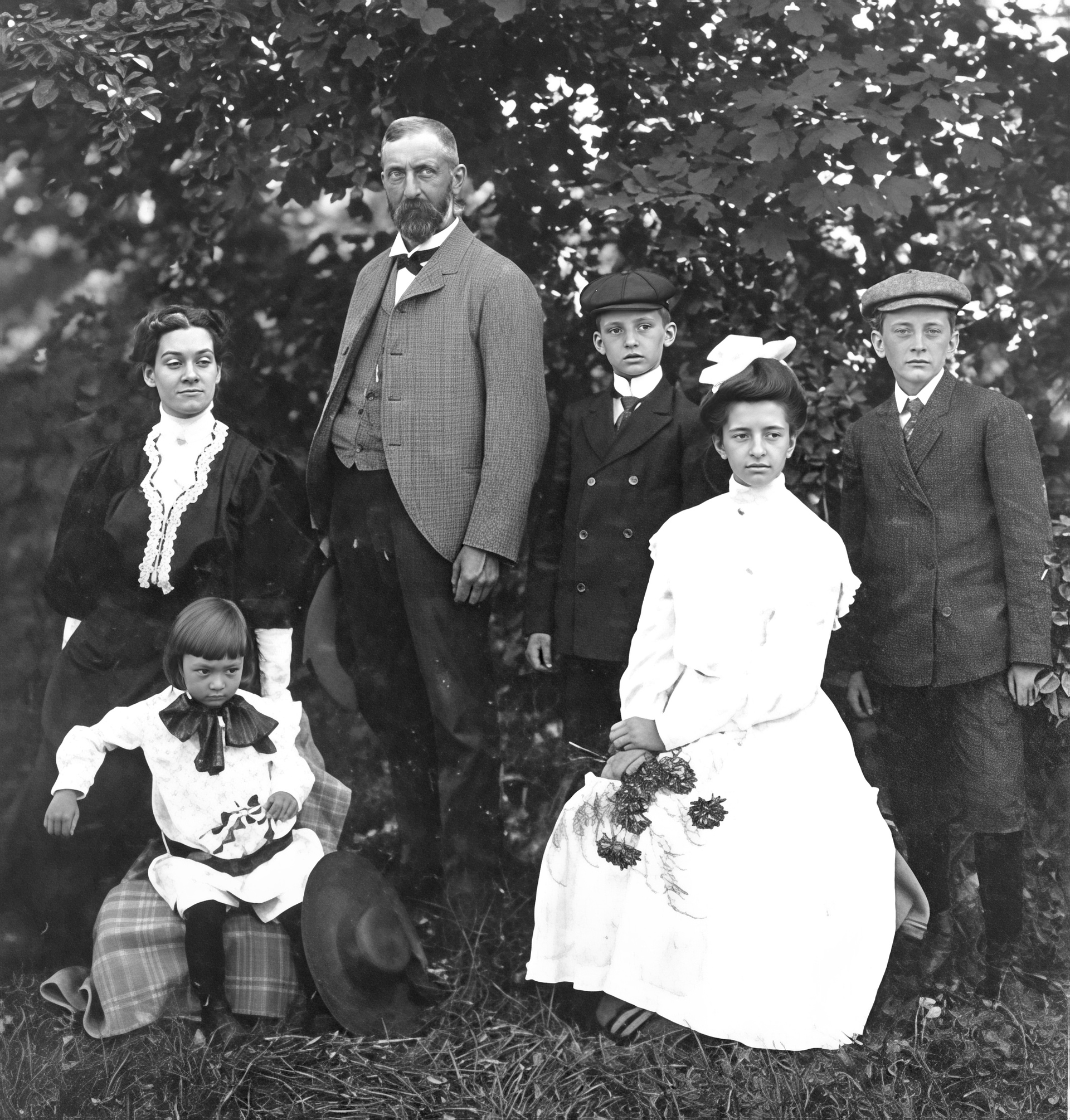
Earlier versions of FaceAI would try to add glasses to my wife’s great-grandfather, so version 3 actually is an improvement.
1 Like
It’s not bad. But if you combine the enhanced super detail with Wonder 3 and facial restoration with Standard Max + Face Recover 3, you can get the perfect restored photo. Because I noticed that in the enhanced Wonder 3 photo, the boy on the far right of the image has the skin of someone at least 40 years old. Whereas in the Face Recover 3 photo, his skin texture is more natural and corresponds better to his age.
I would have but Wonder 3 pops up a dialog that you can’t use Face Recovery with it.
Technically, Wonder 3 has a Face Recovery feature included inside the model. As seen here, results from it can vary.
Thank you for showing the examples
After updating to this version anytime I try to use a model that requires the neuroserver it simply sits there doing nothing, or takes forever rendering an image without using the GPU at all. If i switch to another model that doesn’t use it that model will now not work , until i kill the neuroserver in task manager and then it will work. Any idea what that might be?
I have uninstalled and reinstalled a few times
I also had this same problem. Finally I found out that this happens when in the Settings > Face recovery > Parts to enhance is “None selected”. after selecting at least one item for this option the problem fixes!
am i the only one getting insanely slow speed after 1.3 update? macbook pro m4 max here…similar files before upgarde took like 1/10th of the time…i deleted model cache and mlcore cache
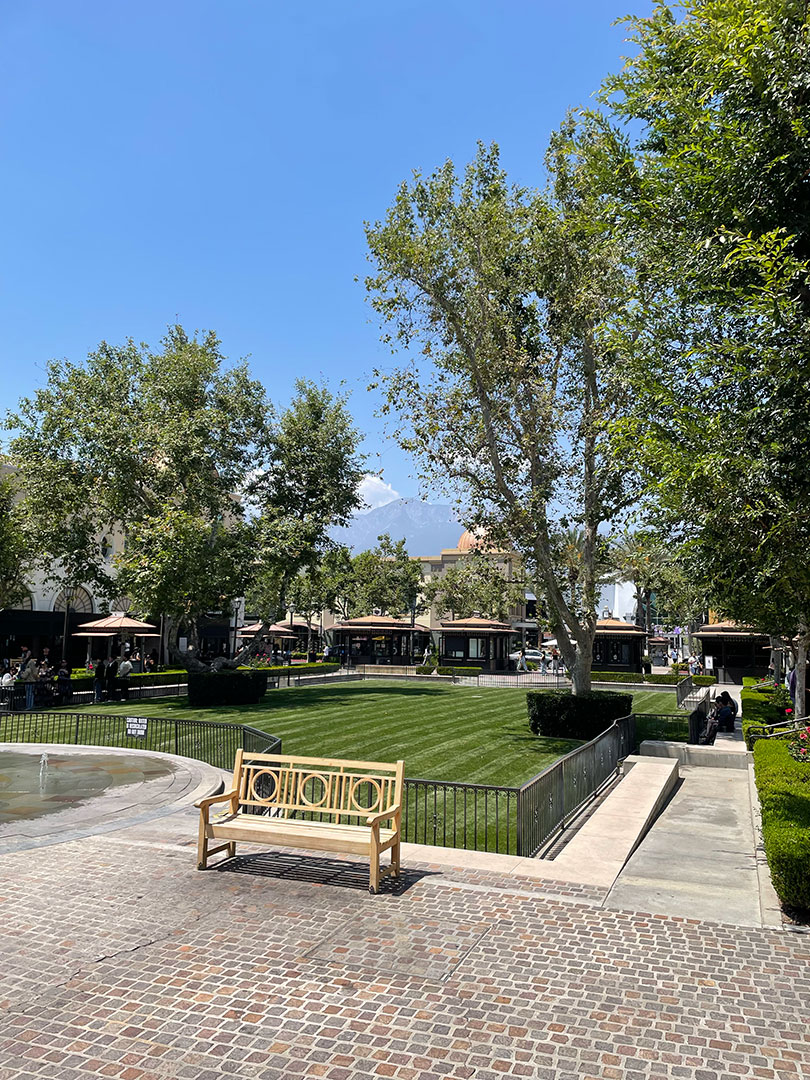
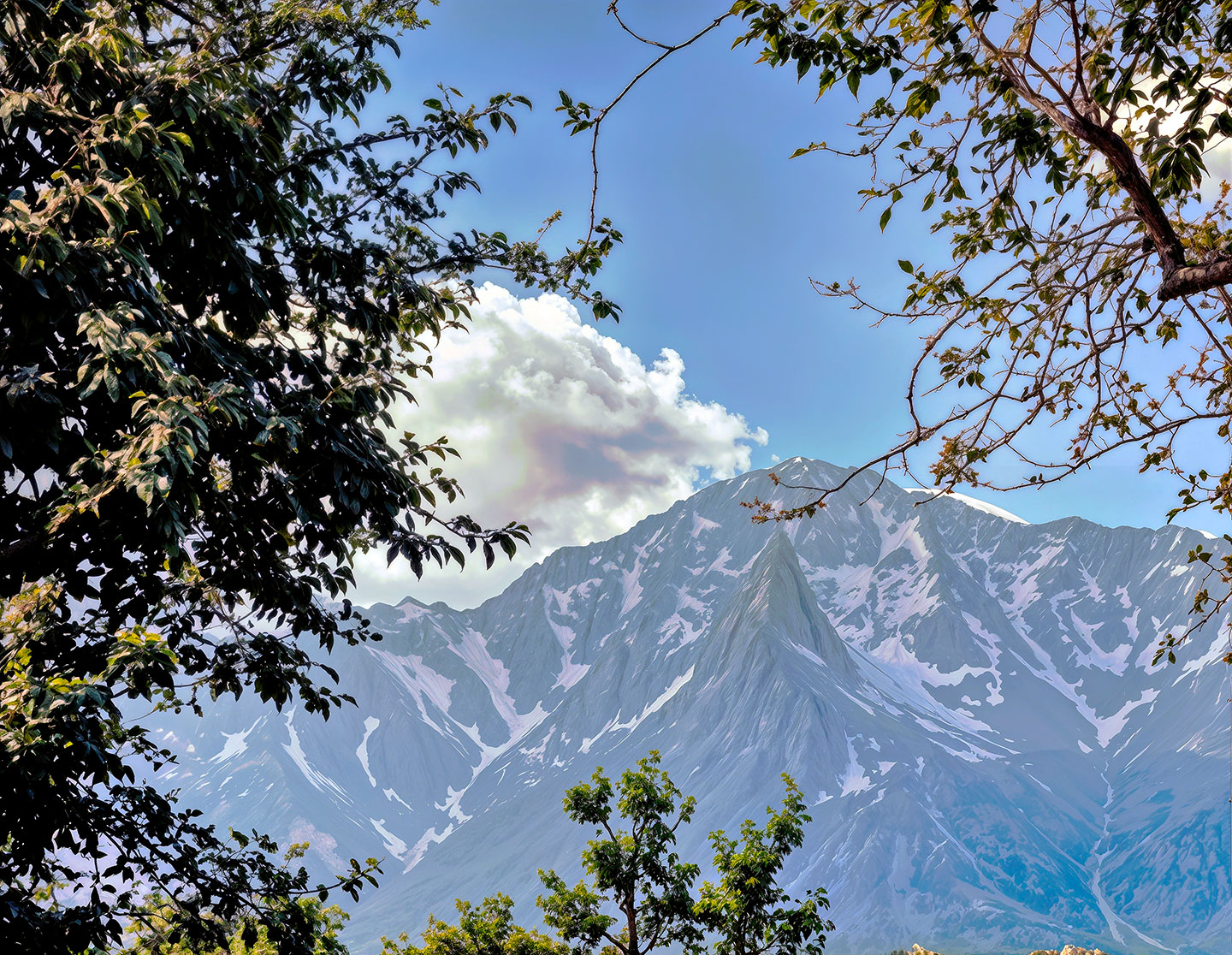
In fact, when I talked about mixing the two variants, I meant doing it, for example, in Photoshop or any other similar software in order to mix the best parts of both variants.
High Fidelity v3 works well, but it has a rather significant flaw: it doesn’t accurately reproduce the colorimetry of the source image. It introduces a slightly green tint. Visible here on the right.
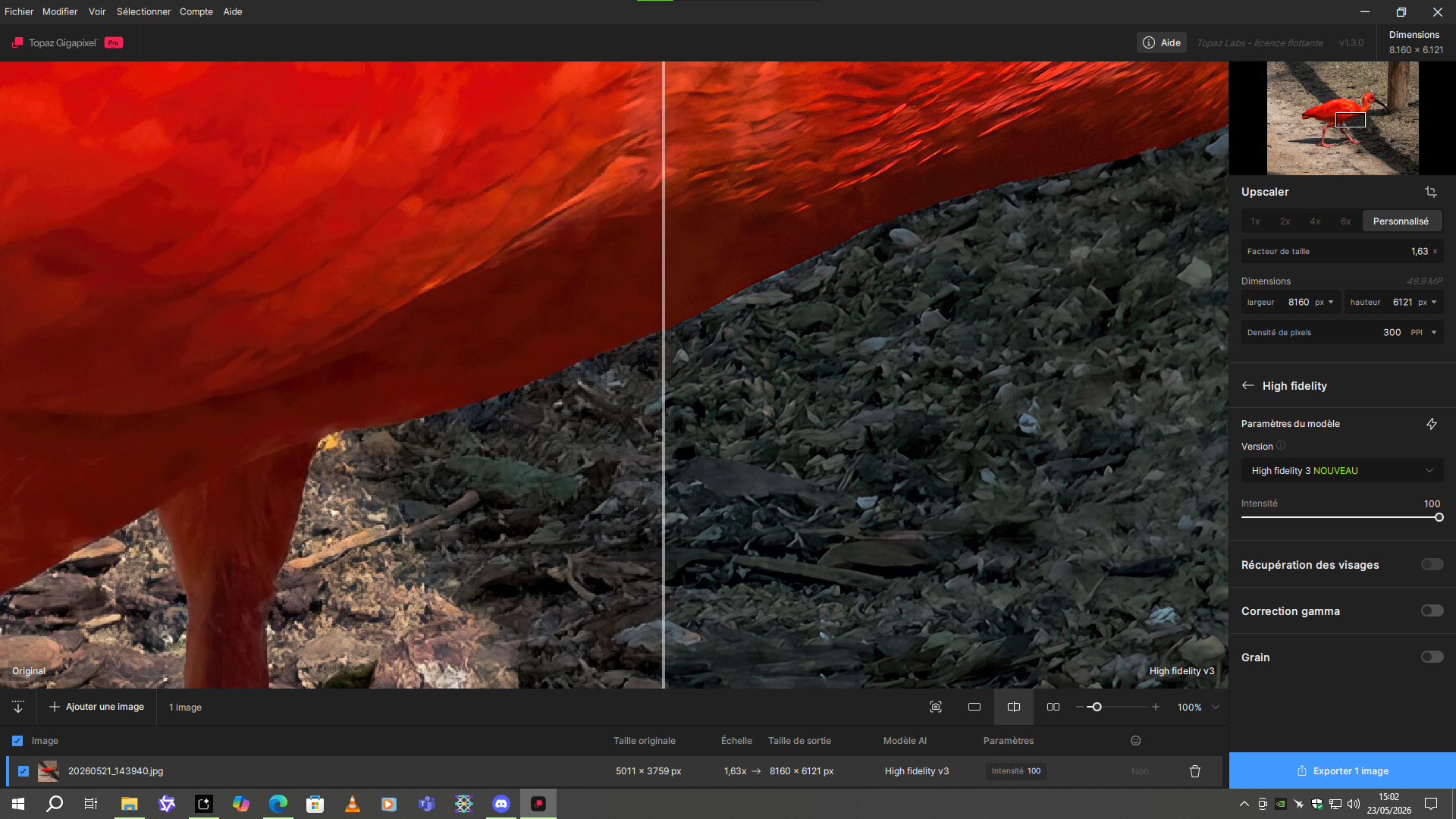
And enabling or disabling gamma correction makes no difference.
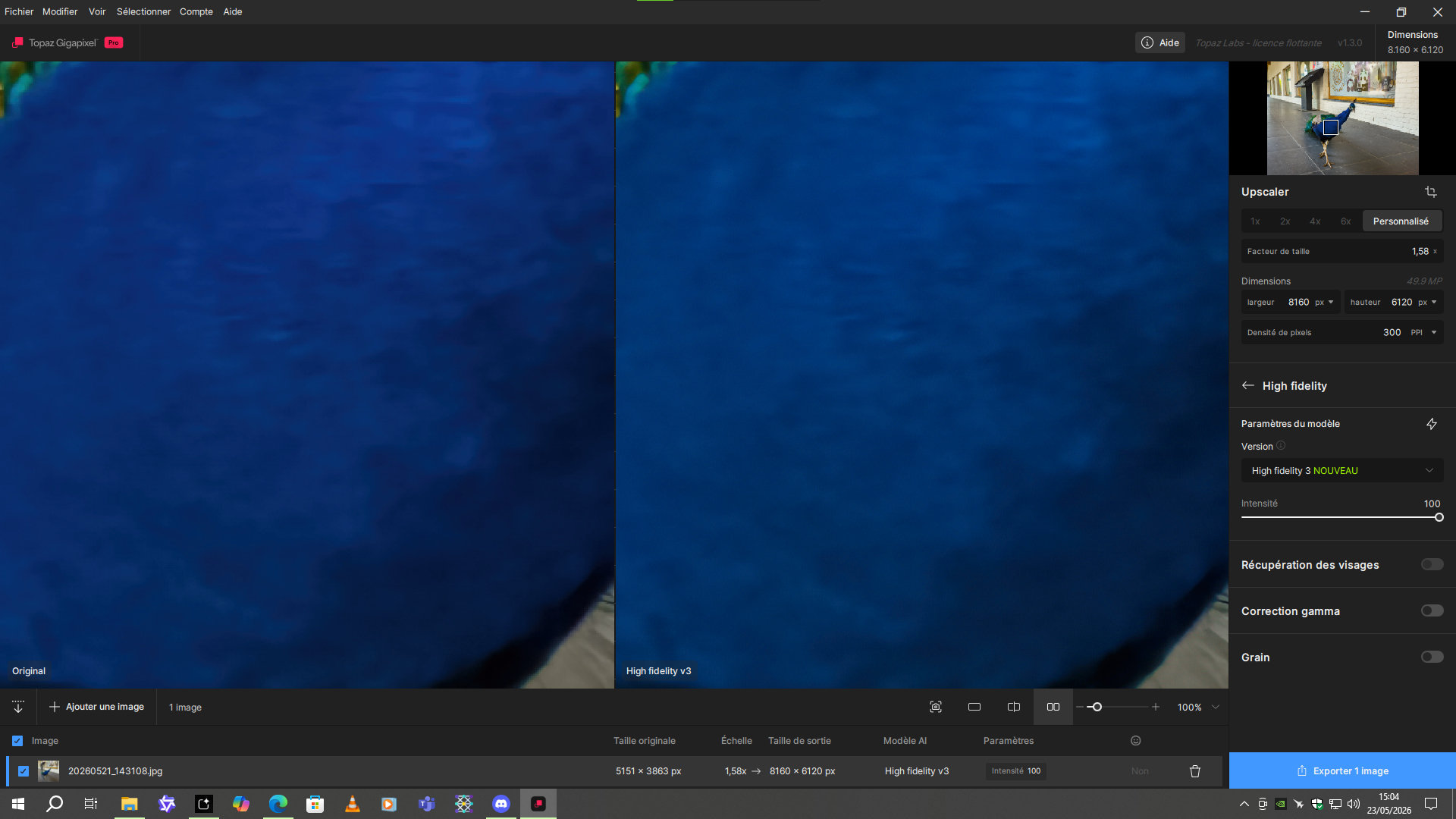
Perhaps more visible on blue.
The original picture looks very nice too. 
Thanks, quickie grab shot just for this exercise!


