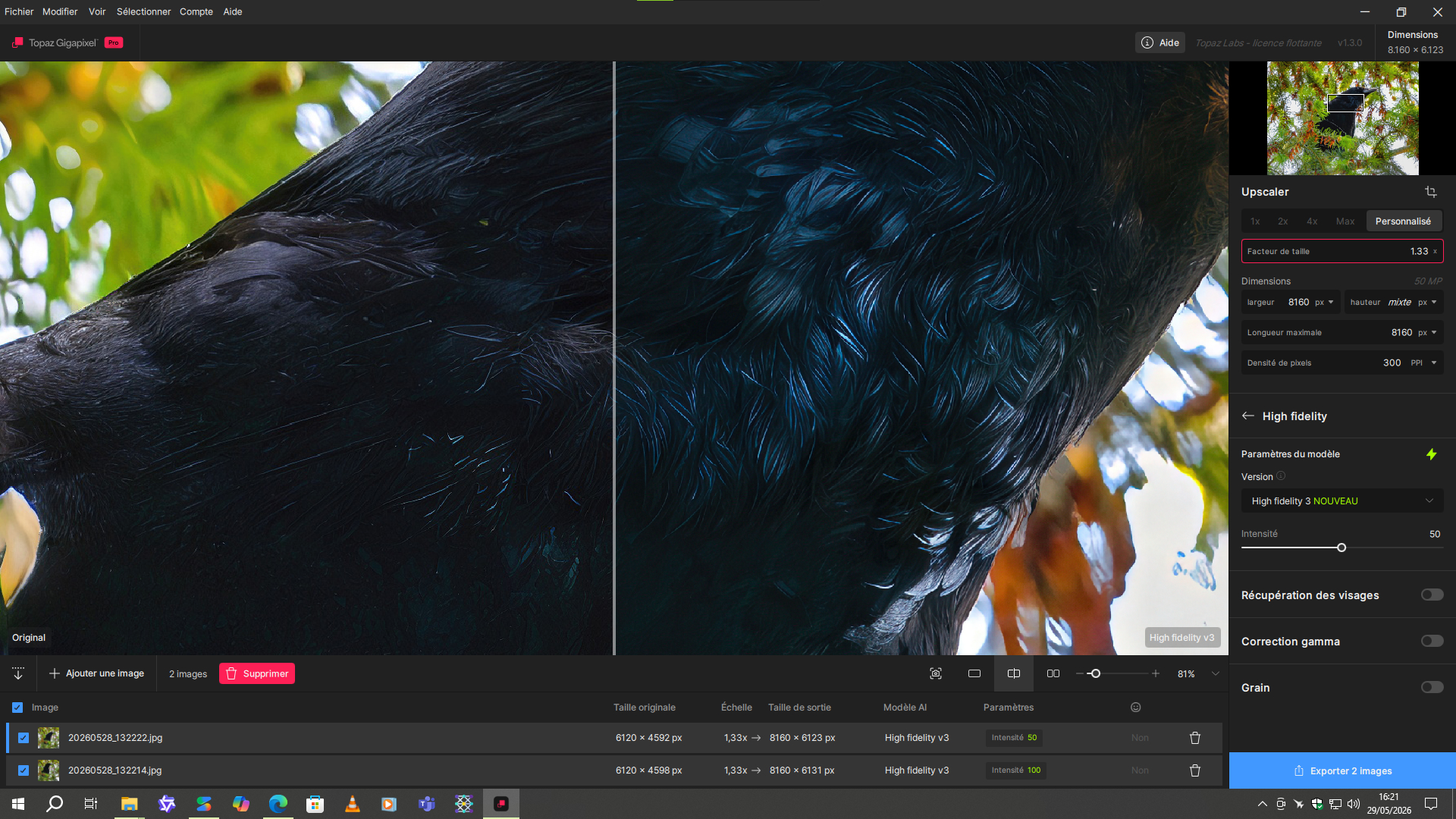
This is an extremely blatant example that High Fidelity v3 has a major colorimetric problem.
Hi,
While I do see some improvements with the new Wonder 3 model, I also see a big disadvantage: It does not make real use of my hardware, so it is really slow. I have a NVidia 5090 graphics card, which I actually bought only for this kind of work, but the new wonder models run minutes without significant usage of either CPU or graphics card.
I hear on other discussion forums that some people try to blame it on the MS tools not showing the real load of the graphics adapter, but I also monitor the power consumption of the overall PC, and while Topaz Video runs my PC with ~750W power from a fully loaded GPU, Wonder 3 consums roughly 250W, which means the GPU is far away from being maxed out. You don’t even need the monitoring, you notice the difference easily by the fans not spinning up at all.
Is there any hope for a release fully supporting the graphics adapter or do I have to tune anything for it?
The system: Core Ultra 9 285k, 64GB Memory, NVidia 5090
I am also experiencing a few issues with this version.
Initially, I ran into a problem where not a single model would run.
Someone on this forum offered a tip: under the settings for “Face detection,” you must select at least “Hair” or “Hair & Neck.”
Once that is done, all the models run.
“Wonder”: It takes a full minute for anything to happen—specifically, for the model to load. It consumes a significant amount of shared GPU memory, which may potentially prevent the GPU from being fully utilized (I have an RTX 4090).
I just noticed a small detail. The Redefine Creative Weak model gives much better results on bird feathers than the Redefine Realistic Subtle model with the same prompt. It’s just crazy  . Knowing that, in principle, the creative model is designed to be more hallucinatory than the realistic model. But the realistic model is very good for fur and hair, for example. But not for feathers, which gives a horrible result that looks like a mixture with fur. The weak creative model preserves the context better and simply enhances the feathers without making them look bizarre.
In this comparison example, I used two passes of Wonder 3 to completely remove the poor resolution and grain typical of smartphone photos. Then, I used a little Recover 2 for the beak and legs. Next, I used Hypir AI in ComfyUI to significantly improve the plumage and its eye, and I finished with Redefine Creative Low Texture 2 with Prompt.
carrion crow (1)
I only have one step left: scaling it to 50 megapixels to complete the photo at 100%.
But even here, the result is not bad.
Other example:
carrion crow (2)
Coming back to Wonder-3:
Actually, there is not much more memory available than a 5090 with 32GB except for extremely expensive AI accelerator cards - and the memory graph of the graphics adapter also shows far away from maxed out. There is usually a long period (1-3 minutes) where the graphics adapter shows ~10% usage in 3D and in ~20% memory and the graphics card power is below 100W and the CPUs are all completely empty and also not consuming any power. So where does the time go?
@partha.acharjee could you look into this?
Hi @andreas.werner-6199, this is the initialization time when you open the app and run the first image. Subsequent images should start processing within 10 seconds. We are working on reducing these initialization times. On a 3080 laptop, it took less than 3 seconds per megapixel of output, so it should be even faster than that on your 5090.
It’s not a crow/raven. But It’s a carrion crow.
I didn’t understand the reference. If indeed it is one.
That’s 10 minutes for a 200MP output 
For a 3080 Labtop.
Yes, as you write. However, it might be a joke  . I had to look up what type of crow it was myself, I don’t know much about birds. Your crow is a very pretty bird, I didn’t know it before:
I’m sorry Harald it was meant as a joke, a wordplay, Carrion/carrying. I forgot you use a translator. The emojis were a clue
Yeah, jokes in another language aren’t easy to understand.
I understand. Sorry. No hurt intended.
2 Likes
Don’t worry 
3 Likes
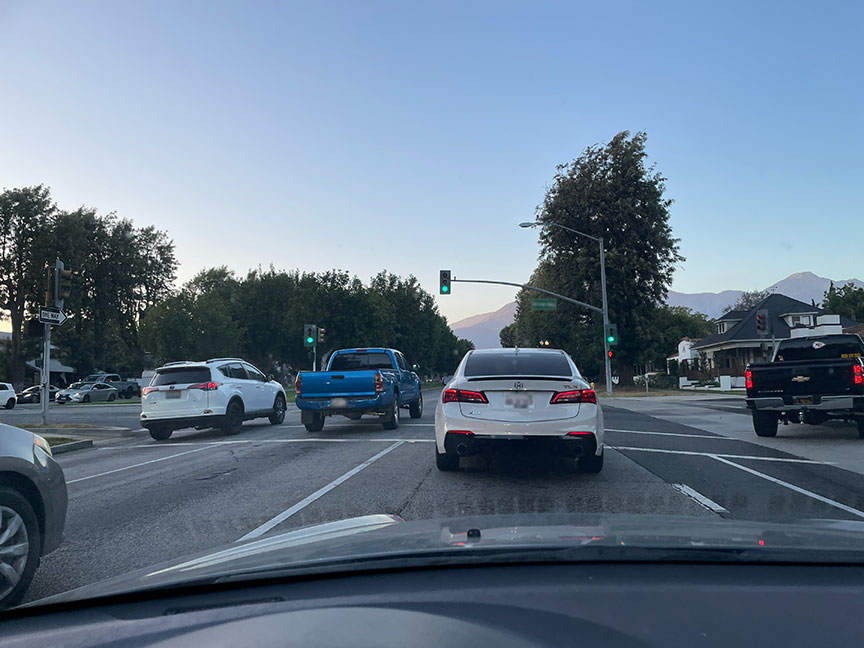
Shot this evening for this project! Original, GP Redefine>Creative @ 6X and GP with Radiant Photo and ON1:


3 Likes
Hello Plugs.
I’ve looked at a post (4 pictures in a group) that I made a few days ago that may seem that I was making fun of you. That wasn’t my intention and if it was perceived as such then please accept my apologies. I was trying to make a post without being accused of going off subject and was clumsy in my wording.
Respectfully yours Robert.
Hi Robert, I saw your post earlier but didn’t have that reaction at all! I actually didn’t understand what you were showing
