i did this and deleted all Topaz Gigapixel folders. I have also installed “Gigapixel AI 8.44” (founder customer). I think i observed a message while reinstalling Gigapixel like “copy models from legacy install”, but i am not sure, but i think it copied some files instead of downloading.
Please contact us at help@topazlabs.com and we will investigate further.
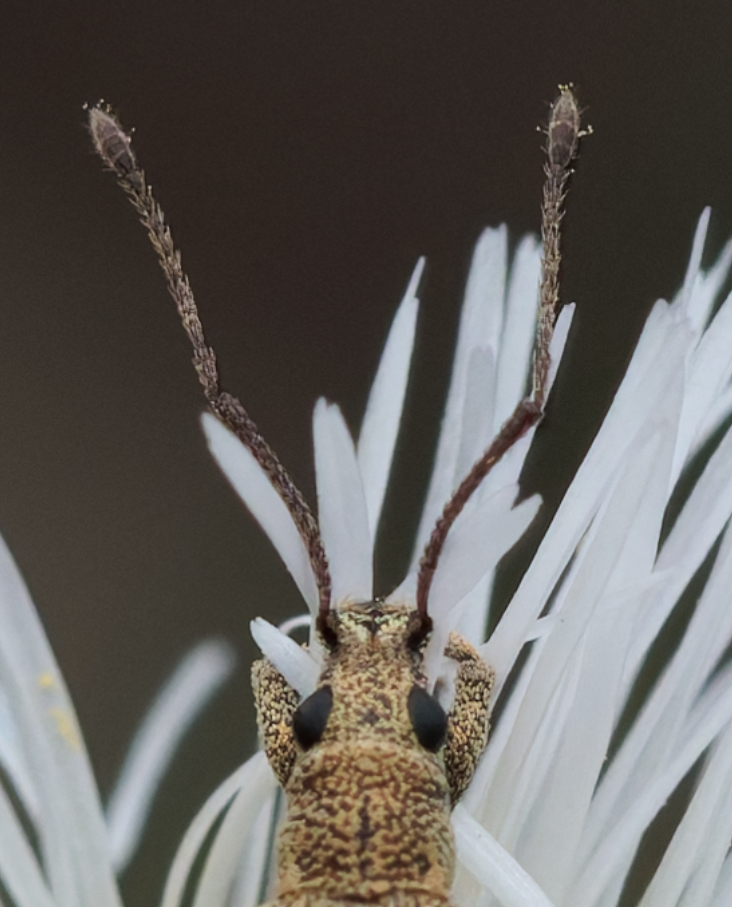
I tested with HF v2 (Sharpen = 4, Denoise = 8) vs HF v3 (Strength = 30, which seems to be the optimum value for this photo)
Upscaling 1.34x with same starting tiff file. While v2 takes a good amount of time to process the image, v3 is much faster, as if it actually didn’t do much.
Crop from v3 result:
and crop from v2 result:
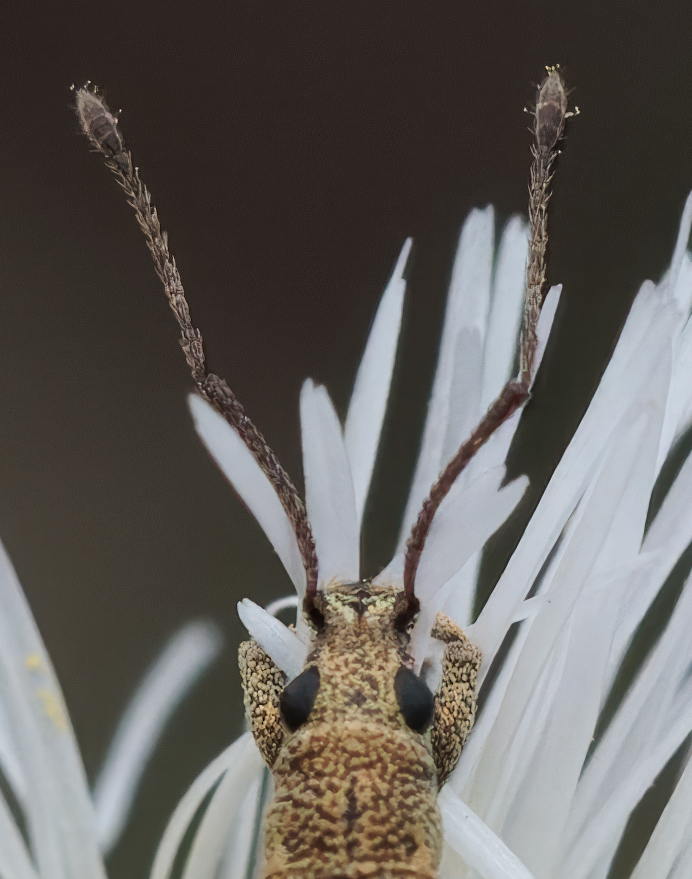
Details from v3 are not on the same level: the image is not as crisp and, background noise is worse. It looks as if sharpen and denoise were taken out of the equation
1 Like
Just a heads-up for the users, who are encountering errors on export or ‘no preview visible’ for Wonder 3 - please do not exceed 6x as upscaling factor.
For Wonder 2 and 1 it’s fine though. 
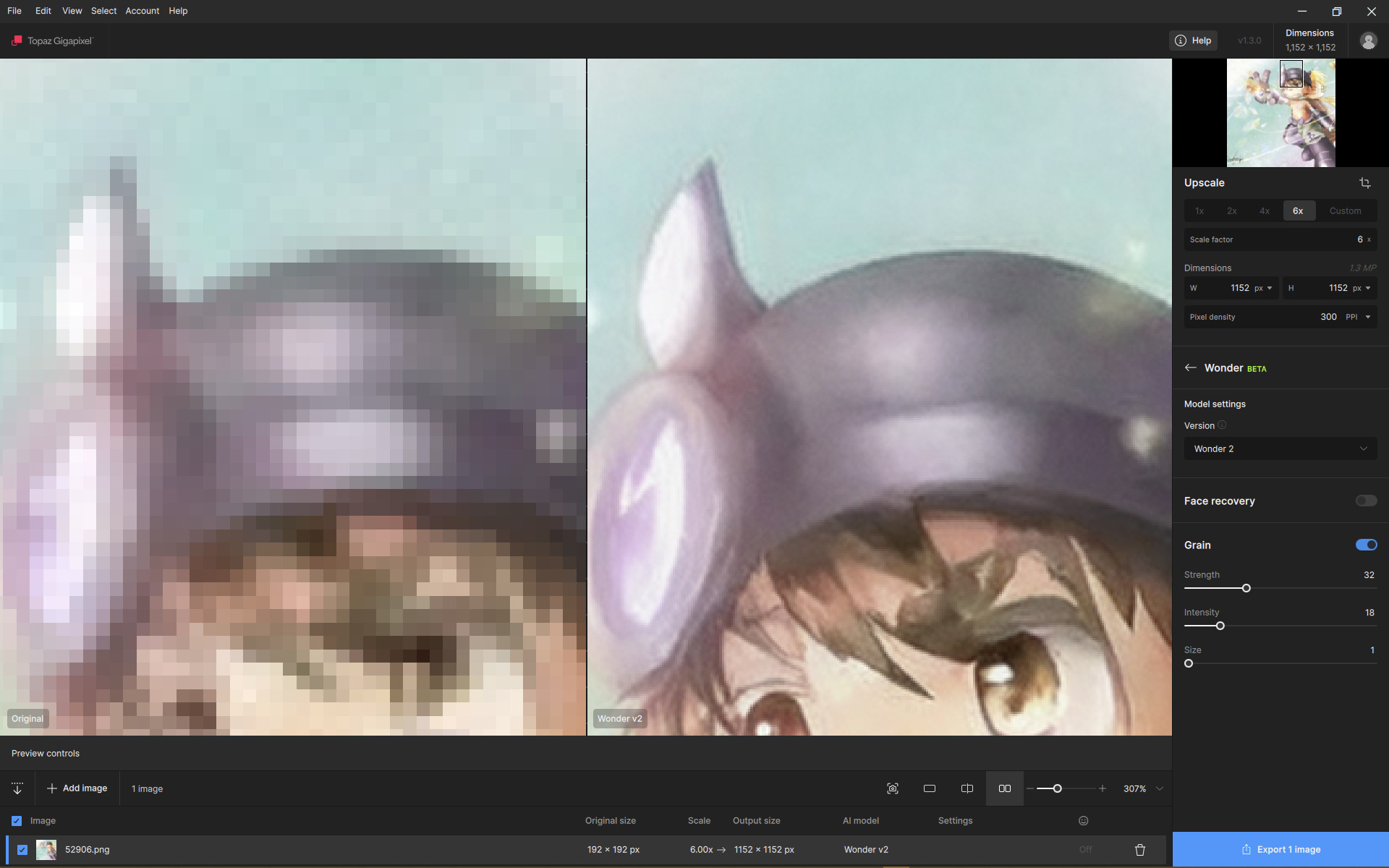
Interesting, Wonder 2 local retains (or rather tries to recreate) JPEG compression with this super-small image. It applies to current Gigapixel and Photo applications. It’s probably why Wonder 2 is so precise with raster effects, too.
Gigapixel is indeed very strong, but the others also have their strengths in certain situations. It all depends on the quality of the input image. I often combine the best and improved features of different models because each has its strengths and weaknesses.
As do we all my friend, Digiarty Software the publisher of AIarty produce other similar Apps that all do almost the same thing but, cater for different markets WinX Apps, the AIarty Line and one I have their Top of the Line VideoProg Converter AI which I purchased long before all the AI was added plus they all have similar features to Topaz Studio at a fraction of the price enhancing both Images and Videos
However, in reality in my experience it’s like comparing a Reliant Robin to a Rolls Royce yes they both have four wheels although, with the Reliant you have to include the Steering Wheel but, with that in mind this video is very accurate
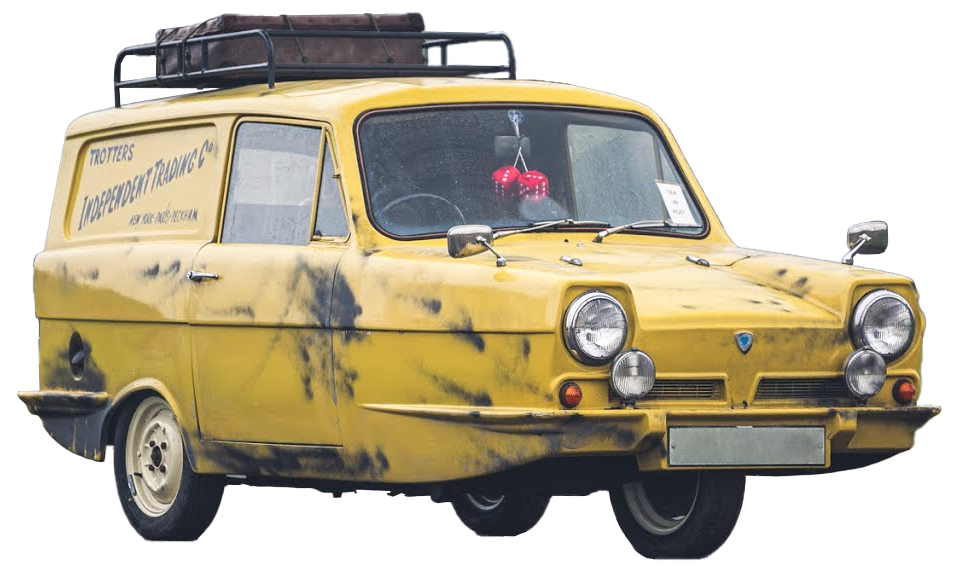
Trotters Independent Trading TiTs
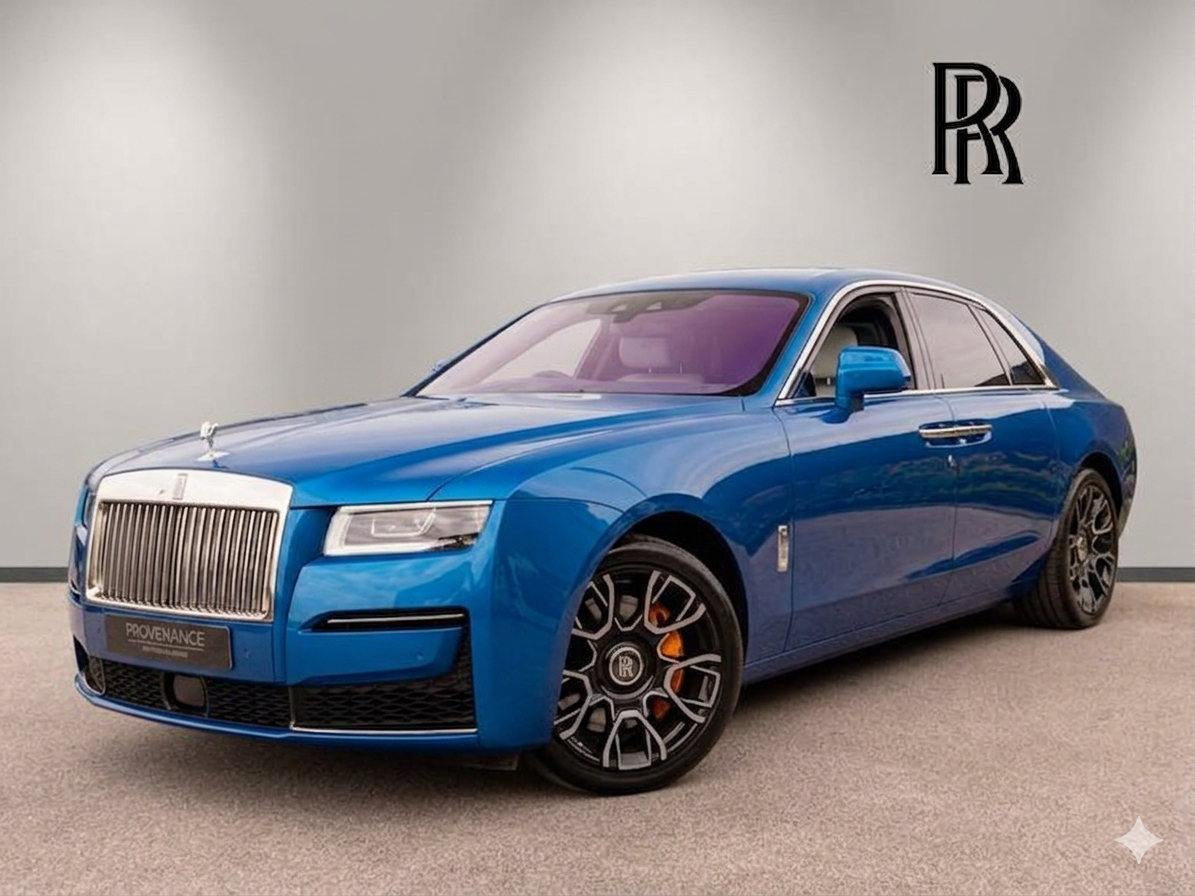
Enough fun, yes you’re right I think we all pick and choose from a variety of different sources then, combine them to reach the final result because, as you mentioned they all have different strengths and weaknesses
2 Likes
Try Topaz Photo.
Use HifiV2 >2x> then Denoise Max.
This leaves any other upscale Model in the dust for this kind of image.
1 Like
In addition, I found Denoise MAX in Photo works great for recovering Birds feathers certainly one of those what if models
1 Like
I just tested Wonder 3 on this image I found online. (More specifically, on the broken “imgsli” comparator.) I used all three Wonder 3 settings, along with a small tweak in Topaz Photo to improve sharpness in some slightly blurry areas of the image. Then I used the Adjust Lighting tool to mimic the DLSS RTX On effect from the game, hahaha.
50, 150 and 250 do not exist 
2 Likes
Omg 
I fixed it by hand…
Well to me I can still tell it’s 250. 150 is definitely changed too much. Did you use low enhancement?
Medium
One thing I just noticed, neuroserver starts running as soon as you click export instead of after confirming selections in the export menu. Just had my entire PC hard crash due to running out of memory because I accidentally clicked the export button instead of the cloud process button, neuroserver started even though I clicked on cancel in the export menu. If that’s intended behavior it might be worthwhile to add some padding between the cloud process and local export button.
Great 
Hi ! Neuroserver is not compatible with my P5000 ?
log message : [AIE] NeuroserverProcessor::translateDeviceId: no match for host GPU ‘NVIDIA Quadro P5000’ in neuroserver GPU list
[AIE] NeuroserverProcessor: GPU device ID translation failed
Is that normal ?
@partha.acharjee here is another GPU type

