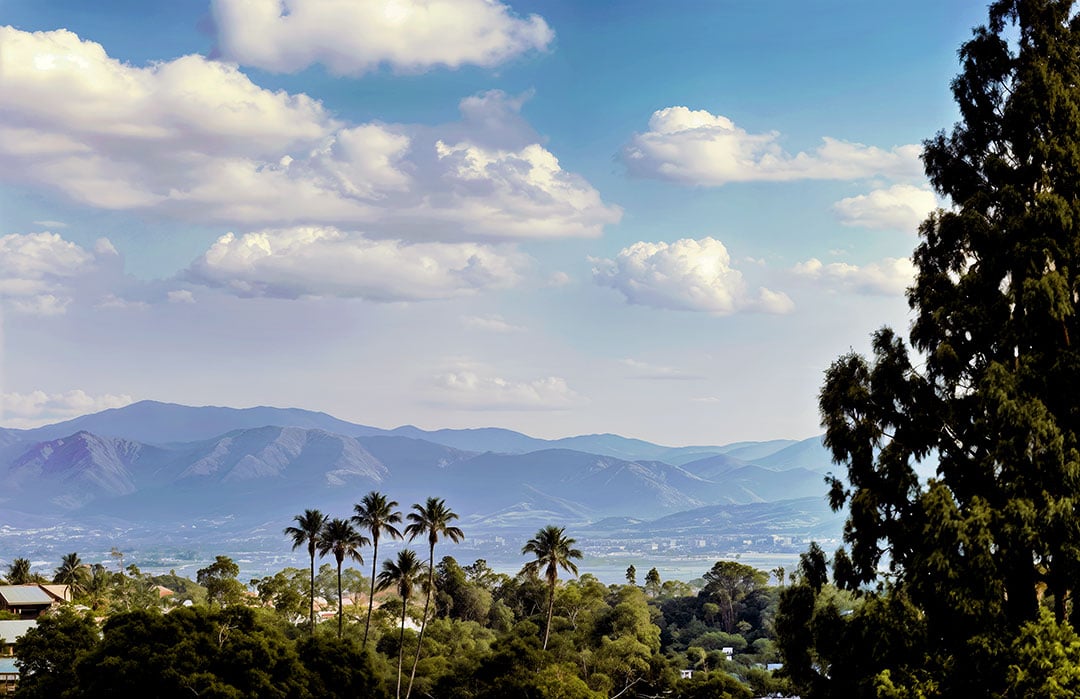
Topaz Gigapixel v1.1.3

Hello!

We’ve just released a small patch that addresses some issues. We’ve also updated our UI library which means that the new minimum version for MacOS is now 13.0 (Ventura).

For more info, please see the change log below.

Amy M.
Topaz Labs


Topaz Gigapixel v1.1.3
Windows: [Download]
Mac: [Download]
Snapdragon: [Download]
Released March 6th, 2026


Changelog:

  • Updated to Qt from 6.8.0 to 6.10.0
    • Qt 6.10.0 requires a minimum MacOS version of 13.0 (Ventura)
  • Redefined realistic is no longer marked beta
  • Fixed enterprise SSO login
  • Fixed get help dialog showing underneath other dialogs
  • Fixed M1 Recover warning’s do not show option not working
  • Fixed changing crop size not updating cloud estimate
  • Fixed text field right click menu on Mac being disabled
  • Fixed initialization being stuck in some cases
  • Fixed export prefix and suffix accepting some invalid characters
4 Likes

Thanks, just saw this! I’m about to do some more Extreme Enhancements :wink:

M2 Mac Mini 500/16, Sequoia latest.

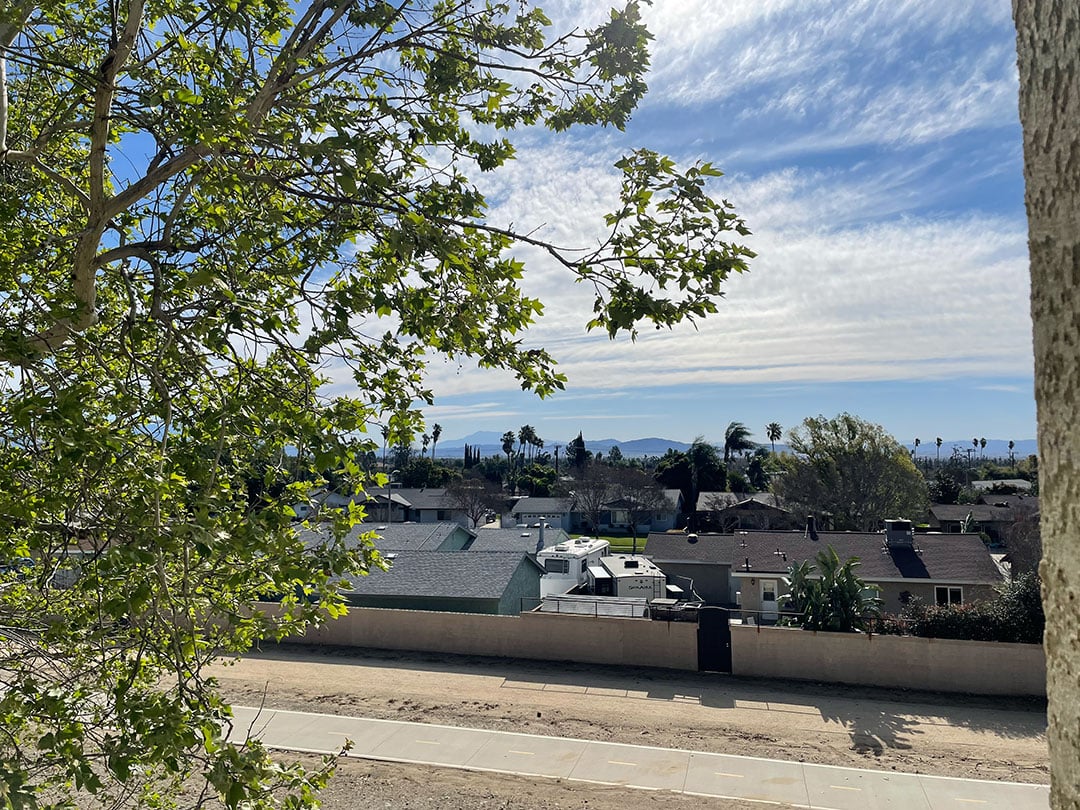
Original iPhone photo, reduced:

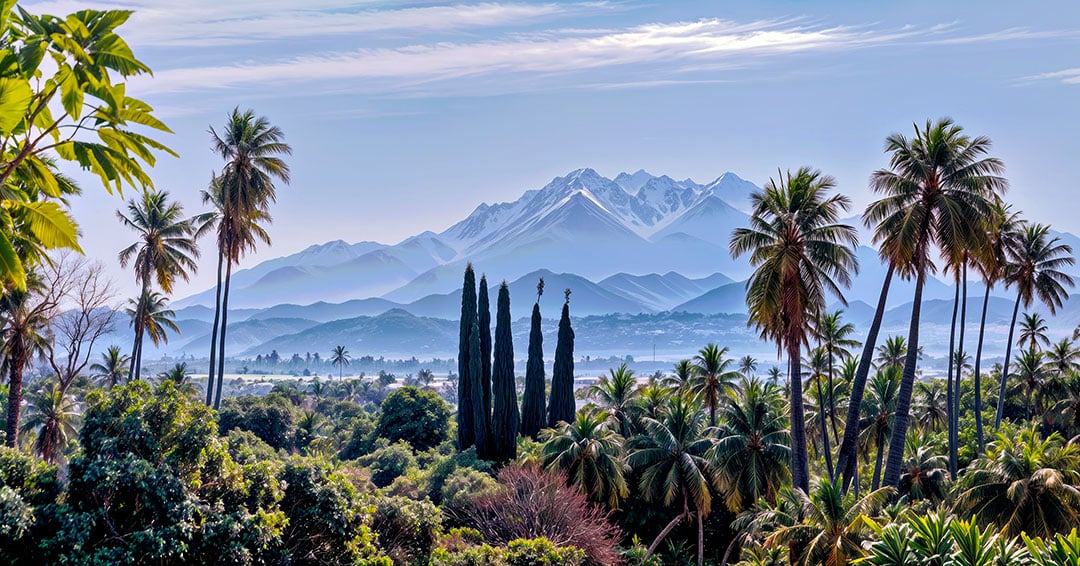
Gigapixel Redefine>Creative at 6X with higher settings followed by Radiant Photo and Luminar NEO:

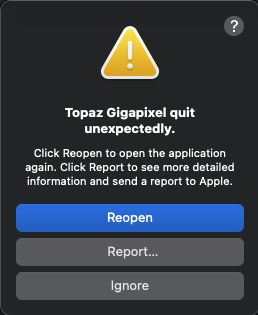
After doing a couple of these I dragged the next photo to the GP icon in the Dock, forgetting I still had the finished cloud render dialog open, and got a crash (selected portion here):

Crashed Thread: 36 QThread

Exception Type: EXC_BAD_ACCESS (SIGSEGV)
Exception Codes: KERN_INVALID_ADDRESS at 0x3d0000003d000000 → 0x000000003d000000 (possible pointer authentication failure)
Exception Codes: 0x0000000000000001, 0x3d0000003d000000

Termination Reason: Namespace SIGNAL, Code 11 Segmentation fault: 11
Terminating Process: exc handler [29490]

VM Region Info: 0x3d000000 is not in any region. Bytes before following region: 3343564800
REGION TYPE START - END [ VSIZE] PRT/MAX SHRMOD REGION DETAIL
UNUSED SPACE AT START
—>
__TEXT 1044ac000-108b20000 [ 70.5M] r-x/r-x SM=COW /Applications/Topaz Gigapixel.app/Contents/MacOS/Topaz Gigapixel

Kernel Triage:
VM - (arg = 0x3) mach_vm_allocate_kernel failed within call to vm_map_enter

After relaunching GP I just did this one, same procedure (minus NEO):

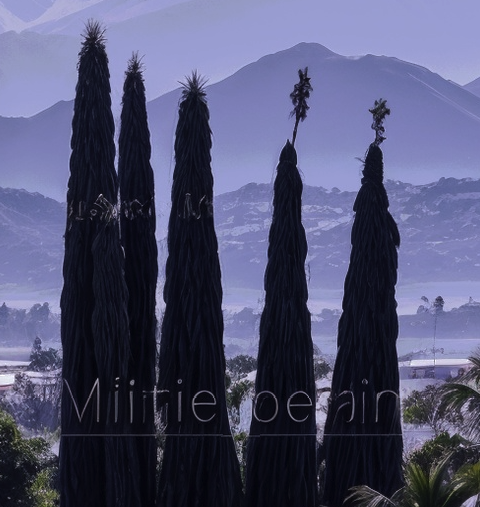
I used PS to remove the lettering Redefine added:

1 Like

Hi Amy!

Is this still Mac-oriented?

I didn’t update to 1.1.2 b/c it seemed to be a patch for Macs and I’m Win 11.

If there’s no impact or improvement to 1.1.1 for Win users, I’ll stay put.

Thx in advance.

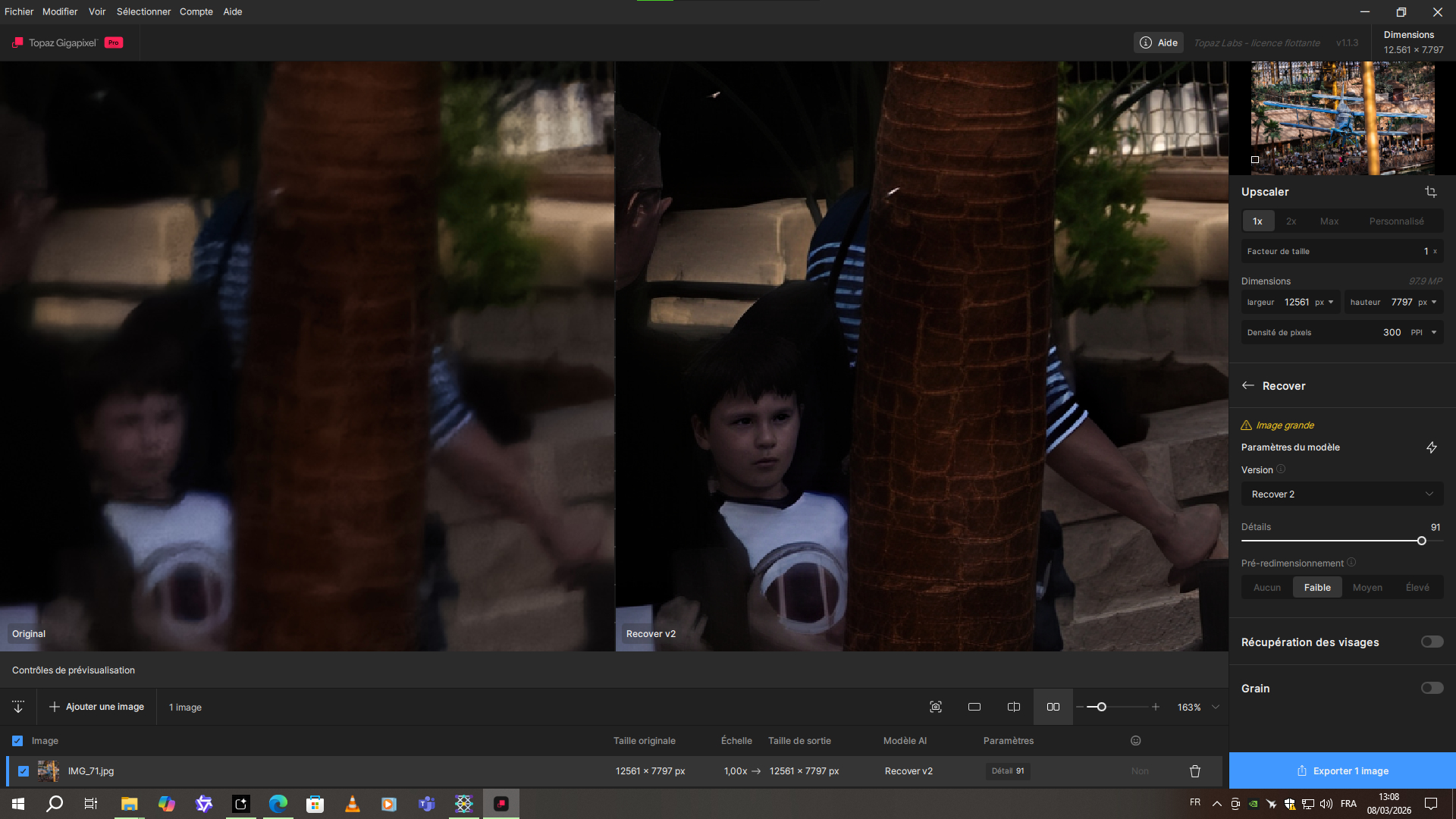
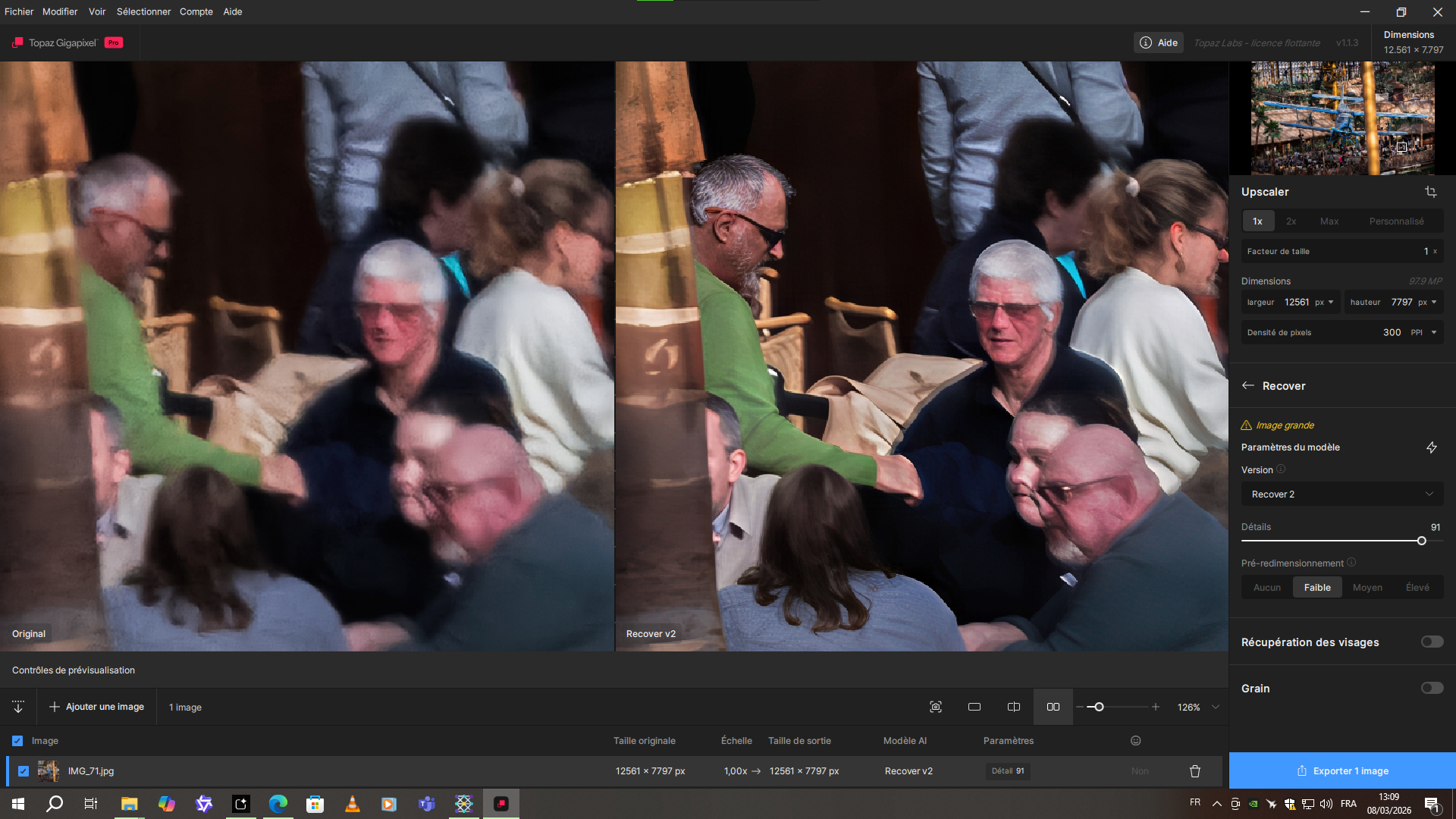
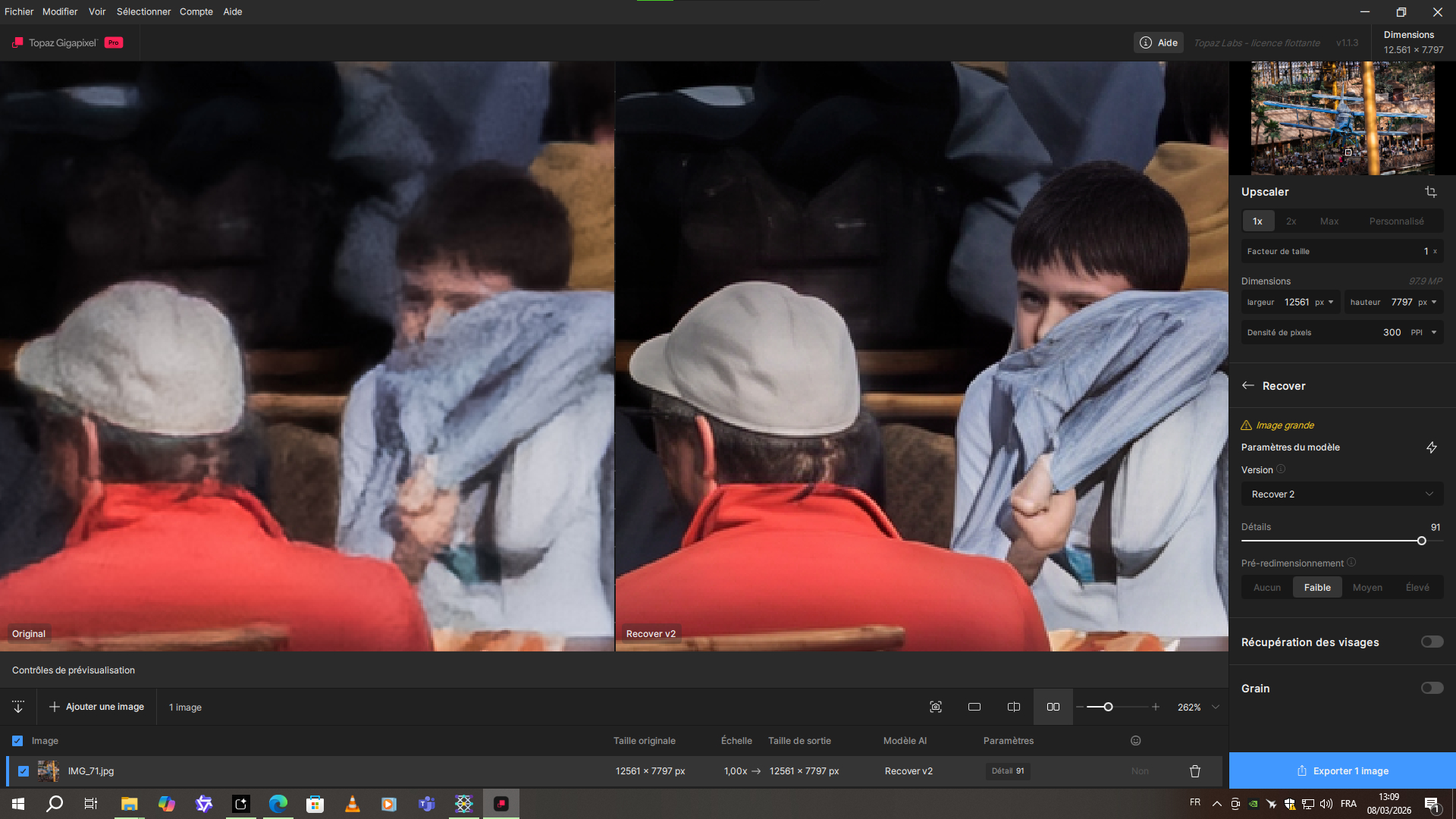
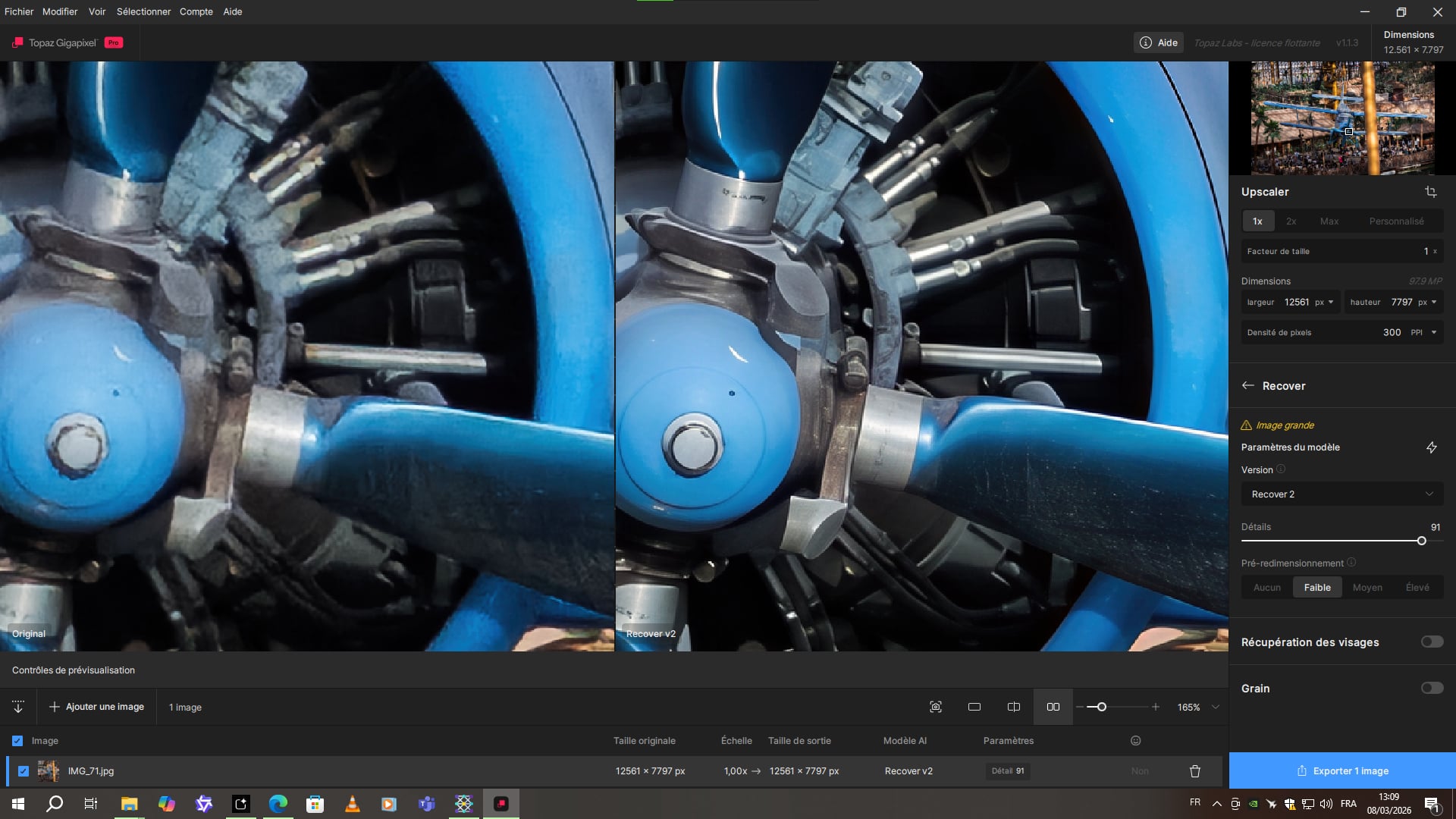
With Recover V2 in low mode on a smartphone photo, it really performs well in terms of detail recovery.

Also, the image is very large. It’s a panorama created from several portrait photos.

1 Like

Hi, I posted a feature request back in October asking about cloud rendering support for the High Fidelity model. Any update on whether this is planned or on the roadmap? For macro and wildlife photographers, HF is by far the most useful model, so cloud support would be a significant improvement. Thanks!

Hello.

I there a reason why pictures uploaded to the forum look a lot sharper than the originals that I posted?

Photo (Scanned etc.) Restoration

Showoff SpotPhotos for Play

Most recent example.

Best regards Bob.:slightly_smiling_face:

A post was split to a new topic: Batch processing button

I got an e-Mail that Wonder 2 is now locally available in Topaz Photo: Will this also become available in Gigapixel anytime soon?

if Topaz Gigapixel v1.1.1 has no issues for you, you don’t need to update :slight_smile:

1 Like

We are always sharing the best and most popular ideas with the development team. However, at this time, it’s not planned for us to add cloud rendering to the regular models in Topaz Gigapixel

1 Like

I never noticed that on my end. There are no settings or rules on the forums that would cause that.

Unfortunately, there is no plan to bring this into Topaz Gigapixel at the moment.

1 Like

Merci, Alexandre! I’ll stick where I am for now.

1 Like

Thank you for your quick response, @alexandre.topazlabs
It’s disappointing to hear, as this reduces my incentive to continue renewing my Gigapixel license, especially if High Fidelity has reached its final stage and no further updates are planned.

Maybe you want to vote for this. :wink:

2 Likes

2 posts were split to a new topic: Topaz Gigapixel itegration in Adobe products

Working on today’s Radical Enhancement after just updating to 1.1.3 (M1 Ultra Mac Studio, 64 gigs RAM, Sequoia 15.7.5).

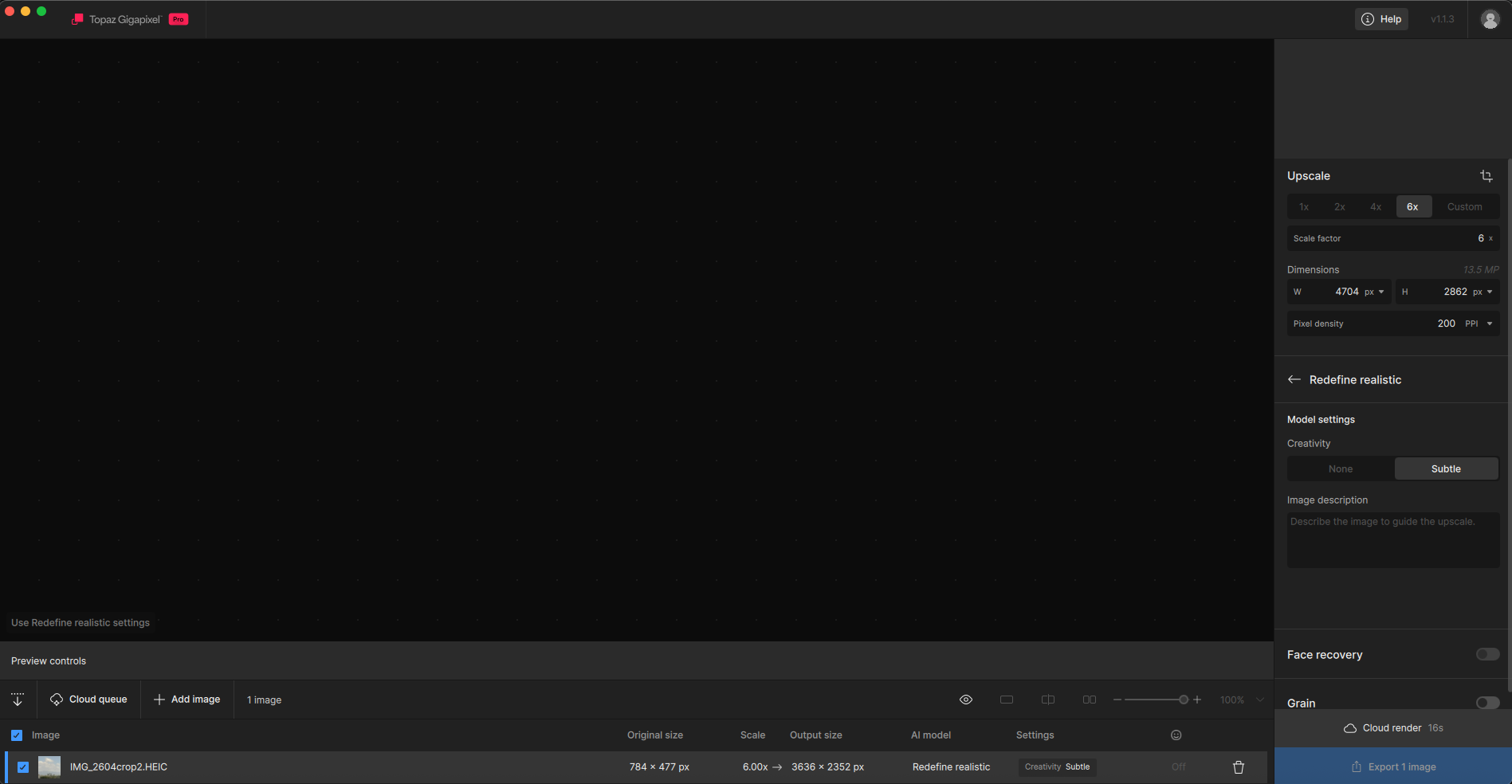
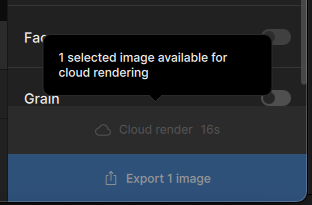
I got a good round of examples from the first image. I recropped the image and began a second round and that’s where the trouble began. First was the lack of preview with the image loaded, the announcement that 1 image was available for cloud rendering with a greyed out cloud rendering button, then the crash:

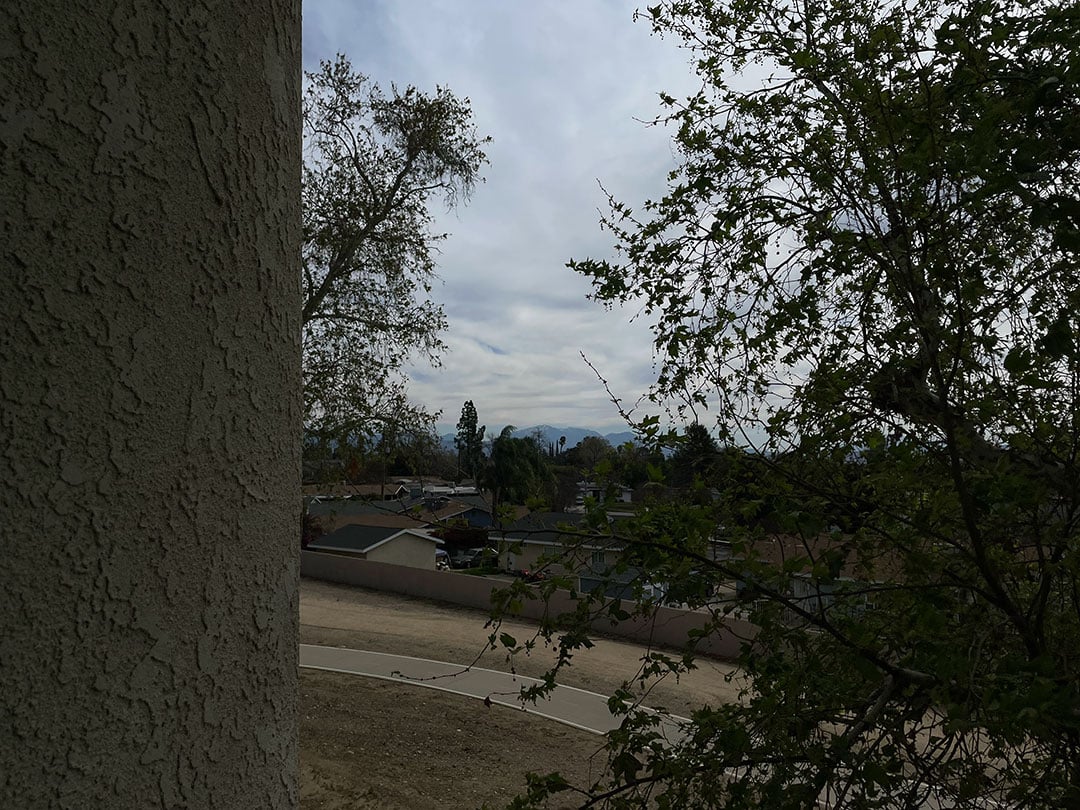
Crashed Thread: 48 QThread

Exception Type: EXC_CRASH (SIGABRT)
Exception Codes: 0x0000000000000000, 0x0000000000000000

Termination Reason: Namespace SIGNAL, Code 6 Abort trap: 6
Terminating Process: Topaz Gigapixel [12726]

Application Specific Information:
abort() called

•I seem to have gotten 2 renders before the crash. These anomalies are familiar, they happened in prior builds.

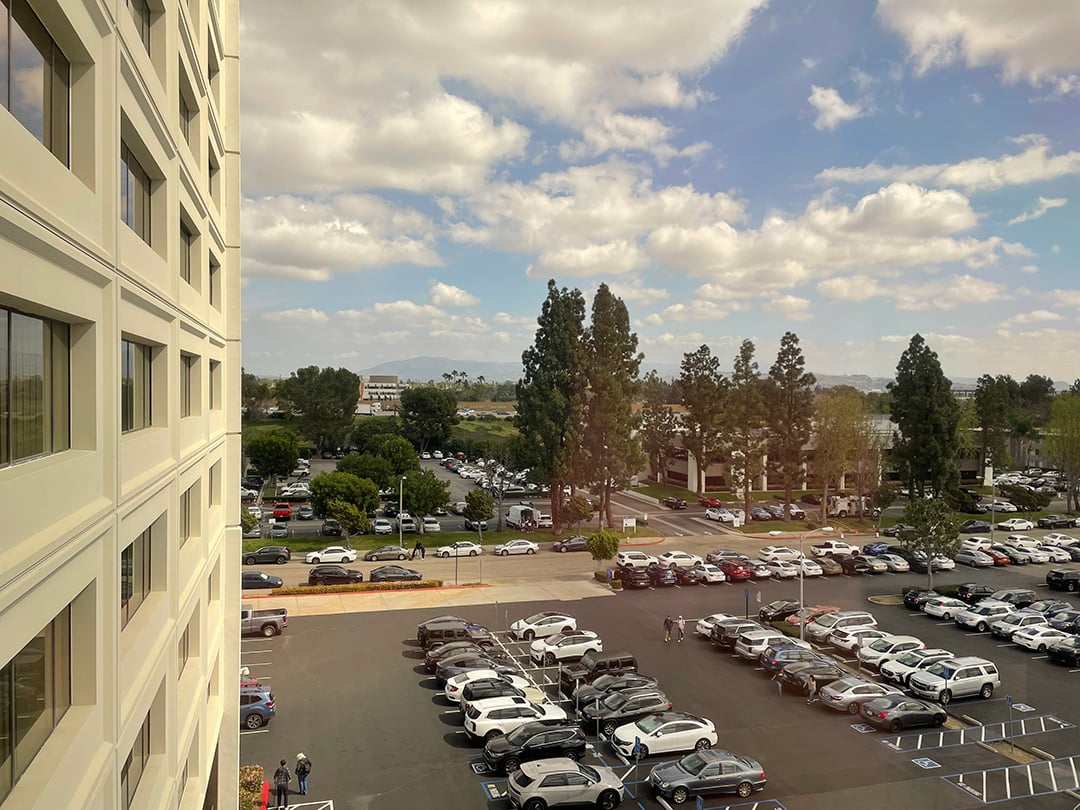
Here is my full frame iPhone image (reduced):

A tight crop treated with Redefine>Realistic at 6X, followed by Radiant Photo:

1 Like

Can you share the logs please? You can message me privately if you want

Logs for several days just sent by PM!

1 Like

Cloud rendering not working at present. It was yesterday. Is anyone at Topaz here or should I start a ticket?