At the time of writing this (13:31 CST) there is a known issue with some cloud services and no tickets need to be created to report.
Our status page can be monitored for updates:
At the time of writing this (13:31 CST) there is a known issue with some cloud services and no tickets need to be created to report.
Our status page can be monitored for updates:
That is…. disappointing to say the least. Gigapixel suits my batch workflow to a tee, whereas Photo insists on doing Wonder 2 upscales one at a time. With the advent of Neurostream I would have expected Wonder 2 local to at least be on Gigapixel’s roadmap.
But why is Wonder2 available for local rendering in Topaz Photo and cloud only in Gigapixel ?? Makes no sense since it’s not obviously any technical issue or need to require huge amount of Vram out of consumer level GPU scope.
That’s very disappointing and frankly confusing. Why would Photo only get this when Gigapixel is the specialized upscaling tool?
Since March 7, there has been no news from Gigapixel, no more new versions or updates, it’s very strange… And it doesn’t smell good…
What’s your thoughts about the future of Gigapixel
If there are going to be any more updates, I suspect it will bring the NeuroServer Technology to Gigapixel. If not, then it’s probably just going to be down to security patches from here on out.
Just wanted to say Plugs. I’ve really been enjoying your Extreme Enhancements pictures. Thank you for sharing.
Best regards Robert. 
Thanks Robert, I appreciate your feedback! I’ll have to get some more going then!
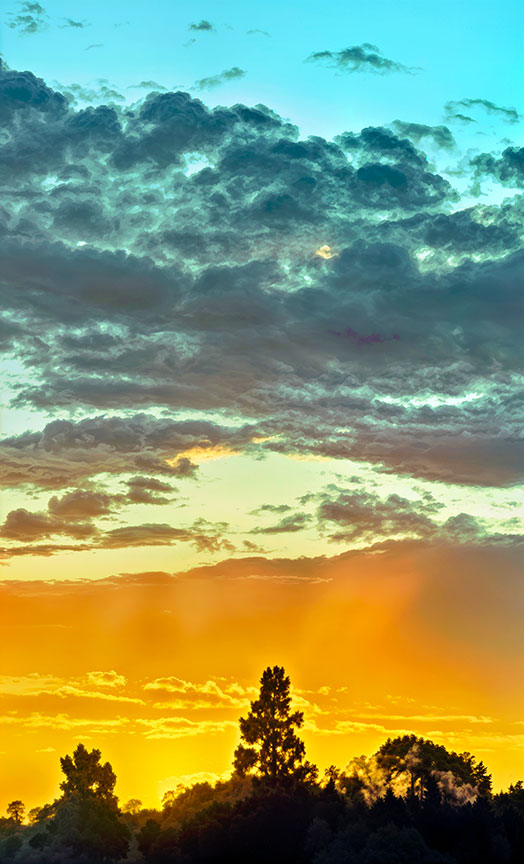
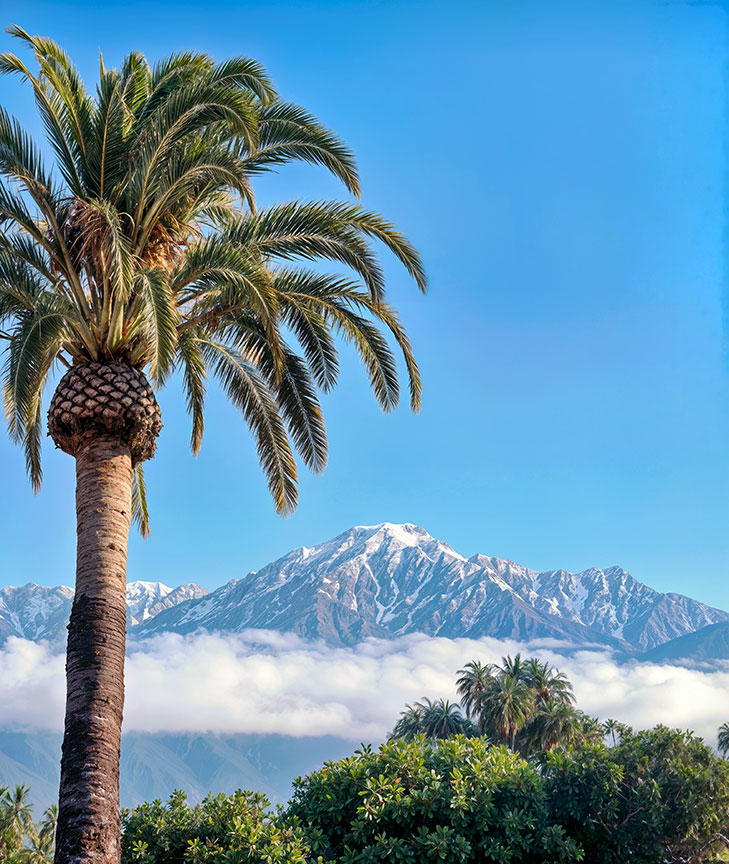
Update: As promised! Redefine>Creative higher settings, followed by Radiant Photo for some pop.
Hello Plugs.
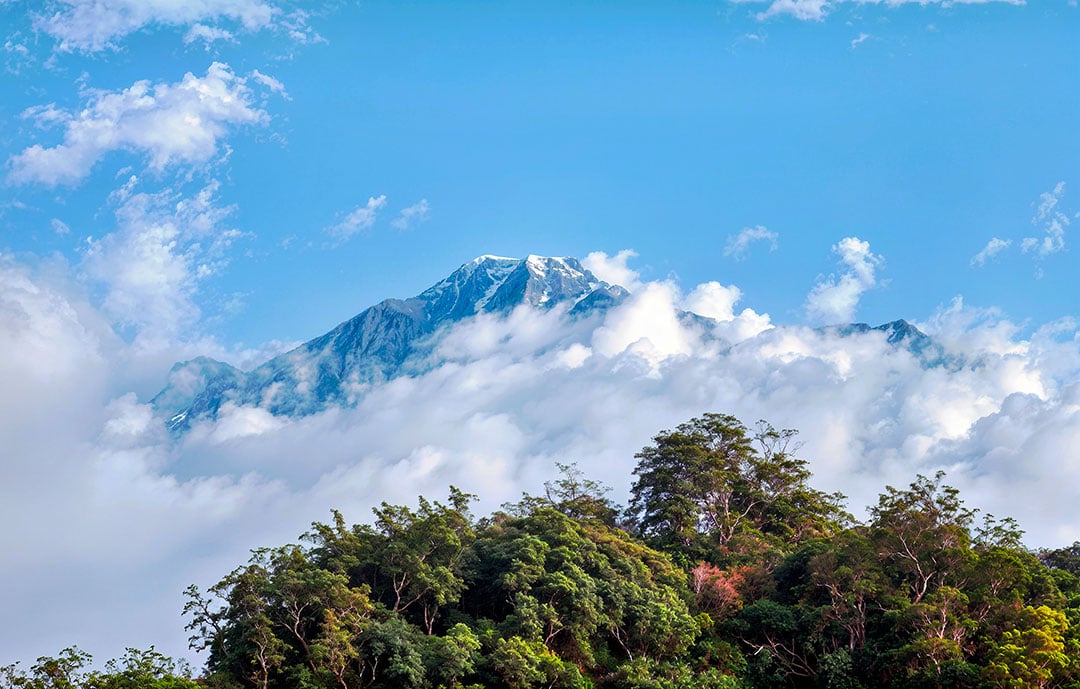
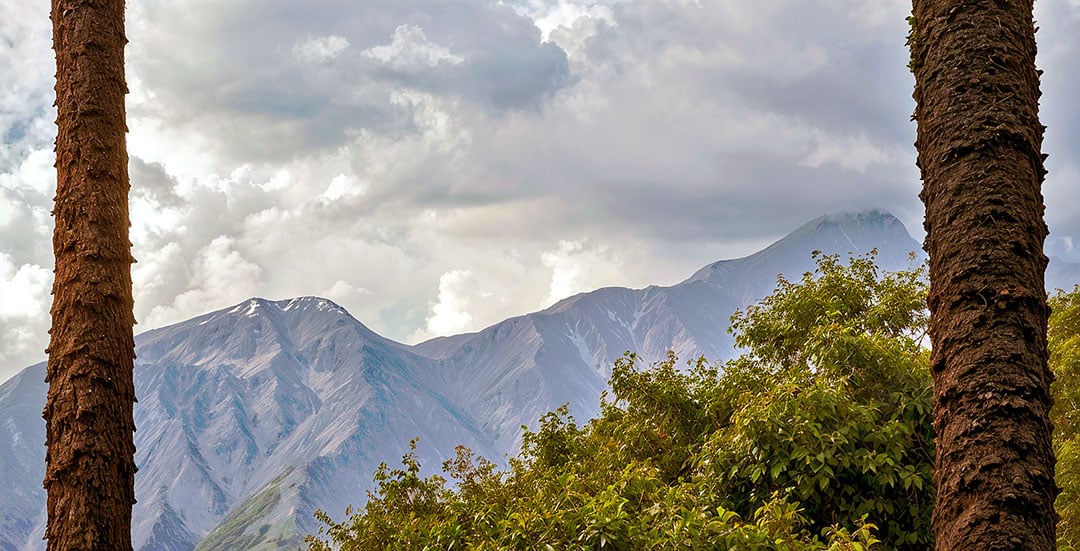
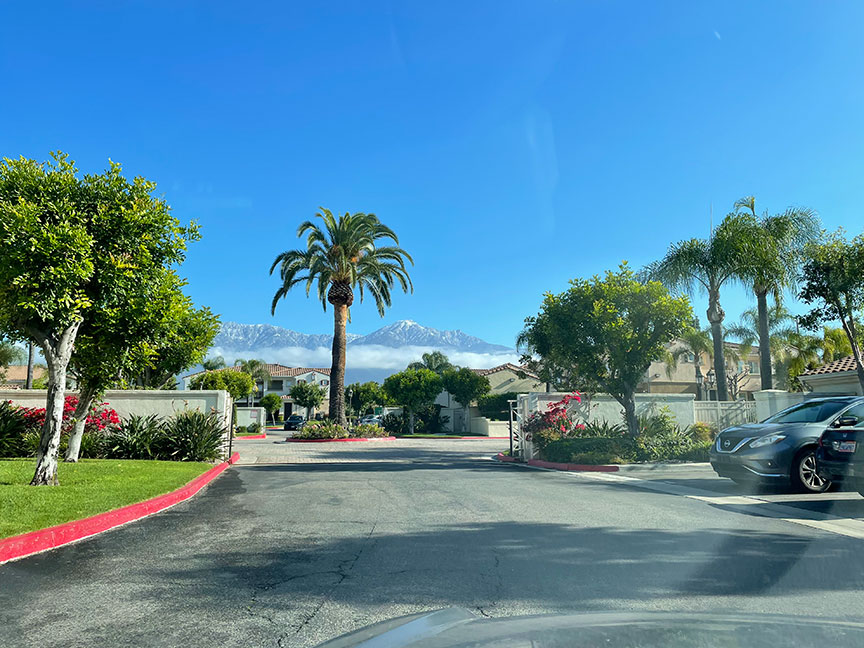
Thank you. It’s amazing the hidden worlds within photographs that are just waiting to be revealed using software, cropping and imagination.
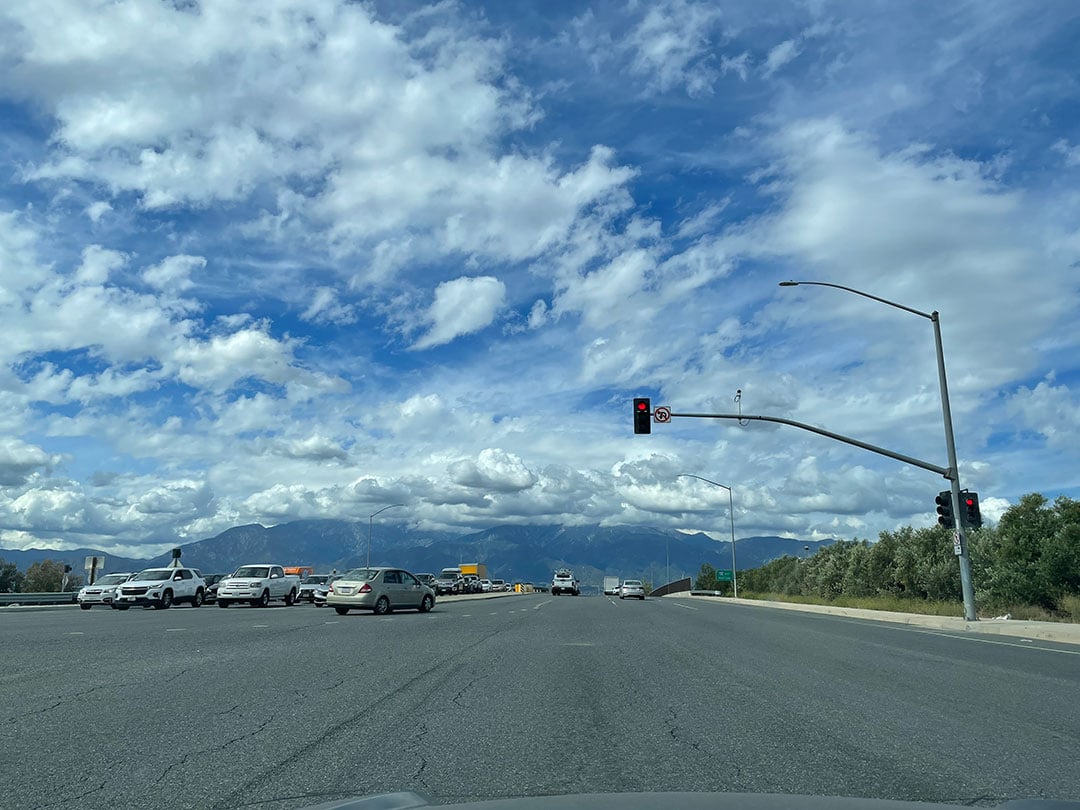
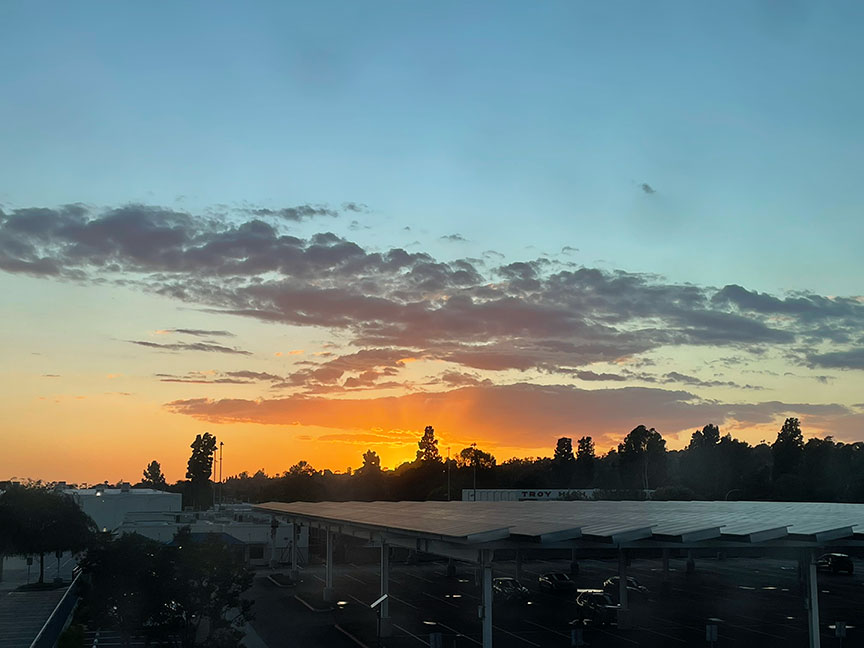
Having said that I am also quite taken by the cloud formations in the original picture IMG_2821as-shot.
Best regards Robert.
Yes, it’s a fun process! Who needs a long lens when you have a GigaScope!
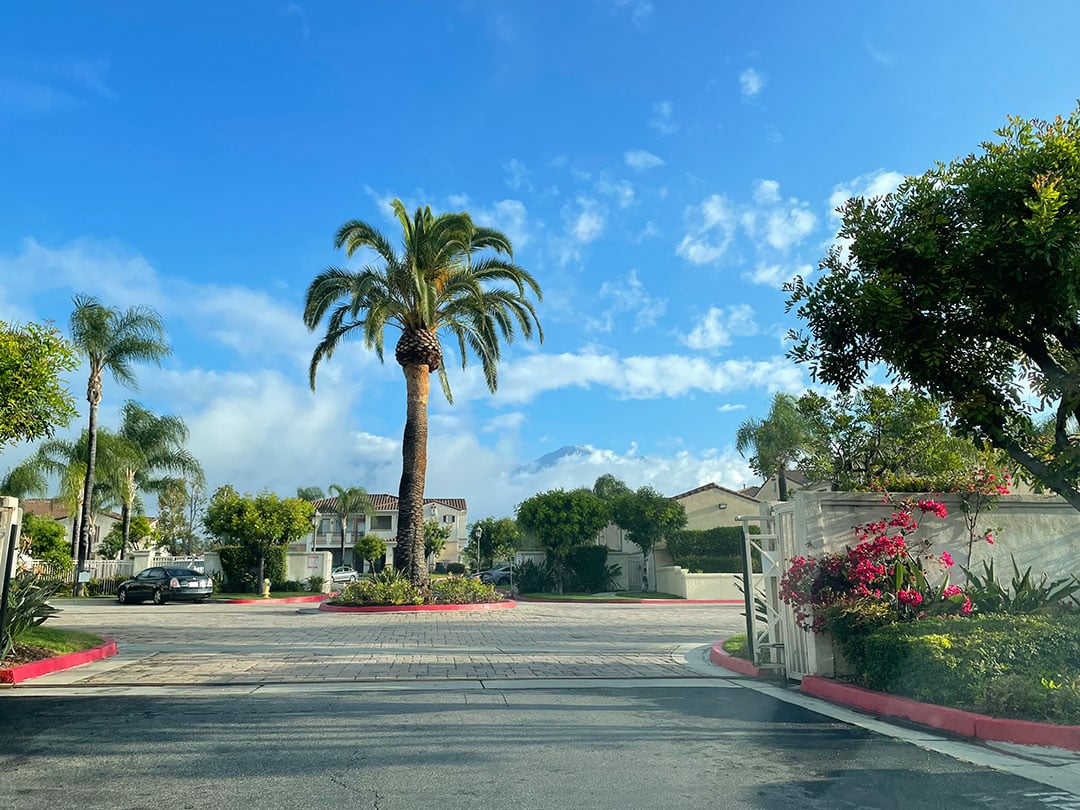
Those type of clouds usually only show up in the winter season. This photo was 2 days before today’s rain (which we don’t get a lot of in SoCal).
Hello Plugs.
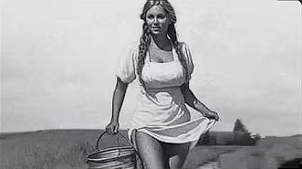
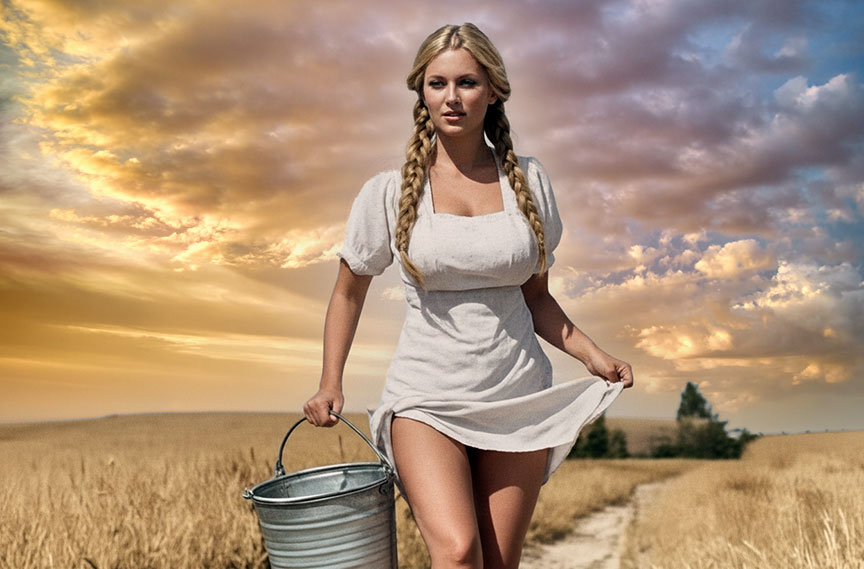
Sorry for the late reply. I’m not ignoring you. I’m just engrossed with a new picture that I found and it’s taken over my time a bit. I’ll be naming it project “Milkmaid”.
I really like your new pictures, both the photos and your creations. It’s amazing what can be achieved now. It’s never ending what can be created. Absolutely!!!
Best regards Robert.
No problem, glad you enjoy them! It’s fun to push the limits of the Topaz apps.
Hello Plugs.
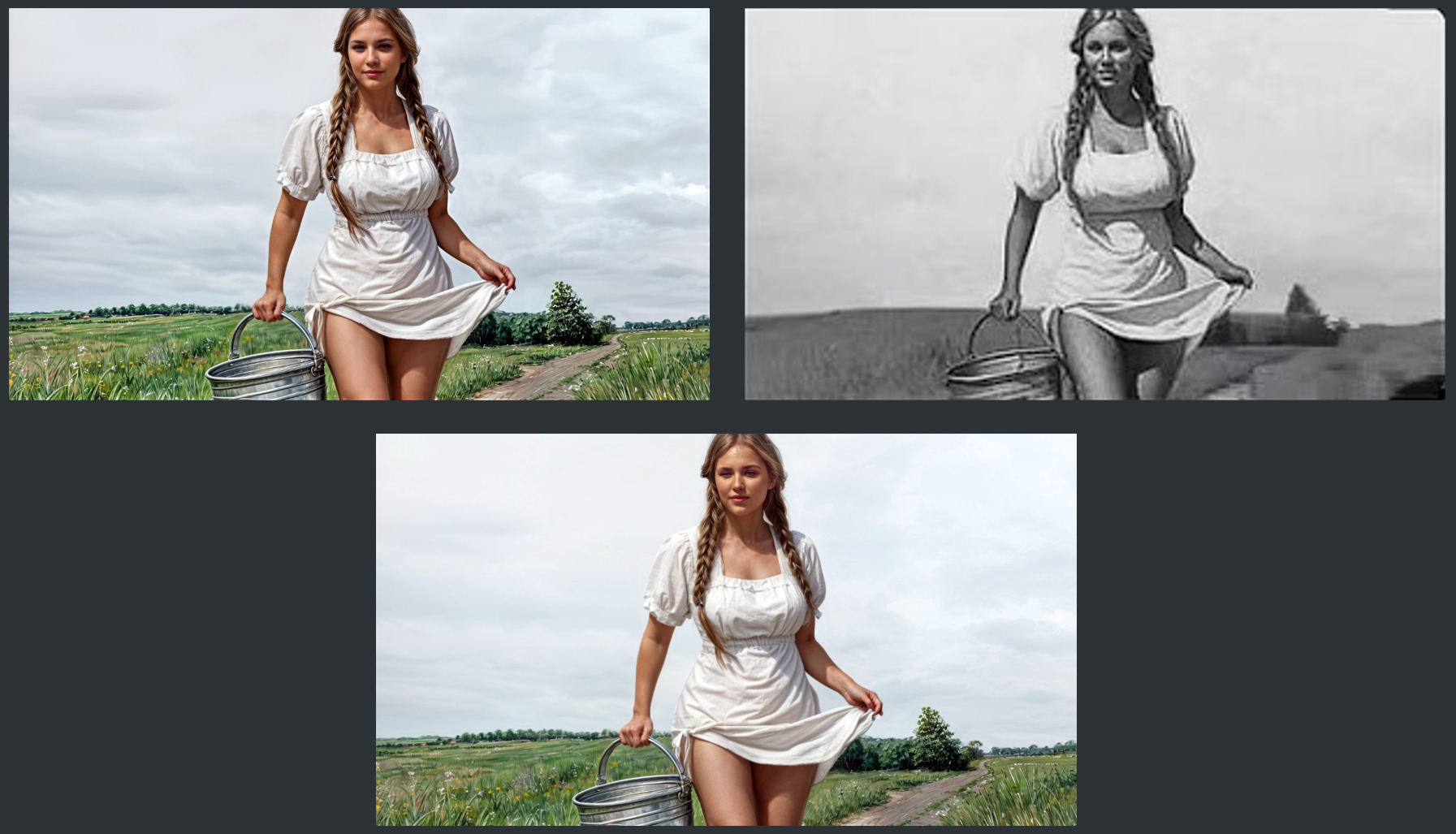
I’ve been working on a picture 302x169px “Milkmaid", upscaling it, adding detail and then using Affinity Photo 2 to colorize it. I’ve done all the hard work but can’t decide whether I’ve overcooked the brightness/contrast  . What do you think? Any opinions welcome.
Best regards.
I’ve updated my post from previous and added the original girl’s face to the screen grab, bottom center. I think it’s closer to the original now.
Nice job overall, not overcooked. The first thing I noticed was her expression changed slightly but she probably became Topaz Girl ;-). Definitely cleaned up.
I didn’t realize Affinity (this is an older version, yes?) did colorization. I would love for Topaz apps to offer that as well. I mainly use Nano Banana/Google AI Studio for that.
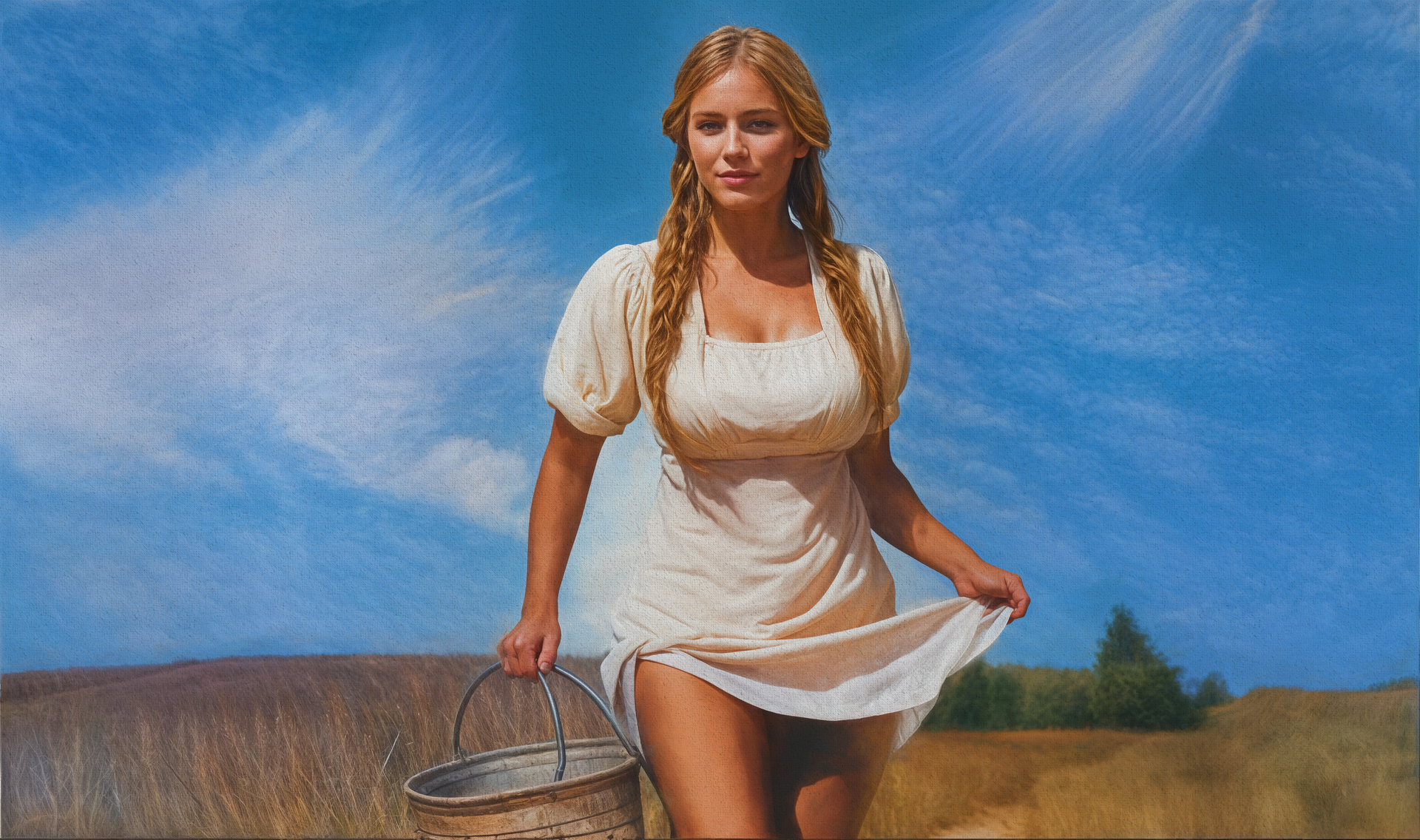
Couldn’t resist a quick play. Ended up going with quite a stylized look, finished off with Topaz Impression (blast from the past there!).
Hello Plugs.
The original face doesn’t look too good when it’s processed but I can easily add it to the completed picture now that I know it’s not overcooked.
Affinity (My version is 2.6.5) doesn’t have colorization. I painted the colour on to a layer and worked it that way. Time consuming maybe but it’s something I’ve wanted to try for a while. It’s a bit like painting by numbers if you remember that. I figured that if I could colorize a very small low quality picture that I could do better quality pictures easier and I have full control over the colours used. I don’t have to many b/w pictures I just did it as an excercise.
Thanks for your help.
Best regards Robert.
I’m too young to remember that mate. 

Regards.
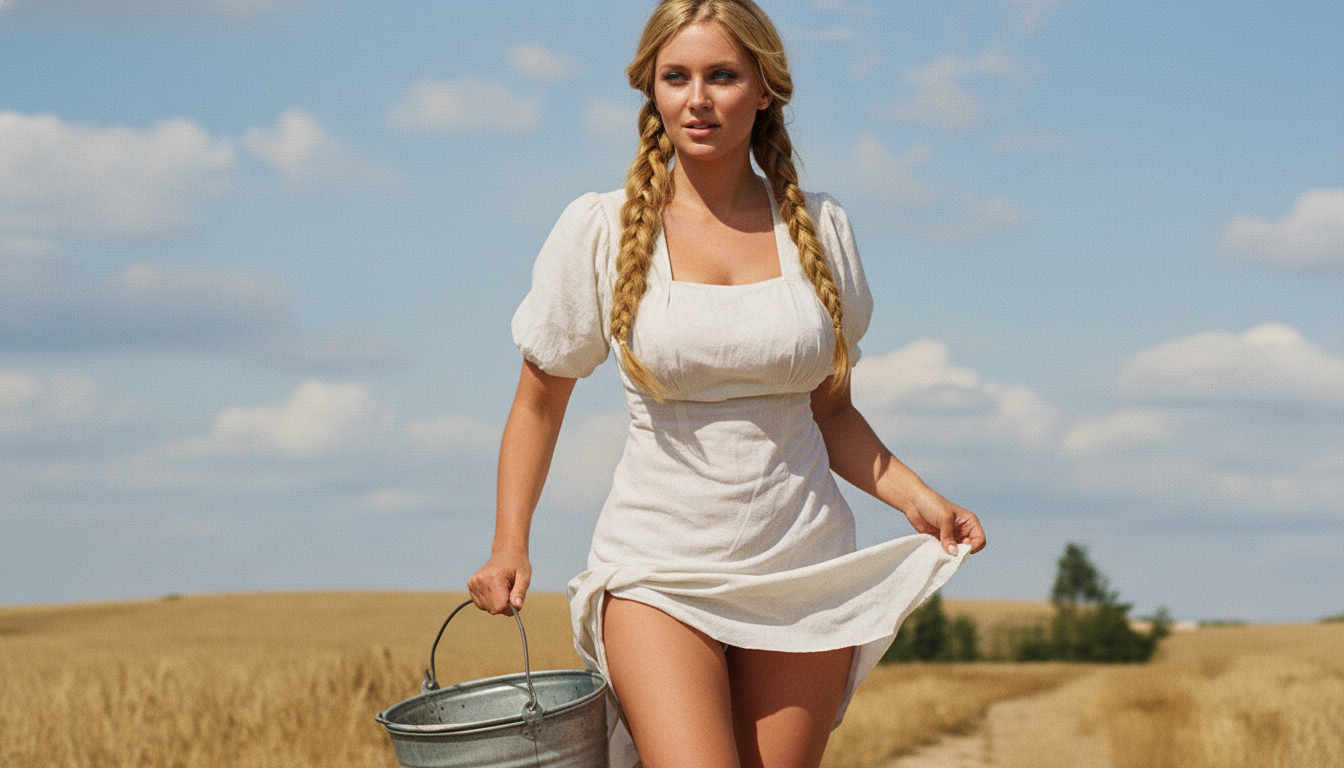
I ran your original through Google AI and it took only a short bit, after dealing with some error message. This is the first and only result so far.
(Long ago I had a passing interest in manually colorizing images but don’t have the patience for traditional art  ).
).
And then some Generative Expand in PS and some ON1 Sky Swap