OK, so it’s not a total giveaway…
My main question is, how do current customers of both Adobe and Topaz feel about this? There’s got to be some advantage for each.
OK, so it’s not a total giveaway…
My main question is, how do current customers of both Adobe and Topaz feel about this? There’s got to be some advantage for each.
There’s are no options when using Denoise or Sharpen you just select them and that’s it plus with Gigapixel and Bloom your options are also, limited and you’ll be charged Credits for the privilege of using them.
The only benefit I can see with this is if you intend to use the other Partner Models including Nano Banana for example, and want to pay for an extra Subscription with Adobe
Whereas, the Topaz Studio Subscription gives you a lot more control plus you get unlimited image rendering which makes it for myself at least the better option.
OK good, thanks for the clarification! This whole thing came out of the blue…
Yes. That’s all I see is 2x & 4x. No customizing. I think there’s a Face Recovery check box too. And, it’s considered a Ps “Premium” feature. So users get one test drive then they have to pay some huge amt to have ongoing access. But the test I ran of Giga in Ps upscale worked well and the result looked good.
I just posted another vid to my YT channel in the past week. Featuring Photopea as an alternative to Ps (for selected workflows - can’t show everything). I was really impressed with Photopea and it’s a much easier transition for those coming from Ps usage than Affinity… (who also’s going the pay for “Premium” AI features route with their post-MAX rollout).
Yes. Agree. Certainly wouldn’t pay the Adobe Premium (exorbitant) ‘tax’ just for the minor TL features in Ps upscale. Yikes.
If someone has the full CC suite and those features are handy in Ps (and someone only needs those limited features), then fine. But it’s very constrained.
I see the TL Sharpen & Denoise in the Ps Filters list b/c I have TL products installed as plugins. But I never use the TL current products from there b/c Adobe Ps doesn’t support scaling with plugins in its Filters list. Only access via File > Automate.
BTW, I think the usefulness of the current TL features inside the Ps UI is most beneficial as a way to upscale low res partner/Adobe gen AI model outputs (Nano  ,
, 
 , Flux Kontext) vs the best place (b/c of the feature constraints) to do general image upscaling (if Ps native superscaling results are meh).
Hello, I’ve noticed that Gigapixel Studio still has the same recurring bug as Gigapixel AI for the Recover V2 model.
The bug in question: Let’s say I process a batch of four images. The first will be set to “none” mode, the second to “low” mode, the third to “medium” mode, and the fourth to “high” mode. Then I export all four images at once. Well, once all the images are exported, the other three have simply been rendered in the same mode as the first one. That is, “none” mode.
Similarly, I like to enhance an image with several variations of the model. So I often make at least three copies of the same image. The first copy will have a variation with Recover V2 in “none” mode. The second copy will have the “low” mode, and the third will have the “medium” mode. If I export the batch like this, all three will have the “none” mode processing, and I can therefore start all over again one by one, each time staying at the computer to monitor the rendering progress before starting the next one. It’s very frustrating, not to mention wasting time that could be used for other things while it’s running.
Yeah, it’s true that it’s interesting. But it’s still in the realm of the cloud. It’s convenient for those who like to do enlargements via the cloud if they don’t have a powerful enough machine.
The generative component is included in the Creative Cloud Pro subscription bundle at €78.65/month
But apparently for new subscriptions, the price is reduced by approximately half for the first 3 months.
But that’s for the Pro Subscription only with all apps and Premium Credits and should be included if you’re paying €78 per month or €900 per year but I’m on one of the lowest tiers paying £75 for Lightroom and Photoshop on the Photography Plan per year until 2030 and the Genitive Premium Credits are an extra add-on for my plan and all for the other Plans it’s either stick with the small allocation of Credits you receive or purchase more Credits with the only exception being the Pro Plan which includes 4000 Credits a month
If you have deep pockets and can afford the top tier Subscription at €900 or extra additional add-on costs or even get TAX breaks great go for it
For myself, on a modest income I have to way up additional costs and budget accordingly so, I’m happy with both my current Adobe Photography Subscription at £75 per year and my Topaz Studio Plan at $138 per year
Besides, the Adobe Genaitive Premium Plans aren’t offering myself personally anything I haven’t already got with more Control and Unlimited Image Rendering, I don’t even need, I can definitely get elsewhere or I certainly can’t live without.
Here’s some information from Adobe FAQ asking if all plans include Premium Genaitive Credits?
No, most Creative Cloud plans do not include access to premium generative features. Currently, the only Creative Cloud plans that include access to both are:
Adobe Firefly plans
Adobe Express Premium plan
Creative Cloud Pro plan
Creative Cloud Pro Plus plan
Creative Cloud for enterprise - Edition 4
Creative Cloud for enterprise - Edition 4 with Premium Stock
Adobe Firefly Credit add-on plans
If your plan does not include premium generative feature access and you’d like to generate more after using your complimentary generations, you can purchase a Firefly plan, which also includes unlimited access to standard feature generations across all Creative Cloud apps.
Here’s are a couple of links from Adobe about Genaitive Premium Plans
If you’re using a Phone you might need to turn it sideways for viewing
Compare plans that include generative AI | Adobe Firefly
Adobe Genaitive FAQ
https://helpx.adobe.com/creative-cloud/apps/generative-ai/generative-credits-faq.html
Hope this helps
Robyn I’ve been following your series with interest and it has to be said with Affinity as a photo app that’s supposedly an alternative to Photoshop there shouldn’t be a learning curve for seasoned Photoshop users unlike Photopea where one can literally pick up from where one left of.
Having said that I’ve Downloaded Affinity anyway because it’s another tool for me and it’s Free.
Looking forward to the next one 
Andy
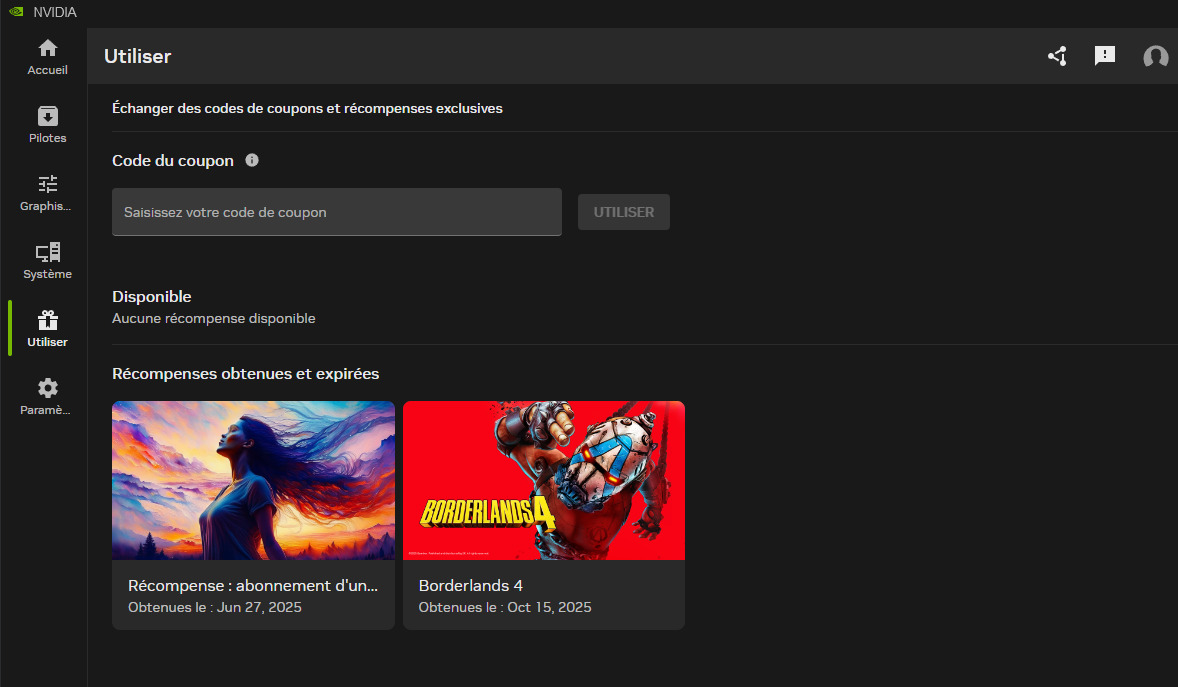
Not too long ago, I got a free one-month Adobe Creative Cloud Pro subscription using a key provided by NVIDIA because I had an RTX card. I got it through the NVIDIA app. But the funny thing is, the offer lasted three months in my case. Almost four. So I had 4,000 generative credits per month for almost four months, lol.
Apparently, in the NVIDIA App, you can receive a free one-month offer every month. But you also need to own an RTX graphics card.
Yes, the new this past week integrated Affinity plan is “free for life” per their CEO (where have I heard that offer before, for some reason it sounds familiar…) but Serif, too, are charging ~$120+/year for users to get any generative AI ‘premium’ features with it.
When I tested Affinity Photo 2 about 1.5 months ago in a fixed workflow it froze regularly (a bug known to their devs) on NVIDIA 50xx processors & performed badly patchy content fills in any but the simplest, uncomplicated image areas and smudged or replicated unwanted content in generative expands. And, there is a bit more learning curve (coming from Ps) re: personas & toolbar & other UI options vs Photopea. (IMO).
Nice one thank you for the tip I’ll have a look into it
Another good thing about Adobe ((scrap that))
One good thing about Adobe unlike other subscription companies is you can purchase a subscription from Amazon so, if you purchase a subscription on Prime Day you can save tens if not hundreds on various Adobe Creative Cloud Subscriptions.
In addition, you can purchase more than one at a time and stack them so, they run consecutively one after the other.
Hence, my Adobe Photography Plan costing £75 a year instead of £120 which incidentally is now £240 a year which means for me I’m saving of £170 a year and if you need the full Pro Creative Cloud All app subscription you can save even more hundreds of Pounds.
Thanks for the heads up
Andy
That’s nice of you thank you for the follow up
I could see from your video experience it wasn’t easy especially with the Genaitive Fill it’s certainly no match for Photoshop whereas, Photopea Genaitive Fill was brilliant in comparison and looks like a credible alternative and like you say they’ve just copied Photoshop’s interface so, no worries there.
Perhaps it’s the case of better the Devil you Know
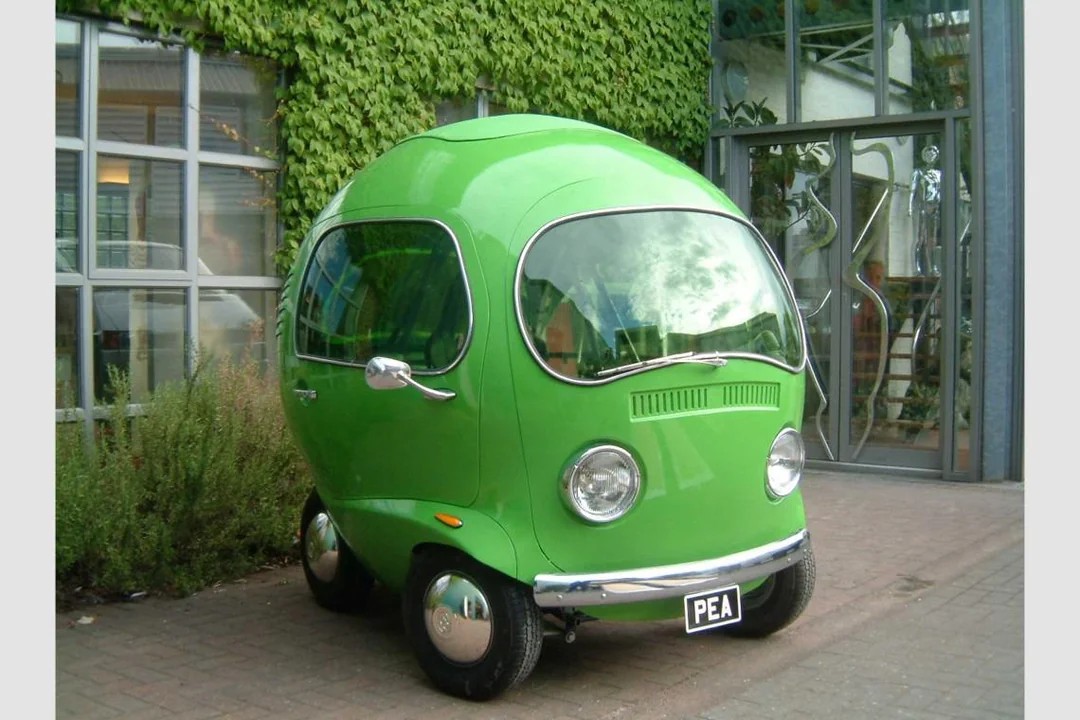
Here’s a Photo of a Pea car produced for a Birdseye Pea advertising campaign Strange but True 

Thank you again very much appreciated
Andy
Love the pea car! Did you ever watch the ‘lads’ (as we called them…) and Top Gear? They often had quirky cars - as well as adventures. I honestly could see them ‘racing’ something like this to get from one location to another. Granted, it wouldn’t do much for The Stig!
Would be fun to see what creative things Giga could produce generatively wrt the Pea car! I picture a person dressed as a peapod standing outside the car and next to it … Perhaps wearing a black (yes, red would pop more!) bowler hat and holding a black shiny walking stick.  (I’m watching the Ps Virtual Summit sessions, so maybe getting too creatively inspired)
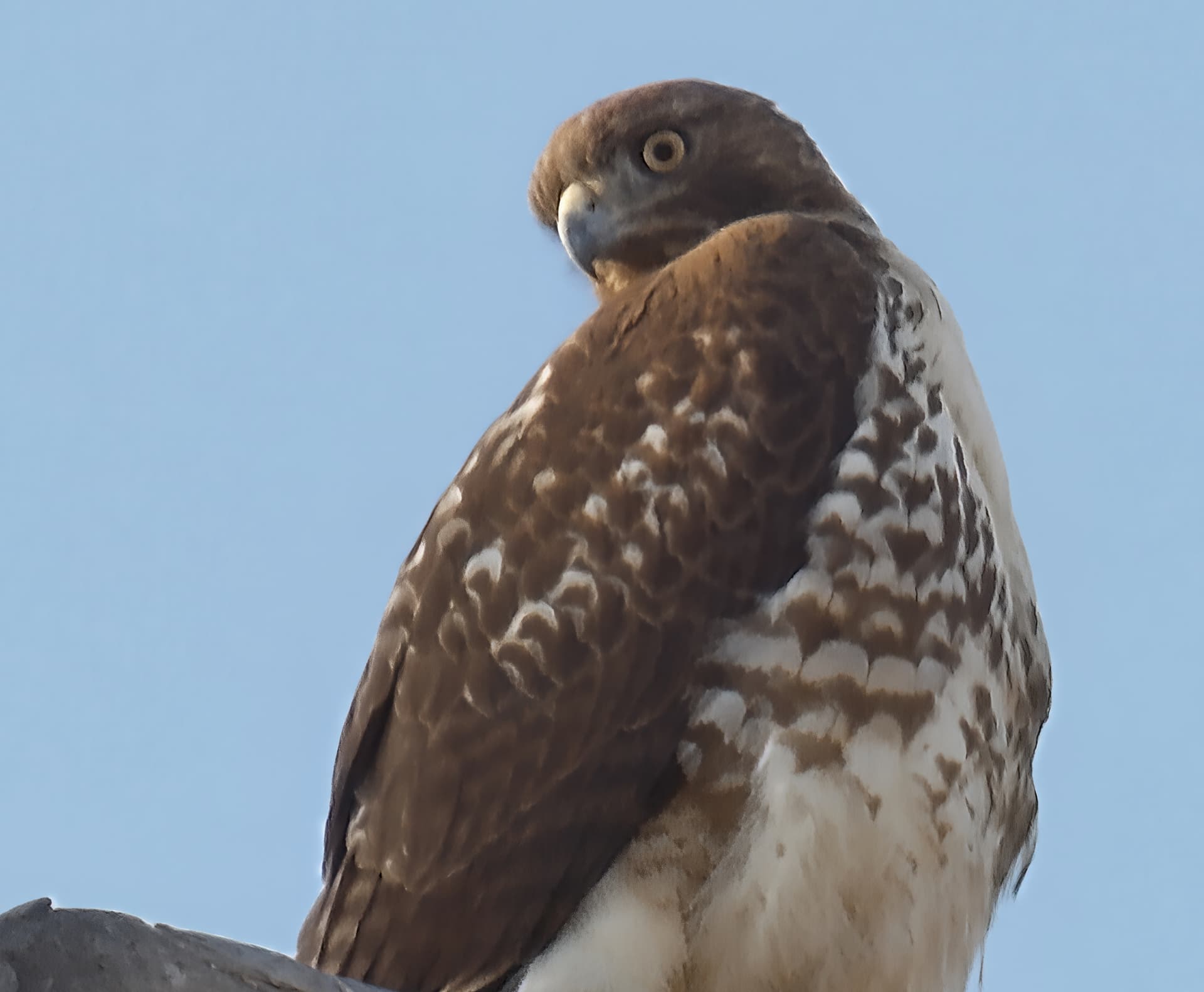
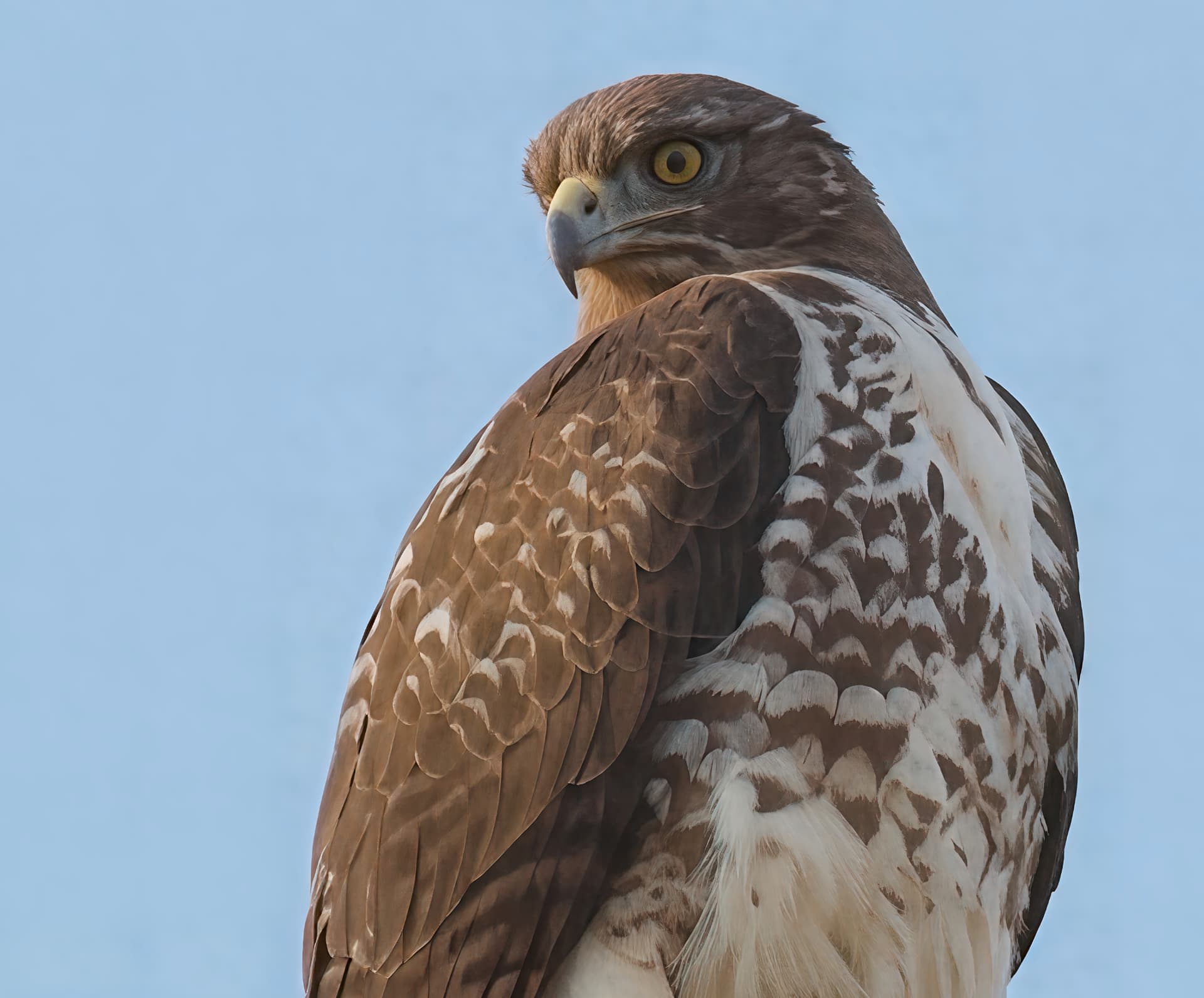
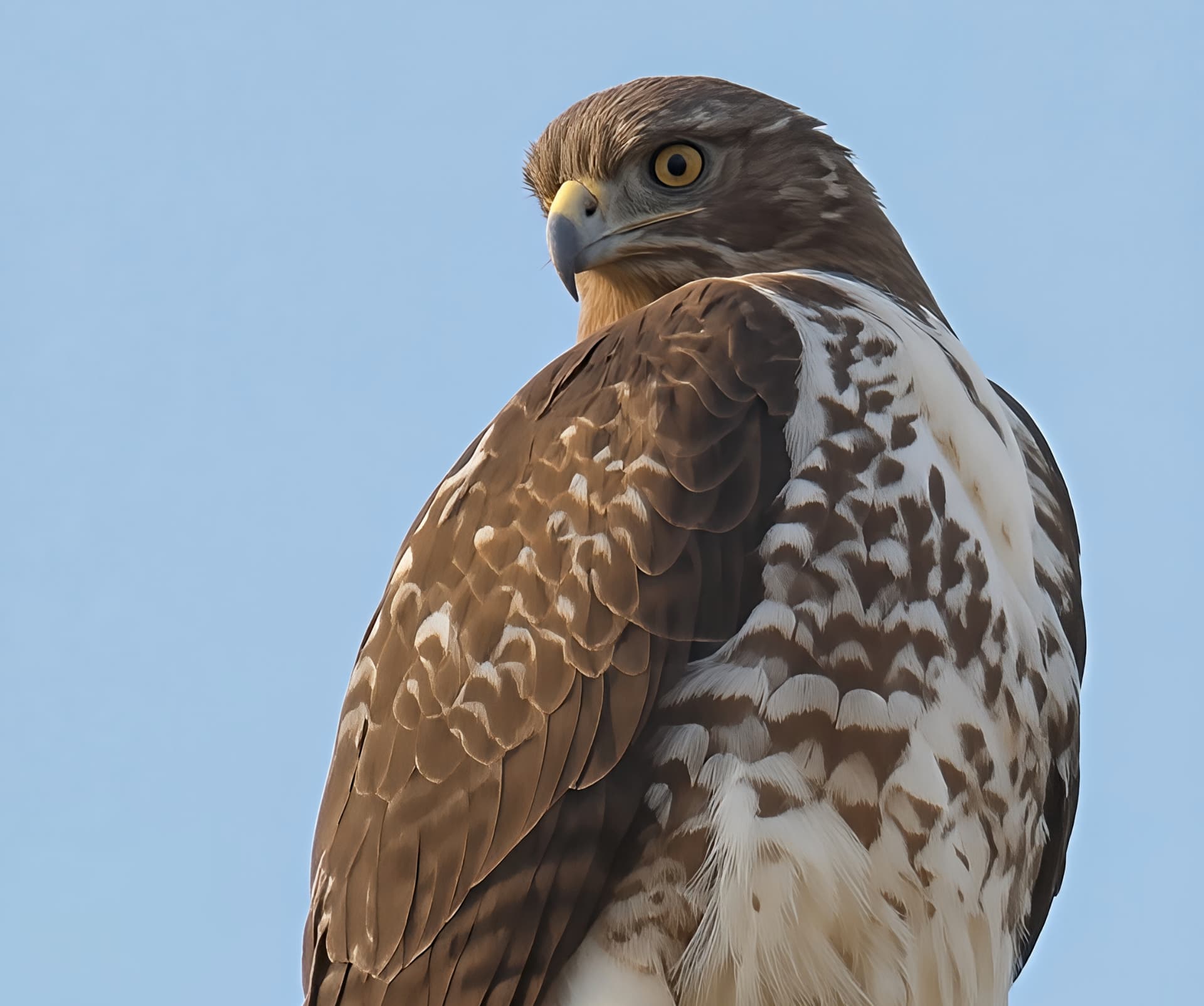
I took your original hawk image (clipped version). and tried using Nano Banana but without much luck at improvement. I then used Flux .1 Kontext max (in Leonardo ai) as the first step, then tried gigapixel Wonder, Standard Max and ON1 resize. I found that Flux Kontext then Giga Standard Max produced the best results. See images
The only thing is that FluX Kontext may make some changes to the image. See the hawk’s head.
Original image with Gigapixel std max:
Flux Kontext Max + ON1 Resize:
Flux Kontext Max + Gigapixel Wonder:
Flux Kontext Max + Gigapixel std max:
Nice work, thanks for the follow-up!
Cool! Interesting to see.
To me, Wonder is always on the too soft side. But some ppl may prefer that.
We’ve shown that treating a low resolution image with an appropriate AI model first then again with Gigapixel AI can produce amazing results.