(sorry I cannot post in the right thread as it has been closed)
@esther.huynh Could you please confirm that you received the images I uploaded/shared with you and that they were passed on to your colleagues?
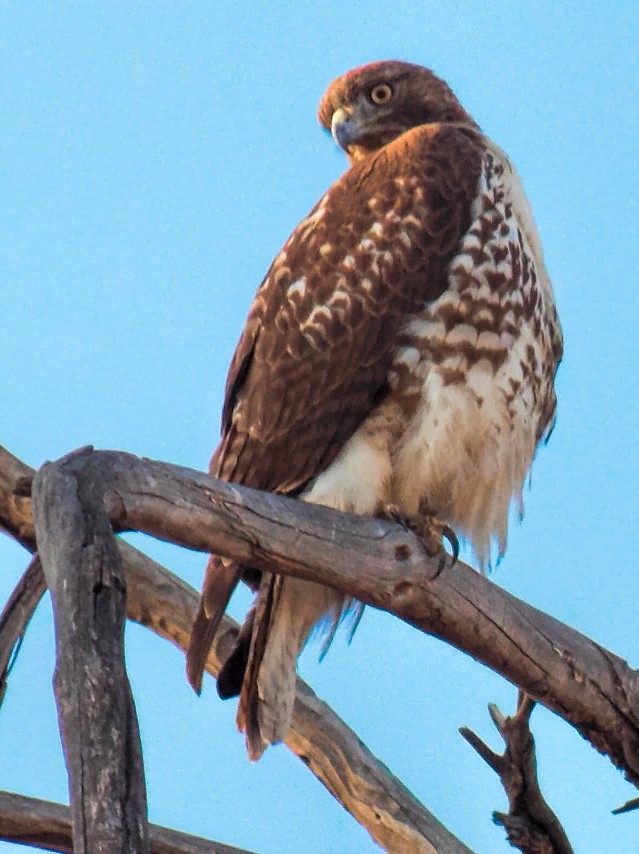
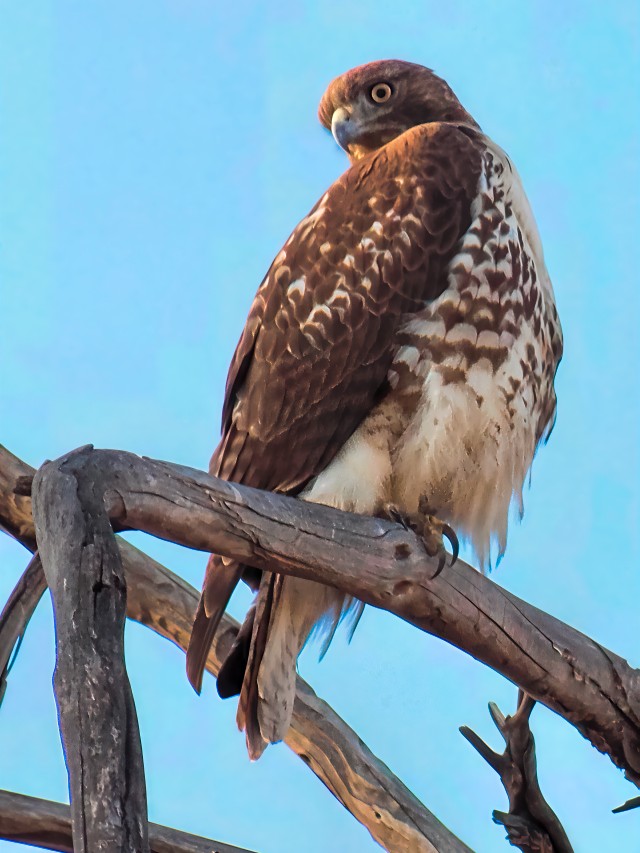
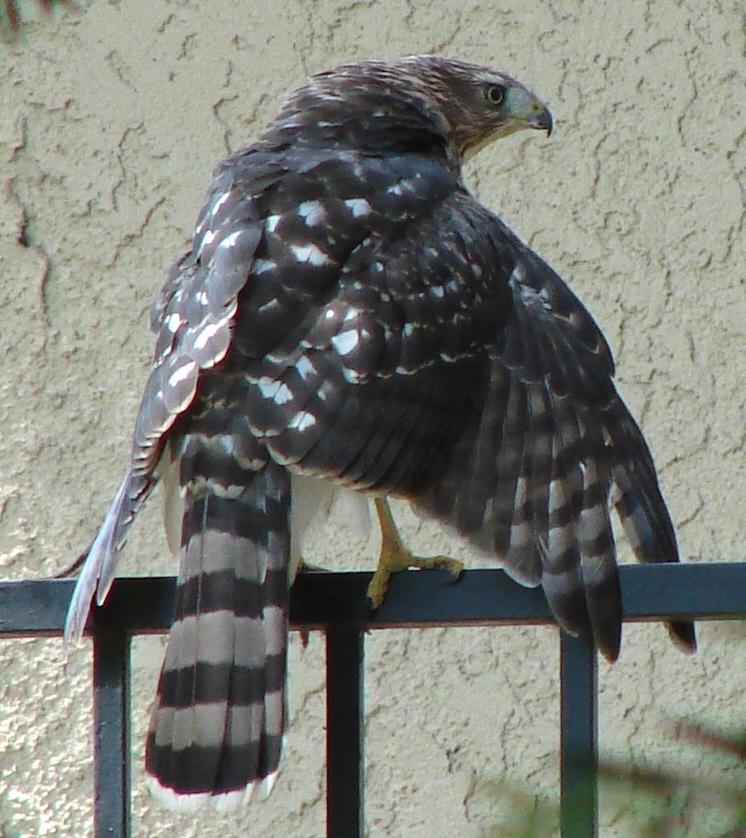
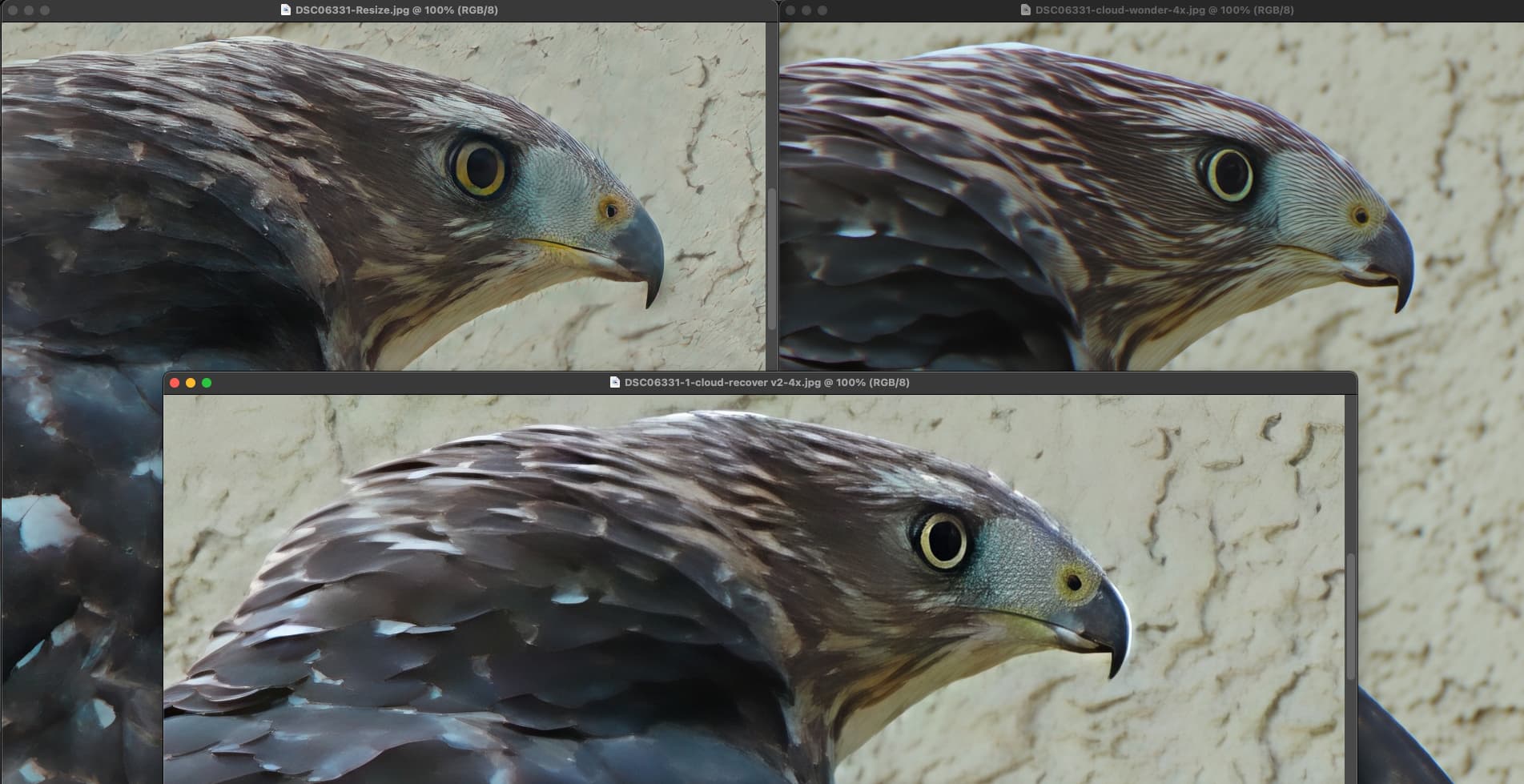
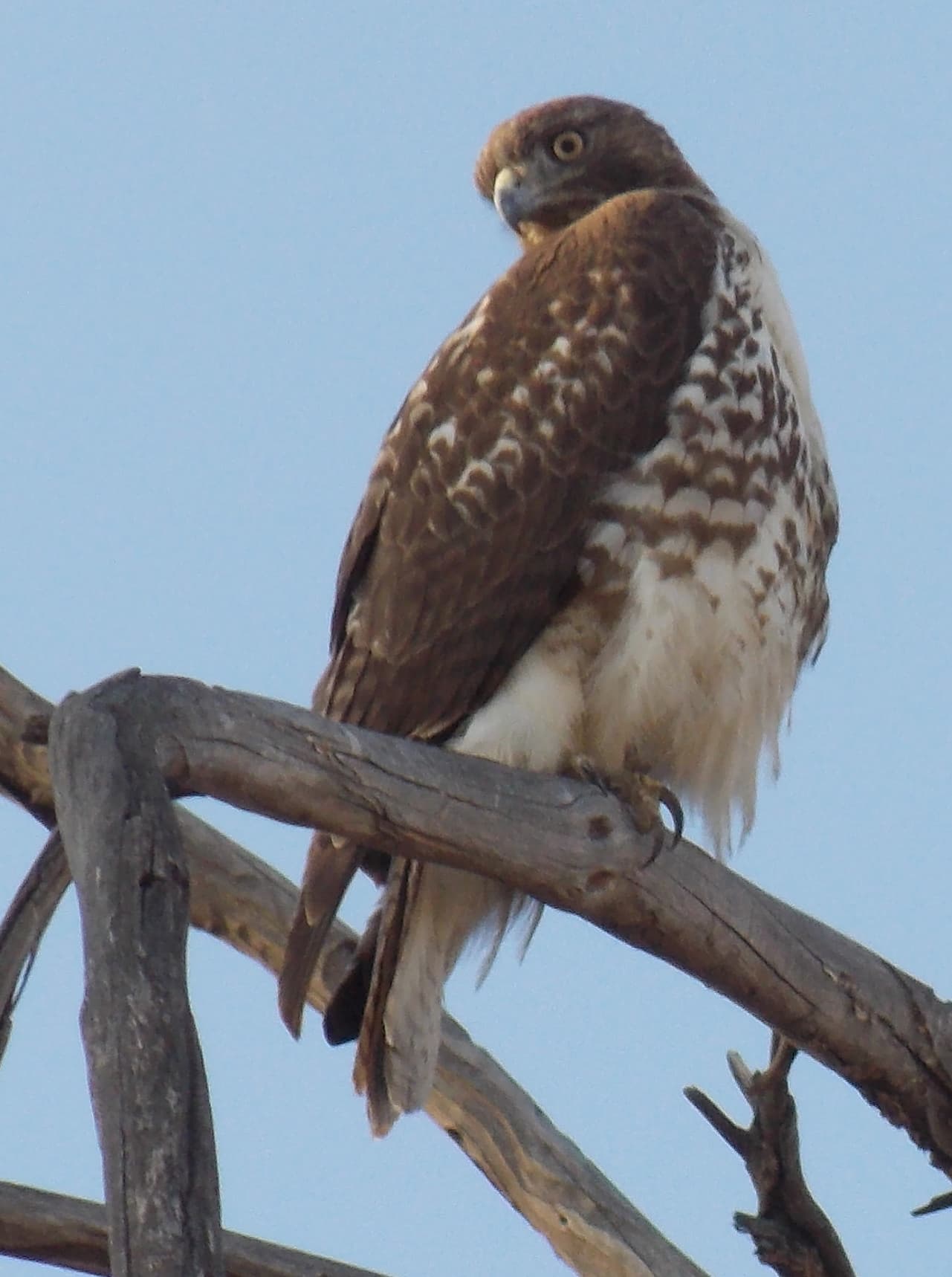
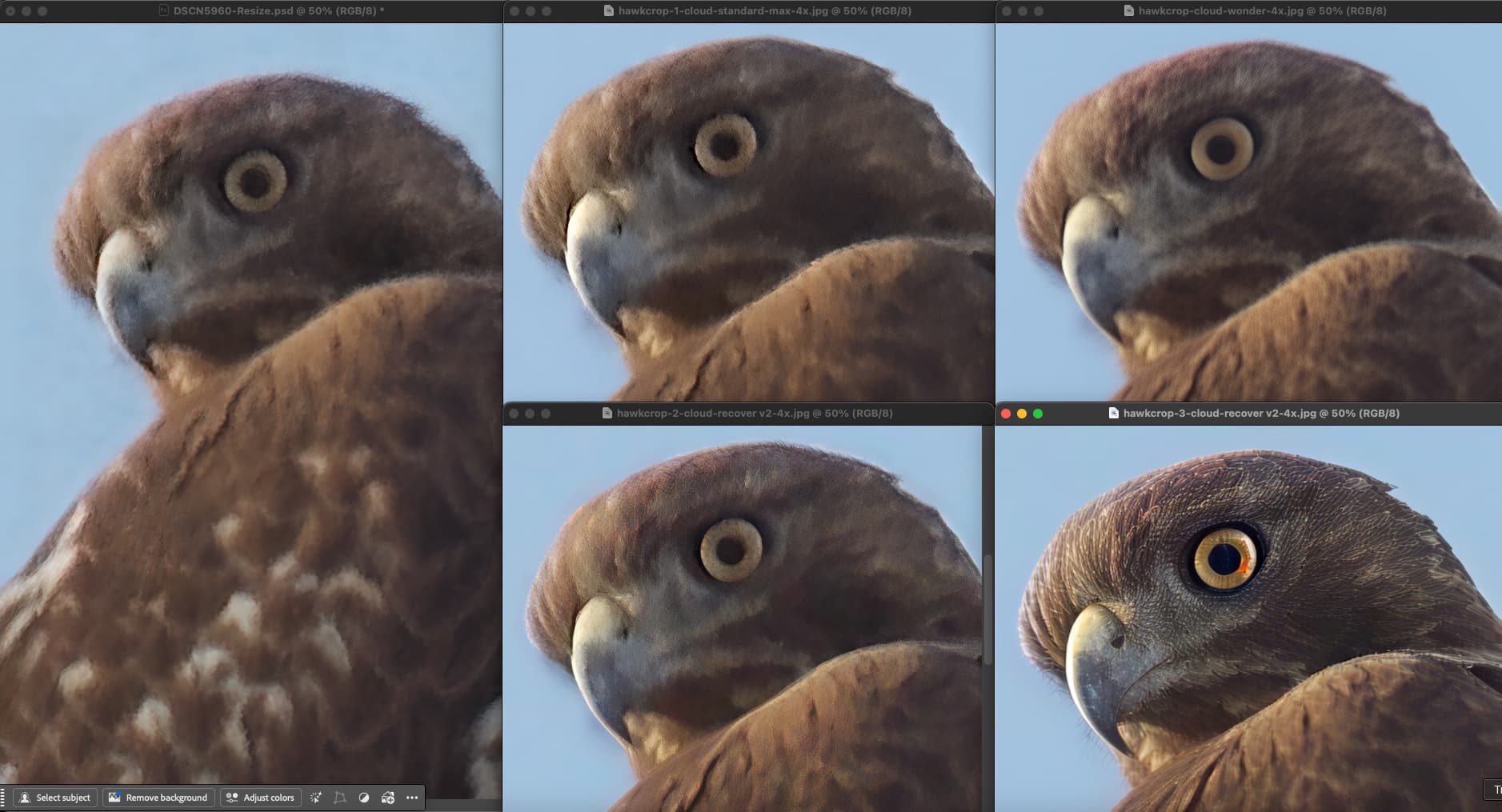
Has there been any feedback so far on why High Fidelity in 1.0.1 or 1.0.2 renders details differently compared to High Fidelity in 8.4.3 or 8.4.4?
Finally, does High Fidelity still have room for improvement? It hasn’t been updated for a while—has it simply reached its ceiling? As noted by others, I don’t find Wonder or Standard suitable for upscaling high-quality photos.
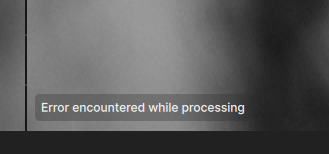
Batch processing in the cloud is still an issue for me. despite two patches. I selected a sequence of 81 images and only about half of them have processed, despite leaving TG running all night. It is a completely random selection, so I now have to go back and select those that didn’t upscale, individually and manually, and do them in smaller batches. Very tiresome and time-consuming.
Hi Robyn,
Crazy that the logs still are showing up. I’m wondering if they are actually there but the folder is just not opening through that specific action.
Can you check manually if logs are opening for you through this pathway? (Not sure what drive you’re using though) C://ProgramData/Topaz Labs llc/Topaz Gigapixel/Logs
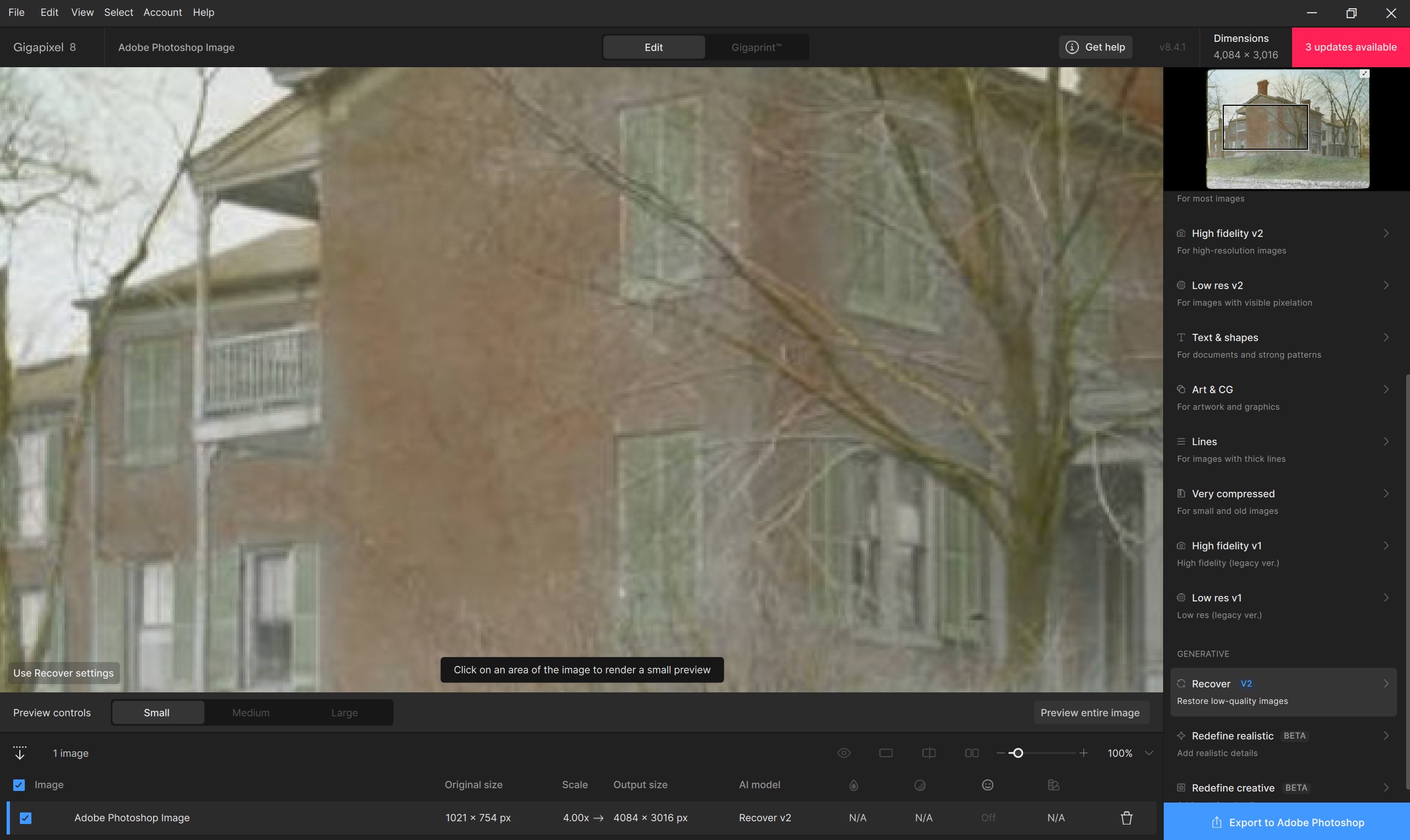
We are still checking on this one but can you double check which processor you’re using for 1.0.2? If its different, try changing it to match what you have in 8.4.4. And let me know if its still showing differences.
We can certainly consider updates for the GAN models. Let me know exactly how we can improve the High Fidelity v2 model though =) You can post in our Ideas channel as well.
Also, FYI, with Topaz Giga (Studio) installed I can still open GAI (perpetual) in my Ps Plugin (File > Automate); unlike with the Phot (Studio & perpetual) products that there are issues with. See labelled snips.
I just wish that big pinky red UPDATE button (upper right UI) wasn’t so close to the “X” to exit the UI. I nearly keep accidentally clicking it when needing to X out of the plugin UI. Is it possible to move that UPDATE button elsewhere farther to the left? And, maybe make it less vibrant near the Navigator image. Thx!
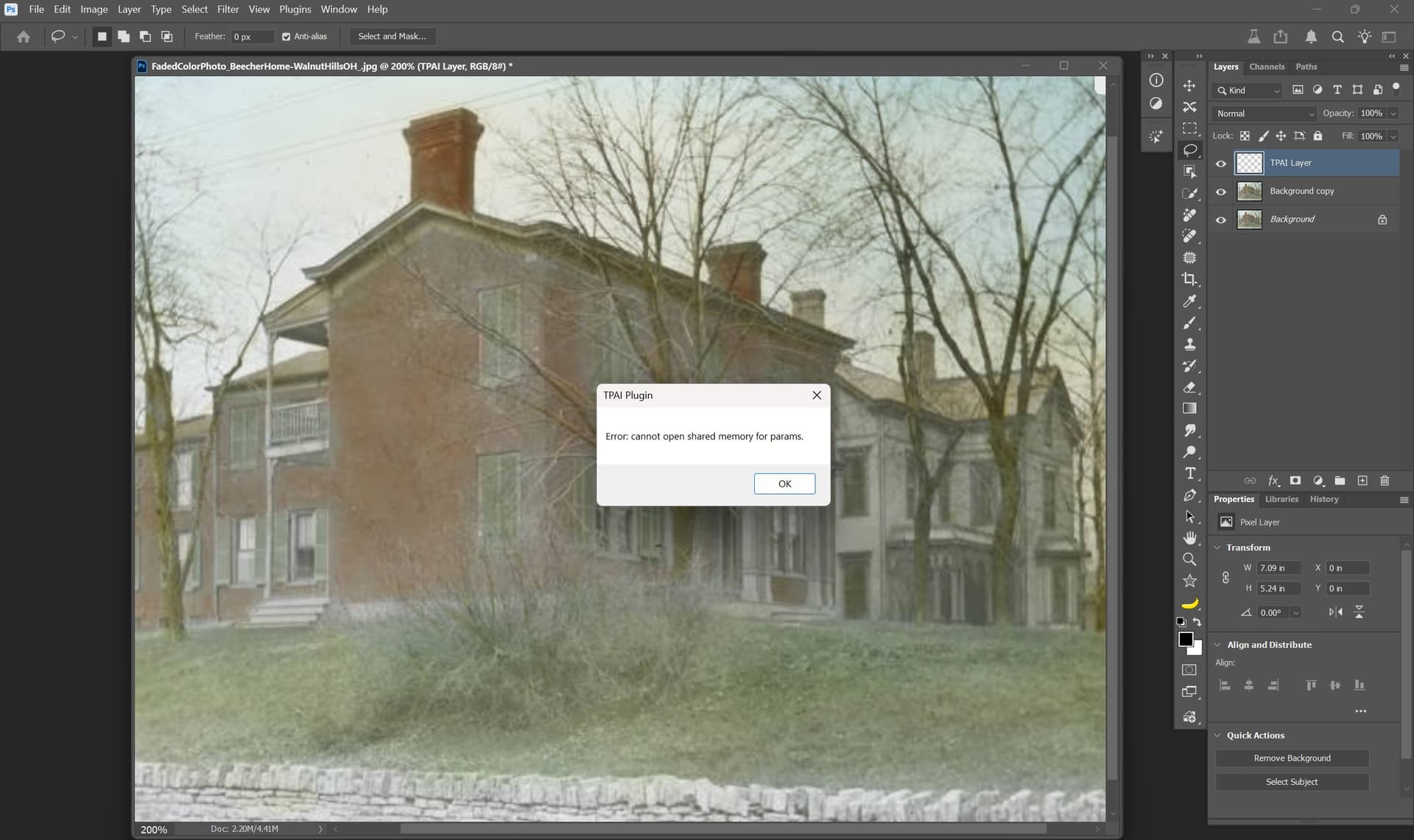
I just upgraded to 1.0.2 from Gigapixel AI 8.4.4 and am now getting this error when the preview tries to render. I submitted feedback through the help option but wanted to add it to this thread as well in case anyone had any possible solutions.
(MacOS 15.6.1 and Photoshop 26.11.0)
Scott
Hi @esther.huynh, thanks for getting back to me.
I’m using the same processor for both versions. I re-tested High Fidelity today—fresh install of 8.4.4 first—and I’m still seeing the same rendering difference in 1.0.2. I don’t have an explanation for it.
I’ve attached the logs. I’d appreciate it if you could share the Topaz team’s feedback.
As for possible improvements to High Fidelity, I honestly have no idea, which is why I asked you . I’m satisfied with it as it stands, but I do wonder if it can be pushed further. It feels like a core model for anyone serious about “true” photography.
By the way, I just subscribed to the yearly Gigapixel AI upgrade plan. I realize it may not deliver what I’m hoping for (cloud rendering with High Fidelity and improvements to High Fidelity), but I still want to stay hopeful and support Topaz for now
For a few days now, I’ve been trying out the new WONDER upscaler via Gigapixel in a more “sensible” way. It claims to be the “best” advanced upscaler, even for low-resolution images. On some occasions, I’ve had very good results, but the quality is REALLY inconsistent…
Nano and Flux were just added to Ps (beta) as partner models. They leave the Adobe Firefly model in the dust. It’s great to be able to mix and match various processing tools.
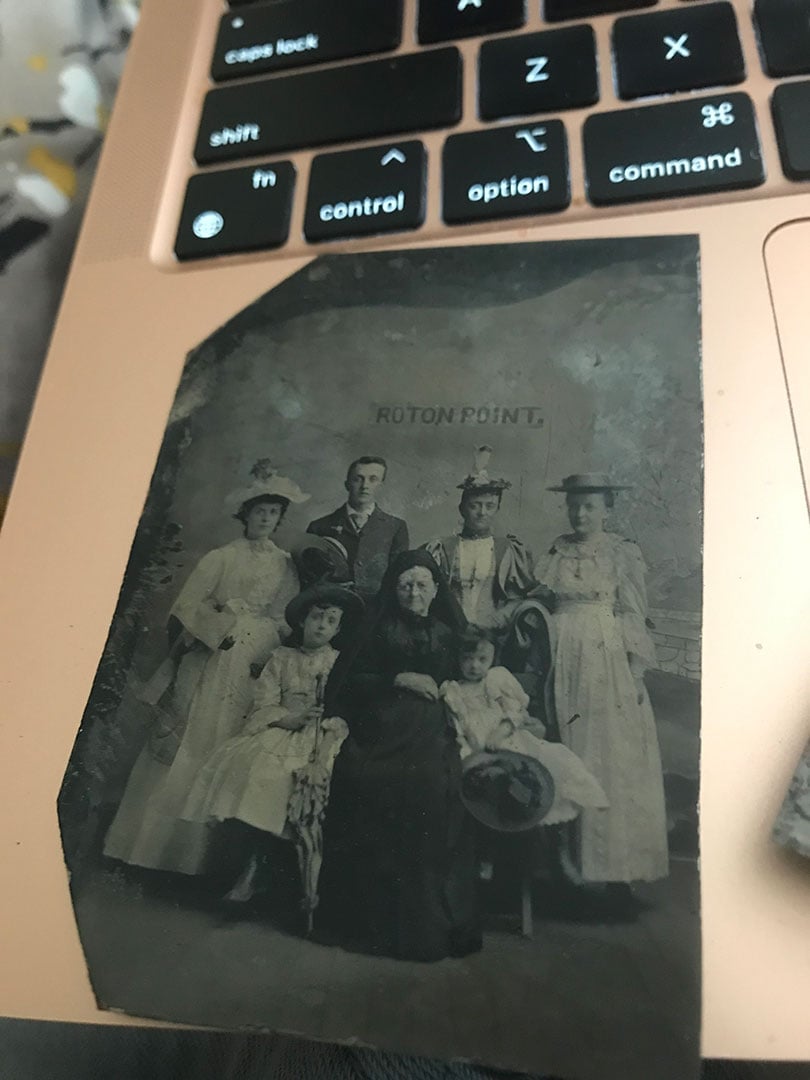
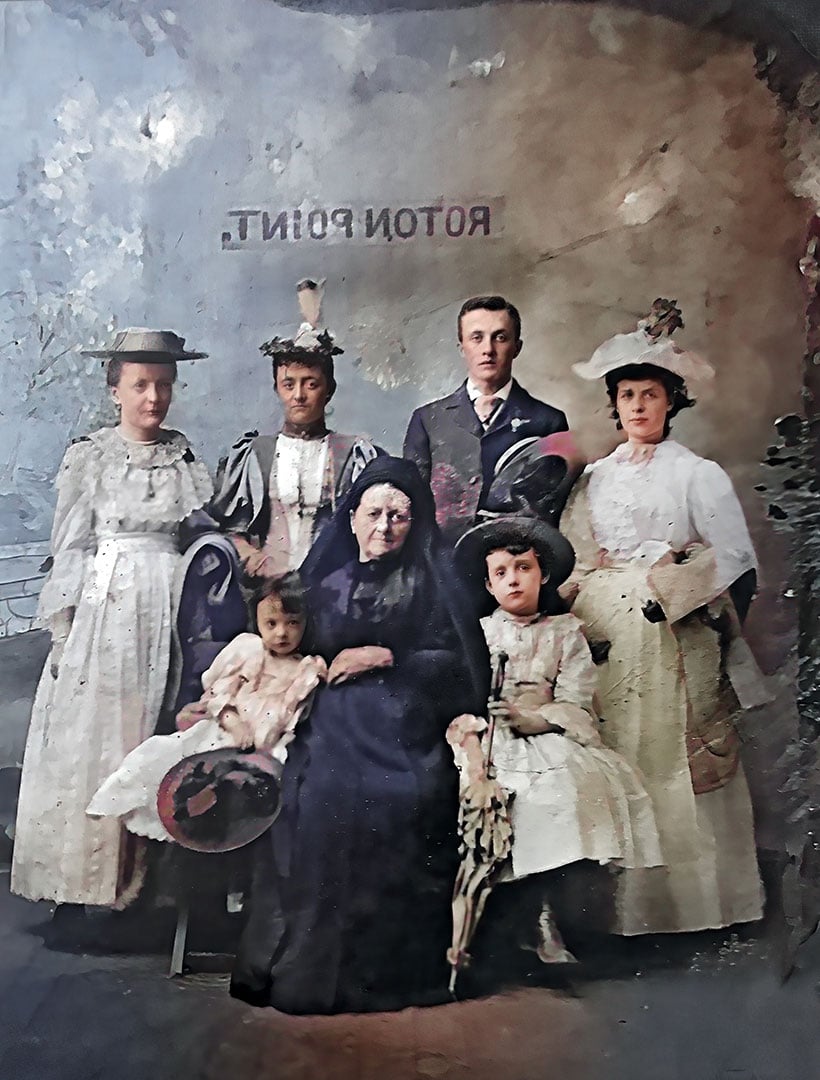
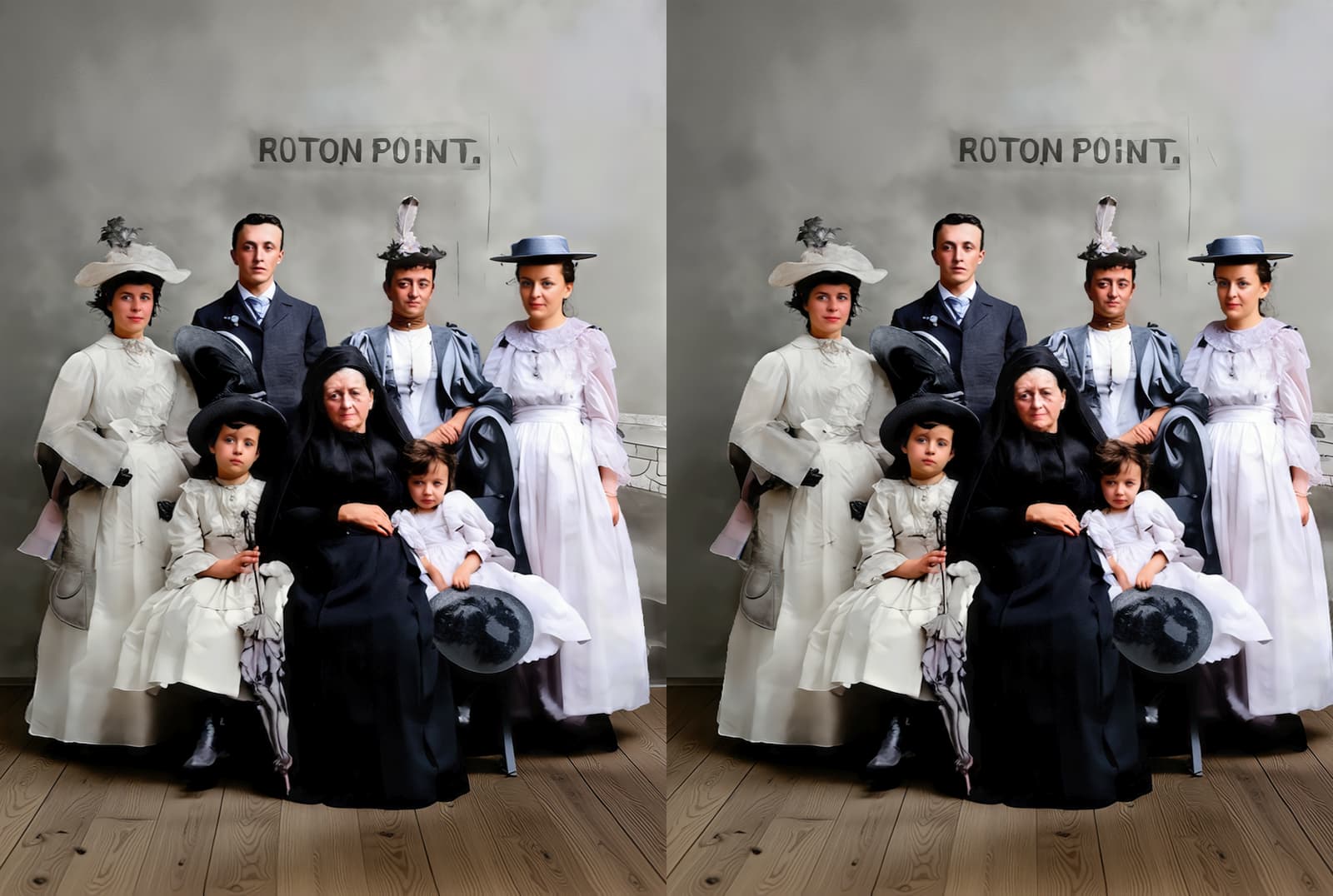
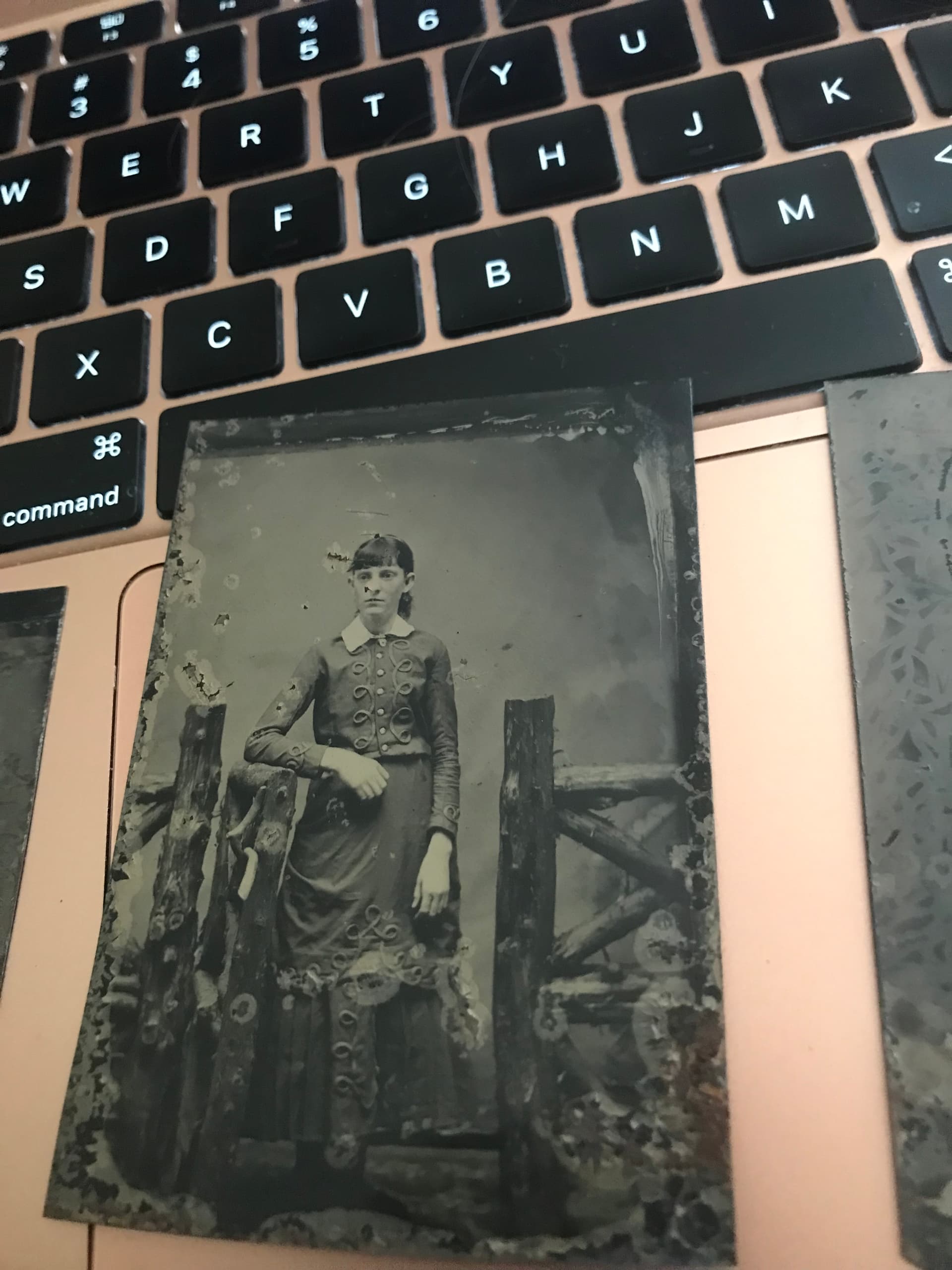
The little girl on her grandmother Murphy’s lap is my great-grandmother; her mother stands behind her.
I asked my aunt to mail these to me to scan (as she did many old photos back around 2008) and gave her my current address where we’ve been for a decade. She instead sent these tintypes to my old address…
I asked at that property and no one saw them, supposedly, and they have not made their way back to her yet.
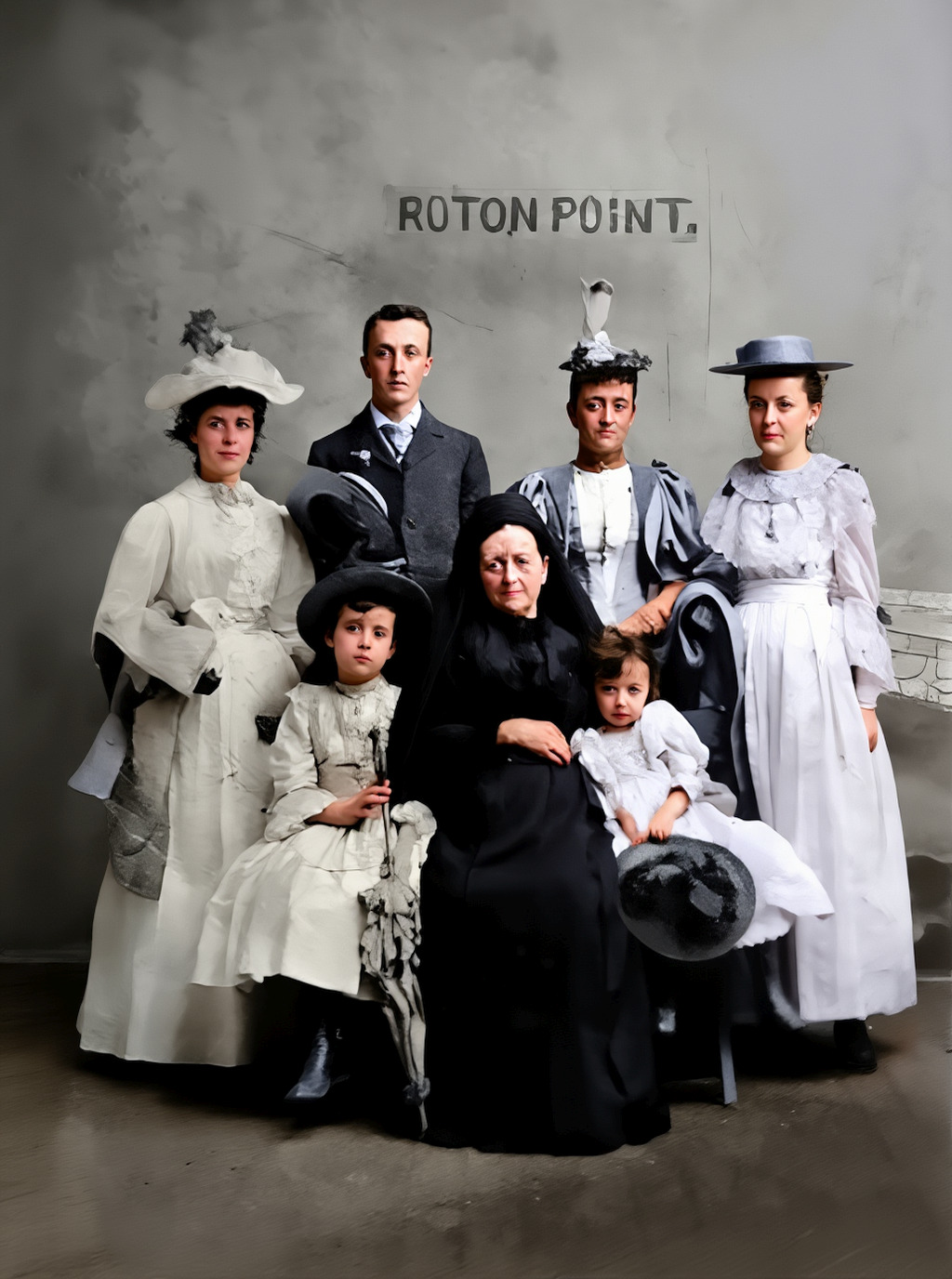
So I did the best I could in Photoshop followed by some Gigapixel Wonder with Face recovery!
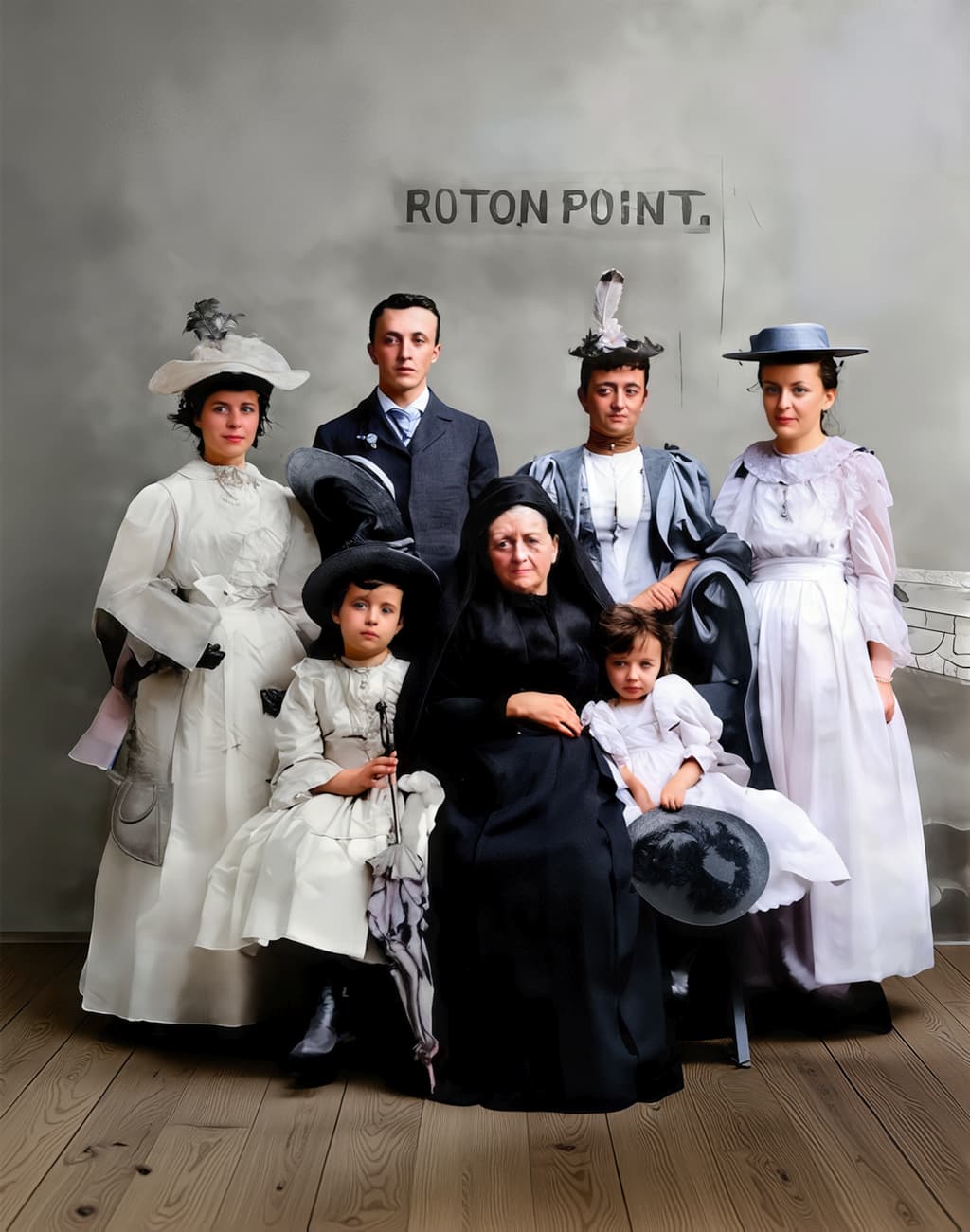
I did another attempt on the original image, first using “Flux-Kontext” with the prompt “restore the old 19th century family photo, remove dust and scratches, make a clear sharp high quality color photo, remove the stains from the smooth gray wall. The floor is made of rough wooden beams. Keep all details, keep the sign on the wall.”
Then gigapixel, and some small edits with Photoshop and Inpainting.
That’s fantastic work, thanks so much! What host did you use for the “Flux-Kontext” model?
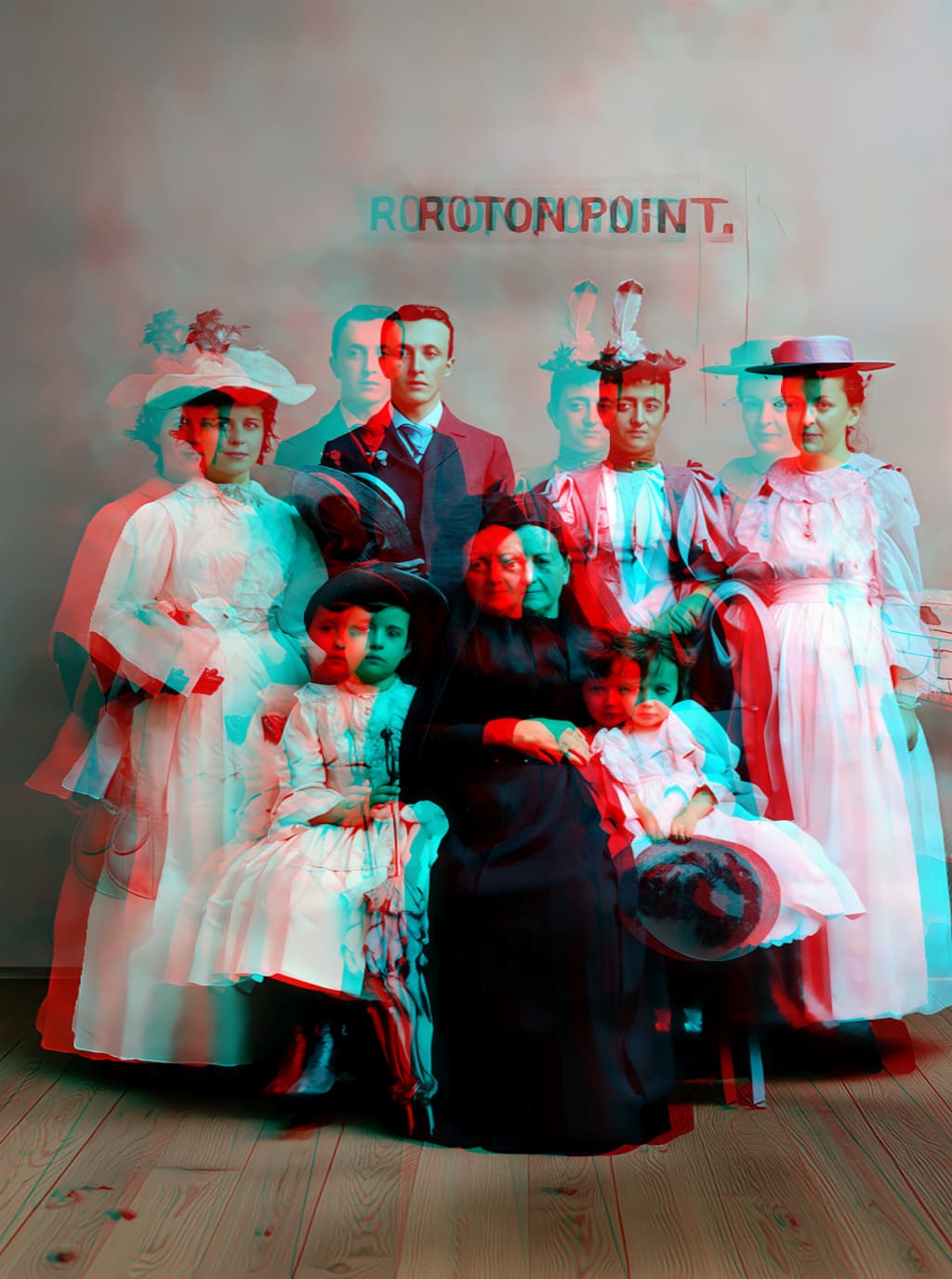
As for the orientation, flipping this result with the sign backwards would be accurate as per how tintypes worked. I would guess in person, the sign would have been backwards so as to appear readable on the final (backwards) image. But easy enough to do at this point in PS.
Imagine what results we could have been achieving with a proper scan of this tintype, as we did with the Bowler Boys in a different thread!
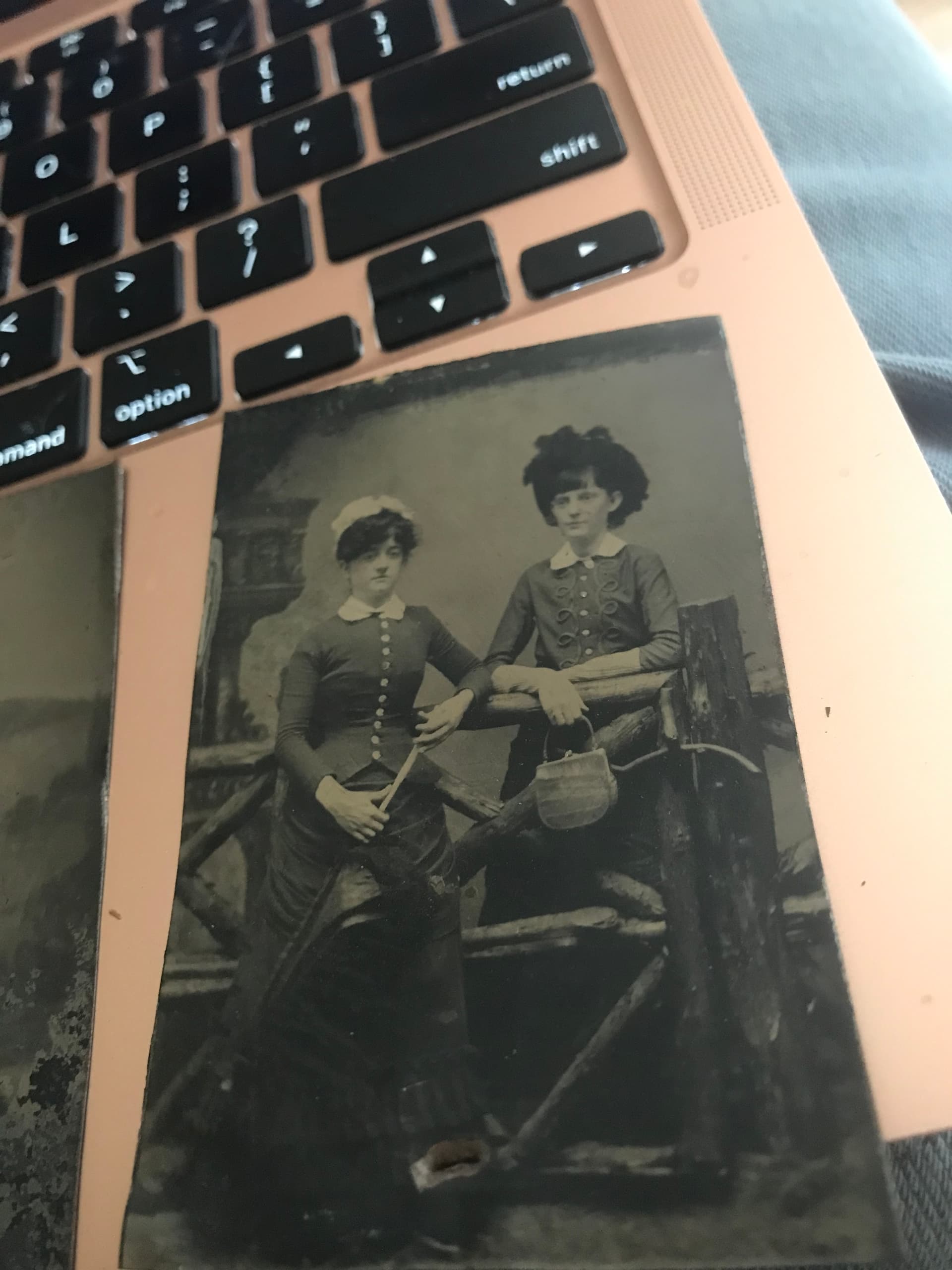
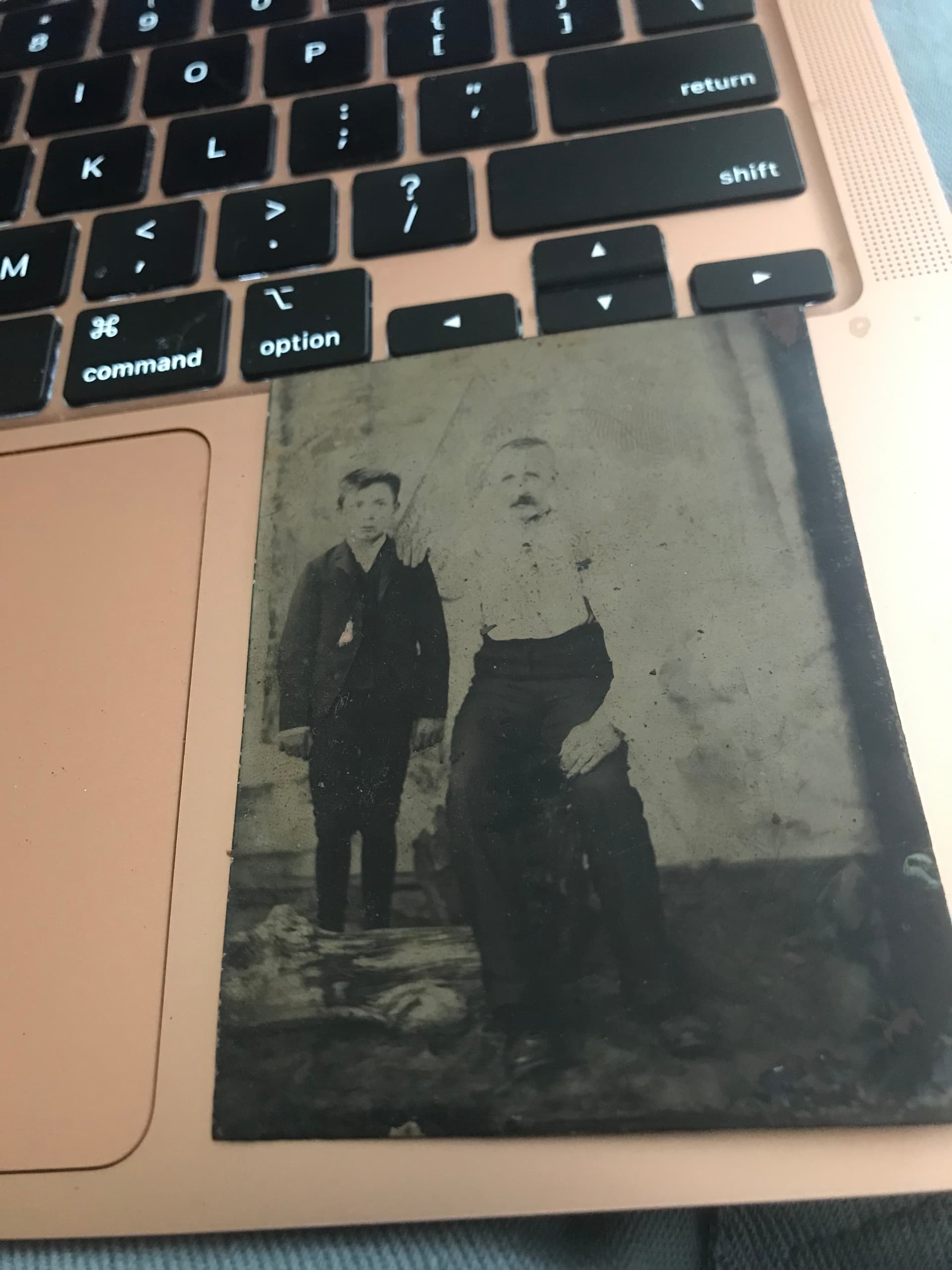
Now if you wouldn’t mind doing some more, here are a few others from these sad original iPhone source files… I have yet to identify these people:
 . I’m satisfied with it as it stands, but I do wonder if it can be pushed further. It feels like a core model for anyone serious about “true” photography.
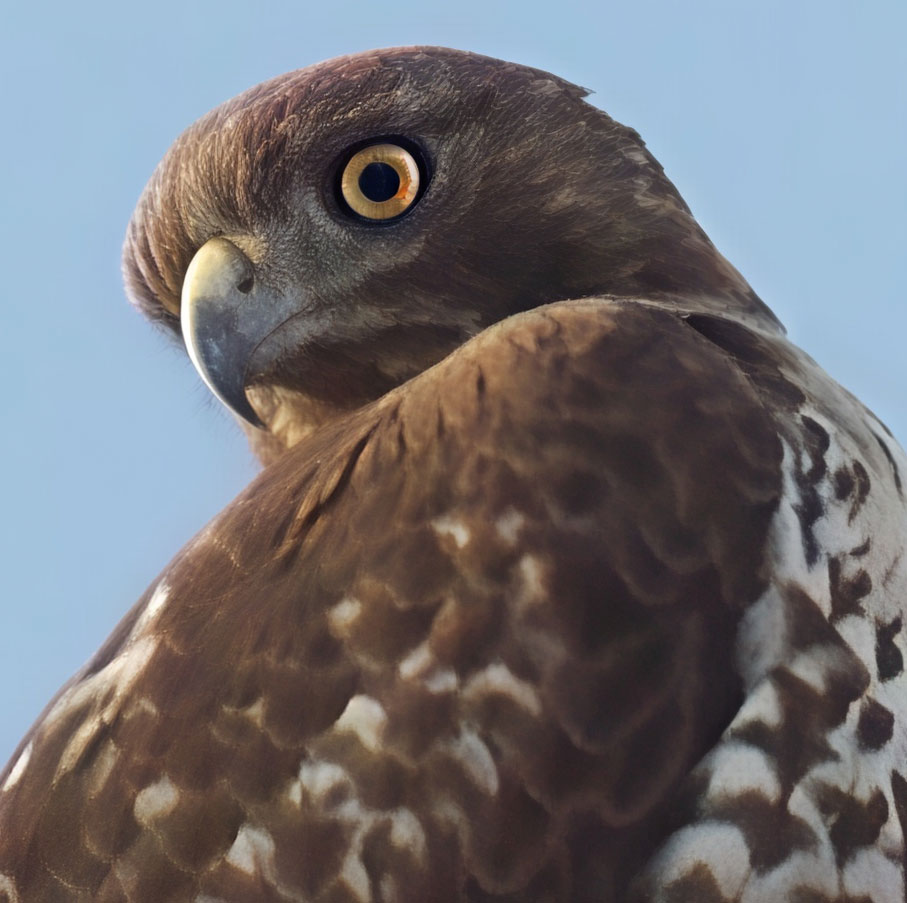
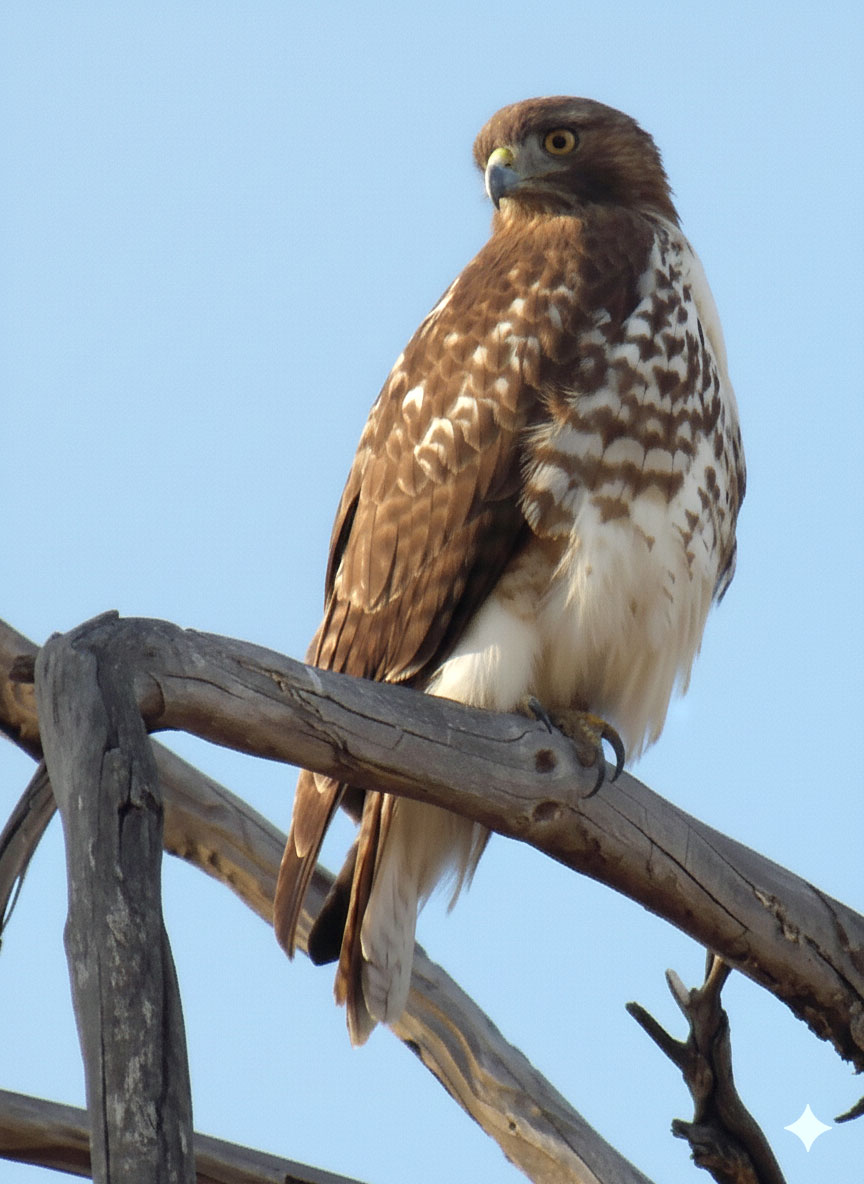
 to make a Levels adjustment or did you give it a prompt to ask it to add definition and details to the bird?
 ):
):