They get the upgrade for the length of their existing license period. After that, it is a subscription to retain access to the new app.
We did update our some things but it shouldn’t have impacted High Fidelity that i’m aware of. i’ll have to verify with our team about it
We may consider opening our core models to cloud rendering…it’s definitely on the table
could you send an image example from 8.4.3 and 1.0.1 that we can look at and compare. Please add your model settings so we can replicate and i think that will help us investigate.
You can securely submit one or two images/video clips to our Dropbox. Please let me know if you send something.
Additionally, if you can give me logs from both 8.4.3 and 1.0.1 that will help too
thanks!
Excuse me, but could you please tell me how to send the logs?
I have checked the directory you specified, but I am unable to locate where the logs are being saved.
C:\Program Files\Topaz Labs LLC\Topaz Gigapixel
you can access it in the main Gigapixel menu > Help > Open Log folder and then copy and paste your most recent log
if it’s easier, we can troubleshoot over support@topazlabs.com and you can mention my name so that our support team can send your ticket to me directly
1 Like
Thank you very much for the detailed explanation. I have attached the file “tzlog.”
2025-09-20-01-14-8.tzlog (46.5 KB)
oh ok thank you for the answer, I honestly think I will remain with the old one…not a fan of subscriptions…i was happy with the old system :).
thank you!
we’ll send this to our team to investigate.
appreciate your patience while we work on this!
ありがとうございます!
担当チームに確認のため送信いたします。
対応中ですので、しばらくお待ちください。
3 Likes
We totally understand subscriptions aren’t for everyone, and you’ll be able to continue to access the perpetual licensed products you’ve already purchased. 
Let us know if there’s anything that you’d like to see in the new Topaz Gigapixel that might change your mind! Cheers
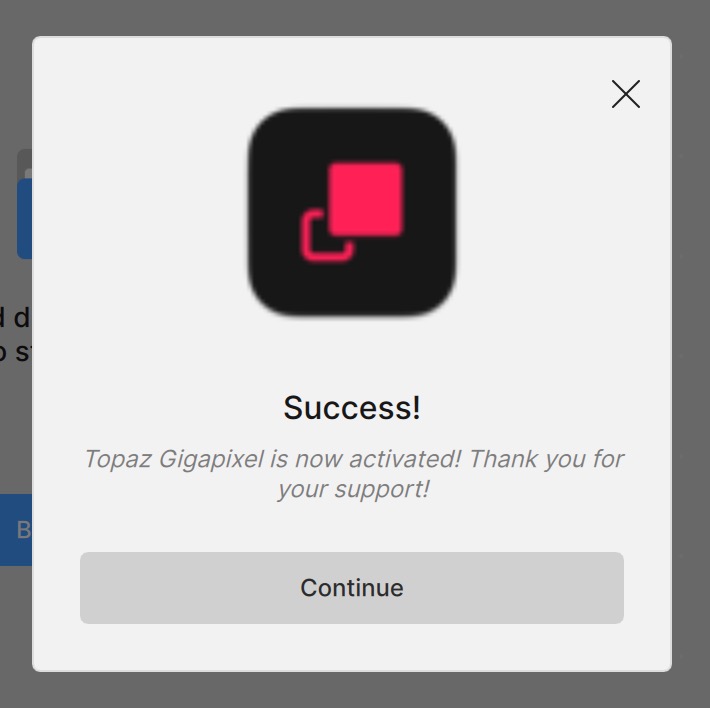
Me too. It comes up twice every time one opens the app.
1 Like
I sent a screenshot and log to Tyler N in support.
It’s the same for me as well.
The issue with this “adobe subscription” model is that you lose customers as quickly as you gain them, since there are so many alternative applications available now. Personally, I’ve already purchased the software twice (including one paid upgrade), and it makes much more sense to me to own something rather than rent it. With a subscription, I don’t feel any real attachment to the software — the moment I find a comparable open-source option or another provider at the low price, I’ll switch. But if I actually own the software, I’m less likely to move away from it, because I’ve already invested in it. That also makes me more willing to pay for a major update when it’s released under a one-time fee. That’s why i will continue with the old one 
I have just tried out 1.0.1 and, honestly speaking, I don’t know really what Wonder or Standard Max are for. People? Architecture? Landscapes? The pictures I process most are animal pictures, real ones as well as a growing number of AI generated ones, and when it comes to rendering animal fur, both models are a huge disappointment. Especially AI generate images (as well as AI enhanced/enlarged real pictures) have a tendency to show regular patterns in fur texture (imagine the teeth of a comb as an illustration). The (now legacy) High fidelity and Standard models have gone a long way dealing with such artefacts and have become quite good at it. But Wonder as well as Standard Max even enhance said artefacts, making them unusable for what I most need GPAI for.
The advantage is that I won’t have to think about jumping on the subscription train. I would probably have if 1.0.x provided me with a real improvement over 8.4.x. Having discovered that it does just the opposite (and that at a snail’s pace as to the Wonder renderings), I shall probably run 8.4.x until it is no longer supported by current Windows (or keep a legacy OS on the machine I do my AI and GPAI stuff on). And, of course, I shall have a look at Topaz’ competition every now and then. Please welcome me to the “no subscription” club. 
2 Likes
Thank you, Esther, for your prompt reply. I uploaded two crops from upscaled photos — both derived from the same source image, but one processed with version 8.4.4 and the other with 1.0.1. The difference is very noticeable. I also uploaded two screenshots showing the parameters used in both cases (identical settings).
From my comparison, it seems 1.0.1 applies less sharpening, as the resulting image looks softer and shows fewer details. Could you please check and confirm why this is happening? My assumption is that 1.0.1 still has some bugs. Honestly, it would have been better to release it only once it was fully ready.
As for not having the core models available for cloud rendering, I’m afraid this could be a deal breaker. Since I only use one core model, I wouldn’t be able to get the full value from my yearly subscription without the option to run it in the cloud.
Hi Esther,
Is there an ETA for this?
No good for me to download release w/out that functionality b/c my whole workflow is in Photoshop.
Do you know if same situation for Topaz Photo 1.0.0? @Lingyu
Thx!
p.s. Was the Privacy Preference corrected for the production release that was an issue in the Giga beta (i.e., I was unable to turn off “Anonymous Usage Tracking” in Prefs.). Prefs changes were locked and unchangeable. I could change the switch to Off from the default On, but was unable to ‘Save’ that as my Privacy category preference.
1 Like
As already mentioned here, there are more or less significant differences between the models of the old and new versions.
Redefine Realistic:
The new model has a strong “plastic” look and is unsuitable for upscaling in many cases (too creative).
The Redefine Creative models differ only minimally and are practically identical.
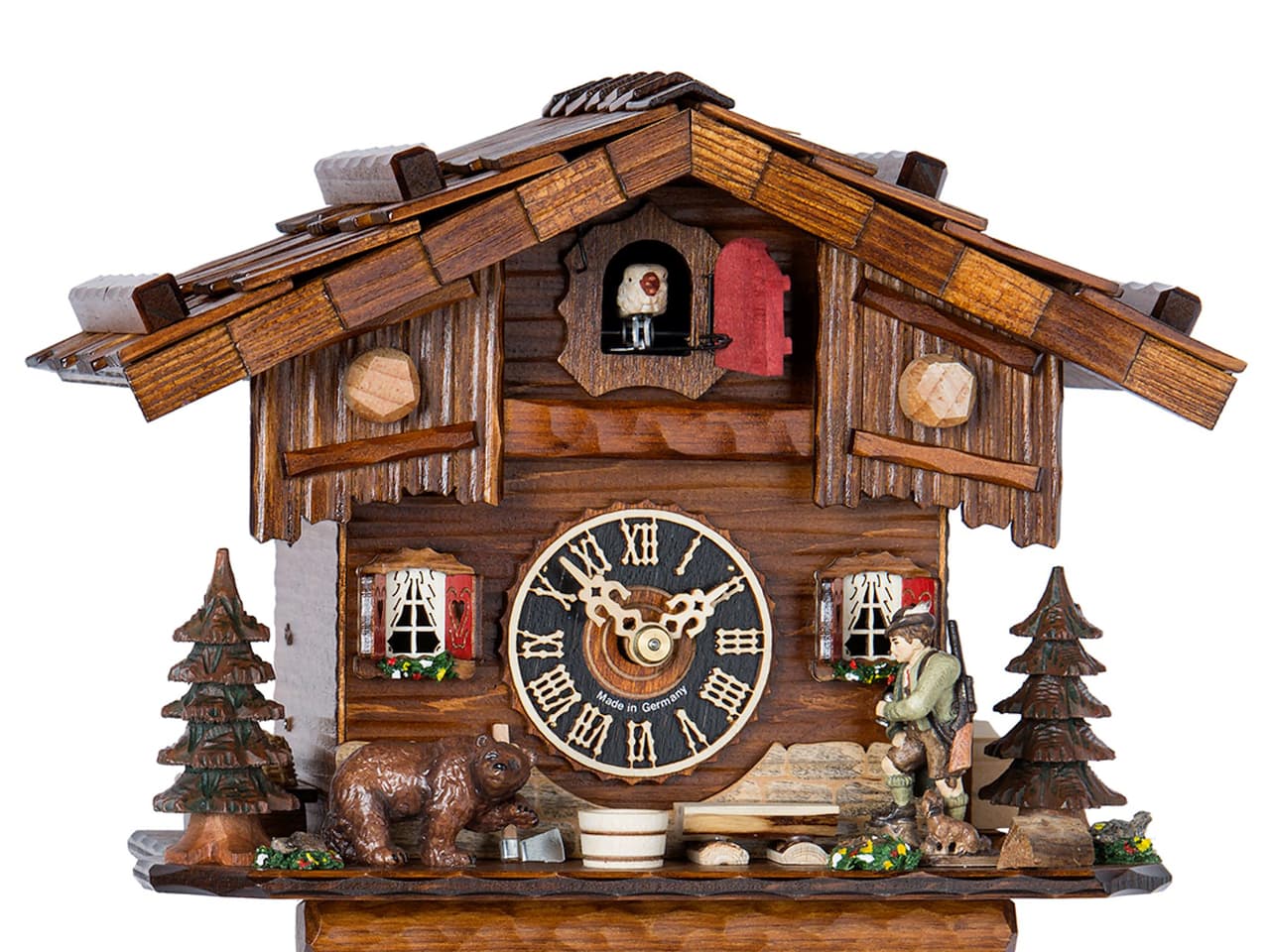
Here’s an example:
Original (From Internet):
Downscaled to 320x240:
Old-Version Redefine-Realistic (no creativity):
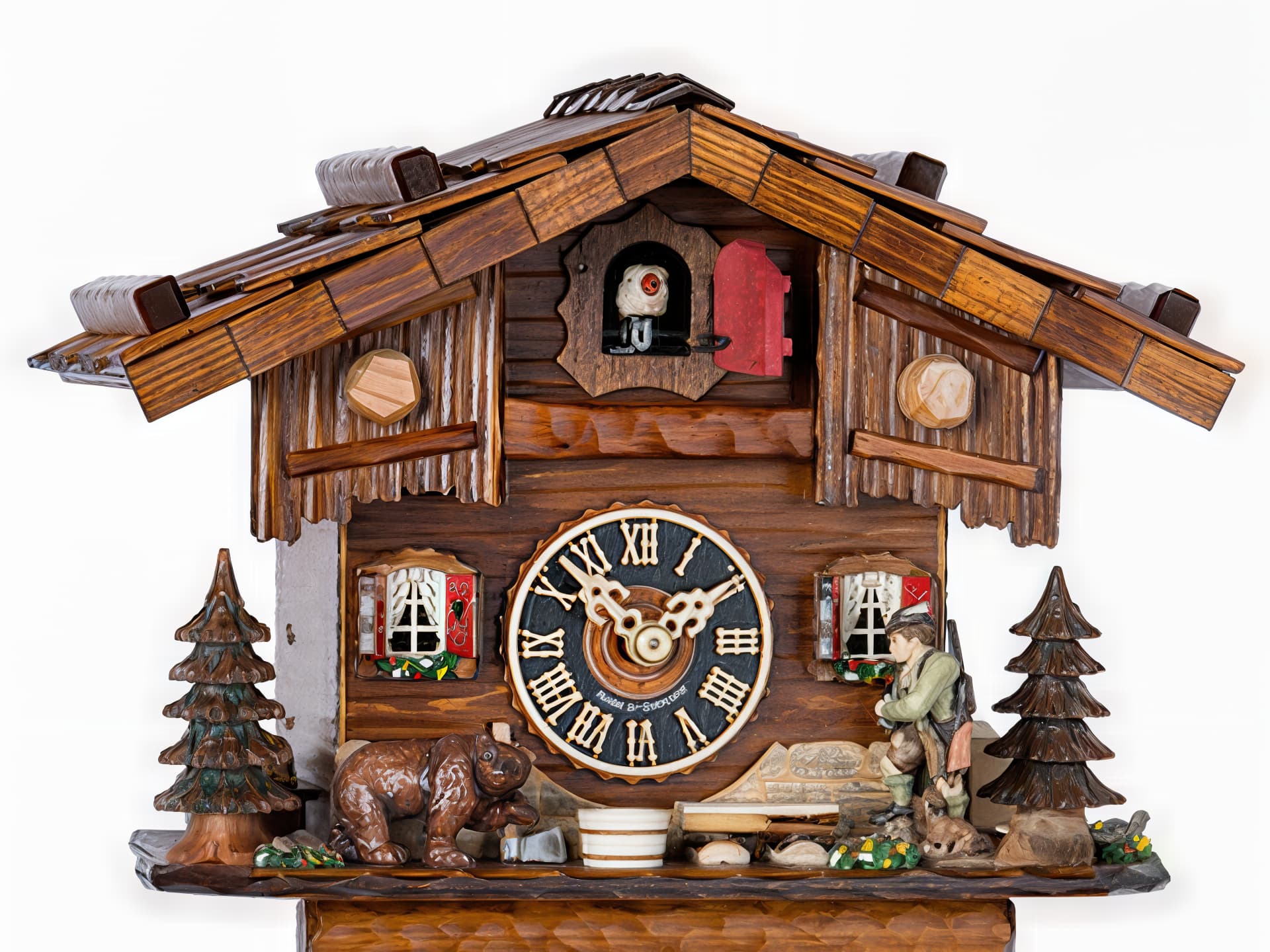
New Version:
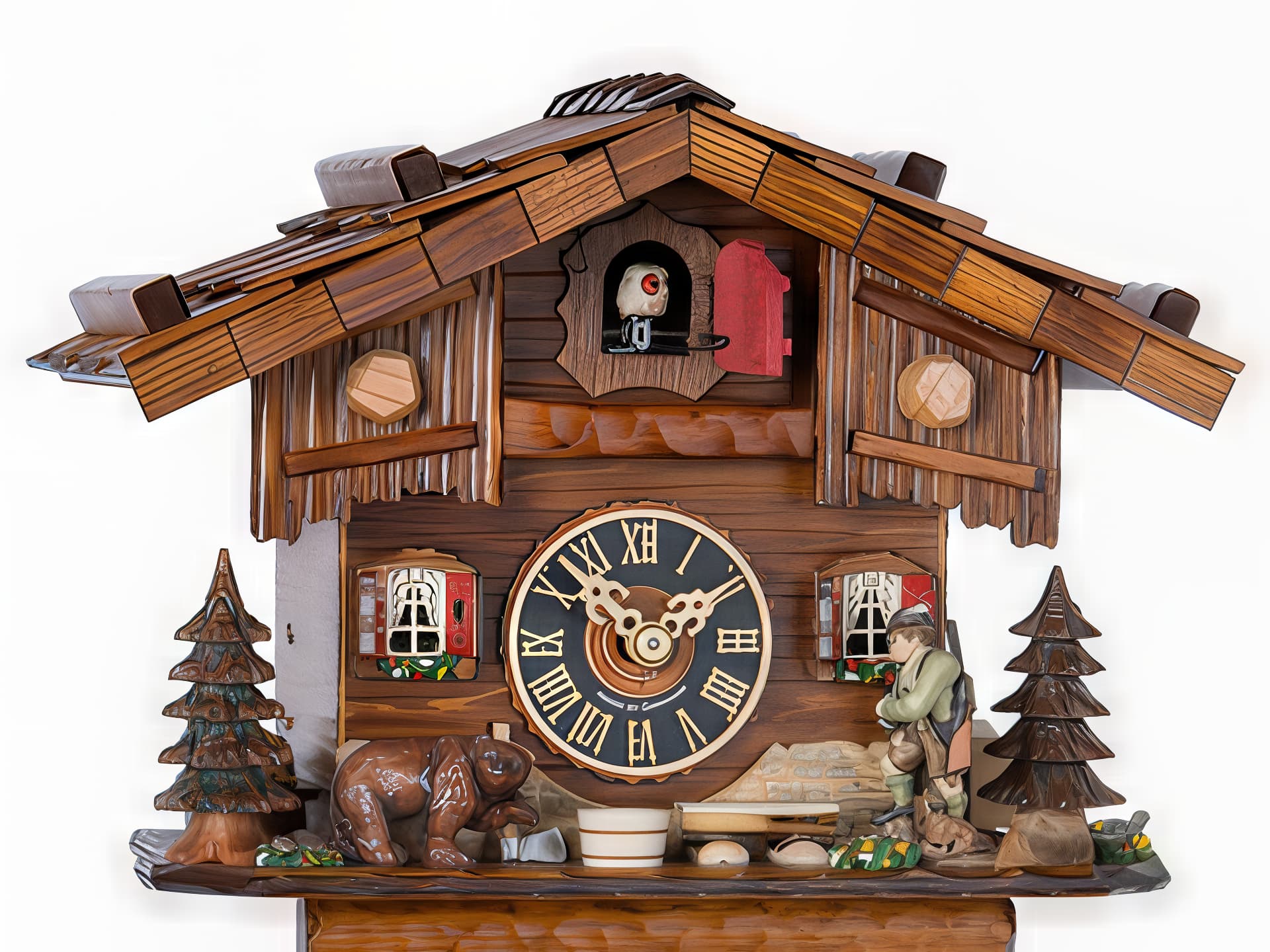
Creative-Max:
Old Version:
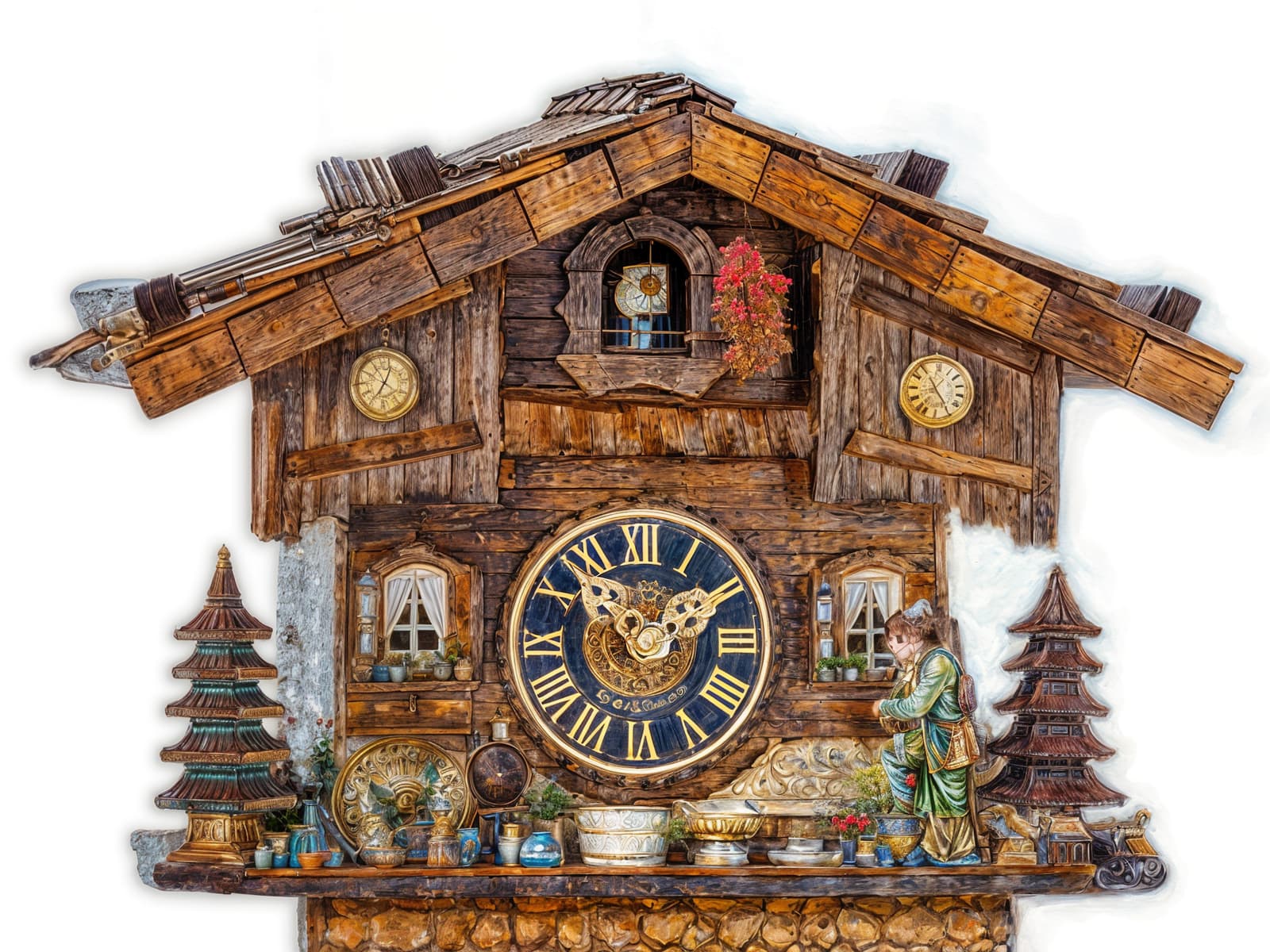
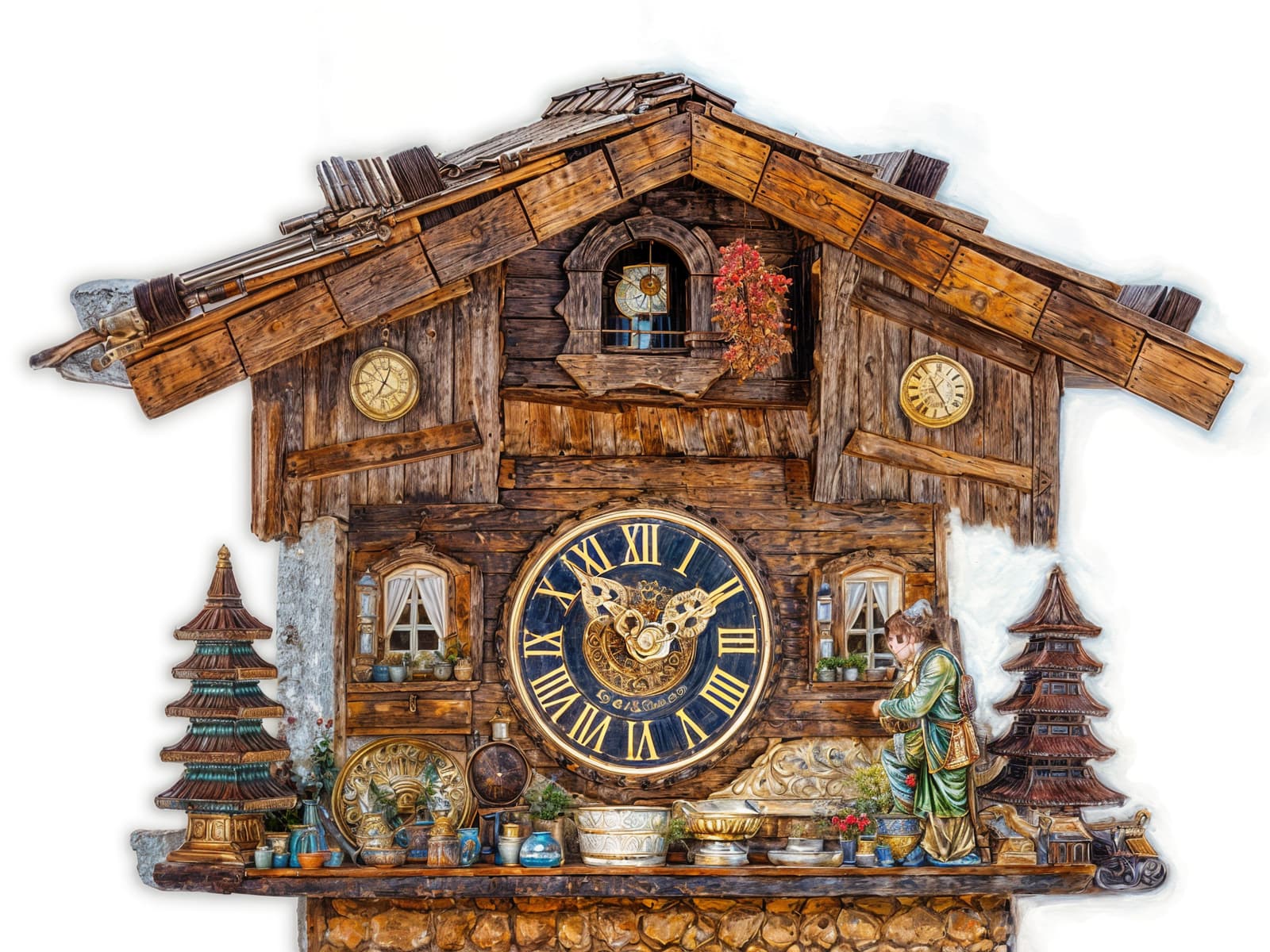
New Version:
Another Picture:
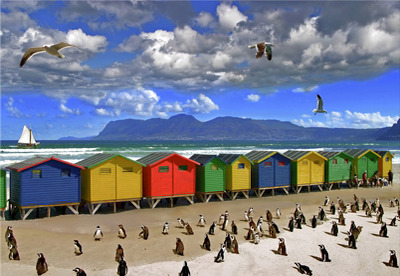
Old Version:
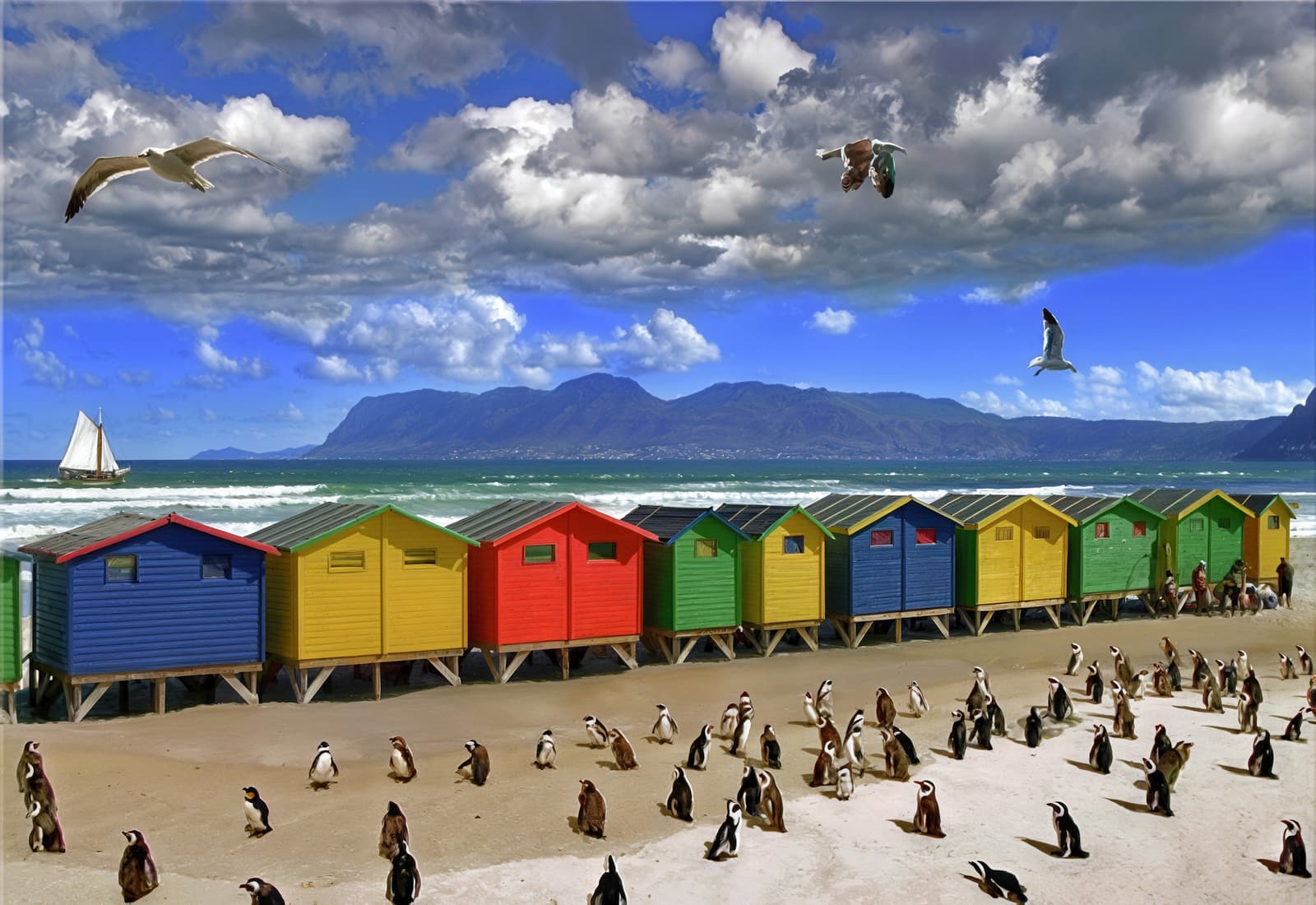
New Version:
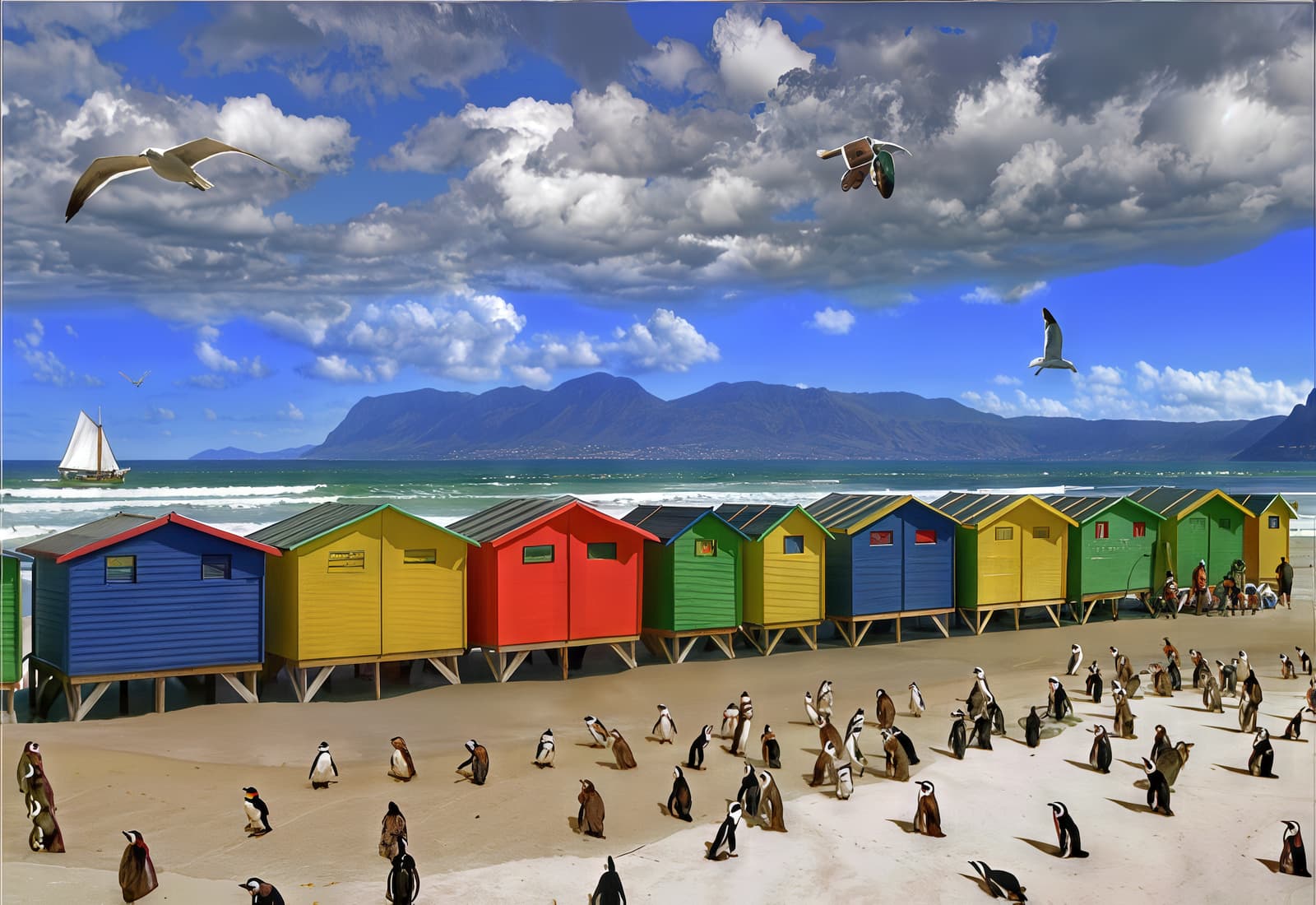
Look at the bird: (It has mutated into a flying box due to the large amount of microplastic in the ocean.):

7 Likes
I assume you didn’t add any Text Preserve while doing the comparison tests (on the clock). Of course there was virtually no text to preserve in the downscale.
Interesting to see.
Did you throw Wonder into the mix at all as another model? Even if no old version to test, but just vs your Redefine or Recover.
kiprode,
Help me understand this. You have an Intel-based Mac. So that means that unlike the Apple Silicon Mac, you can run BootCamp.
Does Topaz run on Windows running in BootCamp on an Intel-based Mac? Long shot, but…
Would that work for you?
I personally have a M4 Max Mac Studio 64 GB ram. It is just when visiting my parents that I use their iMac. I was hoping the Topaz Studio subscription would allow me unlimited cloud access on the legacy apps. I can run boot camp however it has an AMD GPU processor with 4 GB of vram and it was made in 2017 so the graphics card is pretty weak to begin with. I can still use the web based cloud compute, it’s just that the app has more capabilities with the cloud and I was hoping to use that.
1 Like
