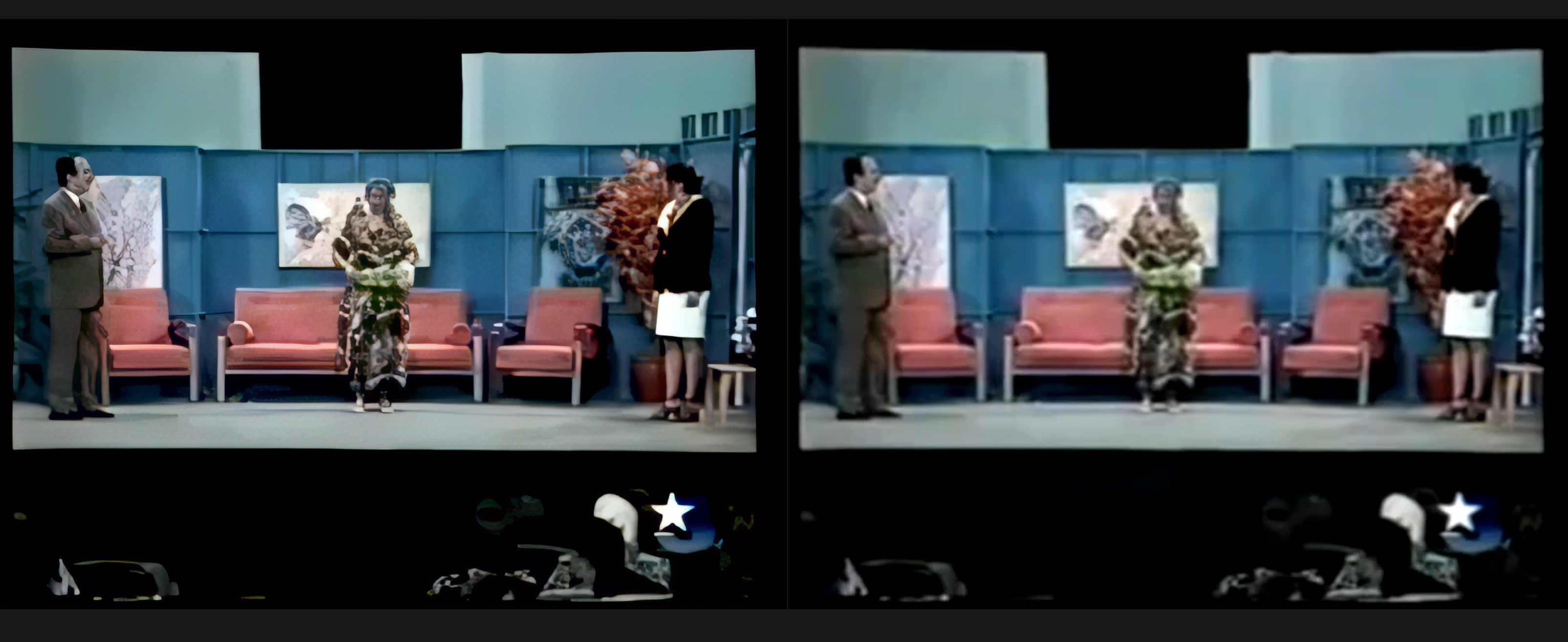
Suggestion for upscaling old 640x480 DVD videos to 1024x768

I just picked up Video and just started playing with it. Excuse me for being a newbie. Currently, I’m only interested in upscaling a bunch of old 640x480 DVDs to 1024x768 video. I can rip the DVD to a lossless interlaced .mp4, no issues, files are typically 5-6GB. But when I start playing with the upscaling AI options, these files can get very large, and take forever to process even with an RTX 5060 8GB.

Does anyone have a profile suggestion for my upscaling needs? Interlaced is fine for me. So far, I’m keeping the process very simple, using Proteus, only adding 2 grain amts with 1 grain in size. I’m not sure if adding the grain slows it down or makes files too big.

Any adjustment suggestions will be greatly appreciated. Thanks.

Stop right there.

You’re discarding the most vital information you have - the noise.

Step 0. Merge VOBs into MKV using any tool, MKVToolNix Downloads – Matroska tools for Linux/Unix and Windows for example.

Step 1. Carefully deinterlace resulting MKV using QTGMC. I use Hybrid as a front-end GUI, it has a ton of settings.

Here is all necessary settings:

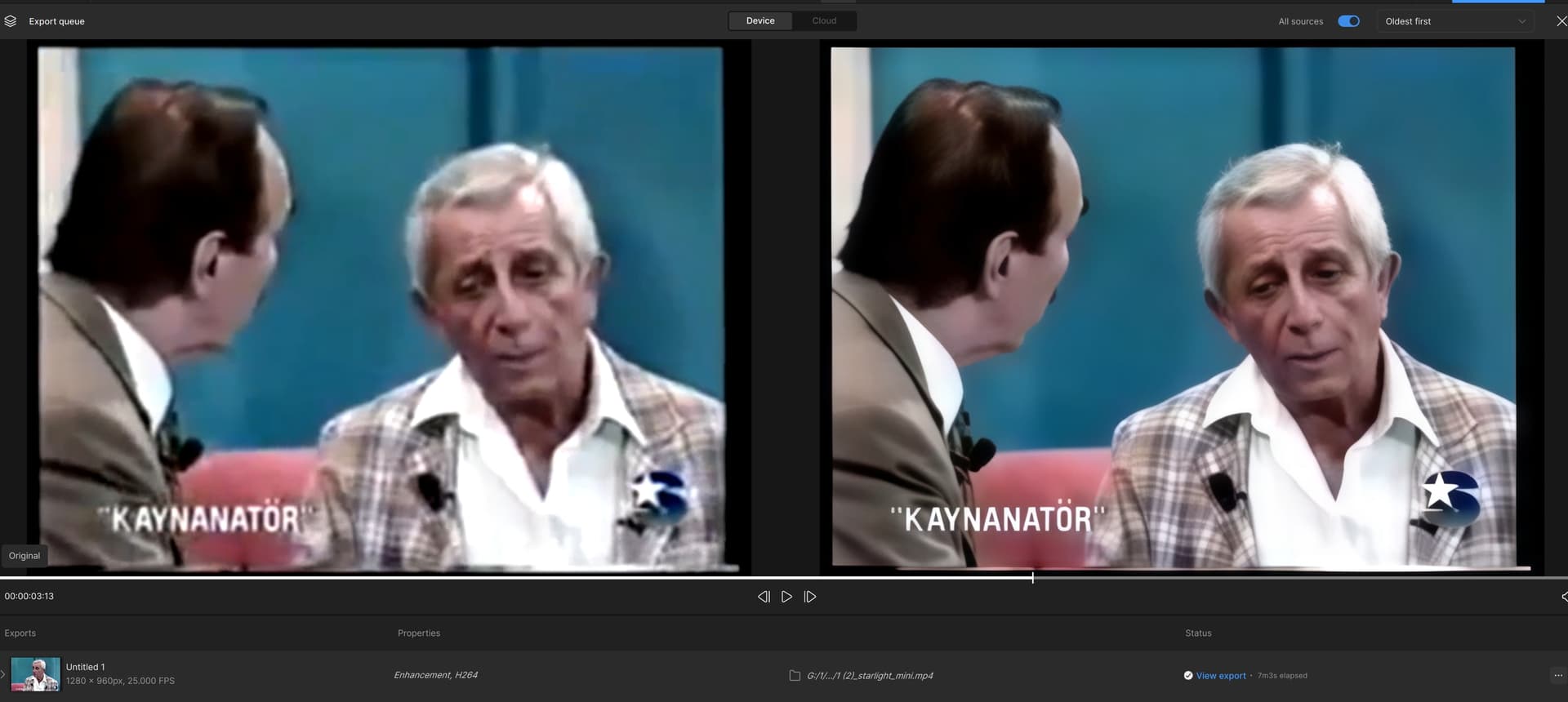
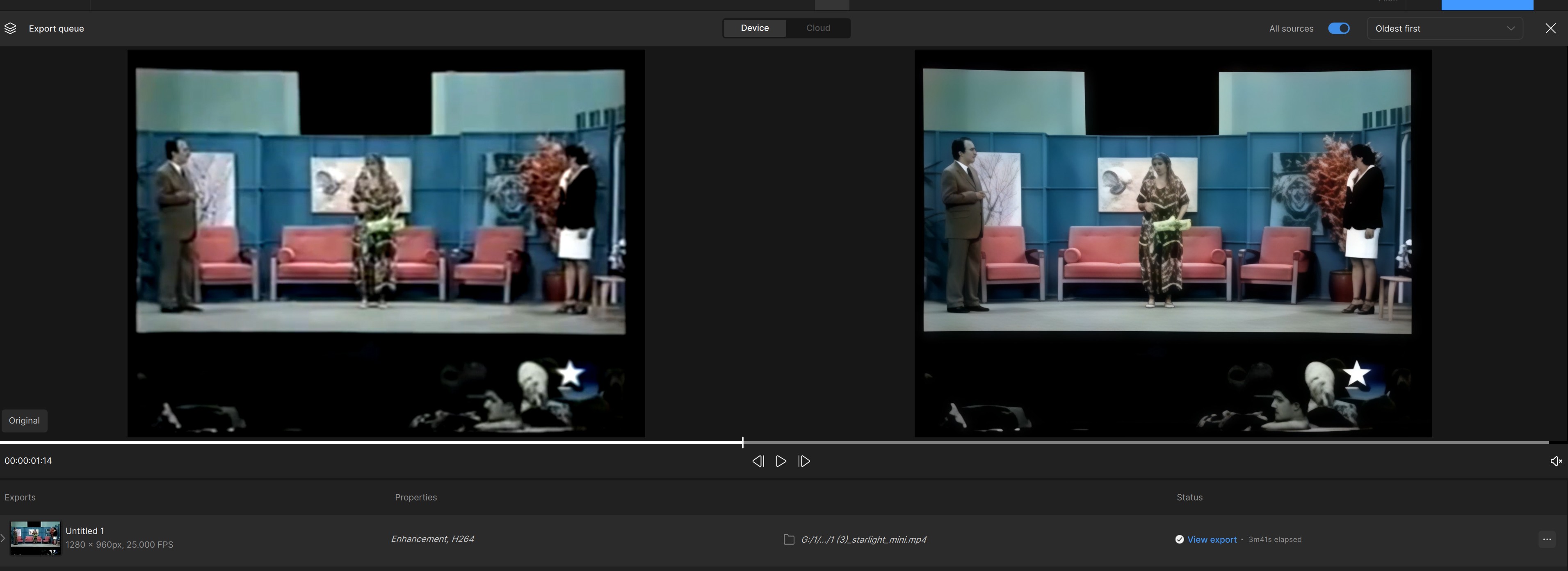
Step 2. Only after these steps open a TVAI and use a Starlight (Mini) as a first step. It will produce best results, but underwhelming at first.

Step 3. Load SL result adain in TVAI. Use Proteus (or Iris Medium if your video is really bad) with Focus Fix.

You can try Rhea (not XL!), if your source is good enough. At this point, you are free to test - previews are rendering very quickly and you don’t have to wait for result. Tune your settings at your taste.

5060 with 8Gb is painfully slow with Starlight, I know it (I have one PC with 4070 8Gb and it takes 3 days to render a 5 minute clip).

1 Like

Unless their a Founder or have the Pro licence, they won’t have access to the local version of Starlight.

Even if they do, Starlight is a huge time commitment for a new user.

or use MakeMKV when ripping does 1:1 read out without re-encode und puts all vobs together and does one MKV file. DVDs raley have 640x480, check again when you have the DVDs, PAL is 720x576/25fps, NTSC 720x480/29.97fps and pending on it is made for 4:3 or 16:9 play, you must bring the pixels into correct aspect ratio by resize stretch or compress, or use “square pixels” TVAI function, when it works (I dont’ like, and for SLM it does not exist)

3 Likes

Wow, 3 days for 5 minutes, that’s nuts. I’m trying to do finish at least 120 videos in 3 days.

Your description is very detailed, thank you. I will definitely try it, but time is my constraint at this moment.

My lossless exports from the old DVDs is my source and it works fast enough simply by popping in the DVDs and running a batch. I built a machine that houses 6 Blu-ray/DVD drives. I can’t get significant amount of video data from a 4.7GB DVD with approx. 2 hour videos, so these exported lossless .mp4 work the best for now.

I created another test last night eliminating all grain presets and WOW, a 33GB output went down to 9GB!

I used the simplest possible settings, not changing anything much:

  • Creating a customize new size of 1024x768 (proportionate to 640x480)
  • Crop - Letterbox/Pillarbox
  • Type - Interlaced
  • Proteus AI
  • Noise
  • Field Order - Auto-Detect
  • Recover Detail - 0
  • Focus Fix - Off
  • Grain - Off
  • Advanced Tunning - Auto

Nothing else changes, I leave the export to the recommended defaults. Looking at them both, the 33GB (grain 2 amt, 1 size) and 9GB (no grain), I can hardly see the difference since the video is only 1024x768 in size. I need the output files to be as small as possible, preferably under 16GB.

Now, if I can only get it to do this minimal size upscaling faster than 3 hours each. I’m assuming a faster GPU since I only use 34% (16GB), and 6% CPU when it’s running, so adding more RAM or CPU power won’t help.

Questions:

Is Proteus the fastest AI to use for what I want?

If I add more Recover Detail, does that speed up the process?

Does Recover Detail make my video worst because it’s only passing the same data? (I rather have AI do a full enhancement of everything, that’s why I chose 0.
Thank you for this great information!

My lossless exports from the old DVDs is my source and it works fast enough simply by popping in the DVDs and running a batch. I built a machine that houses 6 Blu-ray/DVD drives. I can’t get significant amount of video data from a 4.7GB DVD with approx. 2 hour videos, so these exported lossless .mp4 work the best for now.

I created another test last night eliminating all grain presets and WOW, a 33GB output went down to 9GB!

I used the simplest possible settings, not changing anything much:

  • Creating a customize new size of 1024x768 (proportionate to 640x480)
  • Crop - Letterbox/Pillarbox
  • Type - Interlaced
  • Proteus AI
  • Noise
  • Field Order - Auto-Detect
  • Recover Detail - 0
  • Focus Fix - Off
  • Grain - Off
  • Advanced Tunning - Auto

Nothing else changes, I leave the export to the recommended defaults. Looking at them both, the 33GB (grain 2 amt, 1 size) and 9GB (no grain), I can hardly see the difference since the video is only 1024x768 in size. I need the output files to be as small as possible, preferably under 16GB.

Now, if I can only get it to do this minimal size upscaling faster than 3 hours each. I’m assuming a faster GPU since I only use 34% (16GB), 6% CPU when it’s running, so adding more RAM or CPU power won’t help.

Questions:

Is Proteus the fastest AI to use for what I want?

If I add more Recover Detail, does that speed up the process?

Does Recover Detail make my video worst because it’s only passing the same data? (I rather have AI do a full enhancement of everything, that’s why I chose 0.
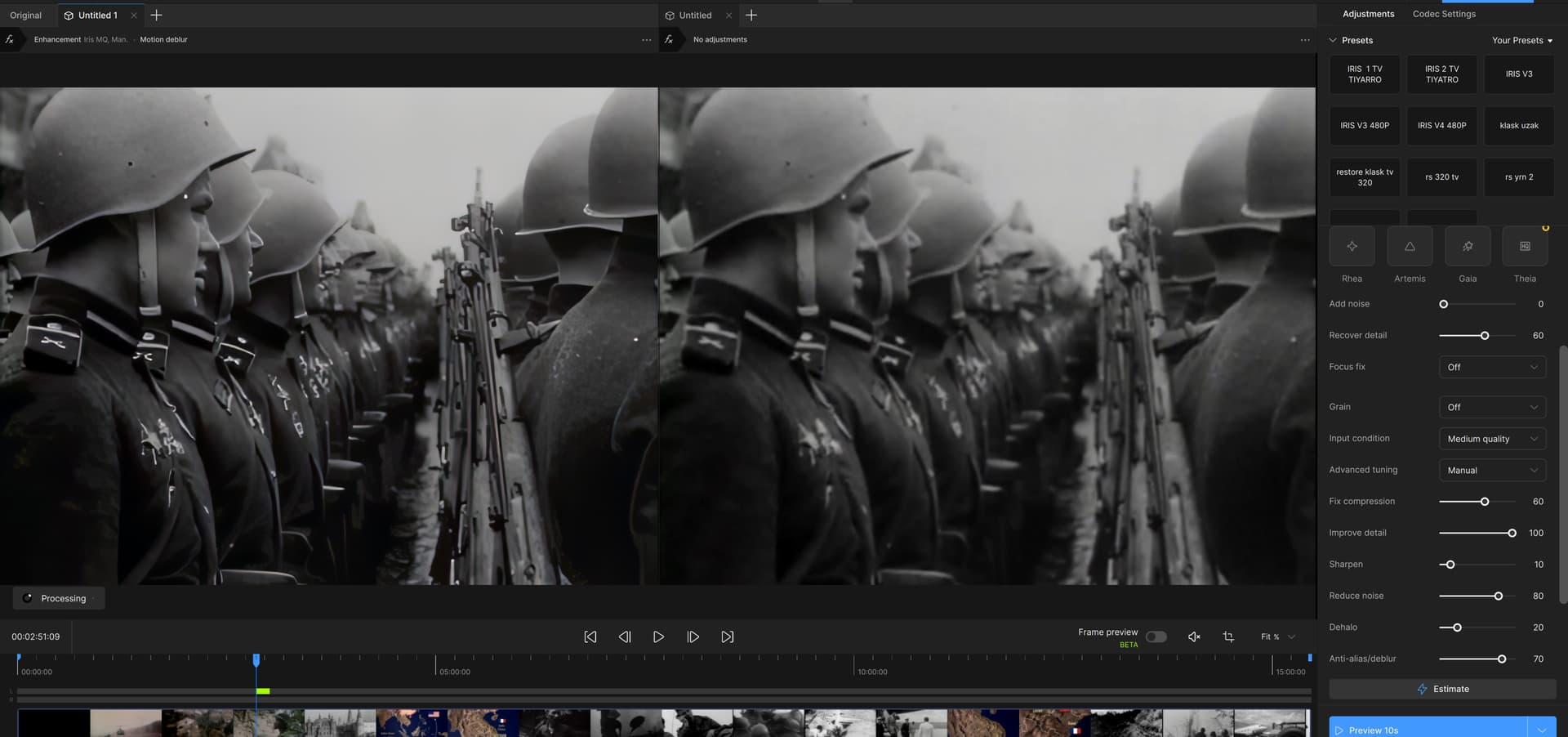
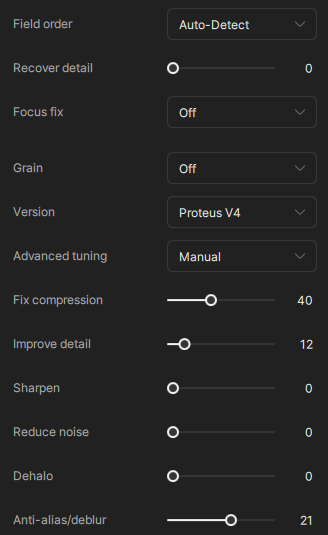
I might be late, but I usually get the least amount of artifacts with these settings on DVDs:

The Fix compression setting acts as the denoiser and noise is the main thing that makes files huge. I usually output to a lossless format and then use x265 to compress with CRF to get the smallest size at the greatest detail.

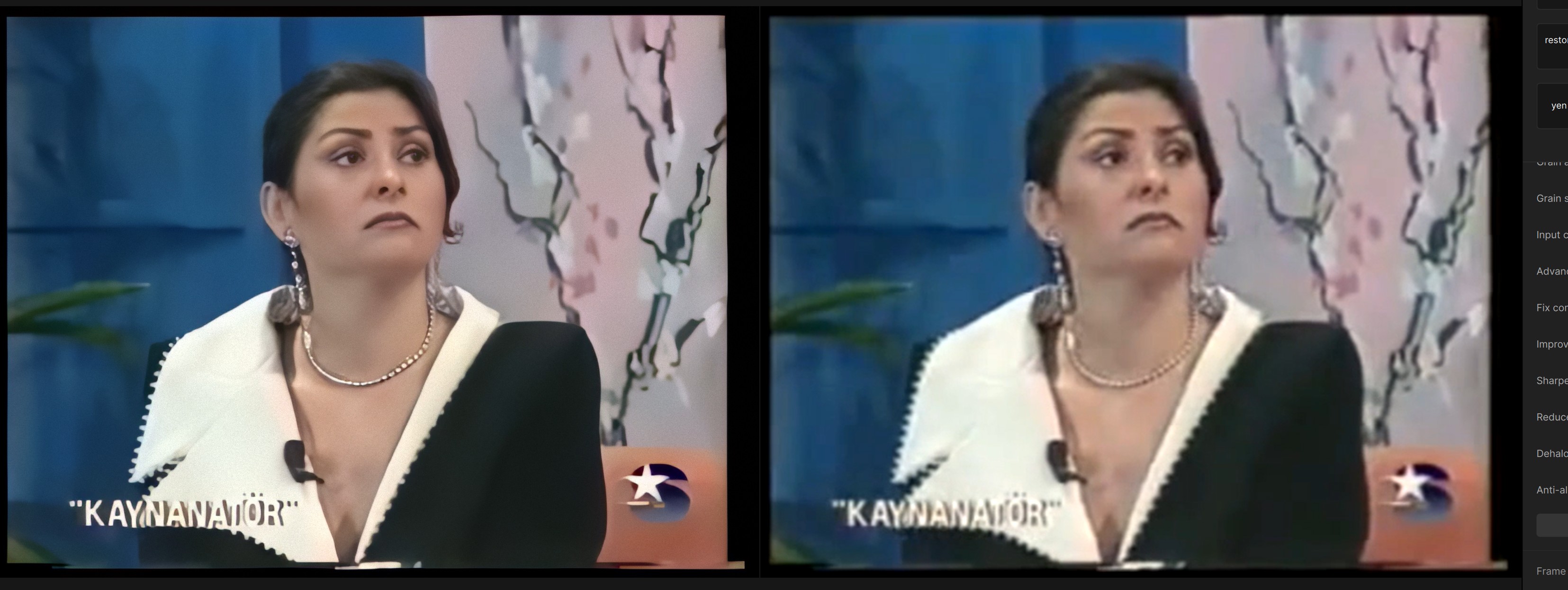
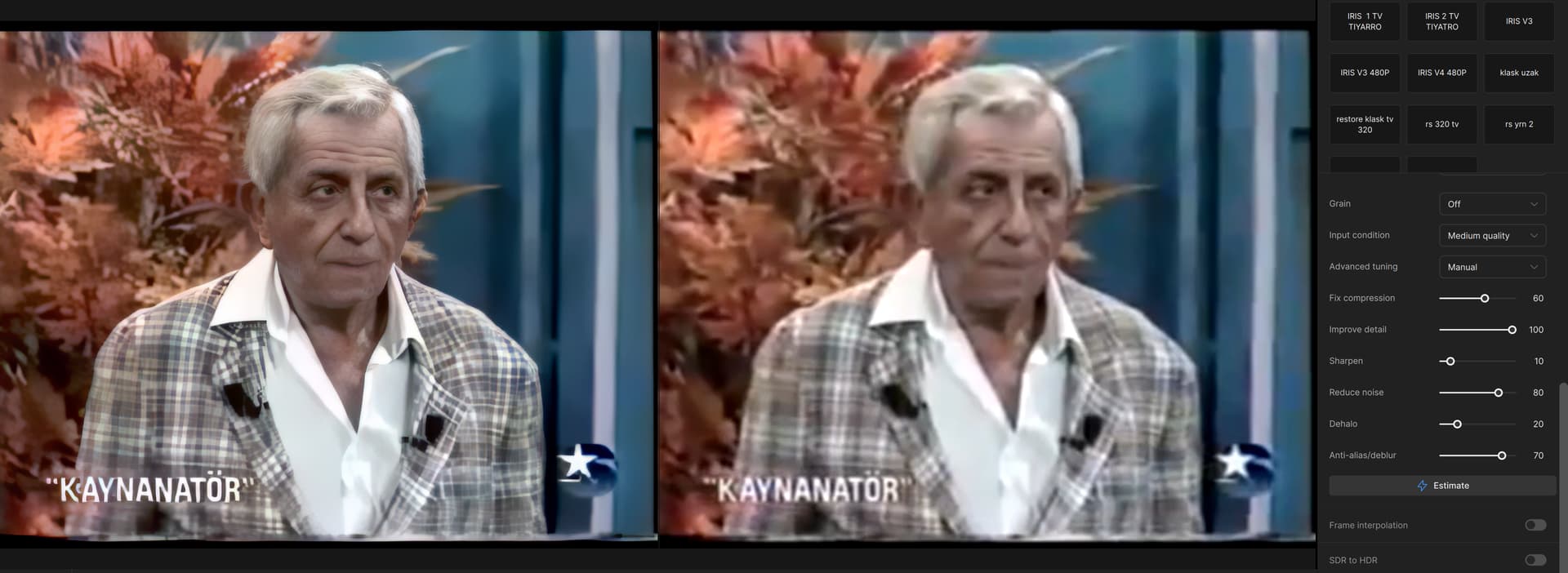
I can say that it is the best result I got with these settings.(IRIS MODEL) I also applied motion DEBLUR for IRIS. (480P)


Also, this was the best setting I could make for recording 240p 4:3 old TV.

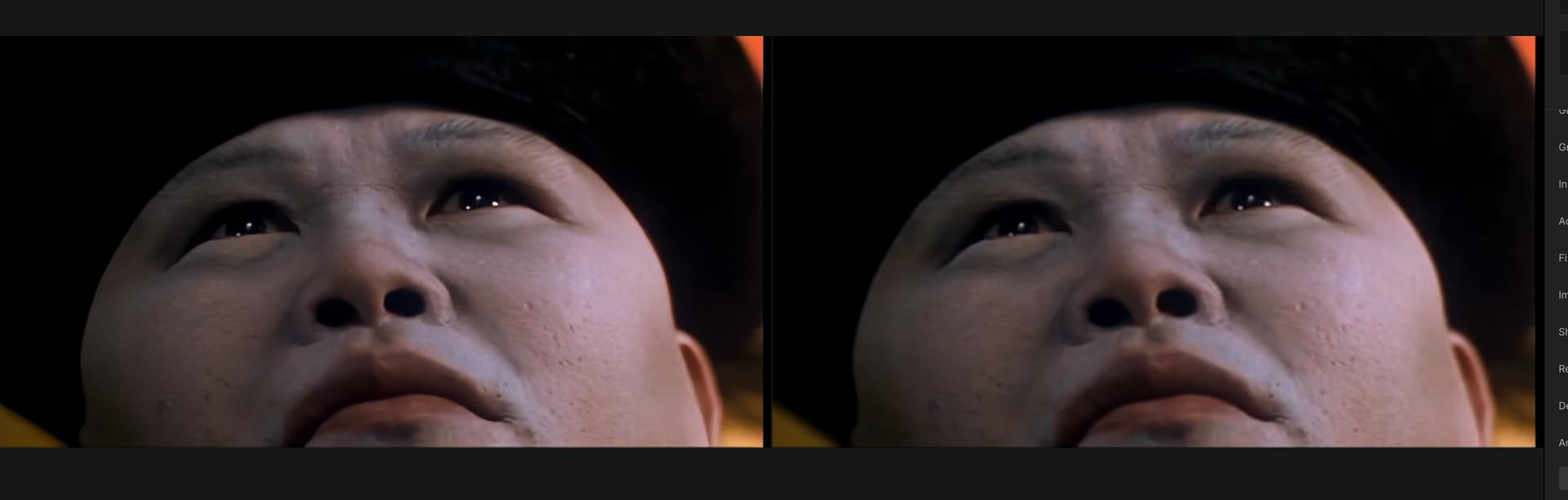
Try Starlight and you’ll see the real quality you can yield from the old footage.

Or if you have 16GB or better RTX card, welcome to SeedVR2 team :slight_smile:

3 Likes

thank you . my system : İntel i7 13700 KF Gigabyte Geforce RTX 5070 12 Gb and 32 GB ram Does it work stably?

I suggest you to get another 32Gb of RAM if you plan to use SeedVR2, but 32 is just enough for Starlight Mini.

1 Like

The result is good, but the 15-minute video takes 16 hours to complete. I hope faster models will be added in the future. There is a big difference between the iris at the end.

RTX 4070 12Gb renders 5 minutes for a 1.5 days. And I’m not complaining, I’m planning to buy 5090.

1 Like

I think this model can be improved and accelerated, and I am thinking of converting the 5070 to 5090 in the future.

Thank you for your feedback, made my already really good SL improvments even better.

1 Like

I researched, even the one with the best system cannot go above 0.7 fps, it is best to wait for the model to develop. It is currently only stable for nvida cards.Even with 5090 16 GB 128 GB RAM, it was difficult to get 0.7 fps, 90 percent declare the same in the forms.

The most stable and useful iris model for me right now

I researched, even the one with the best system cannot go above 0.7 fps, it is best to wait for the model to develop. It is currently only stable for nvida cards.Even with 5090 16 GB 128 GB RAM, it was difficult to get 0.7 fps, 90 percent declare the same in the forms.

Agreed with the other user. If you want the utmost highest quality process for restoration SD/DVD content, use Avisynth+ (for 64-bit) or Vaporsynth, as deinterlacing filter processor first.

QTGMC works amazingly well but since it’s also a noise reducer and sharpener you’ll need to play around with settings to get the result you’re looking for, as well as basic ones such as setting the correct field order for proper 50hz/59.94hz output or in the case of telecined film, using 1x output and add an instance of IVTC after the fact for a native NTSC 24hz output. QTGMC can also repair incorrectly deinterlaced progressive content.

On broadcast quality MPEG sources, high bitrate, I have found yadif2mod to work better, especially on intermittent stills, as it won’t introduce rapid field order up/down shutter like QTGMC does when a still image is in the video. You can clean up edges in an NLE after the fact when editing your project.

TDeint is also solid as well, but like QTGMC is complex and requires time and patience to config optimally.

Export at ProRes422HQ to use as a high quality intermediate. Topaz greatly prefers a ProRes, Avid or similar quality input as opposed to direct compressed video format.

For Avisynth filter management I personally use Staxrip as a front-end, but Hybrid is equally excellent as suggested and certainly much better for video encoding, i.e. x264/x265.

1 Like