Again if you read my explanations above, the speed up does not come at the expense of quality. The speed gain and slightly “improved quality” will come at the expense of more vram and sysram usage. If you have doubts, you can very easily and quickly do a visual 1:1 comparison with this app:
No I already have way too many ideas on my list of to-dos. Further increasing performance, vram reduction, user entered SLP output resolutions rather than Topaz’s restricted resolution settings, automatic and manual error resume for SLP are much higher priority.
I really appreciate all the hard work you put into this! This is my very first post here in the forum, and I just wanted to express my gratitude for your amazing tuner tools.
Please keep on doing it.
I have not tested on Beta. It might or might not work. This tuner currently targets the regular installation’s exact module models\slp25\m0vm5nn8kicb.pyd
I think it’s also checking the “models\models\slp26” directory, because version 1.7.0 uses SLP2.6 and the models are in a different directory.
Topaz 1.7 stores the SLP 2.6 model assets/weights under C:\ProgramData\Topaz Labs LLC\Topaz Video\models\models\slp26, but the bundled Python runtime code that loads and executes those assets is still packaged under neuroserver\models\slp25
But that was a really good question about the Beta version. I’m going to need to look into it because people might be using this app on different Topaz versions. Topaz hasn’t approved me for the Beta program since I applied for it a few weeks ago.
They aren’t doing much with the beta program right now anyway, the latest beta released is a small one that has nothing to do with slm or slp. I am pretty sure that the current release right now is no different than the beta that is out as far as slm and slp go.
Thanks for your confirmation. Really appreciate your brilliant work. I guess the customized output resolution is another major speed boost we can expect.
I tried new v1.0.2 on 5060ti with 16g system ram windows10
Conservative starting point gives OMM warning and out of memory failure.
Stock Topaz also produce OMM and out of memeory failure
Only working version is the original v1.0.0 at 24gb Vram setting
What can I do to use new v1.2.0?
That’s great! Thanks very much for the reply and all your hard work.
I’ll report back here when I get to try it out 
Do not download it yet. Wait until I announce it. I’m still running some test on it. It was left as draft version. Since you already tested it, how much sysram do you have and what output resolution were you processing at? Maybe I need to lower the conservative starting point even more. But the main feature of v1.0.2 is so every user can run an autotune and have the app determine the optimal settings for the specific configuration and output resolution. The “conservative starting points” are just my rough guesses for hardware that I don’t have based on data extrapolated from my own tests.
" Do not download it yet. Wait until I announce it. "
I see we have the same problems 
Packages of future updates are manually downloaded pour devine rle futur contenu 
My system ram is 16gb with windows 10, latest i7 CPU(can not remember the CPU name)
the resolution of the target output is 1080x920(not sure as I am out of reach to the PC right now) and input resolution is the same. The input file is Topaz SLM processed file
Can you try copying the settings from 1.0.0 into 1.0.2 pre release and see if that works for the same video that tested working in v1.0.0?
They did quite a lot with the memory management related to SLP in the current beta 1.7.1.2. This beta is the first version that really works on my system.
They just came out with that today. I was referring to 1.7.1.1
I compared the 3 versions running under identical settings: chunk 241, overlap 21, cap 0.5, slice 4, tiled 640/480, cuDNN 9.24.0.43, and Topaz 1.7.0.
| Release | SLP sysRAM peak median | Sustained SLP RAM p95 | Dedicated SLP VRAM peak | SLP Shared GPU memory peak | |
|---|---|---|---|---|---|
| v1.0.0 | 23.82 GiB | 23.414 GiB | 15.819 GiB | 11.244 GiB | |
| v1.0.1 | 25.39 GiB | 23.430 GiB | 15.819 GiB | 11.244 GiB | |
| Held-draft v1.0.2 | 24.35 GiB | 23.430 GiB | 15.819 GiB | 11.244 GiB |
So therefore if you use the same settings in each version, there should be no difference.
New version v1.0.2 posted in this new thread.
https://community.topazlabs.com/t/slp-tuner-launcher-v1-0-2-major-speed-boost-with-benchmark-autotune-built-in/
Let’s continue discussion in this new thread.
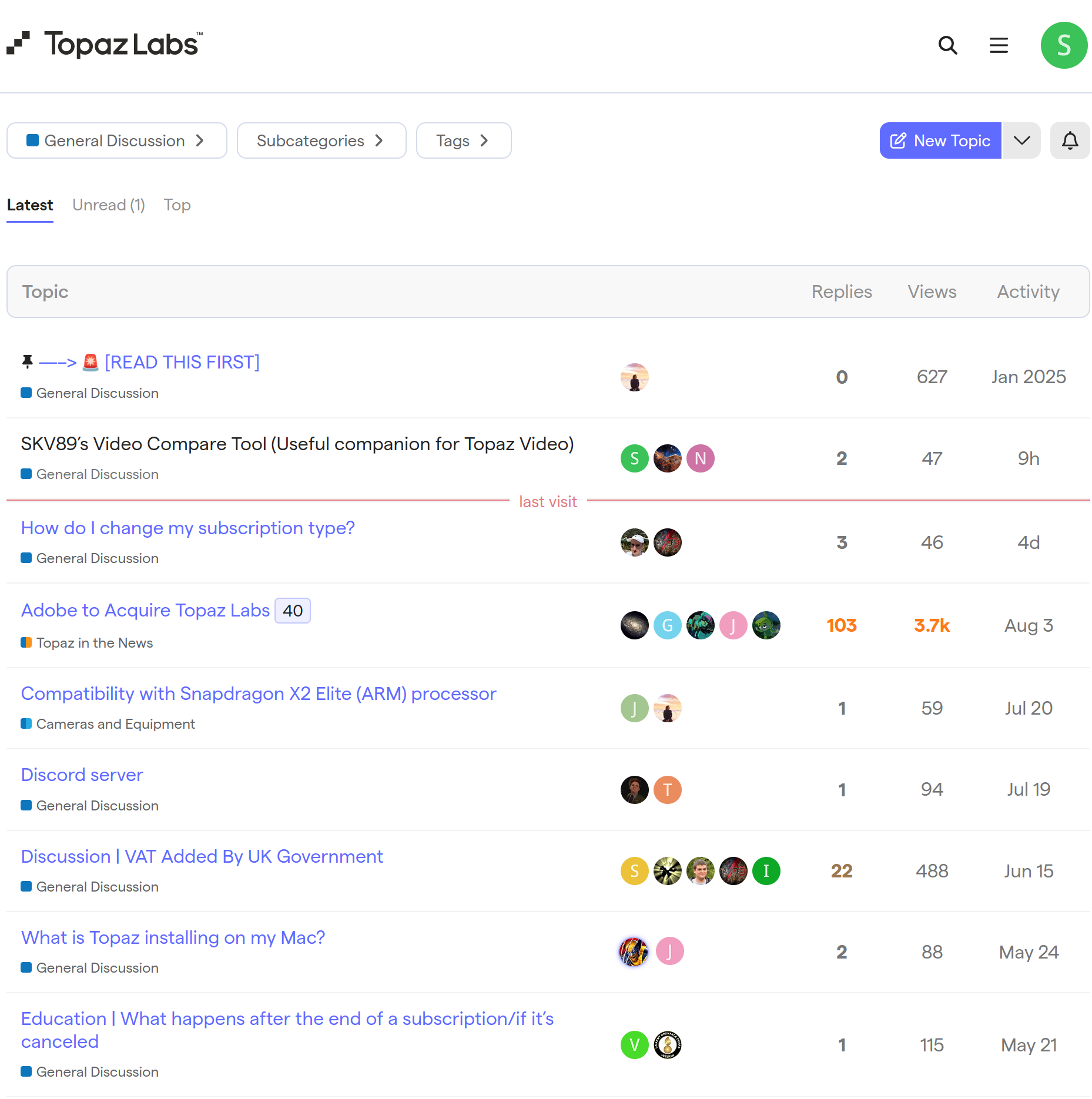
Edit: I just noticed both this thread and the newly created thread, which are both in the Topaz General section do not show up. It seems the only way anyone can find it is through direct link. Are my two SLP tuner threads including this one we are in also hidden for you guys too?
I want to emphasize that this app should not be viewed as being in conflict with Topaz’s interests. If anything, its purpose is to make Topaz SLP faster, easier, and more enjoyable to use.
By helping users get better performance out of SLP on their existing hardware, the launcher strengthens what is already, in my opinion, the undisputed leader in generative video restoration. Faster processing makes the overall experience substantially better, which should translate into happier customers who are more likely to keep using SLP rather than looking elsewhere for faster or better alternatives.
The goal is not to replace or compete with anything Topaz provides - it is simply to help users get the most out of SLP.
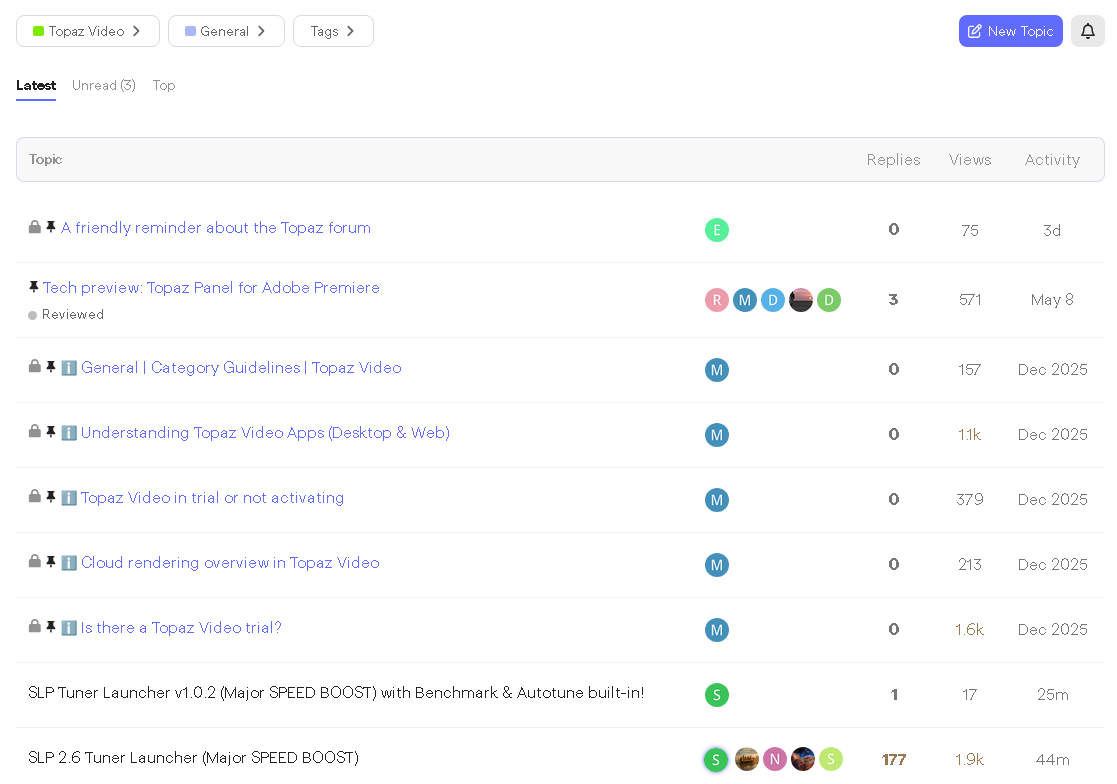
Can confirm that I can see both threads in the General section too
