@skv89 Sorry if you’ve already posted this elsewhere.
Could you please upload the current beta launcher? If possible, you could push it to the nightly branch or simply share it here in the thread.
Thanks!
@skv89 Sorry if you’ve already posted this elsewhere.
Could you please upload the current beta launcher? If possible, you could push it to the nightly branch or simply share it here in the thread.
Thanks!
Back in the beta days of SLM, I remember there being a beta that did open up all the resolutions but there was an issue with anything outside the 2x, 3x, and 4x upscales, where the image focus was out of range, I can’t remember exactly the details but I do remember it being a problem. And a user had went through several tests and concluded that only the 2x, 3x or 4x did not show those issues. Not sure if it has something to do with that or not?
What I don’t understand is …why? What are they exactly bitter about??? Is it the fact that they just don’t like seeing somebody outside of the Topaz software developers coming up with solutions to make it better??? I guess I just don’t understand.
Does anyone know if this works in boosting the speed of a 12gb card? (5070 to be precise) or is it just for 16gb and over?
Thanks.
Outstanding work by the OP by the way 
I’ve been trying a larger file right now and noticed an issue with the chunk progress tracking in the SLP Tuning Launcher (v1.0.1) while running a longer Starlight Precise job.
Issue Description: The launcher had already processed and tracked several chunks (it was showing 6 / 148 chunks completed). Suddenly, the completed chunk counter jumped back down to 1 / 148 chunks, and the overall progress/average FPS calculations were reset.
Observations & Log Details:
The underlying Topaz process (neuroserver.exe, PID 72500) never crashed or restarted; it continued rendering seamlessly. All previously completed frames were written correctly to the output container.
In the .tzlog, Chunk 5 had a longer EulerSampler duration (~15 minutes) compared to earlier chunks (~4–5 minutes).
Right after this interval, the launcher’s log parser appears to have misidentified an intermediate progress: 5 / RUNNING status line from Topaz as a new export session, resetting the internal chunk count and elapsed time tracking.
Could you look into making the chunk/event parser more resilient against long gaps between log updates or repeated intermediate status messages so the active chunk counter doesn’t reset mid-run?
Let me know if you need full log files for debugging.
Keep up the great work, Oliver
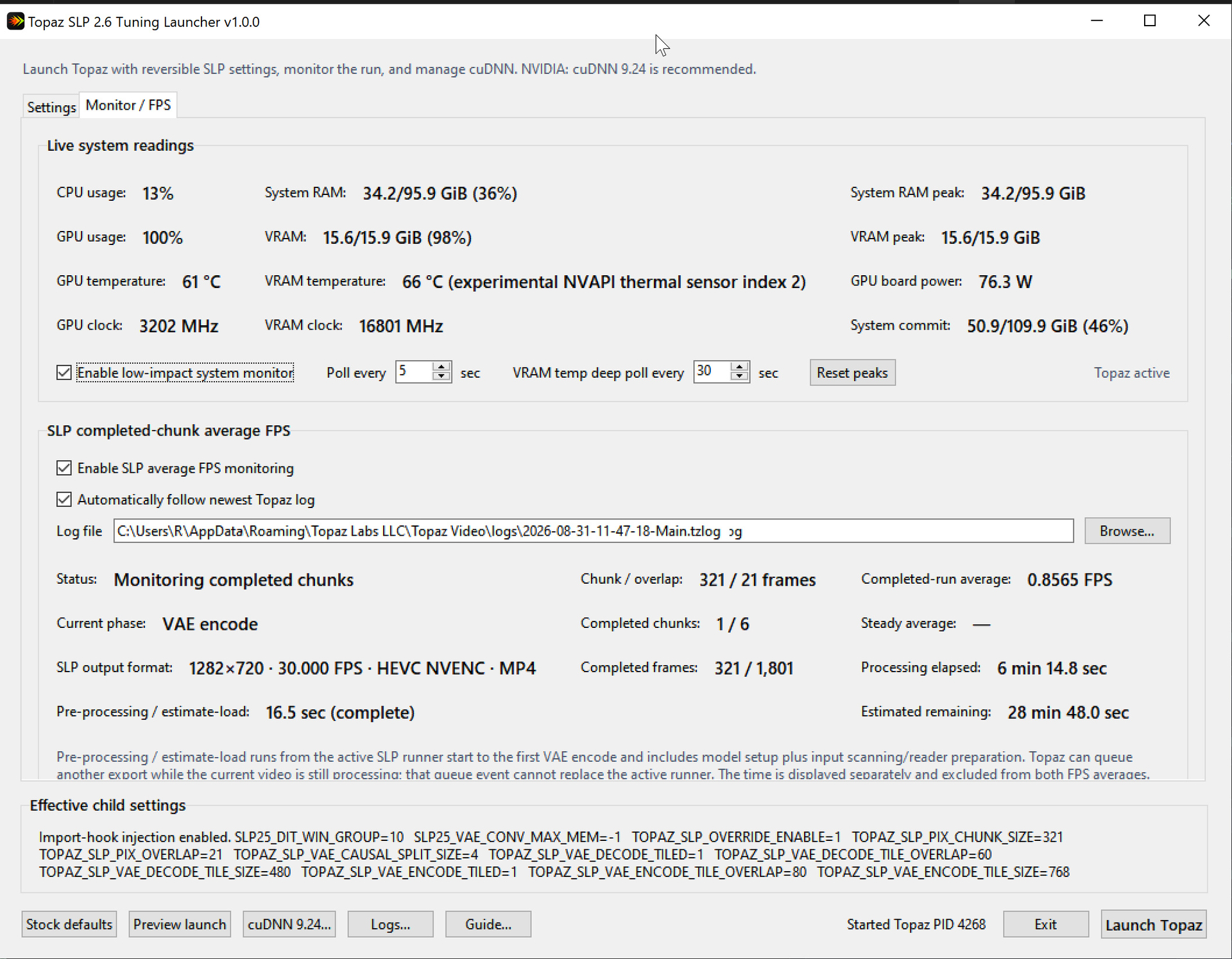
I did many tests with my rtx5060ti upscaling 854×480 to 1280×720, and this is my final Preset, after installing cuDNN 9.24.
More than 120% speed boost 
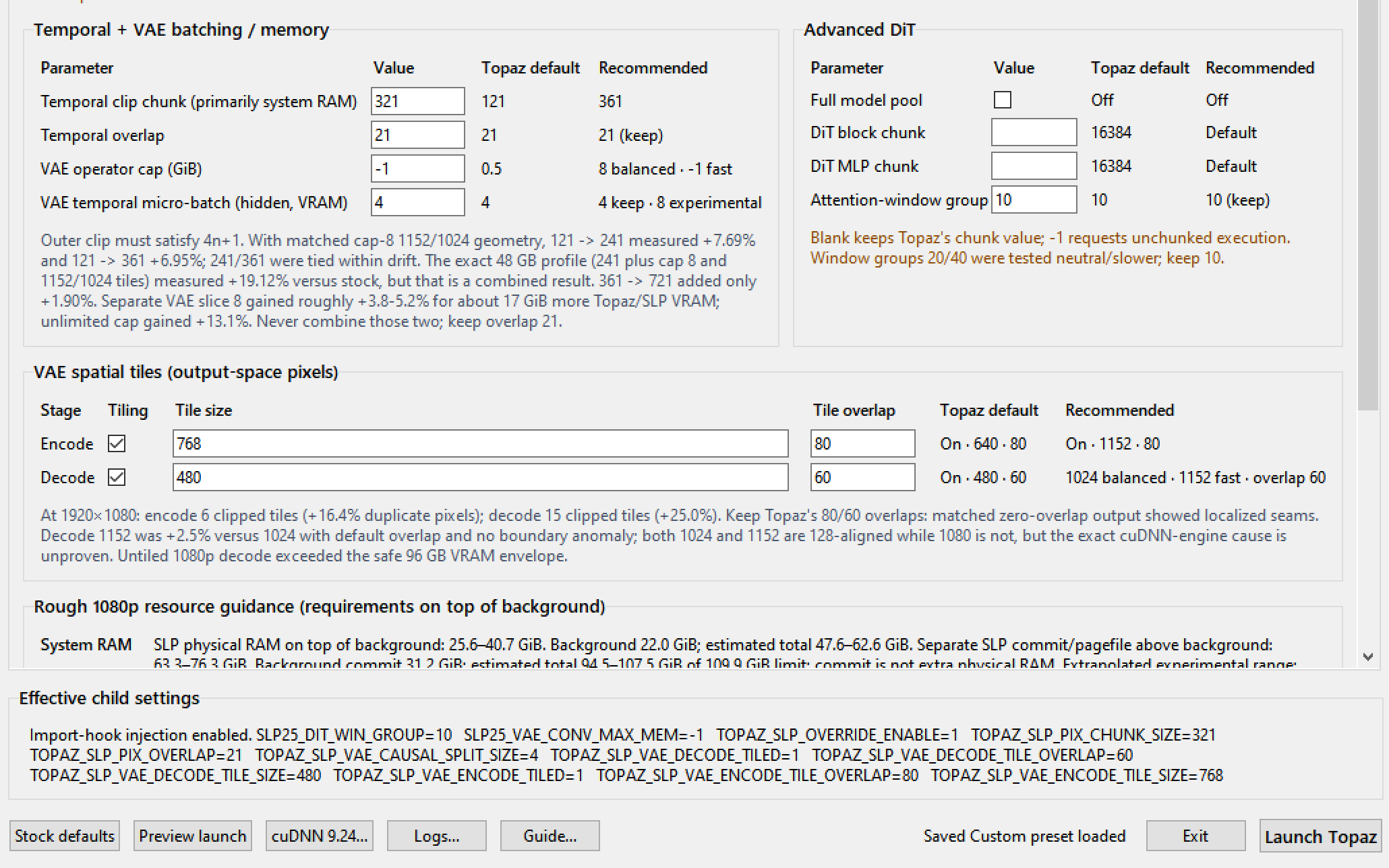
I used the default 16GB and changed:
Chunk size 321
VAE Cap -1
VAE Encode 768 (But for some videos, it is slower - so maybe use the default 640, it is only 5% slower, and much safer).
custom_preset.json (671 Bytes)
Thanks a lot .. have you tried upscaling 854x480 X3 or 1280x720 X2 to 2560x1440p .. I tried it and acheived Tha same resut as using topaz directly .
You may reduce the temporal overlap from 21 to 8, should get some extra improvement.
Also increase AVE Decode tile size could help, but keep monitoring the VRAM peak when current phase is VAE decode, make sure it is not exceeding 15.6GB.
I get about 0.94fps speed when output to 1280x940 29.9fps after adjusting all these things with 4070tisuper. I guess your 0.85fps is almost the ceiling of 5060ti.
While eagerly awaiting the next version, I would like to make sure that the launcher and adjustment of the setting value doesnt affect to the video quality of final outcome. I noticed that using the launcher does actually reduce the processing time quite a lot.
thanks for this SKV89, and could you tell us when the next version is avaiable to download?
PS: does the launcher affect to the video quaility of the outcome ? I am curious because the file size of the output is much smaller than original file size
I think I should be getting close to releasing. I rather do a little more testing on my part before releasing to minimize changes of unforeseen bugs and get attacked by certain entitled individuals. But trust me it is worth the wait =)
I have no time right now to respond to the other comments. I need to get back to work.
Good Luck
I know this might be too far away from the original intention of this launcher, but is it possible to integrate 2nd automatic upscale with non-starlight model?
Does this work with Topaz Video beta releases, or only full TV release versions?
You can select the beta and it will start and seemingly runs just fine, but it didn’t import the beta’s logfile but the final’s log so monitoring didn’t work. May be user error, though.
duh lol
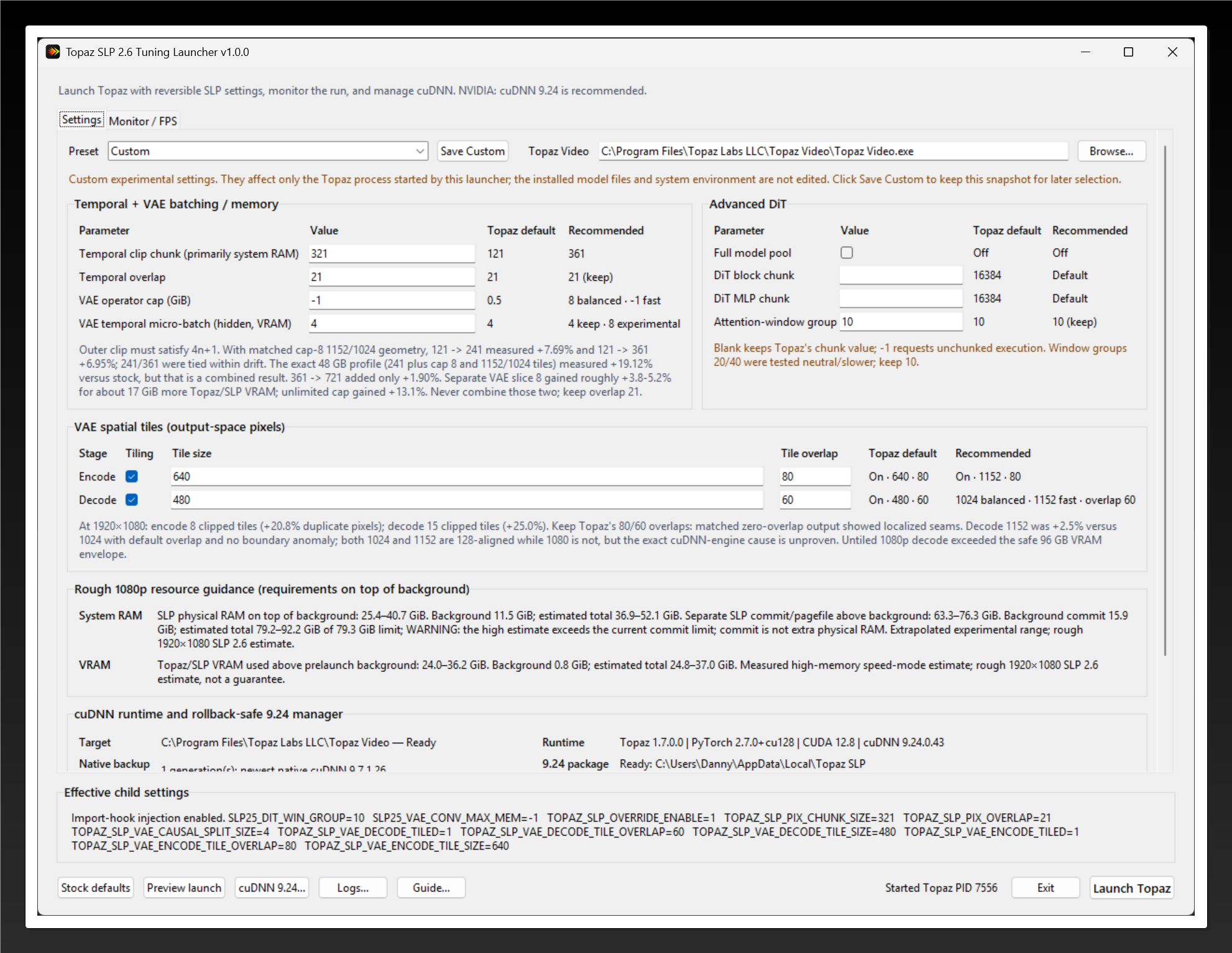
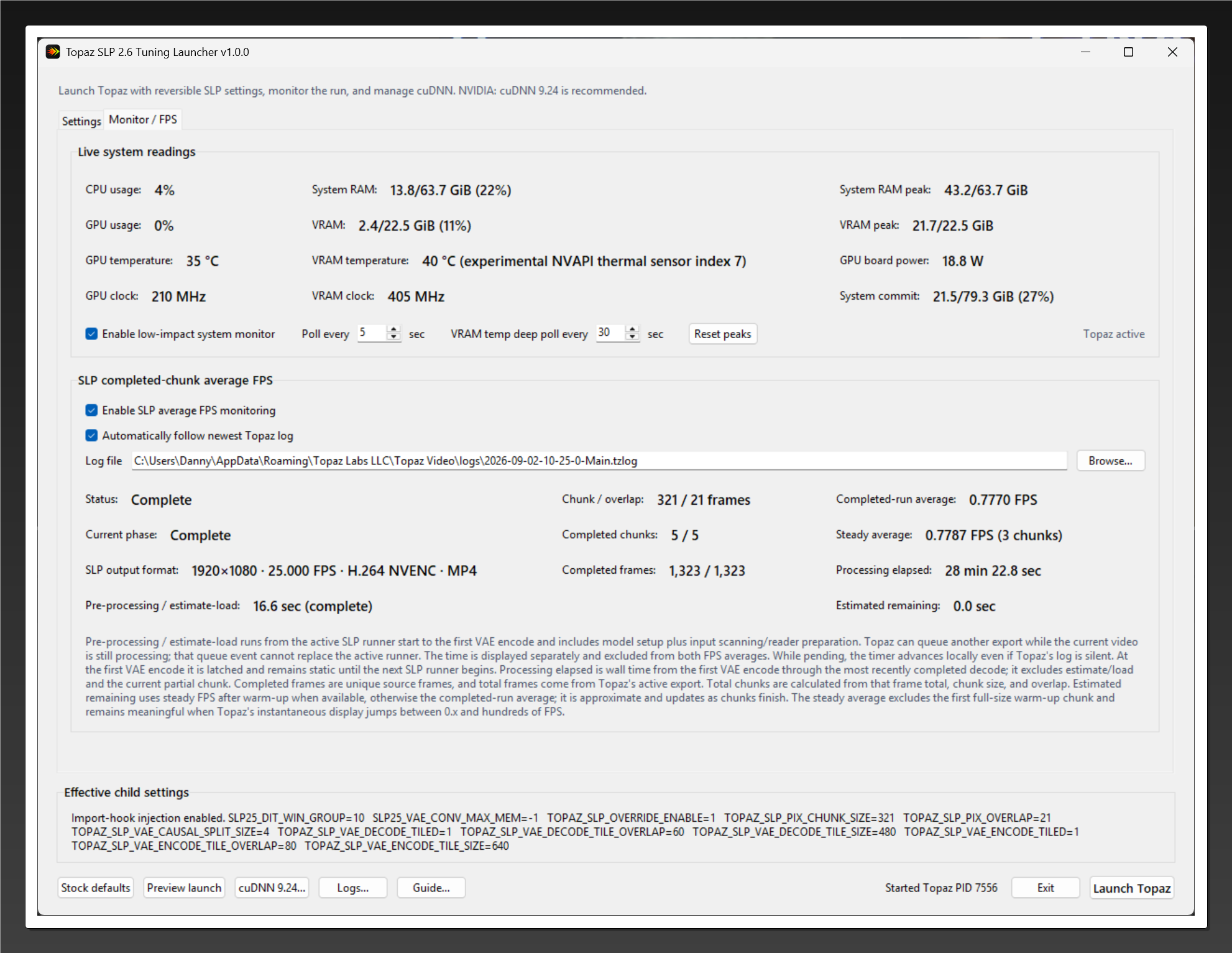
Thanks for sharing your settings. Using them I noticed a boost, even though my input source and output is 1080p and my card is RTX 4090 24GB. I also used a different VAE Encode size. Here are the results.
Previous results were posted a few days ago.
PS: In order to make sure that the settings are applied, I found out that using the “Preview Launch” in v1.0.0 does that.
SLP is a completely different model vs SLM. SLP is descended from SEEDVR2 and therefore behaves similar to SEEDVR2.
When the v1.0.2 is released, you can run the new automatic benchmark feature. I am also curious to see what kind of performance can be seen with lower tier cards.
The new log is significantly beefed up with more resilience and guardrails though I hope with all the new features I added, there aren’t any new bugs… Still testing right now
wow 120% boost! That’s the highest I heard. I only saw 85% or so on my 96gb vram 96gb sysram system. Once v1.0.2 comes out, please run the autotune benchmark with the same settings and same output resolution. I’m curious to see if 100%+ speed gain is really possible at certain configurations.