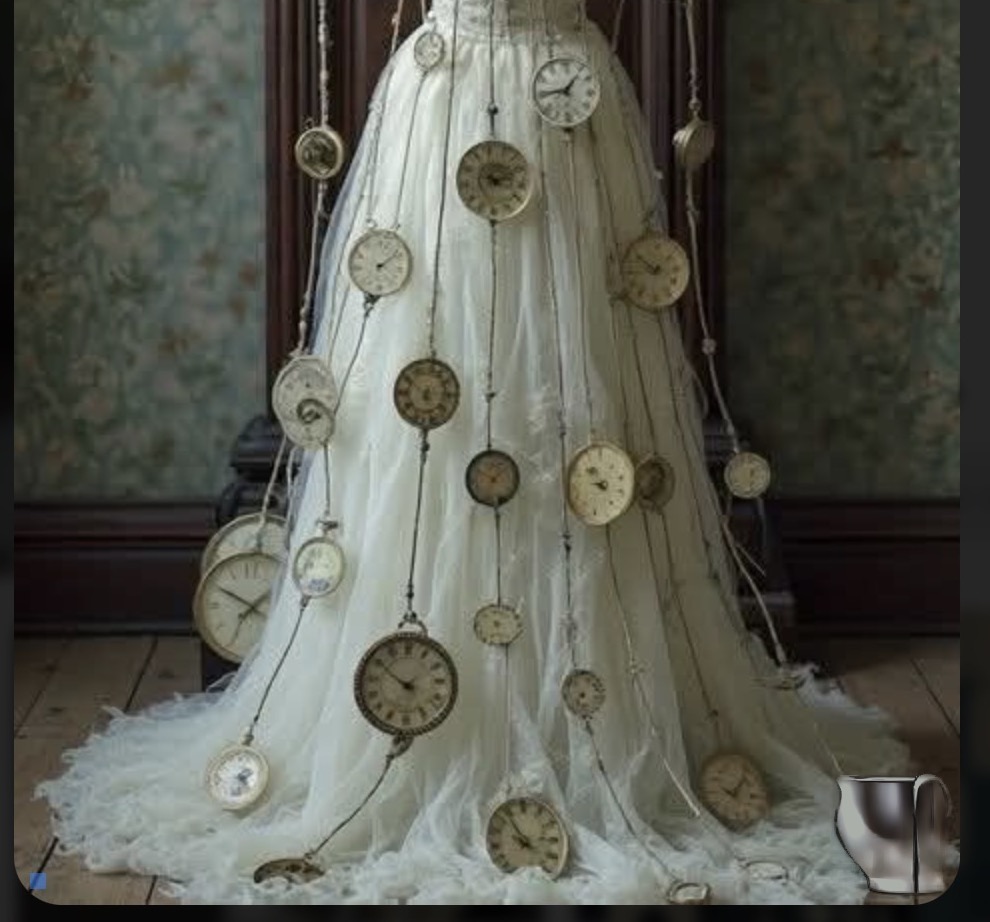
A while ago I reported on the Remove Tool inventing image content totally unrelated to the actual surroundings, like replacing a garbage can with a person.
I have a new, similar issue - please compare the before and after image, where a white square symbol is replaced with a metal pot that has nothing to do with the surroundings.
Hello there..
Why is the Photo AI Remove Tool “Adding” faces and/or people, in place of the area I’m trying to remove, that have NOTHING to do with the image I’m working on??
I’m REMOVING a face or person, and in it’s place, Photo AI ADDS another face or body !!
Why is AI just pulling these images out of it’s ass?
My understanding is, remove means remove..
In the past, it would do it’s best to just match the surrounding area.. And I was fine with the results..
But now, it sucks!
Oh, and how about the times it leaves a Ghost Image of the face I just tried to ‘Remove’…
If anything, it’s getting worse..
What gives ?
… mike
Our development team is looking into this issue. Thanks for flagging.
Hello,
Can you share an example here so we can improve the tool?
Thank you,
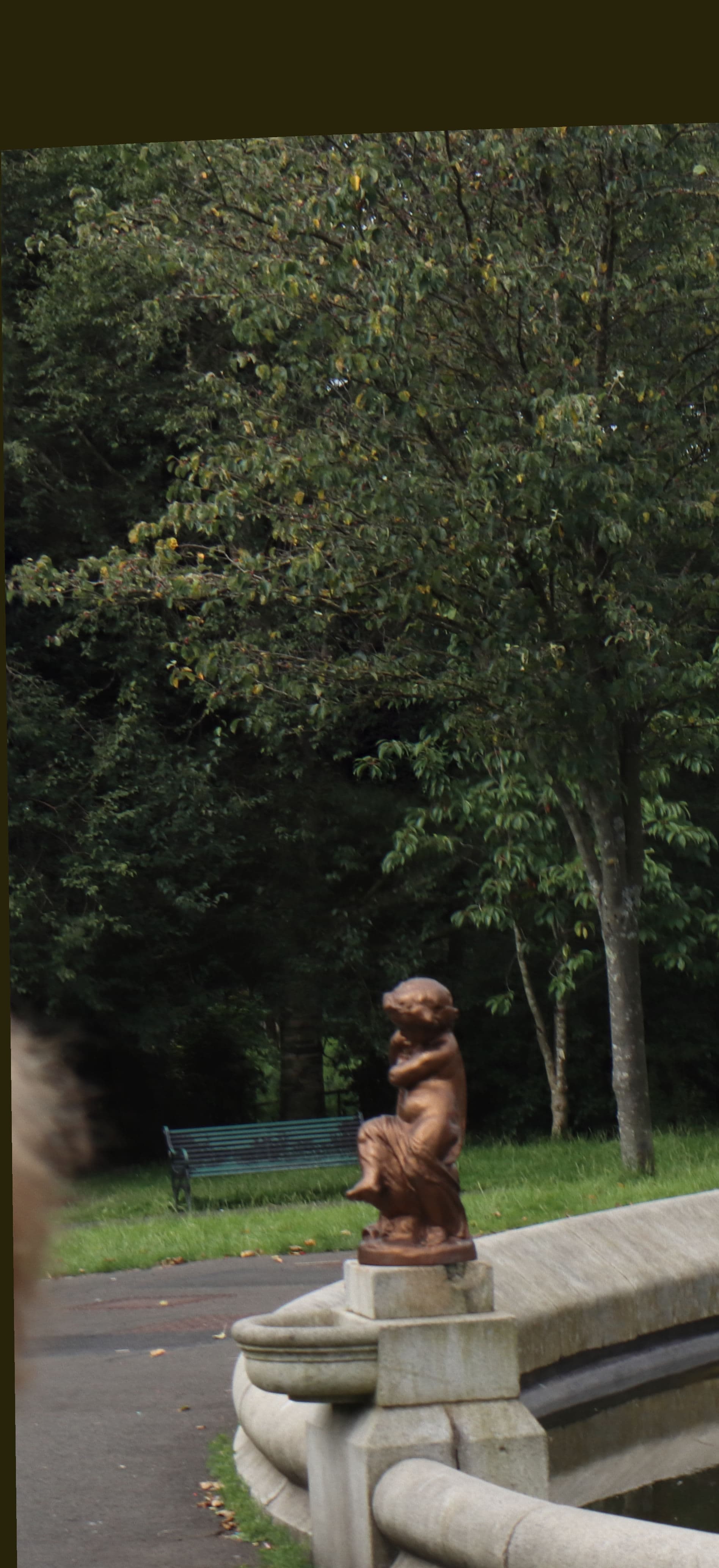
Why do you need an example of something that is so Topaz-regular?.. I mean I can predict it 98% of the time, that it will happen on certain images. I just check if it has improved from time to time as the software gets updated. Gen-Fill does not do well at extending a ‘Tree’ or ‘Busch’. In the attached, picture try removing the brown-bar at the top, and see what happens?
Edit:.. actually in that jpeg format… that worked. Bad example.