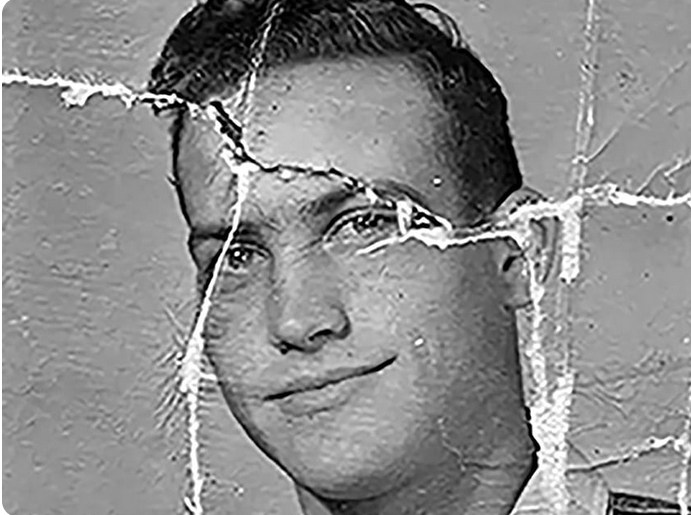
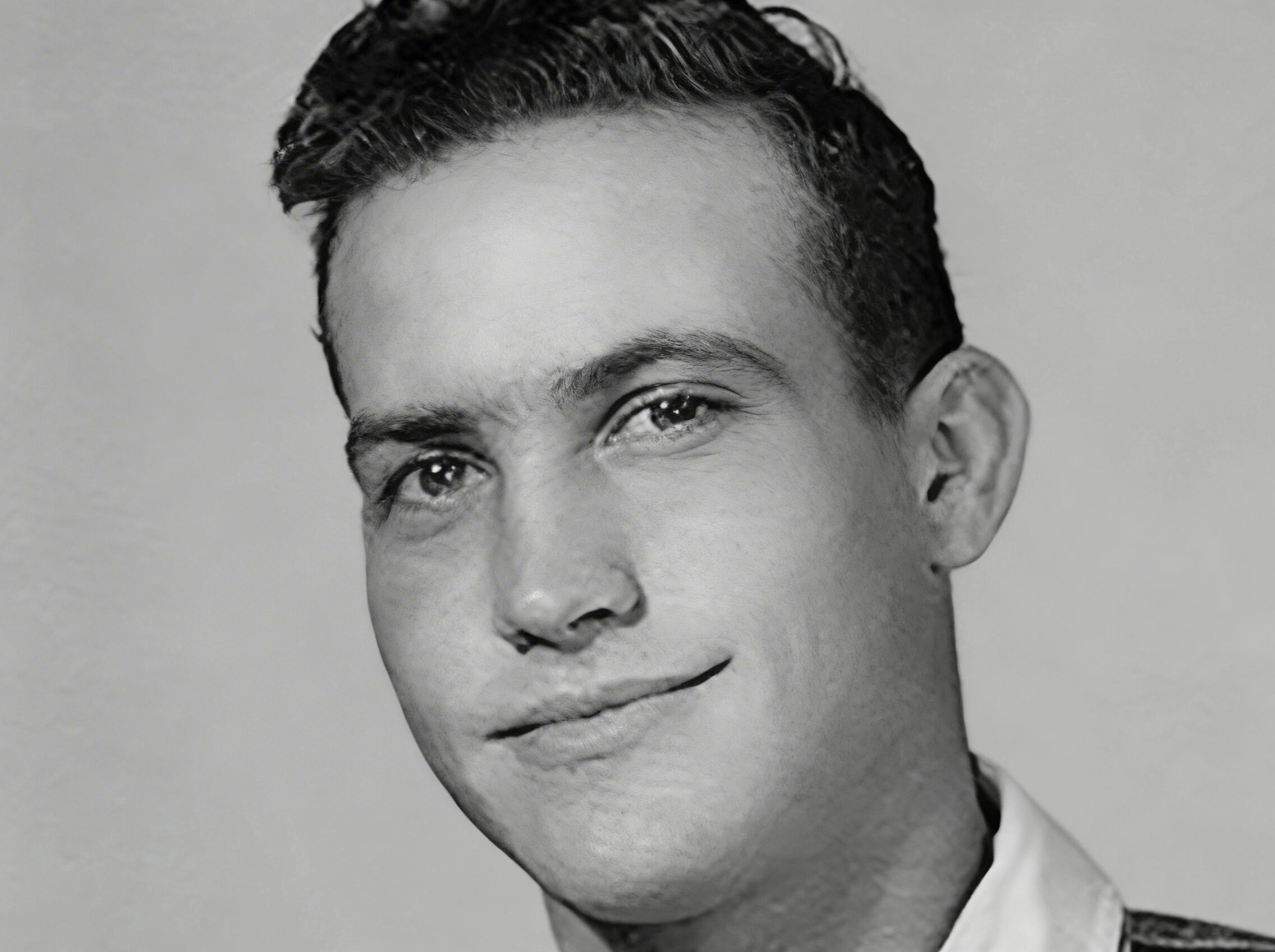
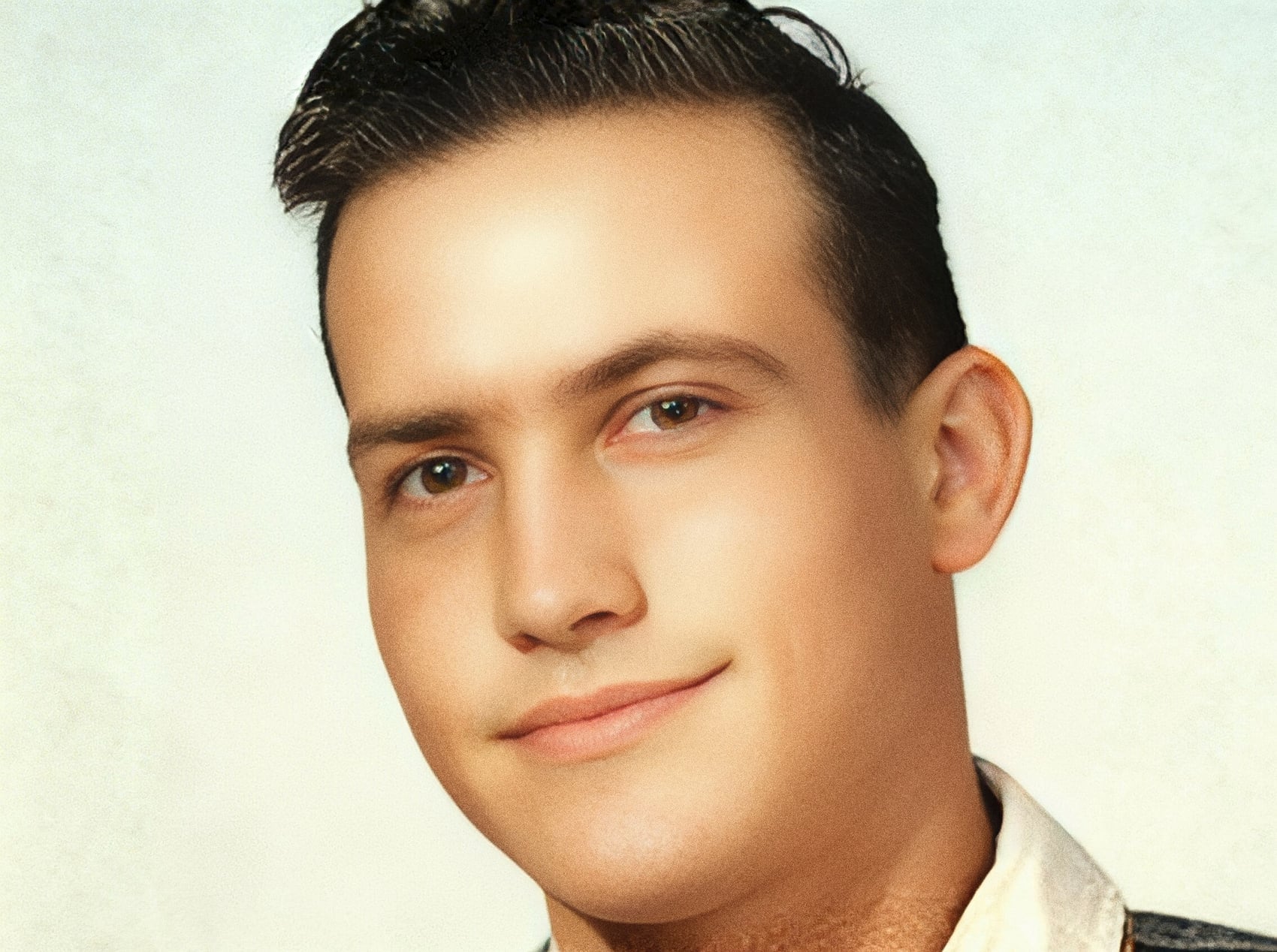
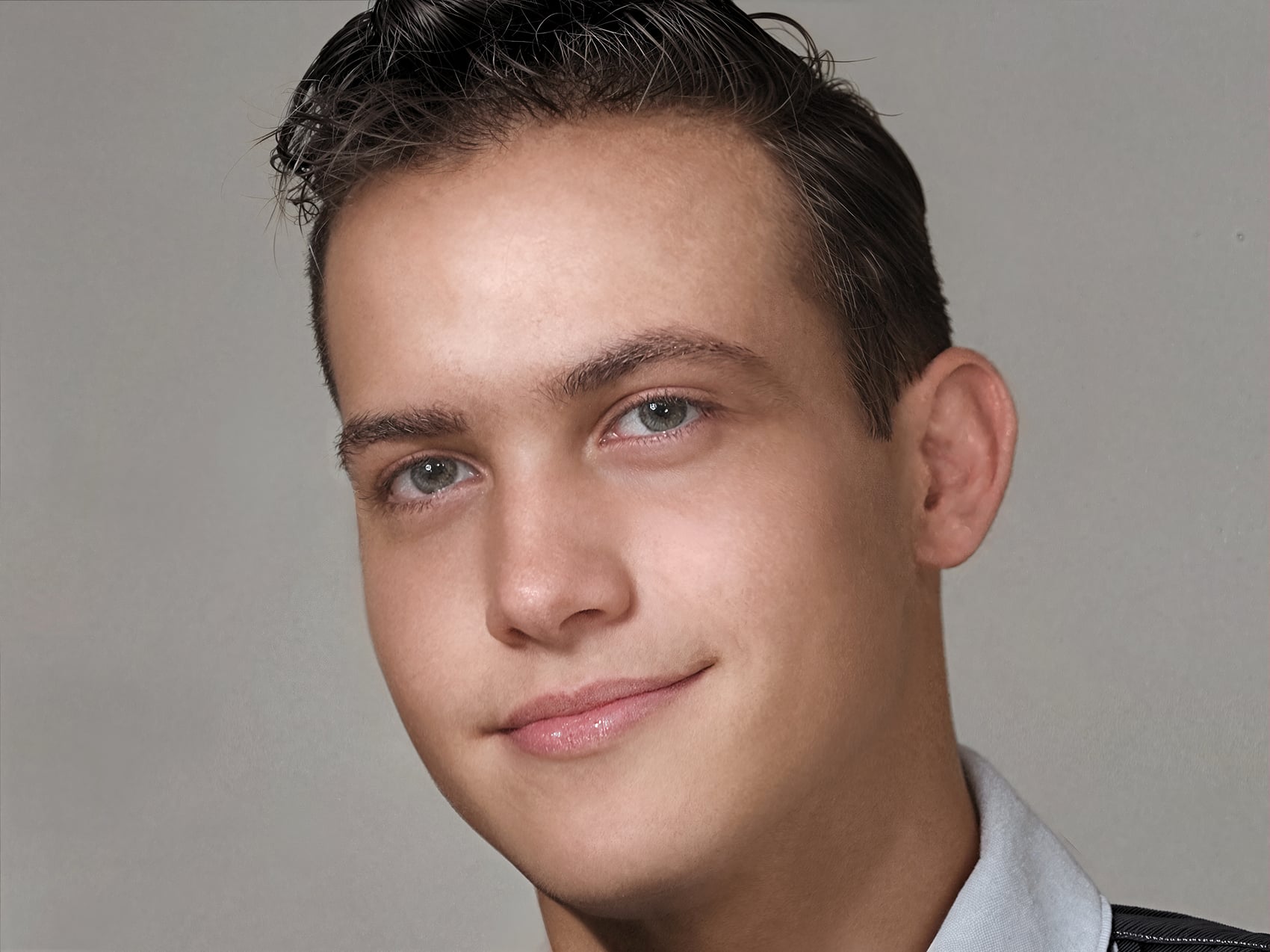
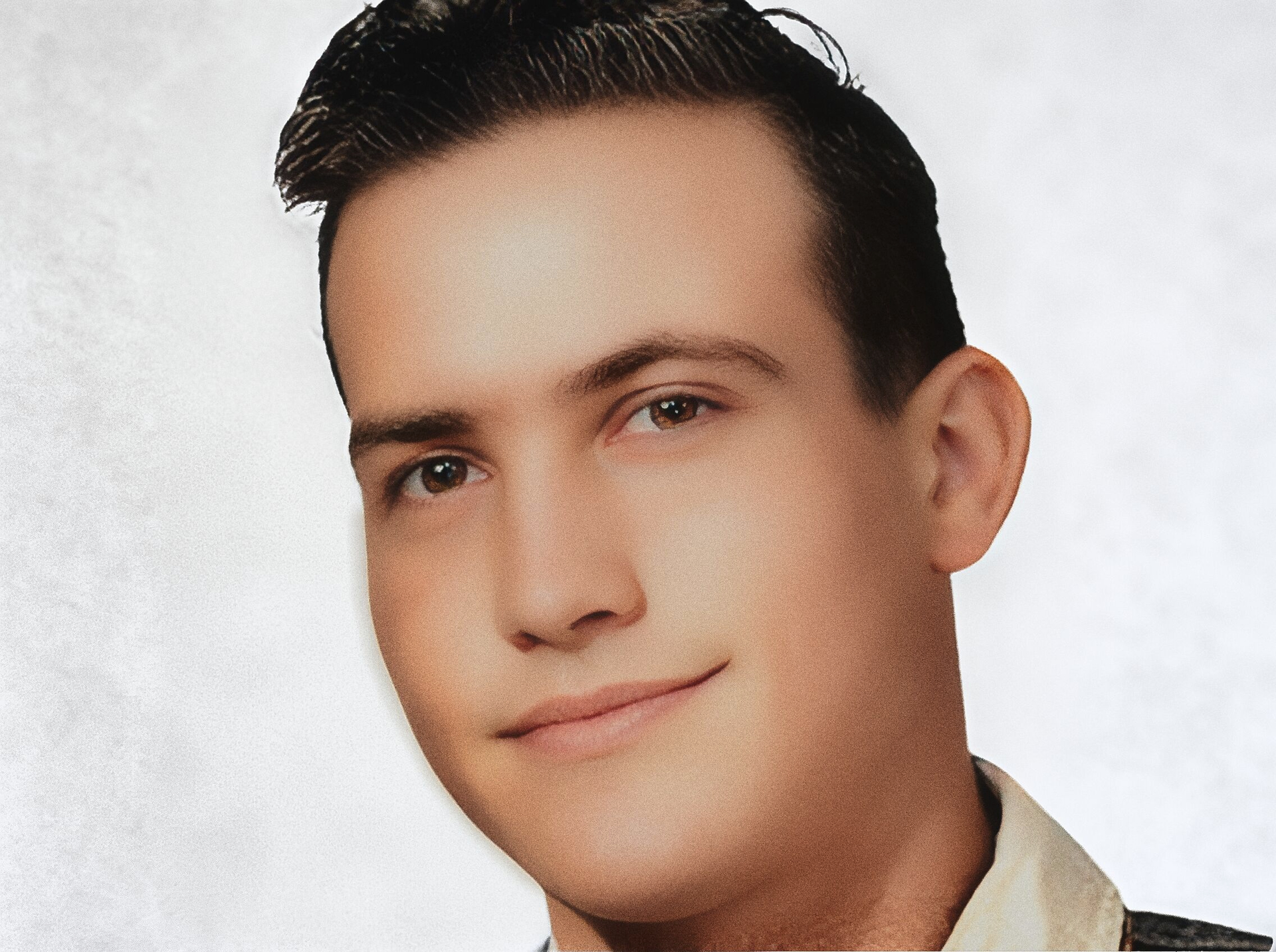
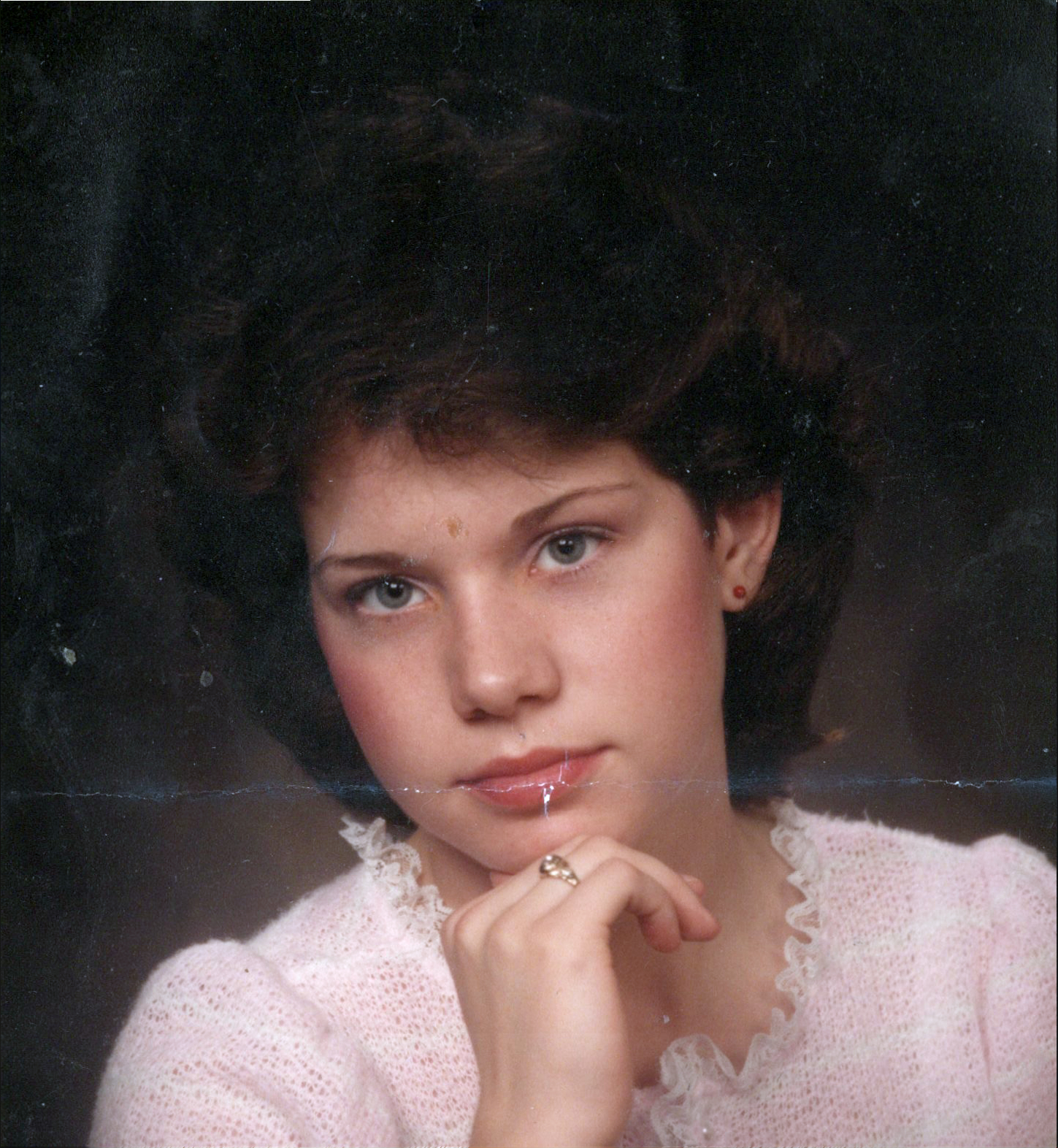
I saw your post back in 2023 and I attempted at the time to help solve your problem but I only had average results and I had to agree with other members that at that time that Topaz products weren’t able or designed to deal with your problem.
But here in 2026 that has changed a lot so the other day I returned to your picture to see what was possible.
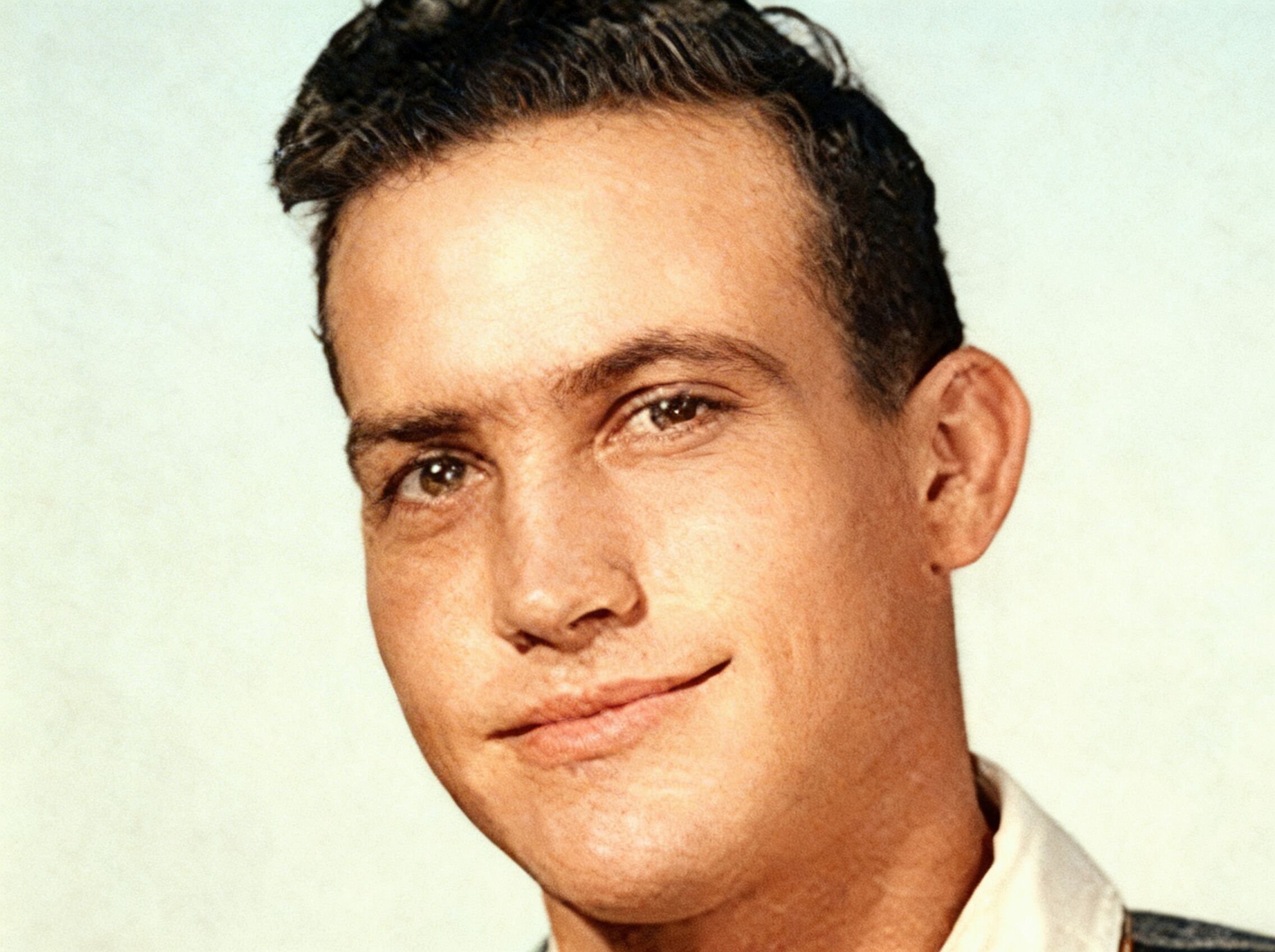
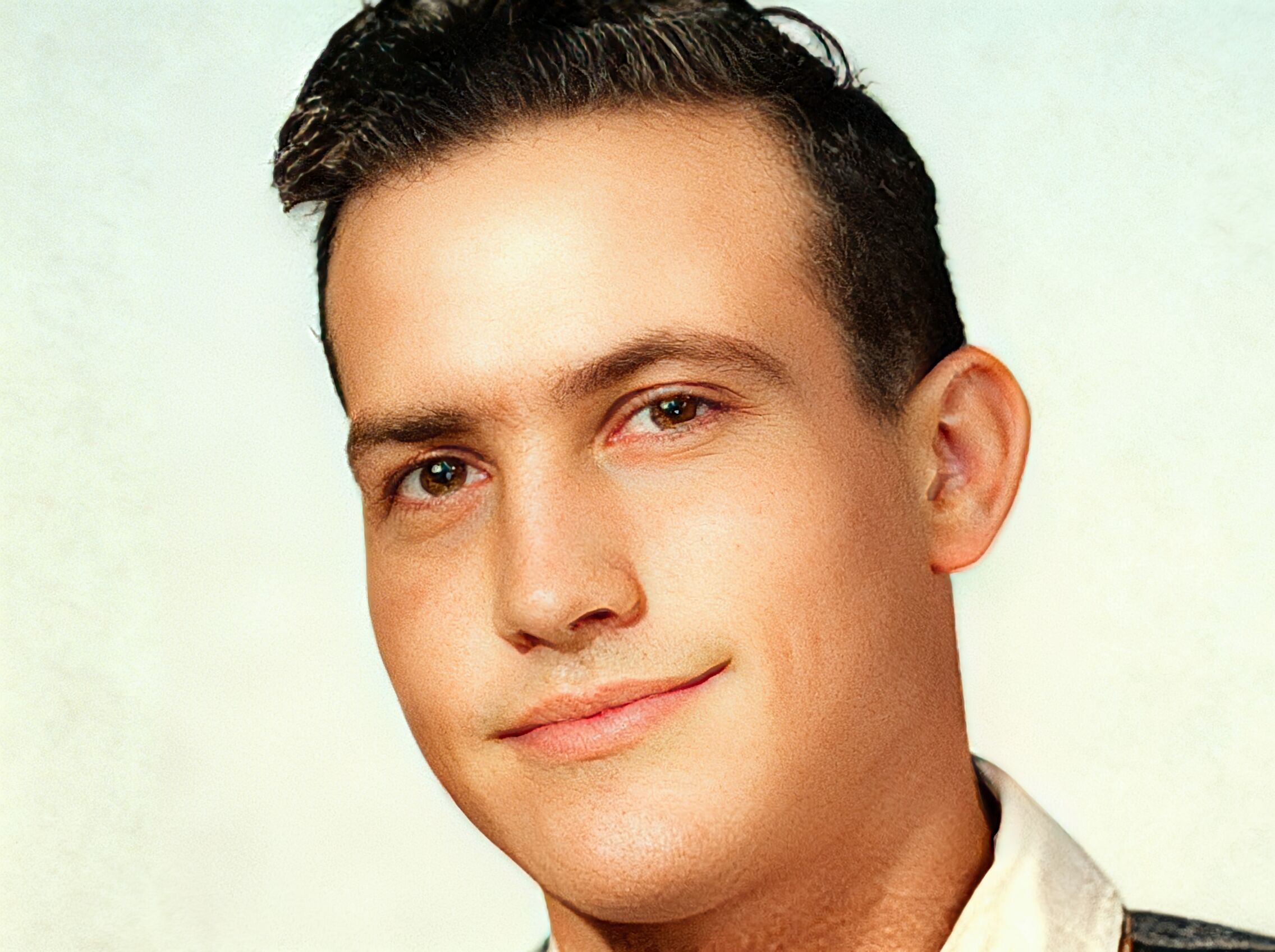
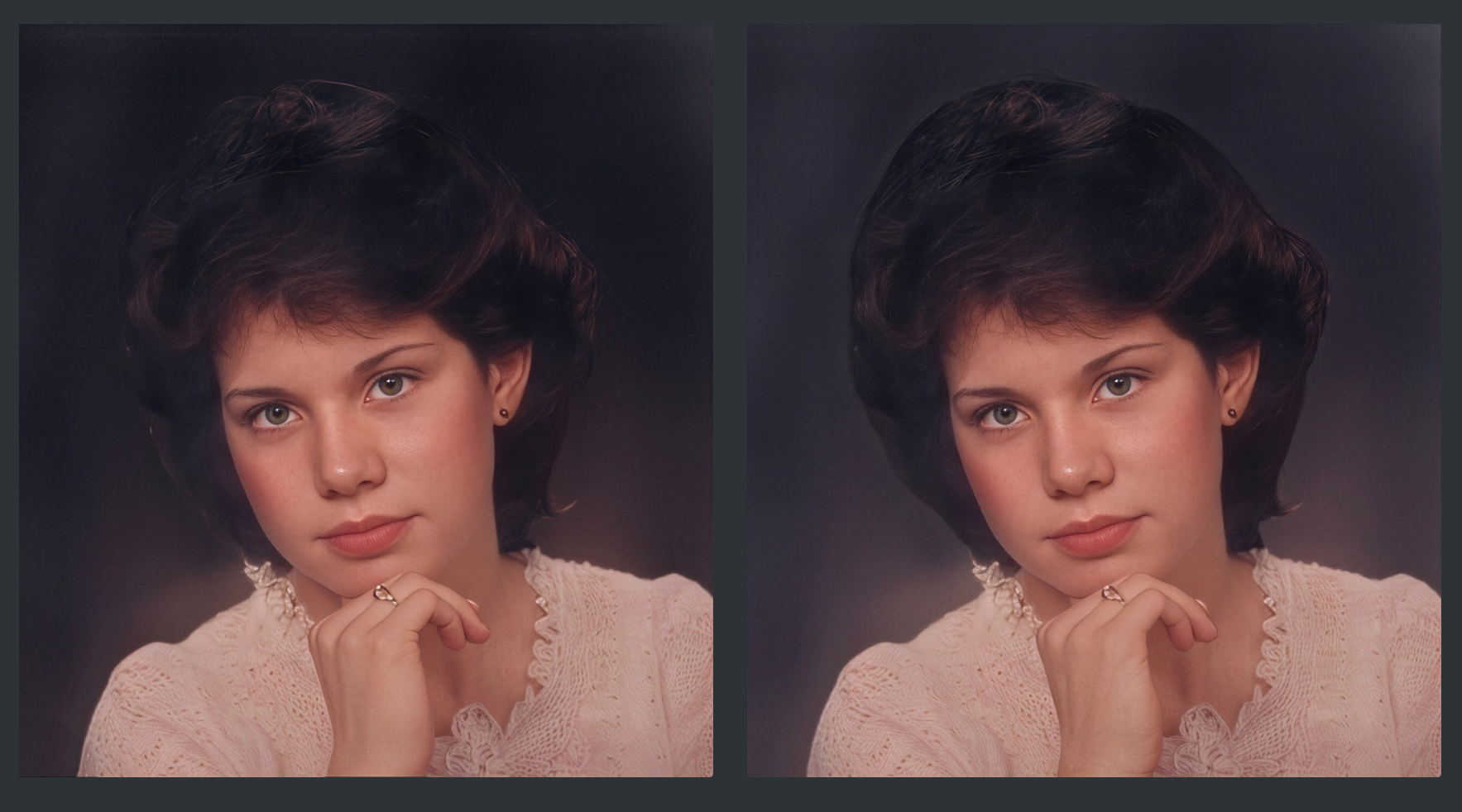
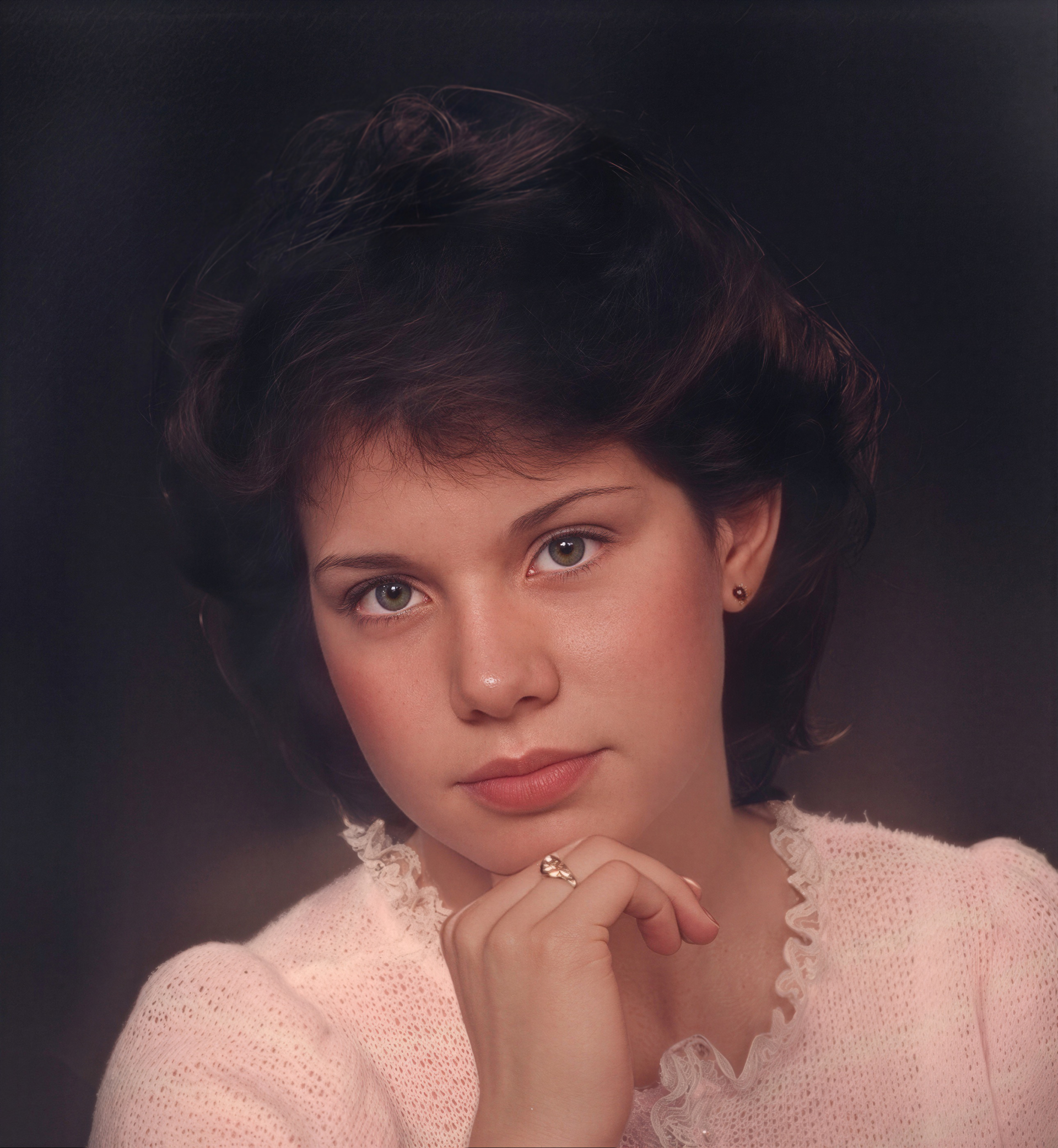
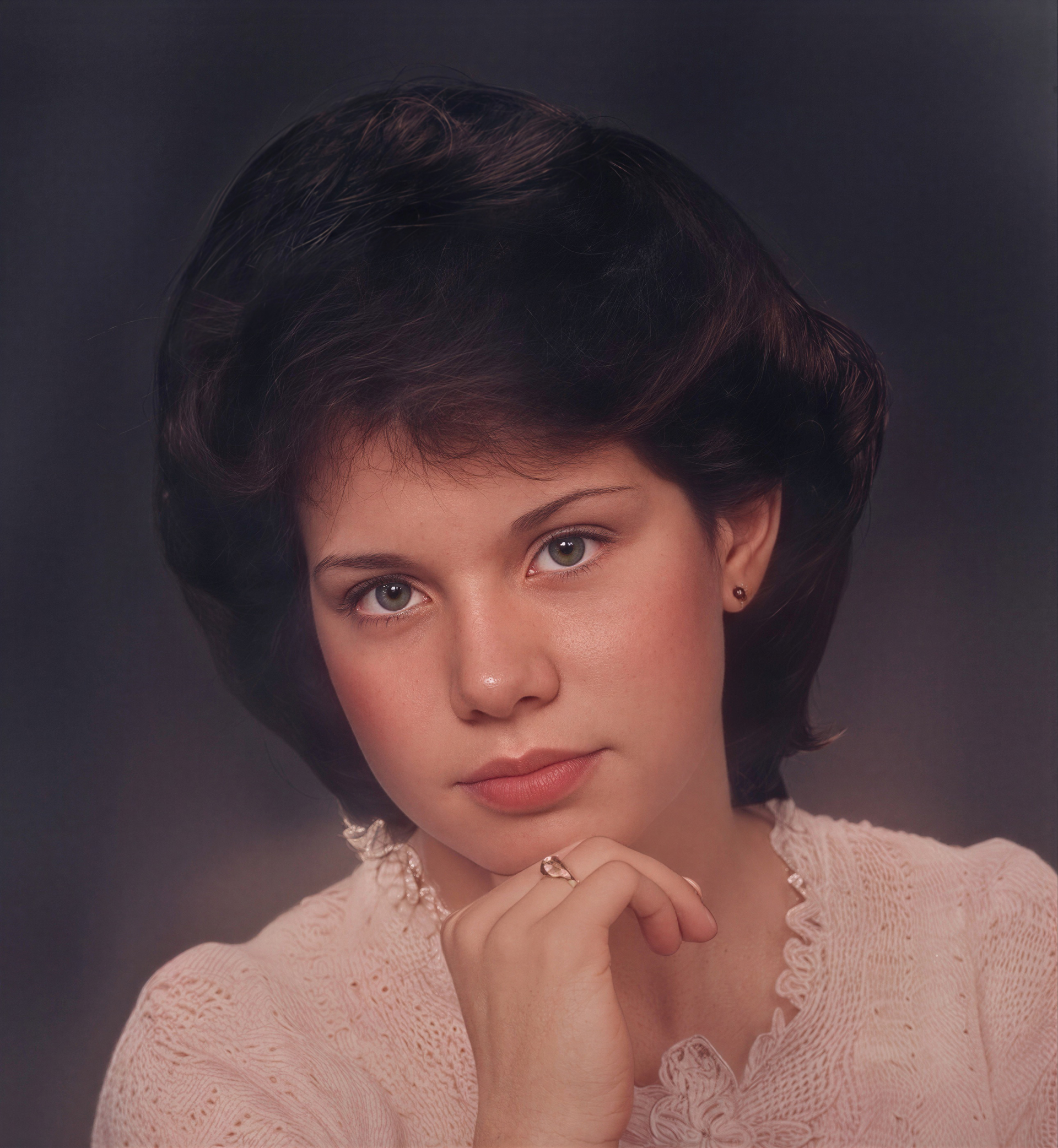
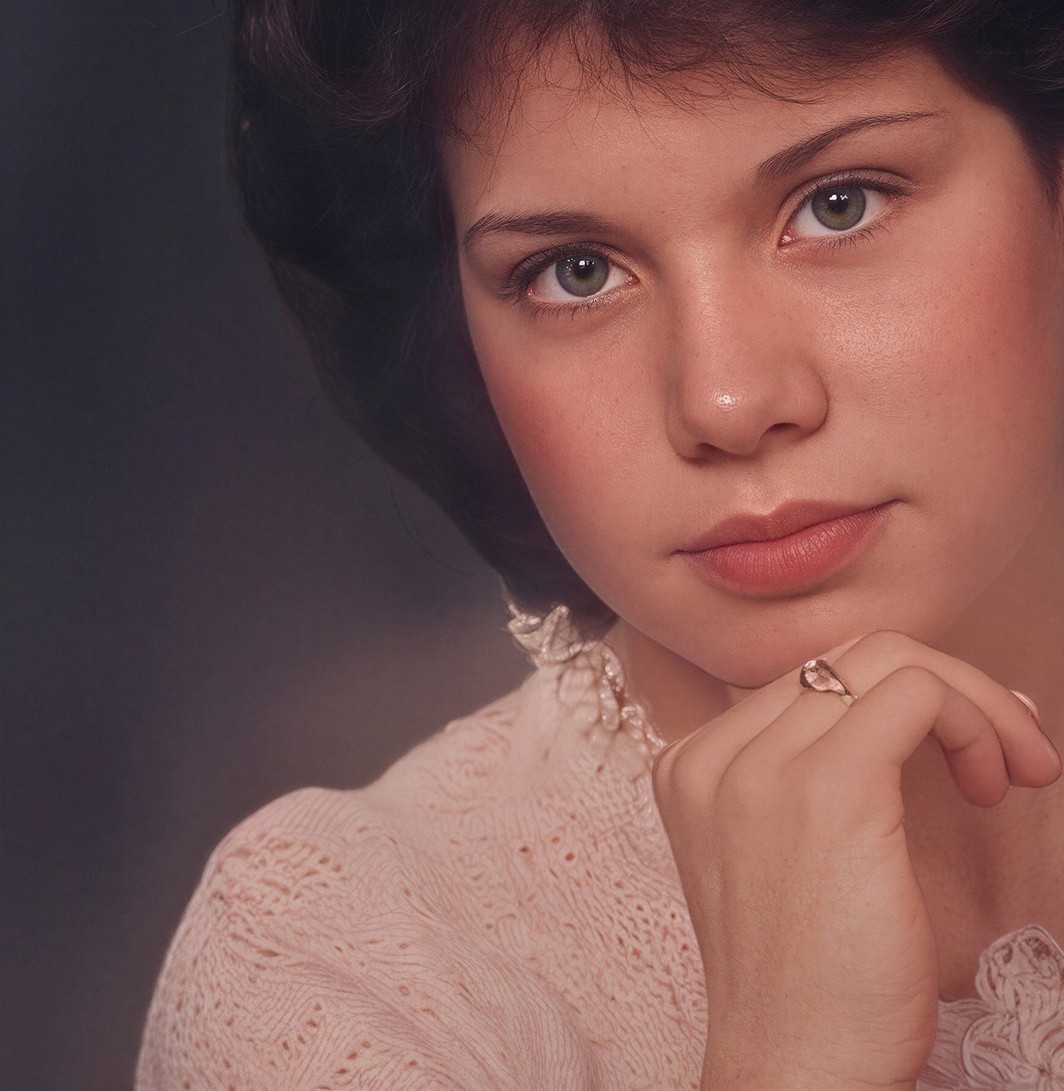
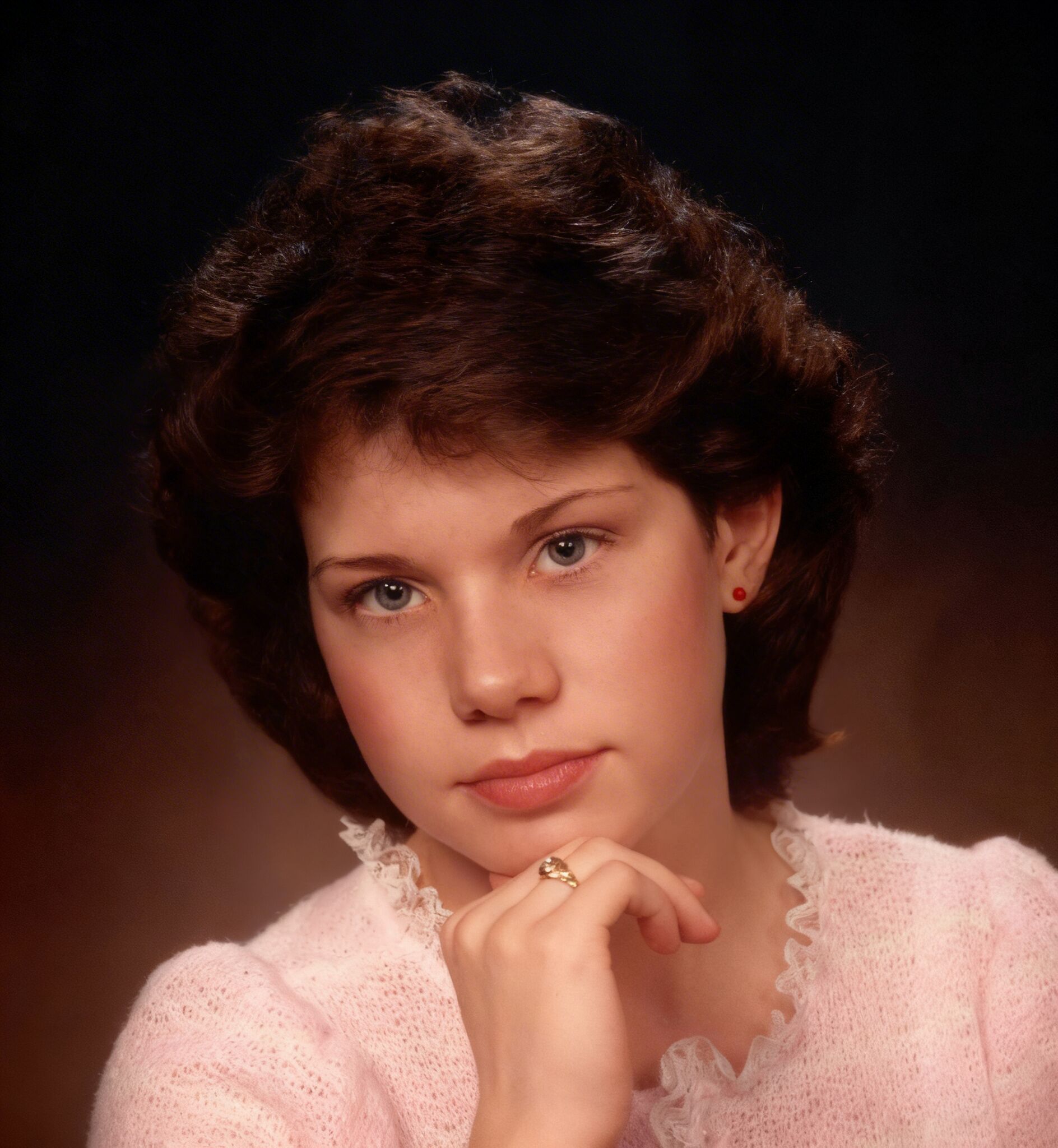
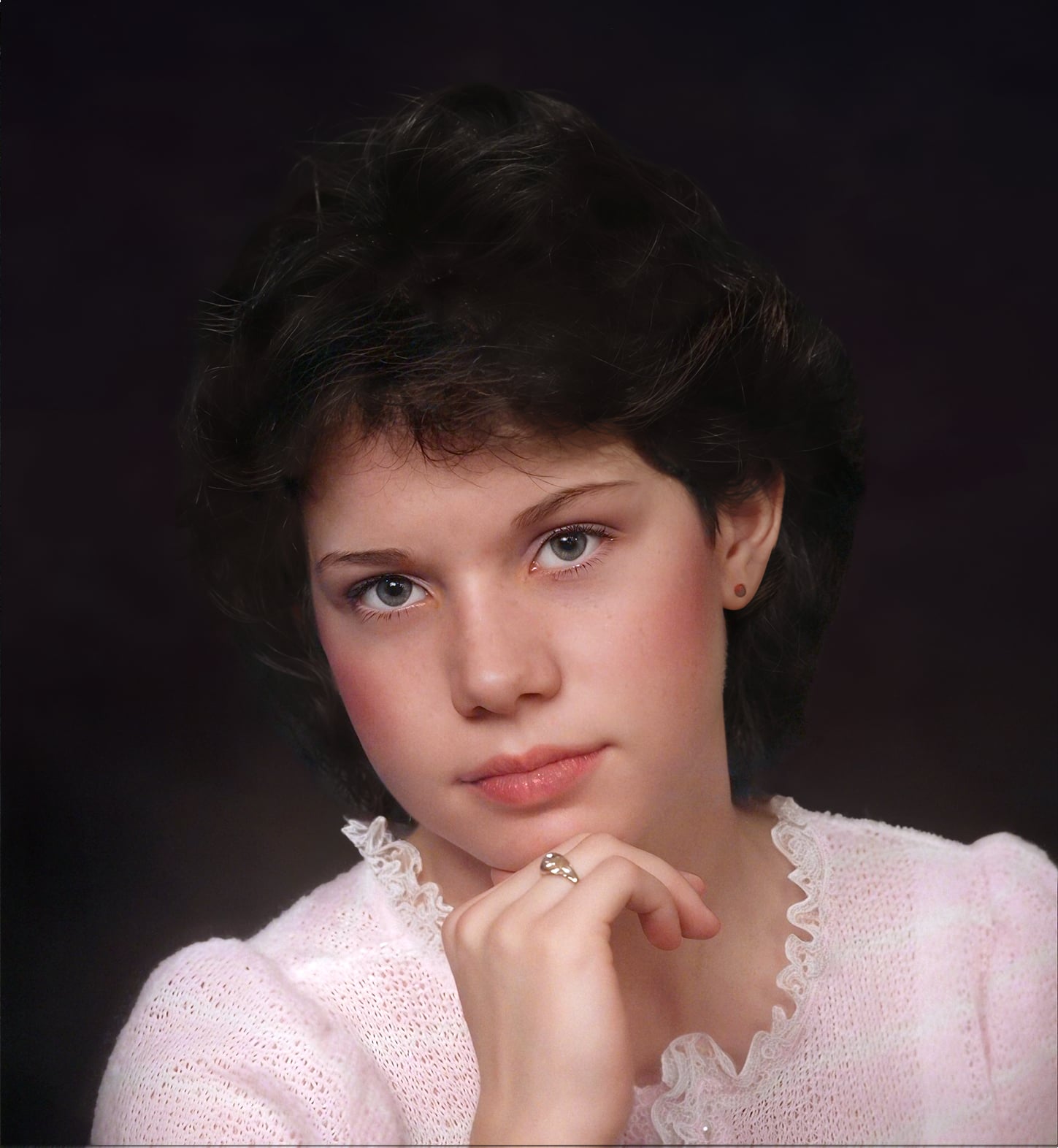
I used Affinity Photo 2 and Topaz Photo and Gigapixel and Gigapixel AI to do the work and created two versions; A dark background and a light background.
I hope you find these pictures and find you well and that they are to your liking.
Best regards Bob
PS I’ve noticed recently when posting pictures on the forum that they look sharper on the forum than the originals do on my laptop. I don’t know what causes this and suggest downloading the pictures to view them.
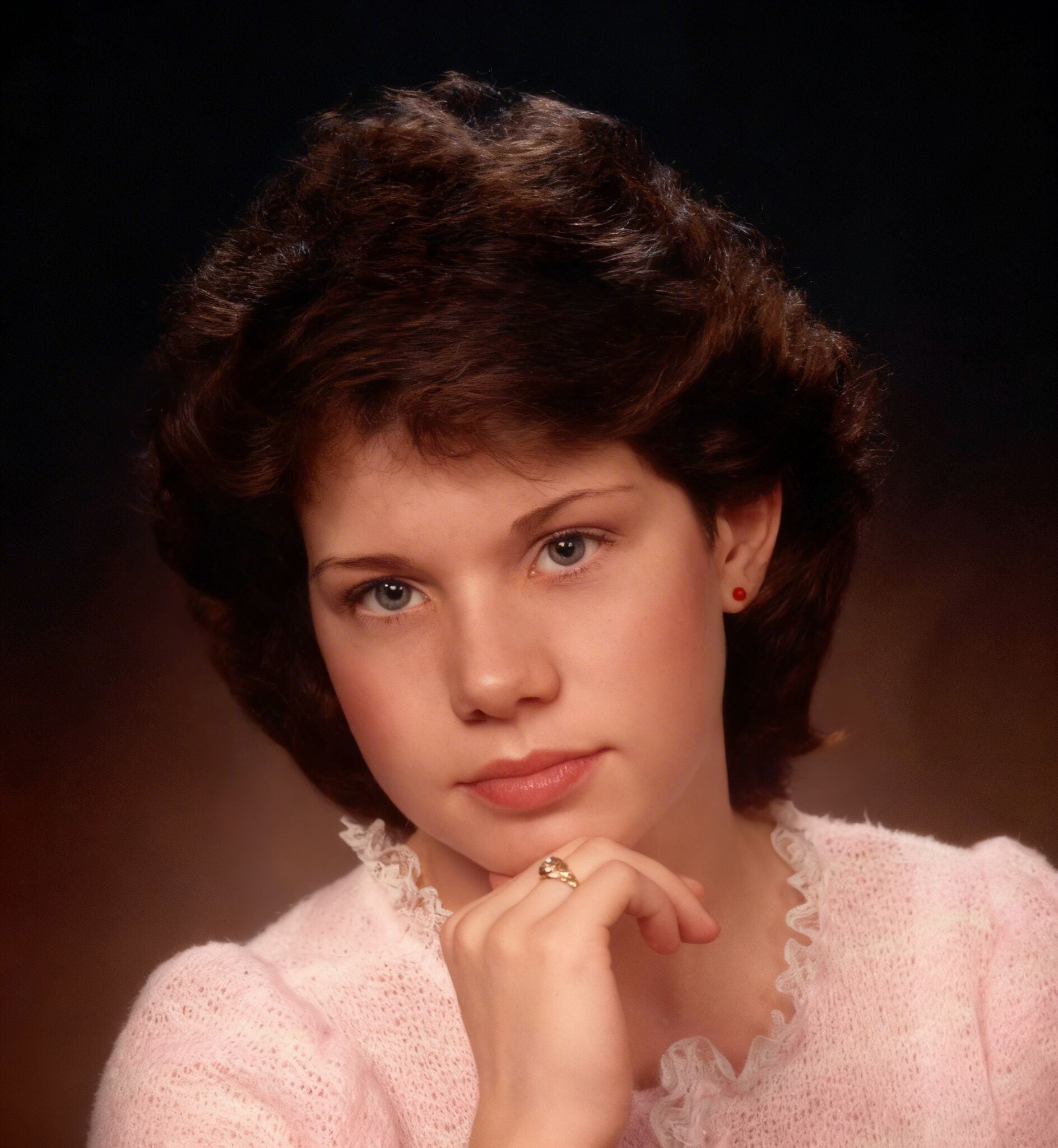
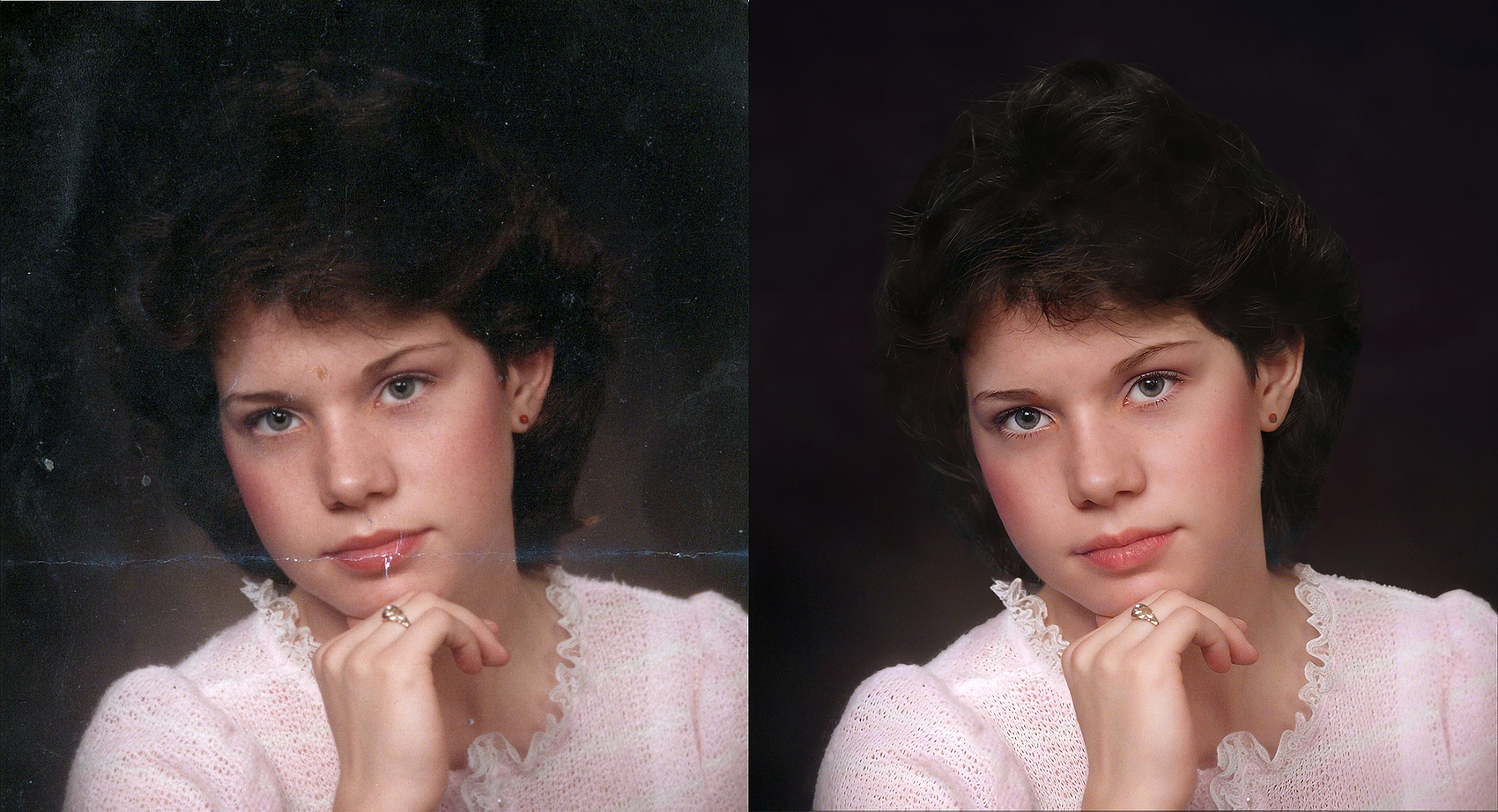
Very nice the face and hand are really good it’s just the hairline, Background and clothes don’t match the original
You can clearly see where the head and shoulders has been cutout from the background even with the darkened version the clothes have a completely different pattern and there’s definitely appears to be unnatural smudging on the left shoulder and the background has lost that natural gradient look replaced with either blurring or brushing
Sorry for the delay in replying. I’ve been giving the forum a break.
Thank you for the kind words and encouragement.
My preference is for the dark background version of the picture. The picture’s owner wasn’t too bothered about the original background so I’ve left my background as is. It’s better than the original. The hairline I’ll have to leave for now. I’ve made adjustments to the pink garment and ring so that they reflect the original.
It’s an Automatic process similar to Mosaic and just like Mosaic it’s good for restoring family photographs or getting you started if you’re working for a Client
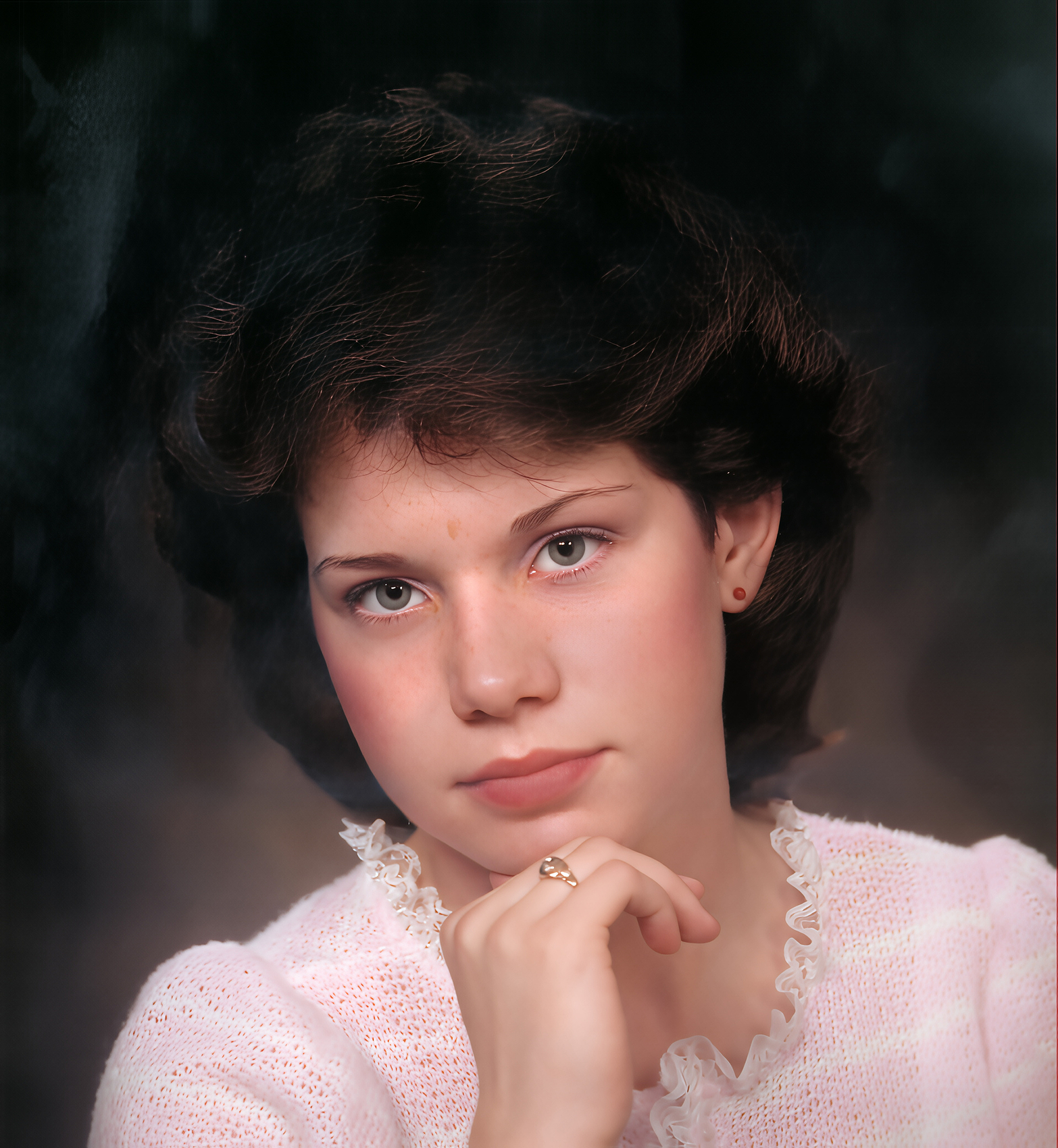
It’s not perfect though, the Hair and Clothes are great however, the colours are oversaturated and her skin has lost some of its character and definition if you compare it to Robert’s version which he has used more traditional methods Robert has stayed faithful to the original with colour and he has managed to retained her beautiful freckles.
Basically, Mosaic, Luminar and Photoshop’s Neural Filters are great for getting you started but, if you want the best reconstruction then Human Intervention is still required.
@lecliqueur2@AND-E Thank you both for the replies! That’s good to know. Not only how it works, but that we can also still have some human intervention for refinements and creative “tweaks”.
We have seen what Luminar can achieve applying an automatic filter so, as before sticking mainly with the Topaz Studio Apps and then, fine tuning with Photoshop.
I started of in Topaz Photo and applied Ballance Colour and Adjust Lighting 3. I decided not to use Dust & Scratch for this image because, there’s only minor damage and from my experience unless you Sharpen the image first with Super Focus then, I know the Filter has a tendency to ruin the Lace around her neck.
Tip: when using Topaz Dust & Scratch despite it’s best efforts it can’t always distinguish between fine details and damage therefore, if you Sharpen the image first to increase detail in these areas then apply the Dust & Scratch Filter it will have a better chance of detecting the Lace is part of the image
In my other example, I only used the Topaz Mosaic Recoloured option for the colour information however, when you use Mosaic you are presented with two examples an automatic Restored version and a version that has been Recoloured for this image I chose the Restored option because, Balance Colour and Adjust Lighting had done a decent job in Topaz Photo
Pretty good don’t you think, although not perfect as with the Luminar’s version it’s a pretty good start to be getting on with.
Next, I took the Topaz Photo image I had Exported earlier into Topaz Bloom I selected the Realism Model and as before created three examples Subtle, Low and Medium versions and saved them
Then, I Imported the three Bloom images along with the Topaz Photo and Mosaic versions onto Photoshop for Compositing into the final image you see below
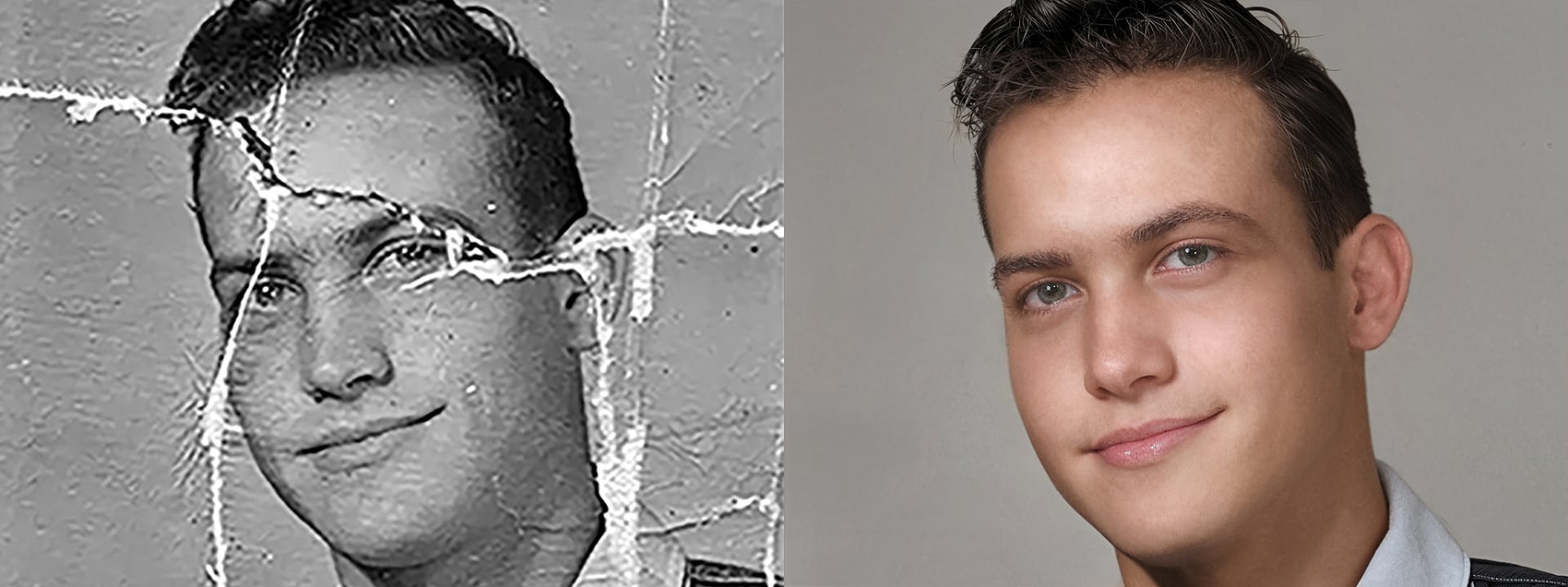
J’ai fait un screenshot de la photo que tu présentes, puis je l’ai soumis une première fois à Luminar pour le nettoyage, puis une seconde fois pour la colorisation. Sans intervention de ma part.
À noter que Luminar peut faire les deux premières opérations en une seule fois.
La quatrième photo à été faite avec la fonction “netteté renforcée” de Luminar.
Un seul logiciel pour aller de l’image 1 à l’image 4 en trois minutes seulement.
À noter aussi, l’agrandissement de l’image effectuée automatiquement par Luminar.
La cinquième image a été arrangée par Topaz Photo avec recover faces et grain. Il faut bien qu’il serve à quelque chose .
Thank you Robyn, glad you liked it and thanks for telling me I had unwittingly posted twice I posted the images from my Computer and had to go but, forgot to close the post then, finished it later on my phone then when I returned to my Computer I couldn’t close the post without reloading it and it wanted me to save it and because I edited on two devices it unknowingly got posted twice
Thank you for your reply it’s never a lot or too much manipulation always the right amount for the specific task, project, or contract that is currently being focused on, or is of immediate importance.
It’s a wonderful thing to hand someone a recently restored image of their loved ones and see the look on their faces.
These Apps are brilliant with what they can achieve in Thirty Seconds or even Three Minutes however, if you were a Paying Client would you honestly be happy with those Thirty Seconds or Three Minutes results.
Don’t get me wrong, any Plugin or Software that’s going to get me most of the way to where I want to be in the shortest amount of time then, that is an incredible help for myself and anyone else Restoring or Retouching images.
I’m afraid your Luminar examples of Thirty Seconds and Three Minutes are great for getting you started but it’s the little extra touches that makes all the difference to the finished images.
It seems Luminar doesn’t adjust the white balance for natural skin tones automatically. You also seemed to get more natural-looking clarity and dimension with what you did in Topaz.
Je suis tout à fait d’accord avec vous, c’est pour cela que si je suis abonné à Luminar Neo, je suis aussi abonné à Topaz Photo et Gigapixel.
Les exemples que je vous montre est pour dire que certains logiciels, grâce à l’IA, font le travail vite et bien. Bien, mais pas parfait.
J’utilise aussi Topaz Studio pour peaufiner mon travail. Je ne suis pas professionnel, juste un amateur qui aime le travail bien fait.
Tout à fait d’accord, c’est incroyable ce qui a été accompli ces dernières années, voire ces derniers mois. Regarde les premiers exemples de ce sujet pour te rendre compte du chemin parcouru, et ce n’est que le début !
Qui sait ce que l’avenir nous réserve en matière de développement logiciel dans les prochaines années ? On ne peut que l’imaginer, et on sera encore surpris et impressionnés.
C’était un plaisir de partager des exemples avec toi. Je dois avouer que je connais peu Luminar Neo et j’ai très envie d’en savoir plus.
As-tu accès à Topaz Bloom et Mosaic ? Considère Bloom comme une version avancée de Topaz Gigapixel Redefine et Mosaic comme une application de restauration similaire à celle de Luminar. Aucune des deux n’est parfaite, mais je pense que leur combinaison pourrait être absolument géniale. Et comme Luminar Neo est une suite complète de retouche photo, c’est un atout considérable.
Merci pour votre temps, ce fut un réel plaisir d’échanger des points de vue et des idées avec vous.


 .
.