I can not get Video A! 7.1.0 to work no matter what I do as advised in this thread. I have deleted it multiple times and removed the preference files per instructions and done clean install after clean install to no avail - always crashes and I get a report to send to Apple. Going back to 7.0.2 opens without a problem.
What you are running into is a known issue with the in-app updater. To avoid this, we recommend downloading updates directly from your “My Products" page or the release forum. Below is the link as well:
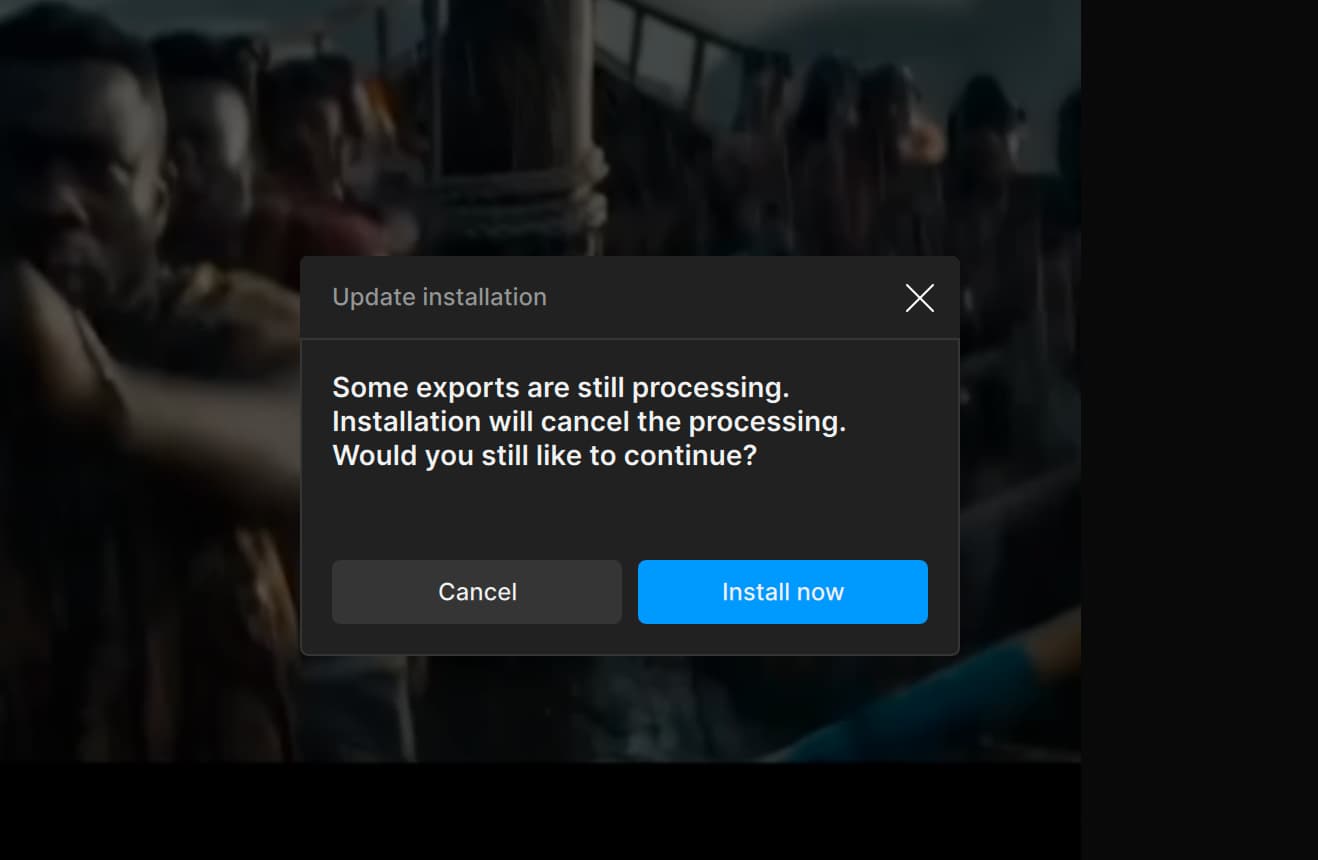
Hi All. I am the OP and I have a solution. TOPAZ does not seem to understand that the issue is totally related to you moving your mouse - Start the download and DO NOT HOVER OVER THE DOWNLOAD IN THE UPPER RIGHT CORNER - this WILL CASUE THE CRASH. You need to NOT MOVE YOUR MOUSE AT ALL DURNING THE DOWNLOAD!! However, YOU DO need to have your mouse RIGHT BELOW the download in the upper right corner - put your mouse there and DO NOT MOVE IT - once the download is complete you can move your mouse BUT YOU HAVE ABOUT 500 msec to click that install word and the install will start - if you do not move your mouse it SHOULD not crash. Please if it does crash send the report to Apple so that APPLE and TOPAX see the number of times it is crashing - I have had this problem of crashes for the last 4 or 5 updates and I agree it is EXTRAORDINARILY frustrating - I have no idea why it is that moving your mouse will crash the download - please give this a try and I hope it helps you all resolve the issue.
Yes, it’s the mouse issue alright. I just crashed the Topaz Video AI 7.7.1 download process three successive times by moving the mouse. I outfoxed it the fourth time by not moving the mouse during the download stage, then waiting 5 mins before moving the cursor very s l o w l y towards the Install button and voila it worked! Topaz Video AI devs, please fix this absurd state of affairs, unprecedented in the entire history of app updates!
Totally crazy but this “mouse issue” comment is helpful — it’s definitely the mouse issue. But instead of waiting five minutes, this is how I managed to update:
Click the button on the top right to download.
Cmd - Tab to change to a different application.
Move mouse to where the Topaz start update button is supposed to be (without having it active)
Cmd - Tab to switch back to Topaz and start the update — making sure that the mouse is already at the button without ever moving the mouse.
Note: you might have to go through step 2-3 several times until you eye-ball where the buttons are, making sure to never move the mouse when the Video AI is active.
I can’t believe it’s the mouse move that’s causing issue!
Hi,
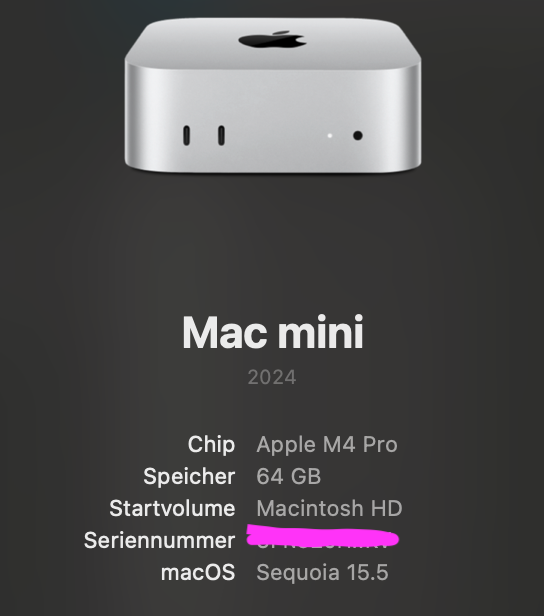
same problem here on a MBP M4Pro and a Mac Studio M4Pro too. Clean install does not change anything. Same today with the last Vieao AI iteration.
I join crash report if useful.
Best regards. Topaz VideoAi crash report.txt (201.5 KB)