There is no requirement to have AVX512, you just need Windows and/or MSVC updates:
Has never been an issue for me because I do not use my generations commercially. If I am not mistaken, there are several versions of Flux whose licensing rules differ. You may want to check that out if commercial use is essential to you.
Not a big deal at the moment, just makes the option less fun 
OMG  Yeah It’s sure. Hahaha.
you need a Luminous Landscape forum login to read
The problem is that registration isn’t free just to read the article(s). It’s too bad.
Your rabbits are funny hahaha.
here is the original photo taken with my Galaxy S25 Ultra. then here’s the one enhanced with GAI + Photoshop.
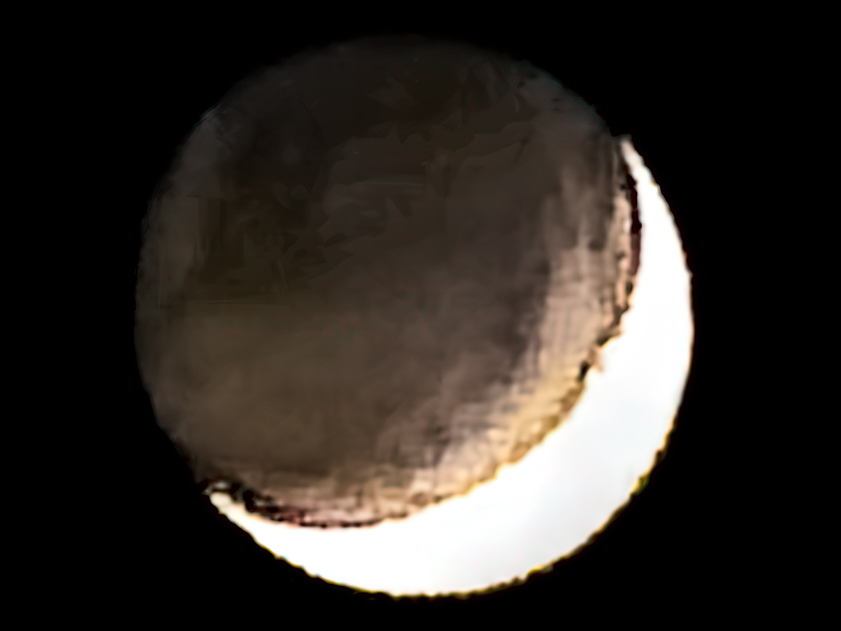
Then here’s the one enhanced with GAI + Photoshop.
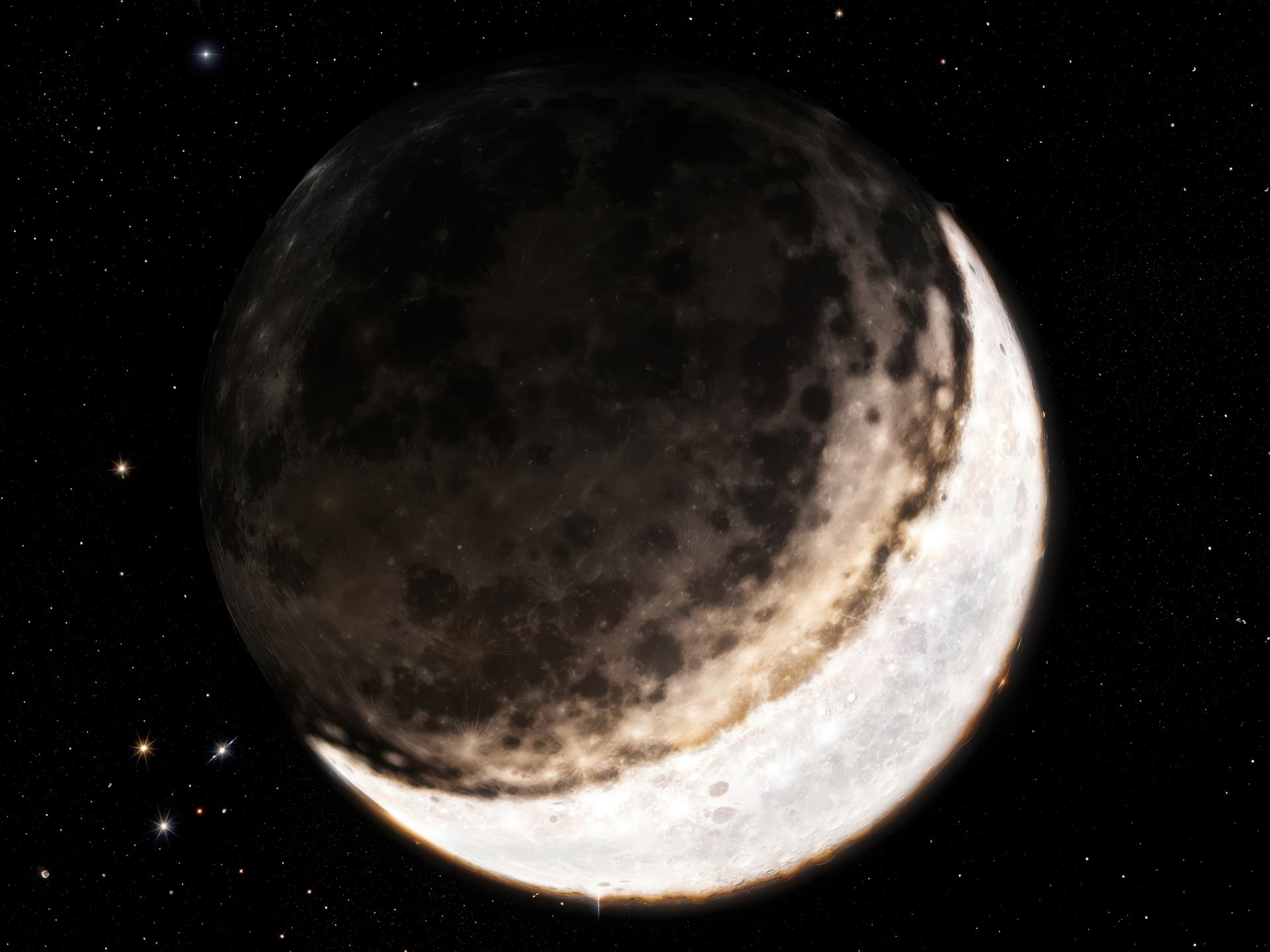
And if you want something more artistic with a more psychedelic style, here’s what you get if you push the creativity and texture sliders all the way up.

The used prompt generated with Gemini:
This image shows the Moon against a black background. A bright crescent is visible along the bottom and right edge. Significantly, the rest of the lunar disk, which would normally be dark, is faintly illuminated (this is known as earthshine or the “ashen light”). This dimly lit portion appears as a muted, brownish-grey sphere. The texture across the entire visible surface seems rough and somewhat indistinct or stylized, rather than sharp photographic detail. The bright crescent edge itself also looks somewhat uneven.
Maybe I should try to take a photo of a table tennis ball in flight and use your moon prompt on this. I am pretty sure GPAI will come up with a planetary result. 
Give it a try hahaha  .
.
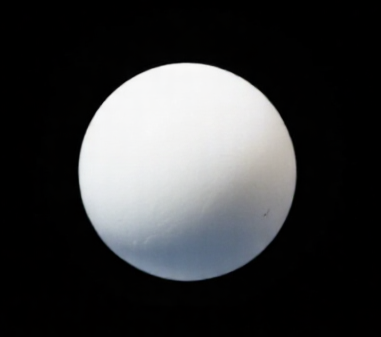
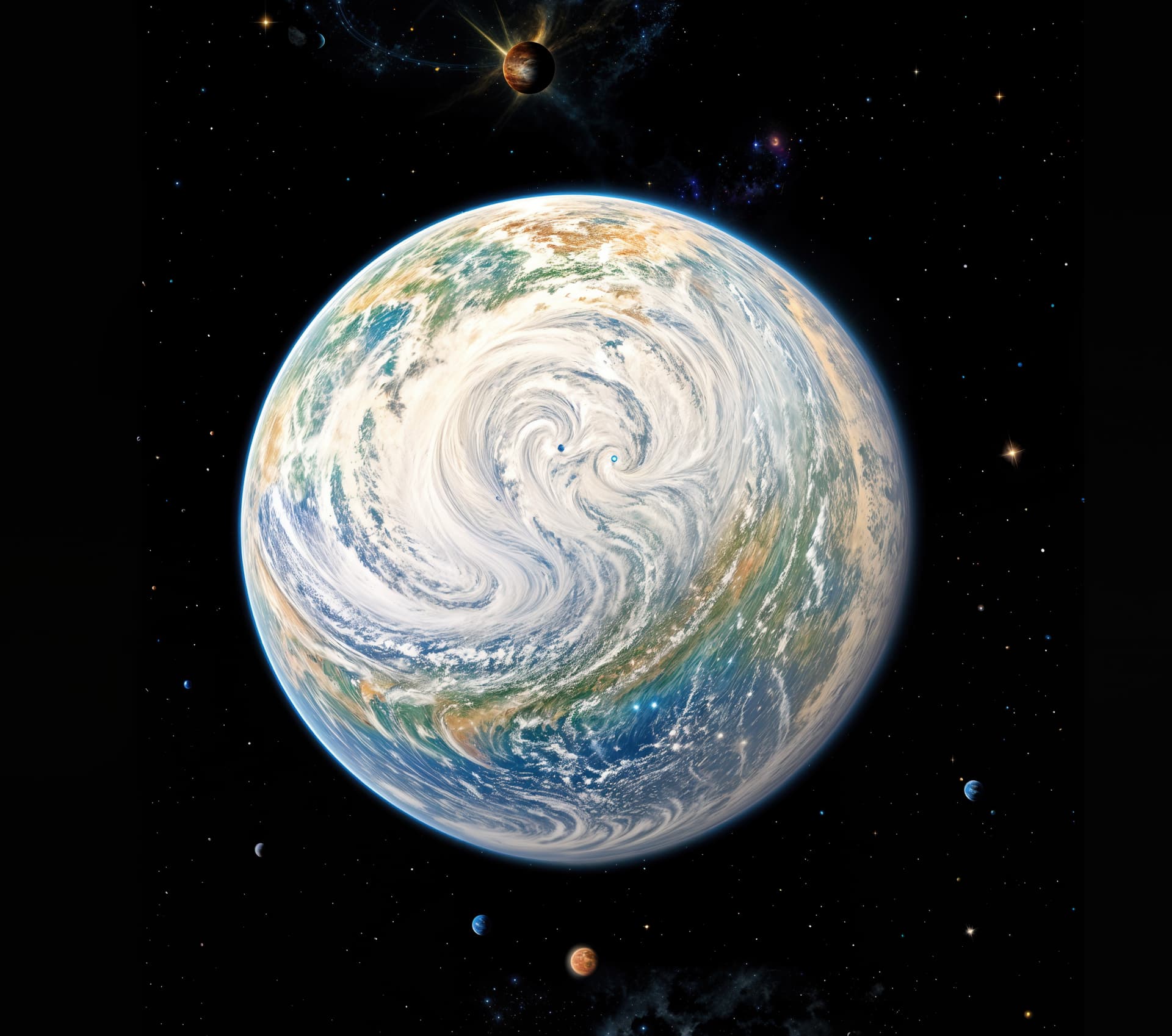
Alright, here is a table tennis ball in the air (AI generated as most images on Google are copyrighted stuff) and a C6, T3 GPAI rendering of “a colorful planet hovering in space”
2 Likes
Too terrible  It’s really not bad. And the other planets, stars and gas clouds aren’t bad also.
Very nice! I appreciate AI for that picture.
Are there any updates to any products today?
I posted this several days ago on the Photo AI forum. I imagine it applies to Gigapixel AI also. I have been waiting for these fixes since 2025/3/28 when I first reported them to Topaz.
Just a heads up for those who are waiting for a Super Focus 2 fix. Support told me a couple of days ago that the fix will be in a release within 2 weeks. Great!
Apparently, the Recover 2 bug in Gigapixel AI will also be fixed at the same time since previously I was told they are the same problem.
The Redefine bug in Gigapixel AI is a different issue, but I am hoping it will get fixed at the same time.
A “couple of days ago” was almost a week ago at this point so I expect these bug fixes to be released within a week.
1 Like

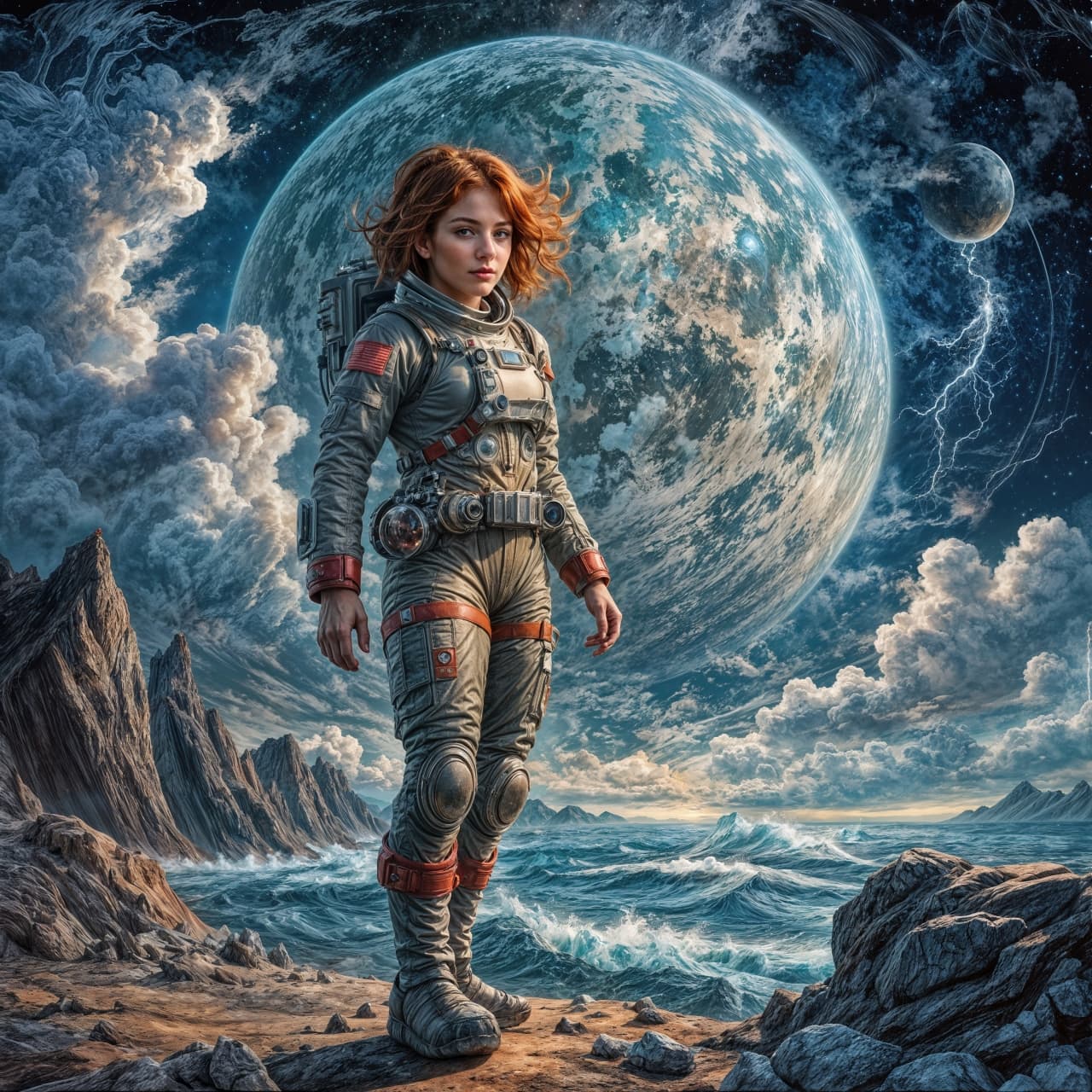
If I can modestly support the artistic creations of “Club C6”… I myself was surprised who I met in the depths of the Universe.
One small step for a human being – one giant leap for AI:
+
Apparently Topaz Girl conquered space before the USS Enterprise did!
By the way: Is there a way to show processing time after an image has been processed?
I have this option in (an older version of) SharpenAI and I think previous GPAI versions also used to have it but I haven’t found it in 7.3.x.
I’m using the latest version of GPAI (8.3.4) and after the rendering is finished, a small window appears with information about the time spent on the processed image. I don’t remember how it was with previous versions:
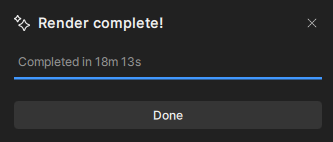
I think that only applies when rendering a preview of the entire image. If you go straight to Export, and especially if you are batch processing, you do not get to see how long it took to render each image.
By the way, I have a faint suspicion that images are rendering quicker via the preview button than when exporting immediately. I have not run a stopwatch on the latter but wonder if anyone can confirm this.
