The image series is interesting because it illustrates an issue I mentioned before. You wrote that the fur redefined with C2 and T3 is pretty much spot on ad to your cat. However, if the input picture were one of a lion, the fur, apart from the color, would look very similar with C2/T3 which would be much less realistic. Redefine doesn’t seem to pay too much attention to what is in the original image and even what is prompted - a cow, a cat, an antelope and a lion get very similar fur textures. C=3 is a little bit more “careful” in that respect but, if the input has greater areas that lack definition, C=3 is often unable to recreate texture in those areas even at T=5. That is why I often do not go for 1:1 in the first pass: Some of my pictures require C=2 for fur recovey across the whole animal body, and C=2, in my perception, has a tendency to apply what I would call “hair length in pixels” the same when using 1x or 2x. The result is that C=2 tends to put longer and thicker hairs on a 1x output than on a 2x output. It would be very helpful if something like “smooth and short fur” would be honored when prompted but by now, this is not the case (and stability diffusion cannot do this, either). Maybe the evolution of the generative models will lead to better prompt adherence. After all, Redefine is still marked as Beta, so we can expect further improvement of something that already does a very fine job.
Hi.
The sweet spot is one megapixel 1024 x 1024px
Here’s the information from Topaz on the optimum image size for the Redefine Model
Redefine
Use this model to take your imagination to the next level. You can prioritize realistic upscaling for either fidelity or creativity.
It is recommended to use images that are 1024px and smaller to get the most optimized result.
Make the most of Redefine when you come across the following type of images:
- Low resolution images (either from crop or otherwise)
- Blurry images
- AI-Generated images
For higher resolution images, try using our Basic Models.
Here’s the links for more information about both the Basic Models and the Generative Models
Basic Models
Generative Models
Hope this helps
Thanks, but my comment was not aimed at the optimum input size for Redefine but at when to use it with 1x or 2x upscale factor. I am currently working on some video stills that are a little less or a little more than 1 MP, and while it is clear that Redefine is the model of choice for those, I always try if 1x or 2x does a better job redefining. From what I can see now, 2x works better with C=2 as well as C=3 for that stuff.
Yes I see, personally based on a 2x upscale of a video still I would normally create more than one instance of the same image for compositing because, as you know any Redefine Creativity setting above level two then, things starts to be come surreal, even bizarre
My first image world be a straightforward 2x with a Redefine Creativity setting of 2 as my base image
Then, I would make a second version of the image and set the Creativity level to 3 and if my subject was a well defined image of a person then I’ll make a third image setting the Creativity to level 4 or above.
Because, although most of the image would probably be unusable l have found that when it comes to images of people then, Redefine can recreate incredible hair that had little definition in the original video still which, I can composite into my base image
Thanks for your reply - most of which I like and fully agree with.
My comments about Photo AI - Personalization data - and AI Learning for an individual were possibly misplaced in this Gigapixel AI Forum - but I did specifically say “Photo AI”.
I still beg to differ with your opinion as to whether Photo AI is Learning from how I edit.
This snip from TopazLabs Docs > PHOTO AI > Autopilot & Configuration seems to clearly say that my personal editing (work style) will be recorded and used to learn how I edit photos ?
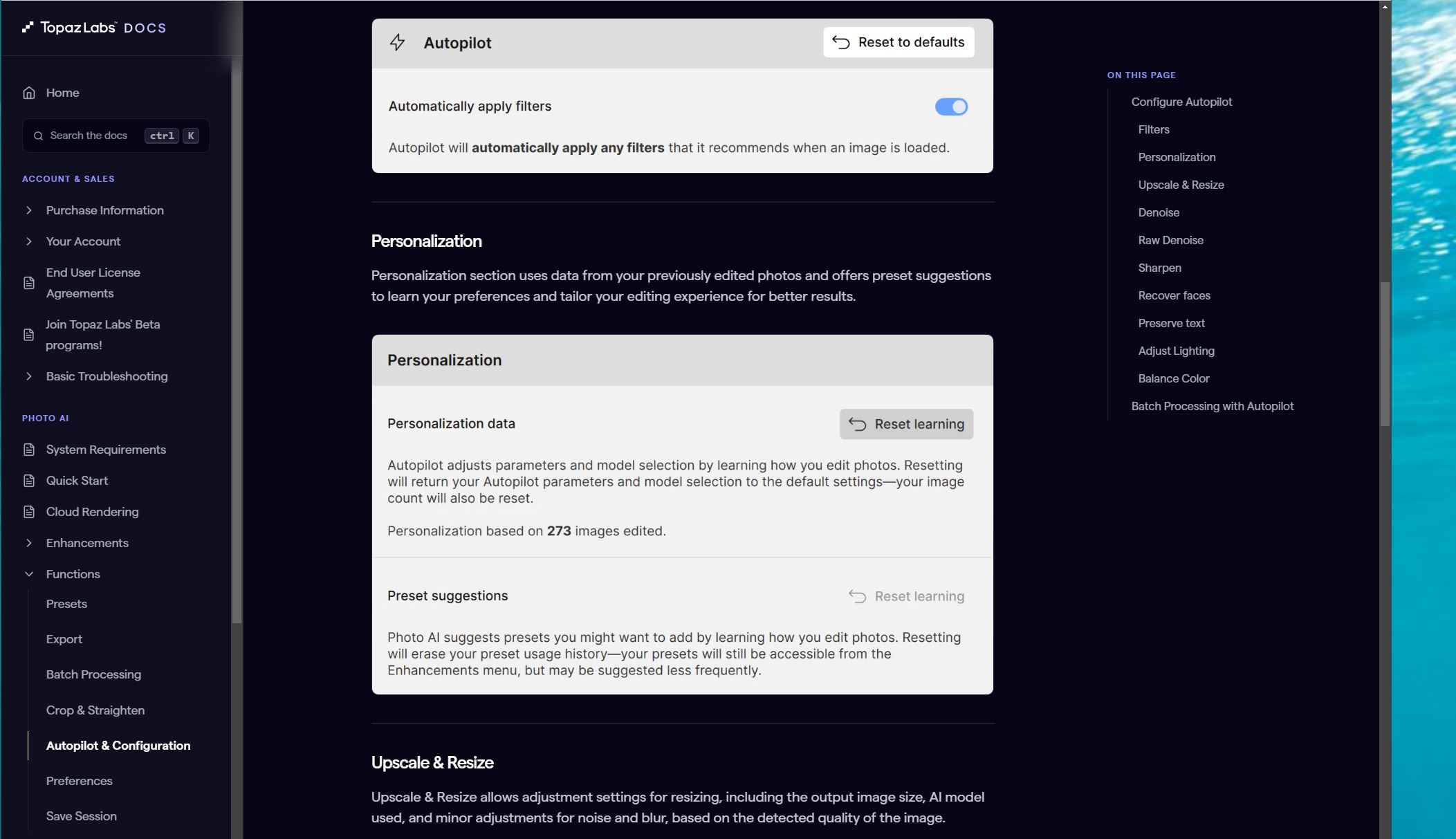
.
.
Within Photo AI v3.6.2 my Preferences show this:
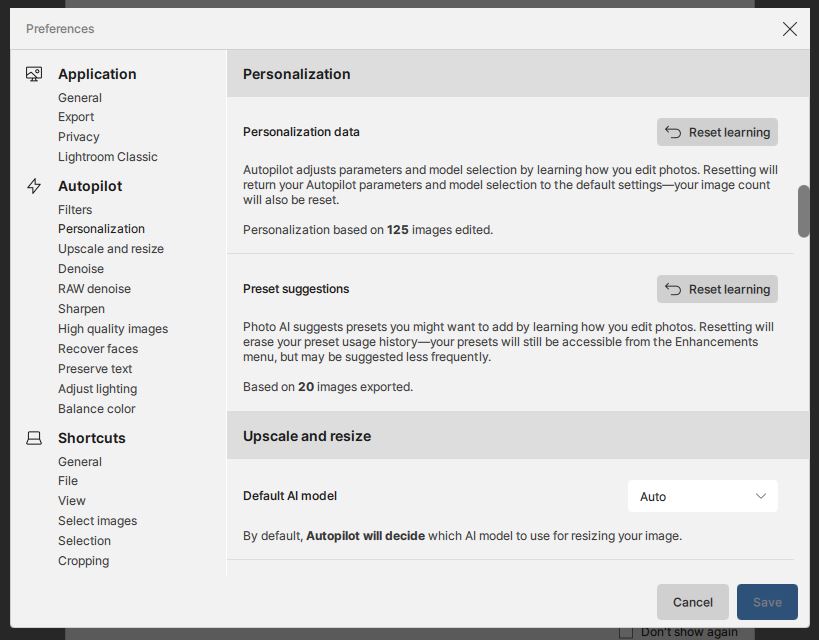
.
.
Now I will edit a new photo … done … and recheck my Preferences …
.
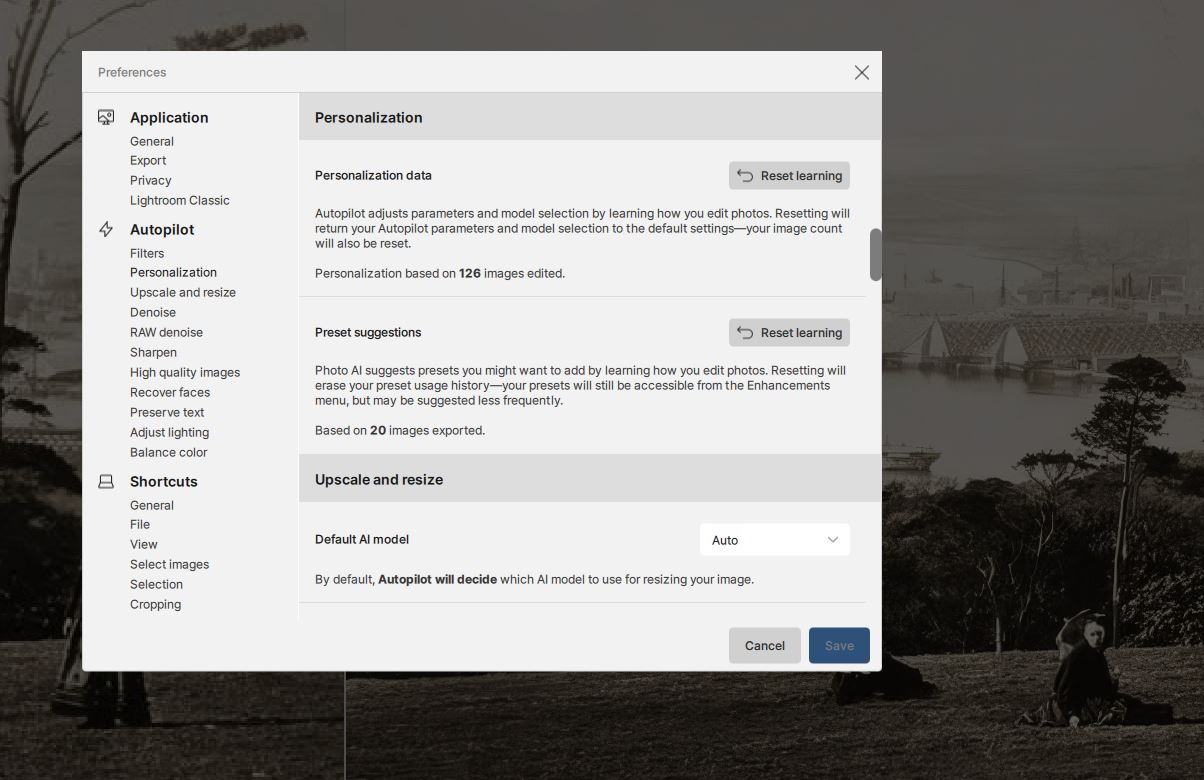
.
.
My Personalization tally has incremented to 126 - so I’m assuming that Photo AI now THINKS it has “Learnt” more about how I edit photos ?
.
.
BUT what I am wondering is whether my deliberate use of many different setting for testing and comparison is distorting what Photo AI is recording as “my work style of settings choices” ?
My inclination is that I ought to have an option to “Save this to my personal setting learning profile” ONLY for the final and “best” render that my permutations and combinations produced ?
.
.
I would very much like to know how you interpret the Topaz Docs and internal Preferences menu statements.
I’m also going to send this post to Lingyu on the Photo AI Forum for his comments and advice.
For Zed1: Ah, the discussion is about TPAI, it was probably created by mistake in TGAI. Now it is in TPAI. Only Topaz could give you a precise answer, if they wanted to. If you are interested in my speculation, I guess this:
TPAI is somehow trained for individual users, according to “Personalization”. How, I don’t know, I can only guess that some classification is used. Maybe based on naive Bayes (using a-posteriori probability), similar to spam email filters. Then each exported image would represent a class of “positive combination of editing parameters” (20 according to your example). The total number of edited cases is the number of occurrences of all edits (125 for you). The editing parameter is a variable that takes on values for everyone according to her/his work. There are a whole series of these parameters giving some combination of probabilities (in principle, they multiply each other). With further edits, the probability of a “positive combination” can change. But that’s really just my speculation, I don’t know the details, which would include a number of other things. It’s simply an effort to offer a specific user the most probable combination of editing parameters for him/her. With a larger number of edits, the correctly determined probability that such a combination of editing parameter values is the right one is more correct. I don’t follow it, I do at least 80% of my edits in TGAI (as I see, I have 94 edits in TPAI, 15 of which are exported).
But classification can be done in other ways than with Bayes, so maybe I’m writing about it unnecessarily. Maybe simply as the most frequently occurring values, or something like that.
Another thing is to “hardwire” your own combination and then always have it the same as the default. But I don’t think TPAI provides that (although it would certainly be easy – if users would like it).
For unrelent
Thanks very much for your reply which is a bit beyond my level of knowledge and immediate understanding - I need to do some research with maybe a bottle of wine to hand !
My Background will partly explain - In 1978 my MSC in Geodesy at Oxford University included tensor mathematics for earth gravity studies and it made me dizzy ! “a-posteriori probability” rings a vague bell but not Bayes. By carefully studying past exam papers I discovered that it was possible to “skip” any gravity questions - answer any 3 questions from 6 was the exam format for several prior years and I was OK on astro, trig and practical field surveying. Unfortunately the format changed for my exam requiring 2 answers from Section A and 2 answers from Section B. (No prior warning)
The 8 of us taking the exam nearly fainted when they said:
“You can turn over your papers and start now !!!” … Section B was entirely Gravity !!!
How I passed I don’t know but my practical dissertation was using differential Doppler satellite measurements to achieve nearly mm position fix accuracy by putting one JMR Receiver on a fixed known trig point to “pair” with one field observing receiver. My external examiner Professor was a specialist in Doppler and I think that helped. I could cope with three dimensions plus time and least squares adjustments in ICL FORTRAN but not tensors!
Back to Topaz - My experience is suggesting that a lot depends on the detail and true pixel resolution of an original small image. Then my suspicion is that according to Murphy’s law the perfect Model settings lie precisely midway between Creativity 2 and 3 or between 3 and 4 plus using Texture 2.5 BUT only Textures 2 and 3 are available … uuuughhhh 
I’m hoping Lingyu will provide some information and answers … 
Hi Zed,
Nice work, although a but much. 
Some of the results are entirely useless, I would say. Even some of them with a slight resemblance of Julia. To me it’s appereant that details in the clothing is still a somewhat weak point. And with better detail comes less recognizability of the face.
I’m still a Beta tester – in theory – but I haven’t upgraded since 8.1.0.5. I’m gonna wait it out al little since I’m still satisfied with 7.1.3… But never say never…!
Experimenting with small postcard lithograph prints. for anyone interested
For Harald.De.Luca
Tried Google Gemini (free version) asking for “Long text description of image” and “Brief text description of image”. I agree it produces some very good text Prompts. My experience is still that “most” online apps produce a useable prompt and most resulting renders look pretty much the same. Every now and then there is a “Golden Arrow word or phrase” that really makes a difference but that doesn’t crop up very frequently.
Trying to establish some trends from my experiments, my guidelines seem to be:
- Creativity seems to be the most influential option.
- Texture settings tend to create slightly less variation in results.
- Final image size options as size increases can also introduce more detail and features both with and without increasing Creativity and or Texture.
- Probably the detail quality and true pixel resolution of the original small image has as much or more influence on the final render than Creativity
Very interested to know whether you would agree with my thoughts?
A few examples images starting from this postcard size image from a Google search 1024x652px

.
.
Standard basic using Autopilot … x2

.
.
C-Med Tex-2 … 2x
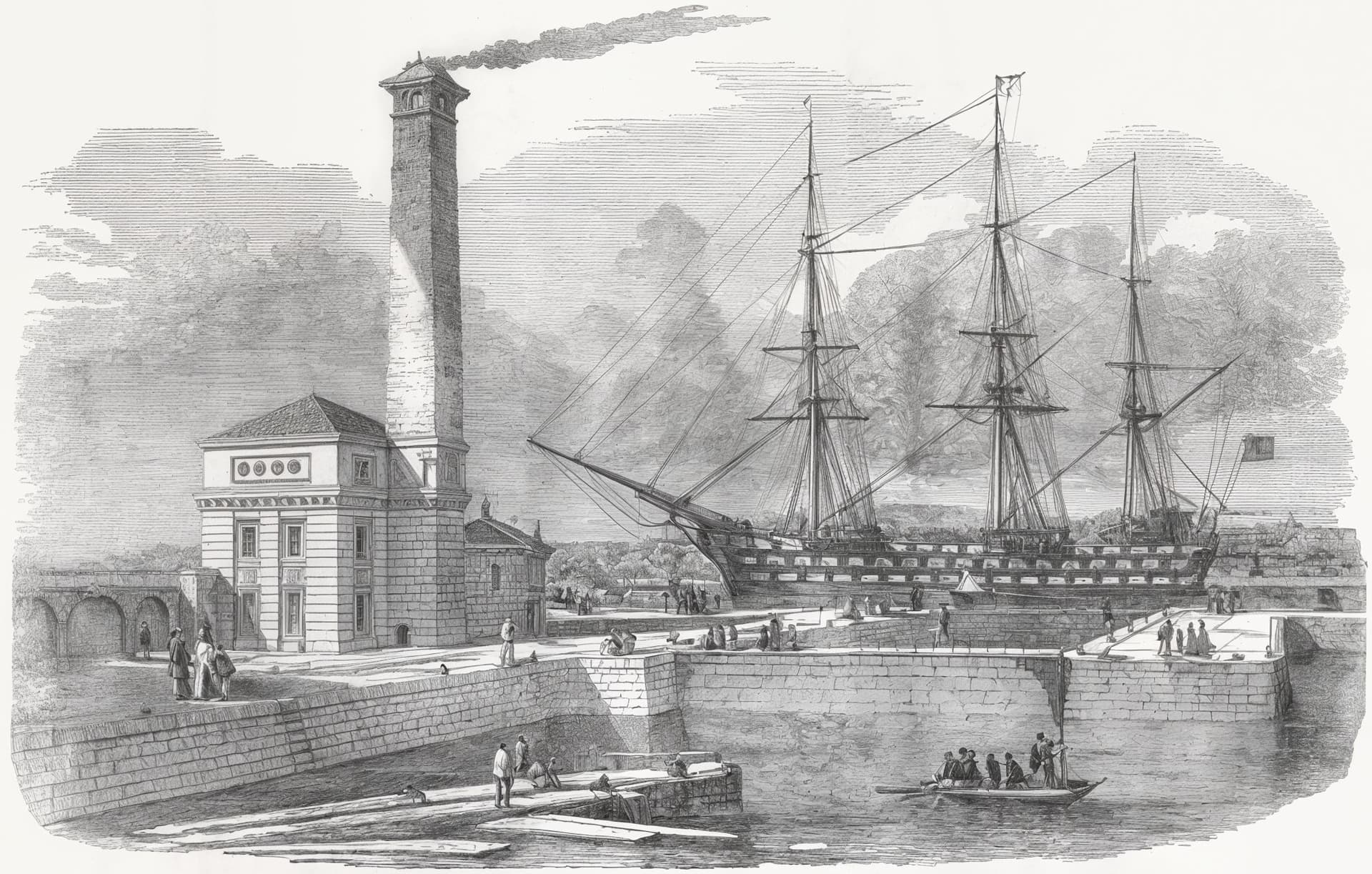
.
.
CLOUD Gemini prompt C-Med Tex-2 … 2x
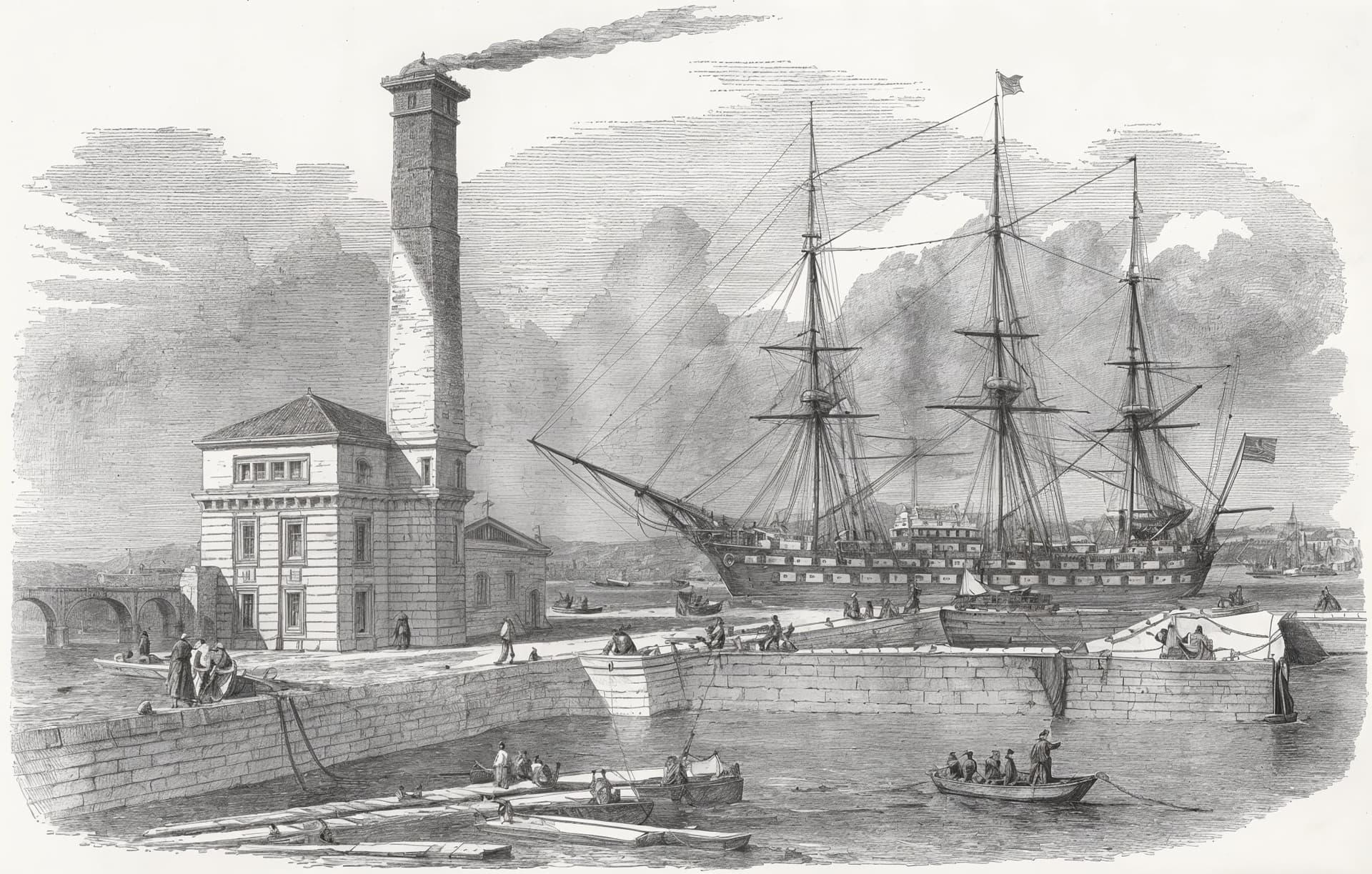
.
.
C-High Tex-1 … 3x
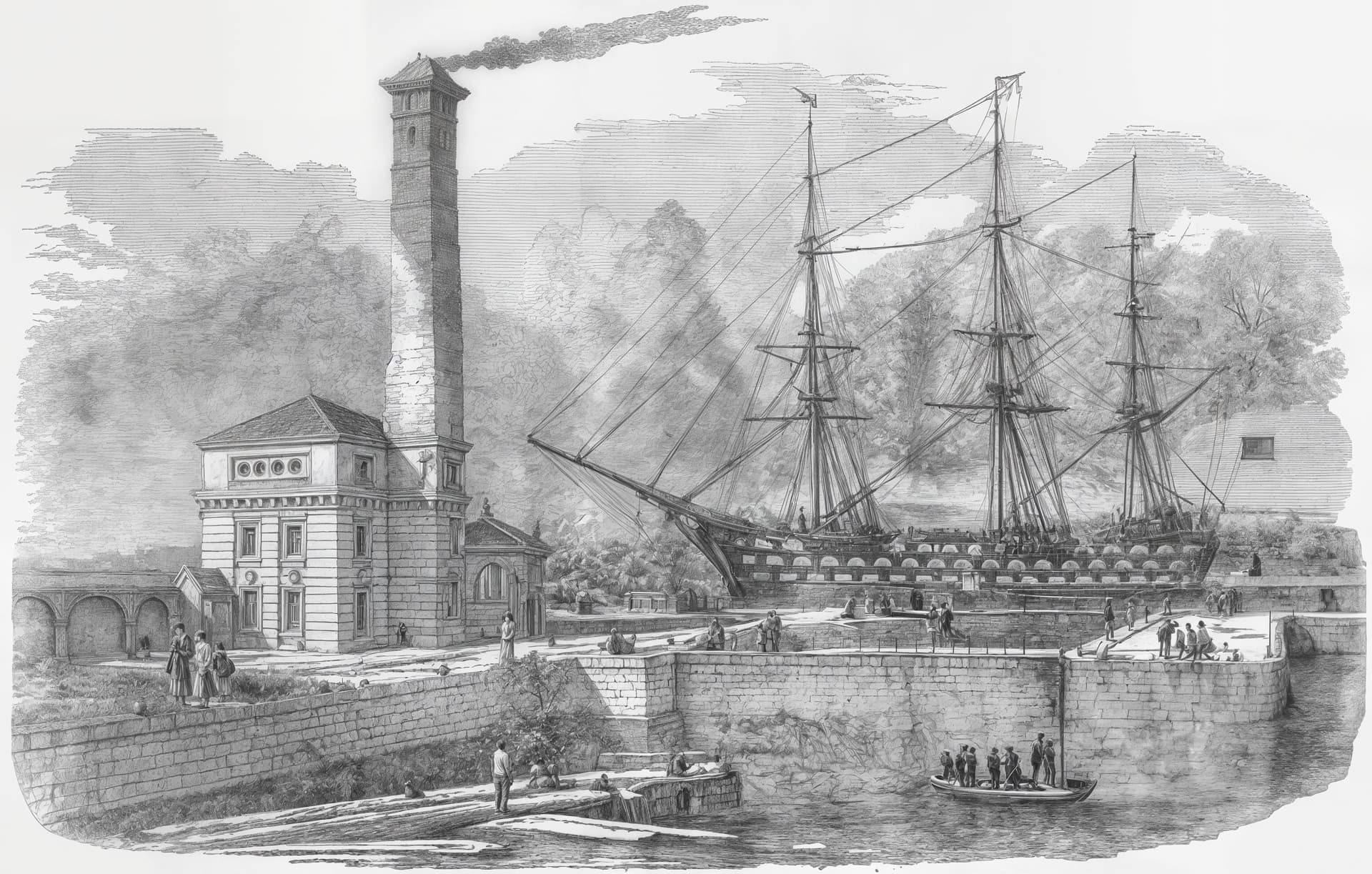
.
.
Gemini prompt C-High Tex-2 … 2x
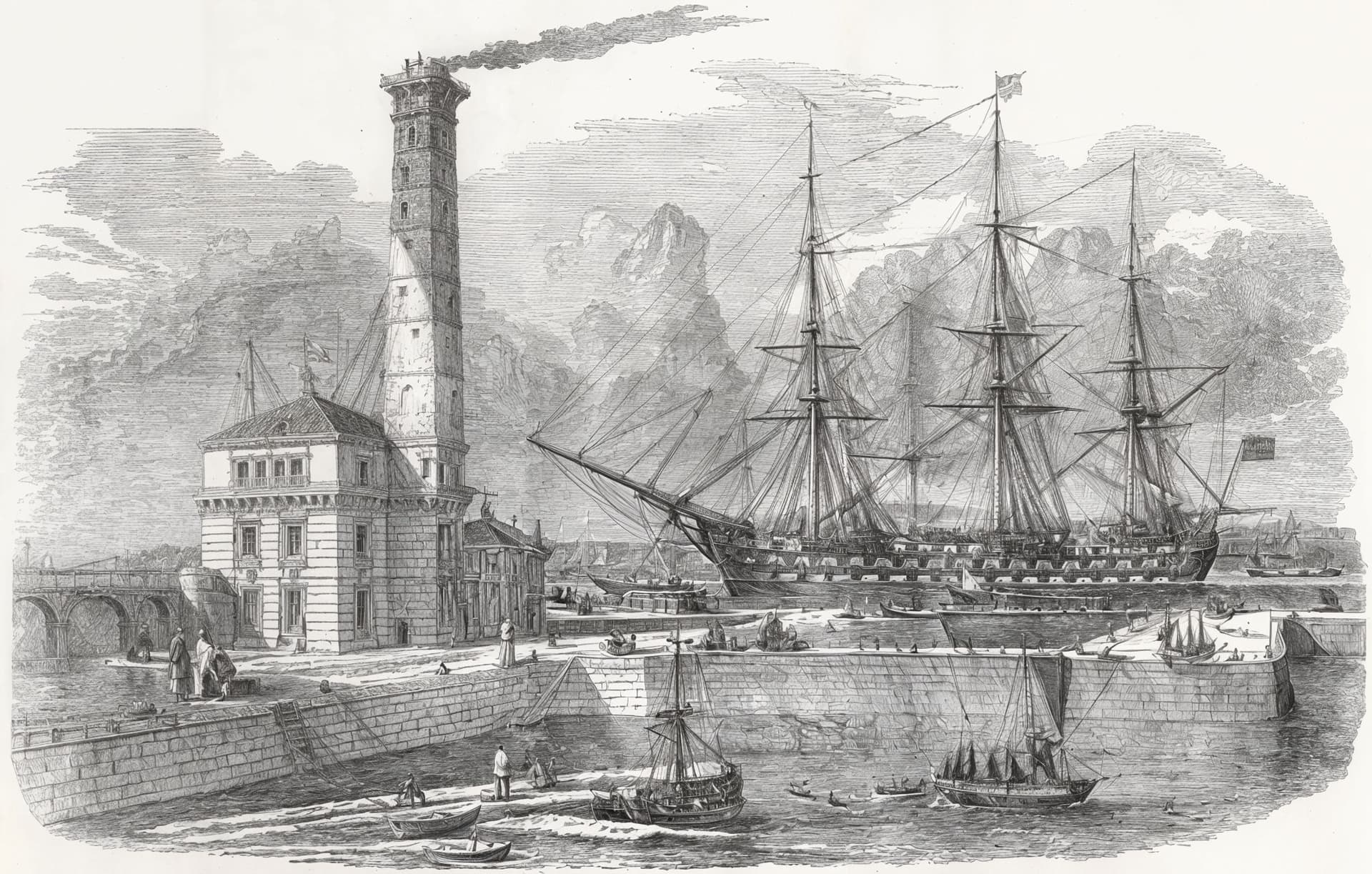
.
.
CLOUD C-High Tex-1 … 3x … for some reason all Cloud renders today with C-5~6 create a BANK !
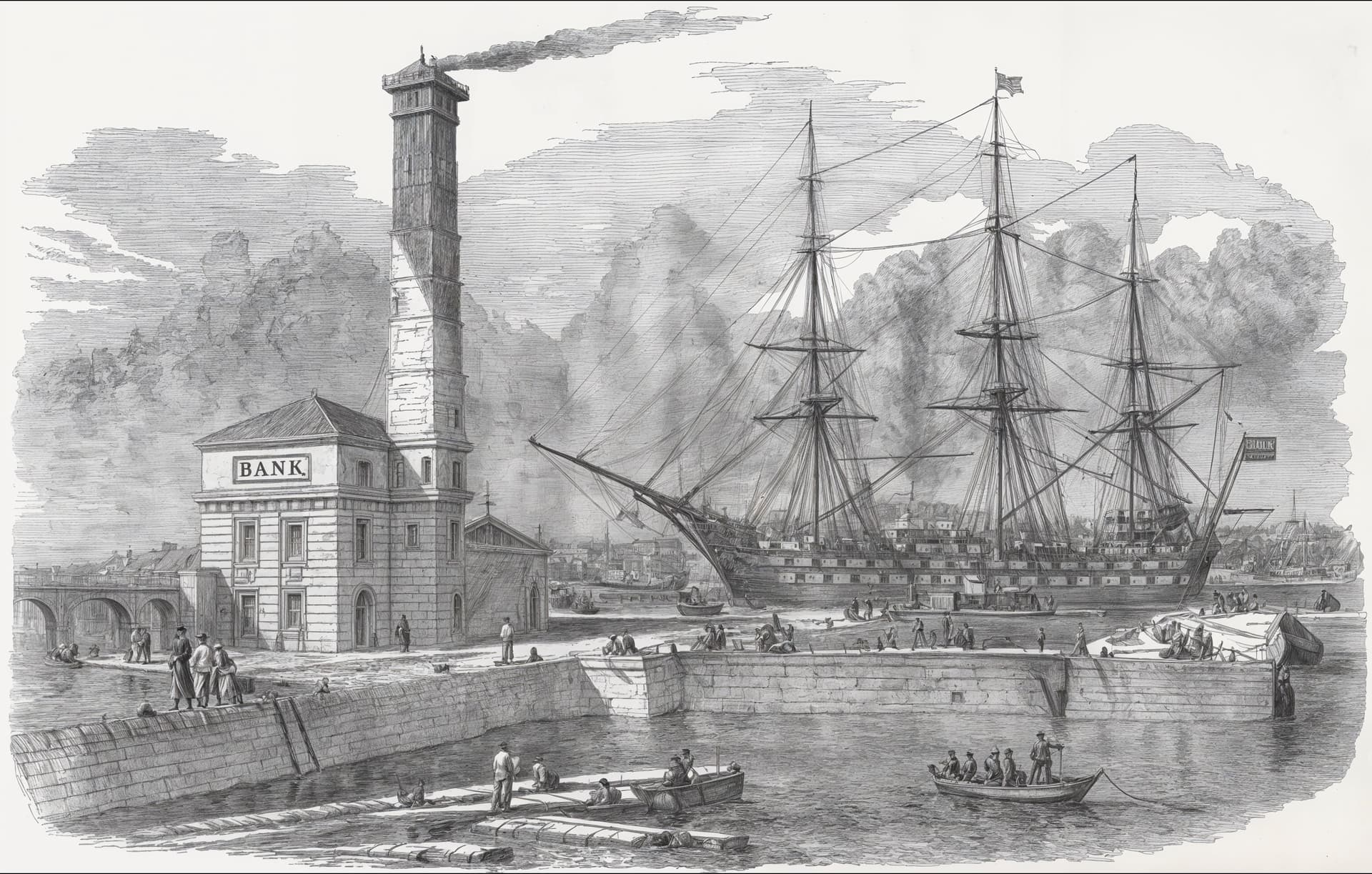
.
.
C-Max Tex-2 … SNOW ! … 4x … I THINK it is the 4x size that adds detail cf next image
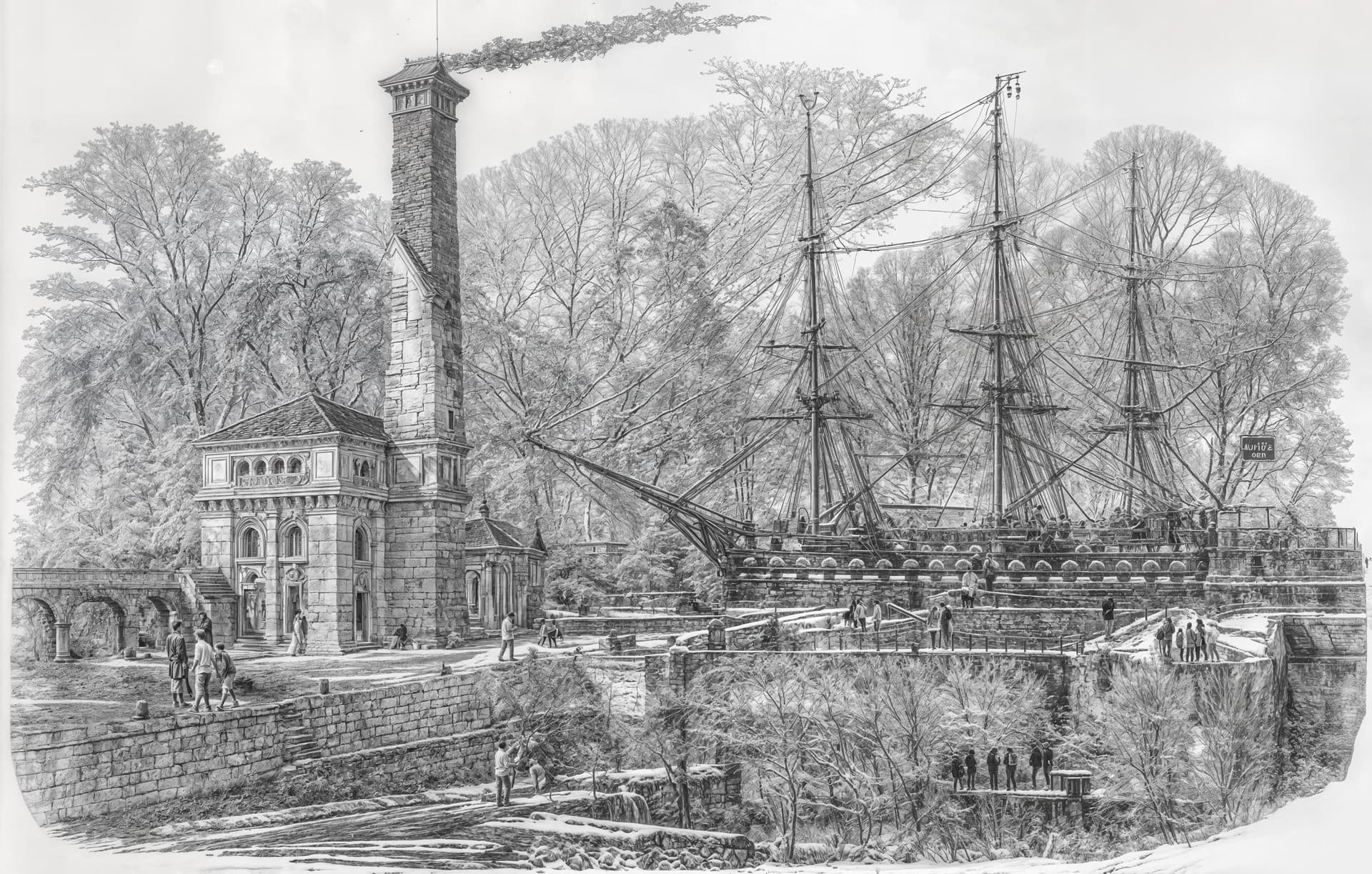
.
.
Gemini prompt C-Max Tex-2 … 2x … NO SNOW but same settings as previous image
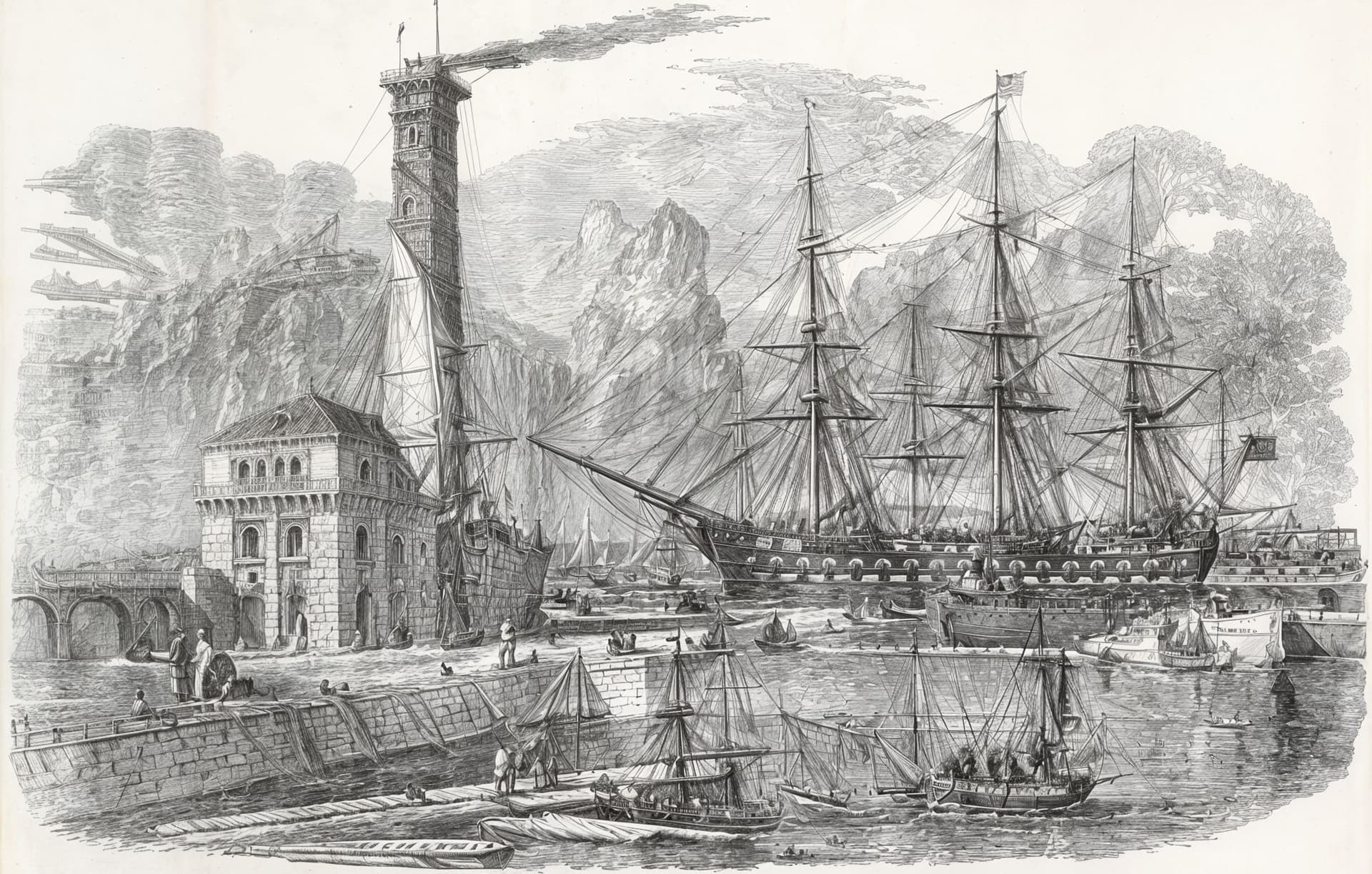
.
.
As a final fantasy image this one is a CLOUD render with Creativity Max and Texture 2
Scaling by 6x creates lots of extra things in the scene !
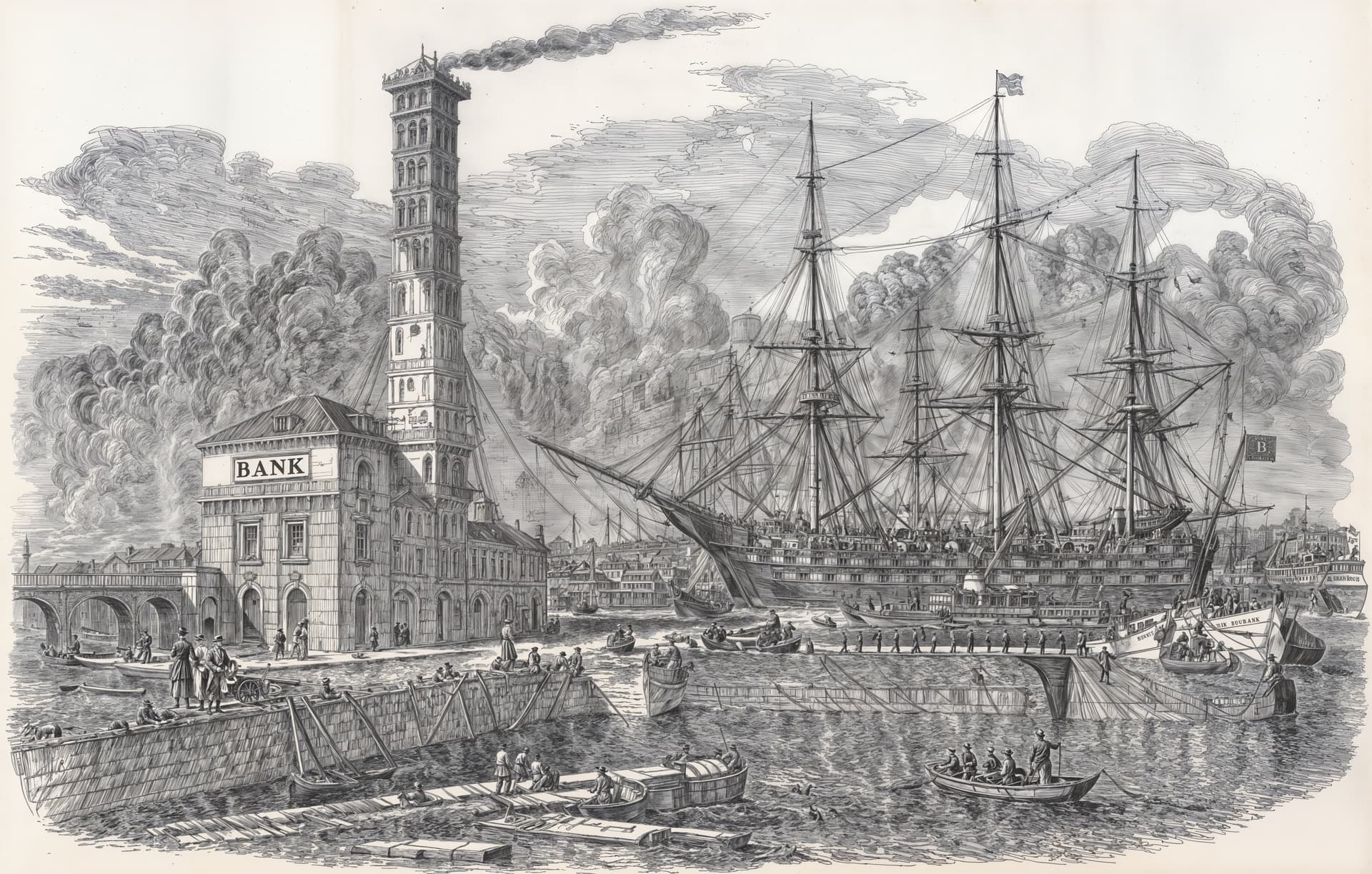
.
.
Have done over 80 test renders of this scene today and still being surprised by some combinations of settings. The limited number I’ve posted here are for me a fascinating introduction to what can be achieved starting from a postcard image.
I’ve not seen Topaz Girl for nearly 2 weeks ! Has she been fired by Trump or is she just on holiday !
Yes - I was trying to set up a full image settings reference data set to identify a “template” for where it is “safe” to wander through the model option settings.
Maybe bit like a 2D military minefield map - red for don’t step here - but with 3 variables - Creativity Texture and file-size and an outcome - use these three setting together or don’t … maybe the outcome could be a 3D scatter plot with tinted spheres !
Still trying to get a good feel for how Gigapixel is working - long way to go at the moment!!
I don’t know whether to laugh or cry ! 
But otherwise, your examples of scaling although similar to the original are nice although not 100% identical. But not bad for making things with small variations of small difference. But this kind of illustration is best done with a non-generative model if you want to recover 100% of the original. Those with the Gemini prompt seem to respect the image better. Even if it’s not 100% perfect.
I’ve not seen Topaz Girl for nearly 2 weeks ! Has she been fired by Trump or is she just on holiday !
You killed me with laughter there xdd 
Loooooool
I can’t imagine with which prompt you must have forced this result…
Another interesting perception as to animal pictures (while I guess other subjects yield similar results): If you do a Redefine 1x upscale and compare that to a, say, 1.1x upscale, the difference is huge. 1x seems to retain much more of the original fur texture of the input picture than 1.1 x (which, I suppose, upscales to 2x and then downscales with something fast to the final size). I use that workflow on AI images that I generate close to my target resolution of about 9 MP, that is, I generate 1024x1024 and upscale using NMKD-Superscale factor 3 within the generative AI app. The Superscale process leaves the result with much less of some typical generative AI artefacts, making it a very good input stuff for Redefine that will eliminate most of the remaining artefacts. I have tried the other way and put the 1024x1024 generative AI results directly into GPAI with an upscale factor of 3 but the results are not even closely as good as letting GPAI just refine the Superscaled 9MP output from the generative AI app.
Hint … for small images/faces
lets say you have an image ~16MP (5000x3000pix)
one person full body, so the head region is aprox 500pix
procedure:
x4 low resolution (maybe facerecover 0.2 or more) and a bit denoise
second
x0.5 Redefinde-Beta
with creative 2
→ some times better than only 2x Redifine Beta
Thank you I was not aware of that. I will give that a try.
The “Pro” subscription with ChatGPT has been highly rated for text prompts online.
I think there is a free trial offer which I should test as well.
My experience is that more detailed and longer text prompts in Gigapixel don’t make very significant difference to renders done on my PC. But I suspect that Topaz Cloud rendering is different. Based on a relatively small number of my cloud tests the results are significantly more detailed and responsive to extended text prompting. I’ve also noticed an increasing level of quality and detail in cloud results compared with local renders in the last six months.
As a pensioner with a fixed and modest income I worry about getting hooked on Cloud quality and overspending on Topaz Credits. I cannot reduce my golf ball costs and it seems I lose more balls every year which is another worry. On the bright side my eyesight deteriorates a bit every year so soon I won’t need the extra cloud rendering quality so won’t need to buy credits. It would be nice if we got even 10 credits a month with the annual support subscription - just to do one or two special photos a month at Cloud quality.
Gemini API/Google often gives me perfect, detailed descriptions of photos. Those prompts often help me, even if they sometimes have no effect (this also applies to other AI photo descriptors). I just don’t know what, why, and how exactly they improve the image – I only see a slightly better result, which is worth using the generated prompt.
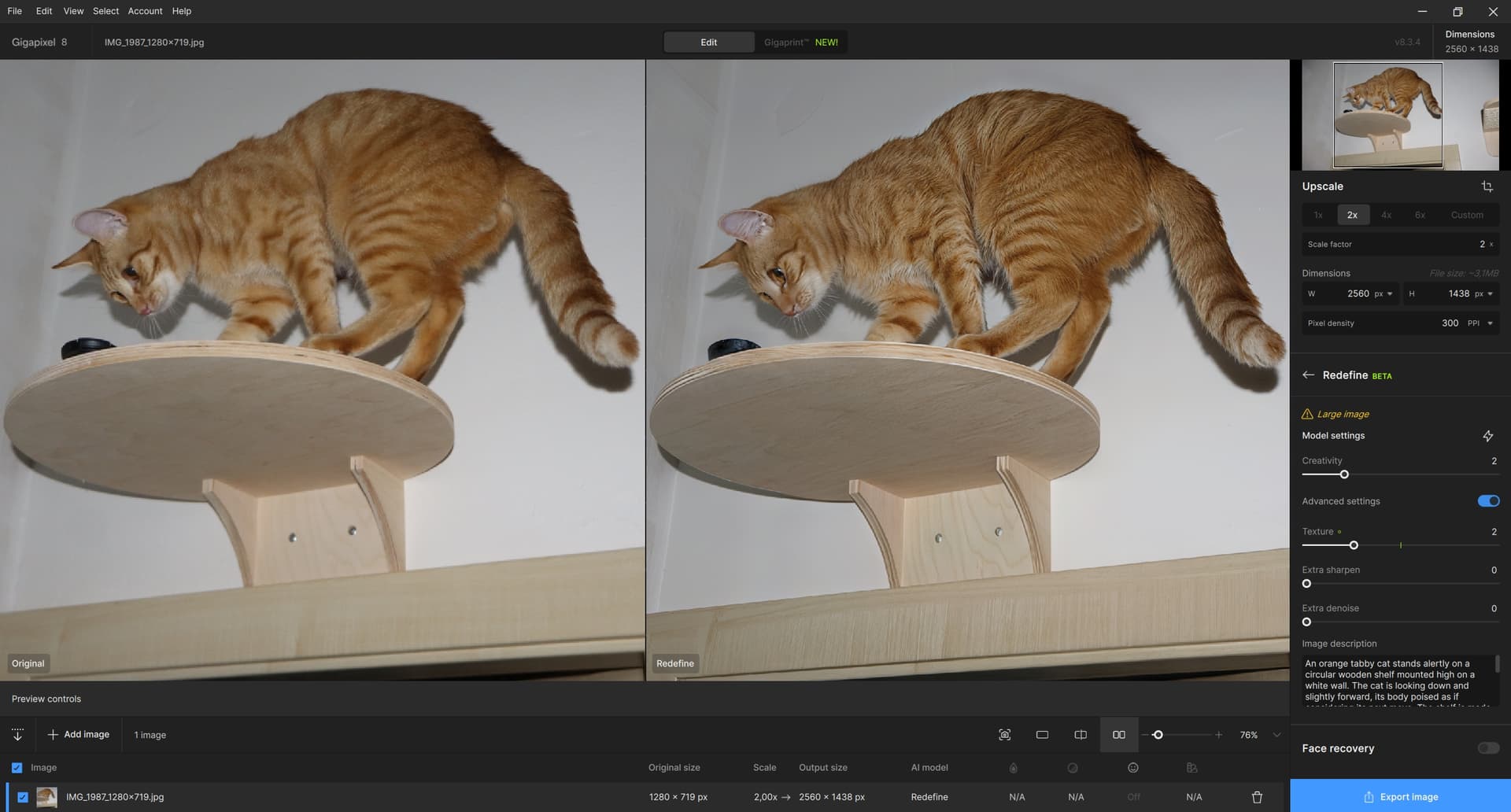
Today I played around with a photo of my cat that stole my camera lens cap and took it to his observation base above the door, where he studied it (it has already been returned to me). I’m attaching the prompt from Gemini and the result of Redefine with C=2, T=2, and U=2 (for T=3 artifacts have already started to appear too much, as well as for Upscale > 2, quite an unpleasant thing). It’s still not great, the wall color turned gray, some artifacts appeared. It would be nice to be able to select/mask only some parts of the photo (the cat, the shelves), which is not possible. But I didn’t want to do any magic with layers, etc., the photo is not important. And the Gemini prompt, which had a favorable result especially on the cat (fur, hair in the ears, whiskers):
An orange tabby cat stands alertly on a circular wooden shelf mounted high on a white wall. The cat is looking down and slightly forward, its body poised as if considering its next move. The shelf is made of light-colored wood and is positioned above the top frame of a wooden door. A small, dark, round object rests on the shelf near the cat’s head. To the right, another piece of wall-mounted cat furniture, possibly a scratching post or another shelf with sisal rope, is partially visible. A distinct shadow of the cat and the shelf is cast on the wall, indicating direct lighting, likely from a camera flash.