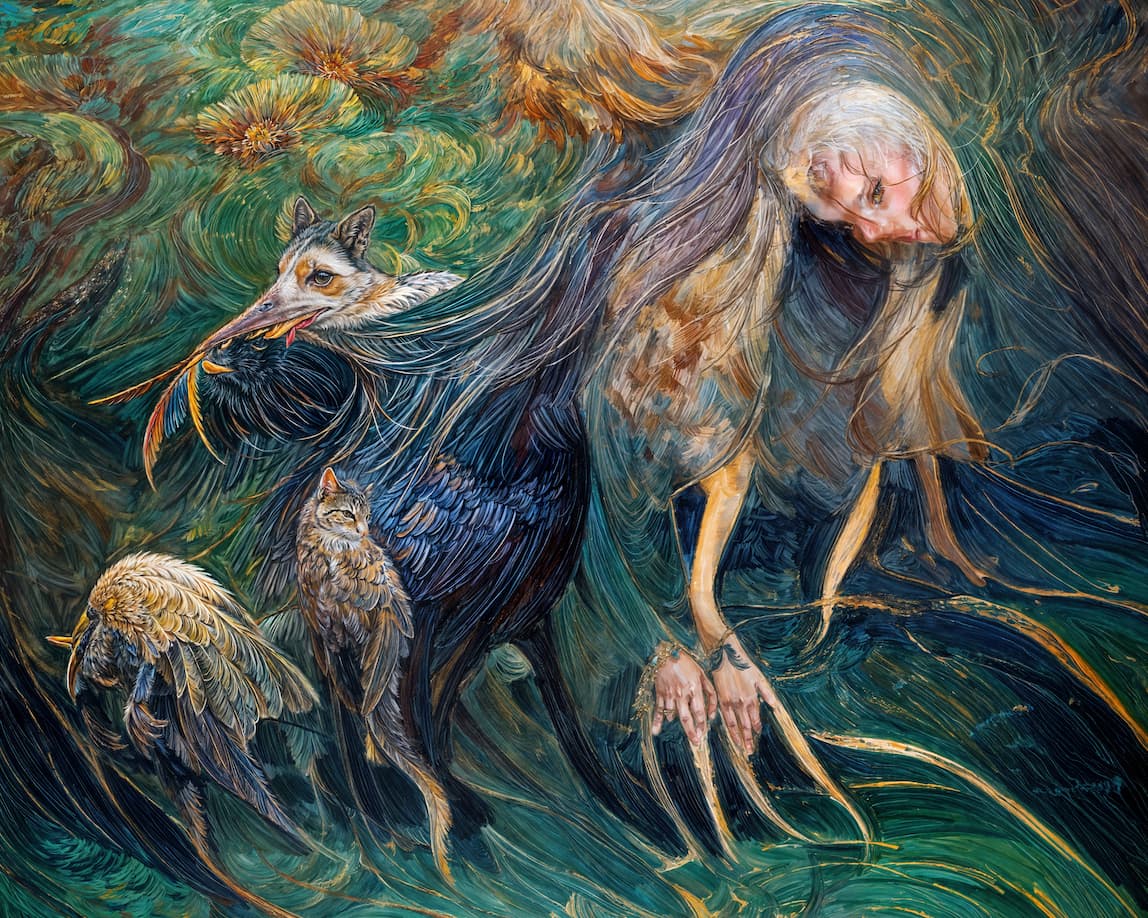
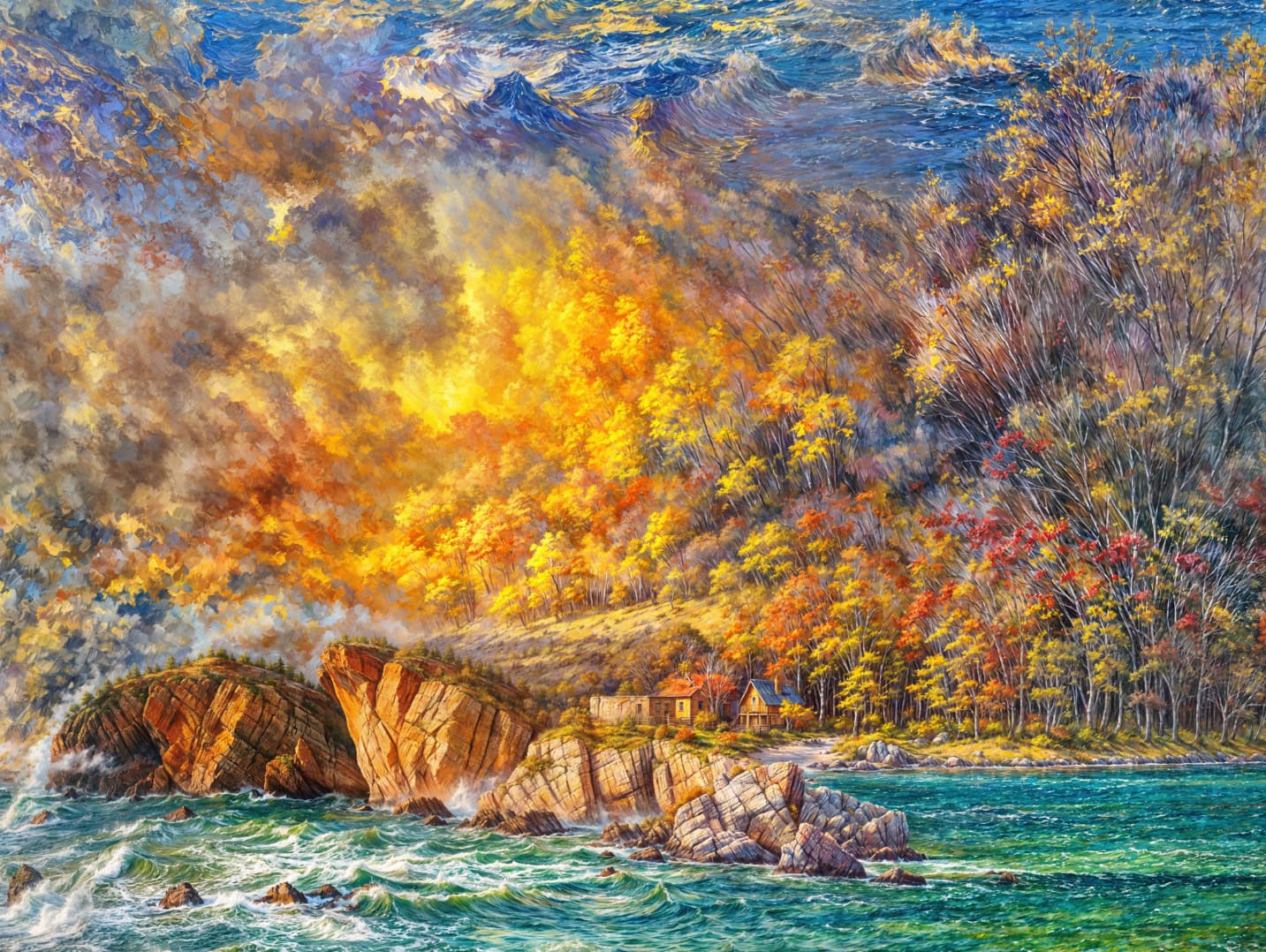
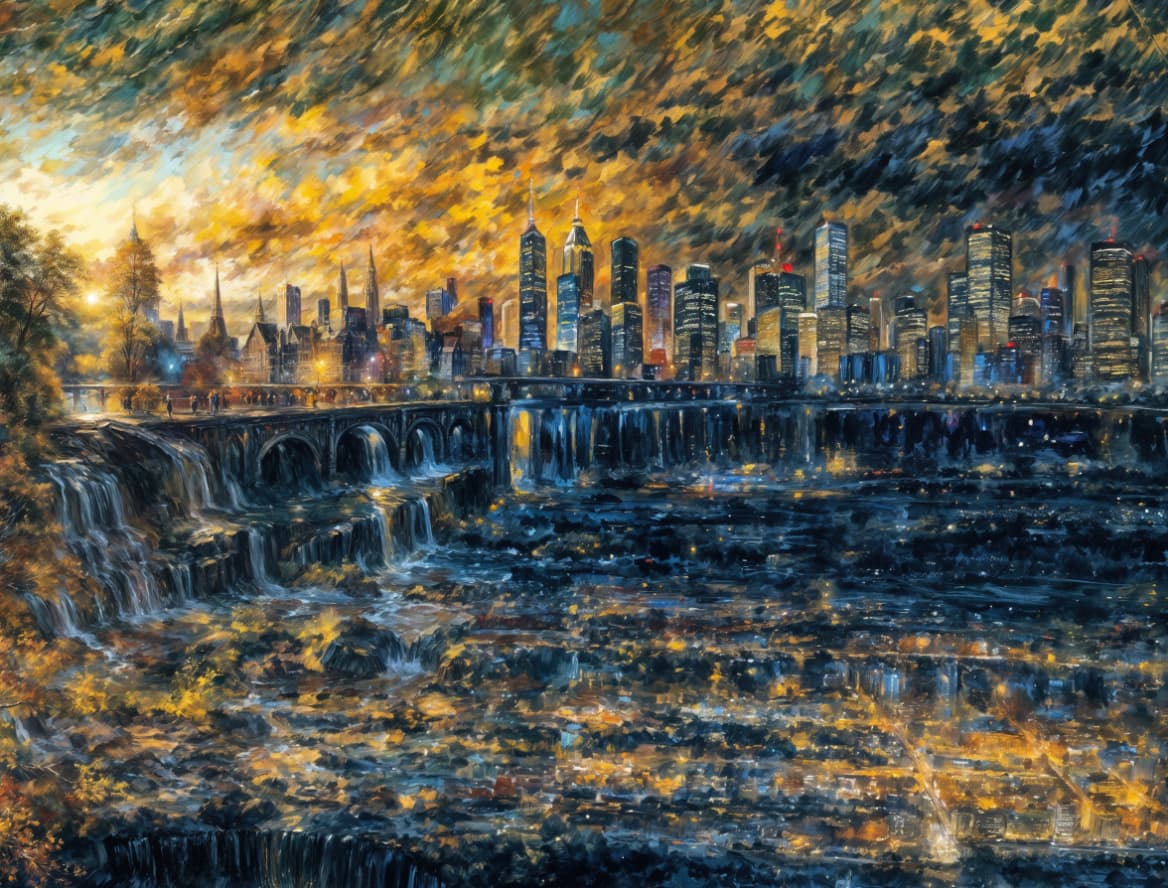
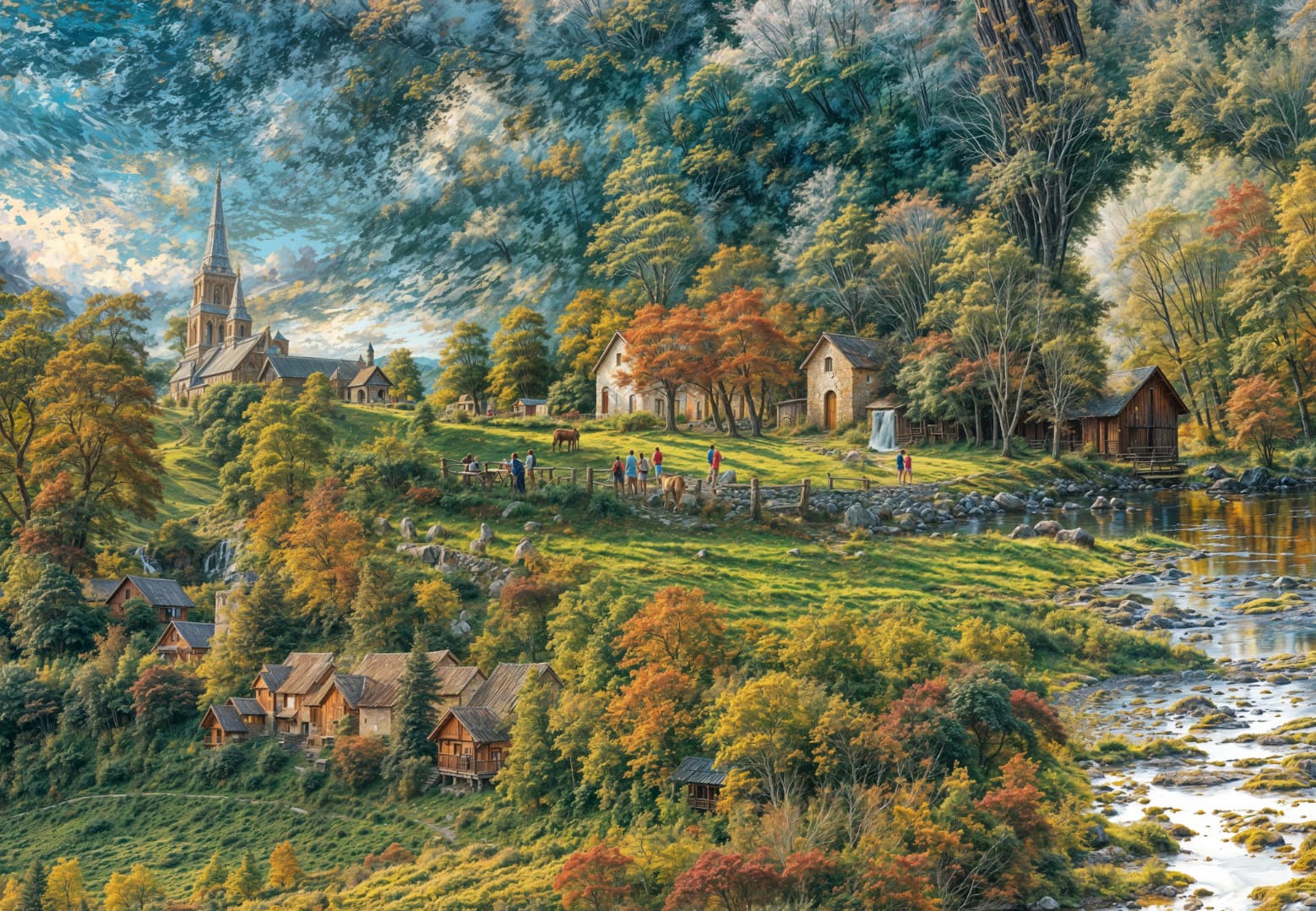
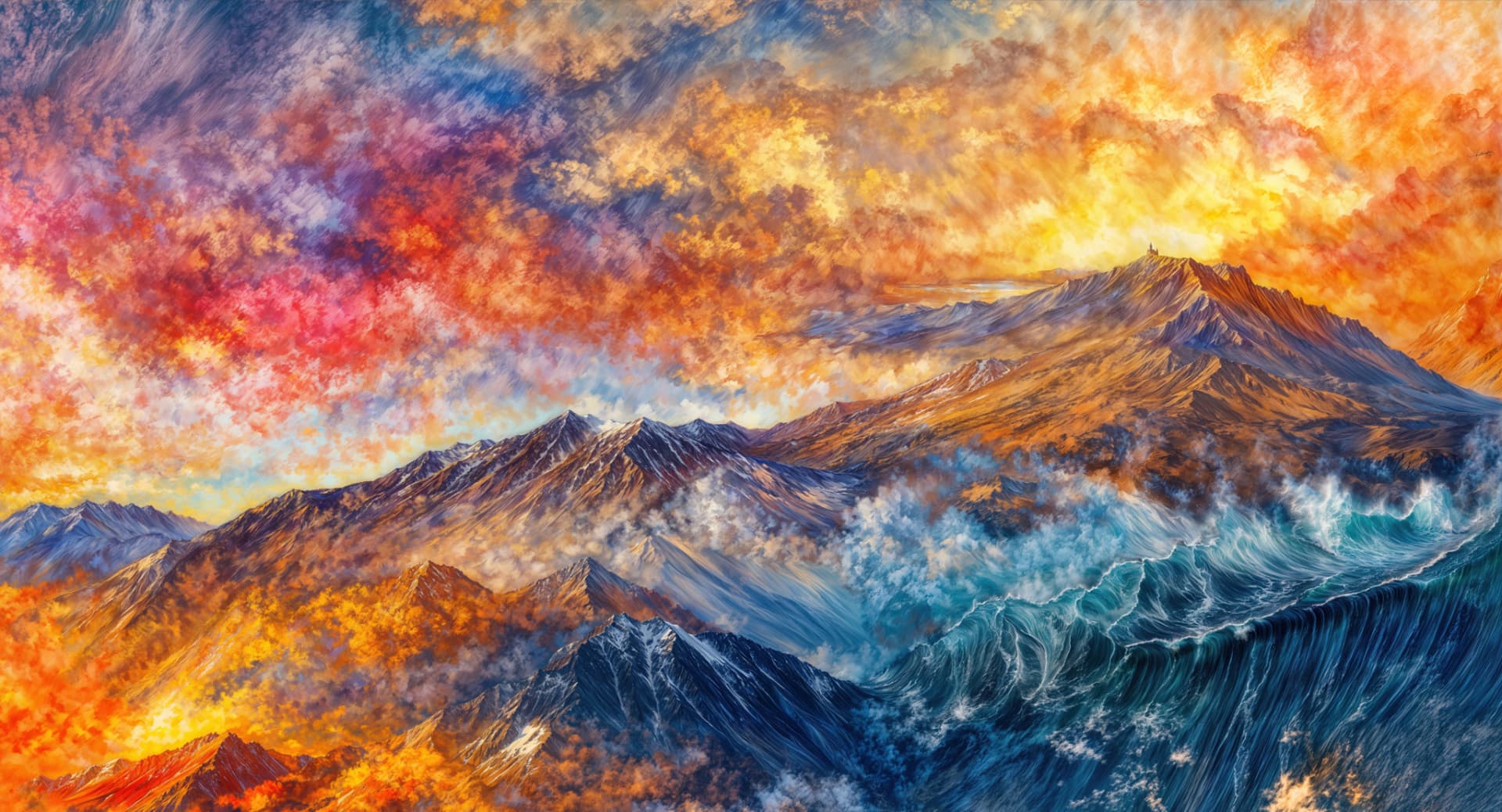
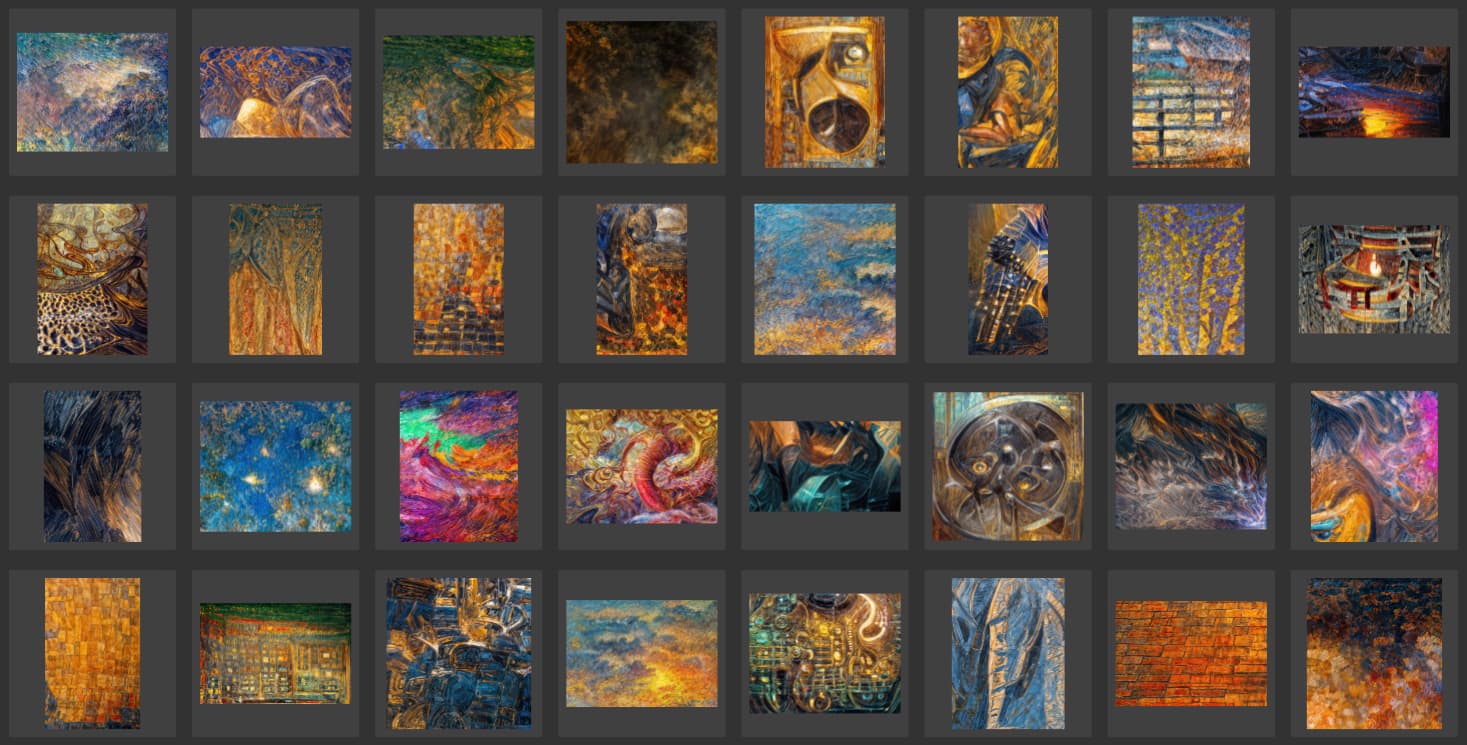
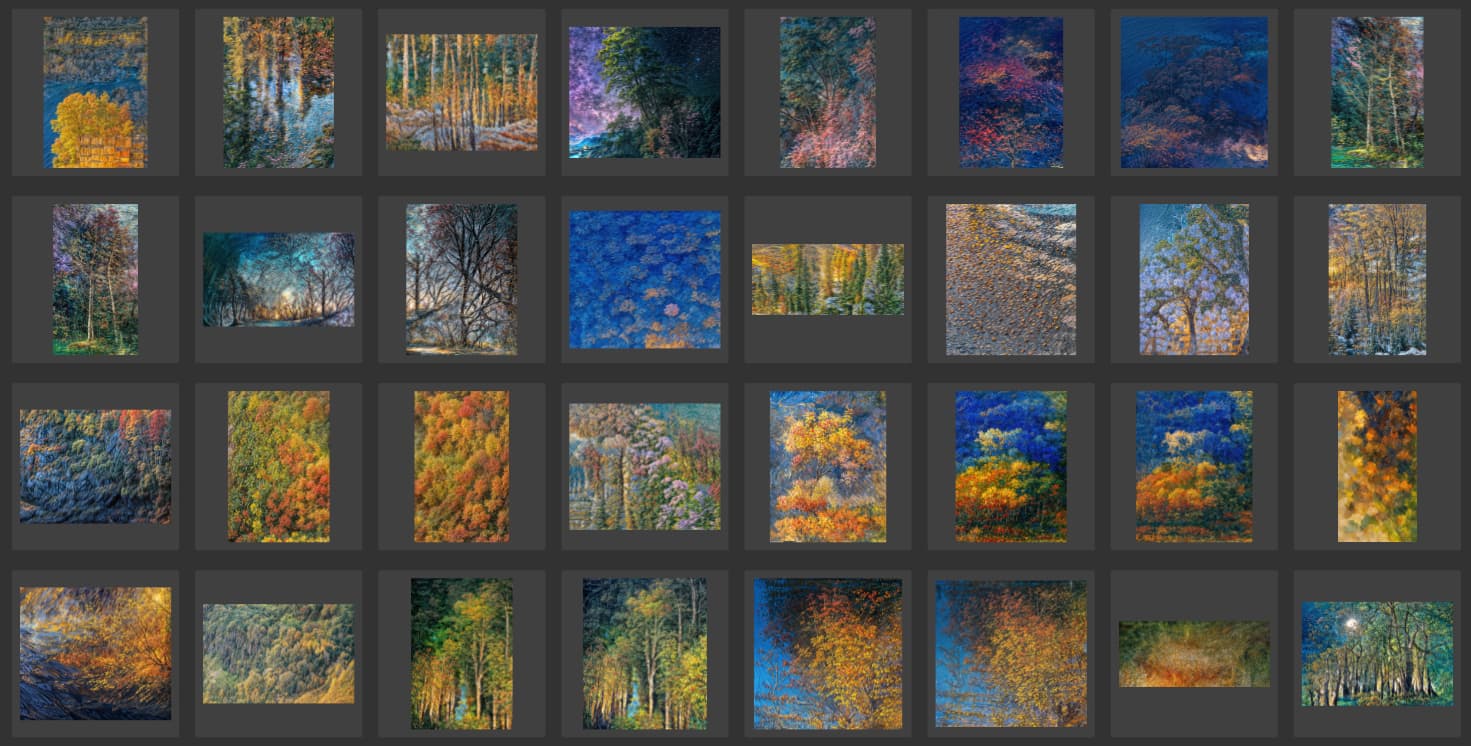
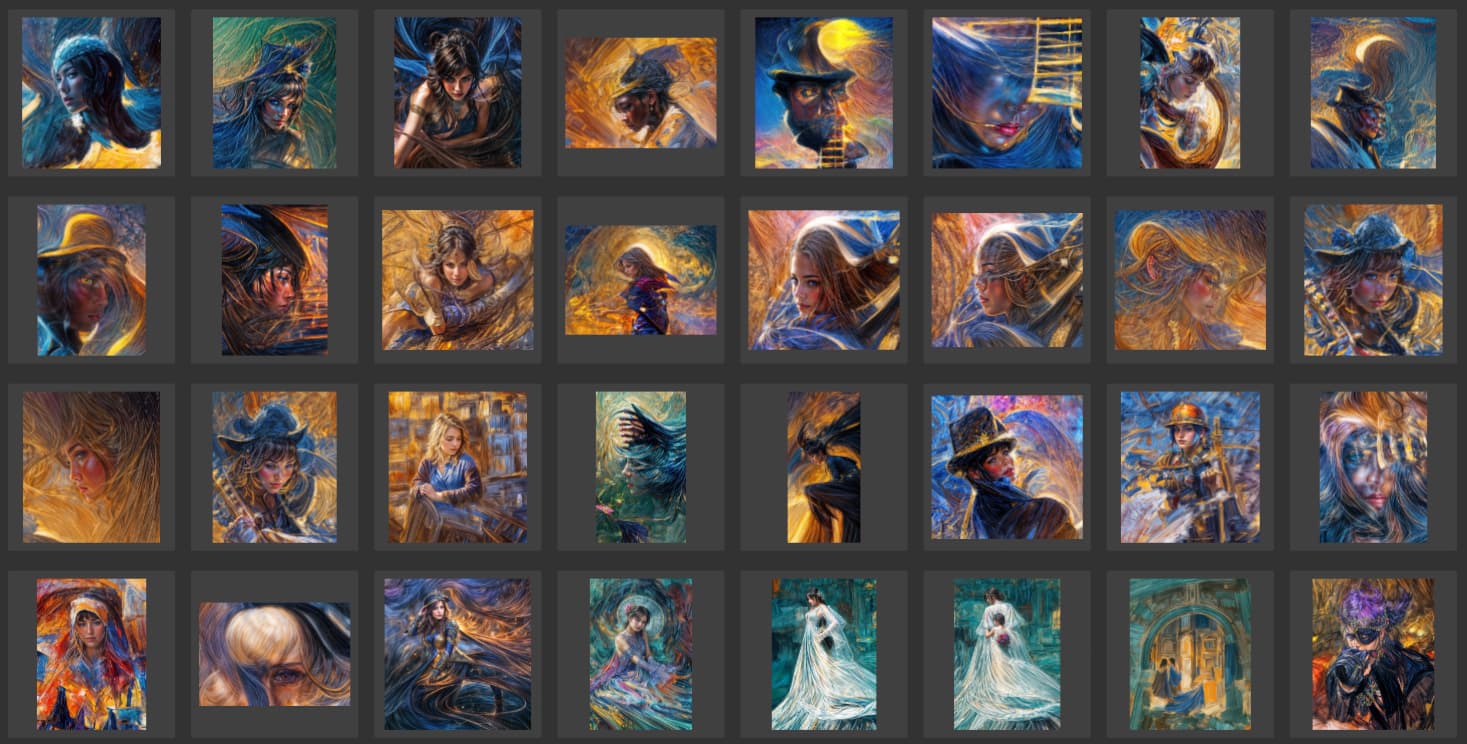
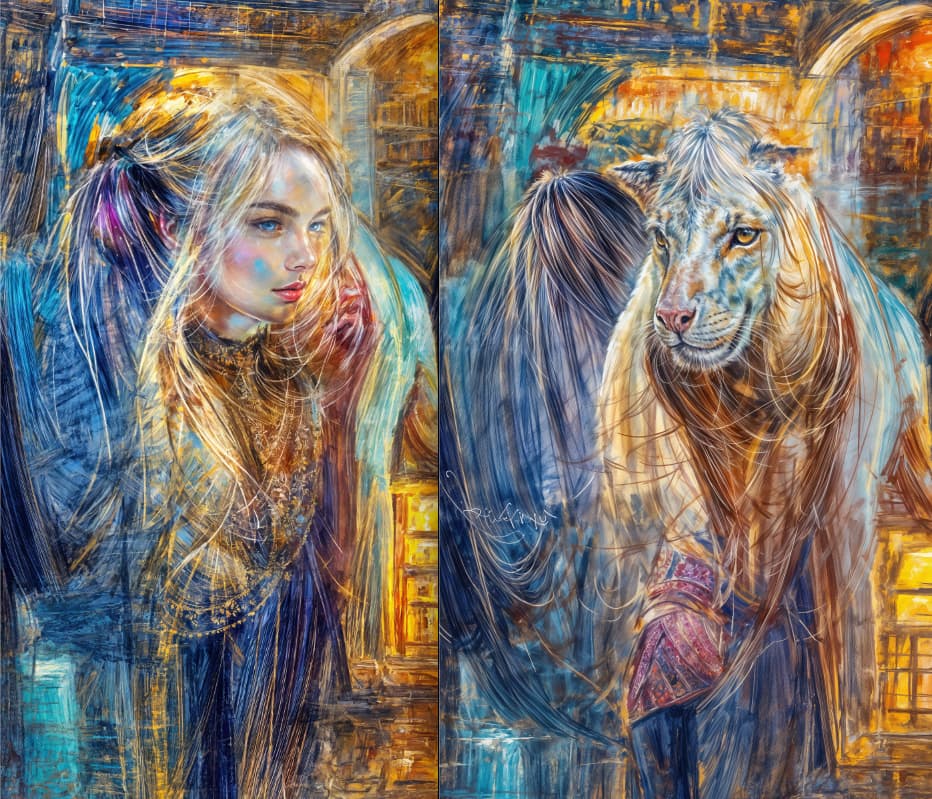
I’m still plowing through the thousands of Redefine renders I did late last year on 4090s (with whatever version of GPAI was out then) to find interesting vignettes to crop out of the madness. To date I’ve got over 6400 crops categorized by topic or subject (just a few examples are shown below).
I’m still of the opinion that if you’re going to use Redefine, you should expect REdefining – not DEfining… That’s what the classic models are for.
Run wild with it, don’t try to apply little bits of Redefine to normal images. Use GPAI as a generative art machine!
Below are extreme high-Creativity and Texture renderings from my original 2022 WOMBO abstracts (created on iPhone), which mush only hinted at the subject matter that GPAI fully revealed:
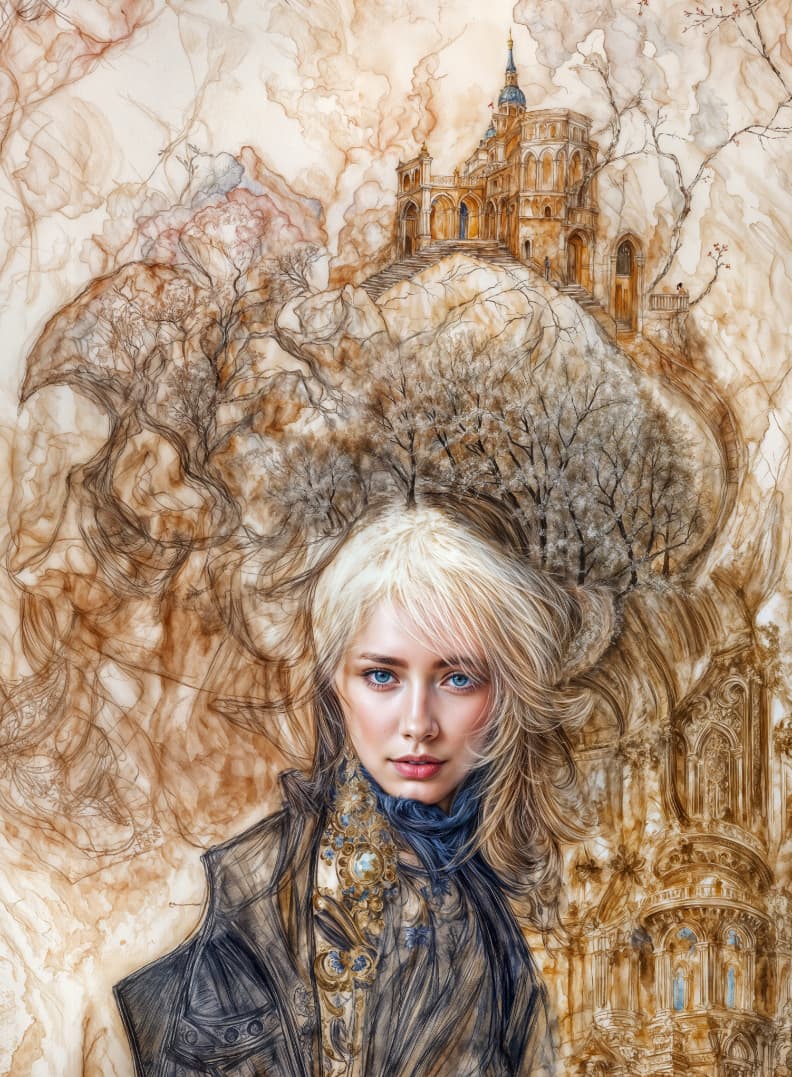
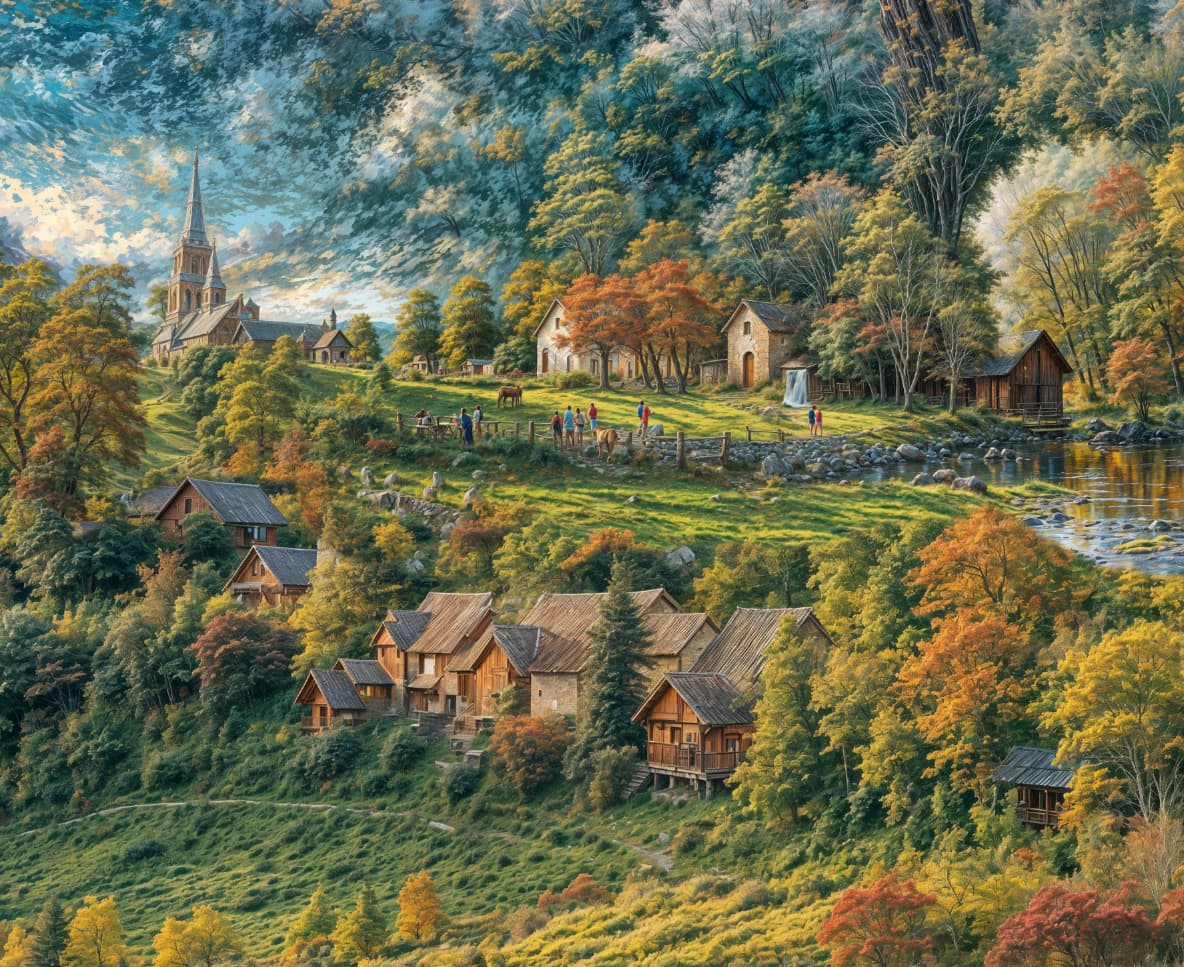
Very nice, there’s a lot of work involved. I really like the fifth picture from the top; it’s a pity that the houses in the front are so small, the perspective is gone. However, the Siberian girl, Девушка Топаз, the Orthodox church in the background… great picture!
Not bad.
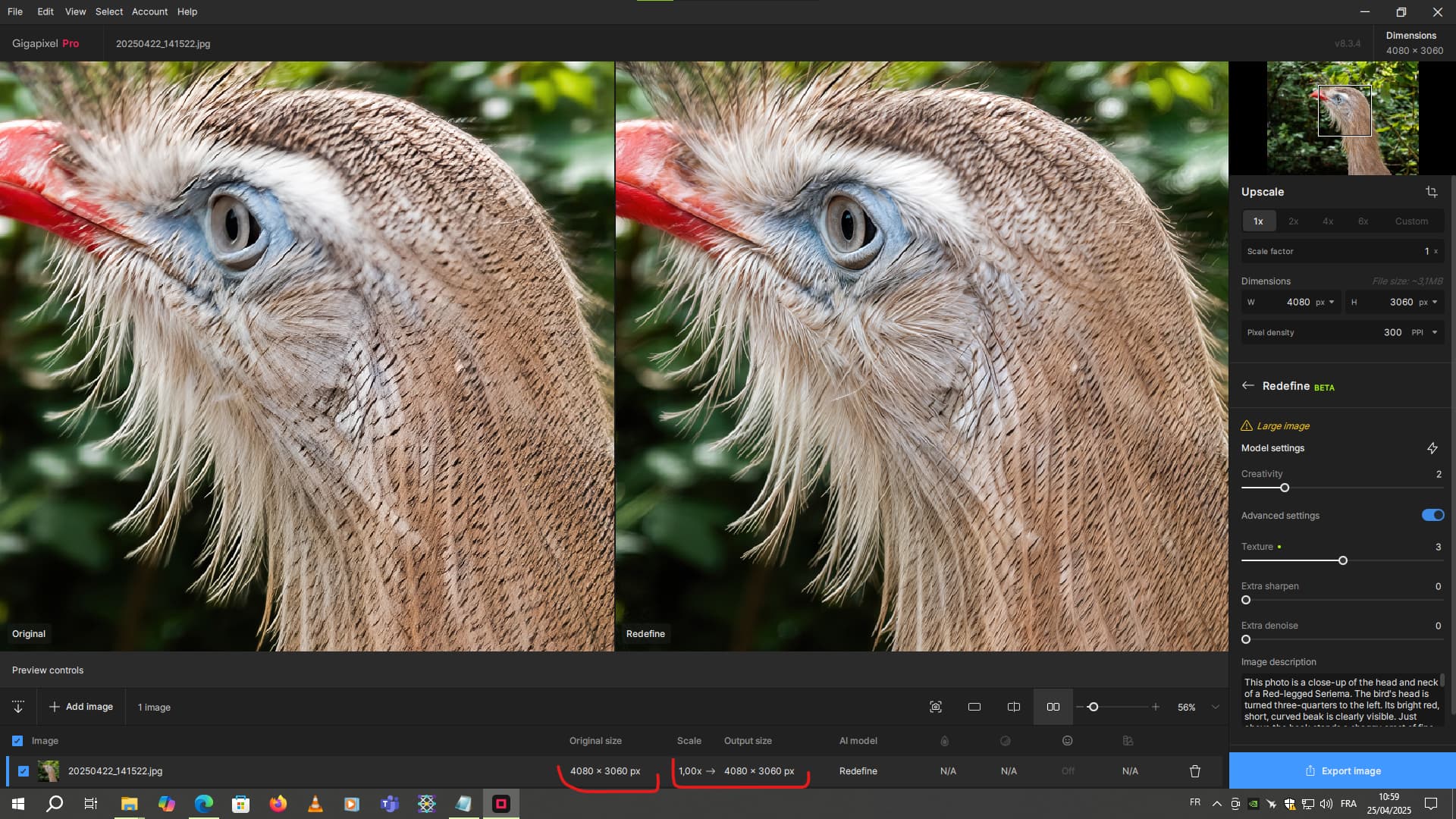
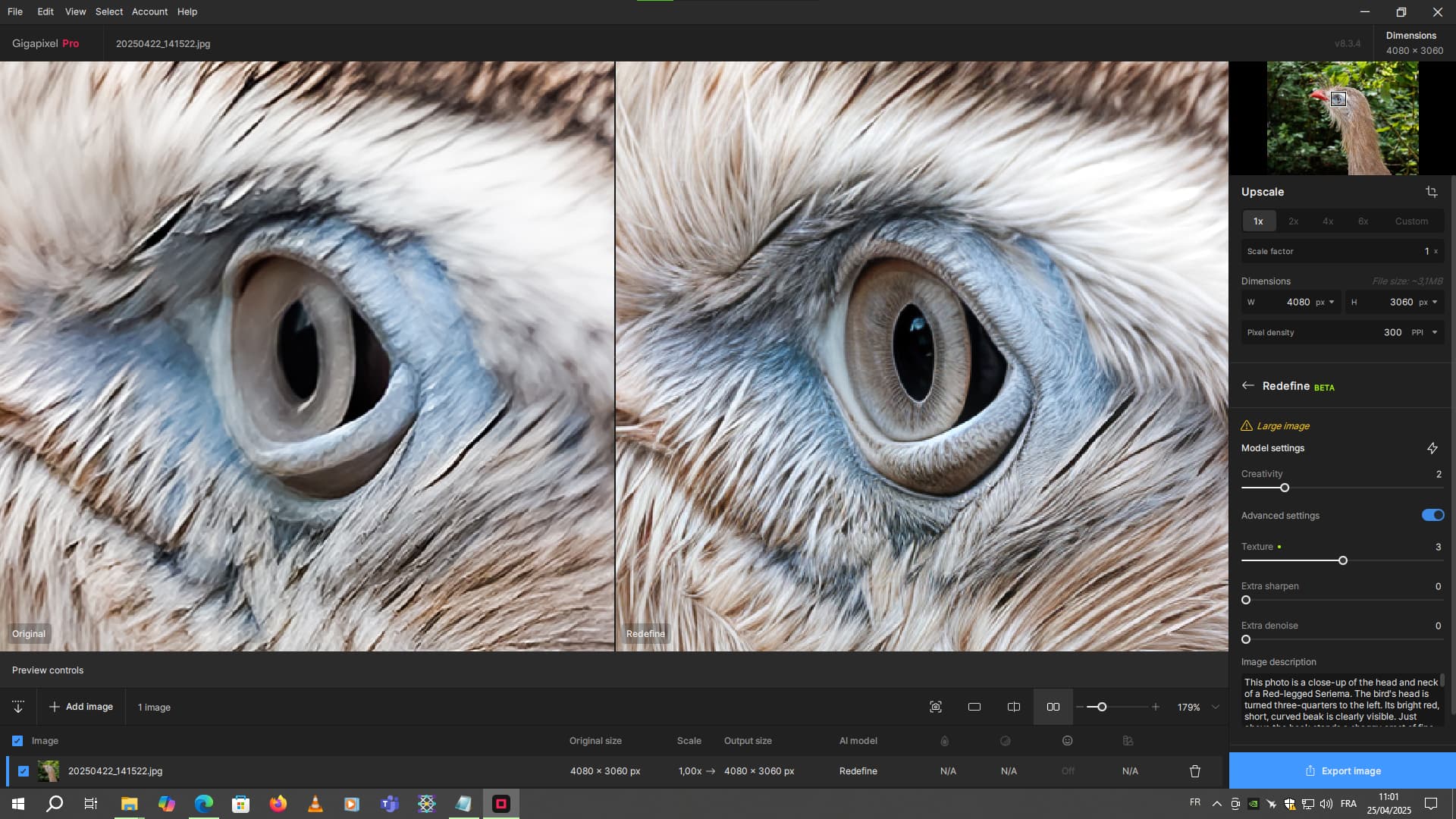
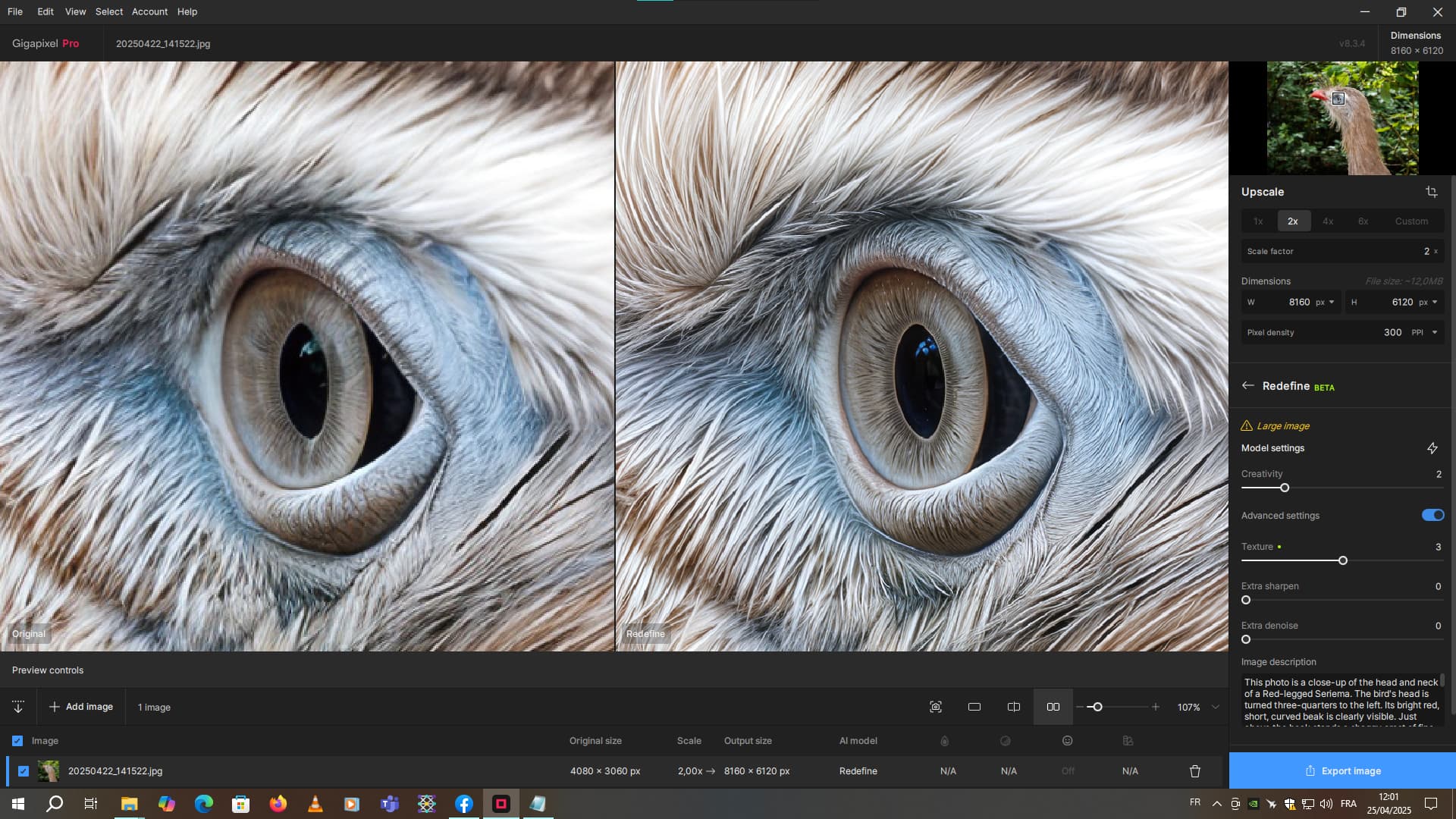
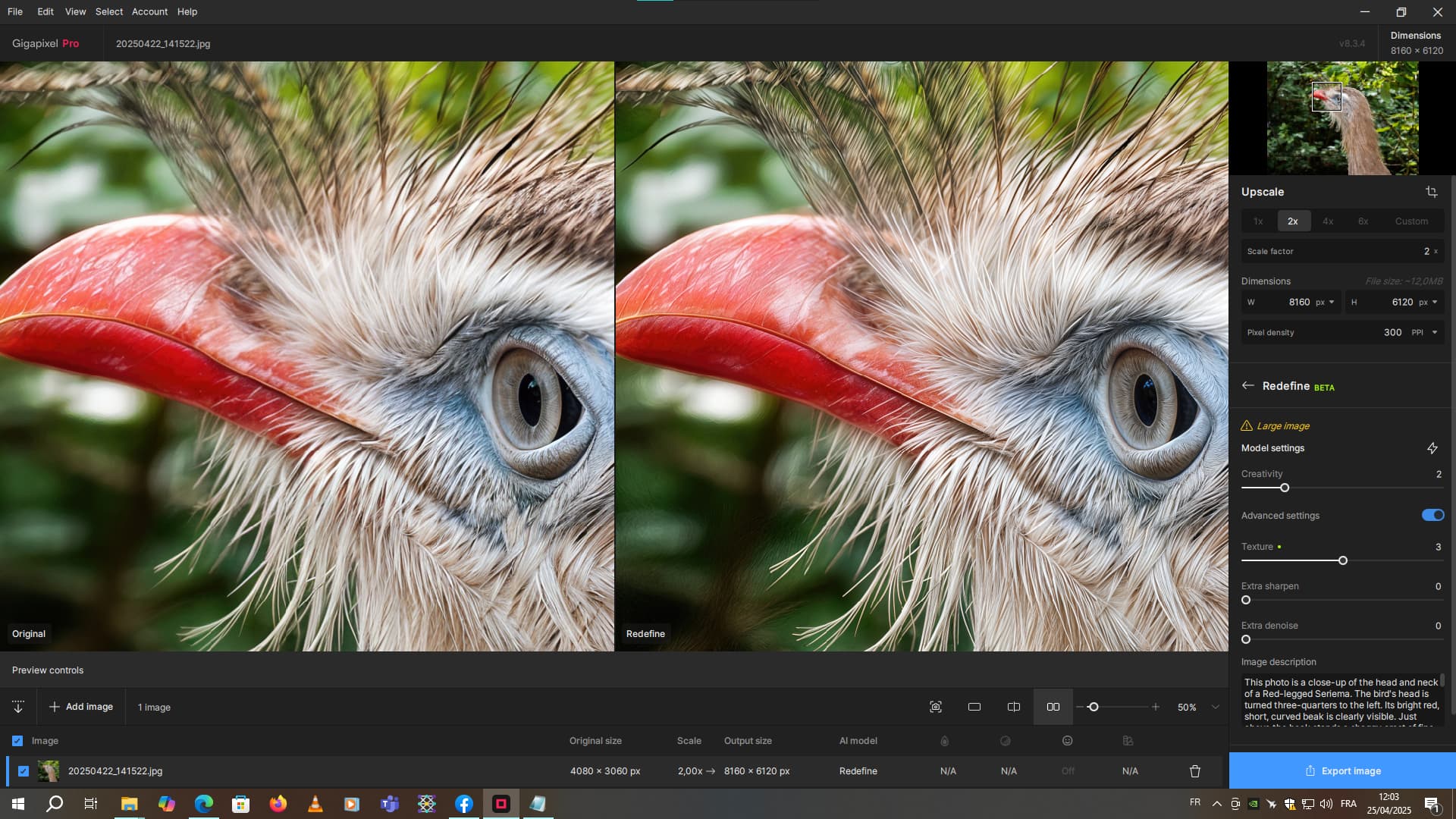
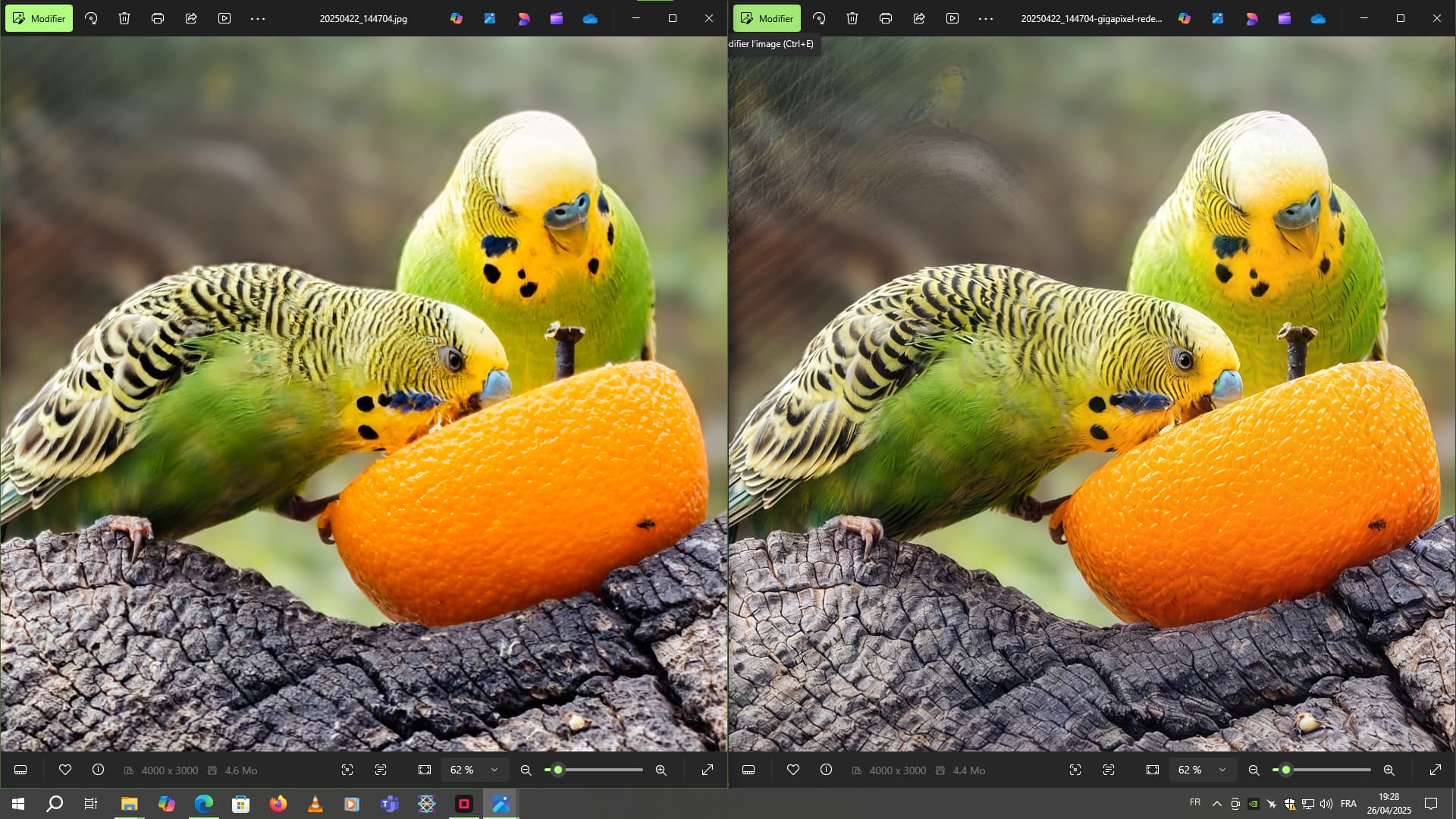
Sometimes on certain 50-megapixel images, with x1 refinement, depending on the distance from the main subject, it can add good detail. But sometimes some of the details aren’t so good, so what I do is to reduce the resolution by 2 and redefine at x1. And that’s better. Then I do a x2 scaling again.
In this example, the photo is reduced by 2 to improve certain details. Then I’m going to upscale it by 2 again, using Hight Fidelity for example.
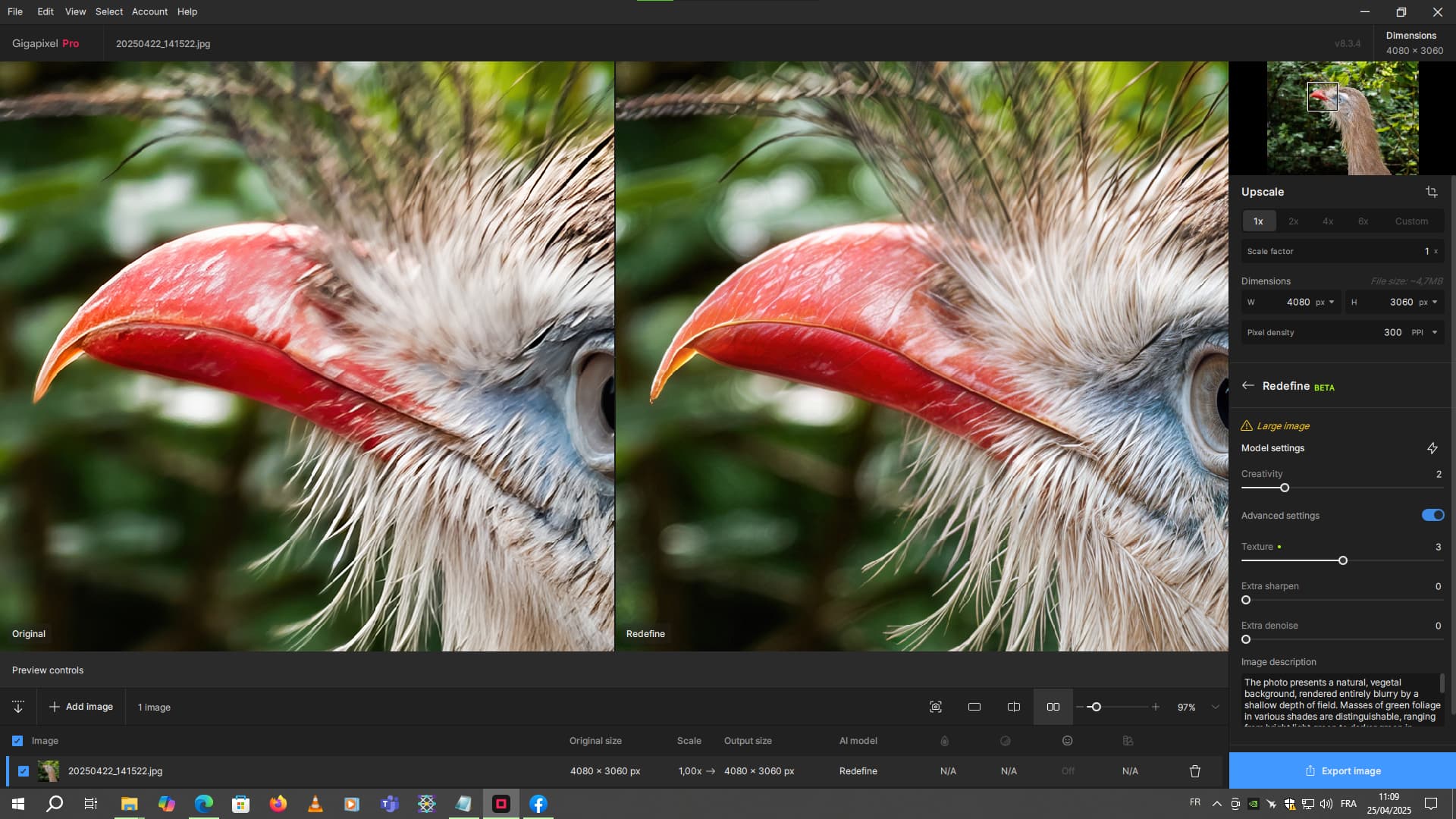
It improved the head wonderfully! I’ll try the mentioned workflow. Redefine probably makes the generated details (here, for example, the feathers around the beak) nicely sharp? That would eliminate the need to sharpen the renovated parts.
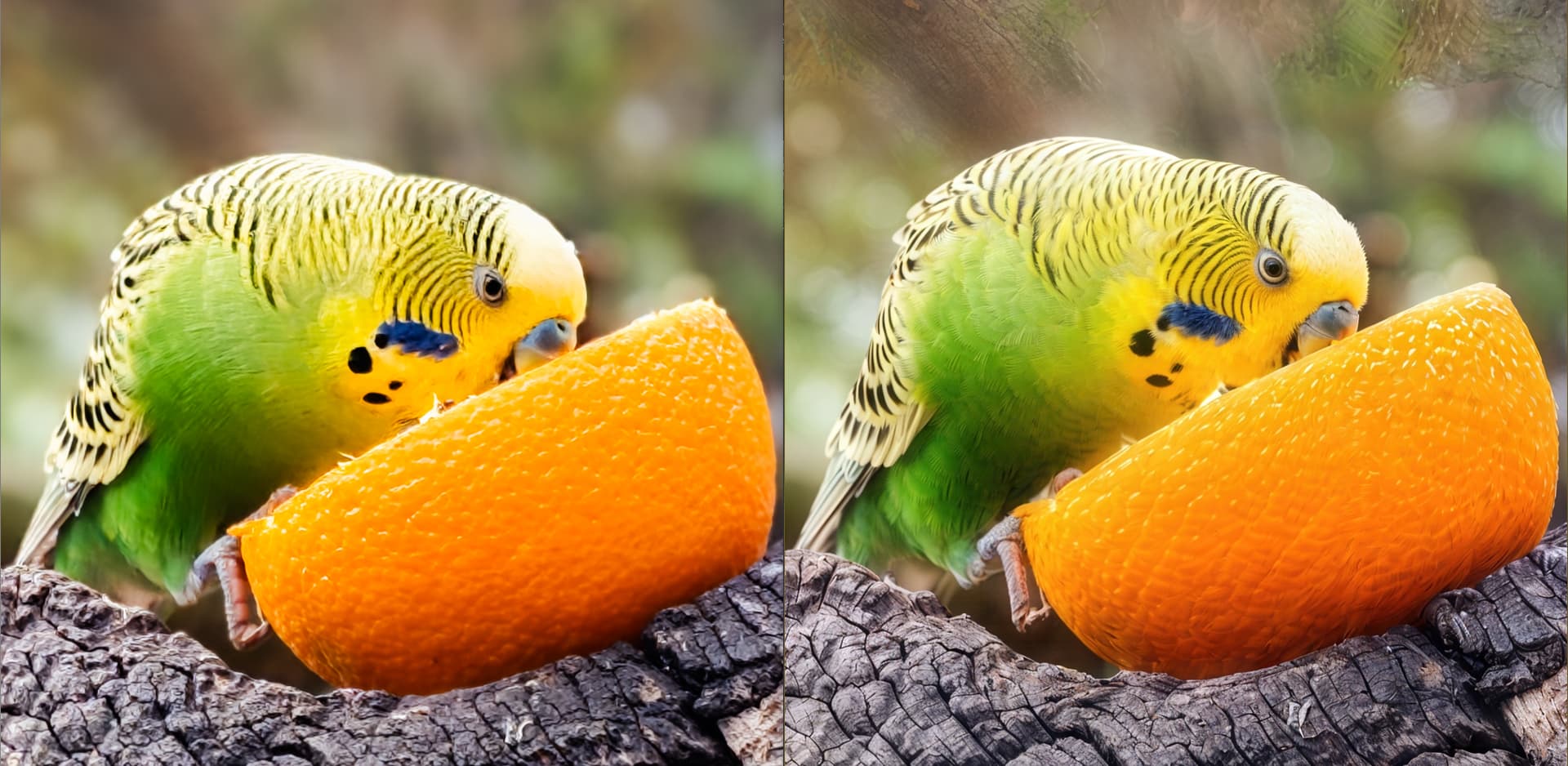
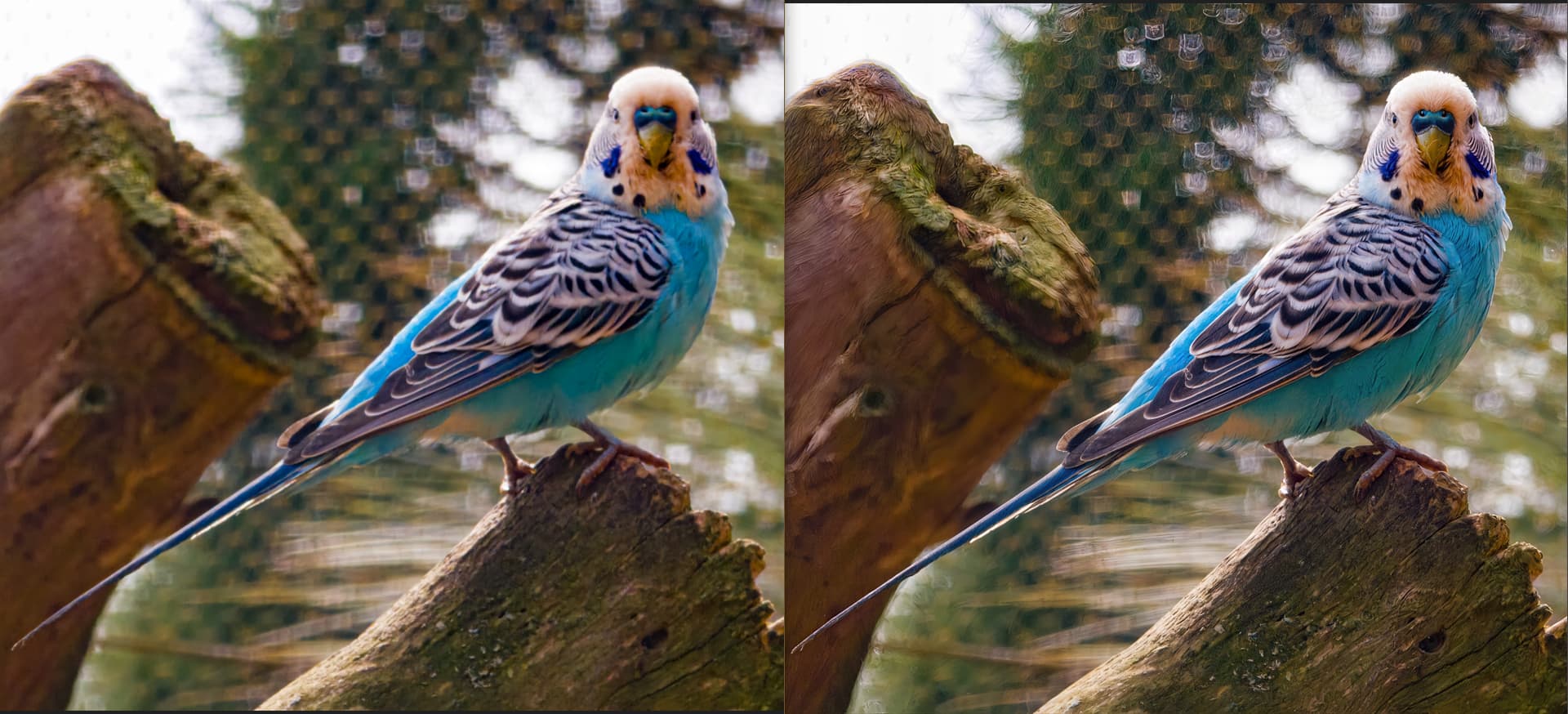
So, on the first passage, I made a variant describing the whole image and a variant describing only the background. I also made a final variant with Recover v2 to recover the beak area in between. I mixed the 3 images in Photoshop before sending the latter back to GAI with Redefine. So, on the first passage, I made a variant describing the whole image and a variant describing only the background. I also made a final variant with Recover v2 to recover the beak area in between. I mixed the 3 images in Photoshop before sending the latter back to GAI with Redefine. I used the same prompt as the first pass.
Another thing to consider besides all of your settings and prompts is the degree to which you enlarge while Redefining, as you will get different results, even with the same settings.
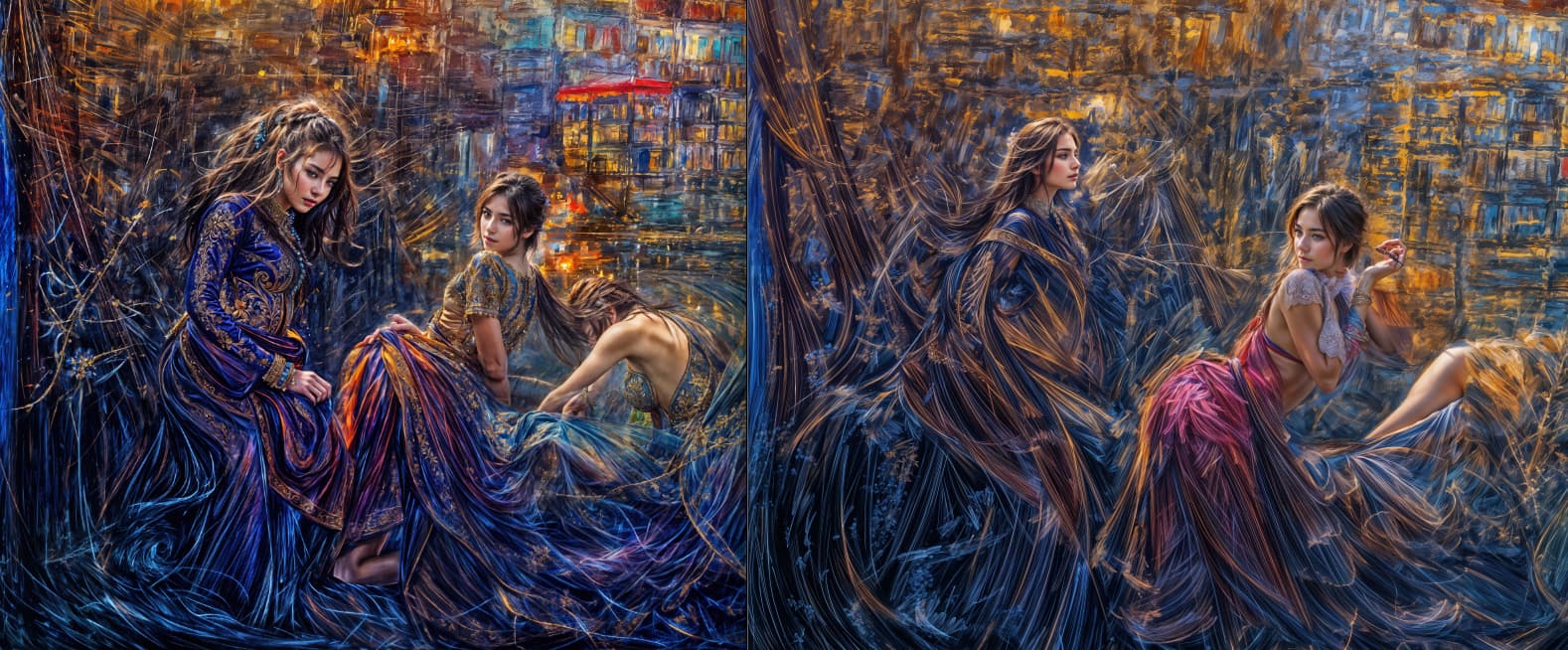
Here is my original 2022 WOMBO abstract render alongside 4X then 6X Redefines, Creativity=6, Texture=3, followed by 100% crop views of the girl at lower right for comparison.
I rendered all of my thousands of WOMBO originals at both 4X and 6X with 4090s (it took many weeks!) but I’m glad I did as I got different and usable results out of each set. In the rare cases where I went back again for a re-render, the results were varied yet again.
PS: My GPAI renders were unprompted because early on it didn’t seem to matter. But the original WOMBO prompt for this source image was “strawberry fields forever”
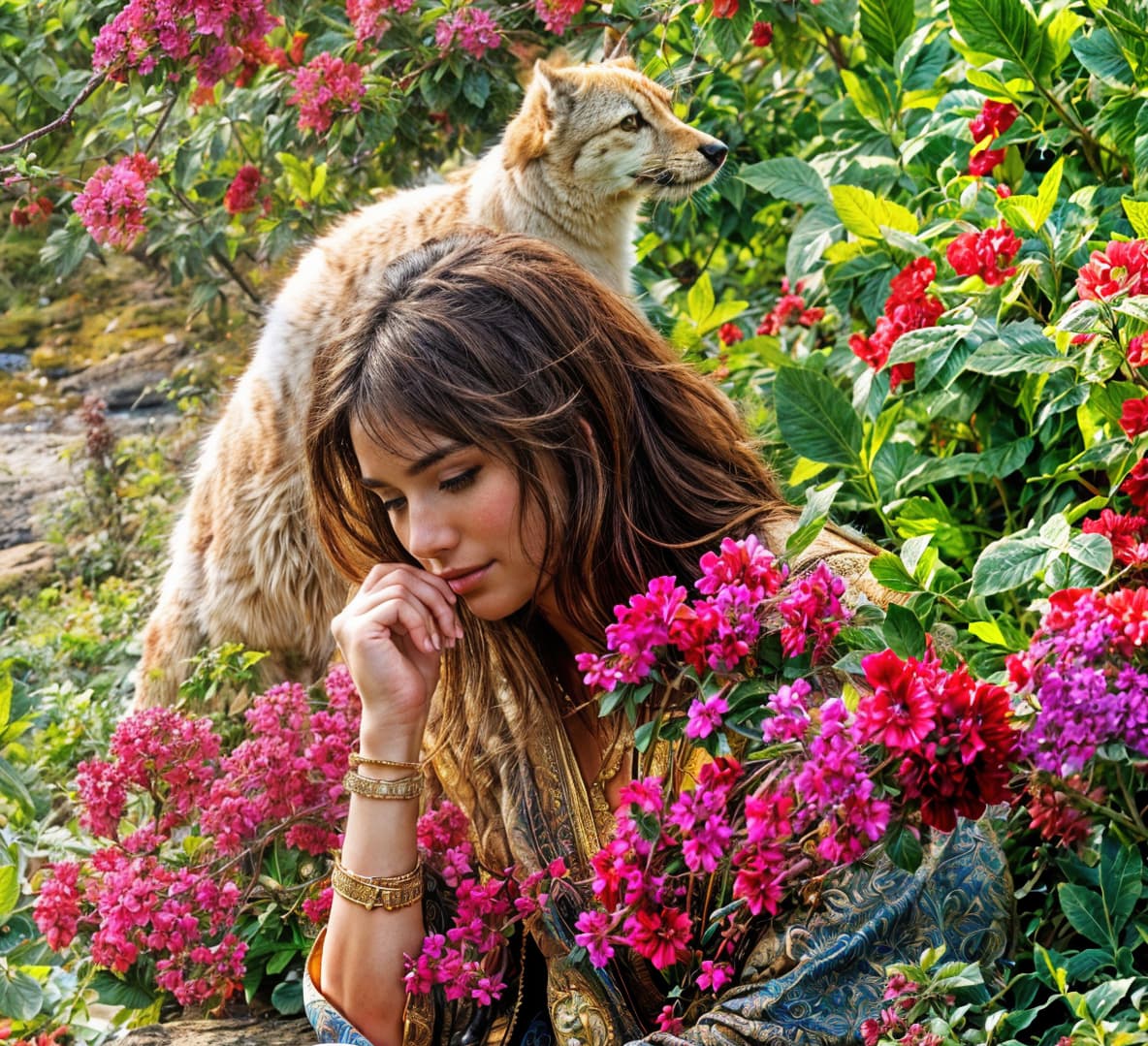
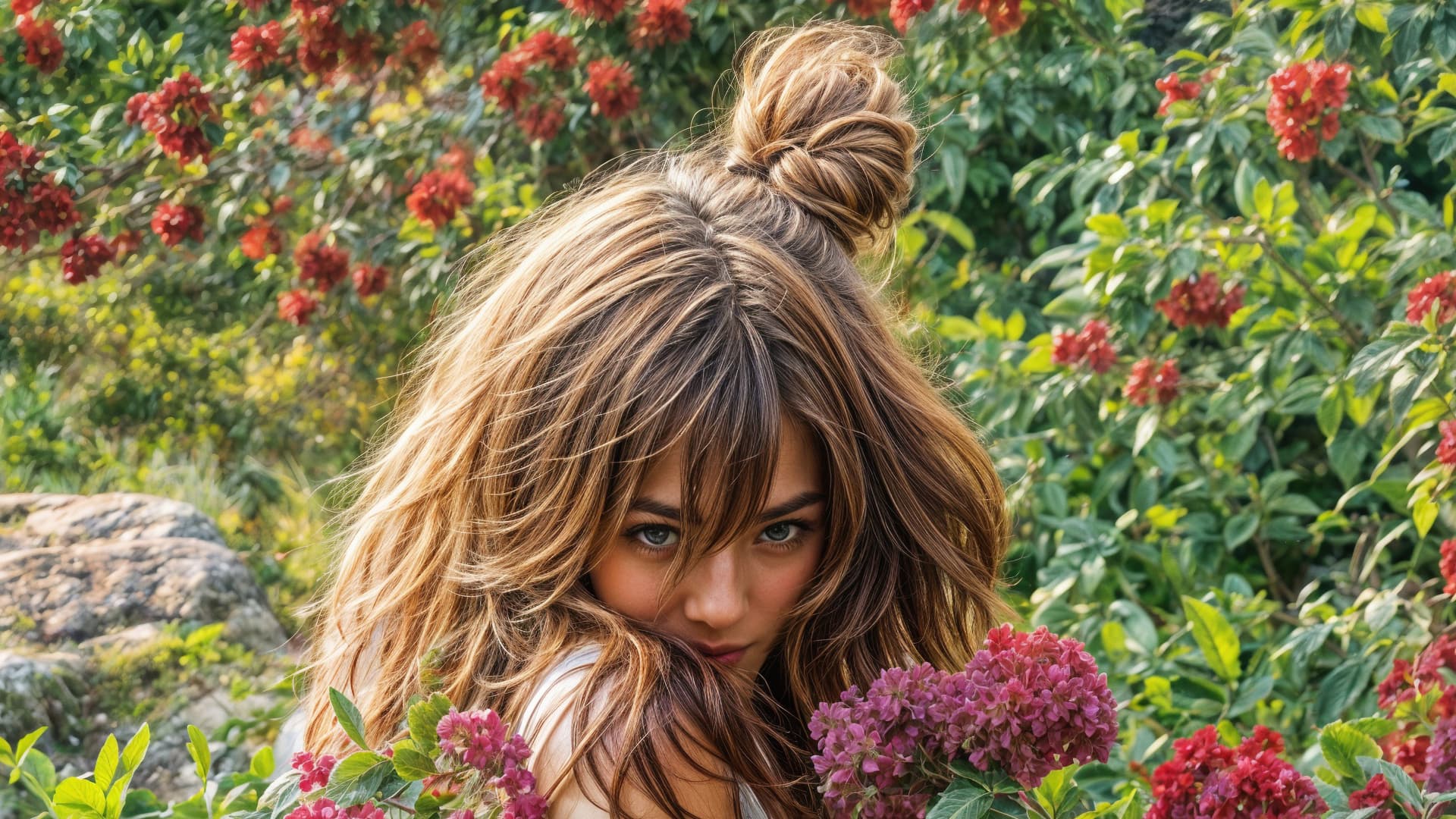
Thanks, the people are hit-or-miss, regardless of degree of upscale. In general, 6X gives more precise features, but then again, 4X will give you decent people where none appear in the 6X! So you gotta do them both. Faces are usually quite good in both sizes but extremities vary…
Well, the right side of the top picture (6x), admirable. Something like a cross between a horse and a feline ? Great AI fantasy. Of the bottom one, I like the one on the left (4x). But Redefine still can’t handle hands and especially fingers. It may be so for now, it’s still a beta version…
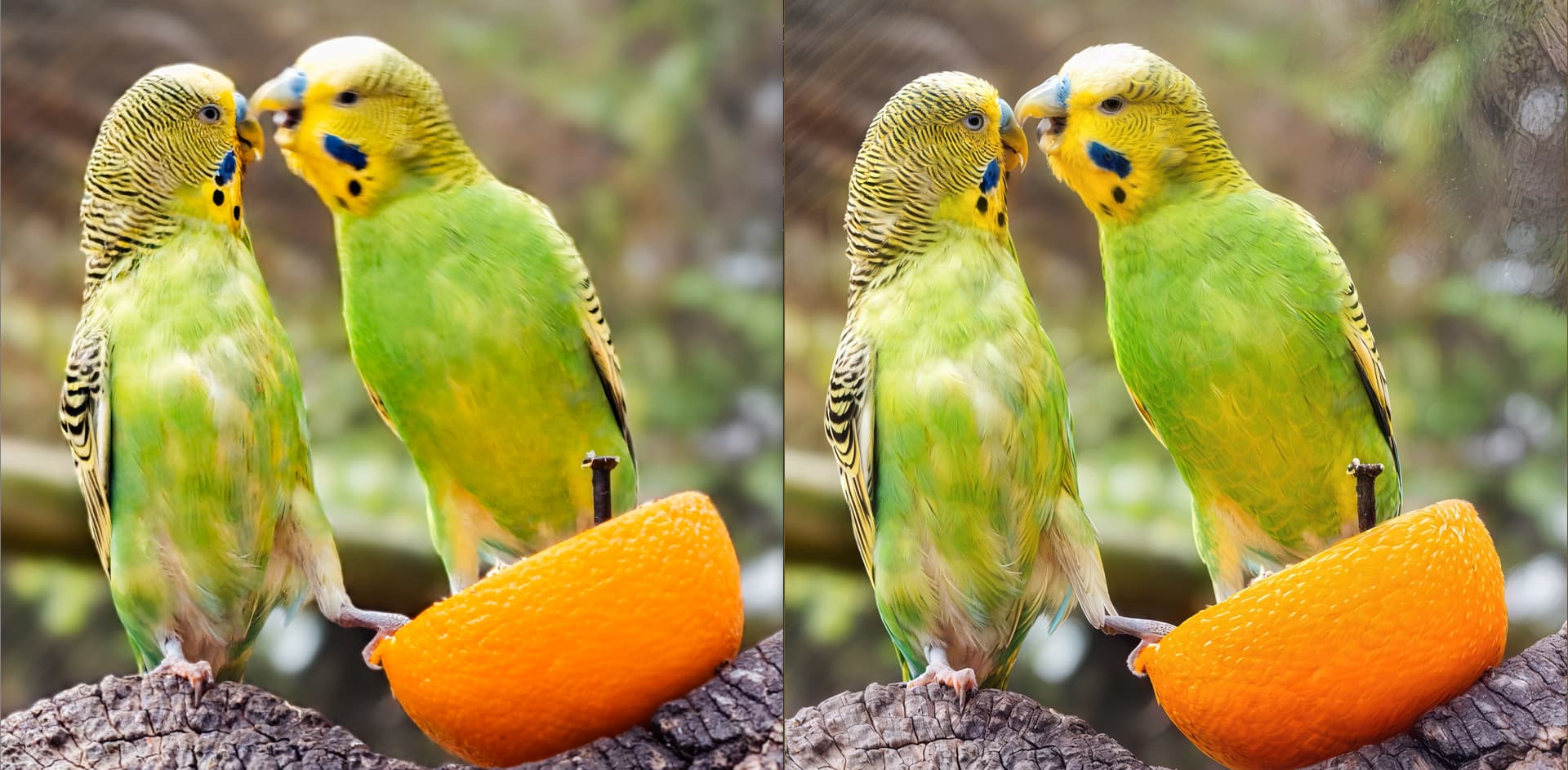
Beautiful parrots, impeccable details. It’s a pity there are distracting artifacts in the background in the images on the right, but that can be removed.
This reminds me of the very surreal paintings of a certain painter (Liesler?) who painted apocalyptic images of monsters and phantoms, machines and fused humans, beasts and freaks. Redefine was learning well!
Yes, the images I’ve shown are the first pass with the first variant. But I’ve already done the other variants. One with a description of the scenery alone, one with Recover V2 and one with low res V2 for artifact defects in the blurred areas.
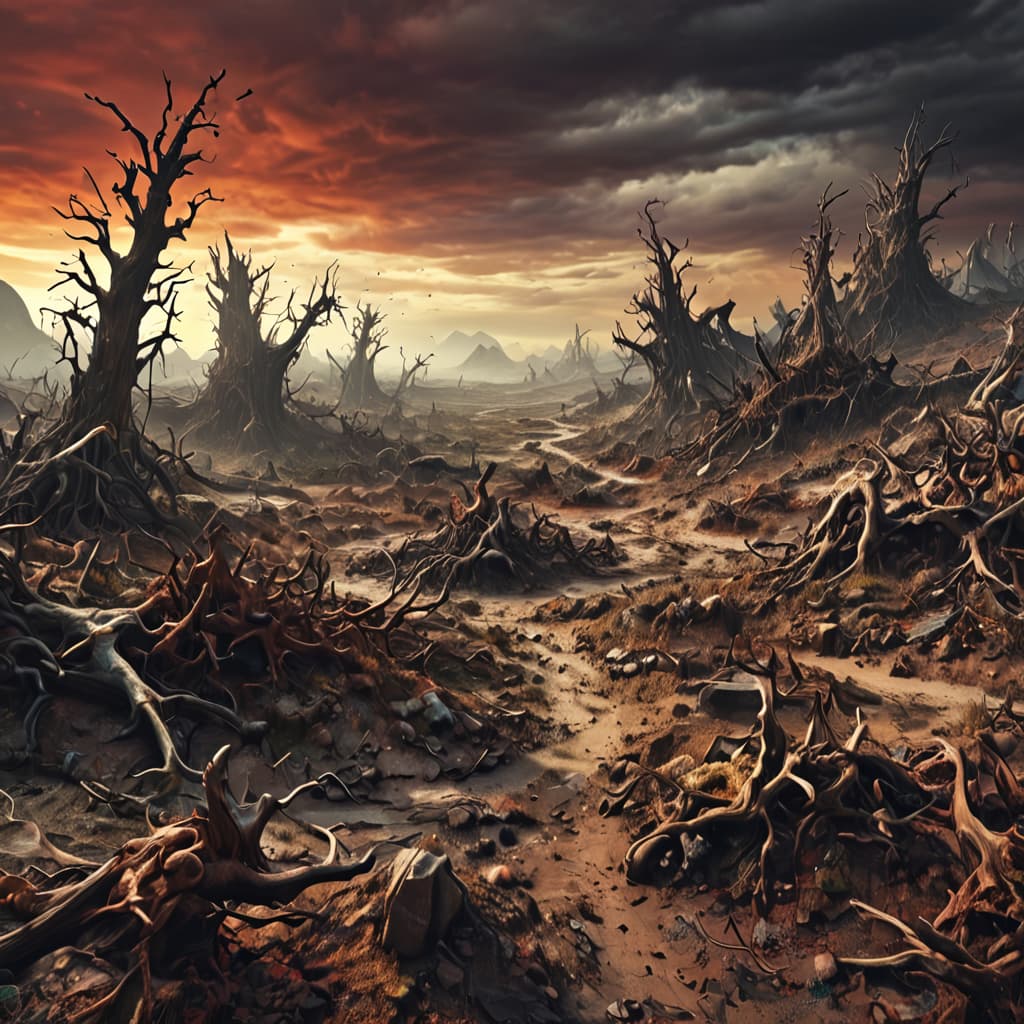
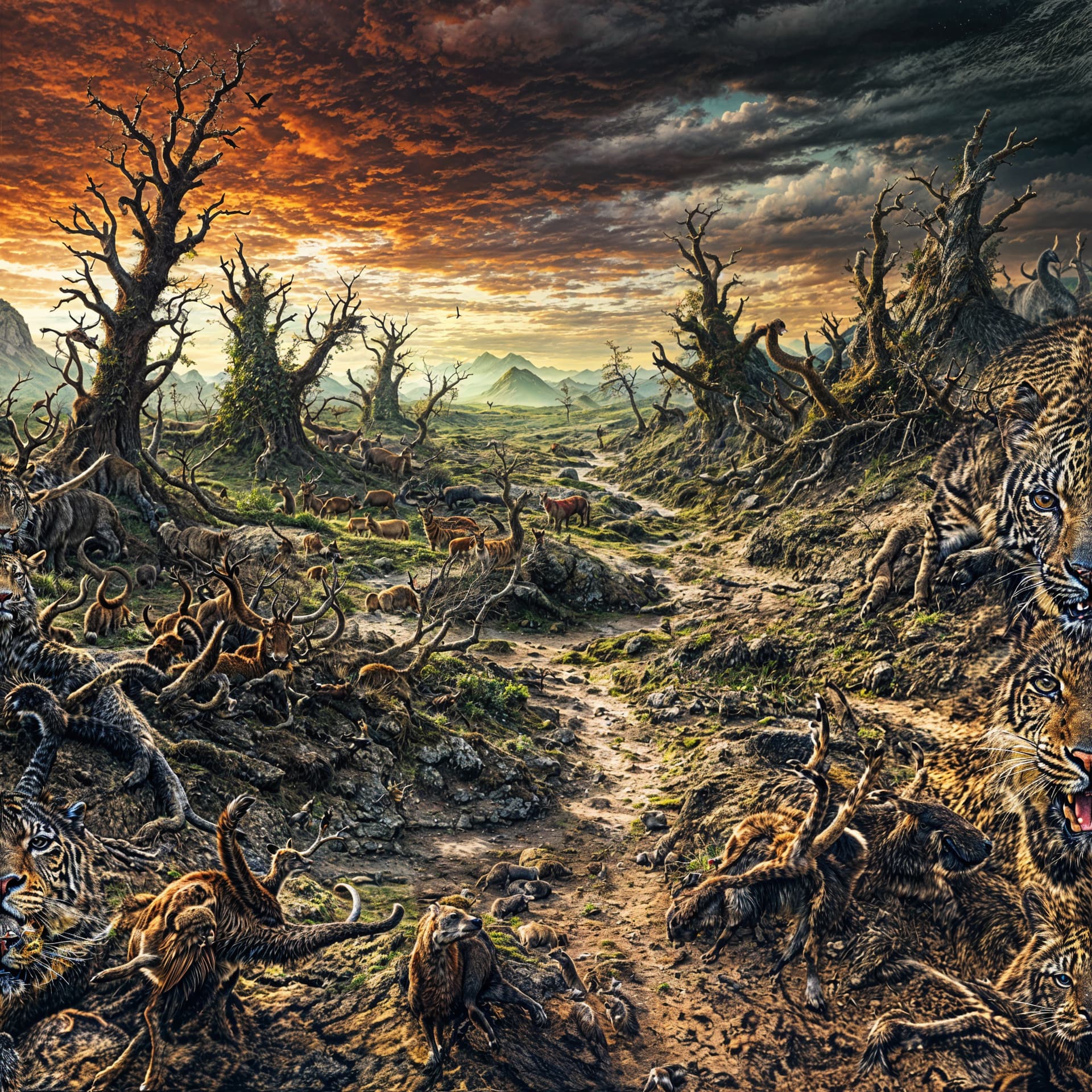
Here is my very first attempt of joining the “creativity 6” club. The first picture is out of my Stable Diffusion installation, prompted with “weird, chaotic landscape”. The second image is what c6/t5 makes out of it. The first version, not prompted, had two Topaz girls with weird anatomy in it. So I decided to prompt “animals” and the result is seen here. BTW, the versions without prompt showed almost no difference between 2x and 4x, so I decided to stick to 2x because 4x made the fans of my RTX 3080 rotate in a way I feared that the whole machine might lift off.
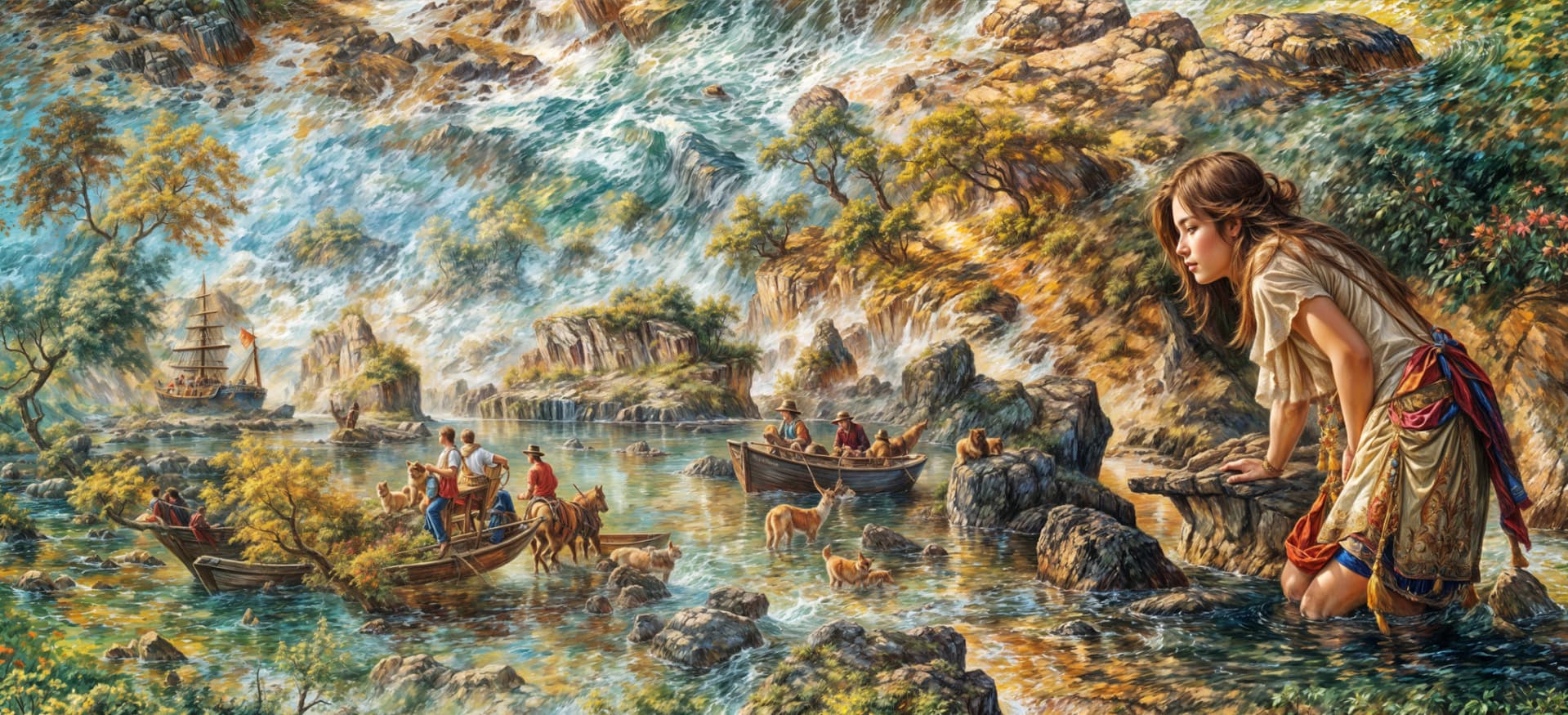





 ? Great AI fantasy. Of the bottom one, I like the one on the left (4x). But Redefine still can’t handle hands and especially fingers. It may be so for now, it’s still a beta version…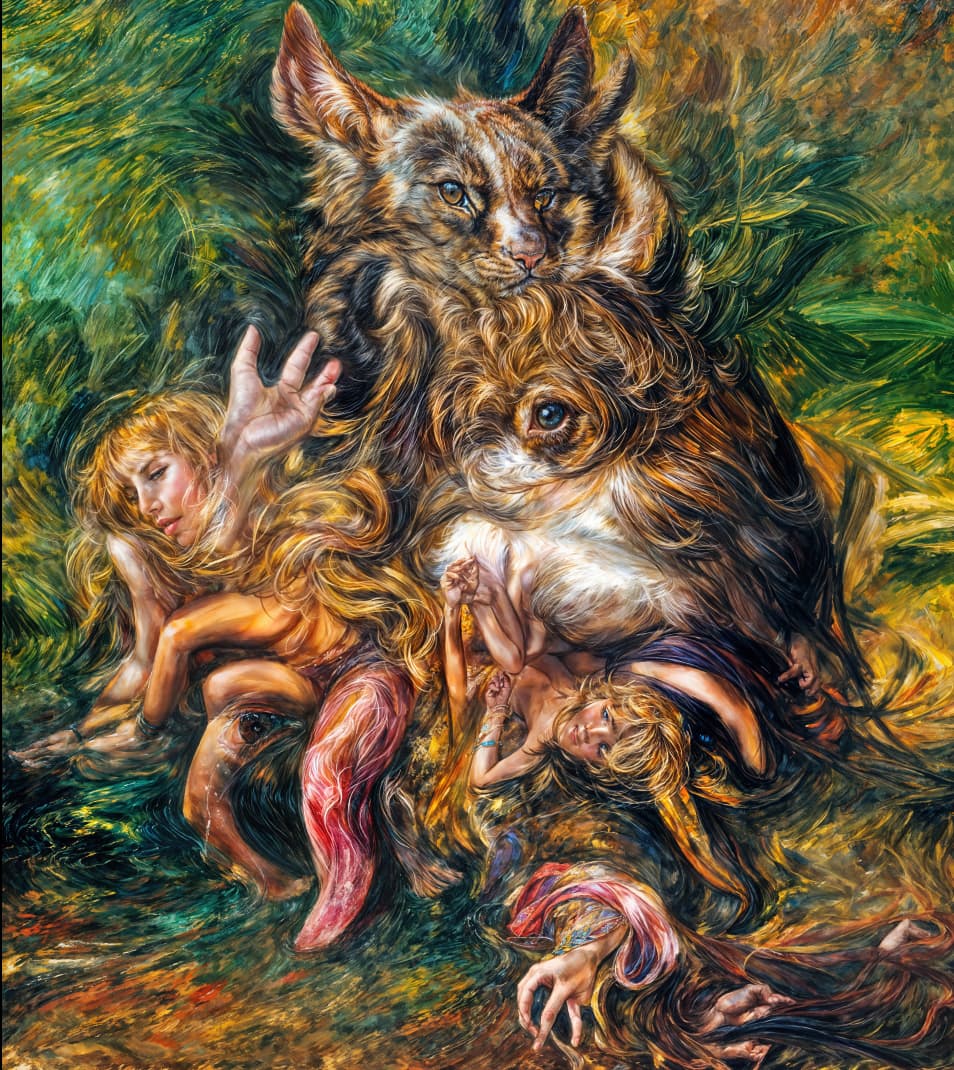
 I wouldn’t want to be on the receiving end of these merged things.