Redefine is an awesome tool and addition to the app, but one thing I think that would be an absolute gamechanger is a negative prompt field. This way, we can target specific inconsistencies that the ai is producing in the image gen process and have more consistent desired results.
Well, someone claimed that negative prompting actually works
Here:
1 Like
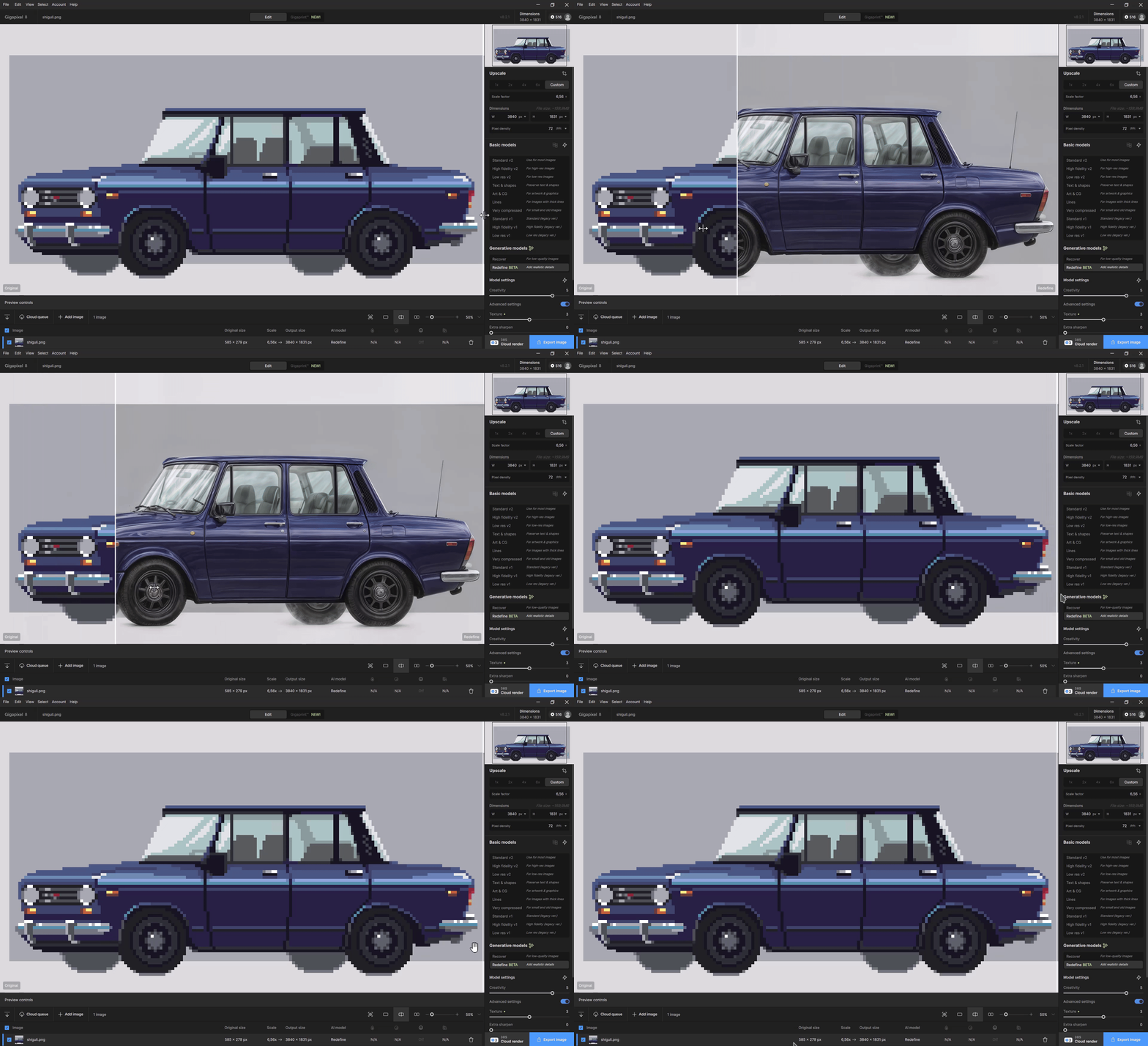
It’s pretty interesting to see this kind of ‘restoration’! 
2 Likes
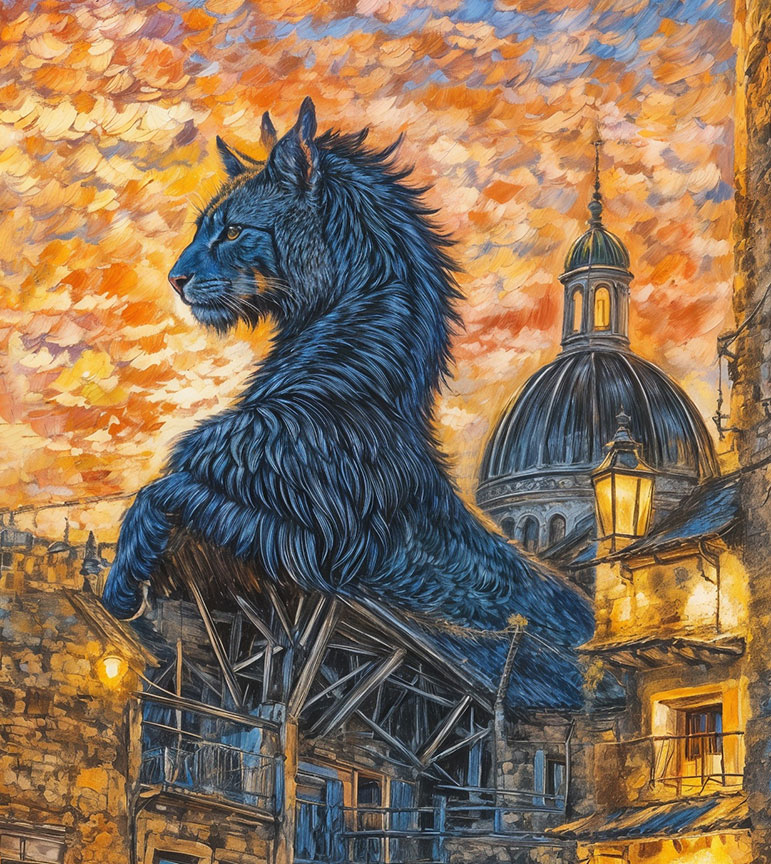
It’s for this type of thing, yeah. Since your image is going to get “redefined” anyway (when you might otherwise just desire simple “enhancement”), just run with it!  Embrace the furry creatures.
2 Likes
The M2 Ultra has 31 TOPS NPU Performance (22 TOPS M1 ultra), i thinks thats the point.
And because of the GPU, when Redefine and or Iris is Int8, and the GPU does process it in FP32 Speed its realy slow.
As if you where using a non tensor GPU.
Bit thats theory.
For Apple it seems like its the performance of the NPU that slows everything down.
When the Bandwidth is good enough the TOPS of the NPU breaks everything down.
And i dont know which dataformats the GPU is able to process.
With Nvidia its easy to find what dataformats the GPUs are able to process, from the whitepapers of the architecture.
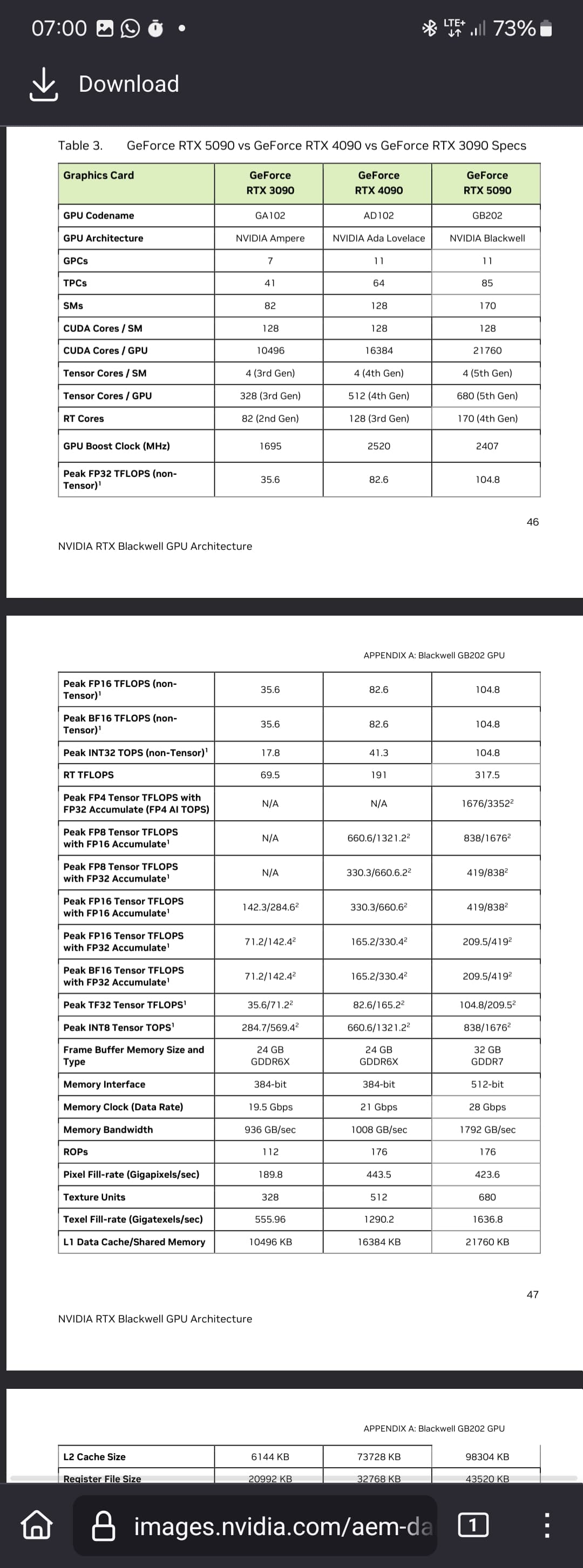
Int8 for RTX 5090 is 838 TOPS.
Edit: Now I’m a bit smarter, TOPS is performance for integer computing operations and Terflops (TFlops) for floating point calculations.
So I am right in assuming the TOPS.
Edit:
The SOC in the Apple Iphone 16 Pro has 35 TOPS, but 60GB/s Memory Bandwidth.
If anything i mentioned does not work, you need to reset windows i think.
Before you do that backup your data (as always).
“Redefine” may be a bit of a misleading name. But as part of Gigapixel it almost always helps me improve and enlarge a technically poor photo. The difficulty (at least for me) is the predictability of the result. You have to try the right combination of parameters.
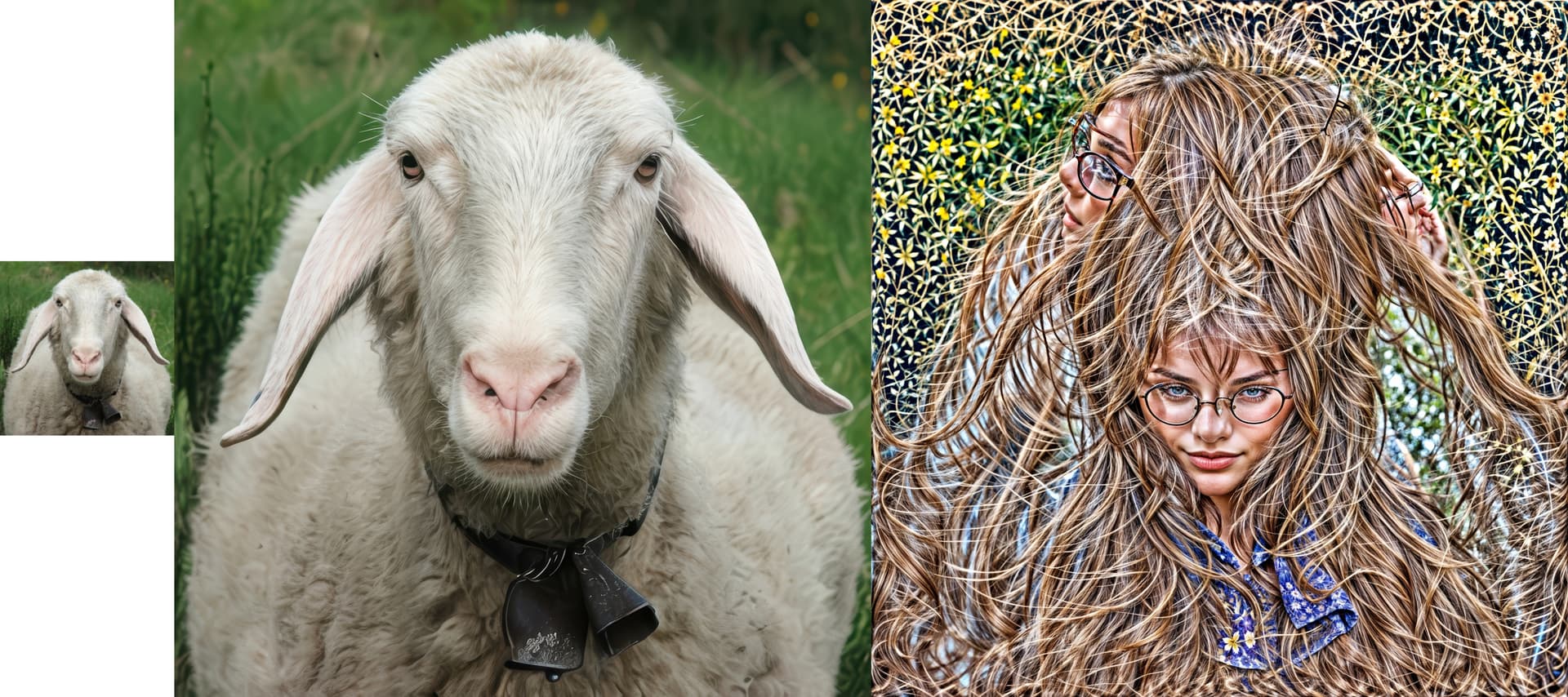
For example, about 20 years ago I met a group of about six sheep (la pecorella, if I remember correctly) in the mountains of northern Italy. One of them separated and came to examine me closely to see what I was up to. A portrait was created – but then I had my first electronic/digital camera and you can’t compare the possibilities with today’s. I tried to enlarge it and create a statesman’s portrait. It worked best in Gigapixel, Redefine, Creativity 1, Texture 1, Upscale 1x, and then enlarge it 4x. (I’m not saying it couldn’t be done better.) Here, any higher values of Creativity and Texture gave too distorted results, and the maximum values… see the picture on the right (the experts know who’s there!). But the middle image (C=1, T=1, then enlarged 4x not in Redefine, but in Standard version 2) doesn’t seem so bad to me.
1 Like
thanks
so that is what happened to the frogs when i tried a high value for refine
These high values very often lead to the appearance of, for example, tiger heads and fur coats, or mysterious creatures, etc. (I don’t know why). So the result is artistic rather than artificially intelligent. Some people like artistic output (for example, for creating illustrations, usually from Creativity > 2 and Texture > 3), others realistic). When Advanced Settings and Creativity > 1 are turned on, a place appears where you can write a text “prompt” (for example, a beautiful girl with glasses), but this only works sometimes (needs to be tested). It is still only a Beta version, so let’s hope it will be improved over time.
Any Timeframe for a new model that does work good for photographs?
I think a 2X model that takes up 12 GB of vram would be great. 
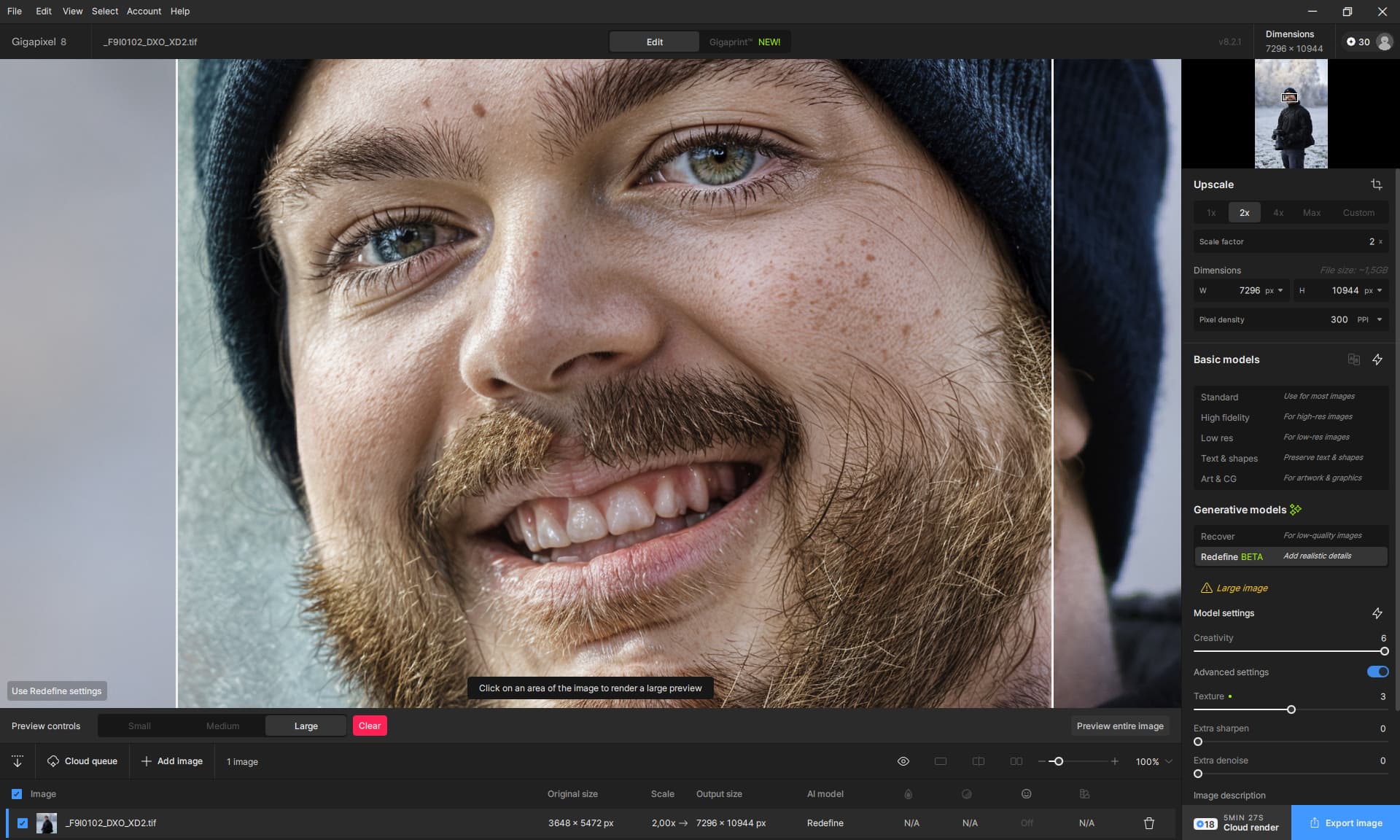
Yes, I know, creativity 6 is not good, but that doesn’t mean that 1 is better.
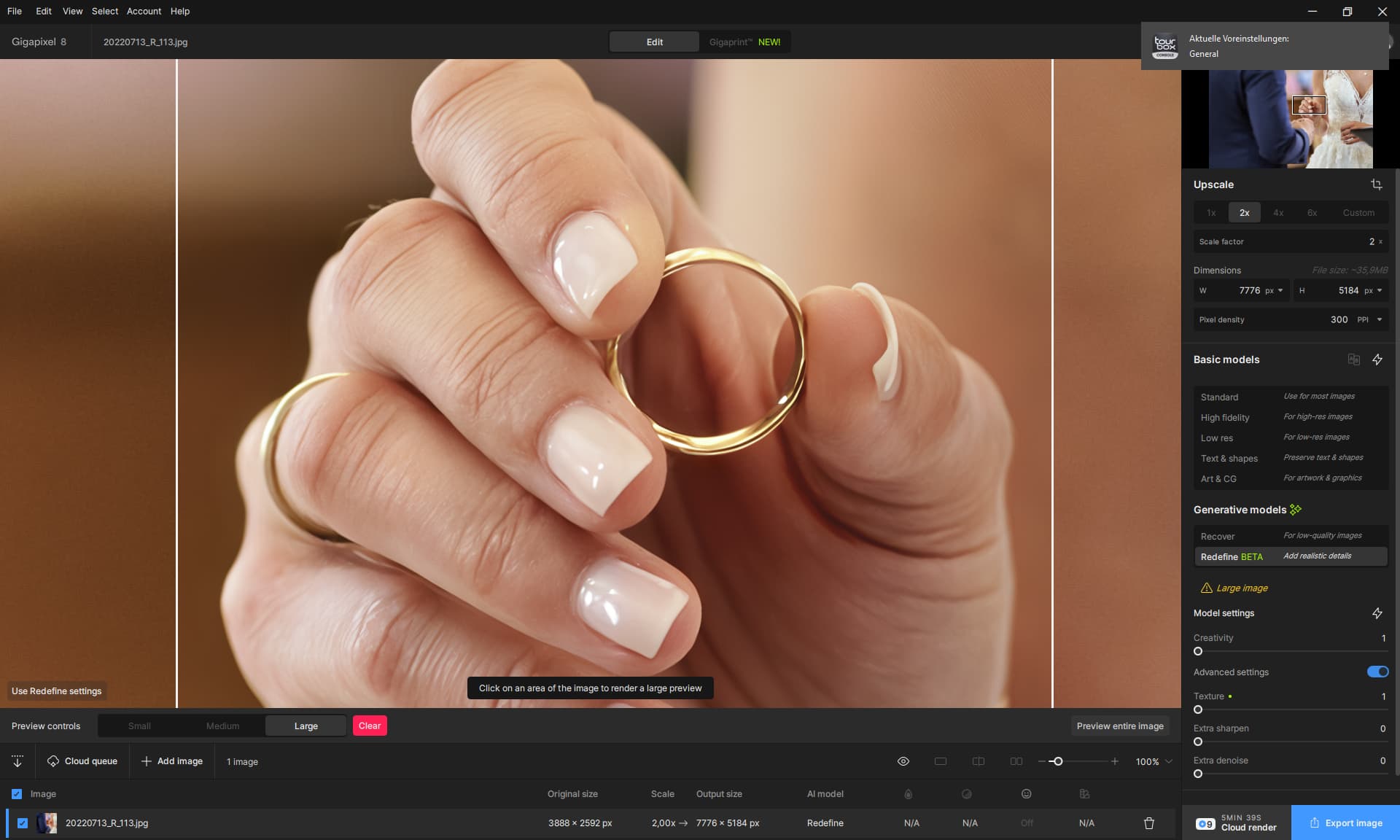
Photographs look smeard or too artifical sometimes.
By the way.
2 Likes
Thanks for the NVIDIA info! Not that I’m buying one, but good to know.
As for “Photographs look smeard or too artifical”, that’s the nature of Redefine now, even on the lowest settings. As I’ve described before, we need settings that bridge the gap between where the “classic” models end and Redefine begins.
Otherwise, let loose and use Redefine as an art app. You’ll be much happier in that space…
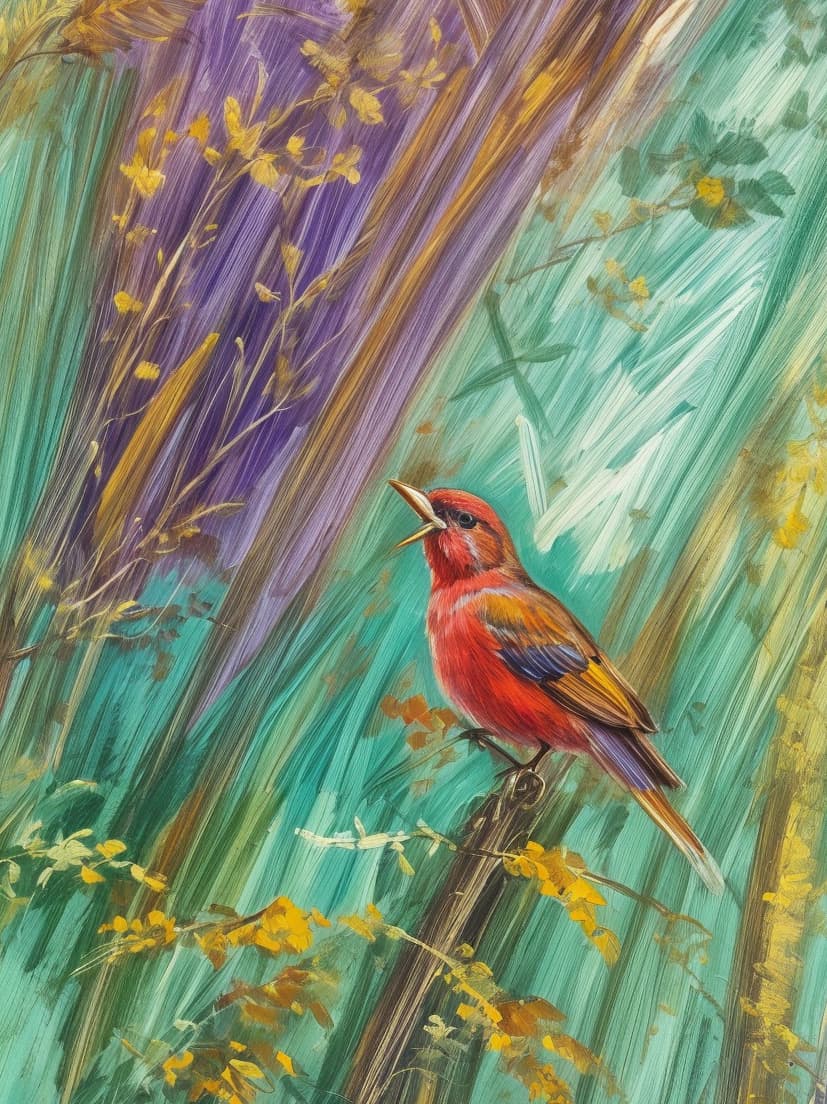
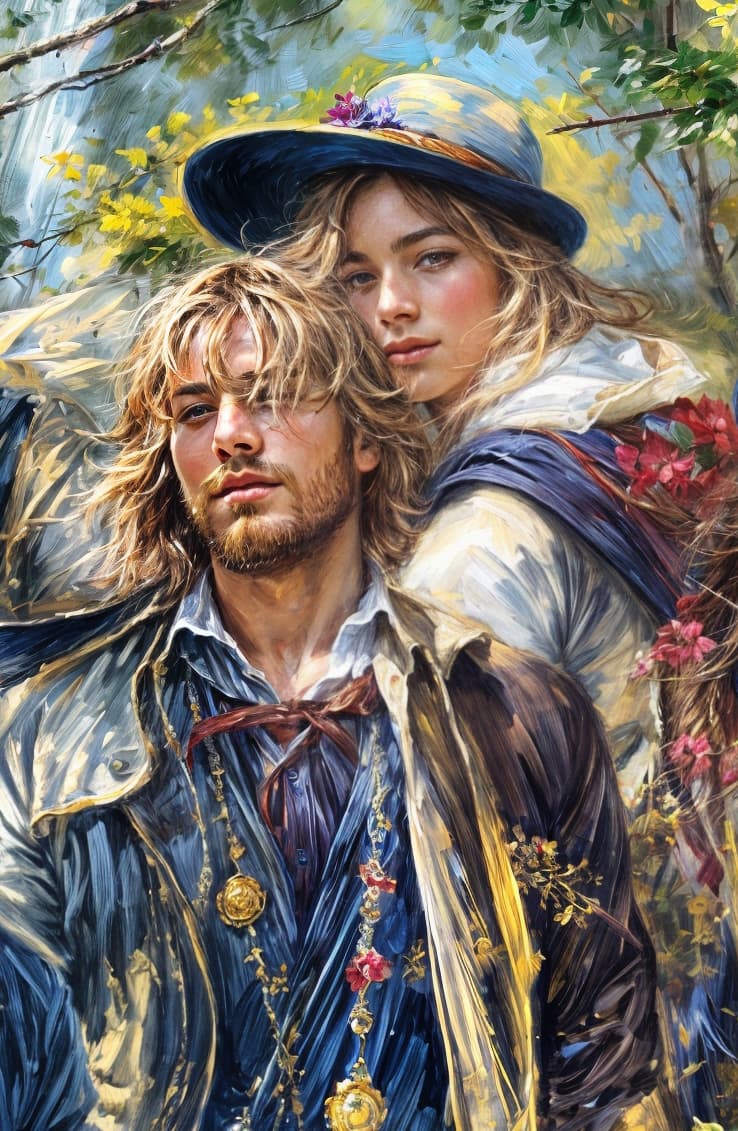
These are sample crops from much larger renders (part of my “Gigatextures” project, more info soon):
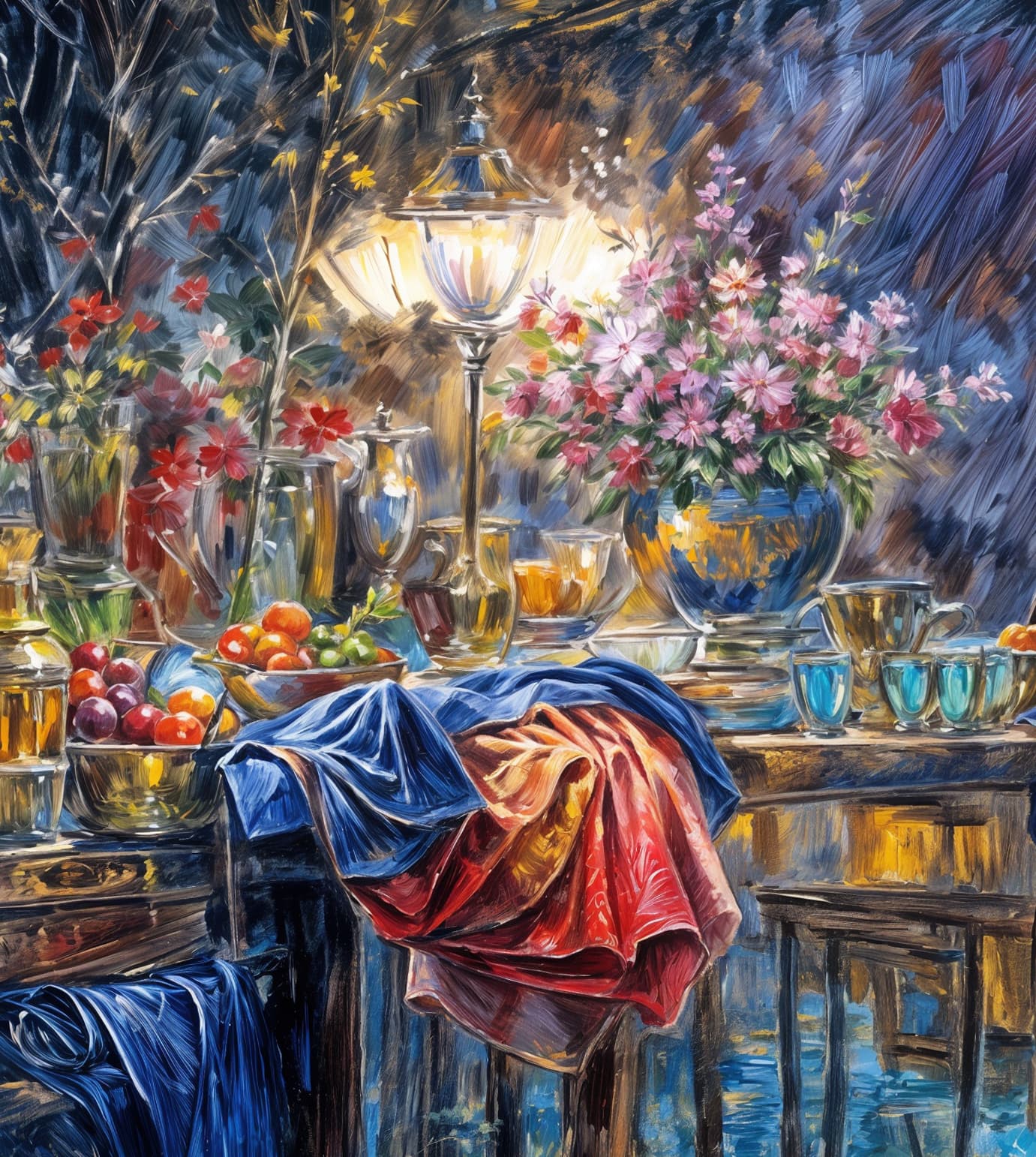
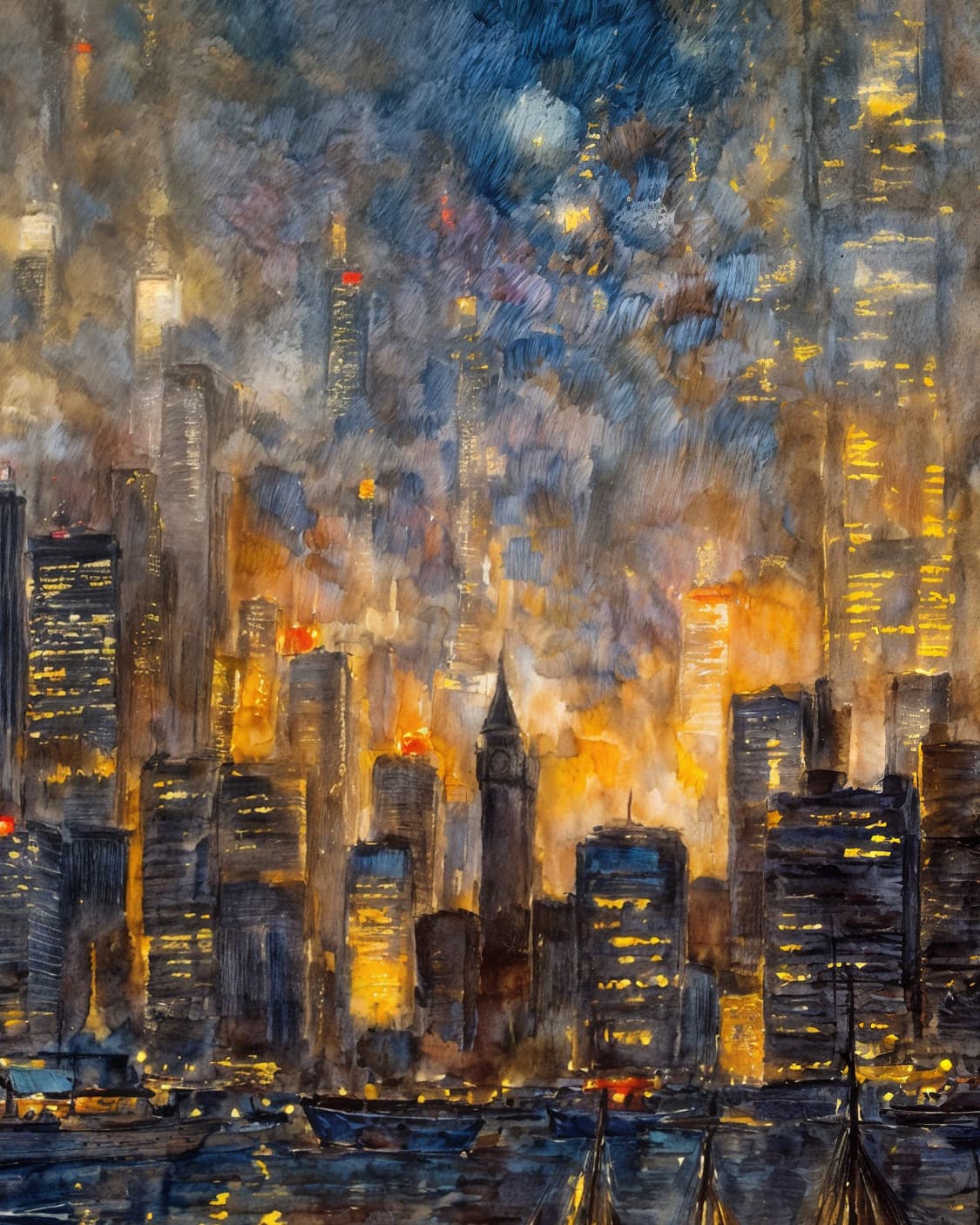
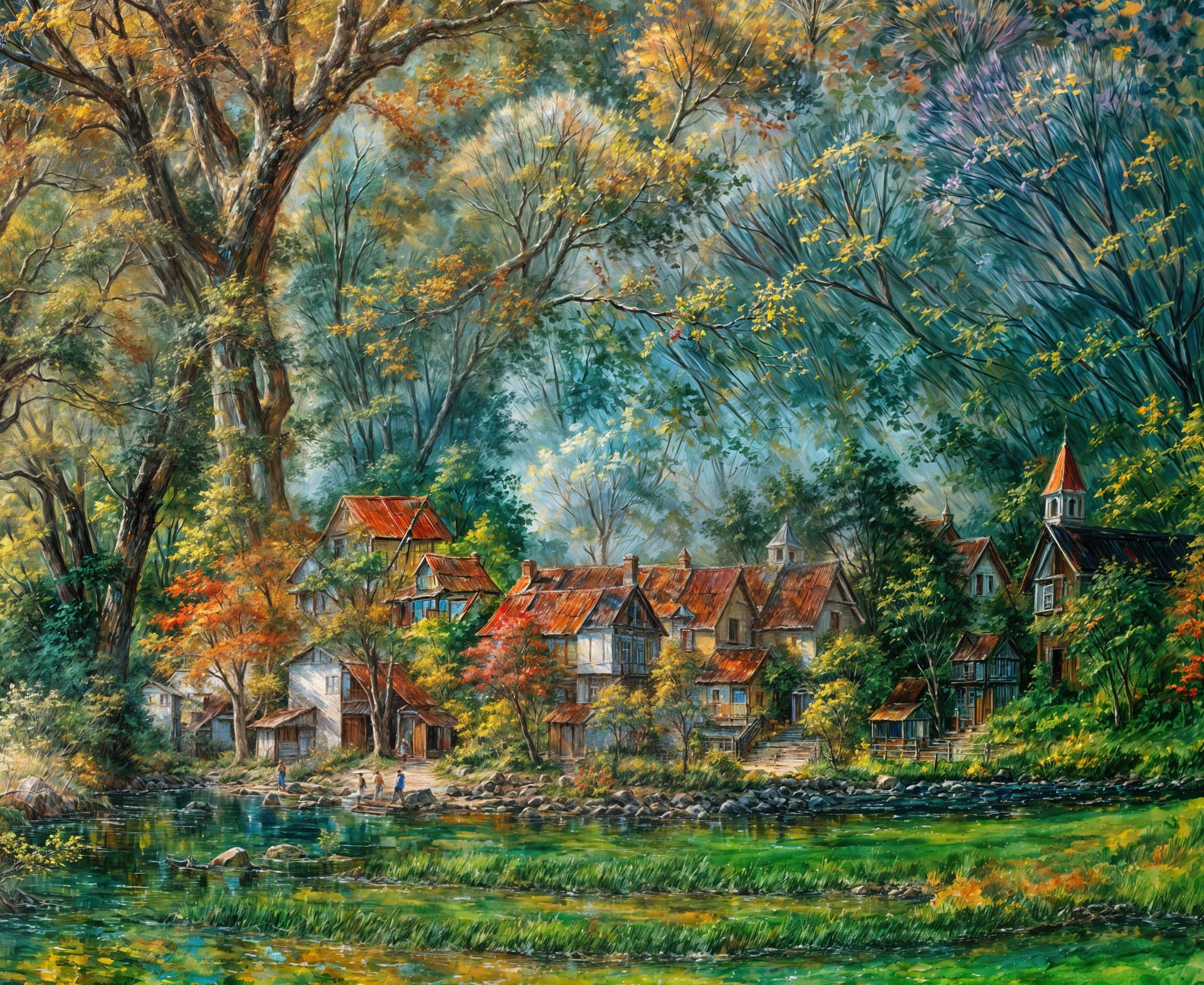
1 Like
Nice pictures, and so positive and optimistic. What percentage of generated usable images do you estimate? (I mean images that make sense – from your perspective.)
1 Like
Right this minute I have over 3650 individual crops from larger renders. I only cropped areas that looked useful or interesting for reuse as textures/overlays, backgrounds or standalone images for various purposes. They are organized as such:
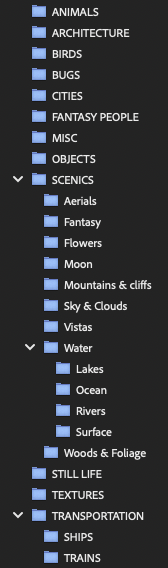
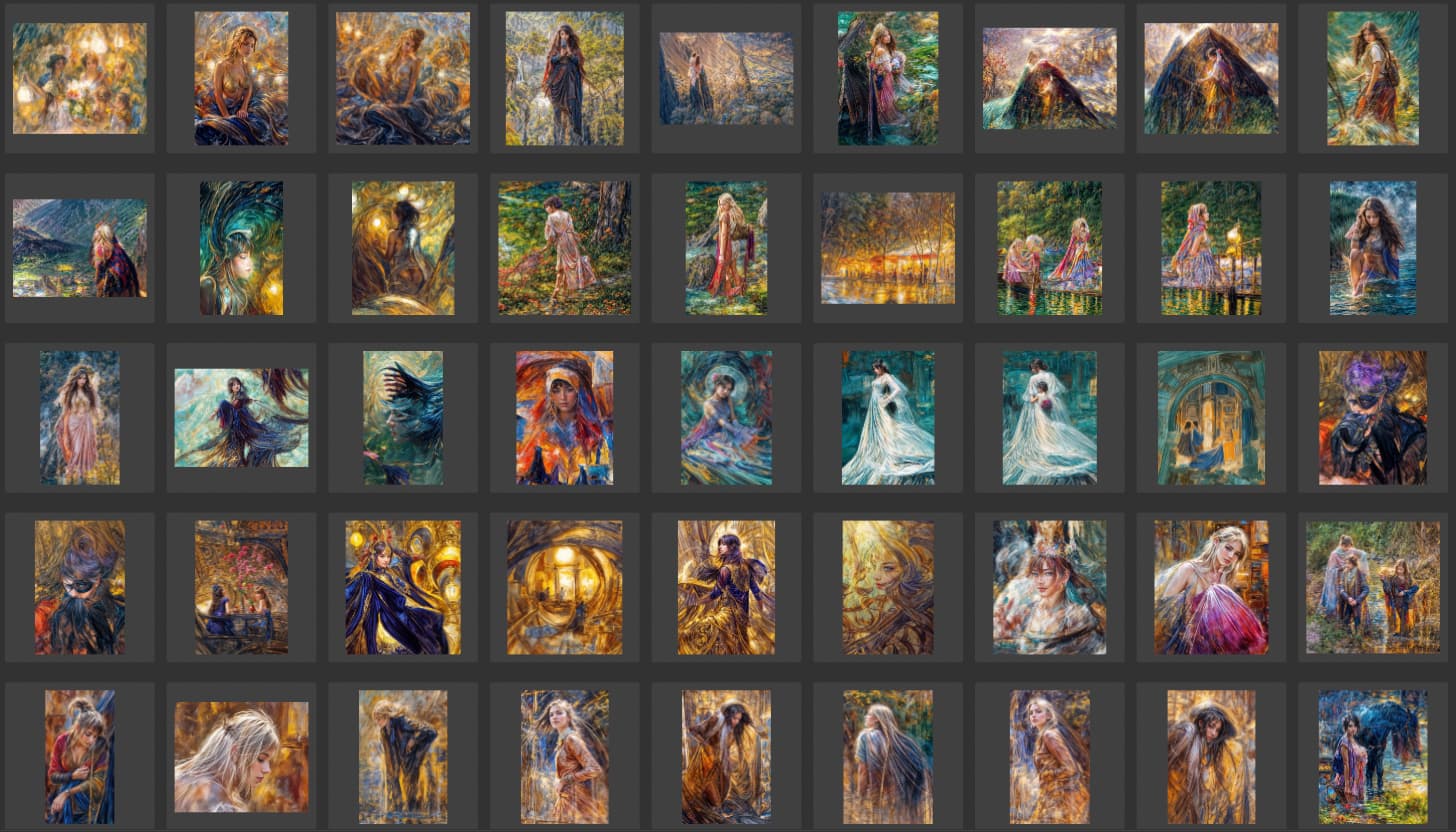
Here’s an overview of “Woods & Foliage” so far:
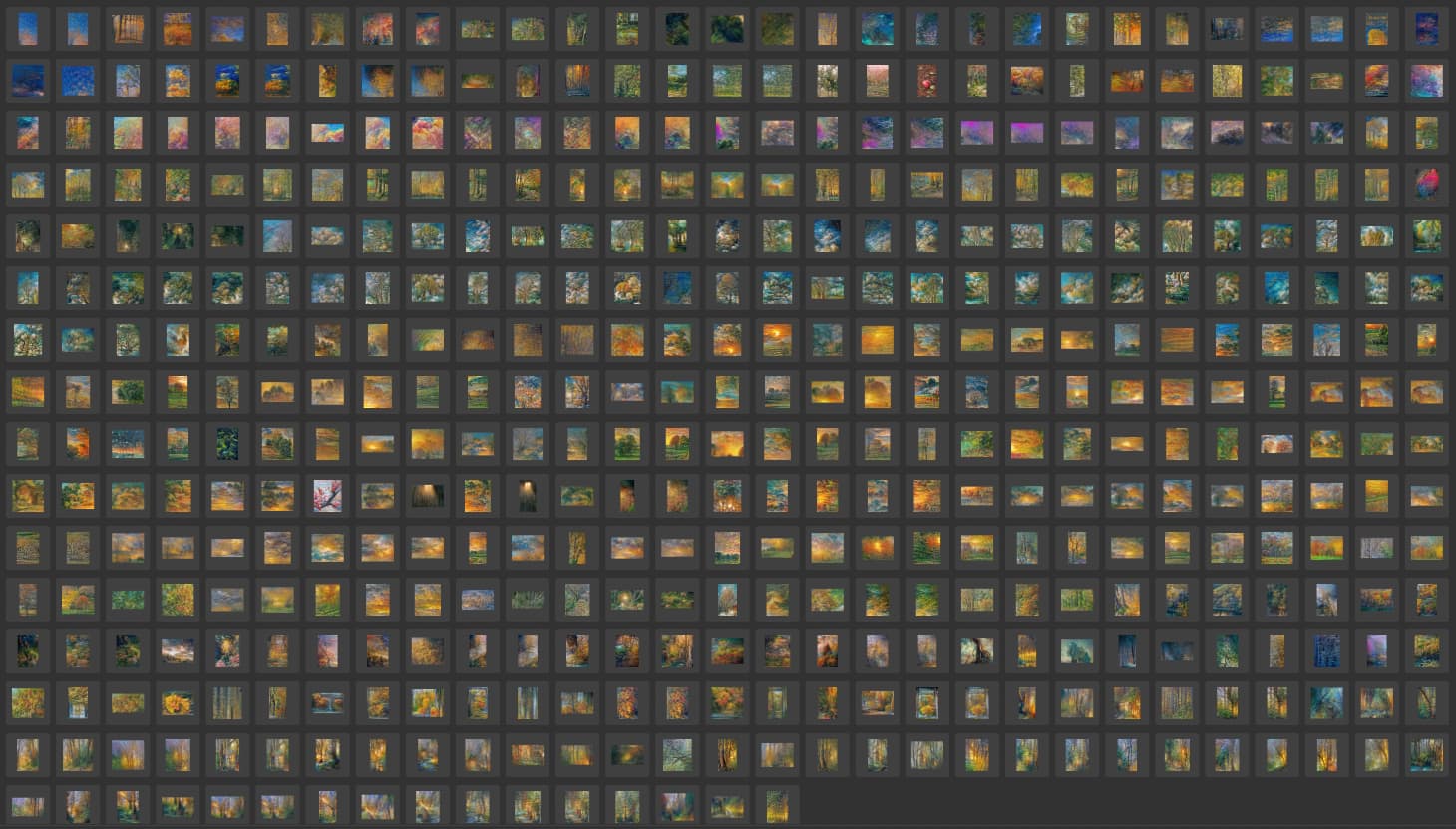
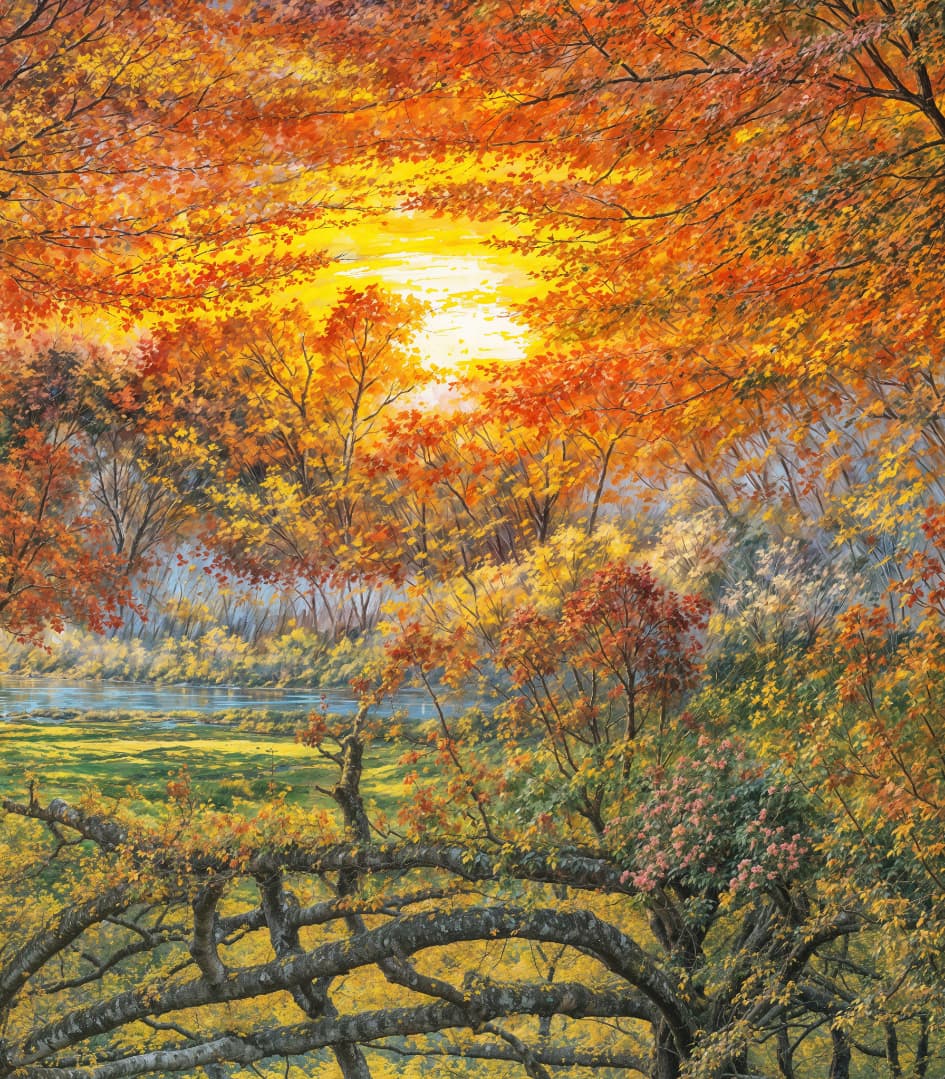
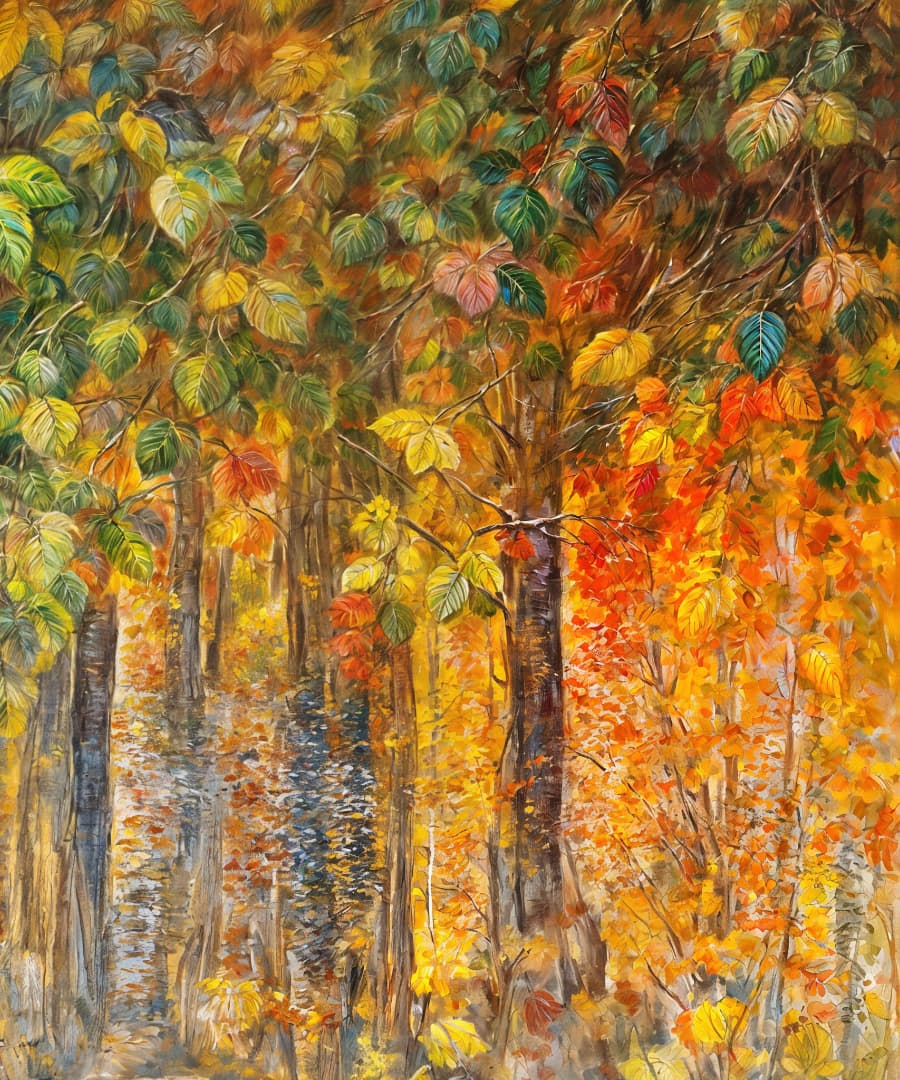
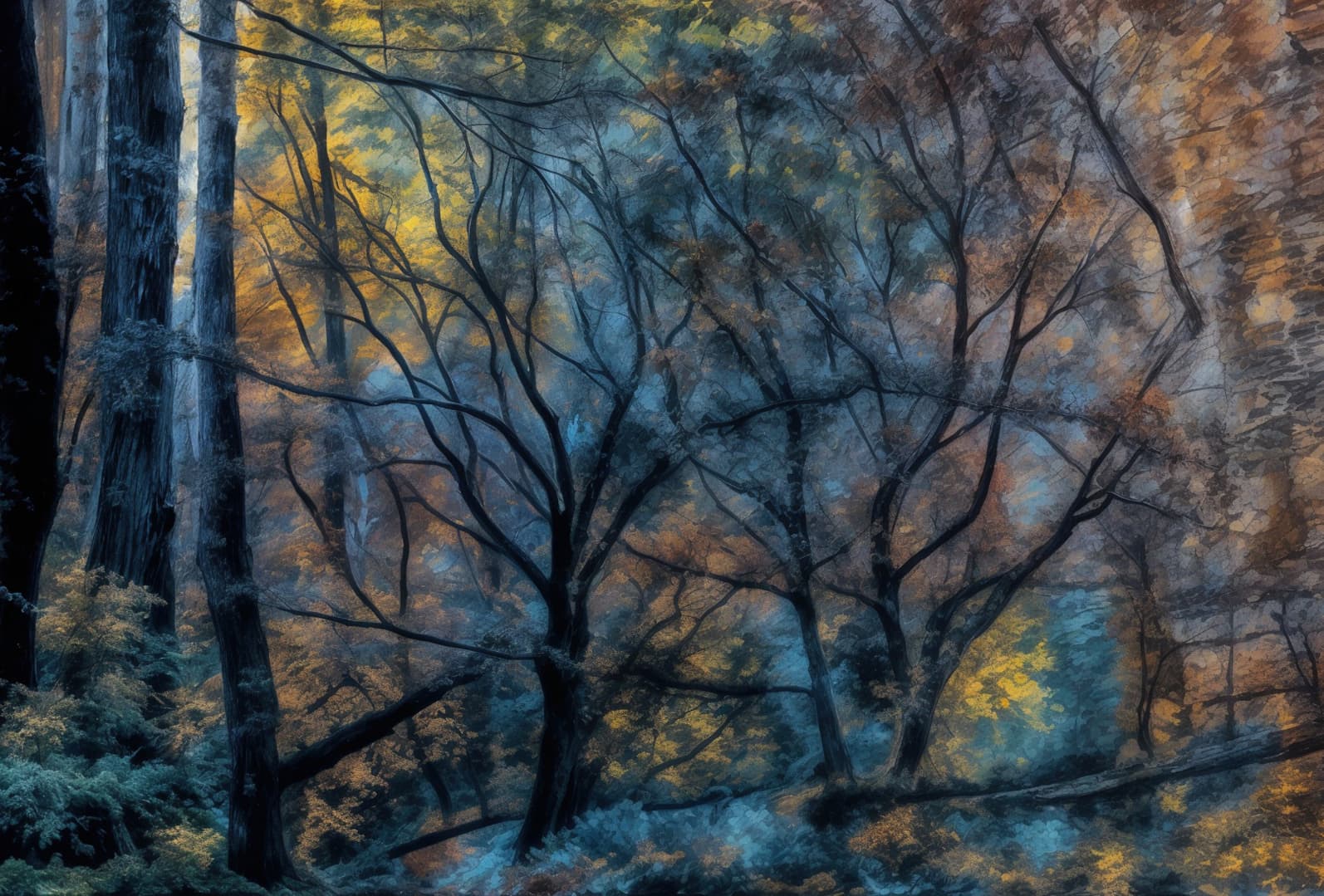
A few random samples from that collection:
I bet you’re curious about the “Fantasy People”. There are 540 crops of them so far!
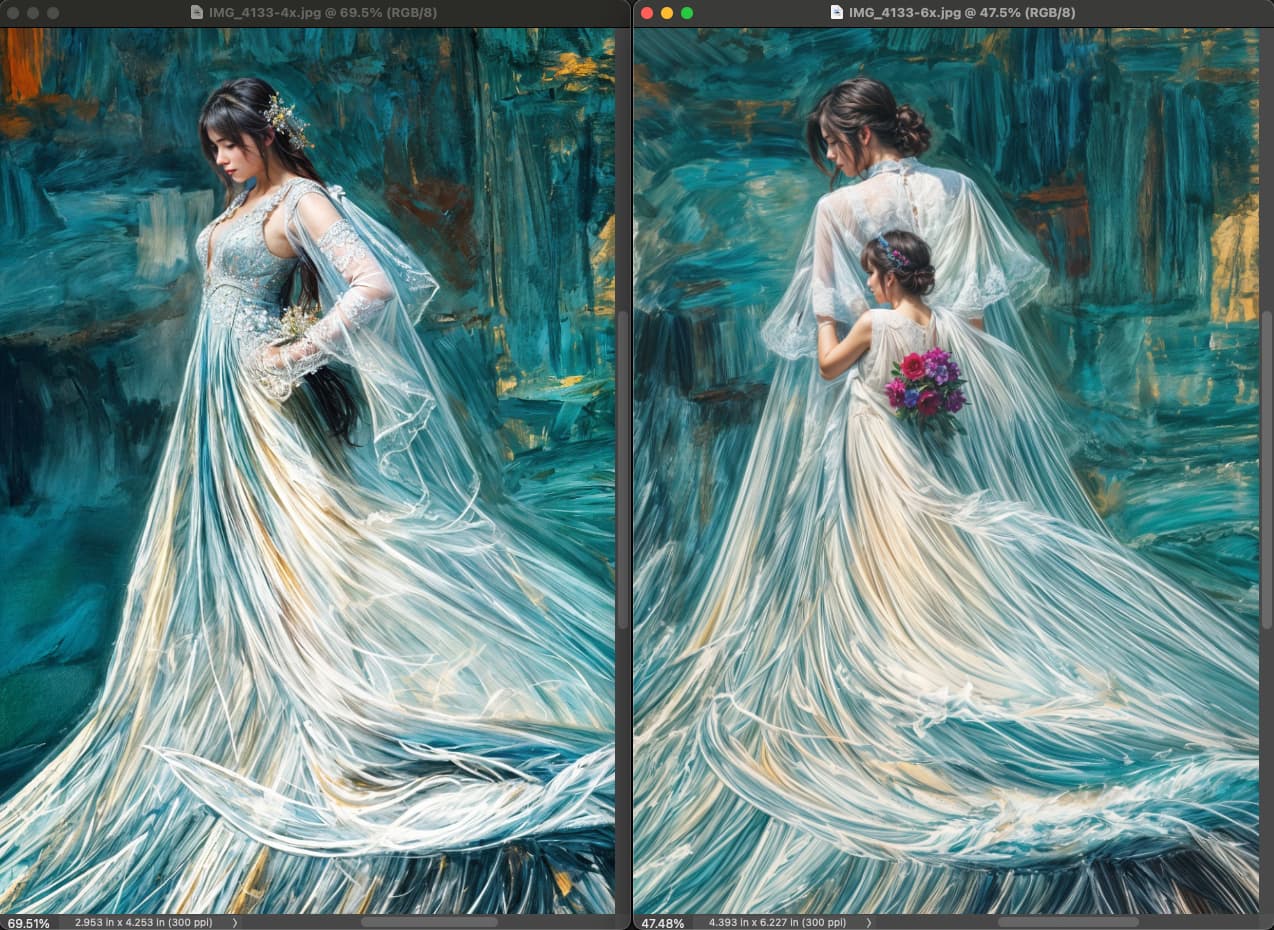
In all subject categories, 4X and 6X renders were slightly different (I’m glad I did both!):
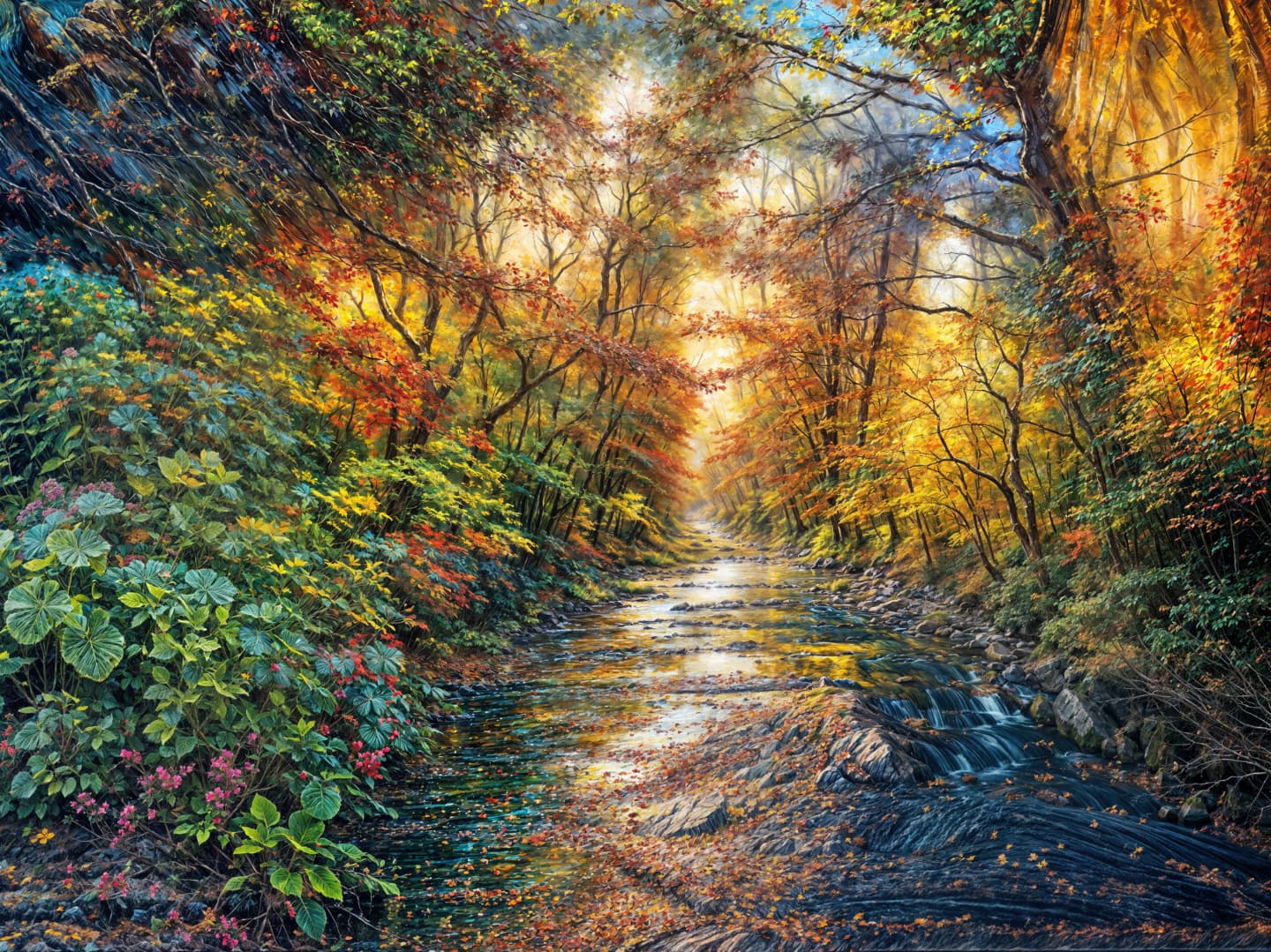
I’m getting closer to finishing cropping the rest of the renders I did awhile back, currently working on a scenics-type original source folder with results like this:
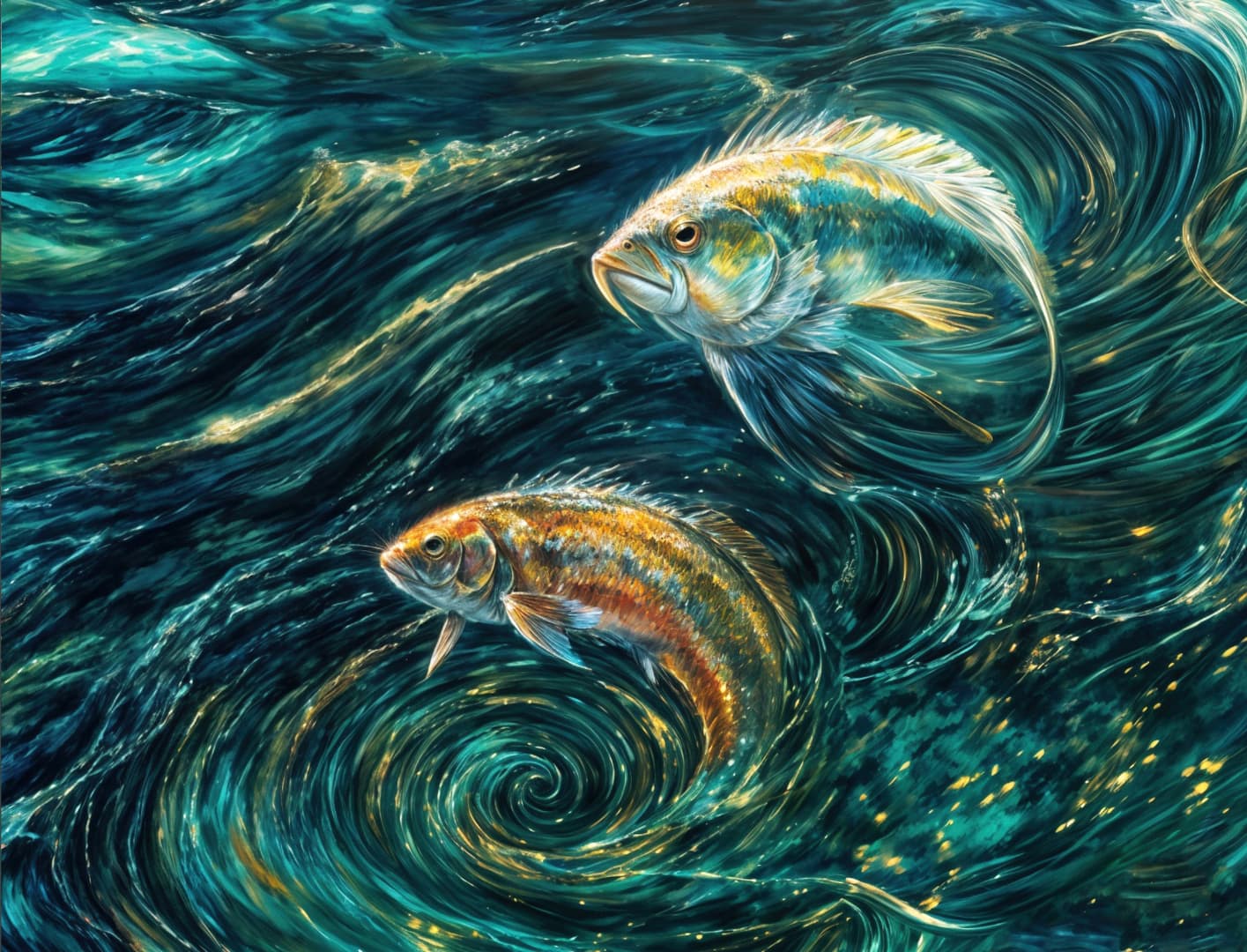
It’s not all a freak show you know!
2 Likes
Agree. I thought it would reDefine any gapping or nebulous details (fill in the gaps, if you will) so that objects that weren’t so perfect would be completed in a way the original (photo or other art) wasn’t. That, to me, would be super helpful as a pre-step to upscaling an image integrated in a program such as GAI.
But, it certainly gets imaginative! Odd that it only has one girl and one Disney prince-looking guy as the ref images to fill in for people (or animal heads ).
Good idea. Thx.
When I ‘muck’ around with updating software, etc. I always create a Restore Pt. too.
